Shopify BFCM Description Cleanup: Remove Urgency Language Before Christmas

On this page
Shopify BFCM Description Cleanup: Remove Urgency Language Before Christmas
AI-generated descriptions written for BFCM carry urgency language that worked in November: "act now before stock runs out", "Black Friday pricing ends Sunday", "limited time deal". That language is a conversion liability in December. A Christmas shopper researching a gift for a family member reads "ends Sunday" and either rushes a decision they were not ready to make or leaves the page entirely. Urgency framing signals an impulse-buy product, not a considered gift.
The problem compounds because the same products that attracted BFCM buyers attract Christmas gift buyers. A fashion merchant with 200 products may have 85 descriptions containing urgency framing from an October generation session, written specifically for the BFCM traffic peak. Those descriptions are still live in December, unchanged, now serving an audience with entirely different purchase intent.
There is also a Google Merchant Centre risk. GMC prohibits time-limited offer language in the product description field. A description containing "BFCM sale ends soon" or "Black Friday price, limited time" can trigger a data quality flag that pauses that product from Shopping ads until the description is corrected.
Identifying Contaminated Descriptions
Which BFCM Descriptions Need Cleanup Before Christmas
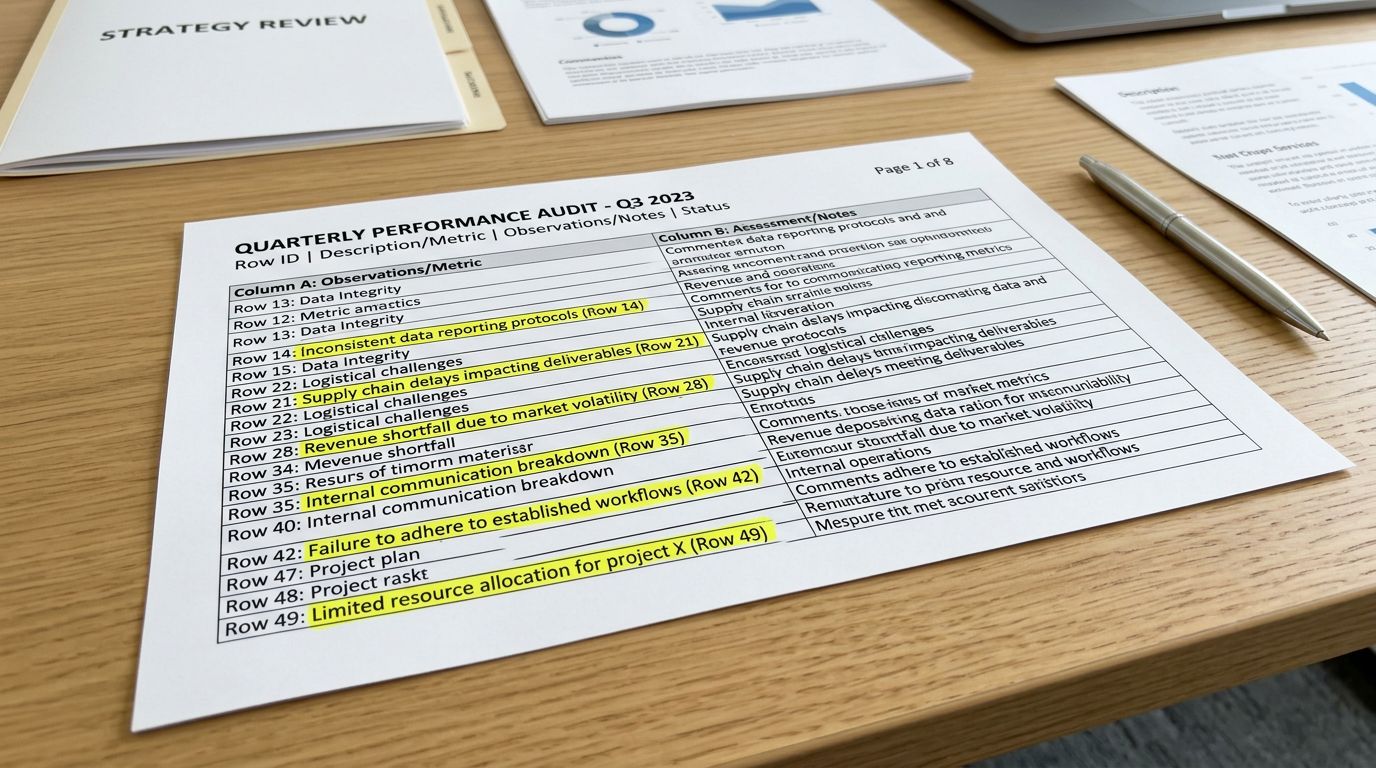
The fastest way to build a cleanup list is the Descriptions Only export preset in Importier. The export downloads one row per product with the Handle, Title, and Body HTML columns. In a spreadsheet, search for terms that appear in BFCM-generated descriptions and rarely in evergreen product copy.
High-signal urgency phrases to search for:
- "act now", "act fast", "don't miss out", "don't wait"
- "Black Friday", "BFCM", "Cyber Monday", "cyber deal"
- "limited time", "time-limited", "ends Sunday", "ends tonight"
- "last chance", "while stocks last", "stock running low"
- "sale ends", "offer ends", "deal ends"
- "our biggest sale", "lowest price ever", "once-a-year deal"
- "BFCM price", "promotional pricing"
A spreadsheet filter or search on the Body HTML column identifies which products contain these phrases. For a 200-product fashion merchant, this scan typically takes under 10 minutes and surfaces 40 to 100 products.
Product types that generate BFCM urgency language at the highest rates are fashion (seasonal sale framing), electronics (feature-bundled BFCM deal language), homewares (gifting urgency), and health supplements (buy-two-get-one promotional framing). Products sold year-round through BFCM, where the description was generated fresh for the sale event, are the highest-risk set. Products that had pre-existing evergreen descriptions and were simply discounted with compare-at pricing during BFCM are lower risk.
Prioritising the cleanup list: Not every contaminated description needs to be fixed before the first week of December. Start with products that drive the most Christmas revenue:
- Products in your top 10 by November to December revenue from last year's data
- Products running Google Shopping ads, which face GMC disapproval risk
- Products with active compare-at pricing that continues into Christmas
Using Store Scanner and Enrichment Context to Fix Descriptions
Once the priority list exists, the fix is a Store Scanner session in Replace mode with an Enrichment Context constraint. The constraint is what makes this work: without it, the AI regenerates from the product's existing metadata (title, type, vendor) and may produce descriptions that remain in a broadly promotional register. The product handle and title still signal "BFCM-era product", and the AI draws on category conventions for that product type.
The Enrichment Context field applies a session-level instruction to every generation in the session. For a post-BFCM description cleanup, the constraint should do two things: prohibit the specific language categories that caused the problem, and redirect the AI toward December gift-buyer intent.
A working Enrichment Context for this scenario:
"This product is now sold at regular retail pricing. Do not include any time-limited offers, urgency language, promotional pricing references, Black Friday or BFCM framing, or sale event language. Write for a shopper considering this product as a Christmas gift. Lead with what the product is and who it suits."
This constraint is applied once at the session level. All descriptions generated in that session receive it, regardless of product type. For 85 products, one session replaces all contaminated descriptions without opening each product record individually.
- 01Export descriptions using the Descriptions Only preset in ImportierFilter to your BFCM collection or use the full catalogue. Download the CSV. Open in a spreadsheet. Search the Body HTML column for urgency trigger phrases. Build a list of product handles that need to change.
- 02Prioritise the cleanup list by revenue and GMC riskRank by expected December revenue, Shopping campaign exposure, and compare-at pricing status. Focus on the top 20 to 30 products for immediate fix, then run the full set.
- 03Open Store Scanner in Importier and filter to the contaminated productsUse collection filter or SKU pattern to scope the session to only the products that need replacement. Avoid running Replace mode on products with descriptions that are already clean.
- 04Enter the Enrichment Context constraint for the sessionWrite the prohibition-and-redirect instruction. Include the prohibition on urgency language, BFCM framing, and promotional pricing. Add a redirect toward Christmas gift intent if most products are gift-eligible.
- 05Run the generation in Replace modeReplace mode rewrites the entire description for each product. Append mode is not appropriate here because the existing description is the source of the problem.
- 06Review 5 to 10 generated descriptions before confirming the full batchSpot-check for any remaining urgency language. Adjust the Enrichment Context constraint if any phrases persist and re-run the affected products.
Why Replace Mode Is Correct
Replace Mode vs Append Mode for Description Cleanup
Replace mode and Append mode serve different scenarios in Store Scanner. For post-BFCM description cleanup, Replace mode is the only correct choice.
Append mode is designed for descriptions that are accurate but incomplete. If a product has a correct description that lacks a sizing guide or a care instructions section, Append mode adds the missing content without touching what works.
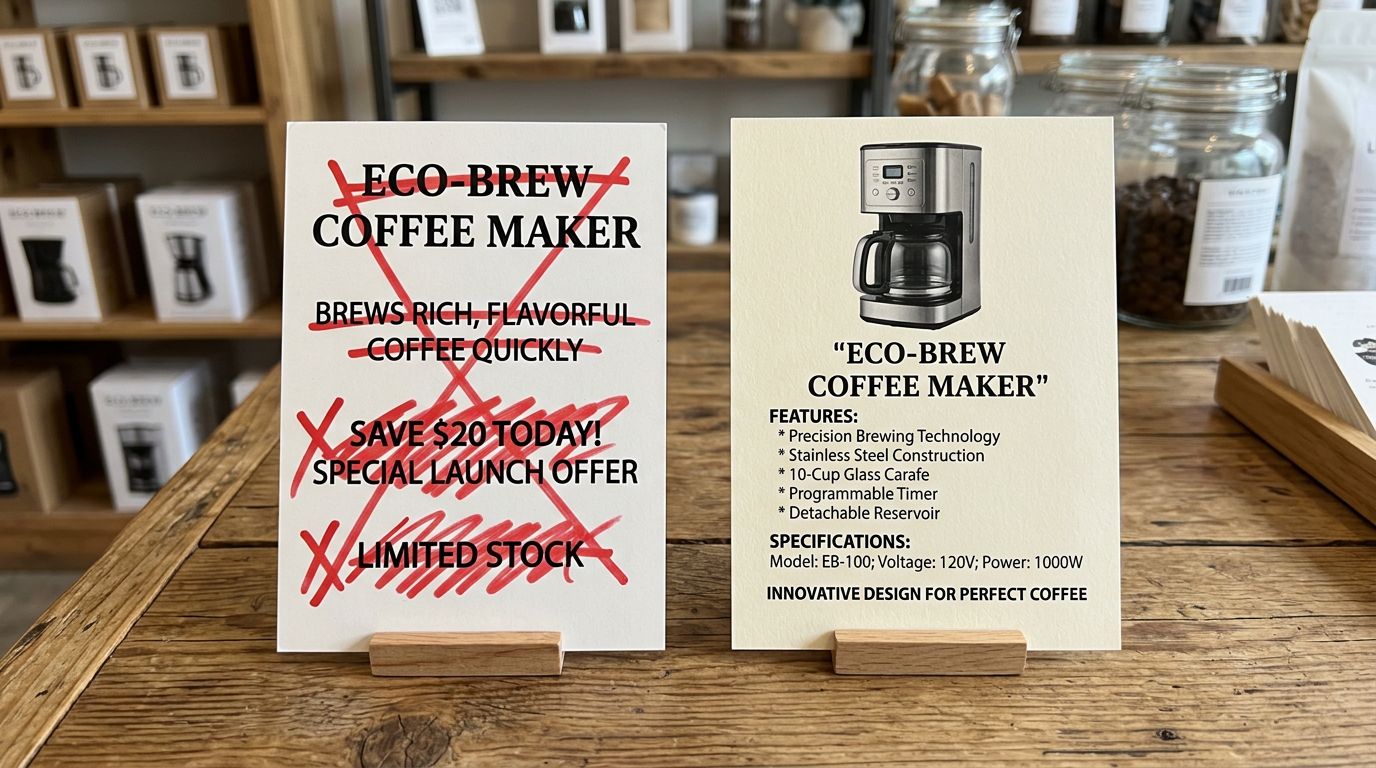
Replace mode is designed for descriptions where the existing content is the source of the problem. A description containing "this BFCM deal ends Sunday" is not accurate content that needs supplementing. It is incorrect content that cannot be left in place. A shopper reading the description in December encounters the urgency language before reaching any appended content. Replace mode removes the contaminated description entirely and writes a correct one from scratch using the Enrichment Context constraint.
One exception applies: if a product has a 400-word evergreen description that is accurate and well-structured, plus only a final sentence added for BFCM urgency, the targeted fix is a manual edit rather than a full Replace session. The Descriptions Only export shows the full text; identify these products and edit the specific sentence rather than running Replace mode across the whole description.
An Enrichment Context constraint applied once to a session regenerates 85 contaminated descriptions in a single pass. Without it, the same fix requires opening each product record individually.
The GMC Risk From BFCM Description Language
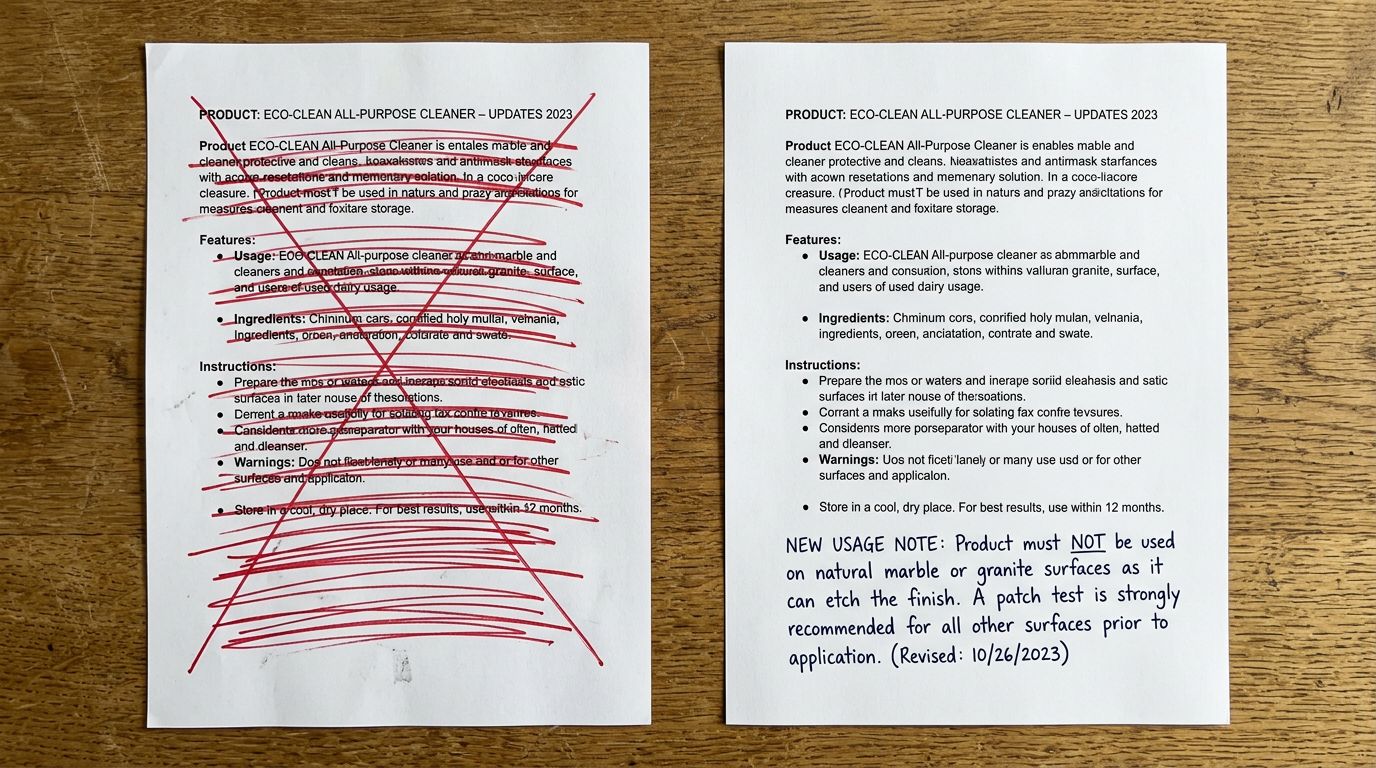
According to Google Merchant Centre's Shopping policies, time-limited offers and promotional pricing language in the product description field are prohibited under item data quality requirements. A description that said "Black Friday price valid through November 29" is factually incorrect from November 30 onward. GMC's automated scanner treats this as a data quality issue, which can pause affected products from Shopping ads without a manual review trigger.
The GMC risk is distinct from the compare-at price field. A product with an incorrect description that also carries stale promotional compare-at pricing can receive two separate flags: one for the description field and one for the pricing data. Description cleanup and compare-at price recovery are separate operations; run price recovery first so the description cleanup is not followed immediately by another flagged field.
For merchants running Google Shopping campaigns into December, description cleanup is not optional. A Shopping campaign that cannot surface 30 products because their BFCM descriptions contain time-limited offers runs its full daily budget on a reduced product set. The return on ad spend (ROAS) impact is direct and measurable once Shopping impression share data is available after the cleanup week.
According to Shopify's guide to product pages, product descriptions directly influence purchase decisions for buyers in a research-led shopping mode. Gift buyers read descriptions to judge gift appropriateness, not to respond to scarcity signals. A description that uses urgency framing serves BFCM impulse buyers but fails Christmas gift researchers.

Connecting the Cleanup to the Broader Post-BFCM Workflow
The description cleanup fits inside the broader post-BFCM data cleanup workflow that includes compare-at price recovery, variant restocking, and tag cleanup. If compare-at price recovery has not run yet, sequence the description cleanup after it: products that still carry stale promotional compare-at pricing signal promotional context to GMC regardless of description language.
Products tagged with return reason data from the post-BFCM returns processing workflow are worth cross-referencing. A product tagged return-reason-mismatch that also has urgency language in its description has two separate problems: the urgency framing (this cleanup addresses it) and a description accuracy gap (the return data reveals the specific inaccuracy). Run the urgency language cleanup first with Enrichment Context, then a separate session that constrains against the specific description inaccuracy identified from return data.
The Enrichment Context to exclude seasonal framing is documented in full in the January content refresh article, which covers the same mechanism applied to a different seasonal problem: holiday language that reads as stale in January. The constraint syntax is identical; only the prohibition list changes (BFCM framing in November versus Christmas framing in January).
- Open each product record individually in Shopify admin
- Copy the contaminated description, identify the urgency phrases, rewrite manually
- No aggregate view of which products carry BFCM language without opening each one
- No session-level constraint on what the new description should and should not contain
- 85 products at 5 to 10 minutes each is a 7 to 14 hour editing task
- Descriptions Only export identifies all contaminated products in one spreadsheet view
- Enrichment Context applies the prohibition constraint automatically to every generation in the session
- Store Scanner Replace mode rewrites all contaminated descriptions in a single session
- Session-level constraint prevents BFCM framing from re-entering descriptions across the whole batch
- 85 products in one Store Scanner Replace session takes 20 to 30 minutes including review
Key Takeaways
- BFCM descriptions containing urgency language ("act now", "limited time", "Black Friday pricing") create a conversion mismatch in December. Christmas shoppers research gifts; urgency framing signals an impulse-buy product and increases bounce rate.
- Google Merchant Centre scans description field text for time-limited offer language. BFCM urgency language that is factually incorrect from November 30 onward can trigger a Shopping ad product suspension.
- Use the Descriptions Only export preset to identify which products carry urgency language. Search the Body HTML column for trigger phrases. Build a priority list ranked by December revenue and Shopping campaign exposure.
- The fix is a Store Scanner Replace mode session with an Enrichment Context constraint. The constraint prohibits BFCM framing and redirects generation toward Christmas gift intent. Apply it once at the session level.
- Replace mode is correct for this cleanup, not Append mode. Contaminated descriptions cannot be fixed by adding content after them. The urgency language appears first, before any appended content the buyer encounters when reading linearly.
Run your description cleanup at importier.app.
Related Articles
Set up your first import in under five minutes.
Importier brings products into Shopify with AI descriptions, category metafields, and data enrichment on every run.
Free for your first 10 products. No credit card needed.