Post-BFCM Shopify Variant Cleanup: Fix Mis-Grouped Products Fast
On this page
Post-BFCM Shopify Variant Cleanup: Fix Mis-Grouped Products Fast
Shopify BFCM imports happen at speed. A supplier sends a CSV the morning of the sale, you map the columns, hit import, and get products live. The description quality, the category metafields, the SEO titles: all of that can wait. Getting products into the store cannot.
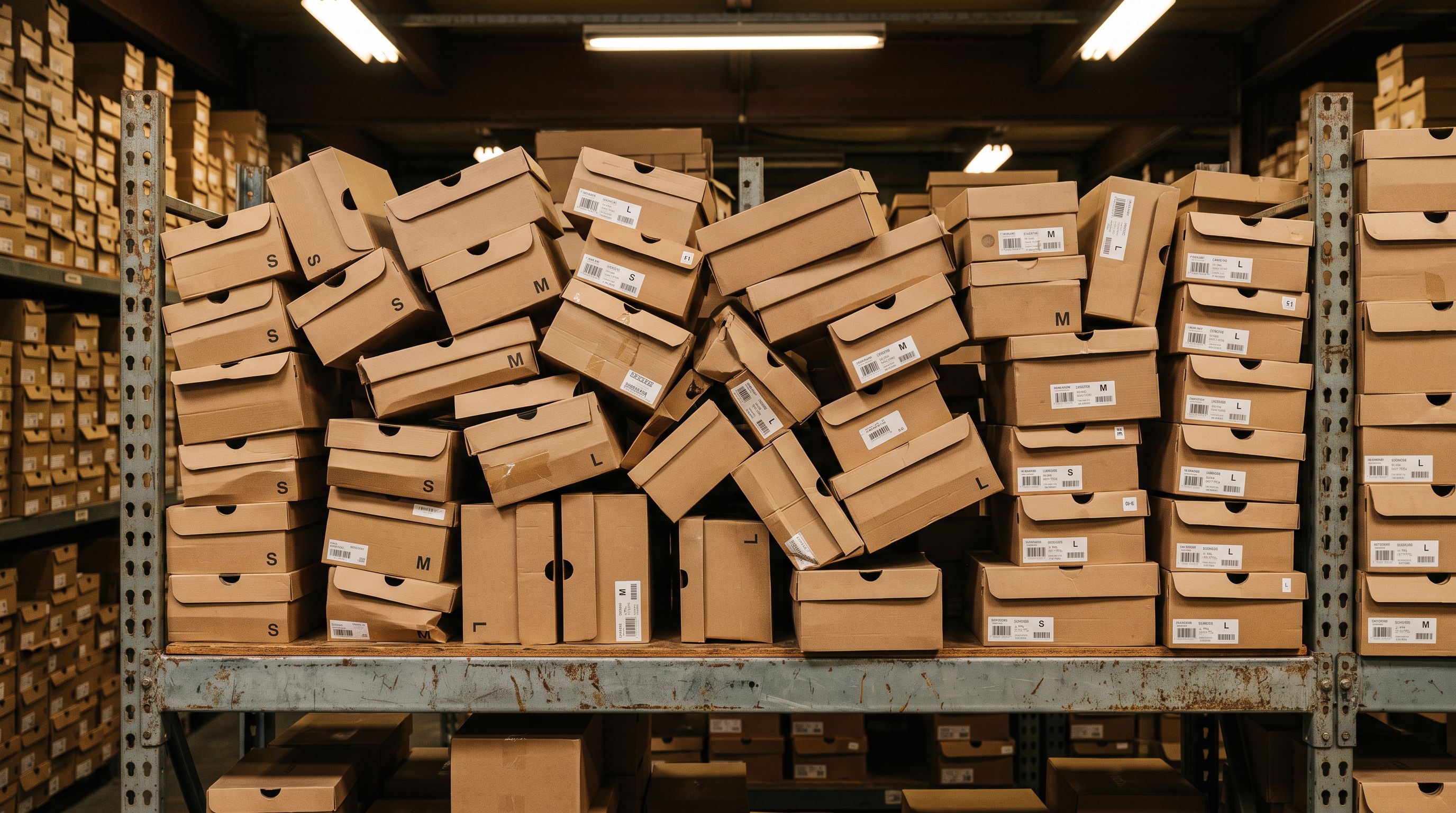
The problem surfaces two days later. That 8-colour, 4-size jacket your supplier listed as 32 separate rows is now 32 separate Shopify products, each with one variant, instead of a single product with 32 variants. Your collection filters show every size as its own listing. Google Shopping flags the feed. A customer looking for the XL in navy clicks into a product that only sells the XL in black and bounces.
Fixing 50 mis-grouped products manually takes a full day: moving variants, merging listings, rebuilding the product structure by hand. A Handle-keyed reimport does it in one operation.
Here is how to find the problem, understand what it costs, and fix it cleanly before Christmas traffic arrives.
The Problem
How Flat-Row Variants Happen
The root cause is a supplier CSV that lists every SKU on its own row without a shared identifier linking related rows.
Shopify's product variant model groups variants under a single product using the Handle field. If every row in an import has a unique Handle (or no Handle at all), Shopify creates a separate product for each row. The import runs successfully, the product count looks right, but every SKU is now a standalone listing rather than a variant of its parent.
This happens most often during BFCM because merchants import directly from supplier spreadsheets without reformatting them. Supplier catalogues are designed for purchase orders, not for Shopify imports. Each row represents a single SKU, not a product family.
The result is a flat structure: 200 products where 20 should exist. Each product has one variant. All the size and colour information that should live in variant options is now buried in product titles or scattered across separate listings.
Why Flat Variants Damage More Than You Think
The most visible symptom is broken collection filters. A customer filtering for "Size: M" in your Apparel collection gets no results because there is no M variant on any product. The sizes exist as product titles, not as variant options, so Shopify's filter engine cannot surface them.
Google Shopping compounds the problem. The item_group_id attribute in a Google Merchant Centre feed tells Google which products are variants of the same base item. Google requires this field for products that differ only by colour, size, material, or pattern. When every SKU is a separate product with no item_group_id, Google treats each listing as a unique product competing against the others for the same query. Impressions fragment. Quality scores drop.
There is also an inventory management cost. Reordering a flat-structure product means searching for 24 separate SKUs instead of opening one product page and reading the variant stock table. For high-velocity products during the Christmas trading period, that overhead adds up.
The AOV impact is subtler. A product with eight colour options on a single page keeps customers browsing. Eight separate listings, each showing one colour, do not. A customer who lands on the wrong colour leaves rather than switching variant.
Auditing Your BFCM Imports
Before fixing anything, identify which products have the problem. There are two reliable methods.
The first is Import History. Every import Importier processes is logged with the date, file name, and product count. Opening the BFCM import batch shows exactly which products came through that run. If that batch brought in 180 products and your supplier file had 180 SKU rows, that is a strong signal the import created flat rows rather than grouped variants.
The second method uses the SKU pattern filter in the Store Scanner. If your supplier uses a naming convention like JACKET-BLK-XS, JACKET-BLK-S, JACKET-BLK-M, filtering for the SKU prefix JACKET-BLK- surfaces all the flat products in that family. Seeing five separate products with almost identical titles confirms the mis-grouping. This approach works well for identifying affected product families before you decide how many need fixing.
A fast cross-reference: if your post-BFCM product data cleanup already identified products with duplicate handles or near-identical titles, those are likely the same flat-structure products that need variant consolidation.
The Fix
The Handle-Based Reimport Approach
The cleanest fix is to export the flat products, group them by adding a shared Handle, and reimport. Importier's variant detection engine then identifies the size, colour, and other option patterns and builds the correct variant structure.
Here is the workflow:
- 01Export the flat products from ShopifyUse Importier's export feature with the Full Shopify CSV preset. Filter by the collection or vendor that received the BFCM rush import. This gives you a CSV with all the flat rows in Shopify's format.
- 02Identify the product familiesGroup rows by their base product. Sort by title: JACKET BLK XS, JACKET BLK S, JACKET BLK M belong to the same family. For 50 products, this takes about 15 minutes in a spreadsheet.
- 03Add a shared Handle for each familyAssign the same Handle to every row in a product family. For example, all jacket rows get Handle jacket-black. All rows with the same Handle become variants of one product on reimport.
- 04Import with Importier using the existing import templateImportier's 150+ variant detection patterns recognise Size, Colour, Material, Storage, and other option types from the column values. The patterns handle the grouping automatically within each Handle group.
- 05Verify the result with Import History undo if neededOnce the reimport completes, check a sample of the fixed products. If the variant structure looks wrong on any product, Importier's undo feature reverts the entire batch so you can adjust the Handle groupings and try again.
The variant detection step is worth understanding. Importier analyses the option values across rows that share a Handle and assigns them to the correct Shopify option fields: Option1 for Colour, Option2 for Size, and so on. A product with rows for Black/XS, Black/S, Black/M, White/XS, White/S, White/M is detected as having two option dimensions and built as a 6-variant product. That detection covers 150+ patterns across 15+ industries, so non-standard size formats (EU shoe sizing, age brackets, screen dimensions, coffee weights) are handled without manual intervention.
You do not need to delete the flat products first. The reimport updates the existing Handle to add variants. If you used Importier's Import History to identify the original batch, you can use the same log to verify the reimport replaced the correct products.
- Open each product and add new variants by hand
- Move images to the correct variant
- Delete the now-duplicate flat products one by one
- Rebuild compare-at prices on each merged product
- 50 products = 6-8 hours of work
- Export the flat products as a CSV
- Group rows by Handle in a spreadsheet
- Reimport: Importier builds the variant structure automatically
- Images and prices carry over from the source rows
- 50 products = 20 minutes of setup + one import run
Which Products to Fix First
Not every mis-grouped product needs fixing before Christmas. There are roughly four weeks between now and peak gift-buying traffic. That is enough time to work through the high-priority items methodically.
Rank products by AOV first. A mis-grouped jacket at $180 damages revenue more than a mis-grouped pair of socks at $12. Pull your post-BFCM sales data and sort by average order value. The top 20% of products by AOV should be the first fix.
Within each AOV tier, prioritise by category:
Apparel is the highest-impact category for variant consolidation. Colour and size are the two primary shopping filters for clothing. Flat apparel listings make the browsing experience non-functional. An apparel merchant importing 150 SKUs from a supplier during BFCM rush is exactly the scenario that most commonly produces flat-row structures, because apparel supplier catalogues typically list one row per size per colour.
Footwear follows. Shoe sizing conventions vary by region, and Importier's variant detection handles AU/EU/UK/US sizing patterns. Flat footwear listings also fail Google Shopping's item_group_id requirement more visibly because shoppers search for size and colour together.
Accessories and homewares can usually wait. These categories often have fewer variant dimensions (one or two options rather than the colour-plus-size matrix of apparel), so the impact on collection filters is lower.
An apparel merchant who imported 150 supplier rows in a BFCM rush can fix the entire variant structure in one reimport operation. Doing the same work manually would occupy the whole day before they could get back to Christmas traffic.
If you have more than 200 products to fix, split the work into category batches. Importier supports imports of any size, but working in batches of 50-100 products makes the undo step practical if you need to roll back a specific category.
For products already getting paid traffic, consider whether fixing the structure during the sale period creates any SEO disruption. When you reimport with correct handles, the product URLs do not change because the Handle is already the same. The variant URLs are new (they did not exist before), but that adds searchable surface area rather than removing it. See the article on how Importier detects variant structures during the original import for more detail on how the Handle field controls URL structure.
Key Takeaways
- BFCM supplier CSVs create flat-row variants when each SKU row has a unique Handle or no Handle. The import succeeds, but the structure is wrong.
- Flat variants break collection filters, fragment Google Shopping feeds, and increase the manual overhead of inventory management during the Christmas period.
- Use Import History to identify the BFCM batch and the SKU pattern filter to audit affected product families.
- The fix is a Handle-based reimport: group related rows under a shared Handle, reimport, and Importier's 150+ variant detection patterns build the correct option structure automatically.
- Prioritise by AOV first, then by category: apparel before footwear before accessories.
- Importier's undo feature means every reimport is reversible. Fix in batches of 50-100 products for practical rollback scope.
The BFCM product launch process is designed for speed. The variant cleanup process is designed for accuracy. Running them in sequence, in the two weeks after the sale, produces a catalogue that is both live and correctly structured for the Christmas trading period ahead.
Try Importier free at importier.app.
Related Articles
Set up your first import in under five minutes.
Importier brings products into Shopify with AI descriptions, category metafields, and data enrichment on every run.
Free for your first 10 products. No credit card needed.