Shopify Return Reason Data: Fix Descriptions After BFCM
On this page
Shopify Return Reason Data: Fix Descriptions That Generated Returns After BFCM
BFCM returns carry product data intelligence that most merchants discard. Each return reason a customer selected before shipping an item back is a data point about the specific gap between what your product page described and what arrived in the box. Mapping those reason codes to product data fields identifies which descriptions to fix before December Christmas traffic peaks.
The window is short. BFCM returns typically arrive back at the warehouse within the first two weeks of November. The products those returns flagged will sell again in December, with many of the same description gaps still in place. A merchant who waits until January to process return intelligence misses the December opportunity entirely.
There is a meaningful difference between this workflow and general description improvement. General description improvement applies best-practice writing to every product regardless of feedback. Return reason analysis applies targeted fixes to specific products where the description demonstrably failed: a customer bought based on what the page said, received the product, and returned it because the page was wrong. That is actionable product data improvement information, not a generalised content audit.
Reading the Return Reason Codes
What Return Reason Codes Tell You About Shopify Product Data
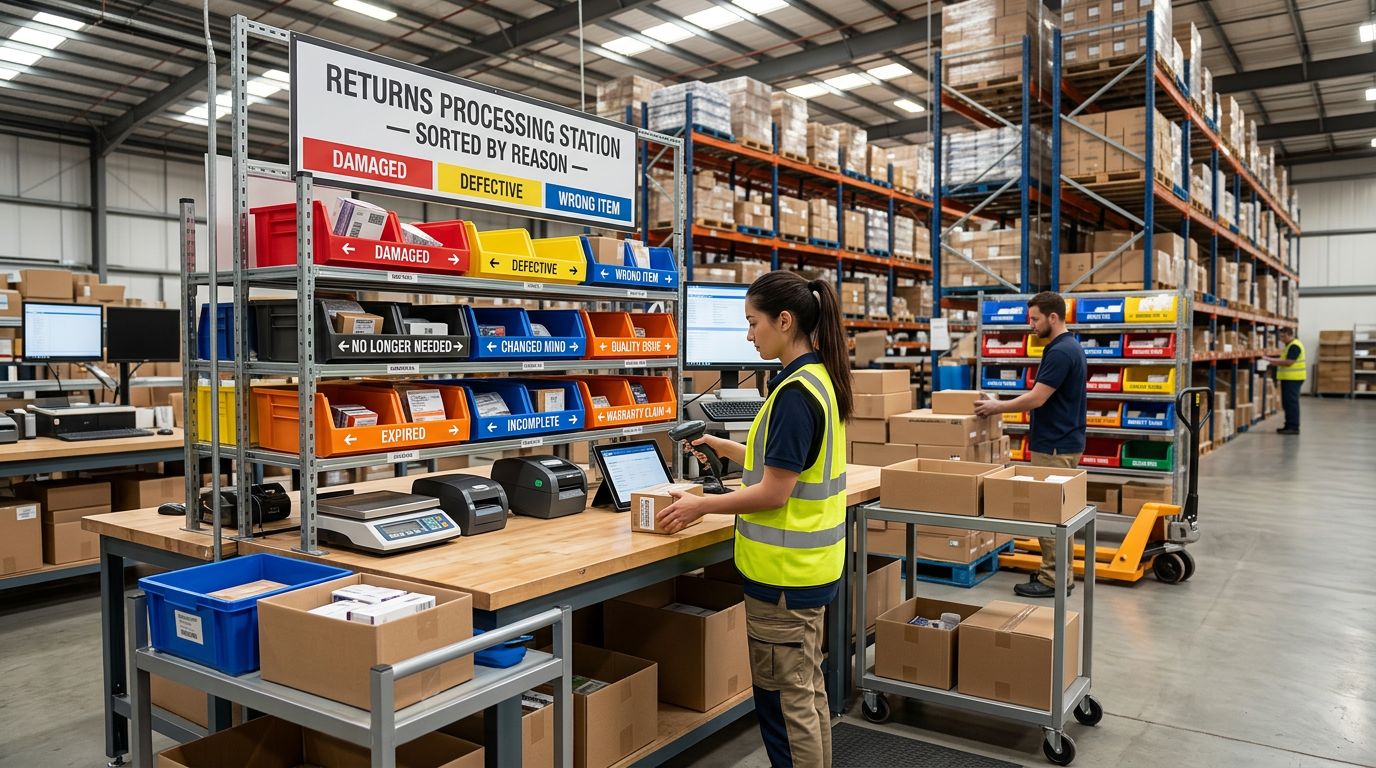
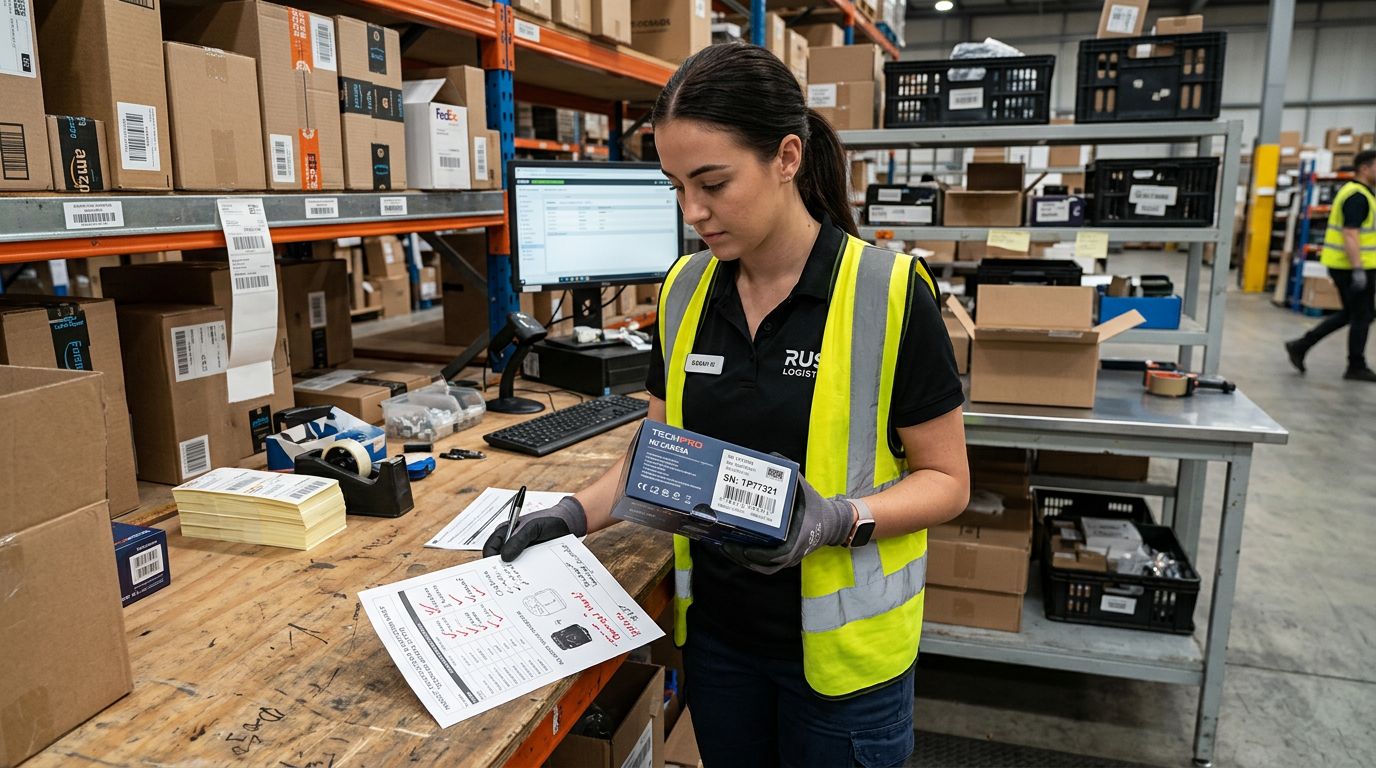
Shopify's refund flow gives customers a reason dropdown before they submit a return request. According to Shopify's returns management documentation, reason codes are stored at the order line-item level and are accessible via the Orders export. The four reason codes that point directly to product data problems are these.
Doesn't match description or photos points to AI description language that overstated the product. A scarf described as having a "cashmere-soft drape" that arrives as a standard acrylic knit generates this return reason. The description created an expectation the product could not meet. The fix is regenerating the description with explicit constraints on what not to say about that specific product.
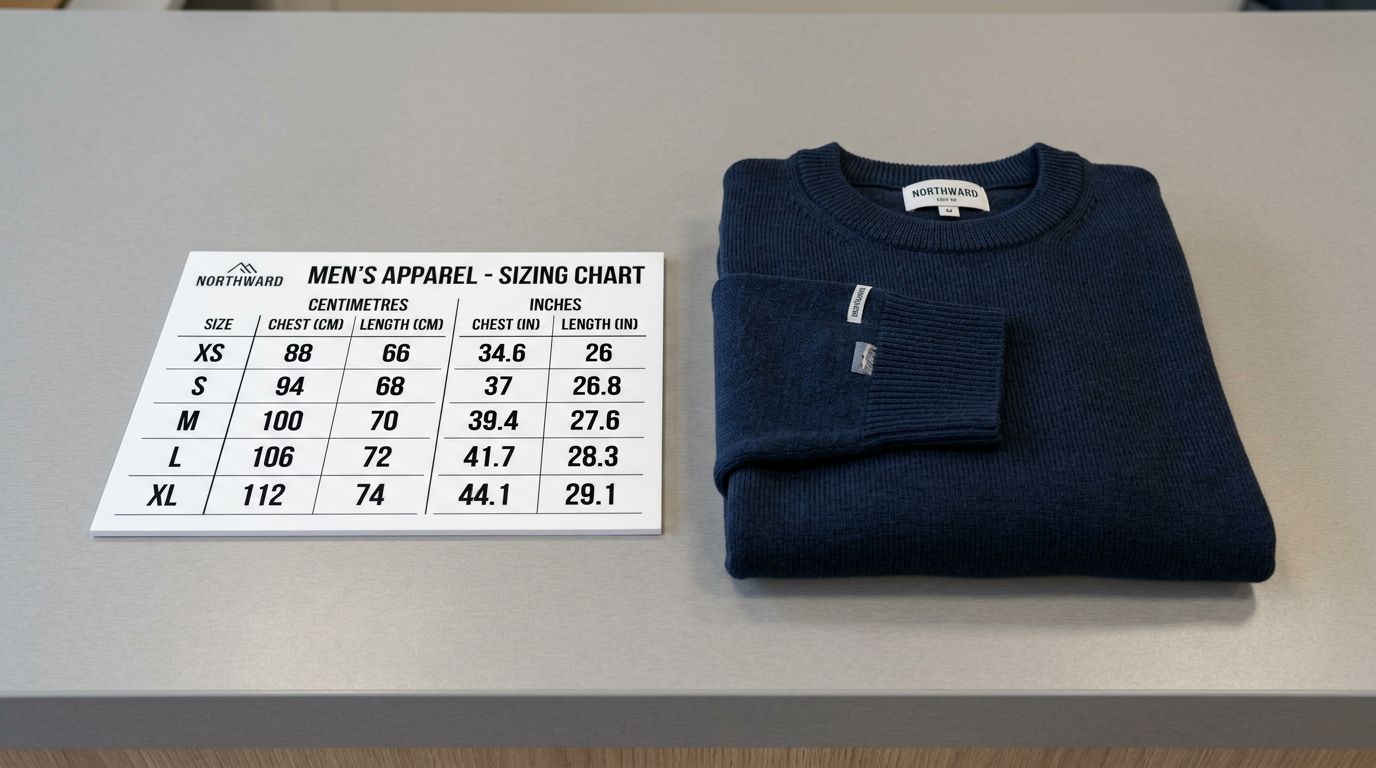
Wrong size or fit points to a sizing guide that is missing, buried, or uses label sizes without body measurements. A women's blazer described only by label size (S, M, L) with no shoulder width, chest measurement, or sleeve length returns for size reasons at a higher rate than the same blazer with an explicit sizing table. The fix is adding a sizing section with actual product measurements to the description.
Wrong colour or not as pictured points to primary image colour accuracy rather than description text. A "navy" product photographed under warm tungsten light appears closer to black online. Description changes help signal the issue but do not resolve an image accuracy problem. This reason code triggers an image review workflow, not a Store Scanner session.
Defective or poor quality often points to description language that set expectations too high for the product's actual quality tier. A $29 stainless steel water bottle described as "premium grade" returns for quality reasons more frequently than the same product described as "durable everyday carry". The fix is calibrating description language to the actual price point, not to what sounds compelling to a buyer scanning the page.
The fifth common reason, "I changed my mind", is not a product data signal. It reflects buyer behaviour, not a gap between the product and its description.
Building a Return Frequency Map by SKU
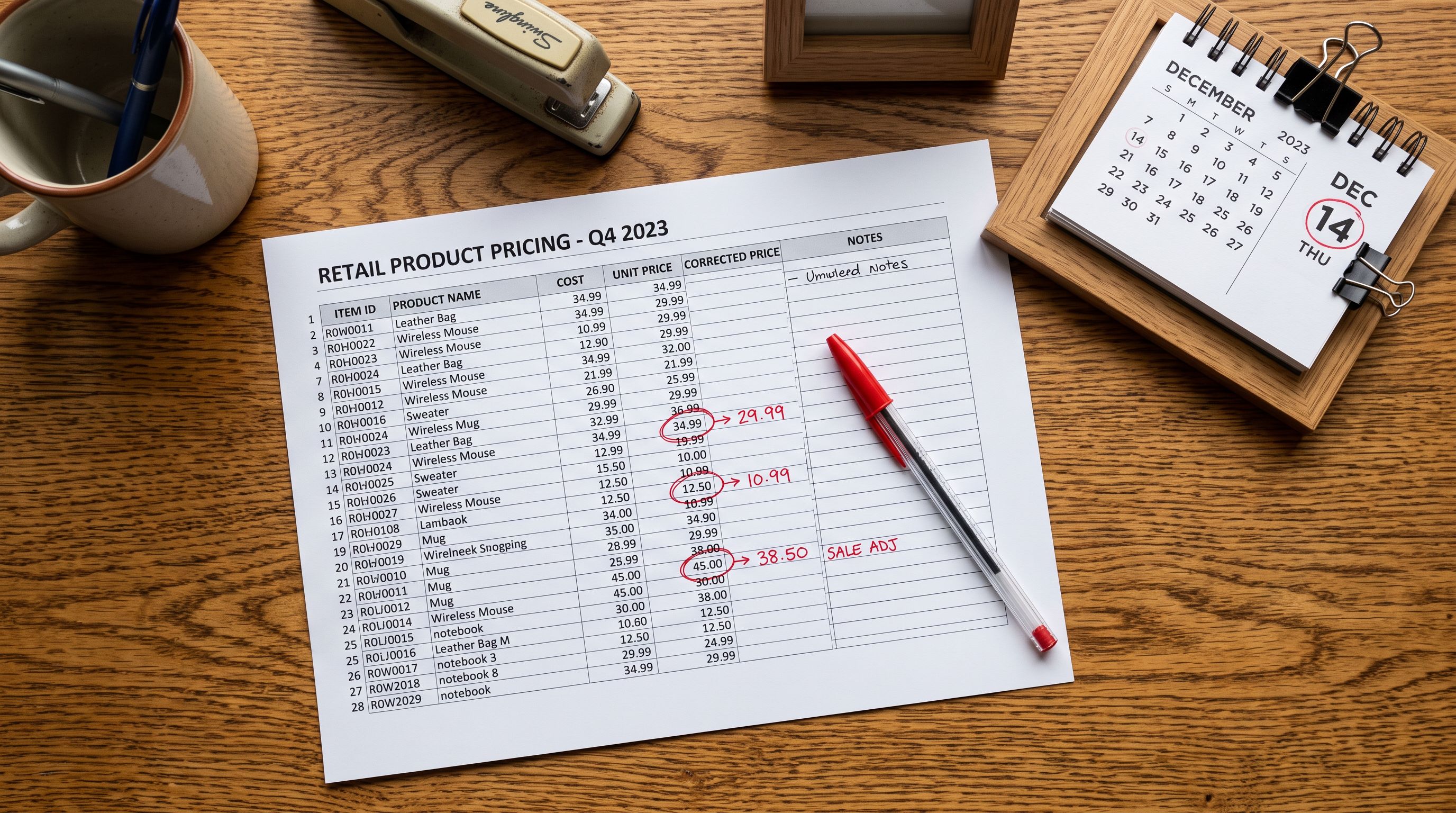
A return frequency map takes about an hour to build from Shopify's orders export. Export your orders with the reason column included, filtered to the 30 days after BFCM. Pivot by product handle and reason code. For any product with five or more returns, calculate the return rate against units sold in the same period.
Products with a 20% or higher return rate and a dominant single reason code are your priority fixes. A 20% return rate means one in five customers who bought this product returned it for the same reason. That is not an outlier; it is a systematic gap between the description and the delivered product.
For a 300-product catalogue, you will typically find 10 to 20 products that meet this threshold after BFCM. That is a manageable number to fix via targeted reimport before December traffic arrives. A whole-catalogue audit is not what this workflow is for. The return frequency map identifies the specific products where the description actively harmed conversion by generating a sale that could not be retained.
The minimum sample size matters here. Exclude products with fewer than five returns from the priority list. A product that sold once and returned once generates a 100% return rate on the data, but that is not a systematic description problem. The fix for single-unit outliers is not a reimport; it is judgement about whether the return reason is representative.
Using Importier to Fix Descriptions for Shopify Return Reason Improvements
For products flagged with the "doesn't match description" reason code, the fix requires regenerating the description with constraints on what the AI should and should not say. The Enrichment Context field in Importier applies those constraints at the session level.
For a cashmere blend scarf returning for description mismatch, the Enrichment Context might read: "This product is a 70% acrylic 30% wool blend. Do not describe the material as cashmere, cashmere-soft, or premium fibre. Describe the texture as a soft wool-blend weave suitable for everyday use." The generation then produces a description that reflects the actual product rather than aspirational language that generated the return.
This is different from regenerating the description from scratch without constraints. Without constraints, the AI reads the product handle, vendor, and any existing title metadata, and may produce description language that remains in the same register as the original: a cashmere blend scarf might still receive language like "luxuriously soft" if the AI is drawing on category conventions for that product type. The Enrichment Context field overrides that tendency with a specific instruction about what this product is and is not.
For December specifically, this matters because the same products that returned in November will sell again, often to buyers researching gift purchases who read descriptions more carefully than BFCM impulse buyers. A regenerated description that corrects the original gap reduces the return rate on December sales of the same SKU.
- 01Export BFCM returns data from Shopify with reason codesFilter order exports to the 30-day post-BFCM window. Include the return reason column. Download and open in a spreadsheet.
- 02Build a return frequency map by product handlePivot by product handle and reason code. Calculate return rate against units sold. Flag any product with 5+ returns and 20%+ return rate with a dominant single reason.
- 03Match each reason code to a fix typeDoesn't match description maps to Enrichment Context constrained regeneration. Wrong size or fit maps to adding a sizing table via Append mode. Wrong colour maps to image review. Quality expectation mismatch maps to language calibration.
- 04Run the description fix session in ImportierFilter Store Scanner to the flagged products by collection or SKU pattern. Enter the Enrichment Context constraint specific to the return reason. Run Replace mode to overwrite the description that caused the return.
- 05Add sizing content via Append mode for size-return productsCreate a targeted import or Append mode Store Scanner session for sizing products. Sizing content must use actual product measurements, not generated estimates.
- 06Tag fixed products for year-over-year comparisonAdd return-reason-fixed-2026 tag to each product after the reimport. This marks the fix date for comparison against next year's return data.

Sizing Returns and the Append Mode Fix
Why Sizing Returns Require a Different Fix Path
The "wrong size" return has a different fix path to description mismatch. It is not a generation quality problem; it is a missing data problem. The description may be accurate about the product's materials, style, and benefits, but it does not contain the specific body measurements a buyer needs to select the right size.
Adding a sizing section requires populating it with actual product measurements. The measurements must come from the merchant, not from AI generation. A generated sizing table that uses typical industry dimensions without measuring the actual product will produce the same return pattern on the next season. The AI does not know what this specific manufacturer's size run looks like; only the product spec sheet or a physical measurement does.
The workflow in Importier for adding sizing content is an Append mode operation rather than Replace. If a blazer description is accurate about materials and style but lacks a sizing section, Append mode adds the new sizing content after the existing description rather than replacing it. The existing content that is working is preserved; the missing data is added.
For a wholesale accessories merchant importing 150 apparel SKUs, the return reason map might show that 18 of those SKUs return consistently for size reasons, clustered in one category: women's structured jackets. The sizing table does not exist in the original supplier CSV. The fix is a targeted reimport of those 18 SKUs with a description update that appends a sizing section containing the actual garment measurements.
The return reason tags captured during the post-BFCM returns import serve as the input list for this process. Products tagged return-reason-size during the inventory restock flow are the same products that need the sizing Append session. Products tagged return-reason-mismatch are the ones that need the Enrichment Context constrained regeneration. The tagging in the returns import and the description fixing in this workflow are complementary steps in the same cycle.
A return reason frequency map converts anecdotal customer feedback into a ranked list of product data fixes, ordered by the revenue impact each fix recovers before the next selling season.
Building the Return Feedback Loop
A one-time fix addresses the current gap. A return feedback loop converts it into a permanent process improvement. The mechanism is the return-reason-fixed tag you apply after each reimport cycle.
After next year's BFCM, filter your return data to the same products you fixed this year. If the return rate for return-reason-fixed-2026 products is lower than for unfixed products in the same category, the description fix worked. If the return rate is similar across both groups, the description was not the primary driver of the return and you have a different problem: image accuracy, packaging mismatch, or product quality that no description change can address.
According to Shopify's guide on e-commerce returns, apparel and footwear generate higher return rates than most categories, and size and fit is the dominant reason. That pattern repeats year on year for the same SKUs unless the underlying data gap is fixed. The return reason frequency map, rebuilt after each BFCM, shows which products have been fixed and which still carry an unresolved gap.
Products that persist in return frequency maps across multiple BFCM cycles reveal structural catalogue problems that go beyond description language. A product that returns at 25% for size reasons two years in a row, despite a sizing guide being added in year one, points to a physical product sizing issue that the description cannot solve. That is a supplier conversation about re-labelling or re-cutting the product, not an Importier workflow.
For articles on the broader relationship between product descriptions and return rates, the highest-impact interventions are on products that return for description mismatch in the first year of their catalogue presence. These are products where the original description was generated without product-specific constraints, and the first BFCM selling season exposed the gap between the description and the actual product experience.
Replace Mode vs Append Mode for Return Reason Fixes
The choice between Replace and Append in Importier's Store Scanner depends on what caused the return.
Replace mode is the right choice when the existing description was the problem. If a product returned for "doesn't match description", the existing description is the source of the gap. Appending to it adds correct content after incorrect content, which a buyer reading linearly may still encounter in the wrong order. Replace mode removes the description that caused the return and writes a correct one from scratch, using the Enrichment Context constraint to prevent the original problem from recurring.
Append mode is the right choice when the existing description is accurate but incomplete. A product returning for "wrong size" typically has a description that was correct about materials and style; it was simply missing a sizing section. Appending the sizing section adds the missing data without touching the content that worked.
For products flagged with multiple return reasons across different orders, address them in order of frequency. If a SKU returns 60% for description mismatch and 40% for size, run Replace mode first with the Enrichment Context constraint, then run an Append mode session to add the sizing section. Running them together in a single Replace session risks overwriting accurate sizing content with the new generation, which then requires a second Append session anyway.
- Open each return individually in Shopify admin to read the reason
- No aggregate view of which SKUs return most frequently for the same reason
- Description fixes require rewriting each product page manually
- Sizing additions require opening each product in the editor and updating the description field separately
- No tracking of which products have been through the fix cycle or when
- Export returns data with reason codes and pivot by product handle in a spreadsheet
- Return frequency map ranks SKUs by return rate and dominant reason code in one view
- Store Scanner with Enrichment Context constraints regenerates descriptions for all flagged SKUs in one session
- Append mode adds sizing sections to flagged SKUs without overwriting accurate existing content
- Return-reason-fixed tag records the fix date on each product for year-over-year comparison
Key Takeaways
- Four return reason codes map directly to product data gaps: "doesn't match description" maps to overstatement in AI content; "wrong size" maps to missing sizing data; "wrong colour" maps to image accuracy; "defective" maps to language calibrated above the actual product tier.
- Build the return frequency map by exporting post-BFCM orders with reason codes and pivoting by product handle. Products with 5+ returns and a 20%+ return rate with one dominant reason are the priority fixes.
- For description-mismatch products, use the Enrichment Context field to constrain the AI away from the specific language that caused the return. Replace mode rewrites the description with that constraint applied.
- For size-return products, use Append mode to add a sizing section with actual garment measurements. Generated sizing tables that use industry estimates rather than physical measurements will not reduce the return rate.
- Tag fixed products with
return-reason-fixed-2026after the reimport. This creates the data layer for a year-over-year comparison after next year's BFCM to confirm whether the fix worked.
Run your Store Scanner fix session at importier.app.
Related Articles
Set up your first import in under five minutes.
Importier brings products into Shopify with AI descriptions, category metafields, and data enrichment on every run.
Free for your first 10 products. No credit card needed.