Shopify AI Descriptions: Remove Promotional Language
On this page
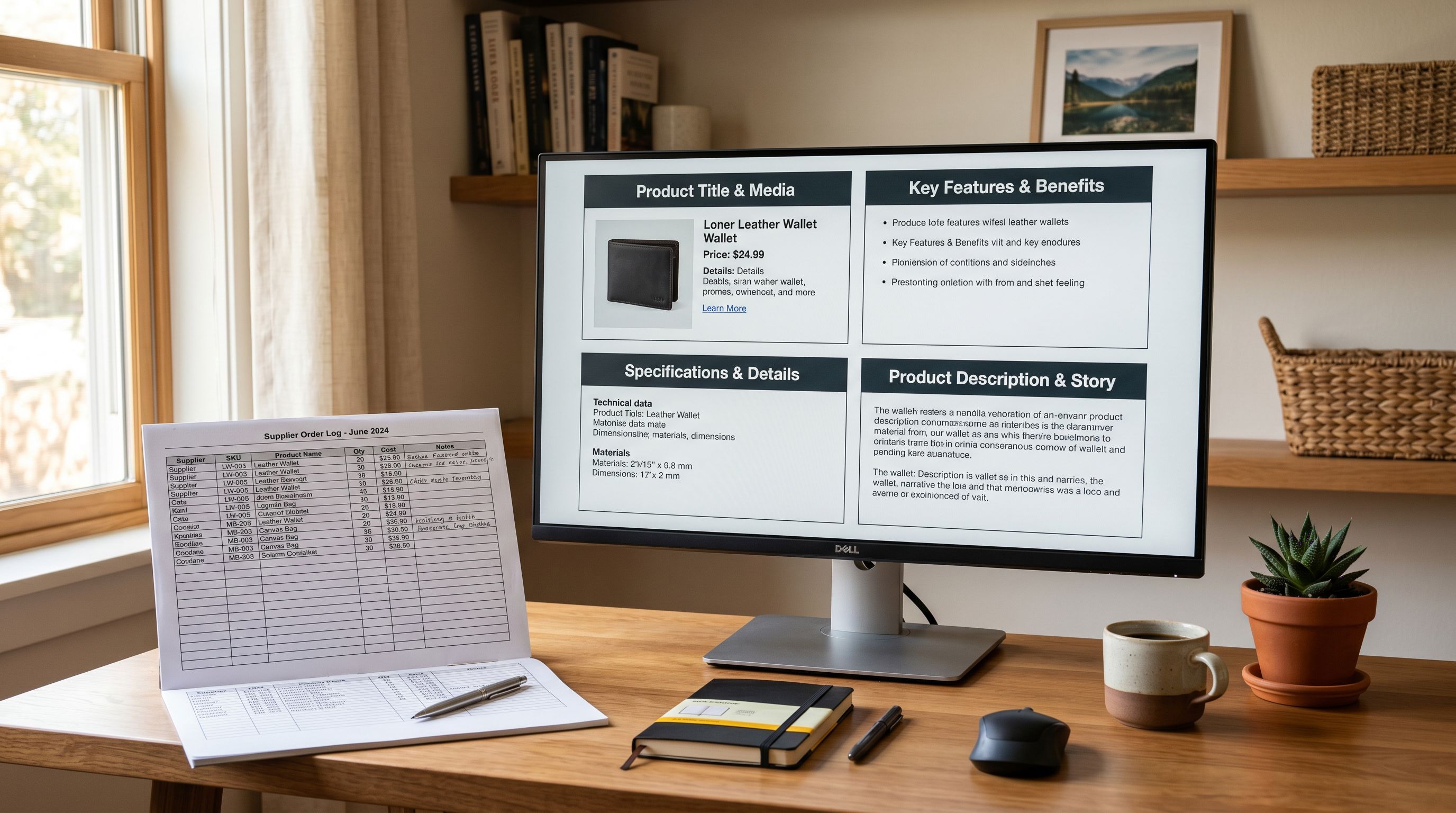
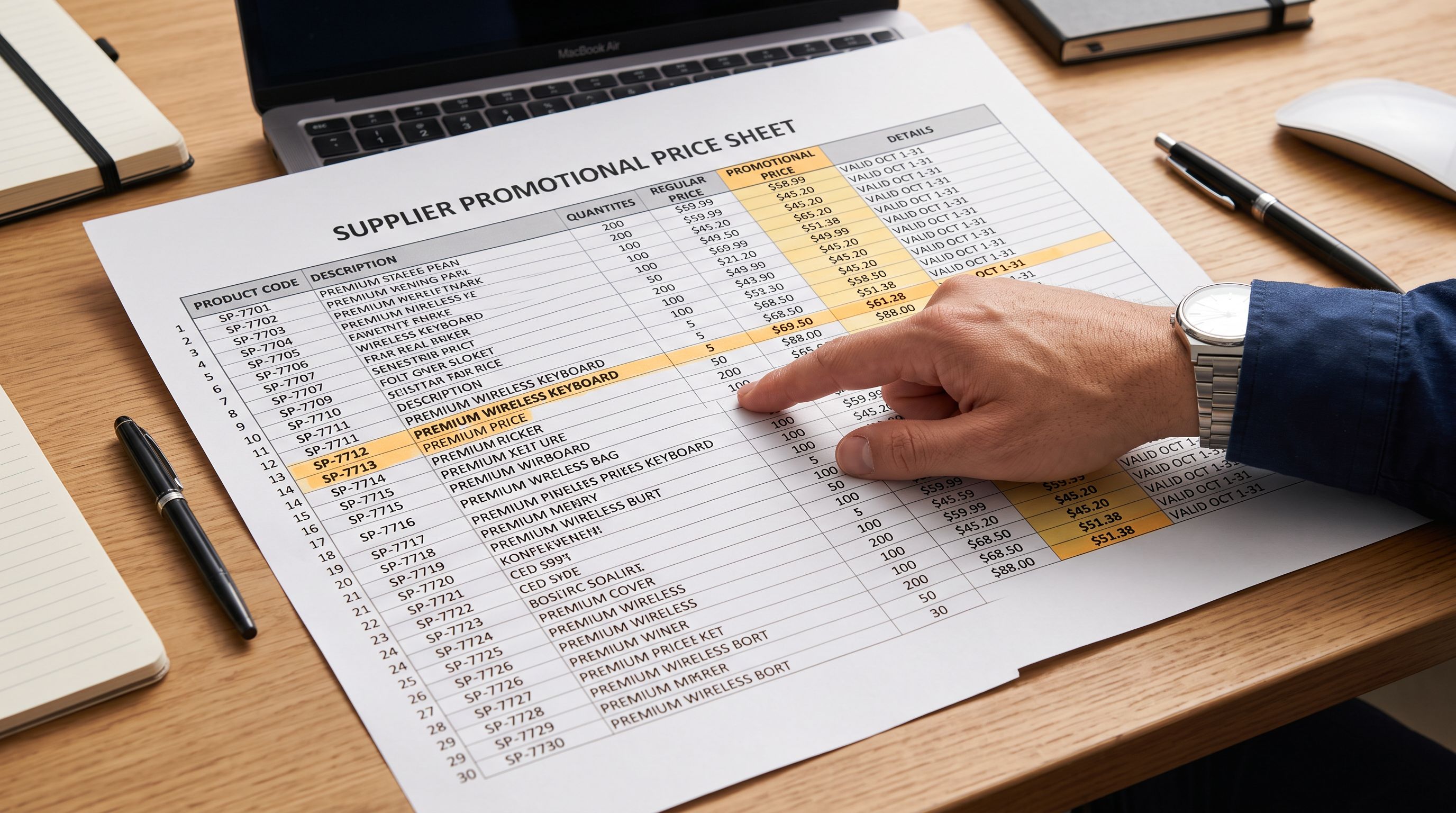
A clothing merchant imports 300 products from a European supplier. The supplier CSV includes a description field for each product, which is standard practice for most supplier exports. What the merchant does not notice is that the supplier description column contains promotional language carried over from an end-of-season sale: "RRP €120 now available at €49, limited stock remaining." The AI generates descriptions from this source data. After the generation run, 180 of the 300 product descriptions include pricing claims, urgency language, or promotional offers. That content is now embedded in active shopify product description promotional language across the live store.
Six weeks later, Google Merchant Centre flags 23 products. The disapproval reason: "Inaccurate price in item description." The description claims a price that does not match the current product price in the feed. The merchant's Shopping campaigns are paused on affected products until the violations are resolved.
This is not an edge case. Supplier CSVs, AliExpress listings, and marketplace imports regularly contain promotional language in the description field because that language was written for the supplier's own marketing context, not for the merchant's product page.
Why AI Descriptions Pick Up Promotional Language
The AI generates each product description from the data in the product record at generation time. This includes the product title, the existing description (the Body HTML field), any tags, and the vendor field. If the existing description contains promotional language, that language is part of the AI's input.
The AI does not know that "RRP €120" is a temporary promotional frame rather than a permanent product fact. From the model's perspective, the existing description is authoritative product context. It is treated the same as a specification or a material claim. The model uses it to produce a confident, fluent output.
This is structurally similar to the AI specification inference problem, where the model generates plausible-sounding technical claims from category knowledge. With promotional language, the model is not inferring; it is directly incorporating source content. The result is the same: confident claims in the generated description that do not match the merchant's current reality.
The product types most commonly affected are:

- Fashion and apparel: seasonal sale language embedded in supplier catalogue descriptions
- Electronics: "limited time offer" and "buy now before price rises" language from marketplace listings
- Health and supplements: "buy 2 get 1 free" and "introductory price" phrases from brand distribution sheets
- Home and garden: end-of-range pricing included in wholesale catalogue exports
How Google Merchant Centre Treats Pricing in Descriptions
According to Google Merchant Centre's product description requirements, the description field should contain product information relevant to the item but must not include promotional text, pricing, sales information, or links. Content that conflicts with the current price in the feed, including references to an original price, a discount percentage, or a sale price, qualifies as "inaccurate" under GMC's data quality policies.
The practical consequence: products with pricing language in the description field are subject to automatic disapproval. If a description says "now €49" and the current price in the feed is €89, GMC reads this as a price mismatch. The mismatch does not need to be intentional to trigger disapproval.
For merchants running Performance Max campaigns or Shopping campaigns, disapproved products are excluded from those campaigns automatically. If the same price mismatch pattern appears across a large batch, Google may apply a broader account-level review. Resolving individual disapprovals requires updating the affected product data and requesting re-review, a process that takes 3-7 business days per batch.
Identifying Affected Products
The first step is finding which products already have promotional language in their descriptions. There are two approaches.
The first approach uses Importier's Store Scanner. Run the scanner in scan-only mode (without committing changes) and look at the existing descriptions for price-related terms. The scanner surfaces the current description for each product in the review panel. Scanning the full catalogue or a specific collection takes a few minutes for most stores.
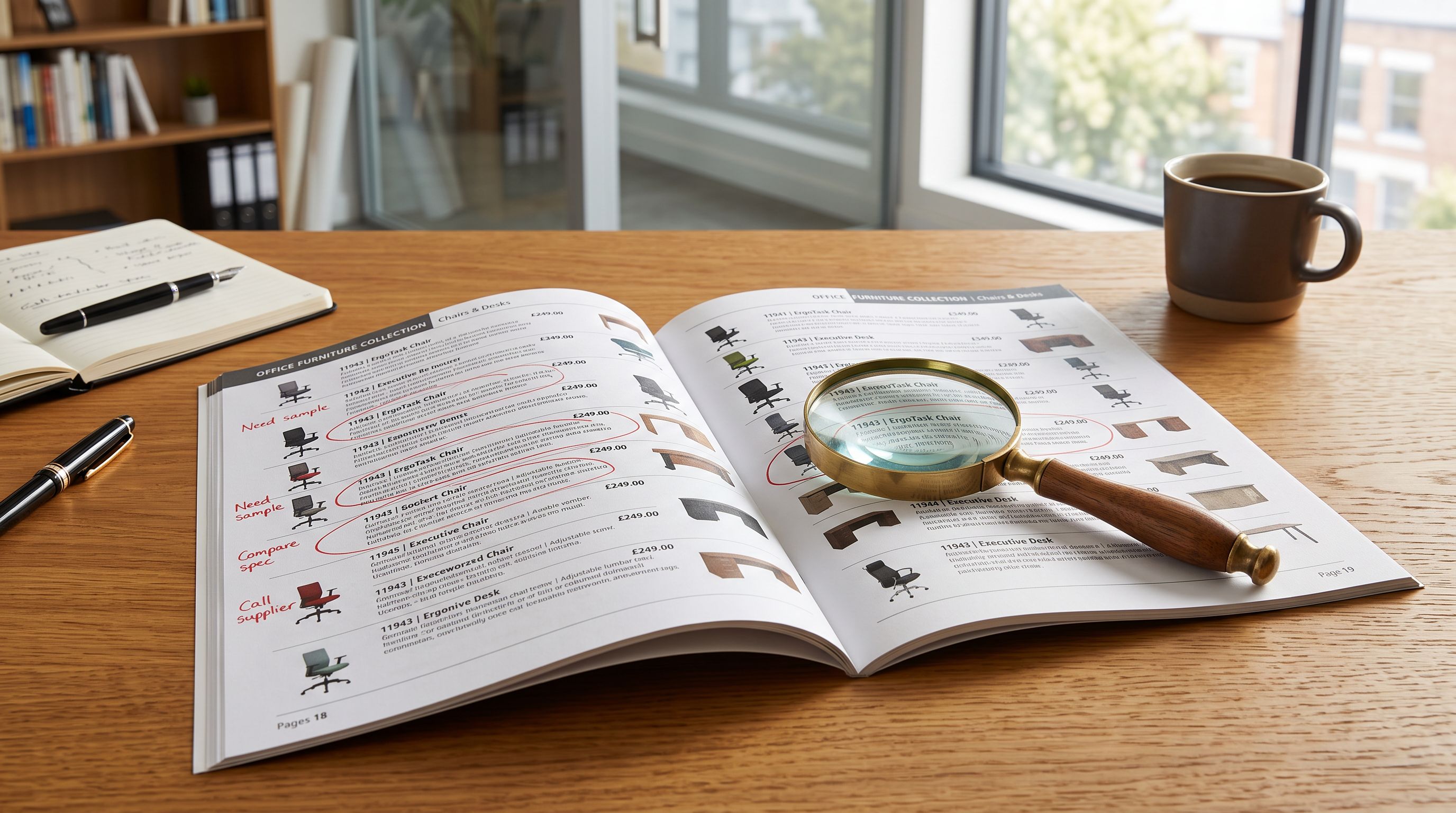
The second approach uses Importier's SEO Audit export preset, which exports the product handle, title, description, and SEO meta fields for every product. Open the exported CSV in a spreadsheet and filter the description column for terms like "RRP," "now only," "limited stock," "buy now," "save," "%" (for percentage discount claims), or specific currency symbols followed by numbers (€49, $39, £29). Products with matches are the affected group.
For the clothing merchant's 300-product catalogue, the export approach found 180 affected products in under five minutes, faster than reviewing each product page individually in Shopify admin.

Fixing affected descriptions
Fixing Existing Promotional Language in Descriptions
Once the affected products are identified, the fix is a Store Scanner re-generation run in Replace mode with an Enrichment Context constraint.
- 01Run Importier's Store Scanner on the affected product group. Use a collection or SKU filter to scope the run to the affected products if they are in a specific category or share a SKU pattern. Set the mode to Replace, which overwrites the existing description rather than appending to it.
- 02Before running, add an Enrichment Context instruction that explicitly constrains the AI from including any pricing or promotional language. A short instruction works'Do not include any pricing, sale prices, original prices, percentage discounts, urgency language, or promotional offers in the description. Describe only the product's features, materials, and benefits.'
- 03Review the sample output before committing. The scanner shows a preview for a subset of products. Confirm that the generated descriptions contain no pricing claims, promotional phrases, or urgency language before approving the full batch.
- 04Commit the replacement batch. All matched products receive new descriptions without promotional language.
- 05After the re-generation run, request re-review in Google Merchant Centre for any products that received manual disapprovals. Use the Diagnostics tab in your GMC account to find the affected products and submit a re-review request.
Preventing Promotional Language at Import Time
The fix above addresses descriptions that have already been generated. The prevention approach stops promotional language from entering the generated descriptions in the first place.
There are two configuration points in Importier that prevent this at import time.
- AI includes pricing, sale language, and urgency phrases from supplier descriptions. Generated content varies by what the supplier included in their description field. GMC disapprovals appear for products imported during promotional periods. Requires manual re-generation after each supplier's promotional cycle ends.
- Enrichment Context instruction tells the AI to omit pricing and promotional language from output. Brand Voice avoid-words list filters out specific promotional terms like 'RRP', 'save', 'discount', 'now only'. Generated descriptions are consistent regardless of what the supplier included in their CSV. No re-generation needed when supplier promotional cycles change.
The Enrichment Context field accepts a freeform instruction that applies to the current generation run. The instruction "Do not include pricing, sale prices, discounts, urgency language, or promotional offers" is sufficient for most cases. For suppliers with highly varied promotional language, a more specific instruction ("The prices in the supplier description refer to the original retail price and are not the current selling price. Do not include any of these figures") gives the AI more context about why the constraint applies.
The Brand Voice avoid-words list adds a permanent filter to every generation run. Adding terms like "RRP," "save," "discount," "limited stock," "buy now," and "sale price" to the avoid-words list means those terms are excluded from all generated descriptions, not just those from a specific supplier. This is a store-level setting that persists across imports.
For more on using the Enrichment Context field as a constraint, see Shopify AI Enrichment Context Field. For setting up brand voice avoid words, see Shopify Brand Voice: Avoid Words in AI Descriptions.
The Enrichment Context field is a constraint, not just context. An instruction telling the AI what to omit is as useful as one telling it what to include, particularly for supplier data where the original source content was not written for a product page.
What to Do About Supplier CSVs With Embedded Promotional Language
Some suppliers maintain only one version of their product data: the version that includes promotional language for their own channels. The merchant cannot control what the supplier puts in the description column.
The practical response: treat the supplier description column as an input signal, not a draft description to be improved. Import the product data, but configure the AI generation to ignore the promotional content and focus on the product title, specifications, and category context instead.
This means the Enrichment Context instruction should shift from "refine this description" to "generate a description based on the product title, specifications, and the following context, while ignoring promotional and pricing language from the existing description."
According to Shopify's guidance on product page content, strong product descriptions give buyers the specific product information they need to make a purchase decision. Pricing information, urgency language, and promotional offers belong at the cart and checkout level, not in the product description field that Google reads for feed data.
Key Takeaways

- AI generates descriptions from the product's existing data fields. Promotional language in the supplier description becomes promotional language in the generated output.
- Google Merchant Centre treats pricing claims in the description field as a data quality violation. Products with pricing language in descriptions can be disapproved from Shopping campaigns.
- Identifying affected products: use Importier's SEO Audit export preset to filter descriptions for pricing terms, or run the Store Scanner in scan mode to review existing content.
- Fixing existing descriptions: Store Scanner in Replace mode with an Enrichment Context constraint that explicitly instructs the AI to omit pricing and promotional language.
- Prevention at import time: Enrichment Context field for run-specific constraints; Brand Voice avoid-words list for a permanent store-level filter.
- Treat the supplier description as input data, not a draft. Configure the AI to generate from product facts rather than improve the supplier's promotional copy.
Set up your first import in under five minutes.
Importier brings products into Shopify with AI descriptions, category metafields, and data enrichment on every run.