Shopify January Product Refresh: Remove Holiday Language

On this page
A home fragrance merchant imported 320 holiday products in October. The descriptions were written for the season: "the perfect Christmas gift", "festive bundle for the home", "holiday collection 2026", "ideal for gifting". In January, those descriptions are still live. Shoppers browsing in February are reading about Christmas gifts. Google Shopping is indexing product descriptions that reference a holiday that passed six weeks ago.
The merchant does not want to re-import all 320 products. Most of them have evergreen copy that is still accurate. Only 85 products have holiday-specific language. The question is not how to redo the whole catalogue. The question is how to find exactly those 85 products and refresh their descriptions without touching the rest.
This is the January content refresh problem: targeted, not wholesale. The fix needs to be as narrow as the original seasonal import was broad.
Why Holiday Descriptions Become a Liability After Christmas
A product description written for November through December serves a specific shopping intent. Phrases like "perfect Christmas gift", "festive season special", and "limited holiday edition" match what buyers are searching for during that period. The same phrases misfire in January.
The problem is not just conversion rate. According to Google Merchant Centre's item content policy, product descriptions that contain promotional language inconsistent with the product's current pricing or availability can trigger the "inaccurate item description" flag in a Google Shopping feed. A description that references "holiday special pricing" when no such promotion exists is a data quality problem, not just a messaging problem.
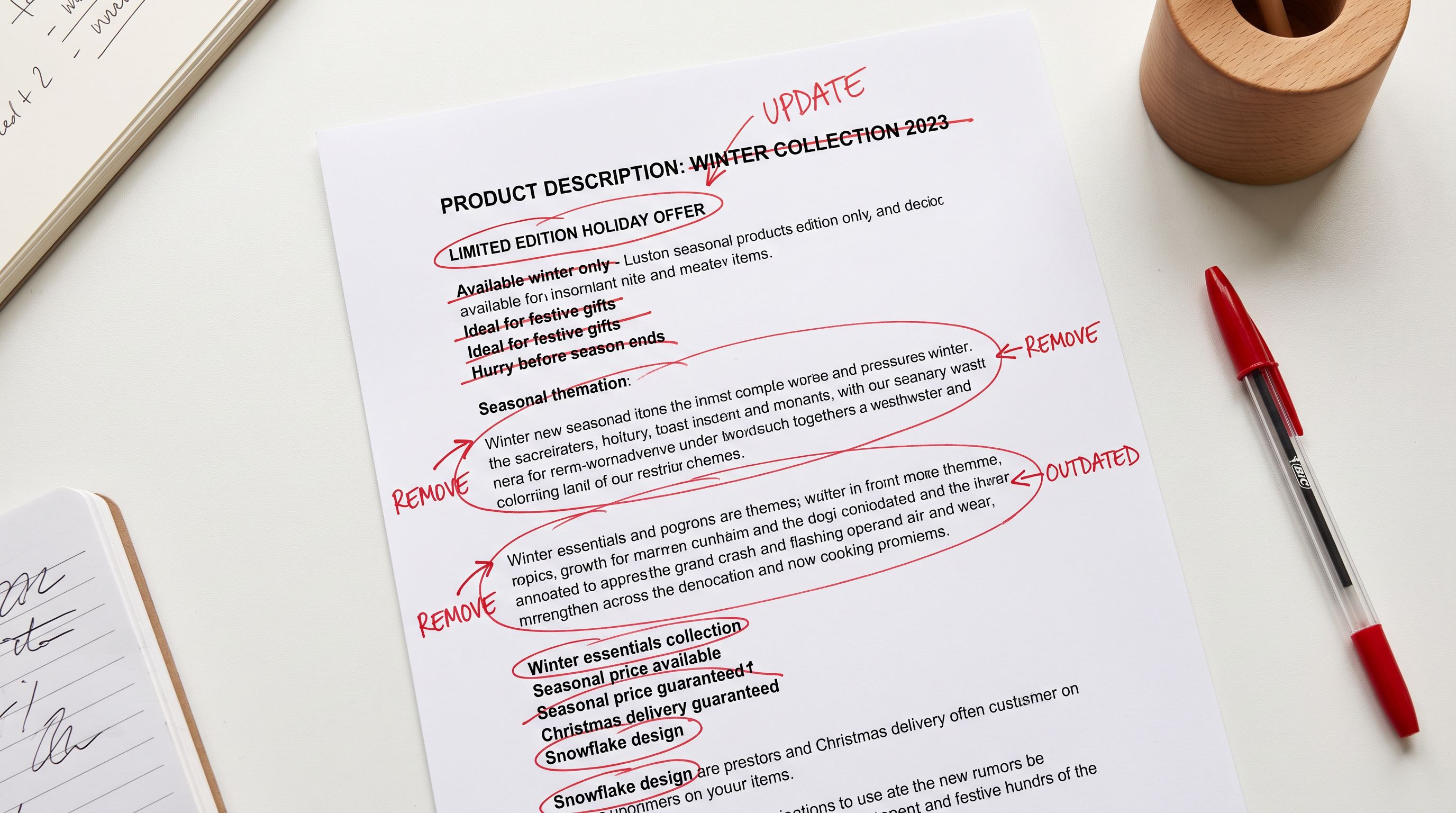
The second issue is seasonal freshness signals. Descriptions that explicitly reference a past holiday look stale to buyers and to search engine crawlers. A product page whose copy references "Christmas 2026" in March 2027 signals that the page has not been maintained. For merchants who rely on organic search traffic to product pages, stale seasonal copy is a slow drain on ranking potential.
Finding the Affected Products
Step One: Identify the Affected Products
The first step is knowing exactly which products have holiday language. Running a blind refresh on the entire catalogue would overwrite good evergreen descriptions with new AI-generated ones, which creates unnecessary risk.
Importier's SEO Audit export preset scans the entire catalogue and returns a CSV with product data including the full description field. For the home fragrance merchant, the SEO Audit export returned a 320-row file. A column filter on the description field for the terms "Christmas", "holiday", "festive", "gift", and "New Year" returned 85 matches.
The SEO Audit export tells you exactly which products are affected before you change anything. For the merchant, 85 products out of 320 contained seasonal language. The remaining 235 had descriptions that did not need touching.
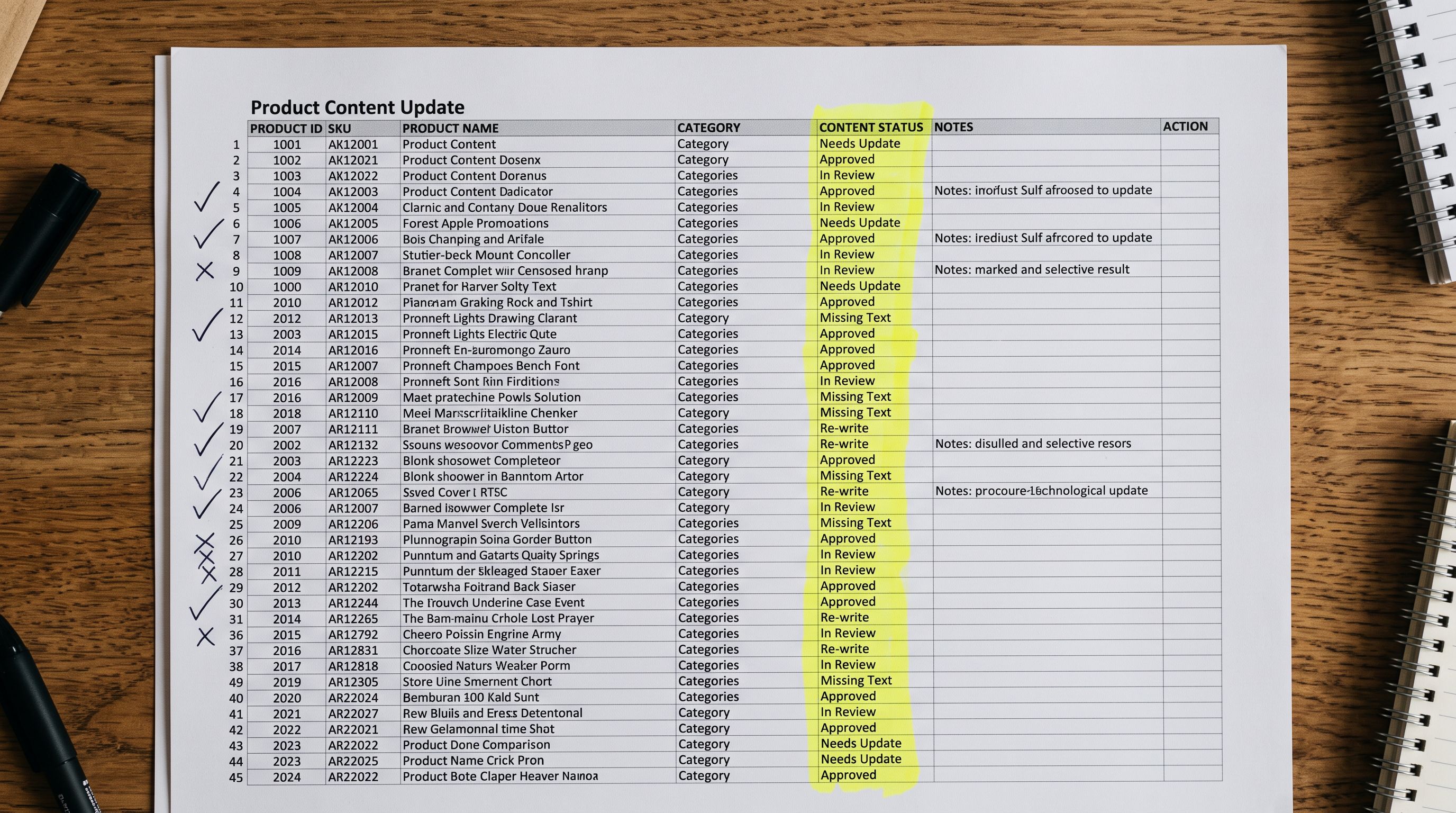
This export-first approach is worth emphasising: running a Store Scanner refresh without first scoping the affected products risks overwriting descriptions you did not intend to change. The SEO Audit export is the scope definition step.
Before running any refresh, export a backup:
Importier's Full CSV preset exports all product data including current descriptions. Run this before the Store Scanner pass. Store Scanner Replace mode overwrites descriptions permanently: the Import Undo feature records all changes made through Importier, but it cannot restore descriptions that were written before Importier's first import of that product. If any of your holiday descriptions include hand-written copy you want to preserve, export it first.
Configuring Store Scanner for the Targeted Refresh
Store Scanner's collection filter and SKU pattern filter let you narrow the scope of a refresh to exactly the products that need it. For the home fragrance merchant, there were two filtering options:
Option 1: Filter by collection. If the holiday products were added to a "Holiday 2026" collection (a common pattern for seasonal imports), Store Scanner can filter to that collection. This catches every product in the collection regardless of whether its description actually contains seasonal language. This is useful if you want to refresh the entire seasonal batch.
Option 2: Filter by tag. If the holiday products were tagged during import (e.g., holiday-2026, christmas-gift), Store Scanner's tag filter narrows to exactly those products.
For the merchant, the holiday products had been tagged holiday-2026 during the October import. Store Scanner filtered to 85 products using that tag, matching the SEO Audit count exactly.
The tag applied during the seasonal import becomes the filter that makes the January cleanup targeted rather than wholesale.
Writing the Replacement Descriptions
Replace mode in Store Scanner overwrites the existing description field. The AI description generation uses the product's current data (title, vendor, tags, metafields, barcode-enriched information) as source material, not the existing description. This is an advantage for the January refresh: the holiday language that existed in the old description does not carry forward into the new one.
The key configuration step is the Enrichment Context field. Enrichment Context is a plain-text instruction that constrains what the AI includes and excludes when generating descriptions. For the January refresh:
Enrichment Context: "Write for a year-round buyer, not a seasonal shopper. Do not reference Christmas, holiday, festive occasions, gift-giving, or limited-time seasonal events. Write as if the product is a permanent range item available throughout the year."
This instruction is specific about what to exclude. Without it, the AI may reference gift-giving or occasions in a general sense because the product data (a candle set, a fragrance diffuser) has associations with those contexts. The Enrichment Context acts as a constraint that overrides those associations.

- 01Run the SEO Audit export to identify products with seasonal language. Filter the CSV description column for terms like Christmas, holiday, festive, gift, and New Year. Record the count and note the shared tag or collection.
- 02Export a full CSV backup using Importier's Full CSV preset before making any changes. This preserves the existing description text for reference or rollback.
- 03Open Store Scanner and filter to the affected products using the collection filter or tag filter from step 1. Confirm the product count matches your SEO Audit scope.
- 04Configure the AIselect the description style that fits your brand (Benefits-First for lifestyle products, Technical Specifications for functional items), choose the Industry Pack persona, and add an Enrichment Context instruction that explicitly excludes seasonal framing.
- 05Run the Replace mode pass. Review the generated descriptions in the preview before the final push to Shopify. Flag any products where the AI output still references seasonal context or sounds promotional, and adjust the Enrichment Context instruction before re-running those.
What to Do with Seasonal Tags After the Refresh
The description refresh removes the holiday language from the description field, but the tag holiday-2026 is still on those products. Leaving that tag in place keeps the products in any tag-based collections or automated rules that use it, which may or may not be intentional.
A tag import pass removes the seasonal tag in bulk. In Importier, create a CSV with Handle and Tags columns. For each of the 85 products, include their current tags minus holiday-2026. Import with column mapping set to overwrite the tags field. This removes the seasonal tag from the full set in one pass.
For products where the seasonal tag is the only tag, this leaves an empty tags field. If those products belong to any automated collections that use tag conditions, verify the collection membership before and after the tag removal.
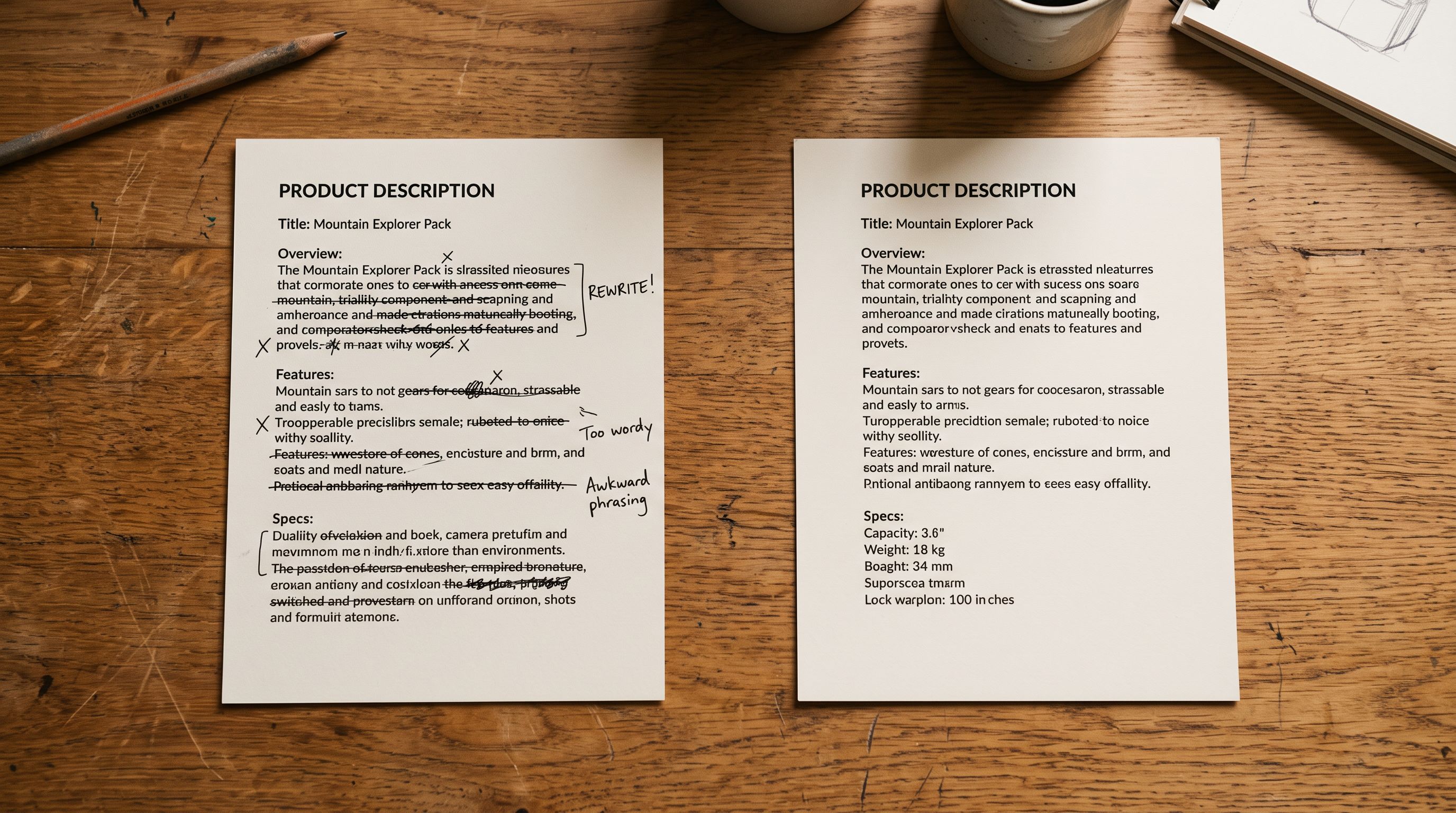
- Open each product page individually to check whether the description contains holiday language (85 products at 2-3 minutes each is 3-4 hours of review)
- Rewrite each description manually without a consistent style guide, introducing variation across the refreshed set
- No reliable way to verify which products still have seasonal copy after the update
- Tag removal requires visiting each product page or exporting to a spreadsheet and re-importing
- Risk of accidentally overwriting good evergreen descriptions during a manual pass
- SEO Audit export returns a filtered CSV of affected products in under 2 minutes (zero manual review per product)
- Store Scanner Replace mode regenerates all 85 descriptions in one batch pass with consistent style and Enrichment Context constraints
- A second SEO Audit export after the refresh confirms which products still flag for seasonal terms
- Tag import removes holiday tags from all 85 products in one column-mapped import
- Full CSV backup before the pass preserves the original descriptions for reference
Key Takeaways
- Holiday descriptions do not expire automatically. Products imported with seasonal framing in Q4 keep that language in their Shopify descriptions until it is explicitly removed. A January content refresh is a maintenance task, not an emergency.
- The SEO Audit export identifies which products have seasonal language before you change anything. Scoping the refresh to only affected products avoids overwriting evergreen descriptions you do not need to touch.
- Store Scanner Replace mode regenerates descriptions from product data, not from the existing description field. Holiday language from the old description does not carry forward into the new one.
- The Enrichment Context field is the control mechanism for excluding seasonal framing. A specific instruction ("do not reference Christmas, holiday, festive occasions, or gift-giving") produces cleaner results than a generic regeneration run.
- Export a full CSV backup before running Replace mode. Import Undo records changes made through Importier, but it cannot restore descriptions that predate Importier's first import of that product.
- Removing holiday tags after the description refresh keeps automated collections and tag-based filtering accurate for the rest of the year.
For the full Replace mode workflow including filtering options, the AI configuration fields, and how to preview before pushing, the Store Scanner Replace mode guide covers those steps in detail. For handling promotional pricing language that triggers Google Shopping disapprovals (a related but distinct problem), the promotional language in AI descriptions guide covers the Enrichment Context approach for GMC compliance.
Refresh your January catalogue at importier.app.
Set up your first import in under five minutes.
Importier brings products into Shopify with AI descriptions, category metafields, and data enrichment on every run.