Shopify Image Import for Page Speed and Core Web Vitals
On this page
A fashion retailer imports 220 products from a supplier catalogue. The import completes without errors. The store launches, passes QA, and looks correct on every screen the team tests. Six weeks later, Google Search Console flags poor Core Web Vitals across every product page. A performance audit identifies the cause: every product page is loading a 4MB PNG at 4,000 x 4,000 pixels. The supplier sent high-resolution studio images. The team assumed Shopify would handle optimisation at upload. It did not. Not fully.
This is the shopify product images page speed import problem that trips up merchants in every product category where suppliers provide high-resolution source files.
What Shopify Does and Does Not Do at Upload
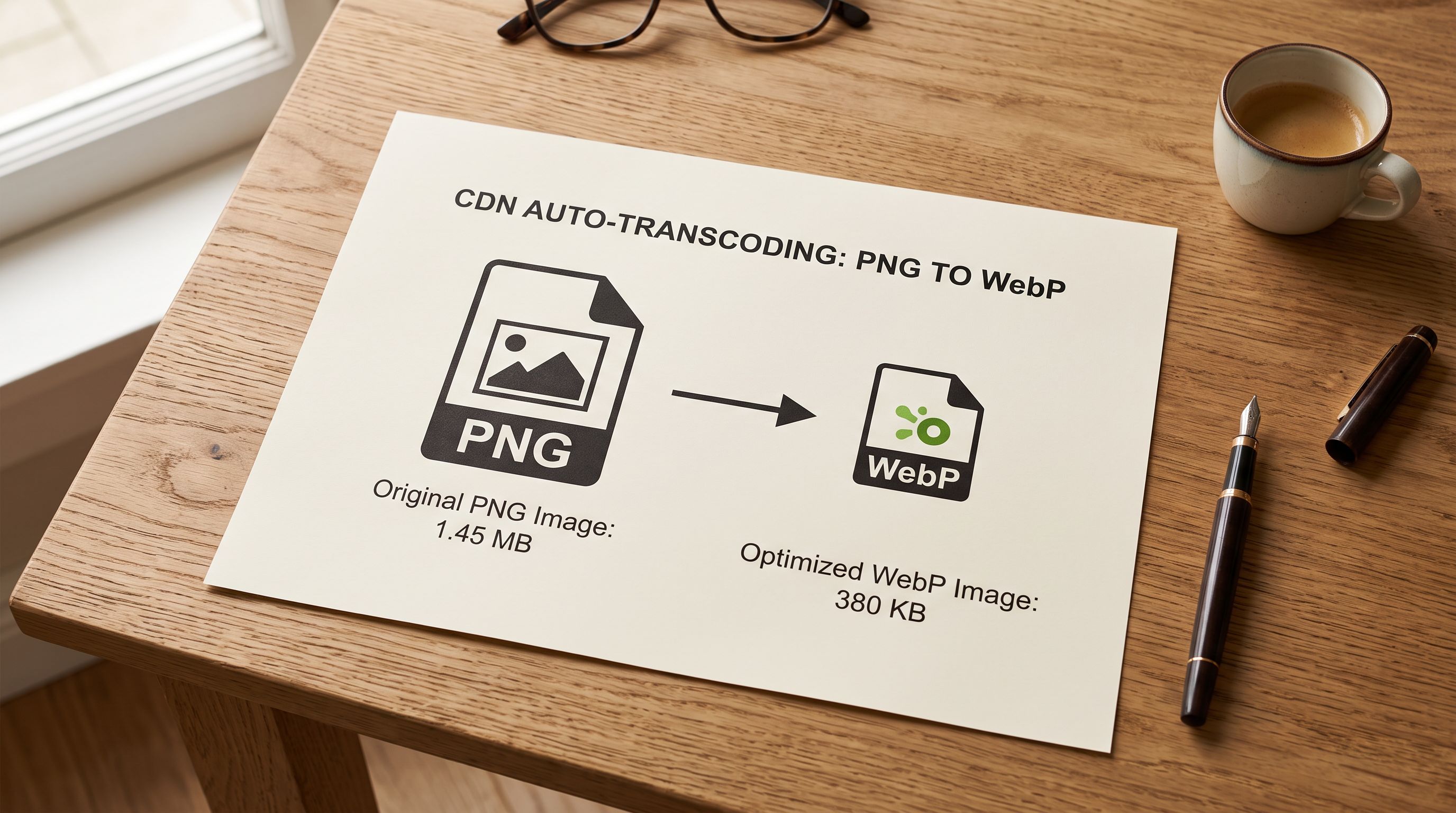
Shopify's image pipeline performs one optimisation automatically: format transcoding. When a PNG or JPEG is uploaded to Shopify, the CDN serves it as WebP to browsers that support the format (which covers over 95% of current browser sessions). This reduces file size meaningfully. A 4MB PNG can become a 900KB WebP file serving the same visual content.
What Shopify does not do is resize. If the source image is 4,000 x 4,000 pixels, the WebP file served to the browser is also 4,000 x 4,000 pixels. The browser downloads the full-resolution image and then scales it down with CSS to fit the product page layout (typically a maximum display width of 800-1,200 pixels) depending on the theme and viewport.
This matters for Core Web Vitals because the browser's download time is determined by file size, not by the rendered dimensions on screen. A product page that displays a 900px-wide hero image but downloads a 4,000 x 4,000px WebP file is transferring roughly four times the data needed. On a median mobile connection, this adds 1-3 seconds to the Largest Contentful Paint (LCP) measurement, the metric Google uses to assess perceived load speed.
Google's page experience documentation treats Core Web Vitals as a ranking signal for mobile search results. A store with poor LCP scores across product pages is measurably disadvantaged in mobile organic search relative to competitors whose product pages load faster.
What File Sizes and Dimensions Shopify Recommends
Shopify's recommended product image specifications for theme performance are: maximum 2,048 x 2,048 pixels, JPEG or PNG source file, under 20MB for upload (though Shopify's own CDN recommends targeting well under 1MB for individual product images). The 20MB limit is a technical upload cap, not a performance target.
For practical page speed, the target is smaller. At a 2,048 x 2,048 pixel source dimension, a well-optimised JPEG or WebP should produce a file under 500KB for a product shot on a clean background. Complex textures, lifestyle imagery, or multi-element shots run larger, but 500KB-800KB is a reasonable ceiling before the image starts affecting LCP on slower connections.
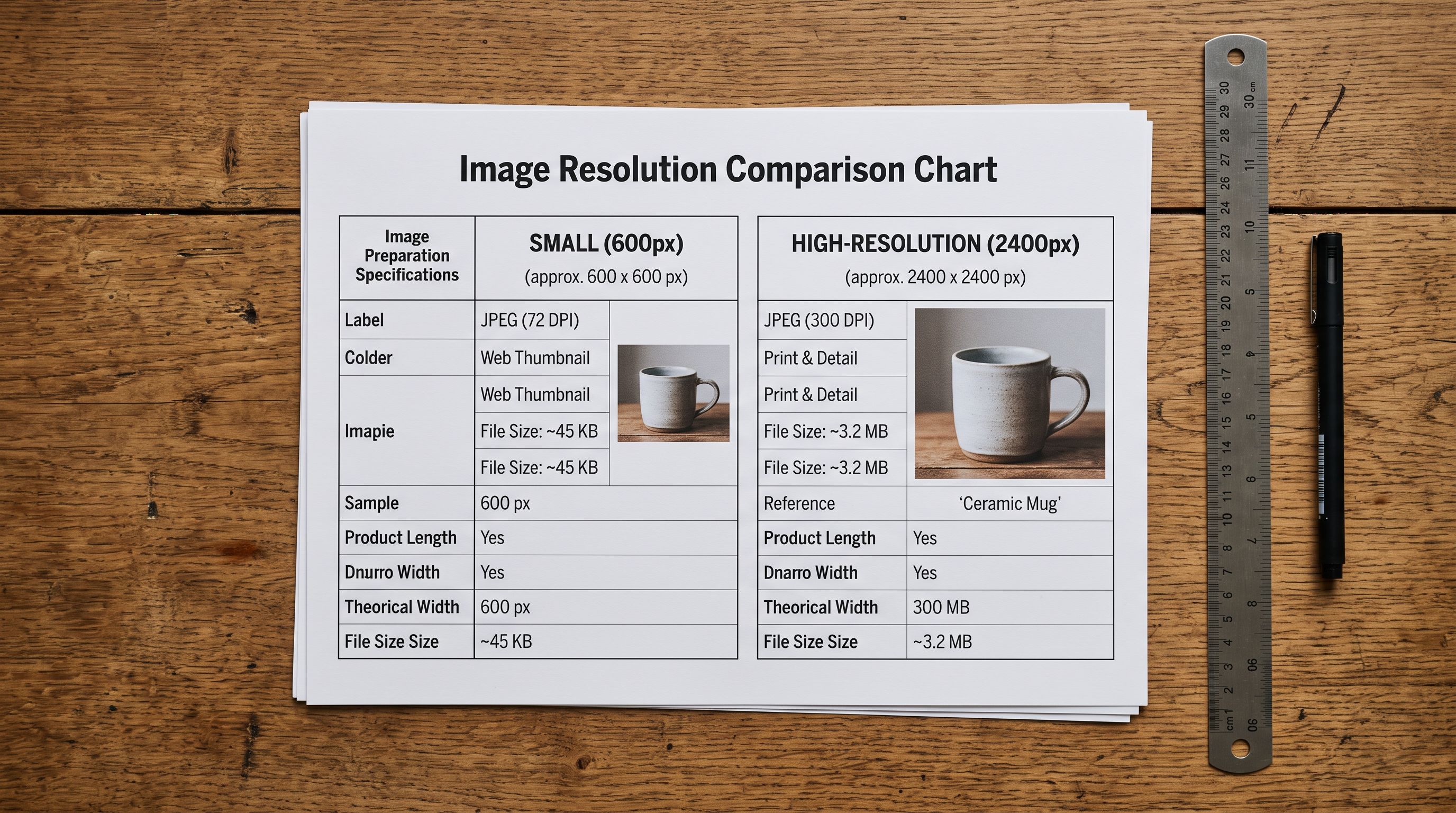
Supplier-provided images frequently exceed these targets. Studio catalogues, wholesale PDFs, and product databases often export at print resolution: 300 DPI at A4 size produces a 3,508 x 2,480 pixel image. At 72 DPI screen resolution, an image displayed at 900px wide needs only 900 pixels of source data. The extra resolution is invisible on screen and costs bandwidth.
How Oversized Images Affect Core Web Vitals Beyond LCP
LCP is the most visible impact of oversized product images, but it is not the only Core Web Vitals metric affected. Cumulative Layout Shift (CLS) is also image-sensitive. CLS measures visual instability: the degree to which elements move as the page loads. Product images that load slowly cause other page elements (price, add-to-cart button, reviews) to shift as the image completes loading and the browser recalculates layout. Shopify themes that do not reserve explicit space for product images before they load are especially vulnerable to this.
A product page that specifies image dimensions in the HTML prevents the layout shift: the browser allocates the correct amount of space before the image downloads, so nothing moves when the image appears. Supplier images with inconsistent aspect ratios (a mix of square, portrait, and landscape images in the same import batch) create this problem because the theme cannot reserve a consistent space for images with varying proportions. Standardising image dimensions before import eliminates the source of the CLS problem.
Google's image search documentation notes that high-quality images are a ranking factor for image search and Google Shopping carousels, but "high quality" means appropriate resolution for the display context, not maximum resolution. A sharp 900px-wide product image on a mobile product page is higher quality for Google's purposes than a 4,000px-wide image that loads slowly and degrades user experience.
Preparing Images Before Import
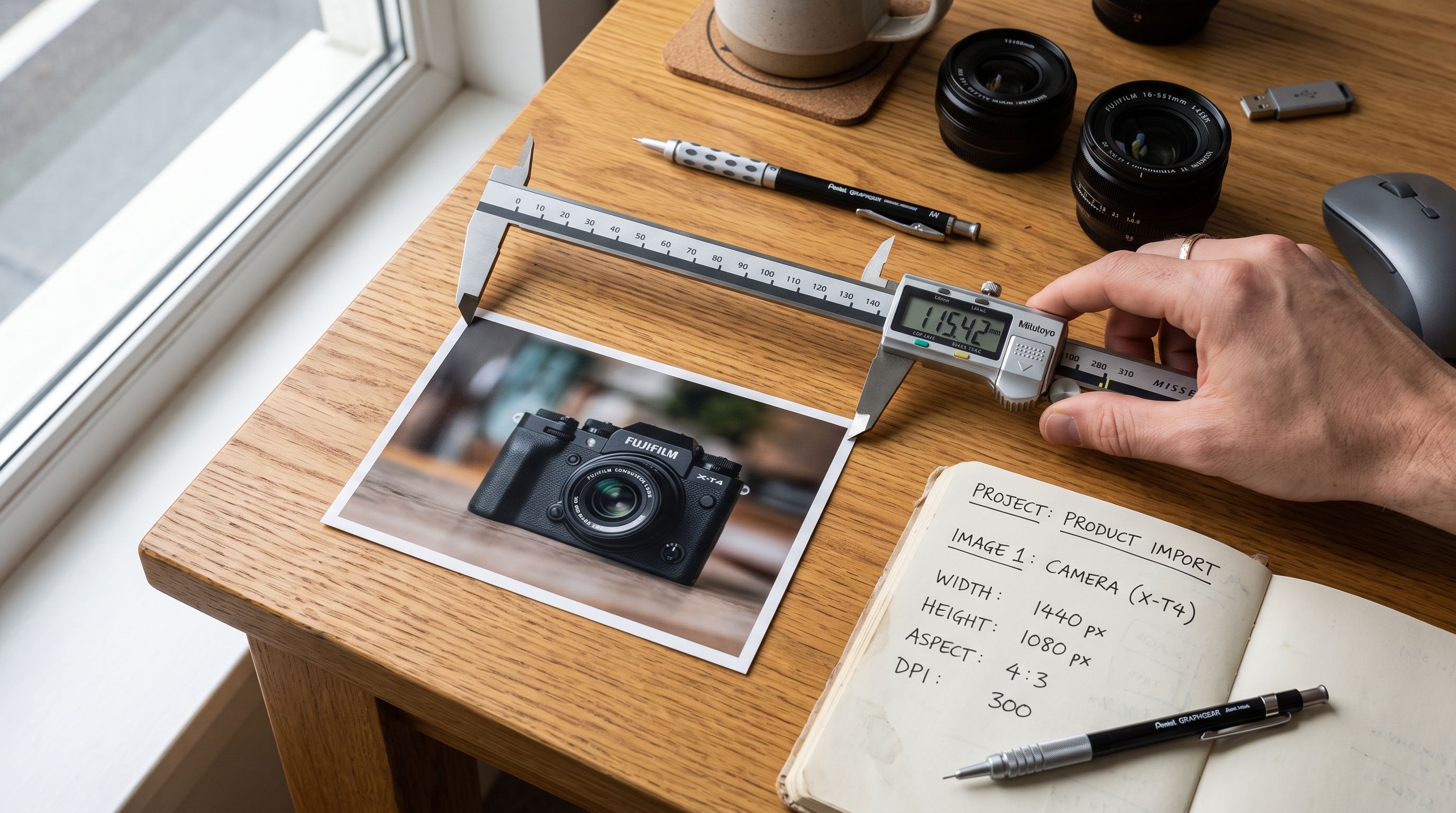
- 01Step 1Before running the import, audit a sample of supplier images. Open 5-10 images from the source file and check their pixel dimensions. If any images exceed 2,048px on either dimension, the full batch needs resizing before import. Tools for batch resizing: ImageMagick (command line, free), Squoosh (browser-based, free, Google), or Adobe Bridge Export with custom size preset.
- 02Step 2Set a consistent target dimension for the batch. For most Shopify themes, 2,048 x 2,048px (square) or 2,048px on the longest edge (for non-square images) is the practical ceiling. Set JPEG quality to 80-85%, which produces files under 400KB for most product shots with no visible quality loss at screen resolution.
- 03Step 3Standardise aspect ratios across the import batch if the theme uses a fixed-aspect product grid. Square (1:1) is the most compatible ratio across Shopify themes. If supplier images are a mix of square, portrait, and landscape, crop or pad to square during the batch resize step. This eliminates the CLS risk from inconsistent image dimensions.
- 04Step 4In Importier's column mapping step, map the Image Src column to the Shopify image field. For Google Drive imports, use Importier's Google Drive folder URL input. Importier downloads images from the shared folder and re-hosts them on the store's own media storage, rather than linking to the Google Drive URL directly. A Google Drive sharing link expires; a re-hosted image does not.
- 05Step 5After the import completes, verify LCP on a sample of product pages using PageSpeed Insights at developers.google.com/speed/pagespeed/insights. Check that the LCP element is identified as the product image and that the LCP score is under 2.5 seconds for a Good rating. If LCP is above 4 seconds, the source images are likely still oversized and need to be re-prepared and re-imported.
Marketplace Imports and Image Re-Hosting
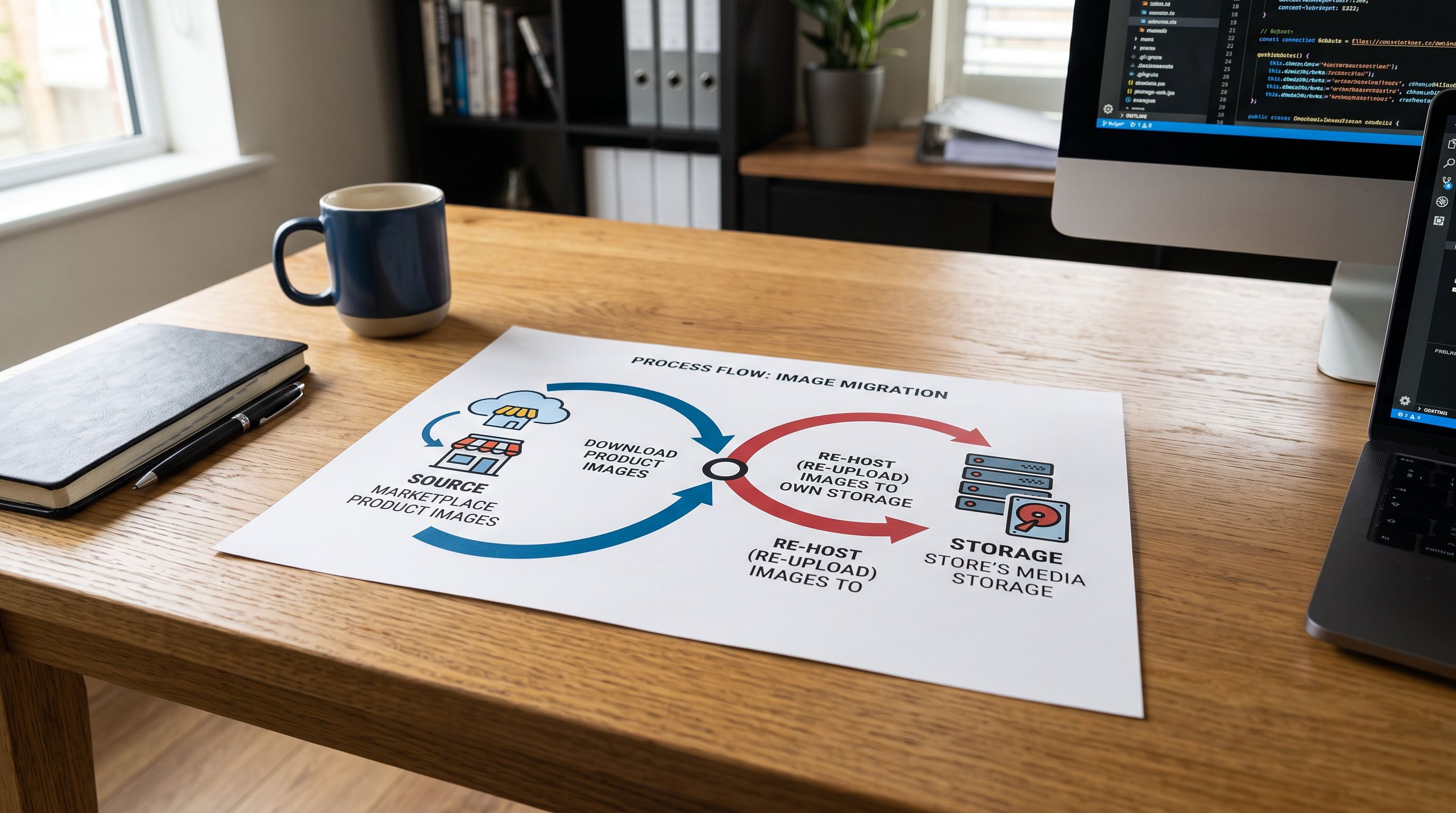
For marketplace imports (Amazon, eBay, AliExpress, Walmart), the image handling is different from CSV imports. Importier downloads product images from the marketplace source and re-hosts them on the store's own media storage, rather than linking to the marketplace CDN URL. This matters for page speed in two ways.
First, marketplace image URLs are not permanent. Amazon product images are served from Amazon's CDN with access controls that change over time. Linking to an Amazon image URL rather than re-hosting means the product image will eventually break, often silently. Importier's image re-hosting prevents this.

Second, marketplace images are frequently optimised for the source platform's display dimensions, not for Shopify's. An Amazon product image is sized for Amazon's listing page. The resolution and file size may not match Shopify's recommended specifications. When Importier re-hosts the image, the merchant can apply further optimisation before the image lands in their media library.
For CSV imports from supplier catalogues, Importier passes the image URL from the source column to Shopify's import flow. Shopify then fetches the image from the URL at import time. If the source URL serves an oversized image, Shopify downloads the full-resolution file and stores it as-is (transcoding to WebP for CDN delivery, but not resizing). The resize step must happen before the image URL is included in the CSV.
Importier's image import guide covers the full mechanics of image URL mapping in CSV imports, including how Importier handles multi-image products (multiple image URLs per product row). For merchants using Google Drive as an image source, Importier's Google Drive image import guide explains the folder URL format and permission requirements.
Shopify's CDN converts format. It does not resize resolution. A supplier image at 4,000 x 4,000 pixels costs the same download time in WebP as it did in PNG. The resize happens before upload, or not at all.
- 4,000px+ source dimensions preserved after upload
- WebP conversion reduces file size but not pixel count
- LCP above 4 seconds on mobile product pages
- Inconsistent aspect ratios cause CLS on product grids
- Google Shopping carousels may display at wrong crop
- Core Web Vitals: Poor for LCP on product pages
- 2,048px max dimension: browser downloads only what it displays
- File size under 500KB: LCP under 2.5 seconds on median mobile connection
- Square 1:1 aspect ratio: no CLS from image dimension variance
- Google Drive import with Importier re-hosting: image URL is permanent
- Consistent image dimensions: Google Shopping crops correctly
- Core Web Vitals: Good for LCP on product pages
Missing Images and Their SEO Cost
Oversized images are one side of the image quality problem. Missing images are the other. A product imported without images is invisible in two places simultaneously: on the product page (no image = no visual conversion signal) and in Google Shopping (no image = feed rejection or reduced visibility in Shopping carousels).
Google Shopping's feed requirements treat a missing or unresolvable image URL as a disapproval reason. A product with no image cannot appear in Google Shopping results. For a store that imports 200 products and half of them have missing or broken image URLs, half the potential Google Shopping inventory is immediately ineligible.
Importier's Store Scanner identifies products with missing descriptions, but image presence is a separate check. After an import, filtering the Shopify admin product list by "has no media" shows every product that landed without an image attached. These need to be addressed before the product feed is submitted to Google Merchant Centre.
Shopify Product Images and Page Speed: Key Takeaways
Getting shopify product images page speed import right requires treating image preparation as a step that happens before the import, not during or after it.
- Shopify transcodes PNG and JPEG uploads to WebP for CDN delivery but does not resize pixel dimensions. A 4,000 x 4,000px supplier image served as WebP is still a 4,000 x 4,000px download request. Resize must happen before upload.
- The practical target for Shopify product images is 2,048px on the longest edge, JPEG quality 80-85%, targeting under 500KB per file. This produces LCP scores under 2.5 seconds on median mobile connections.
- Inconsistent aspect ratios in an import batch cause Cumulative Layout Shift (CLS) if the theme does not reserve fixed space for product images. Standardising to square (1:1) before import eliminates the source of this CLS.
- Importier re-hosts marketplace images (Amazon, eBay, AliExpress) on the store's own media storage at import time. This prevents image URL expiry and gives the merchant control over the final hosted file.
- Missing images after import are a Google Shopping feed disapproval reason. Filter the Shopify admin product list by "has no media" after every import and resolve before submitting to Google Merchant Centre.
- Core Web Vitals are a mobile search ranking signal. Product pages that fail LCP are measurably disadvantaged relative to competitors with faster-loading images, regardless of how good the product descriptions are.
Import products with images that perform at importier.app. Importier's Google Drive import and marketplace image re-hosting give you control over image quality before files reach Shopify.
Set up your first import in under five minutes.
Importier brings products into Shopify with AI descriptions, category metafields, and data enrichment on every run.