Shopify Product Description Tone: When to Use Each

On this page
Two Shopify stores sell the same hiking boots. Both use AI to generate product descriptions. Both choose the Benefits-First style with an outdoor gear persona. The descriptions look structurally similar on screen: same length, same heading order, same feature list. But one store sells to weekend trail runners, the other supplies corporate wellness programmes. Their buyers read and decide differently.
The setting that separates those two descriptions is Shopify product description tone.
Tone is not the same thing as style or persona. It is the emotional register of the writing: how formal the language is, how direct the pitch, how much warmth sits beneath the copy. Getting it wrong means technically accurate descriptions that bounce off the wrong audience, even when every other setting is correct.
What Tone Does That Style and Persona Cannot
Style controls the architecture of a description: what sections appear and in what order. The Benefits-First style leads with outcomes. The Technical Gadget style leads with specifications. The Sensory-Rich style builds through physical detail.
Persona controls the domain vocabulary and knowledge lens. A perfumer persona describes a fragrance differently than a retail buyer does. An electronics engineer describes storage specs differently than a general tech journalist.
Tone operates at a different level entirely. It sets how formally or casually the language reads, how much the copy pushes toward a purchase decision, and how emotionally elevated the writing feels. Two descriptions using the same style and persona but different tones read like they came from different brands, because they should.
Most merchants who set up AI descriptions pick a style and persona and leave tone at the default. The default in Importier is Professional, which works well for B2B audiences and product-heavy catalogues. For a lifestyle brand, a luxury retailer, or a store selling to first-time buyers, Professional often produces copy that is technically correct but emotionally flat.
The 5 Shopify Product Description Tones in Importier
Professional. The baseline tone. Clear, confident, and free of sales pressure. Works well for B2B procurement audiences, industrial products, and any category where the buyer is evaluating specifications rather than imagining ownership. A Professional description of a heavy-duty cable management system reads like it was written for a facilities manager, not an interior decorator. Recommended for: wholesale and B2B catalogues, office supplies, industrial equipment, medical and safety products.
Casual. Relaxed, direct, and conversational without being flippant. Casual descriptions read like a recommendation from someone who uses the product regularly and knows its quirks. The language is shorter, the sentences more direct, the attitude warmer. Works well when the buyer is an everyday consumer shopping for themselves rather than a procurement professional. Recommended for: food and beverage, apparel basics, everyday homewares, pet products, fast-moving consumer goods.
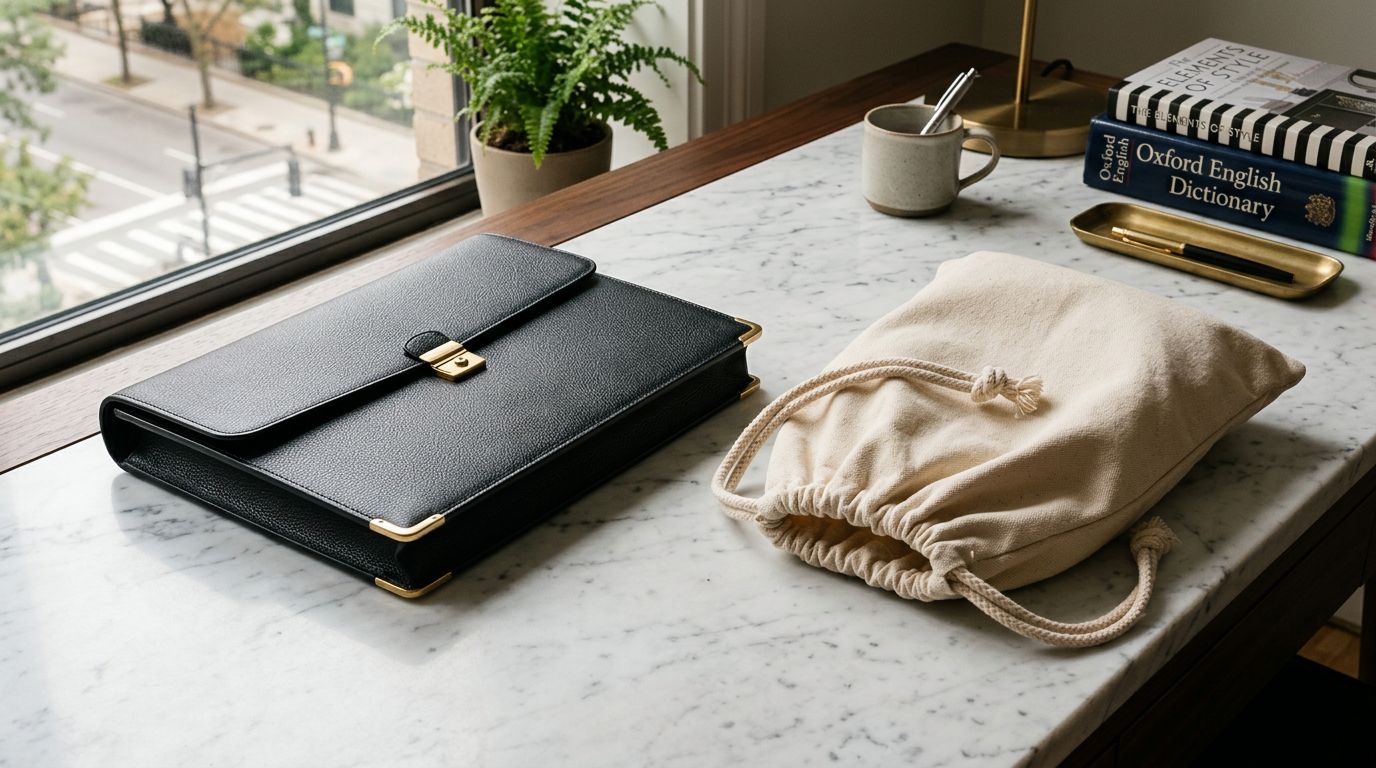
Persuasive. Built for conversion. Persuasive descriptions foreground urgency, value, and the cost of not buying. The language is more active, the benefits more explicitly stated, and the copy moves toward a decision faster than other tones. In practice, Persuasive works best on high-intent pages: shoppers who have already searched specifically for this product and arrived at the page ready to compare. Recommended for: promotional and sale products, high-consideration purchases, clearance items, first-purchase conversion.
Luxurious. Elevated and unhurried. A Luxurious description takes time to linger on materials, provenance, craftsmanship, and experience. It does not sell. It presents. The language assumes the buyer is discerning and treats them accordingly. A Luxurious description of a cashmere blanket talks about the hand-feel of the weave, the heritage of the textile, the quietness of the colour palette. Recommended for: premium fashion, jewellery, high-end skincare and fragrance, luxury homewares, artisan food and beverage at the gift end of the market.
Technical. Precision-first. Technical descriptions organise around specifications, compatibility, performance data, and exact capability. The writing assumes the reader has enough domain knowledge to evaluate what they are reading. There is no simplification, no analogies, no emotional framing. Recommended for: electronics, power tools, engineering components, audio equipment, photography gear, anything where the buyer is specifying rather than browsing.
Matching Tone to Your Audience
Matching Tone to Buyer Intent, Not Just Product Category
The most common mistake merchants make when choosing a tone is selecting it by product type rather than buyer intent. Product type tells you what you are selling. Buyer intent tells you who is reading the description in the moment they are about to decide.
Consider industrial safety equipment. Sold to a procurement manager sourcing PPE for a 200-person site: Professional. Sold to an engineer specifying respirator ratings for a compliance audit: Technical. Both are the same product category. Both require completely different descriptions.
Consider artisan chocolate. Sold on a food subscription platform to gift buyers: Luxurious. Sold at a farmers market price point where the buyer is looking for an everyday treat: Casual. The tone that works for a gift positioning creates the wrong register at a mass-market price point.
In our experience, merchants who run large mixed catalogues tend to over-apply Professional because it is the safe default. For many product types and audiences, this is the right call. But for brands with a strong identity (whether casual, luxurious, or technically expert), Professional produces descriptions that feel detached from the rest of the brand experience.
Merchants who run large mixed catalogues tend to over-apply Professional because it is the safe default. For brands with a strong identity, it is often the wrong one.

When One Tone Fits the Whole Catalogue
For stores with a coherent brand identity and a single primary audience, one tone across the entire catalogue is usually the right decision. Consistency signals intentionality. A buyer browsing a premium homeware store should read descriptions that feel like they came from the same brand voice on every product page, whether the item is a $30 candle or a $600 rug.
Importier applies tone at the import or Store Scanner run level. Set the tone once, and every description generated in that run uses it. For a new catalogue import, this means the tone choice flows through every product automatically. For an existing catalogue, a Store Scanner run in Replace mode regenerates every description in the collection with the chosen tone.
A uniform tone also simplifies ongoing maintenance. When new products arrive from a supplier and get imported on a schedule, the tone setting is stored with the import configuration. Every automated run applies the same tone without requiring manual review of the settings each time.
When Different Collections Need Different Tones
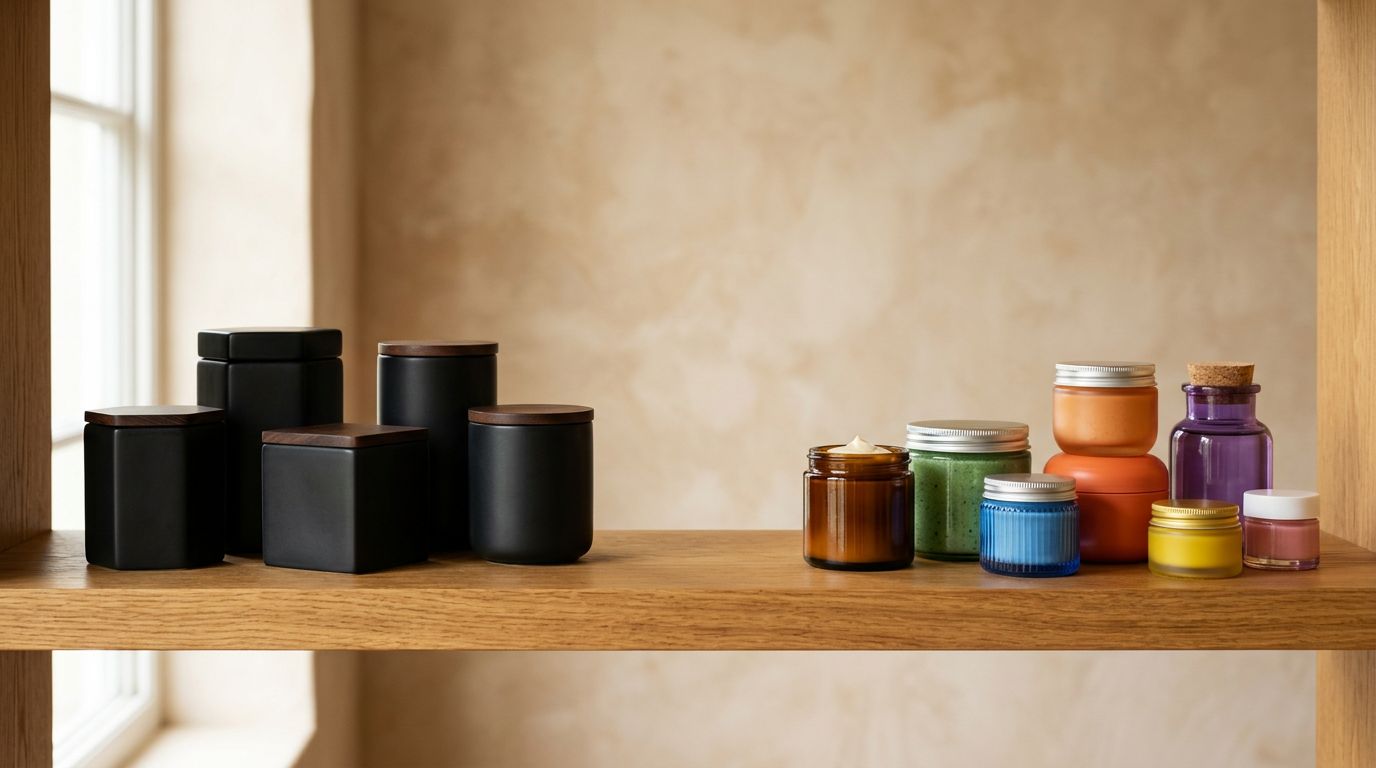
Mixed catalogues with distinct buyer segments benefit from per-collection tone control. A health and nutrition store selling both high-performance protein supplements (gym audience, macros-focused, Technical or Professional) and adaptogen wellness teas (general wellness audience, Casual or Luxurious) has two different readers landing on product pages in the same store.
Running one Store Scanner batch scoped to the supplements collection and another scoped to the teas lets you apply Technical to the first and Casual to the second without touching the other. The filter options in Store Scanner (collection, vendor, SKU prefix) give you the scope control to treat catalogue slices as independent tone decisions.
- Same Professional register across lifestyle and B2B products
- Gift-tier copy at mass-market price points
- Flat descriptions on fashion and homeware
- Hours of manual editing to retone a collection
- Technical for specs-focused buyers, Casual for everyday shoppers
- Luxurious register for premium, Casual for staples
- Replace mode retones any collection in minutes
- Scheduled imports apply the right tone automatically
This approach works well for agencies managing client stores too. A store with a premium fashion collection and a basics range can have Luxurious descriptions for one and Casual for the other. The configuration is done once per batch and saved in Import History alongside the other settings used for that run.
Pairing Tone With Style and Persona
Tone, style, and persona are three independent controls that combine to shape output quality. Importier's AI description generation offers 7 styles and 156 expert personas across 43 industries. Tone sets the formality and emotional register across any of those combinations.
Style determines what information appears in the description and how it is structured. Persona determines the vocabulary and domain expertise behind the writing. Tone determines the emotional register and formality level. All three need to align for the description to feel cohesive rather than generic.
Some combinations produce consistently strong output for specific product categories:
- Luxurious + Sensory-Rich + Perfumer persona works for luxury fragrance and beauty. The style builds through physical sensation. The persona provides the vocabulary of the craft. The Luxurious tone holds the whole piece at the right register.
- Technical + Technical Gadget + Electronics specialist persona works for specifications-heavy electronics. The style organises around performance data. The persona brings the domain vocabulary. The Technical tone eliminates emotional language that would feel misplaced.
- Casual + Benefits-First + Fitness trainer persona works for activewear and supplements sold to fitness audiences. The style leads with outcomes. The persona has the right motivational register. The Casual tone keeps the copy readable and direct.
- Professional + Standard + Supply chain manager persona works for B2B industrial catalogues. The style is structured and complete. The persona understands procurement language. The Professional tone maintains the formality the audience expects.
The combination matters most when Brand Voice is also configured. Brand Voice layers over the AI output to enforce your specific vocabulary choices, keywords, and phrases to avoid. The result is descriptions that match both the industry register (via persona and style) and the house voice (via Brand Voice and tone), without requiring post-generation editing for every product. Read more about Brand Voice for AI product descriptions to understand how it works alongside tone.

Applying a Shopify Product Description Tone Change
If your catalogue already has AI descriptions generated at the default Professional tone and you want to shift to Casual or Luxurious, the fix does not require a manual rewrite. Store Scanner in Replace mode regenerates descriptions for any filtered set of products, and each run gets its own tone configuration.
Select the collection you want to retone, set the tone to the new value, configure your style and persona, and run. For a 500-product collection, Importier generates new descriptions in minutes; a manual rewrite at that scale takes days. See how to bulk update Shopify product descriptions for the full Store Scanner workflow.
- 01Open Store Scanner in ImportierFilter to the collection you want to retone
- 02Set the new toneChoose from Professional, Casual, Persuasive, Luxurious, or Technical
- 03Configure style and personaMatch these to your audience alongside the tone
- 04Run in Replace modeImportier generates new descriptions and overwrites the existing ones
If your catalogue includes variant descriptions stored as metafields, those can also be regenerated with a new tone through the same process. The tone setting applies to variant-level content in the same way it applies to product-level content. For more detail on variant descriptions and how they pair with tone settings, the variant descriptions guide covers the setup in full.
For catalogues on Scheduled Imports, tone is stored with the import configuration and applies automatically to every subsequent run. New products from a supplier are described in the same tone as the rest of the catalogue without requiring you to revisit the settings. The consistency holds across every cycle.
If you have been generating descriptions without setting tone explicitly, Professional is what you have been getting. For a B2B or industrial catalogue, that is often the right result without any change needed. For a consumer brand, a lifestyle store, or a premium retailer, the difference between Professional and the right tone for your audience shows up in descriptions that either land or miss.
Key Takeaways
- Tone is separate from style and persona. Style shapes the structure of the description. Persona provides the domain vocabulary. Tone sets the formality and emotional register, and all three must align for the output to feel cohesive.
- Match tone to buyer intent, not just product category. The same industrial product needs a different tone for a procurement manager than it does for an engineer specifying compliance requirements.
- For brand-consistent stores, one tone across the entire catalogue signals intentionality and keeps every product page reading from the same brand voice.
- For mixed catalogues with distinct buyer segments, separate Store Scanner runs scoped by collection let you apply different tones to different product groups without touching the rest.
- If your existing AI descriptions were generated at the default Professional tone and your audience calls for something different, Store Scanner in Replace mode retones an entire collection in minutes without manual rewriting.
Try Importier free at importier.app
Set up your first import in under five minutes.
Importier brings products into Shopify with AI descriptions, category metafields, and data enrichment on every run.