Shopify Brand Voice for Product Descriptions: A Setup Guide

On this page
How to Give Shopify AI Product Descriptions a Consistent Brand Voice
You have spent years building a recognisable brand voice for your store. Your product descriptions have a specific energy: warm, direct, confident, or technical, depending on what makes your products sell. That voice is one of the things that makes your store feel like a real business rather than a catalogue of listings.
Then you switch on AI description generation. The output is grammatically correct, well-structured, and completely generic. It sounds like every other Shopify store.
Why AI Descriptions Default to Generic
AI models are trained on broad data. Without specific guidance, they produce descriptions that sit in the neutral middle: accurate, inoffensive, and indistinguishable from your competitors.
This is not a technical limitation. It is a consequence of providing no brand context. The same model that generates bland copy for a furniture store can generate sharp, specific copy for a climbing gear retailer when it knows what that retailer actually sounds like.
The typical workaround is to generate descriptions in bulk, then manually edit each one to inject personality. For a catalogue of 200 products, that is 200 editing sessions. At 15-20 minutes of editing per product, that is 50-66 hours of post-generation work that defeats much of the purpose of AI generation in the first place.
Importier's Brand Voice feature solves this before generation starts, not after.
Understanding Brand Voice
What Brand Voice Means for Product Descriptions
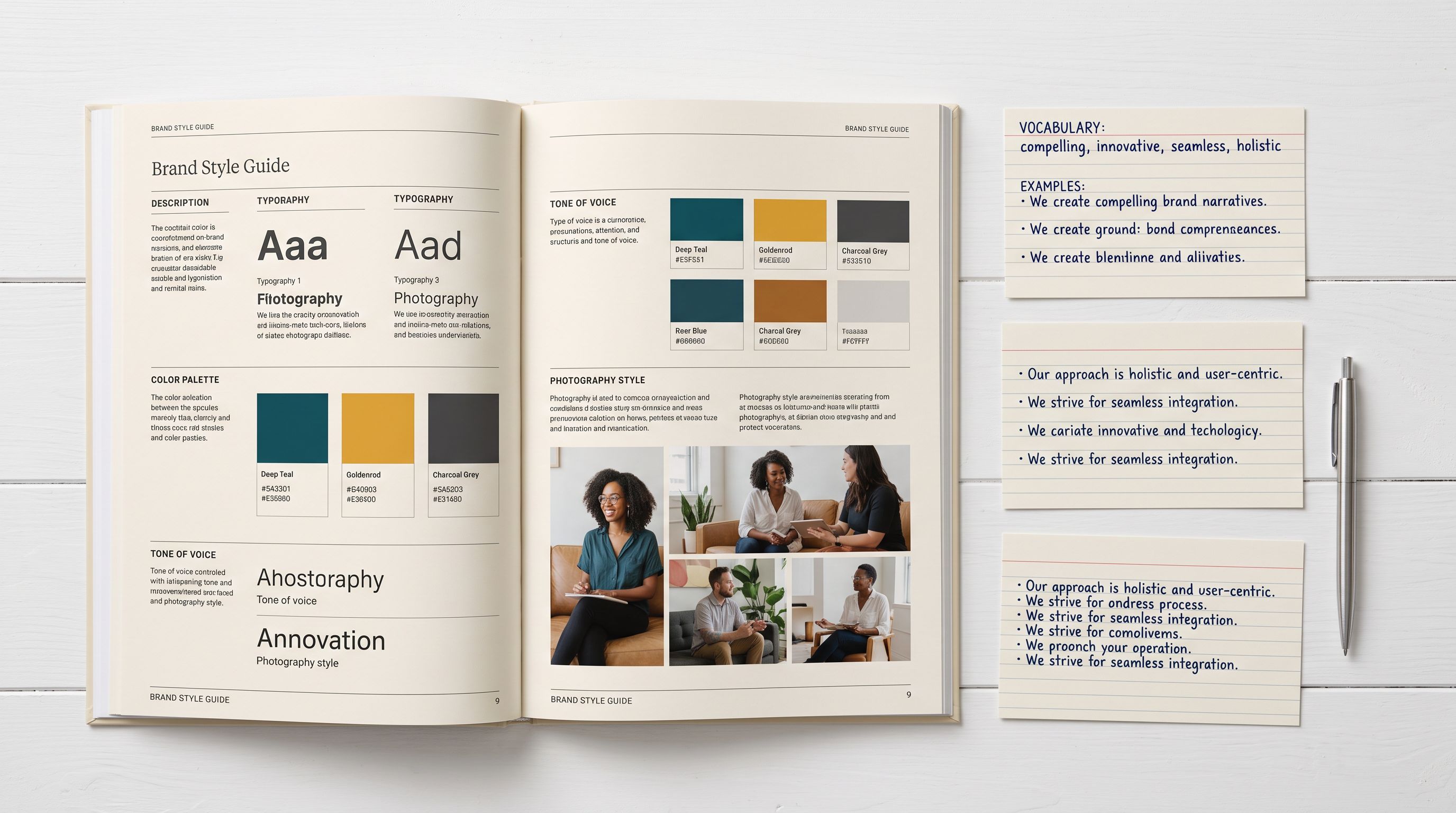
Brand voice is the combination of tone, vocabulary, emphasis, and personality that makes a piece of writing sound like your store and not someone else's.
For product descriptions, this translates to four practical inputs:
Voice description: A freeform explanation of how your brand sounds. Examples: "Warm and direct, like a knowledgeable friend recommending a product" or "Technical and precise, written for engineers who need specifications first."
Keywords to include: Terms your brand actively uses. A sustainable homewares store might specify "natural fibres, artisan-made, low-impact, Australian-owned." A technical electronics brand might specify "engineered for, rated to, precision-calibrated."
Words to avoid: Terms that conflict with your positioning. A luxury retailer avoids "cheap", "affordable", "budget". A premium brand avoids "ordinary" and "basic" when "precise" and "considered" better fit their voice.
Example copy: One or two of your strongest existing product descriptions. The AI analyses your actual sentences, not just your stated preferences, and calibrates its output to match your structure, paragraph length, and vocabulary choices.

Configuration
How Importier's Brand Voice Feature Works
Importier's Brand Voice integration connects directly to the AI description generator. When Brand Voice is configured, every description generated through the 14-step import wizard or the Store Scanner passes through your brand guidelines before it reaches your catalogue.
This applies across all 7 description styles (Standard, Technical Gadget, Emotional Storytelling, Benefits-First, Sensory-Rich, Ingredient Spotlight, and Custom) and all 25 AI models available on your plan. The model and style determine how the description is structured. Your Brand Voice guidelines determine how it sounds.
Brand Voice is available on all plans, including the free Explore tier. You do not need a paid subscription to configure it before your first import.
If you are new to generating descriptions at scale, our complete guide to Shopify AI product descriptions covers how the 7 styles and 25 models work before you layer in Brand Voice settings.
Setting Up Brand Voice in Importier
The setup takes about 5 minutes. Open Importier in your Shopify admin, navigate to AI Descriptions settings, and enable Brand Voice. Four fields appear.
- 01Voice descriptionWrite a short paragraph describing your brand personality, including product category, target customer, desired tone, and what to avoid
- 02Keywords to includeList 5-10 words and phrases you want the AI to use naturally in descriptions
- 03Words to avoidList terms that feel off-brand, being as specific as possible
- 04Example copyPaste 2-3 of your strongest existing descriptions with variety in product type
- 05Save settingsEvery AI description Importier generates from this point uses your Brand Voice guidelines
Voice description: Write a short paragraph describing your brand's personality. Treat this like a brief to a copywriter. Include the product category, your target customer, the tone you want, and what you want to avoid. "We sell premium outdoor climbing gear. Write confidently and practically. Lead with the technical specification that matters most: weight rating for harnesses, R-value for sleeping pads. Follow with practical field notes about real use cases. Never use discount language."
Keywords to include: List the words and phrases you want the AI to use when they fit naturally. Keep this to 5-10 terms. More than that dilutes the signal.
Words to avoid: List terms that feel off-brand. Be specific. "Affordable" is more useful as an avoid word than "cheap" because it catches the politely off-brand version too.
Example copy: Paste in two or three of your strongest existing descriptions. Choose variety: one straightforward product, one complex, one with technical specifications. This field carries more weight than the others because the AI reads your actual writing rather than an abstract description of it.
Save the settings. Every AI description Importier generates from this point uses your Brand Voice guidelines as the starting point.

Choosing the Right Voice Description
The voice description field rewards specificity. Generic instructions produce generic output.
Compare these two:
- Professional and friendly
- Suitable for all audiences
- No specific context or rules
- Names the product category and target customer
- Prioritises specifications by product type
- Lists what to exclude: price, jargon, brand-speak
Weak: "Professional and friendly, suitable for all audiences."
Stronger: "We sell technical climbing equipment to experienced climbers. Write in plain language. Lead with the technical specification that matters most for the product type: weight rating for harnesses, pack volume for bags, R-value for sleeping pads. Follow with practical field notes about real use cases and conditions. Never mention price in a description. Avoid corporate jargon and brand-speak."
The second version gives the AI a specific context, a prioritisation rule, examples of the right structure, and a list of what to exclude. Descriptions generated with that instruction require no editing for tone.
Advanced Configuration
Using Example Copy to Anchor Your Voice
The example copy field is where Brand Voice gets precise. A voice description tells the AI what you want. An actual example shows the AI what you mean.
Paste in two or three descriptions you are proud of. Choose products with different types of content: one with technical specifications, one that leans on materiality or provenance, one that is more brief and punchy. The AI builds a working model from these examples and applies the resulting style to your entire catalogue.
If your strongest descriptions were written years ago and no longer reflect your current brand direction, update one or two before configuring Brand Voice. The quality of your example copy directly affects the quality of the generated output.
Brand Voice for Agencies and Multi-Store Operations
If you manage multiple Shopify stores, Importier stores Brand Voice settings separately for each store. Each store has its own voice description, keyword list, avoid list, and example copy.
A luxury furniture client and a budget outdoor retailer can both be managed through Importier with completely different Brand Voice configurations. Descriptions generated for each store follow only that store's guidelines, with no bleed between accounts.
When onboarding a new client store, treat the Brand Voice setup as a standard step in the process, alongside store settings and plan selection. A 5-minute configuration at the start of the engagement eliminates the need for post-generation editing on every product import thereafter.

Results
What Improves When AI Knows Your Voice
The practical difference shows up most clearly in post-generation editing time.
- 15-20 minutes editing per product
- 50-66 hours for a 200-product catalogue
- Every description needs tone review
- Brand voice rebuilt one product at a time
- Descriptions arrive on-brand from first generation
- Most descriptions need no tone editing
- Editing time drops substantially across catalogue
- Publish directly without manual rework
Without Brand Voice configured, AI-generated descriptions typically need review and editing before they sound like your store. For brand-sensitive categories such as fashion, lifestyle goods, premium retail, and food and beverage, this review is not optional. At 15-20 minutes of editing per product, a 200-product catalogue represents 50-66 hours of work that happens after the AI generation is already done.
With Brand Voice configured, descriptions arrive on-brand from the first generation. Unusual or niche products may still need review, since the AI has less context for highly specific items, but the average editing time drops substantially across a standard catalogue.
For a catalogue of 500 products, the difference is measured in days. The AI does not just generate descriptions faster. It generates descriptions you can publish directly, without having to rebuild your brand voice one product at a time.
Pairing Brand Voice With the Rest of Importier
Brand Voice carries through the full Importier content stack. The same guidelines you configure for standard descriptions also apply to:
Variant descriptions (Scale and Enterprise plans): per-variant AI descriptions stored as Shopify metafields, each written in your brand voice. You can write unique descriptions for every product variant at scale without editing each one for tone after generation.
Delivery and returns content: the policy text appended to every AI-generated description is written in your brand voice, not in generic policy language.
Store Scanner: when you use Store Scanner to bulk update existing descriptions, the newly generated content follows your Brand Voice settings. You are not just filling in missing descriptions. You are bringing your full existing catalogue into alignment with your current voice.
Key Takeaways
- Brand Voice in Importier takes about 5 minutes to set up and applies to every AI-generated description from that point forward
- Configure four inputs: voice description, keywords to include, words to avoid, and example copy
- The example copy field is the most precise input: the AI calibrates to your actual writing style, not just your stated preferences
- Without Brand Voice, editing 200 AI-generated descriptions for tone takes 50-66 hours; with Brand Voice configured, most descriptions need no tone editing
- Agencies can configure separate Brand Voice profiles for each client store
- Available on all plans including the free Explore tier
- Pair with Store Scanner to apply Brand Voice to your existing catalogue, and with Variant Descriptions for per-variant content at scale
Try Importier free at importier.app

Related Articles
Set up your first import in under five minutes.
Importier brings products into Shopify with AI descriptions, category metafields, and data enrichment on every run.