Shopify Product Data Quality: 5 Fields That Matter
On this page
Shopify Product Data Quality: The 5 Fields That Determine Search, Shopping, and Shipping Outcomes
Most merchants who see underperforming Google Shopping campaigns treat it as a bidding problem. The root cause is usually Shopify product data quality: five specific product data fields (descriptions, category metafields, GTINs, HS codes, and weight) that control how your catalogue performs across search, Shopping, and logistics. The fix is not in campaign settings or theme changes. It is in the data itself.
This article covers each of the five fields: what it controls, what breaks when it is missing, and how to fix it at scale across an established Shopify catalogue.
Field 1: Product Description
Product descriptions directly control two things: how confidently Google can distinguish your product page from competing pages, and whether your Google Merchant Centre feed passes the content quality threshold for Shopping eligibility.
When a description is missing or copied verbatim from a supplier, Google faces a choice between your page and every other retailer using the same supplier copy. Supplier copy is, by definition, distributed to every retailer stocking that product. Google cannot determine which page is authoritative because they are textually identical. The result is suppressed impressions in organic search and reduced eligibility for Shopping ads.
There is a compounding effect worth understanding. A catalogue where 40% of products have blank or supplier-copy descriptions does not just rank poorly for those specific products. It signals lower overall content quality across the domain. Pages with strong descriptions on a site with many thin pages perform worse than identical pages on a consistently well-covered site.
For merchants running a Shopify product SEO audit, Importier's SEO Audit export preset generates a CSV gap map across the full catalogue in two minutes. The output shows every product against its description length, SEO title, meta description, and barcode field. For a 500-product catalogue, this is a far more actionable starting point than manual review.
Fixing descriptions at scale: Store Scanner scans your existing catalogue against a configurable character threshold and identifies products with missing or short descriptions. Running the generator in Replace mode rewrites supplier copy entirely. You choose from 7 description styles (Standard, Technical Gadget, Emotional Storytelling, Benefits-First, Sensory-Rich, Ingredient Spotlight, Custom), 156 expert personas across 43 industry categories, and 25 AI models. For 500 products, a full generation run takes minutes rather than the 125-250 hours required to write descriptions manually.

Field 2: Category Metafield
Category metafields are Shopify's implementation of the Standard Product Taxonomy, a hierarchical classification system that maps directly to Google's product category specification for Merchant Centre. When you assign the correct category metafield to a product, that classification appears in your Merchant Centre feed and tells Google exactly where your product belongs across Shopping results, collections, and on-site search.
For context on what category metafields are and why they matter, including how they differ from custom metafields and how Google uses them in Shopping feeds, the linked guide covers the full background.
When this field is missing, three things break independently.
First, Google classifies your product using its own best guess from the title and description. This works for common products but produces wrong classifications for anything niche or multi-purpose. A misclassified product may appear in the wrong Shopping category, reducing relevance for the queries that actually drive revenue.
Second, Smart Collections built on product type rules may exclude the product, affecting on-site discovery and any collection-based filtering your theme provides.
Third, additional structured attributes cannot be assigned without a taxonomy path. All 22 industry packs and 3,758 attribute types branch from the category classification, so a product with no category has no structured metafield data either.
A wholesale accessories merchant with 300 products had tagged their entire catalogue with "Accessories" as the product type. That category is so broad that Google classified over half the products as "Other" in their Merchant Centre feed. Moving to taxonomy-aligned category metafields shifted 180 products into specific, competitive subcategories (jewellery, belts, wallets) within a single Importier session.
Fixing category metafields at scale: Importier uses two-phase matching. The first phase matches on text (product type, title, description). The second phase uses AI for ambiguous products.
The AI selects from Shopify's pre-defined taxonomy values only, so the output is always a valid taxonomy path rather than a free-text guess. Install only the industry packs that match what you sell.
Field 3: GTIN / Barcode
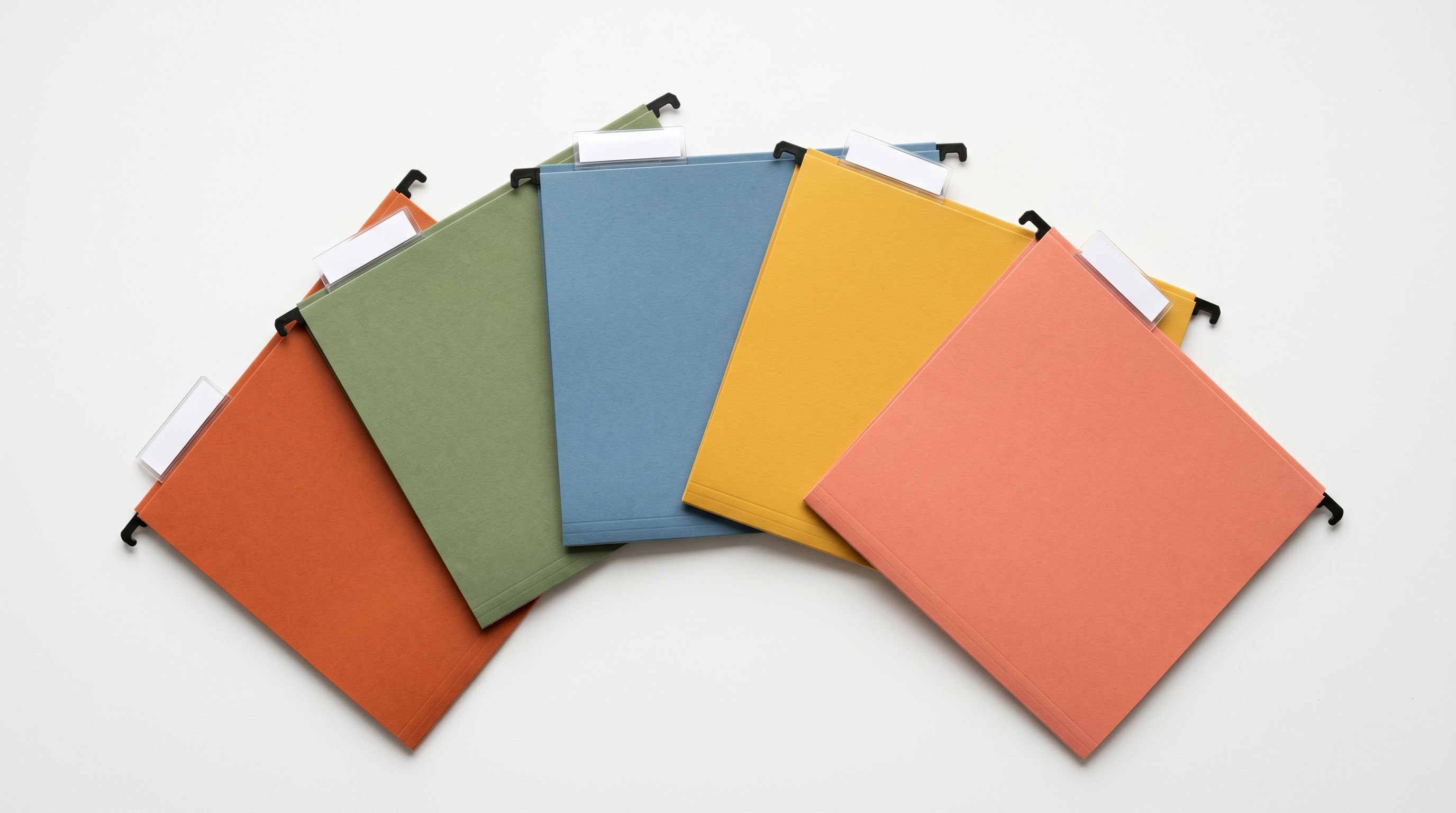
GTINs (Global Trade Item Numbers) are the standardised barcodes your products carry: EAN-13 for most consumer goods, UPC-A in North America, ISBN for books. According to Google's product data specification, products with valid GTINs receive preferential treatment for Shopping auction entry over products without them. In Merchant Centre, a product without a valid GTIN receives a "Limited performance due to missing identifier" notice, which caps Shopping eligibility and reduces impression share.
The problem for most established Shopify stores is not missing barcodes in the obvious sense. The Barcode field often appears populated but contains internal supplier codes: strings like "BLT-0042" or "RING-SLV-SM" that pass Shopify's import validation but fail GMC's GTIN validation. The field looks full. The data is wrong.
This is what we call the internal code trap. A merchant doing a Merchant Centre audit sees a product flagged for missing GTINs, checks Shopify admin, sees a barcode field with a value, and concludes there is a platform sync issue rather than a data quality issue. The investigation goes in the wrong direction.
GTINs also control POS scanning accuracy and inventory reconciliation. A barcode that is not a valid GTIN cannot be read by a warehouse scanner, which creates fulfilment errors that look like stock discrepancies rather than the data problem they actually are.
For merchants who need to understand the full scope of this problem, adding GTINs to Shopify products in bulk covers the three root causes (missing column on import, internal code trap, and platform migration gaps) along with the two-pass enrichment strategy for clearing both blank barcodes and internal codes from the same catalogue.
Fixing GTINs at scale: Importier's data enrichment searches registered GTIN databases for each product based on title, product type, and vendor. For existing catalogues, this runs retroactively through Store Scanner. Products where no GTIN exists (custom goods, unbranded products) are flagged rather than filled with fabricated values, and Importier applies the GMC custom product exemption marker for those items.
The Barcode field that appears populated is often the most dangerous data quality gap. It masks the problem until your Merchant Centre account flags Limited performance across dozens of products at once.
Field 4: HS Code
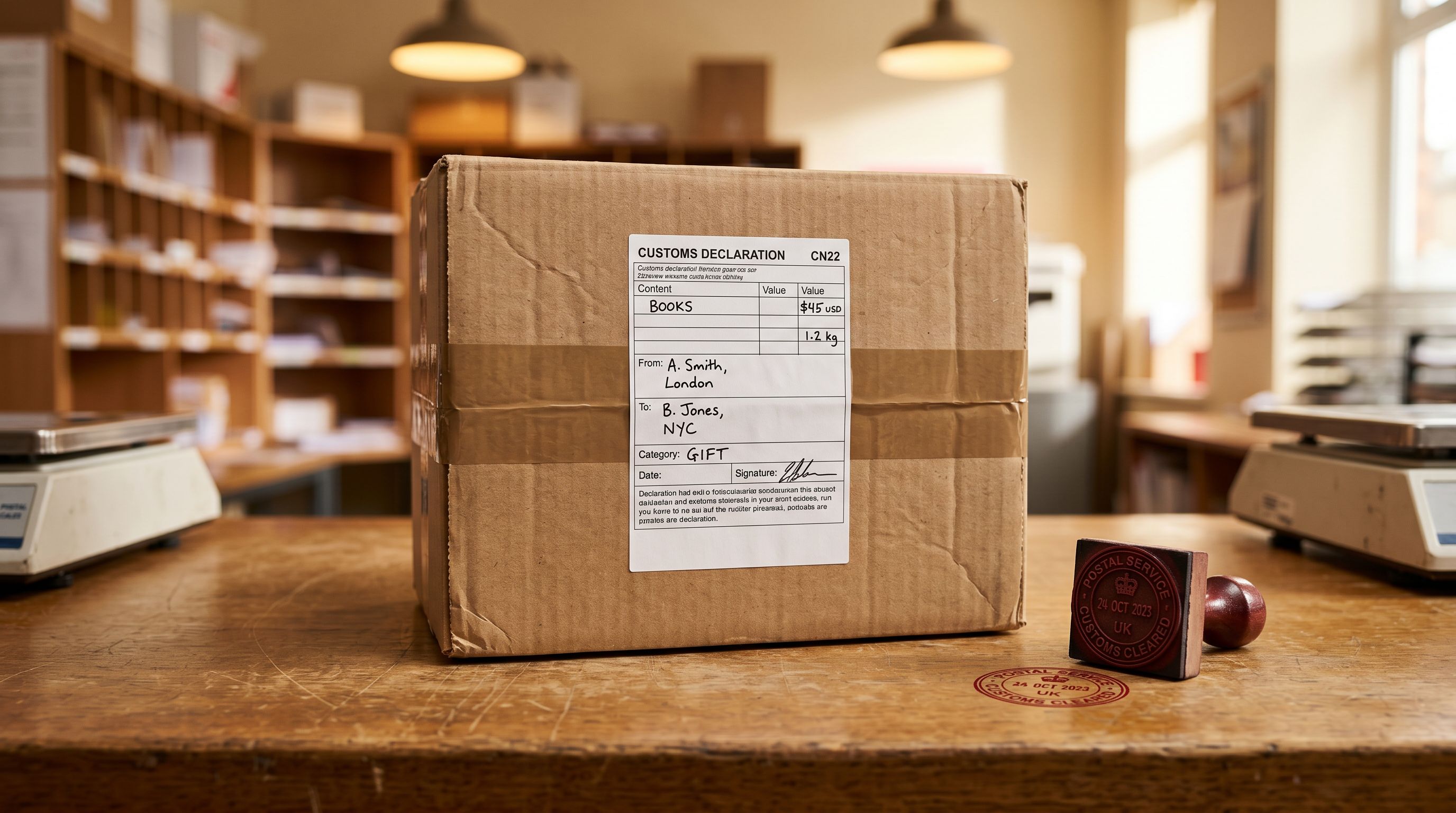
HS codes (Harmonised System codes) are the 6-digit customs classification numbers required for international shipments. They sit in Shopify's Shipping section alongside country of origin and product weight. For merchants selling cross-border, they are mandatory for customs clearance and carrier compliance.
When HS codes are missing, customs agents must classify your product themselves. The consequences are concrete. Shipments are held at customs while classification is researched, typically adding 24-72 hours to delivery times.
Customs agents may also apply duty rates incorrectly when they assign the wrong code. IOSS (EU), UK VAT, and VOEC (Norway) compliance all require pre-declared HS codes on customs documents. Missing values create compliance gaps that generate notifications from customs authorities and, in some cases, returned shipments.
Carrier label accuracy is a related problem. Couriers like DHL and FedEx generate customs invoices from the data stored in Shopify. When HS codes are absent, the courier makes a classification guess or flags the shipment for manual review. Both outcomes delay delivery and raise the likelihood of customer complaints.
For the full workflow on setting HS codes for international shipping, including the connection to IOSS compliance and the step-by-step retroactive enrichment process for existing catalogues, the linked article covers the procedure in detail.
Fixing HS codes at scale: Importier fills HS codes during the import wizard's data enrichment step and retroactively via Store Scanner. For unusual product categories where titles and product types do not contain enough context for accurate classification, an enrichment context field lets you provide plain-text hints ("cast iron hand tools, commercial grade, 400-800g range") to guide the AI toward the correct HS chapter. Country of origin and weight fill in the same enrichment step.
Auditing and Fixing at Scale
Field 5: Product Weight and Shopify Product Data Quality
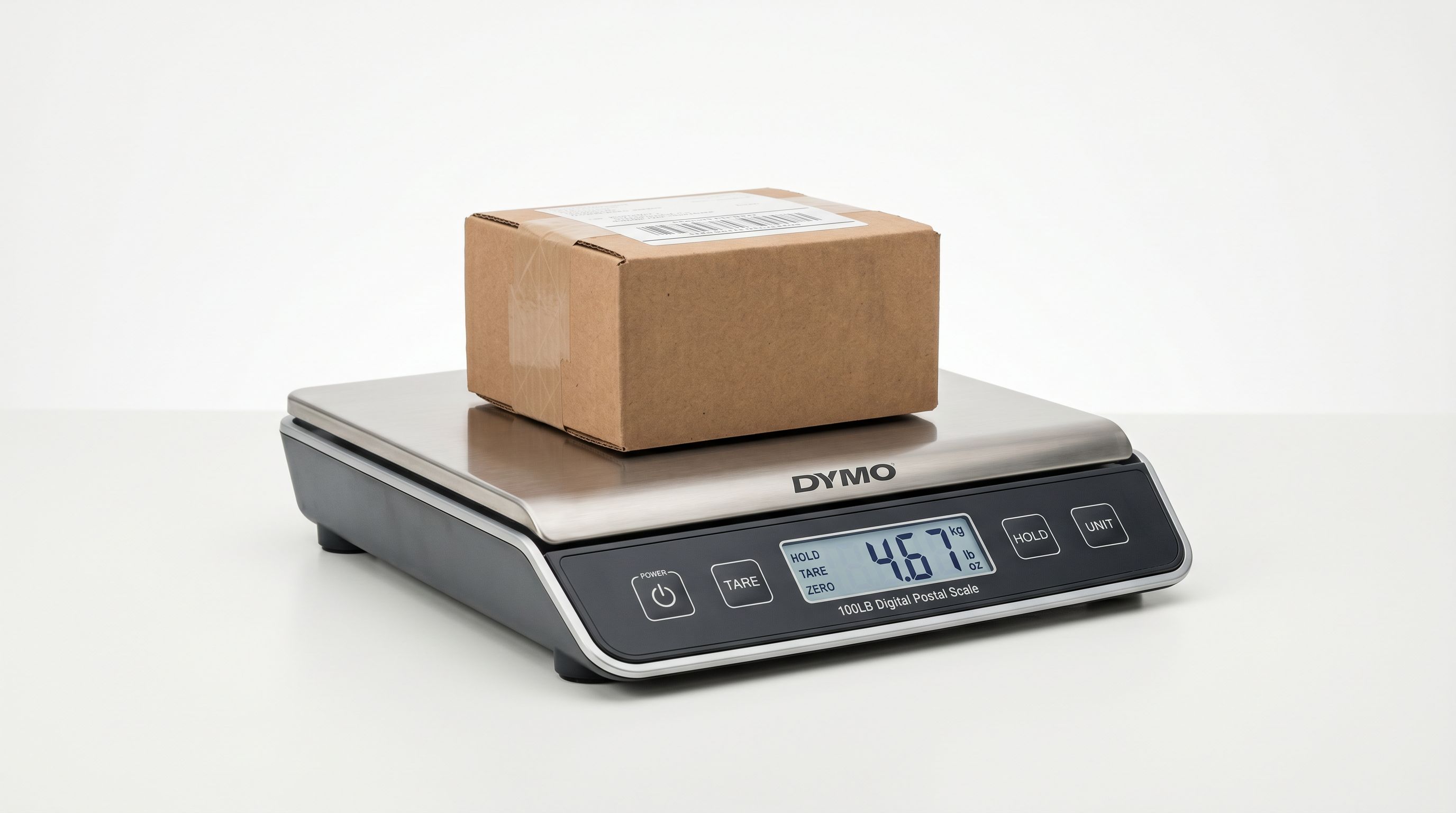
Product weight controls two separate systems that most merchants do not connect: carrier-calculated shipping rates at checkout and Google Shopping's shipping_weight attribute.
When weight is missing, carriers cannot generate a shipping quote. Shopify hides carrier-calculated shipping options when no rate is available, so customers see an empty shipping list at checkout. This is regularly misdiagnosed as a checkout UX problem or a carrier integration failure when the actual cause is a blank weight field in the product record.
Google Shopping's shipping_weight attribute is required for apparel and bulky goods categories. Missing values trigger Merchant Centre disapprovals for those product types specifically, which is why fashion and homeware merchants see a disproportionate number of weight-related disapprovals compared to other catalogue types.
For the process of filling missing weight data across your catalogue, including how to target zero-weight products differently from blank-weight products and the post-fix timeline for carrier rates and Google Shopping, the linked guide covers the full workflow.
Fixing weight at scale: Importier fills product weight during the data enrichment step of the import wizard. Weight unit conversion runs in the same step: grams, kilograms, pounds, and ounces are all supported and converted to the unit configured in your Shopify store settings. For retroactive runs on existing catalogues, Store Scanner filters by zero or blank weight independently, letting you address each variant of the problem with the appropriate approach.
Running a Full Shopify Product Data Quality Audit
The most effective approach to all five fields is to audit before fixing anything. Starting a generation run without knowing which products need what type of attention leads to wasted plan usage and inconsistent results.
Importier's SEO Audit export preset generates a CSV that maps every product against its description, SEO title, meta description, and barcode fields. This takes two minutes and gives you a complete picture of the content-layer gaps. Combine this with a Store Scanner filter run for weight to cover the full scope.
- 01Run the SEO Audit export presetOpen Importier, go to Product Export, and select the SEO Audit preset. The output is a CSV with one row per product, showing which fields are missing or below threshold. Review this before starting any generation or enrichment run.
- 02Identify weight gaps separatelyIn Store Scanner, apply a zero-weight filter and a blank-weight filter in separate passes. These require different handling. Zero weight needs enrichment to replace the value with something accurate. Blank weight also needs enrichment but may not be causing active shipping rate errors if flat-rate shipping is configured.
- 03Fix descriptions and GTINs firstRun Store Scanner in Replace mode for products with missing or supplier-copy descriptions. Run data enrichment for products with missing or invalid barcodes. These two fixes have the fastest measurable impact on Google Shopping eligibility and organic ranking signals.
- 04Fix HS codes and weight in the same enrichment runHS codes, country of origin, and weight are all filled by the same data enrichment step. Run them together to avoid processing the same products twice. Use the enrichment context field for specialist or niche product categories.
- 05Assign category metafields lastRun category metafield matching using only the industry packs that match your product range. Installing all 22 packs when you sell two product types adds review overhead without improving accuracy.
For a 400-product catalogue, running this full sequence in a single Importier session typically takes under two hours. The same work done manually runs to several working weeks across all five fields.
- SEO Audit requires manual spreadsheet review across hundreds of products
- GTIN research runs 25 or more hours for 300 products at 5 minutes per product
- HS code research runs 40-125 hours for 500 products
- Weight entry requires supplier lookup per product variant
- Category matching against Shopify taxonomy is impractical to do manually at scale
- SEO Audit export generates the full gap map in 2 minutes
- GTIN lookup searches registered databases across the full catalogue in minutes
- HS code enrichment fills during import or retroactively via Store Scanner
- Weight enrichment fills from product data with automatic unit conversion
- 22 industry packs with 3,758 attribute types match products to valid taxonomy paths automatically
The data quality work done once here also pays forward: Scheduled Imports carry every enrichment and generation setting automatically on every future cycle, so new products arrive with complete data rather than creating a new backlog.

Key Takeaways
- Product description, category metafield, GTIN/barcode, HS code, and weight are the five fields that determine how a Shopify catalogue performs on Google Shopping, organic search, and international shipping.
- A blank or supplier-copy description suppresses ranking signals not just for that product but across the surrounding domain. A catalogue with 40% thin content performs worse than one with consistent coverage.
- Zero weight is actively worse than blank weight. Zero generates incorrect shipping rates at checkout. Blank generates no options but triggers a flat-rate fallback if that is configured.
- The internal code trap (a Barcode field populated with supplier SKUs rather than valid GTINs) is the most common hidden gap in established catalogues. It is invisible in Shopify admin but causes Merchant Centre disapprovals at scale.
- Importier's SEO Audit export produces a full gap map in two minutes. Data enrichment, Store Scanner, and category metafields address all five fields without requiring manual research per product.
Try Importier free at importier.app to audit and fix your product data quality across all five fields.
Set up your first import in under five minutes.
Importier brings products into Shopify with AI descriptions, category metafields, and data enrichment on every run.