Shopify International Product Import: HS Codes and EU VAT
On this page
A Shopify international product import carries three data requirements that domestic-only imports rarely encounter: HS codes, GTINs, and tax registration numbers. For most merchants, these fields are either blank or populated incorrectly, because supplier CSVs do not include them and Shopify does not require them for basic store operation.
The EU de minimis change, which took effect July 1, 2026, has made the gap consequential. Every shipment under €150 entering the EU now requires a valid HS code for customs classification and a VAT registration reference for clearing customs. Merchants who imported products before this date without filling these fields now have a catalogue compliance gap. The shipments may still clear in some cases, but without the fields correctly set, the merchant is relying on carrier interpretation rather than accurate classification, which affects duty rates, customs processing times, and potential holds.
This article covers the three fields, why they matter now, and how to audit and fill them across an existing or incoming catalogue.
The Three Fields That Determine EU Market Access
Standard Shopify product data handles domestic retail. International selling, particularly into the EU, requires three additional fields:
1. HS code (Harmonized System code): the international product classification number used for customs processing, duty calculation, and trade statistics. A six-digit base code; many countries extend this to 8 or 10 digits. Without a valid HS code, EU customs applies its own classification, which may result in higher duty rates or processing delays.
2. GTIN/barcode: the Global Trade Item Number (EAN, UPC, ISBN, or GTIN-13). GTINs were already required for Google Shopping listings and Google Merchant Centre feeds. Under the EU's VAT registration framework, they are now also required for product-level identification during VAT reconciliation for IOSS sellers. A product without a GTIN cannot be uniquely identified in the IOSS reporting system.
3. EU VAT registration number: the IOSS number (for merchants selling directly into the EU) or OSS number (for EU-based merchants selling across member states). This is not a per-product field, but it must appear in the product's delivery documentation and, where applicable, in the product page's delivery section so customs inspectors can verify the VAT has been collected.
Field 1: HS Codes
What they are
The Harmonized System is the international standardised system for classifying traded products. Every product that crosses a border can be assigned an HS code from the World Customs Organisation's schedule. The code determines the applicable customs duty rate, import restrictions, and statistical category. The same product has the same base HS code globally; extensions beyond 6 digits vary by country.
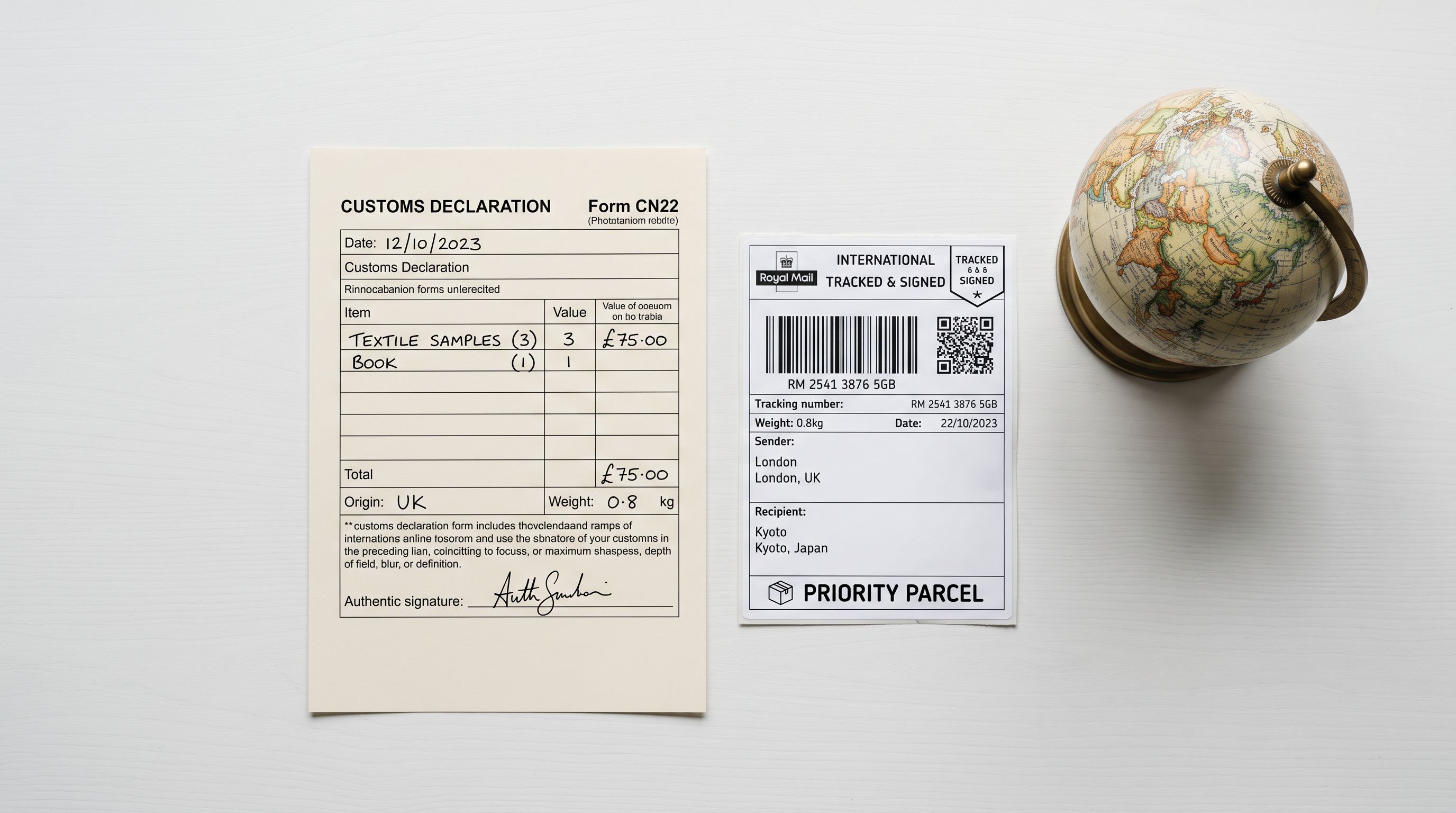
In Shopify admin, the HS code field lives in the Shipping section of each product, alongside country of origin and weight. Shopify's HS code documentation explains where the field appears and how Shopify passes it to carriers for customs declarations. Shopify does not require the field for store operation. Customs authorities require it for cross-border shipment.
The scale of the problem
A typical supplier CSV contains: product title, description, price, SKU, images, and sometimes barcode. HS codes appear in supplier CSVs for categories where the supplier handles international compliance themselves, such as electronics with CE certification or controlled chemicals. For most product categories, the supplier CSV does not include an HS code, and the merchant never fills it in.
Manually researching HS codes requires looking up each product in the WCO tariff schedule or the destination country's customs database. A product with a clear category, such as a cotton t-shirt (HS 6109.10), takes a few minutes. A product with ambiguous materials or multi-component construction takes 15-30 minutes. A 500-product catalogue without HS codes represents 40-250 hours of manual research.

How Importier fills HS codes at import
Importier's Data Enrichment step, within the 14-step import wizard, fills missing HS codes automatically. The enrichment uses the product's title, category, and supplier description to suggest the appropriate HS code, with an optional enrichment context field for cases where the product category is ambiguous or niche.
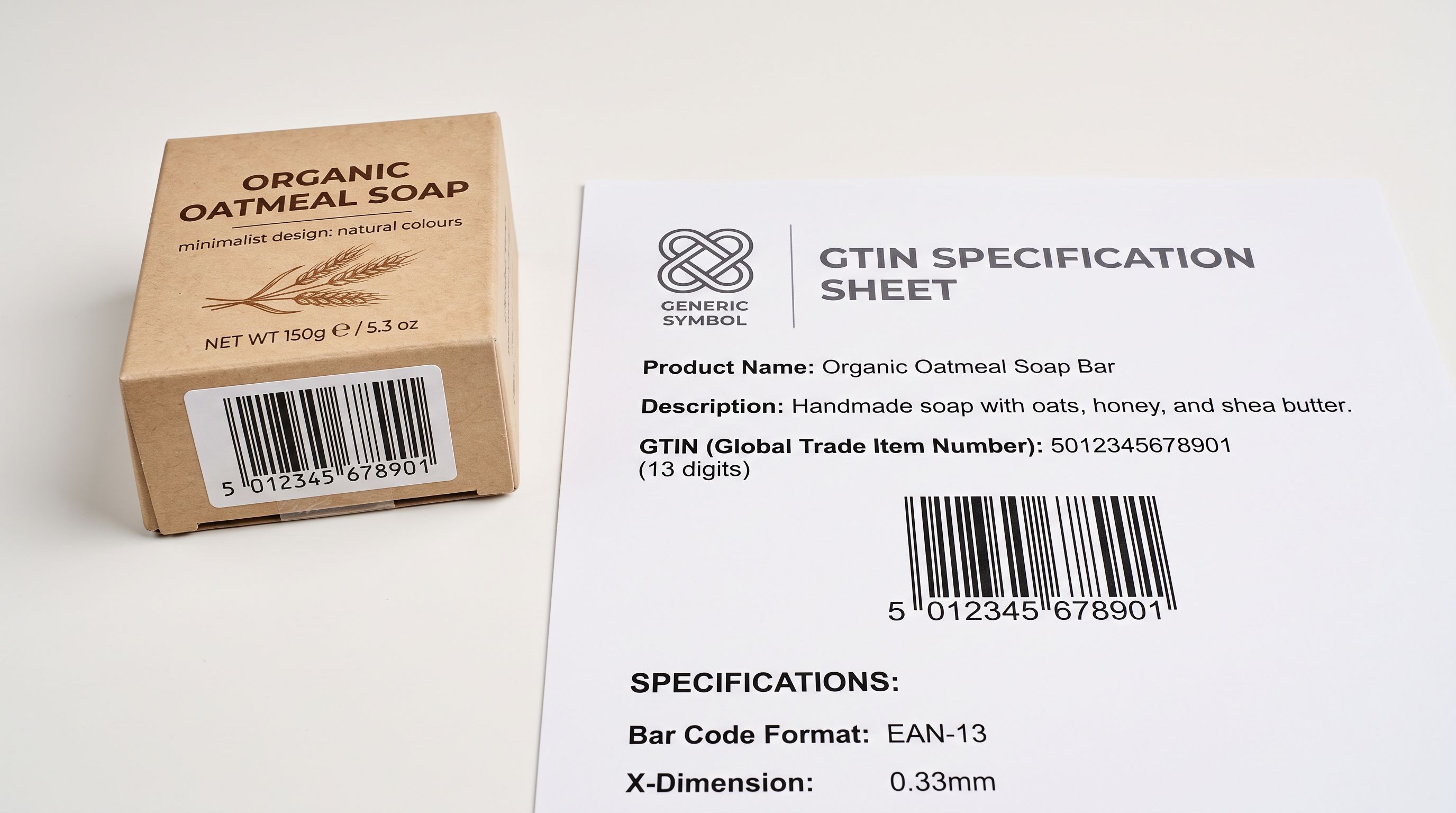
For products that have a barcode or GTIN, the Barcode Lookup feature retrieves product specification data including the manufacturer's registered product category, which narrows the HS code assignment considerably. A product whose barcode returns a full specification sheet can be classified in seconds rather than minutes.
The enrichment step processes the entire import batch, not individual products. For a 300-product CSV import where no products have HS codes, the enrichment step fills all 300 HS code fields as part of the same import run.
Field 2: GTIN and Barcode Completeness
Why GTIN matters beyond Google Shopping
GTINs were already a Google Merchant Centre requirement for most product categories. The July 2026 EU customs and VAT changes added another requirement: IOSS sellers reporting VAT-paid shipments must reference a product identifier that uniquely identifies the product across customs systems. For most product categories, that identifier is the GTIN.
A merchant selling 200 products into the EU via direct shipment, with IOSS registration, must provide a product-level GTIN reference in the customs declaration for each shipment. Without it, the customs system cannot match the shipment to the IOSS-reported VAT payment, which results in the shipment being held for VAT assessment at the point of entry.
A product without a GTIN can still be sold domestically. The same product sold into the EU after July 2026 may face a customs hold because the IOSS VAT payment cannot be verified without a product identifier.
Identifying which products lack GTINs
Importier's Store Scanner audits the existing catalogue for missing GTINs. The audit runs across all active products and returns a list filtered by missing barcode field. For a 1,000-product catalogue, the audit completes in a few minutes and produces a prioritised list showing which products have blank barcode fields, which have placeholder or malformed values, and which are correctly populated.
For private-label products where no barcode exists yet, the audit result identifies the gap so the merchant can apply for a GS1 barcode prefix rather than discovering the issue at the point of a customs hold.
Filling GTINs via barcode lookup
For branded products, GTINs are registered with GS1 and can be retrieved from the manufacturer's product database. Importier's Barcode Lookup converts barcode data (UPC, EAN) from supplier CSVs to GTIN format, filling the barcode field in Shopify's standard format.
For products imported from a supplier CSV that includes the product's UPC or EAN but not the GTIN, the Barcode Lookup step converts and populates the field during the same import run as HS code enrichment. For a 300-product import with barcodes but no GTINs, both fields are filled in one pass.
Field 3: EU VAT Registration in Product Data
IOSS and how it appears in product data
The Import One-Stop Shop (IOSS) scheme allows merchants outside the EU to register for EU VAT once and pay VAT on sales to EU consumers centrally, rather than per-country. The registration produces an IOSS number that must accompany each shipment as proof of VAT payment.
For the shipment to clear EU customs without VAT assessment at the border, the IOSS number must be visible on the customs declaration. For the product page, IOSS registration is relevant in a different way: the product page should communicate to EU buyers that VAT is included in the price at checkout, which requires mentioning the VAT treatment in the delivery section.
Importier's Tax and Compliance settings store the IOSS registration number (along with UK VAT, VOEC for Norway, and GST for Australia and Canada). Once stored, Importier appends the appropriate compliance language to every AI-generated product description's delivery section automatically. A merchant with IOSS registration who imports 200 products gets compliance language on all 200 delivery sections without manually editing each product.
Region-specific compliance warnings
Beyond VAT, international markets require product-specific compliance statements. The EU requires CE marking statements for electronics, toys, and medical devices. The UK requires UKCA equivalent statements. Importier's AI description generator includes region-specific compliance warnings for 12+ countries, applied at the product batch level based on product category.
For a sportswear catalogue importing into both the US and EU, the compliance step adds FDA disclaimer language for relevant products on the US side and CE marking references for the EU side, within the same batch run.

Running the retroactive compliance audit
Auditing an Existing Catalogue for International Compliance Gaps
The July 2026 de minimis change affects catalogues that were imported before the new requirements applied. Merchants who built their Shopify catalogue over the past two or three years from supplier CSVs that did not include HS codes or GTINs now need to backfill these fields retroactively.
- Open each product in Shopify admin one by one
- Research HS code manually via customs tariff database
- Search GS1 registry for GTIN per product
- No record of which products were updated
- Risk of inconsistent classifications across the catalogue
- Store Scanner reads the full catalogue in one pass
- Data Enrichment fills HS codes across all products with missing values
- Barcode Lookup fills GTINs for products with barcodes but no GTIN
- Import History records the enrichment batch with date and product count
- Consistent classification logic applied across the entire catalogue
The retroactive audit runs in three steps:
- 01Step 1Run Store Scanner from Importier's dashboard. The scanner reads all active products and flags those with empty HS code fields, empty barcode fields, or both. Filter results by collection or vendor to prioritise the highest-volume international categories first. The scan completes in minutes for most catalogue sizes.
- 02Step 2Select the flagged products and run Data Enrichment. The enrichment step fills HS codes based on product title, category, and description. For products where the automatic classification is ambiguous, use the enrichment context field to add a product category hint, such as 'synthetic base layer for outdoor use' for a product whose title is generic. Review a sample of the enriched HS codes against the EU tariff schedule before pushing to confirm accuracy.
- 03Step 3Run Barcode Lookup for products with missing GTINs. For products that have a barcode in the supplier data but no GTIN in Shopify, Barcode Lookup retrieves the full product specification and populates the GTIN field. For private-label products with no registered barcode, note these as requiring a GS1 application and prioritise them separately.

Multi-Language Product Data and Shopify Markets
International selling often involves languages as well as compliance fields. Shopify Markets supports multi-language storefronts, where the same product is displayed in the buyer's language based on their market assignment. The product data (title, description, meta description, and alt text) can be localised per market.
Importier generates product descriptions in English by default. For merchants using Shopify Markets with localised storefronts, the AI-generated description serves as the source text for translation. The generated content, including compliance language and delivery policy text, is structured for clarity of translation: short paragraphs, direct sentences, no idiomatic phrasing that requires localisation judgment.
The SEO fields (meta description and SEO title) should be localised separately for each market, because keyword targeting in German or French differs from English keyword targeting. Importier's Title Optimizer and Meta Description Generator produce the English base; Shopify Markets' translation layer handles per-market localisation from that base.
For the full guide to Shopify's three SEO fields and how they interact with each other, including alt text, meta description, and SEO title across international markets, that article covers each field's audience in depth.
Scheduling Recurring International Imports
Merchants who receive regular supplier updates (weekly price lists, monthly new arrivals) need the compliance fields filled on every batch, not just the initial catalogue build. A supplier CSV that adds 50 new products each month will not include HS codes or GTINs.
Importier's Scheduled Imports (available on Scale and Enterprise plans) run the full import wizard automatically at a set frequency: daily, weekly, or monthly. The scheduled run includes the Data Enrichment and Barcode Lookup steps, so every new product batch is processed with HS code and GTIN filling as part of the same automated run. Scale plan supports 2 schedules; Enterprise supports 10.
For a merchant with three supplier relationships, three scheduled imports run independently with independent enrichment settings configured per supplier. A supplier of electronics products might require a different enrichment context than a supplier of textiles, and each scheduled import retains its own configuration.
The shopify international tax compliance guide covers IOSS registration, UK VAT, and GST configuration in Importier's Tax and Compliance settings. The HS codes guide covers the HS code field in Shopify and how to research classifications manually for edge cases. The product compliance guide covers age verification, alcohol warnings, and country-specific restriction flags at import time. The barcode and GTIN guide covers GTIN population from barcode data in depth.
The EU's IOSS information page provides the official registration requirements, threshold rules, and scheme eligibility criteria for merchants selling into the EU.
Key Takeaways
International selling through Shopify requires three product data fields that domestic-only catalogues rarely contain: HS code, GTIN, and EU VAT registration. The July 2026 de minimis change makes these fields mandatory for every EU shipment.
Key points:
- HS codes are now required for every sub-€150 shipment entering the EU. Supplier CSVs rarely include them. Manual research for a 500-product catalogue takes 40-250 hours. Importier's Data Enrichment fills HS codes across the import batch in one run.
- GTINs are required for IOSS VAT reconciliation. Products without GTINs cannot be matched to their IOSS VAT payment at EU customs, which triggers assessment at the border. Barcode Lookup fills GTINs for products that have barcodes but lack the GTIN format Shopify requires.
- IOSS numbers must appear in product delivery sections for EU-bound shipments. Importier's Tax and Compliance settings store the IOSS number and append it to AI-generated descriptions automatically.
- Region-specific compliance warnings (CE marking, FDA disclaimers, age verification) are applied at the batch level in Importier's AI description generation across 12+ countries.
- Existing catalogues can be audited retroactively using Store Scanner, which flags products with missing HS codes and GTINs, then Data Enrichment and Barcode Lookup fill the gaps.
- Scheduled Imports (Scale and Enterprise) apply HS code and GTIN enrichment to every recurring supplier batch automatically.
Start filling international compliance fields at importier.app. Data Enrichment, Barcode Lookup, and Tax and Compliance settings are available on the Growth plan and above; Scheduled Imports require Scale or Enterprise.
Set up your first import in under five minutes.
Importier brings products into Shopify with AI descriptions, category metafields, and data enrichment on every run.