PDF Invoice to Shopify: Import Supplier Invoices Automatically

On this page
PDF Invoice to Shopify: Import Supplier Invoices Automatically
Shopify cannot read a PDF. That is the problem every wholesaler, importer, and independent retailer discovers the first time they receive a supplier invoice and try to get those products into their store.
The invoice lists product codes, descriptions, quantities, and prices. Shopify needs all of that data, formatted a specific way, entered product by product. Unless you have a way to bridge the gap, every line on that invoice means another trip into Shopify admin to type it in by hand.
This guide covers what is in a typical supplier invoice, what manual entry actually costs in time, and how Importier's AI PDF invoice parsing turns a two-hour job into a 30-second one.
Who Receives Supplier Invoices as PDFs
Marketplace imports and CSV-based workflows get most of the attention, but a large portion of Shopify merchants work with suppliers who deliver stock via invoice. The process follows a standard trade pattern: you place a purchase order, the supplier ships the goods and sends a PDF invoice confirming what was sent and at what price.
This is how most traditional wholesale and import businesses operate. Fashion buyers, hardware traders, homewares importers, electronics resellers, and health and beauty distributors all receive stock from suppliers who do not have Shopify-compatible data exports. The supplier has their own system, their own invoice format, and their own product codes. They are not going to produce a Shopify-ready CSV for every order.
For these merchants, the PDF invoice is the primary delivery document. It is also, currently, a dead end in Shopify's native import flow.
If your supplier sends product data as a CSV, Importier's CSV import wizard covers that path in detail. But for the majority of traditional trade suppliers, the invoice is a PDF.
What a Supplier Invoice Contains
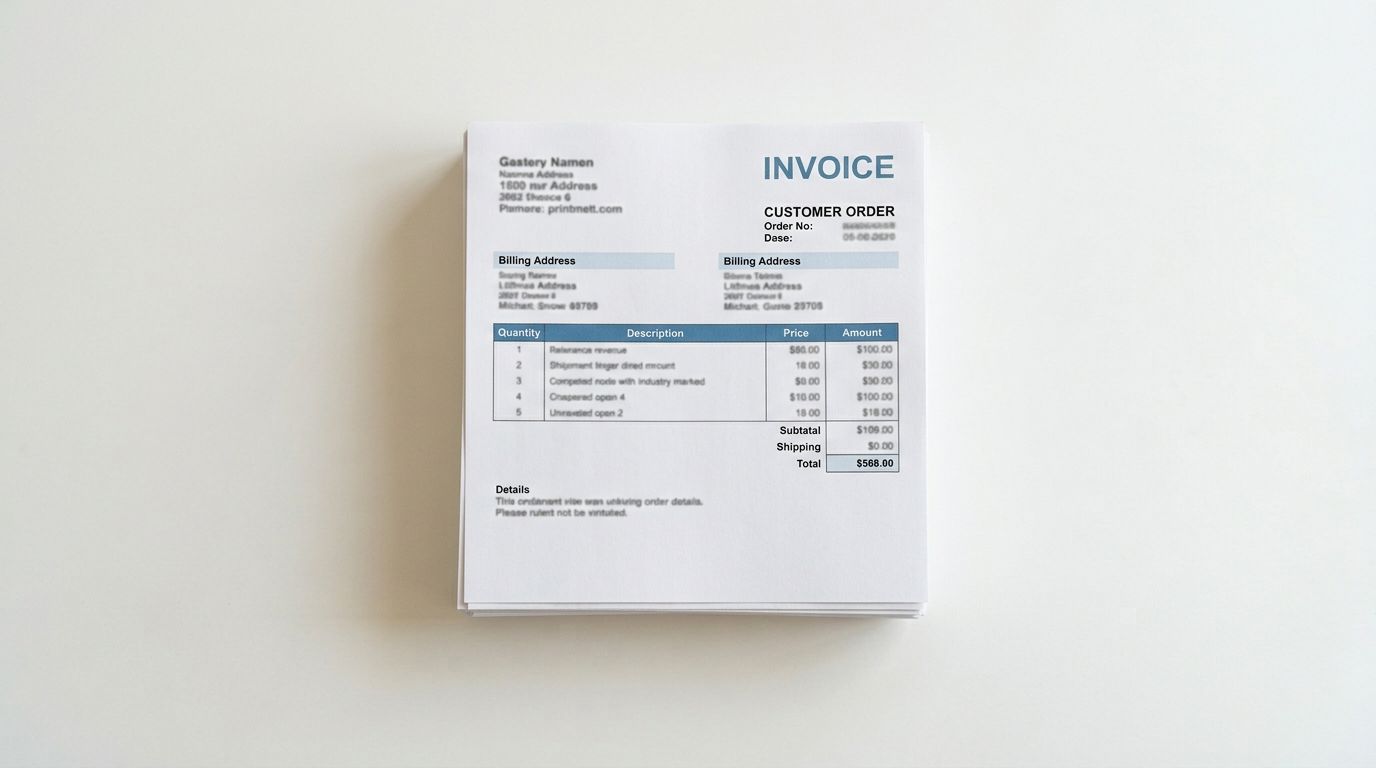
A typical supplier invoice includes:
- Product codes (the supplier's internal SKU)
- Product names and brief descriptions
- Quantity ordered and quantity shipped
- Unit price and total line price
- Weight or dimensions (on some invoices)
- Barcode or EAN (sometimes, not always)
What a supplier invoice almost never contains: product images, a Shopify-compatible description, a product category, or any of the structured metafield data Shopify expects. The invoice was designed as a billing document, not a product data export.
This creates a gap. The invoice tells you what arrived. Shopify needs a complete product record. Bridging that gap manually means opening the invoice, finding the supplier's product catalogue (if you have one), and piecing together a complete Shopify product entry for each line item.
The Manual Process: What It Costs
Here is what manual invoice entry looks like in practice.
You open the PDF invoice. You scan the first line: product code, name, quantity, price. You switch to Shopify admin, create a new product, enter the title, paste or type the description, enter the price and compare-at price, add the weight, enter the SKU. Then you go back to the PDF for the next line.
For a ten-line invoice, this process takes around 30-45 minutes if you are efficient. For a 50-line invoice (a typical mid-size delivery), it takes two to three hours. For a 200-line invoice, it is most of a working day.
This is not an edge case. Merchants who restock regularly from the same suppliers go through this process every time an invoice arrives. If your supplier delivers monthly and the invoice has 80 products, that is a full day of data entry every month, indefinitely.
The other cost is accuracy. Manual entry introduces errors. Product codes get transposed, prices are misread, weight values are in the wrong unit. Each error has to be found and corrected after the fact, usually when a customer order has already surfaced the problem.
- 01Open the PDF invoiceScan each line for product code, name, quantity, and price.
- 02Switch to Shopify adminCreate a new product and manually enter title, description, price, weight, and SKU.
- 03Return to the PDFFind the next line item and repeat the entire process.
- 04Verify and correctCross-check every entry for transposed codes, misread prices, and unit errors.
How Importier Parses PDF Invoices with AI
Importier's PDF invoice import works through the same 14-step import wizard used for CSV and Excel files. At the file upload step, you select your PDF instead of a spreadsheet. From there, the process is automatic.
Importier sends the PDF to Google Gemini, which reads the document and identifies the product data. Gemini is not doing a basic text extraction. It understands the structure of the invoice, recognises that a column labelled "Item Code" maps to Shopify's SKU field, and handles variations in layout between different suppliers' invoice formats.
For a 50-line invoice, the extraction takes around 30 seconds. Importier returns a mapped data preview showing every product it found, with the fields it has populated and any fields it could not find. You review the preview, make adjustments if needed, and confirm the import.
- 2-3 hours for a 50-line invoice
- Manual data entry line by line
- Transposed codes and misread prices
- No descriptions or category data
- Repeated every time stock arrives
- 30 seconds for a 50-line invoice
- AI extracts all fields automatically
- Accurate mapping with preview verification
- AI descriptions and category metafields included
- Scheduled imports for recurring deliveries
The AI handles common formatting issues that would break a manual process: prices formatted with local currency symbols, weights in grams where Shopify expects kilograms, product codes that contain hyphens or spaces. Instead of reformatting everything before you can import, you confirm the mapping and let the AI handle the translation.
What Gets Extracted and What Does Not
Importier extracts everything the PDF contains. In a well-structured supplier invoice, that typically means:
- Title: pulled from the product name or description field
- SKU: mapped from the supplier's product code
- Price: extracted from the unit price column
- Weight: extracted when present (with unit conversion if needed)
- Barcode: extracted when listed on the invoice
- Quantity: noted as inventory quantity
Fields absent from most invoices (images, detailed descriptions, category information) are handled at the next step.
For products where the invoice has minimal description text, the extracted data (SKU, product name, basic specs) becomes the source material for generating a full product description with Importier's AI. The AI description generator uses this context to write a complete description in your chosen style, rather than leaving you with a one-line product name that would mean nothing to a customer.

AI Descriptions After Invoice Import
A supplier invoice is a billing document. The product names on an invoice are optimised for the supplier's warehouse system, not for a customer reading a product page.
"14L Backpack BLK/NVY A/S-ASST" is a valid invoice entry. It is not a Shopify product description.
After Importier imports the products from the PDF, you can run AI description generation across the imported batch. Importier's AI uses the extracted data (product name, SKU, price, any specifications present) as source material and generates a full product description in one of 7 styles, using whichever of the 156 expert personas fits your industry.
For a 50-product import, Importier generates all 50 descriptions in the time it would take a human to write one. For merchants who need to restock regularly, this means the description problem does not grow with the catalogue.
For a 50-product import, Importier generates all 50 descriptions in the time it would take a human to write one.
For more on structuring descriptions that perform in search, the product description SEO guide covers what Google looks for and how to make AI-generated descriptions work for organic rankings.
Category Metafields Assigned Automatically
When Importier imports products from a PDF invoice, the same category matching process that runs on CSV and marketplace imports applies here too.
Importier reads the product type and any available specifications, matches the product against Shopify's Standard Product Taxonomy, and fills in the appropriate category metafields from the relevant industry pack. For a fashion importer, that means size attributes, material fields, and care information. For a hardware trader, it means product specifications, compatibility fields, and technical attributes.
Filling category metafields manually at the scale of a typical invoice batch takes most of a day. With 22 industry packs covering 3,758 category attribute types, Importier handles the matching automatically during the import run.
Scheduled PDF Imports for Recurring Deliveries
Some suppliers send invoices on a predictable schedule. Monthly stock deliveries, weekly replenishment runs, regular seasonal orders. If you import from the same supplier repeatedly, Importier's Scheduled Imports feature lets you automate the process further.
You upload the invoice PDF once and configure the import schedule. On Scale plans, you can set up two scheduled imports running at your chosen frequency. Enterprise plans support up to ten schedules.
When the next delivery invoice arrives, you upload it to the same scheduled import. Importier re-runs the extraction and import automatically at the configured time, without you needing to manually trigger each run.
For merchants with predictable supplier relationships, this turns a recurring task into a background process.

Getting Started
PDF invoice import is available on all Importier plans, including the free Explore plan. You do not need a paid subscription to test it on your first invoice.
The process is the same as any other import in Importier: open the import wizard, select your PDF, review the extraction, and confirm. There is no setup, no API configuration, and no requirement to get your supplier to change their format.
Import your first supplier invoice in under 5 minutes at importier.app
Related Articles
Set up your first import in under five minutes.
Importier brings products into Shopify with AI descriptions, category metafields, and data enrichment on every run.