PrestaShop to Shopify Migration: Product Catalogue Guide
On this page
How to Migrate from PrestaShop to Shopify
Most guides covering a prestashop to shopify migration focus on which tool to use for data transfer. They walk you through exporting your PrestaShop data and importing it somewhere. What they do not cover is what happens when 200 products land in Shopify and half of them are wrong.
This article addresses the product data layer of a PrestaShop migration: why PrestaShop's CSV export is structurally incompatible with Shopify, which three problems surface in almost every migration, and how to handle each one before any product goes live.
Why PrestaShop Exports Do Not Import Cleanly to Shopify
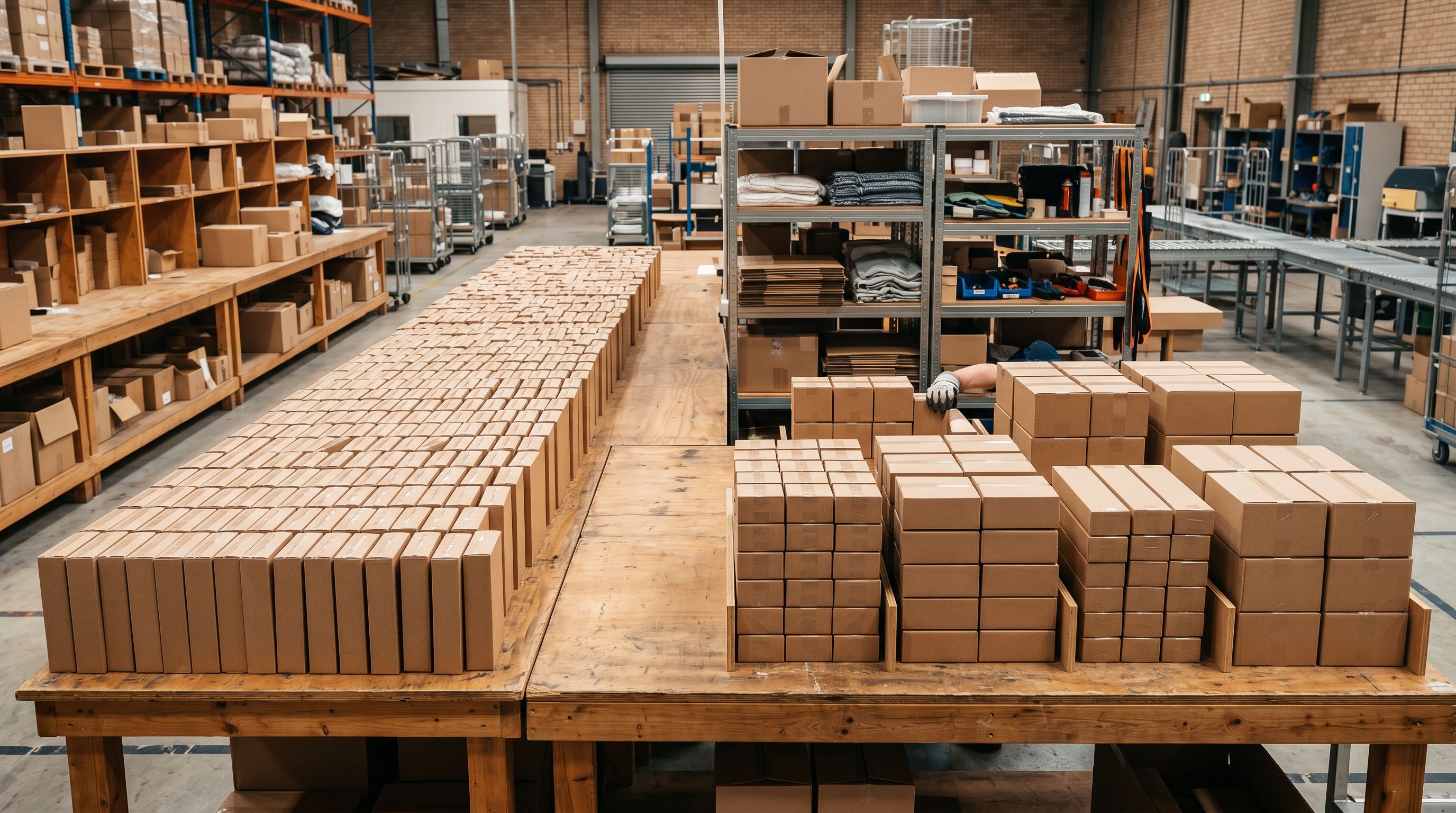
PrestaShop and Shopify represent product data differently at a structural level. PrestaShop uses a concept called combinations, its term for product variants. When you export your product catalogue from PrestaShop (Catalog > Products > gear icon > Export), each combination gets its own row in the CSV. Those rows share the parent product's name but carry their own price, quantity, and attribute values.
Shopify groups variants under a single product record using the Handle column. A product named "Blue Denim Jacket" in Shopify has one Handle, and all size/colour variants sit beneath that Handle in subsequent rows. PrestaShop's export has no equivalent of the Shopify Handle.
When you run a native Shopify CSV import against a PrestaShop export, Shopify creates a separate product for every combination row. Without a Handle grouping them, Shopify treats each row as a new product.
The result: a 200-product catalogue with 6 combinations per product turns into 1,200 separate Shopify products, all with near-identical names.
This is the single most disruptive problem in a PrestaShop migration, and it catches merchants off guard precisely because the export file looks correct.
Three Data Problems in Every PrestaShop to Shopify Migration
Combinations vs Variants
The combination row problem goes deeper than naming. PrestaShop supports unlimited attribute groups: size, colour, material, weight, and any custom attributes a merchant defines. Shopify limits products to three option types with up to 100 variants per product.
When a PrestaShop product has four or more attribute dimensions, the migration requires a decision: which three attributes become Shopify options, and what happens to the rest. That decision has to be made before import, not after.
Manually restructuring a PrestaShop CSV into Shopify's Handle-grouped format takes 3-4 hours for a 500-row catalogue when the attribute set is consistent. If the catalogue mixes attribute dimensions across product types, that estimate doubles. Our guide on how to import product variants in Shopify covers the manual restructuring process in full if you want to understand what is involved.

Category Taxonomy
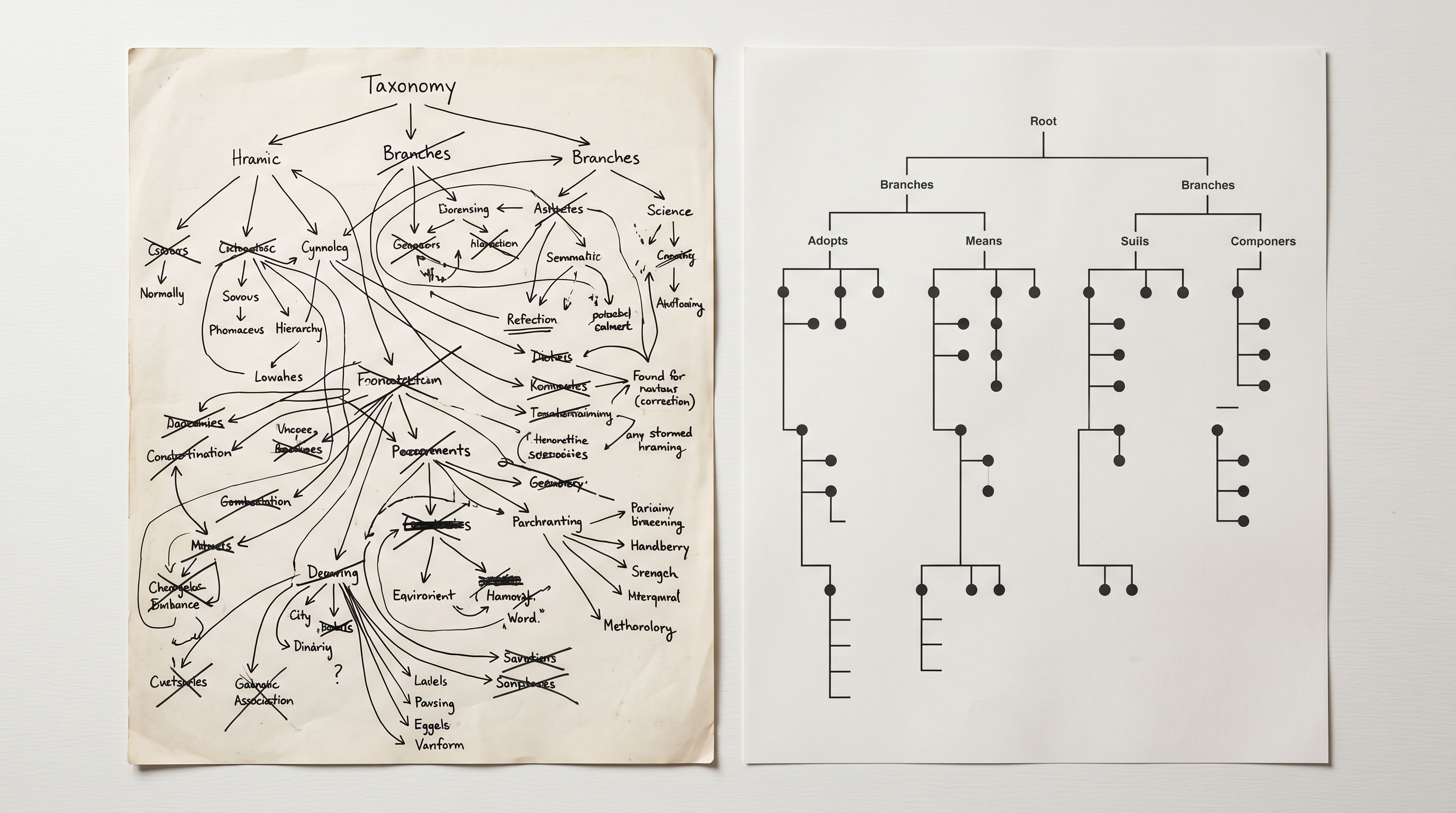
PrestaShop uses a nested custom category tree. A merchant selling industrial safety equipment might have categories like: Safety > Personal Protective Equipment > Head Protection > Hard Hats. Shopify's Standard Product Taxonomy is a separate, Google-aligned structure.
When PrestaShop category names land in the Shopify Product Type field, they do not automatically align with Shopify's taxonomy. That misalignment has direct consequences for Google Merchant Centre: GMC requires taxonomy-aligned product categories for Shopping feed eligibility. A product with "Head Protection > Hard Hats" as its product type does not map to the Google taxonomy the way "Safety > Head, Face & Eye Protection > Hard Hats & Helmets" does.
This problem is invisible until you try to run Google Shopping ads or get your feed reviewed.
Description Formatting
PrestaShop's rich text editor stores descriptions as HTML. That HTML often contains inline styles, table markup, nested div structures, and formatting that made sense in PrestaShop's frontend rendering but produces inconsistent output in Shopify's product pages.
Importing those descriptions into Shopify does not strip the HTML. In Shopify themes that render the description field as raw HTML output, the content may display. In themes that expect plain text or limited HTML, the page shows broken formatting, stray tags, or unstyled blocks.
Even when the HTML renders correctly, the underlying descriptions are often supplier boilerplate or short marketing copy written for a different platform. They were not written with Shopify's product page in mind, and they frequently carry duplicate content that affects search ranking.
The category taxonomy problem is invisible until you run your first Google Shopping feed. By that point, you have already published 200 products with misaligned product types.
The Manual Cleanup Timeline
For a 200-product PrestaShop catalogue with an average of 6 combinations per product:
- Restructuring combinations into Shopify Handle format: 15-25 hours
- Researching missing data fields (weight, HS codes, country of origin, barcodes): 20-40 hours
- Rewriting or reformatting descriptions: 40-60 hours
- Total: 90-150+ hours of pre-import preparation
That timeline assumes the catalogue is well-organised and the attribute set is consistent. It does not account for edge cases, supplier data gaps, or the round-trips required when Shopify rejects rows that fail validation.
The WooCommerce to Shopify migration and BigCommerce to Shopify migration articles cover similar timelines for those platforms. PrestaShop migrations tend to fall in the same range, with combination restructuring being the most time-consuming step.
How Importier Handles the Migration
How Importier Handles Your PrestaShop to Shopify Migration
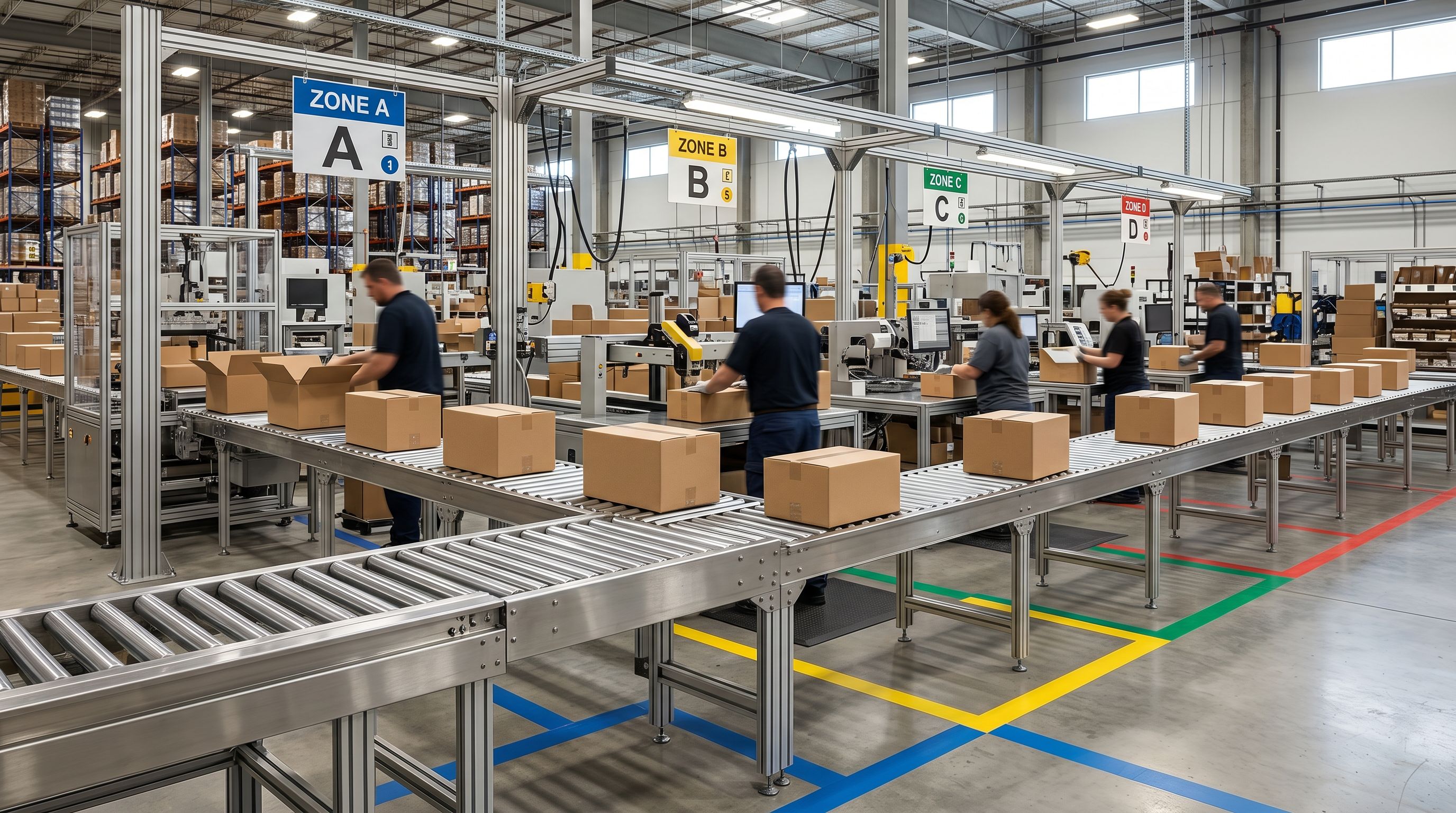
Importier's 14-step import wizard accepts the PrestaShop CSV export as-is. You do not need to reformat the file or add a Handle column before importing.
- 01Export your PrestaShop catalogueGo to Catalog > Products in your PrestaShop admin, click the gear icon, and select Export. Save the CSV file.
- 02Import to ImportierIn Importier, start a new import and drag the PrestaShop CSV into the upload area. The wizard detects your column structure automatically.
- 03Review column mappingImportier maps your PrestaShop columns (Product Name, Price, Quantity, Attributes) to Shopify fields. Adjust any that need correcting. This takes under two minutes for most PrestaShop exports.
- 04Configure Smart Variant DetectionImportier's AI scans your combination rows and groups them by parent product. The preview step shows the proposed groupings before anything reaches Shopify.
- 05Configure AI descriptionsChoose a description style (7 options), a persona (156 across 43 industries), and your preferred AI model (25 models available). Importier generates clean Shopify descriptions from the existing product data, replacing the HTML-formatted PrestaShop copy. See the full guide to [Shopify AI product descriptions](https://www.importier.app/blog/shopify-ai-product-descriptions) for style and persona selection guidance.
- 06Run AI data enrichmentImportier fills missing weight, HS codes, country of origin, and barcodes during the same import run.
- 07Assign category metafieldsImportier's AI assigns Shopify Standard Product Taxonomy attributes from 22 industry packs covering 3,758 attribute types. Products arrive with taxonomy-aligned categories from day one.
- 08Preview and confirmReview the grouped products, generated descriptions, and assigned categories. Confirm the import to push products to Shopify.
Importier runs all of these steps in a single session. You do not need to split the migration across multiple tools or run a separate enrichment pass after import.
Smart Variant Detection on PrestaShop Combinations
Importier's Smart Variant Detection uses 150+ patterns across 15+ industries to identify combination rows from a PrestaShop export and group them into Shopify variant sets. The AI analysis step handles ambiguous cases: products where the same attribute value appears under different column names, or catalogues that use numeric size codes instead of labelled sizes.
The import preview step shows every proposed grouping before any product reaches Shopify. If a grouping looks wrong, you can correct it in the preview before confirming.
What Happens to Four-Attribute Products
When a PrestaShop product has more than three attribute dimensions, Importier surfaces the conflict in the preview step. You select which three become Shopify options and how to handle the remaining attribute values. Folding them into the product description or title is the most common approach.
This is a decision point, not an automatic resolution. We surface it explicitly because getting it wrong leads to incorrect variant structures that are difficult to fix after import.
After the Import: Title Optimisation
PrestaShop product titles are often formatted for PrestaShop's search and catalogue pages, not for Shopify's Google Merchant Centre feed. Common issues include ALL CAPS brand names inherited from supplier data, attribute values appended to titles ("Blue Denim Jacket - M - 32 - Indigo"), and character counts that exceed GMC's 150-character display limit.
Run Importier's Title Optimizer after the migration to apply case transformations and trim titles for GMC compliance. The GMC preset reformats titles to Shopify and Google's recommended structure without changing the underlying product data.
Safety Net: Import History and Import Undo
Every import run in Importier is logged with date, time, file name, and product count. Up to 20 snapshots are retained, and each snapshot has a CSV download available for 60 days.
If the import produces incorrect groupings, wrong descriptions, or any other issue, Import Undo removes all products from that batch in one click. The undo operation does not affect existing products from previous imports and does not touch orders. For a one-time high-stakes migration, this is worth knowing before you start.
- Restructure combination rows into Shopify Handle format: 15-25 hours
- Research missing weight, HS codes, barcodes: 20-40 hours
- Reformat HTML descriptions and rewrite for Shopify: 40-60 hours
- Manually assign Shopify product taxonomy: full working day
- Smart Variant Detection groups combination rows automatically
- AI data enrichment fills missing fields during the same import run
- AI description generation replaces HTML-formatted copy with clean Shopify content
- Category metafields assigned from 22 industry packs, 3,758 attributes
Key Takeaways
- PrestaShop's combination rows share the parent product name. A standard Shopify CSV import creates a separate product for every combination, not a grouped product with variants. This is the most disruptive PrestaShop migration problem and the least discussed.
- PrestaShop's category tree does not map to Shopify's Standard Product Taxonomy. Without taxonomy-aligned categories, Google Merchant Centre will flag your products as miscategorised.
- HTML-formatted PrestaShop descriptions may render inconsistently in Shopify themes. Plan for description regeneration, not just description transfer.
- Manual cleanup for a 200-product PrestaShop catalogue runs 90-150+ hours. The combination restructuring step alone accounts for 15-25 hours of that.
- Importier handles the PrestaShop CSV without pre-processing, groups combinations automatically, generates clean descriptions, enriches missing data fields, and assigns Shopify taxonomy attributes in a single import run.
Try Importier free at importier.app
Set up your first import in under five minutes.
Importier brings products into Shopify with AI descriptions, category metafields, and data enrichment on every run.