Shopify Bulk Product Import: Every Method Explained

On this page
Shopify Bulk Product Import: Every Method Explained
Most guides about shopify bulk product import cover one method. Shopify's own documentation covers native CSV import and stops there. The actual landscape is broader: five distinct methods, each suited to a different supplier situation, catalogue size, and update frequency. This guide maps all of them and explains which one fits your store.
The reason merchants get confused is that the right choice is not obvious from the method names. File import sounds generic. Marketplace import sounds like it only applies to dropshippers. Scheduled import sounds complicated. In practice, the decision comes down to a single question: where does your product data currently live?
Which Method Fits Your Situation
The right shopify bulk product import method depends on your data source and update frequency, not on which option sounds most capable.
| Your situation | Method to use |
|---|---|
| Supplier sends a CSV or Excel file | File import |
| Supplier sends PDF invoices or order confirmations | PDF invoice import |
| You source from Amazon, eBay, AliExpress, Walmart, or Etsy | Marketplace URL import |
| Supplier only has a product page on their website | Any Site import |
| Supplier sends updated files weekly or monthly | Scheduled import |
| Migrating from another platform | File import (export from old platform, import to Shopify) |
| You want to keep your catalogue synced automatically | Scheduled import |
In our experience, file import suits most merchants doing their first bulk import. It handles the widest range of data sources and works across every Importier plan. Marketplace URL import is the natural starting point for dropshippers whose stock lives on a supported platform. Neither is universally more capable than the other. They solve different source problems.
Shopify Bulk Product Import via File: CSV, Excel, and PDF
File import covers three formats that handle different supplier realities. The method is the same across all three: a 14-step guided wizard with smart column auto-mapping, header row selection, and a full preview before any changes reach your Shopify store.
CSV is the default format for most supplier exports, platform migrations, and marketplace seller tools. A WooCommerce export, a Shopify backup file, a BigCommerce catalogue download, or a product data export from a wholesale platform all produce CSV. The auto-mapper identifies what each column contains based on the header text, so a supplier column labelled "Product Name" maps to Shopify's Title field without manual intervention. For the complete walkthrough, see the guide to importing a Shopify CSV.
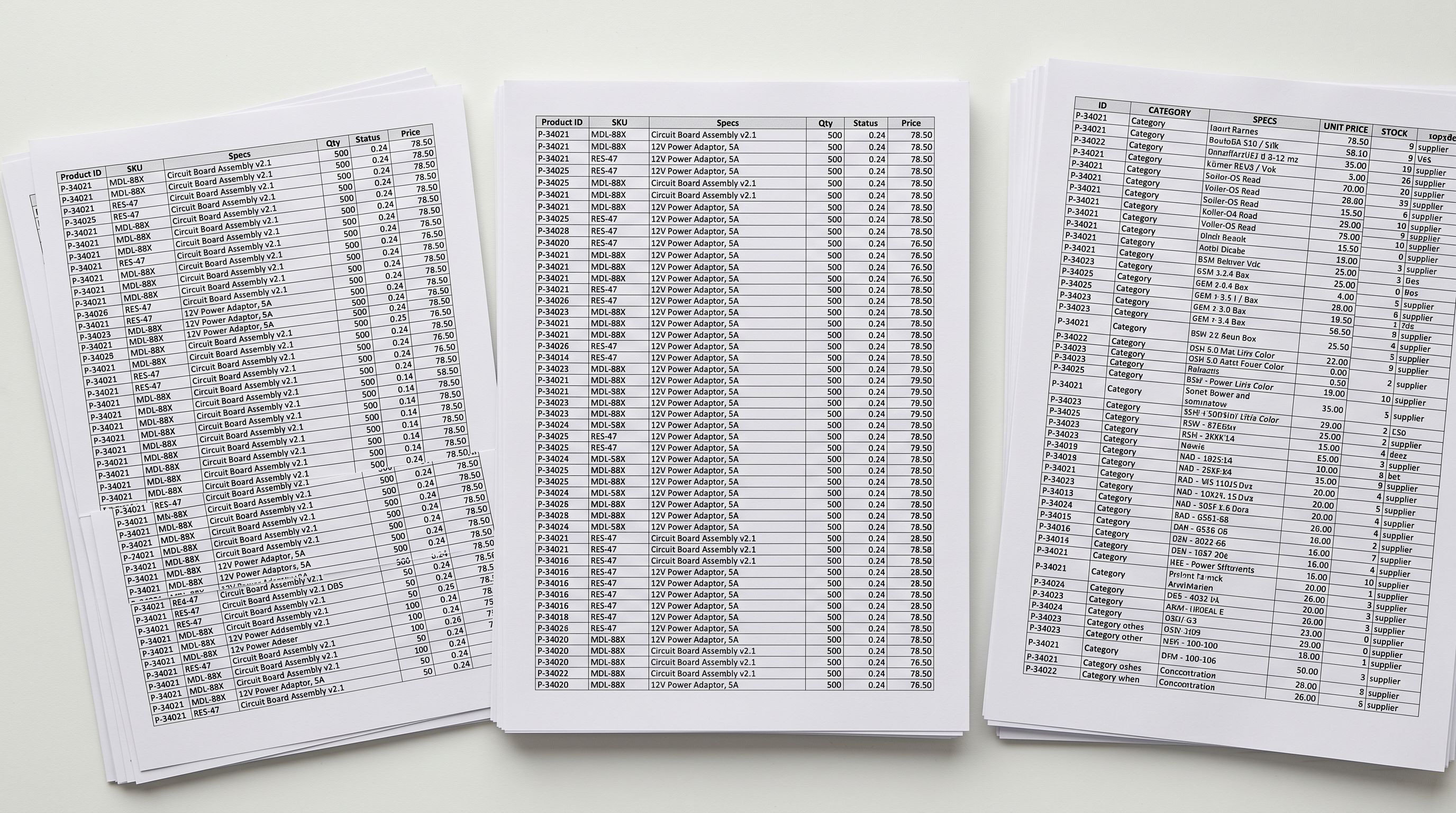
Excel (.xlsx and .xls) covers wholesale suppliers who deliver catalogues as spreadsheets rather than plain text files. A common scenario: a homewares wholesale buyer receives a 1,200-row Excel file from their supplier every quarter, with pricing on one sheet, specifications on another, and images linked from a third. The same wizard that handles CSV handles Excel, including formula-based cells and multi-tab workbooks. For the full Excel-specific workflow, see the Excel import walkthrough.
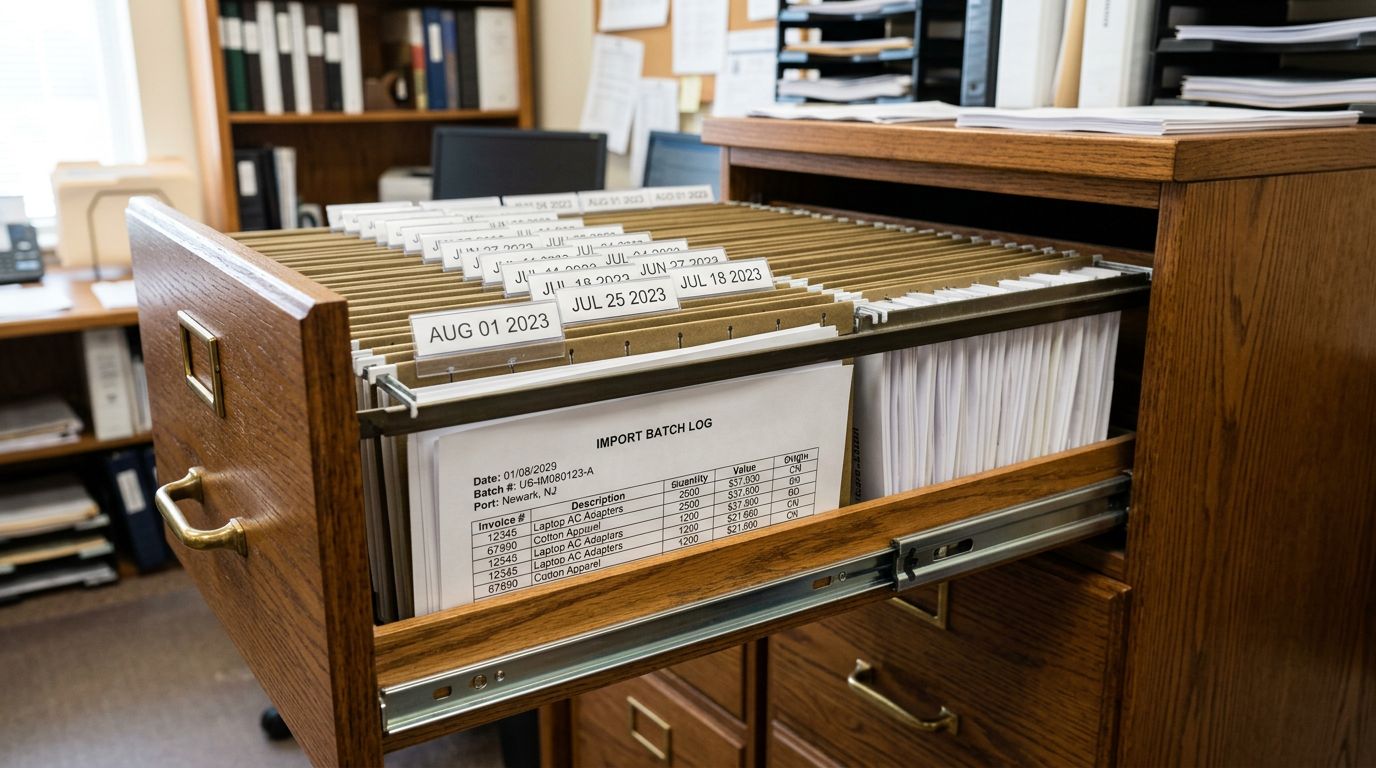
PDF invoice import solves a more specific problem: suppliers who send order confirmations, price lists, and product sheets as PDFs, with no spreadsheet version available. AI parses the document layout and extracts product titles, quantities, pricing, and specifications from the structure. This is particularly useful for importers working with suppliers who produce professionally formatted catalogues but have no digital data export. For the complete walkthrough, see the guide to PDF invoice import.
All three formats produce the same output: a mapped, preview-ready import that you confirm before any products reach your store. The wizard's column mapping step is where most of the effort in a manual CSV import disappears. Supplier columns rarely match Shopify's expected field names, and the auto-mapper handles that translation automatically.
Shopify Bulk Product Import from Marketplace URLs
Marketplace import is the right starting point for a fashion dropshipper importing 300 AliExpress products, a toy merchant expanding into a new category from eBay listings, or any merchant whose products exist on a supported platform rather than in a supplier file.
Rather than exporting data and reformatting it, you paste the product URL directly into Importier. The extraction pulls title, description, price, images, SKU, barcode, variants, and specifications from the listing. One detail that matters for accuracy: Importier scrapes per-variant rather than pulling the default listing data. For a product with 20 colour and size combinations, each variant gets its own barcode and images rather than a copy of the first variant's data. This matters because AliExpress product listings often show only the main image on the default variant, with different-coloured variants showing different hero images. Per-variant scraping captures those distinctions.
Supported platforms are Amazon, eBay, AliExpress, Walmart, and Etsy. Bulk import processes multiple URLs simultaneously with progress tracking, automatic retry on failed extractions, and parallel processing.

One limitation to note plainly: marketplace import is available on the Enterprise plan only. For merchants on Starter, Growth, or Scale plans who source from marketplaces, exporting a seller report from the relevant platform and importing it as a file is the practical alternative. Most marketplace seller accounts provide bulk export functionality.
Price markup and compare-at pricing are available during the import flow, so you set your margins before products reach the store rather than editing them product by product after import.
Any Site: Import from Supplier Pages Without a File
Any Site handles the case that file import cannot: a supplier who publishes their catalogue on their website but offers no download, no spreadsheet, and no API access. Paste the product page URL, and Importier extracts the product data directly from the page. For the full walkthrough, see the guide to importing products from any website.
This is also practical for suppliers on niche wholesale platforms that are not on the standard marketplace list. If the supplier has a product page with structured data, Any Site can read it.
Scheduled Imports: Automating Recurring Shopify Product Feeds
Scheduled import converts a repeating manual task into a one-time configuration. Set it up once: upload the file, choose the frequency (daily, weekly, or monthly), set the time and timezone, and activate. Importier runs the import automatically on that schedule, applying the full AI pipeline (descriptions, variant detection, enrichment, and metafields) on every cycle.
The practical benefit for a dropshipper managing a supplier who updates their catalogue weekly is significant. Without scheduled import, the workflow is: receive updated file, open Importier, re-upload, re-map columns, review preview, confirm. With scheduled import, the workflow for subsequent updates is: nothing. The supplier delivers the file to the agreed location, and the import runs unattended. The complete setup guide is in the scheduled imports guide.
Scale plan includes 2 scheduled imports. Enterprise includes 10. For a merchant managing multiple suppliers with different update cycles, 10 schedules allow separate automations per supplier feed with distinct configurations.

The AI Pipeline
What Runs After Every Shopify Bulk Product Import
The import delivers the raw product data. Four additional steps run after that, and they are where the practical difference from Shopify's native CSV import or any manual process becomes visible.
Smart Variant Detection
Supplier catalogues typically list variants as separate rows rather than grouped products. Smart Variant Detection uses 150+ detection patterns across 15+ industries to identify which rows belong together and group them into products with Shopify variant options automatically. A 500-row supplier file with colour, size, and material variants becomes the correct product structure without manual row grouping. The detection preview shows the proposed groupings before any changes are committed.
AI Description Generation
Every imported product can have a description generated during the import run or retroactively using the Store Scanner. AI description generation works across 7 styles, 156 expert personas, and 25 AI models, producing product-specific copy drawn from the existing title, type, and vendor data rather than a generic template. SEO meta titles and meta descriptions generate in the same pass. A 500-product import generates descriptions in the time it would take to write one manually.
Data Enrichment
Supplier files routinely arrive missing weight, HS codes, country of origin, and barcode data. Those gaps create downstream problems: incorrect carrier-calculated shipping rates, international customs delays, and Google Merchant Centre "limited performance" flags for products without identifiers. AI data enrichment fills those gaps during the import run or as a targeted pass on specific collections after import. An enrichment context field accepts a plain-text hint about the product range, which is useful for specialist catalogues where generic AI estimates might miss specifics.
Category Metafields
Shopify's Standard Product Taxonomy requires structured attributes for Google Shopping feeds, on-site filtering, and recommendation features. Importier's category metafield engine covers 22 industry packs with 3,758 attribute types aligned to the taxonomy. A two-phase process handles both clear-cut and ambiguous categorisations: text-based matching runs first, AI classification handles cases where the product type is not immediately obvious from the title alone.
A 500-product CSV with no descriptions, missing weights, and no category data becomes a fully populated Shopify catalogue in under 10 minutes. The same catalogue built manually takes days.
Running a Bulk Product Import: The Workflow

- 01Open Importier from your Shopify adminLaunch Importier from the Apps section and choose your import method (file, marketplace URL, Any Site, or scheduled) based on where your product data lives.
- 02Add your sourceUpload a CSV, Excel, or PDF file; paste a marketplace or Any Site URL; or configure a scheduled import by uploading the file and setting the frequency and timezone.
- 03Map your columnsThe auto-mapper handles non-standard supplier column names. Review the suggested mapping and adjust any field that the AI misidentified before proceeding.
- 04Configure the AI pipelineChoose your description style, persona, and tone. Select whether to run data enrichment and category metafields on this import. These settings apply to every product in the batch.
- 05Review the import previewSee exactly which products will be created or updated before anything is pushed to Shopify. Edit any field in preview mode or exclude specific products from the batch.
- 06Confirm and importImportier processes the products and pushes them to Shopify. Import History logs the run with a timestamp, file name, and product count. If the result is not what you expected, Import Undo reverts all changes from the session in one action.
Manual CSV vs Importier: What Actually Changes
- Column names must match Shopify's exact format
- Variants must be pre-grouped before import
- No descriptions: blank product pages after import
- Missing data fields require manual research
- No rollback if a bulk change goes wrong
- Auto-maps non-standard column names from any supplier
- Smart Variant Detection groups flat rows into products automatically
- AI descriptions, meta titles, and meta descriptions in one pass
- Data enrichment fills missing weight, HS codes, barcodes, and country of origin
- Import History logs every run with one-click rollback
Key Takeaways
- Shopify bulk product import covers five methods: CSV, Excel, PDF, marketplace URL, Any Site, and scheduled feeds. Choose based on where your data lives, not which sounds most advanced
- File import (CSV, Excel, PDF) handles the widest range of situations and works across all Importier plans; it is the practical starting point for most merchants
- Marketplace import extracts full product data per variant from Amazon, eBay, AliExpress, Walmart, and Etsy (including per-variant images and barcodes), and is available on the Enterprise plan
- Scheduled imports automate recurring catalogue updates; every automated run carries the full AI pipeline, so new products arrive with descriptions and enriched data
- Every import method feeds into the same AI pipeline: Smart Variant Detection, AI descriptions across 7 styles and 156 personas, data enrichment, and category metafields
Try Importier free at importier.app
Set up your first import in under five minutes.
Importier brings products into Shopify with AI descriptions, category metafields, and data enrichment on every run.