Shopify Google Shopping Product Data: Fix the Gaps
On this page
Shopify Google Shopping Product Data: Why Your Ads Underperform
When a Google Shopping or Performance Max campaign underdelivers, the first instinct is to raise bids. Merchants spend hours adjusting target ROAS, tweaking audience signals, and testing bidding strategies, only to see the same thin impression share. The bids are not the problem. In most cases, the issue is shopify google shopping product data quality, specifically the four fields that Google scores before your products ever enter an auction.
This is not an article about fixing GMC disapprovals. If your products are sitting in a disapproved state, start with fixing GMC disapprovals first. This article covers what happens after approval, when products are technically live in your feed but failing to show up, or showing up for far fewer searches than they should.
What Google Scores in Shopify Google Shopping Product Data
Google does not treat every approved product equally in Shopping auctions. Products with complete, well-structured data get surfaced across a broader range of search queries. Products with thin or missing data get narrower coverage, lower placement, or Google excludes them from PMax product groups entirely.
The four fields that carry the most weight in Shopping ad eligibility and reach are:
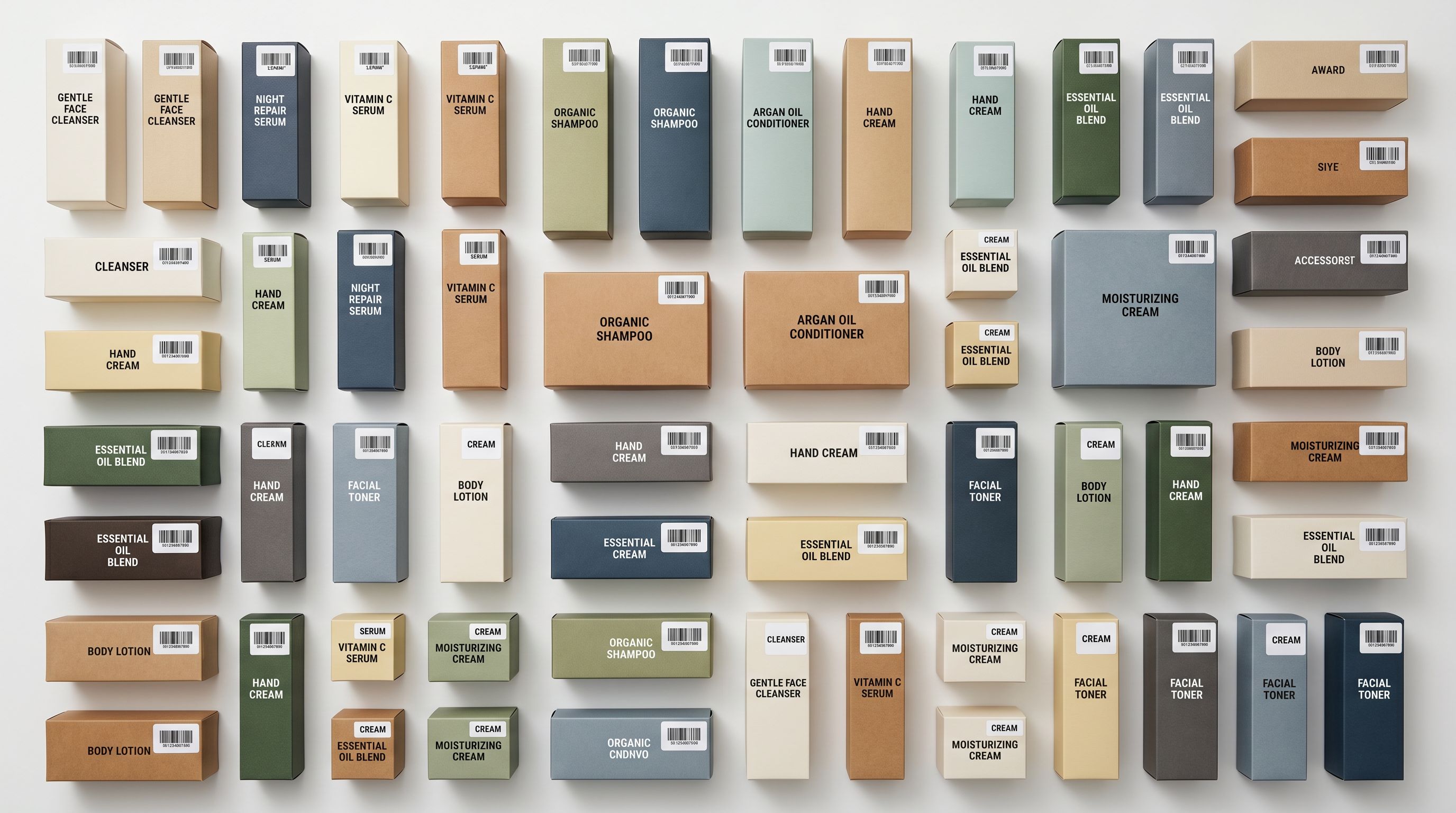
GTINs (barcodes). Google uses GTINs to look up a product in its product knowledge graph. A product with a valid GTIN gets matched against known search queries for that item. A product without one relies entirely on title and description to trigger impressions, which is far less effective for anything except the most distinctive products.
Product category (taxonomy-aligned). Google maps your products to its own Shopping taxonomy for ad targeting. If your product type says "Accessories" instead of "Apparel & Accessories > Clothing Accessories > Scarves & Wraps", Google's algorithm has to guess where to place the ad. It often gets this wrong or places the product in a broad, competitive category where your bids cannot compete.
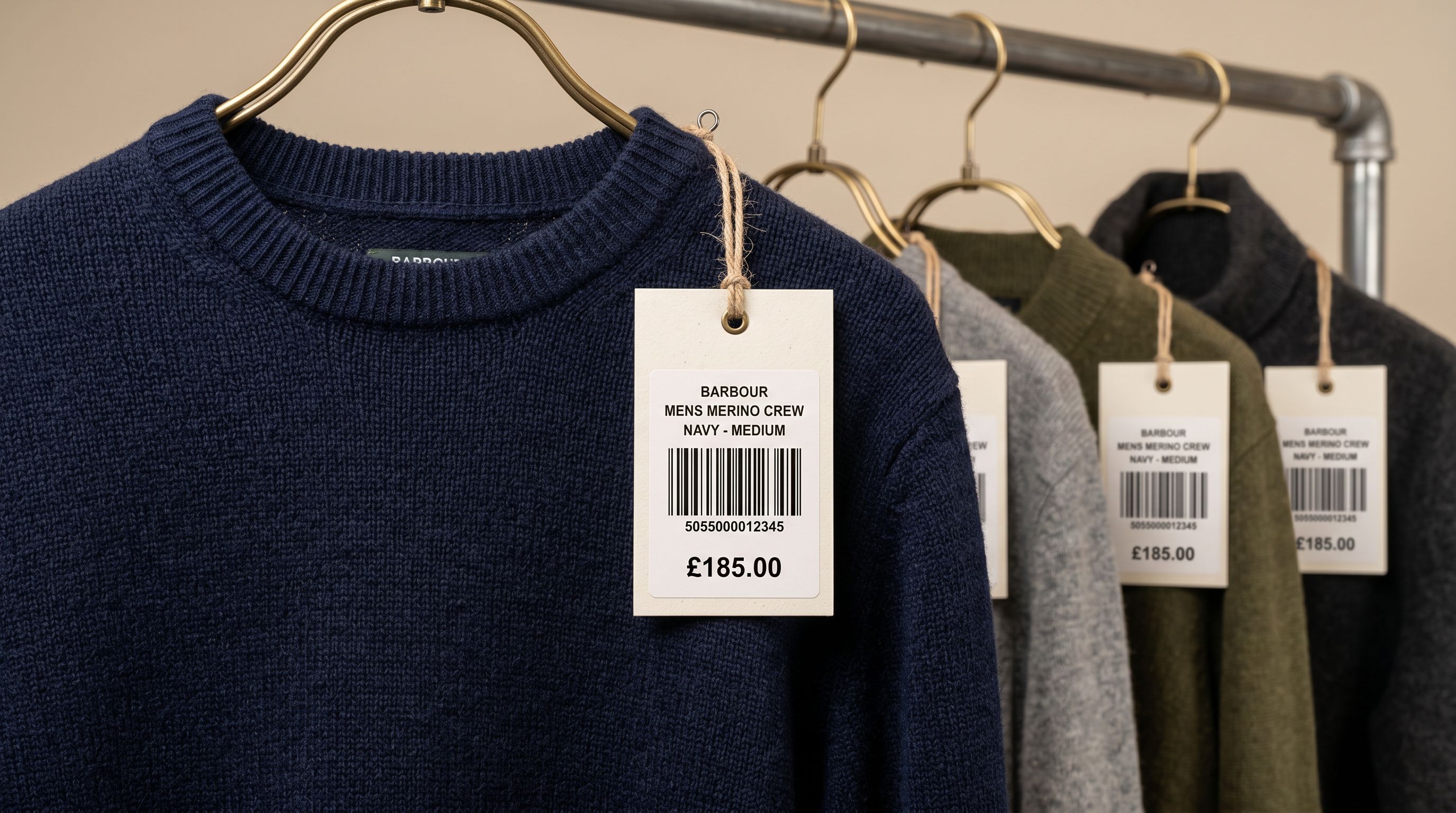
Title formatting. Your title is the ad headline. It needs the right keywords in the right order, under 150 characters, in correct title case. Supplier-formatted titles in ALL CAPS, with truncation or missing key attributes, systematically underperform against well-structured competitors.
Product description. Descriptions are not displayed in Shopping ads, but Google's algorithm reads them to determine relevance. Thin descriptions or verbatim supplier copy give Google less signal about what the product is and who it is for.
The Structural Data Gap in Shopify Catalogues
The data gap is not specific to any one merchant type. It is structural. Supplier CSVs, marketplace listings, and platform migration exports were not built with Google Shopping requirements in mind. A warehouse management system does not care whether your product title is 148 or 152 characters. Your supplier does not maintain a database of taxonomy-aligned Google product categories.
A wholesale accessories merchant importing 300 products from a supplier catalogue will typically find 60 to 80 per cent of products have no valid GTIN, because the supplier uses internal stock codes rather than registered barcodes. More than 90 per cent will have a generic product type field ("Accessories" or blank) rather than a taxonomy-aligned category.
All titles will use the supplier's casing and abbreviation conventions. Descriptions will be either blank or copied verbatim from the supplier's wholesale PDF.
That merchant's PMax campaign is running with, at best, 40 per cent of its catalogue eligible for full Google Shopping scoring. Google serves the remaining 60 per cent on an approximate basis, which in practice means narrow query matching, low impression share, and higher effective CPCs on the products that do show.
A supplier CSV built for a warehouse management system was never designed to feed a Google Shopping algorithm.
How to Audit Your Shopify Google Shopping Product Data Gaps
The audit starts with a targeted export, not a manual product-by-product check.
Importier's SEO Audit export preset generates a CSV that maps every product against four content fields: meta title, meta description, description word count, and barcode. Run this export against your Shopify store and you get a gap map for your entire catalogue in under two minutes.
What to look for in the audit export:
- Empty or short Barcode column. These products will rely entirely on title matching in Shopping.
- Empty or non-taxonomy Product Type. These will go into broad Shopping categories.
- Short description word counts. Below 150 words is too thin for reliable Shopping relevance signals.
- Missing meta title. Google often uses the SEO title in Shopping; if it is blank, Shopify defaults to the product title.
The audit CSV makes prioritisation clear. Fix GTINs first (highest impact on Shopping eligibility), then categories, then titles and descriptions.
The Four Fixes
Fix 1: Add GTINs to Products Missing Barcodes
GTINs go into Shopify's Barcode field. EAN-13, UPC-A, and ISBN codes are all valid. For products that arrived without them, which is most imported products, Importier's data enrichment panel searches registered GTIN databases to find the correct code.
The process runs during a new import or retroactively against existing products via the data enrichment panel. Filter by collection or vendor to target specific product groups. For a 300-product catalogue with 200 missing GTINs, this takes a few minutes rather than the 15 to 25 hours manual GTIN research would require. The detailed walkthrough for adding GTINs in bulk covers both the new import and retroactive enrichment paths.
One important caveat: not every product has a registered GTIN. Custom-manufactured goods, private-label products, and some B2B items will not return a match. Importier flags these so you know which products genuinely have no GTIN and which ones simply have not been looked up yet. For truly custom products, Google provides an exemption via the identifier_exists: false feed attribute.
Fix 2: Assign Taxonomy-Aligned Category Metafields
Shopify's Product Type field is a free-text field. Google ignores it for Shopping targeting and relies instead on the google_product_category feed attribute, which maps to Google's own multi-level taxonomy.
The right solution is Shopify's category metafields, the standardised taxonomy-aligned attributes introduced in 2023. When correctly populated, Shopify sends a structured category signal to your GMC feed automatically.
Importier assigns category metafields using 22 industry packs covering 3,758 attribute types. The matching works in two phases: text matching for clear cases and AI matching for ambiguous ones. A product titled "Men's Running Shoes" maps directly to Footwear > Athletic > Running Shoes. A product titled "BX-44 ProGrip" with no further context gets AI analysis against the category taxonomy. The result is a structured, taxonomy-aligned category for every product rather than a generic free-text type.
For a mixed catalogue of 300 products, category assignment that would take a full working day manually runs in minutes. The impact on Shopping ad targeting is direct: Google now knows exactly where to place your ads rather than making guesses from your title text alone.
Fix 3: Optimise Product Titles for Shopping
Title problems in Shopping ads have two causes: format issues such as casing, length, and special characters, and content issues such as keyword order and missing attributes.
The GMC preset in Importier's Title Optimizer handles format issues across your entire catalogue in one run. It converts supplier ALL CAPS to Title Case or Sentence case, strips extra spaces and special characters that disrupt Shopping display, applies the 150-character limit, and front-loads the most important keyword terms.
Importier's AI description generator also produces an optimised SEO title alongside each description, with brand, product type, and key attributes in the recommended order. For 300 products, title reformatting runs in minutes compared to the 8 to 10 hours the same manual work would require.
Fix 4: Replace Thin or Duplicate Descriptions
Google's Shopping algorithm reads descriptions to build a relevance map for your products. Thin descriptions under 150 words, or verbatim supplier copy that appears on dozens of other Shopify stores, provide weak relevance signals. Google is effective at detecting boilerplate text that is shared across multiple domains.
Importier's Store Scanner identifies products with missing or short descriptions across your catalogue. Set a character threshold, filter by collection or vendor, and run the AI description generator in Replace mode.
The generator draws from 7 description styles and 156 expert personas across 43 industry categories, with 25 AI models available across four plan tiers. The output is unique, substantive content that gives Google's algorithm clear signals about what each product is and who it is relevant to.
For 300 products, generating unique descriptions takes minutes rather than the 75 to 150 hours the same task would require if written manually.
Running All Four Fixes in Sequence
The most efficient approach is to run all four fixes in a single Importier session rather than addressing them one at a time. The order matters because category assignment and enrichment inform the description generation step. Running descriptions before categories means the AI has less context to work with, which affects output quality.
- 01Run the SEO Audit export preset to map gaps across GTINs, categories, descriptions, and meta fields
- 02Run data enrichment to fill GTINs and other missing fields (weight, HS codes, country of origin)
- 03Assign category metafields using Importier's 22 industry packs
- 04Apply the Title Optimizer GMC preset for title formatting and character limits
- 05Generate AI descriptions via Store Scanner in Replace mode, with SEO title and meta description in the same run
The full sequence for 300 products takes under an hour with Importier. The equivalent manual workflow, covering GTIN research alone, runs 15 to 25 hours before you touch titles or descriptions.
- 15-25 hours researching GTINs manually
- Full working day assigning product categories
- 8-10 hours reformatting supplier titles
- 75-150 hours writing unique descriptions
- GTIN lookup runs automatically during enrichment
- Category metafields assigned via 22 industry packs
- Title Optimizer GMC preset applied catalogue-wide
- AI descriptions generated across 300 products in minutes
What Changes After Fixing Product Data
Google's Shopping feed updates follow a crawl cycle, typically 24 to 48 hours after changes are submitted. PMax campaigns begin adjusting within a few days of the feed update as Google re-evaluates product eligibility.
Merchants who complete a full data quality fix typically see three changes.
First, broader query matching: products with valid GTINs and taxonomy categories match a wider range of search queries, including long-tail terms Google infers from the category hierarchy. Second, more consistent impression share, with products no longer cycling in and out of Shopping auctions based on data quality scoring.
Third, lower effective CPCs on previously excluded products, as newly eligible products enter auctions where your existing bids find less competition.
The timeline for measurable impact varies. Feed updates propagate within 24 to 72 hours. Impression share improvements are typically visible within 7 to 14 days. Revenue attribution takes longer because Google's PMax optimisation cycles need time to accumulate data on the newly eligible products.
One thing worth noting: data quality is not a one-time fix. Every new supplier import risks introducing new gaps. Running a targeted Store Scanner pass and a short enrichment run after each import prevents the catalogue from drifting back toward thin data over time.

Key Takeaways
- Google scores shopify google shopping product data quality before placing Shopping ads. GTINs, categories, titles, and descriptions all contribute to how broadly your products are served.
- Products with missing GTINs rely entirely on title text for query matching, which is far less effective than GTIN-based product graph lookup.
- Taxonomy-aligned category metafields determine how accurately Google targets your Shopping ads. Shopify's free-text Product Type field is not used by Google for targeting.
- An SEO Audit export from Importier maps every gap in your catalogue in under two minutes, including missing barcodes, categories, descriptions, and meta fields.
- Running all four fixes in sequence (GTIN lookup, category assignment, title optimisation, description generation) takes under an hour for a 300-product catalogue.
Try Importier free at importier.app.
Related Articles
Set up your first import in under five minutes.
Importier brings products into Shopify with AI descriptions, category metafields, and data enrichment on every run.