Shopify Price Update Not Showing in Google Shopping
On this page
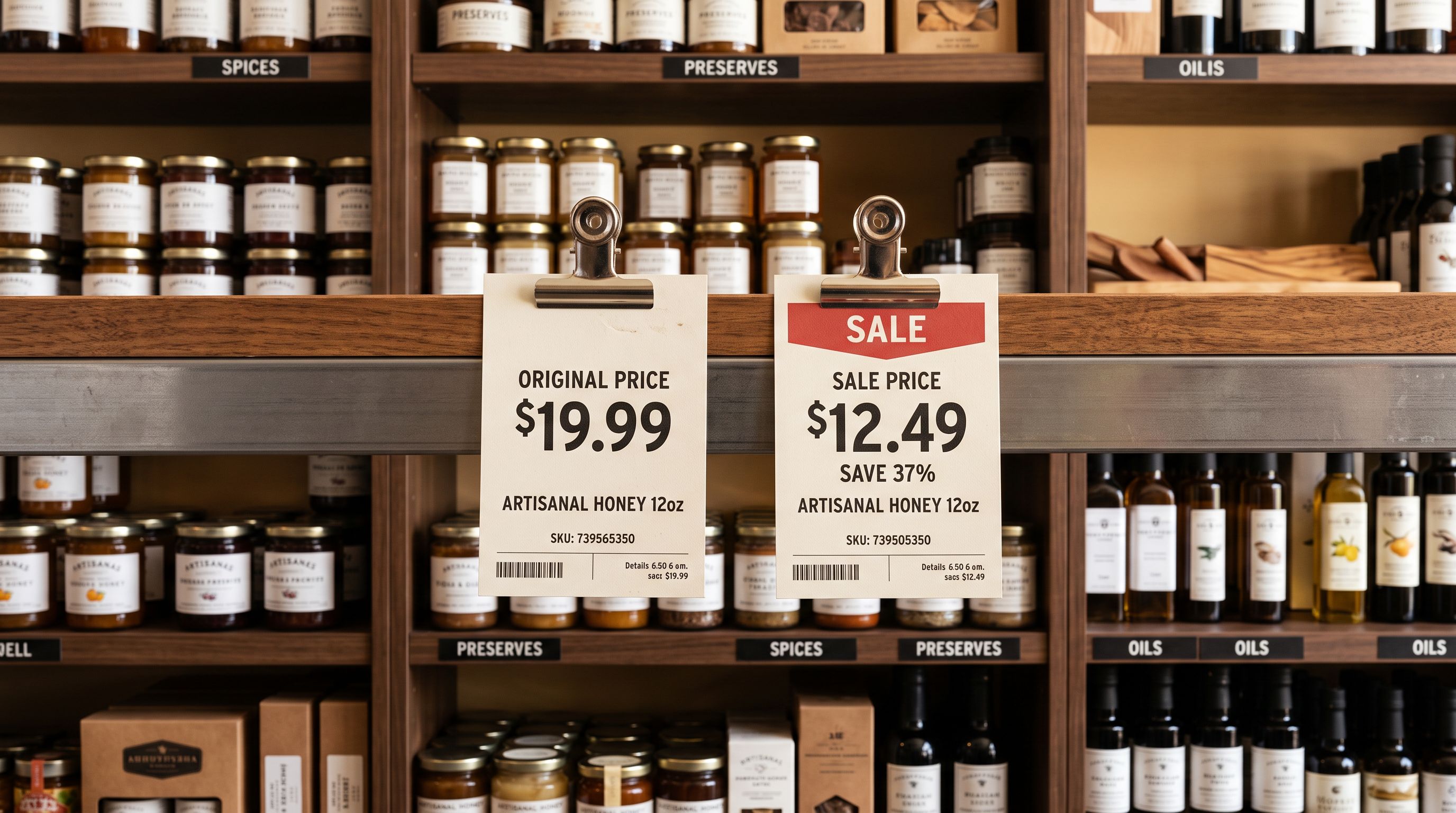
A homewares merchant runs a weekend sale. On Friday afternoon they update 80 products in Shopify: compare-at price stays at $149, sale price drops to $99. The update is instant. The merchant opens Google Shopping, searches for their products, and sees $149 on every listing. On Saturday morning, still $149. On Monday, the prices finally update to $99. The sale ended Sunday night.
The frustration is understandable. The merchant updated the prices in Shopify three days ago. Google Shopping simply did not reflect the change until the sale was already over.
This is the Shopify Google Shopping price not updating problem, and it is caused by how Google Merchant Centre synchronises product data from Shopify. It is not a Shopify bug. It is not a configuration error. It is the natural delay between a Shopify price change and Google's next feed processing window.
Why Google Shopping prices lag behind Shopify
When a merchant connects Shopify to Google Merchant Centre, GMC does not read Shopify prices in real time. Instead, GMC fetches the merchant's product feed on a scheduled crawl cycle. The feed is a structured file that Shopify generates automatically, listing every product's current price, availability, image, title, and description.
GMC crawls that feed periodically. For most merchants, the crawl runs once every 24 to 48 hours. For higher-volume accounts or accounts that have submitted a manual re-fetch request, the crawl may run more frequently. But the baseline expectation for most Shopify merchants is that a price change made in Shopify will appear in Google Shopping within one to three business days, not within minutes.
This means any time-sensitive pricing action, whether a flash sale, a price increase after a cost change, or a promotional campaign, requires planning for the sync lag rather than assuming immediate reflection.
The price mismatch window and its GMC consequence
The sync delay creates a window during which the price in Google Shopping does not match the price on the Shopify product page. This mismatch has a specific consequence in Google Merchant Centre that surprises many merchants.
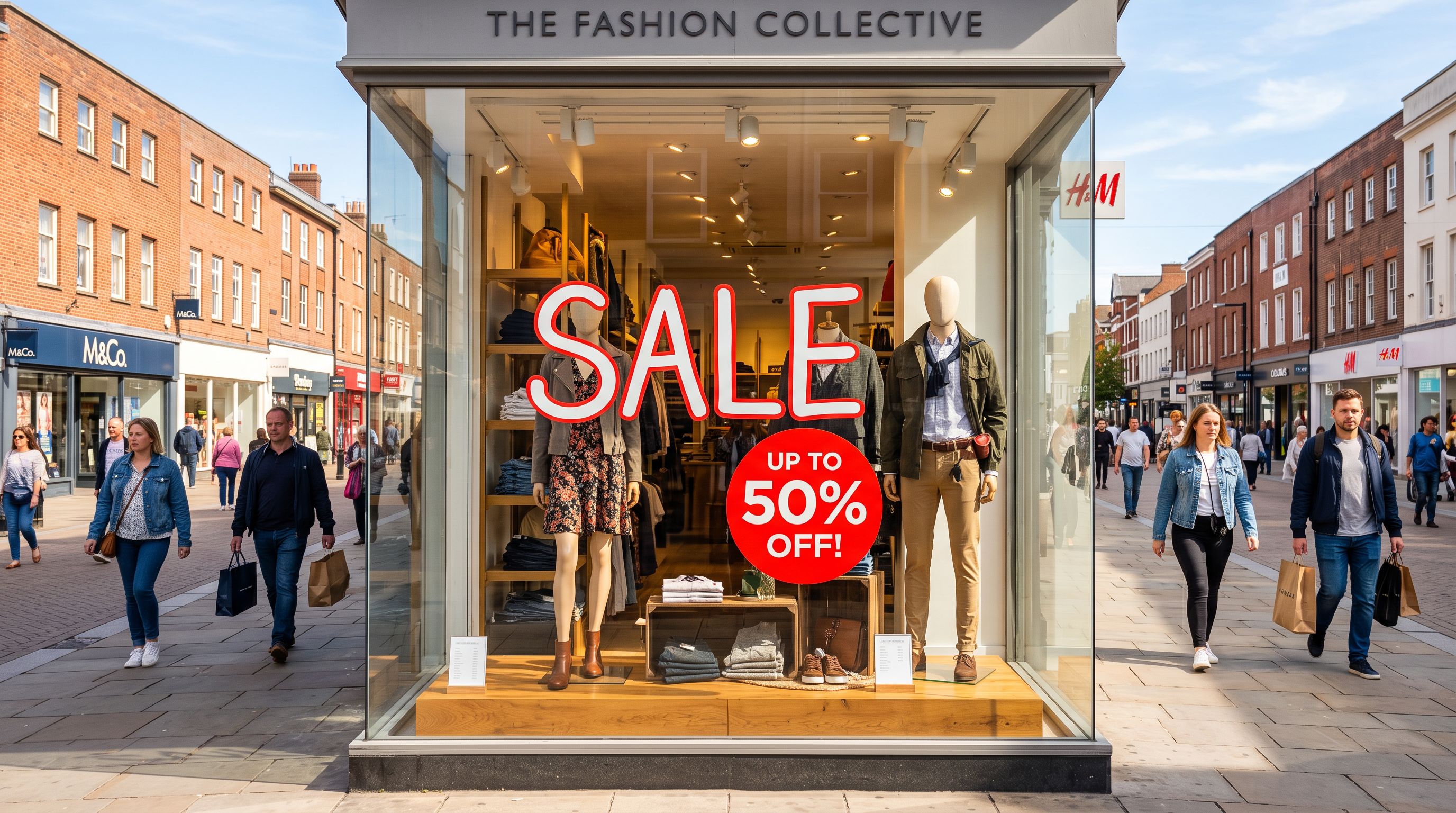
When a buyer clicks a Google Shopping listing, GMC's policy system checks whether the price shown in the listing matches the price on the destination page. If a listing shows $149 (the cached GMC price) and the Shopify page shows $99 (the updated Shopify price), GMC's automated check records a price discrepancy.
This discrepancy can trigger a disapproval for "Incorrect price or availability." Google Merchant Centre's product data specification for price requires that the price submitted in the feed match the price the customer would pay at checkout on the landing page. When GMC's automated check detects that the feed price and the live page price differ, it records the discrepancy. The product gets flagged not because the merchant did anything wrong, but because the price in GMC's index has not yet caught up to the price on the merchant's live page. The fix is waiting for the next feed crawl, after which the prices align and the disapproval clears automatically.
The same risk applies in reverse: if a merchant raises prices on Shopify (for example, after a cost increase), Google Shopping continues to show the old lower price. Any buyer who clicks through gets the higher Shopify price at checkout and may abandon the purchase or feel misled.
How to check the current sync status in Google Merchant Centre
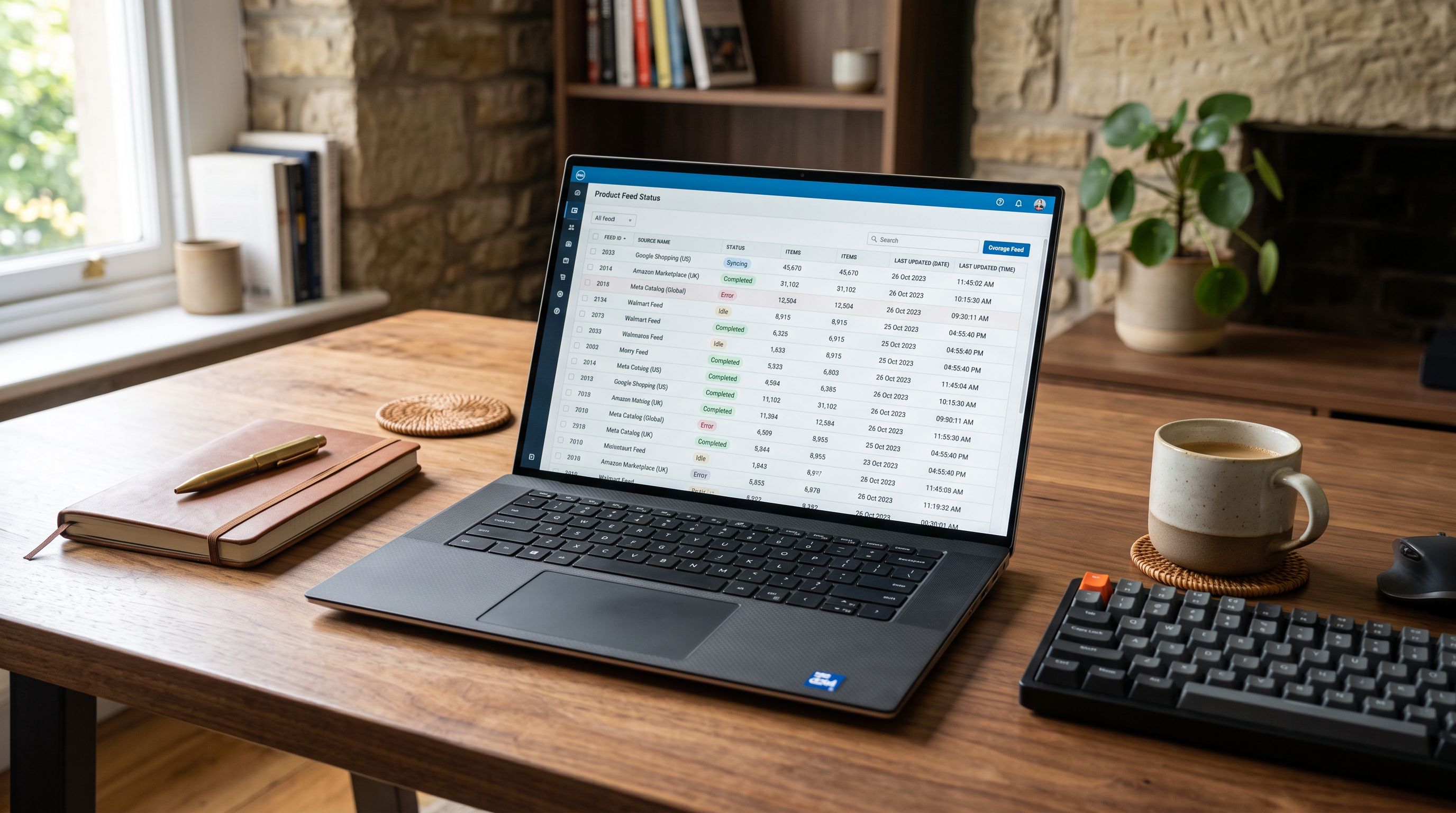
Google Merchant Centre shows the last time your product feed was fetched and processed. To check:
- 01Step 1Log into Google Merchant Centre and navigate to Products then Feeds.
- 02Step 2Select your primary Shopify feed. The feed detail page shows the last successful fetch date and time, the next scheduled fetch, and any fetch errors.
- 03Step 3Compare the last fetch timestamp to the time you made your price change in Shopify. If the last fetch predates the Shopify change, the updated prices have not yet reached Google Shopping.
- 04Step 4Review the Diagnostics section in Merchant Centre. Any 'Incorrect price or availability' disapprovals in the active issues list indicate that GMC's cached price and the live Shopify price do not match.
The feed detail page tells you precisely how stale Google Shopping's view of your catalogue is. A last fetch time of 36 hours ago means the current Google Shopping listings are working from 36-hour-old data.
How to trigger a faster feed sync
Google Merchant Centre allows merchants to request a manual re-fetch of their product feed outside the normal crawl schedule. This is the fastest way to push a price change into Google Shopping without waiting for the next automatic crawl.
- Price change reflected in Google Shopping in 24-72 hours
- No action required
- Timing unpredictable; depends on when GMC scheduled the next crawl
- Sale price may not appear until after the promotion ends
- Re-fetch request submitted immediately after Shopify price update
- Price change reflected in Google Shopping after fetch completes, typically 2-6 hours
- Merchant controls the timing; re-fetch available once per day per feed
- Enables time-sensitive promotions to appear in Shopping before sale launches
To request a manual re-fetch: in Merchant Centre, navigate to Products then Feeds, select your feed, and use the "Fetch now" option on the feed settings page. GMC allows one manual re-fetch per day per feed. After the re-fetch completes and GMC processes the updated data, prices in Google Shopping reflect the latest Shopify state.
Note that "Fetch now" initiates the data download but does not guarantee instant price display: GMC still processes the fetched data after the crawl, which adds another one to two hours before Shopping listings update.
Planning price changes around the feed cycle
For merchants who run regular promotions, the most reliable approach is scheduling price updates to account for the sync lag rather than reacting after it occurs.
A Google Shopping sale that launches Friday at 9am requires a Shopify price update by Wednesday evening at the latest, to allow two full feed crawl cycles as a buffer before the promotion goes live.
Practical planning rules:
- For a price drop to appear before a promotion launches: update prices in Shopify at least 48 to 72 hours before the promotion start time, then submit a manual re-fetch request as close to the launch as GMC allows.
- For a price increase after a cost change: update prices in Shopify before communicating the increase externally. The sync lag means Google Shopping will continue showing the old (lower) price for one to two days, which may attract clicks that convert at the higher price, which is a better experience than the reverse.
- For time-limited flash sales (under 48 hours): the sync lag makes Flash sales inherently difficult for Google Shopping. A 24-hour sale updated in Shopify on Day 1 may not appear in Shopping until Day 2, after which the sale ends. Manual re-fetch minimises this lag but does not eliminate it.

How Importier's Import History helps with price update timing
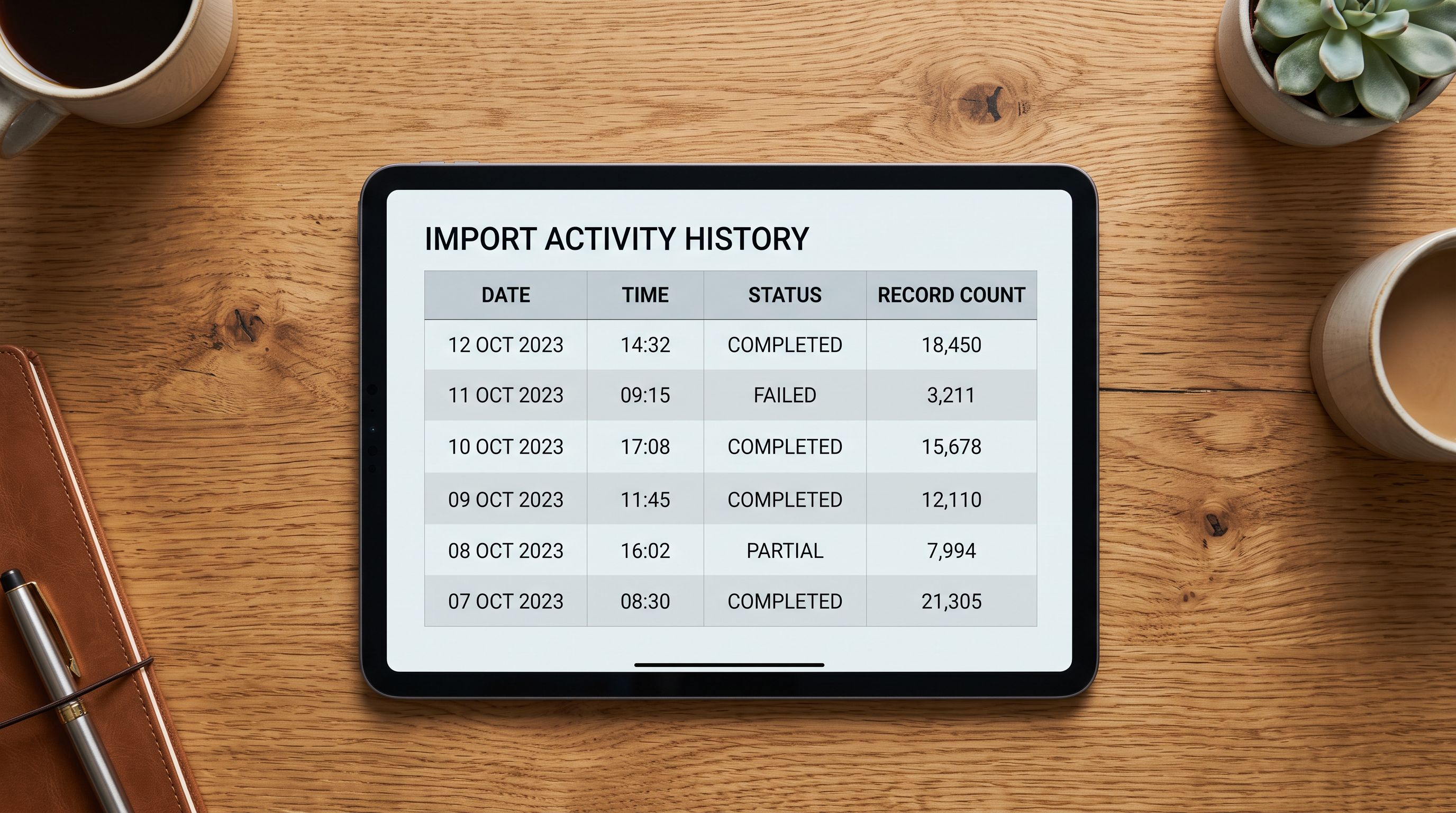
When price updates are applied through Importier's import flow rather than manually through the Shopify admin, the Import History log records the exact timestamp of each import session. This timestamp is the correct reference point for calculating when Google Shopping prices will update.
Reading the sync timeline from Import History
The Import History entry for a price update shows the date, time, and product count for that session. A price update session recorded at Wednesday 14:30 AEST tells the merchant:
- Shopify was updated at 14:30 Wednesday.
- GMC's next crawl will pick up the update at some point after 14:30 Wednesday; if the last crawl ran at 11:00 Wednesday, the next crawl is due approximately 24 to 48 hours later, around 11:00 to 11:00 Thursday to Friday.
- Google Shopping prices should reflect the update by Thursday or Friday morning at the latest.
This calculation is not possible from the Shopify admin alone, where price updates made via CSV import do not produce a timestamped activity log visible to the merchant. The Import History entry provides the reference timestamp the timing calculation requires.
For merchants using Shopify scheduled product imports on Scale or Enterprise plans, scheduled import runs appear in Import History with their scheduled time and actual execution time. A weekly price update scheduled for Tuesday 02:00 AEST produces a consistent feed timeline: Shopify updated Tuesday morning, GMC sync expected by Wednesday or Thursday. Merchants can plan Google Shopping visibility around this fixed weekly cycle.
What to do if prices stay wrong in Google Shopping beyond 72 hours
If Google Shopping prices have not updated after 72 hours and a manual re-fetch has been requested, check these conditions:
First, verify that the Shopify price change was actually saved. Export the relevant products from Shopify (or use Importier's Descriptions Only export to isolate the product data) and confirm the price column shows the updated value. A common failure: the price change was staged but not confirmed in the import flow's Review step.
Second, check whether GMC is reading the correct feed URL. Shopify generates the feed at a standard URL, but if a merchant has configured a custom feed URL or a secondary feed, GMC may be fetching from a stale source. Review the feed URL in Merchant Centre against the live Shopify feed URL.
Third, check for GMC account-level issues. If GMC shows a suspended account or a critical policy violation, feed processing may be paused entirely. Address account-level issues before investigating feed timing.
If none of these conditions explain the delay, raise a support ticket with Google Merchant Centre support, referencing the last fetch timestamp and the Import History timestamp from Importier to demonstrate when Shopify was updated.
Key takeaways
Google Shopping prices lag behind Shopify by design, not because of an error. The feed sync cycle is the mechanism that controls when Shopify data reaches Google's index.
Key points:
- GMC crawls the Shopify product feed on a scheduled cycle, typically every 24 to 48 hours for most merchants. A price change in Shopify does not trigger an immediate GMC update.
- The sync delay creates a price mismatch window. If the GMC-cached price and the live Shopify price differ, GMC's automated price check may flag products for "Incorrect price or availability" disapproval.
- A manual re-fetch in Merchant Centre (one per day per feed) is the fastest way to close the gap between a Shopify price change and Google Shopping display.
- Planning promotions with the sync lag in mind: update prices in Shopify 48 to 72 hours before a promotion launches, then submit a re-fetch request as close to the launch as GMC allows.
- Importier's Import History timestamps price update sessions, giving merchants the reference point needed to calculate when GMC will reflect the update.
Manage price updates and track your import timing with Importier so you always know exactly when Shopify was updated and when Google Shopping should follow.
Set up your first import in under five minutes.
Importier brings products into Shopify with AI descriptions, category metafields, and data enrichment on every run.