Shopify Product Listing for Fashion Merchants: Variants, Images, and Descriptions at Scale
On this page
Shopify Product Listing for Fashion Merchants: Variants, Images, and Descriptions at Scale
Fashion catalogues present a specific set of challenges that standard Shopify import guides are not written for. A clothing brand with 100 products does not have 100 rows in its supplier file. It has 800 rows, or 1,200, because each colourway-size combination is its own row. A jacket in five colours and four sizes is 20 variants, and those 20 variants need to arrive in Shopify as one product with 20 variant records, not 20 separate products.
The variant grouping problem is one part of the challenge. The other two are equally operational: each colourway needs its own gallery of images (a blue jacket's product page should not show red jacket photos), and each product needs a description that communicates the feel, the fit, and the occasion, not a specification sheet.
This article covers the fashion-specific import workflow in Importier: how Smart Variant Detection handles the variant grouping at import, how the Apparel Industry Pack assigns the correct attributes for fashion products, and how AI descriptions in the right style produce copy that fits fashion commerce rather than technical retail.
The Fashion Variant Problem
A supplier file for a clothing brand looks nothing like the flat product structure Shopify expects. The supplier delivers a spreadsheet where every size-colour combination is its own row: a jacket in black/small, black/medium, black/large, red/small, red/medium, red/large. Six rows, one product with six variants.
For a range of 100 products across five colourways and four sizes, that is 2,000 rows. The task of grouping those rows into the correct Shopify product structure (one product per style, one variant per size-colour combination, images attached to the correct colourway variants) is the primary reason fashion imports take so long when done manually.
Manual grouping errors are also common: rows that should be in the same product group get separated (producing two products for the same jacket), or rows from different products get grouped together (producing one product with variants from two different styles). Either error requires finding and fixing individual products after import.
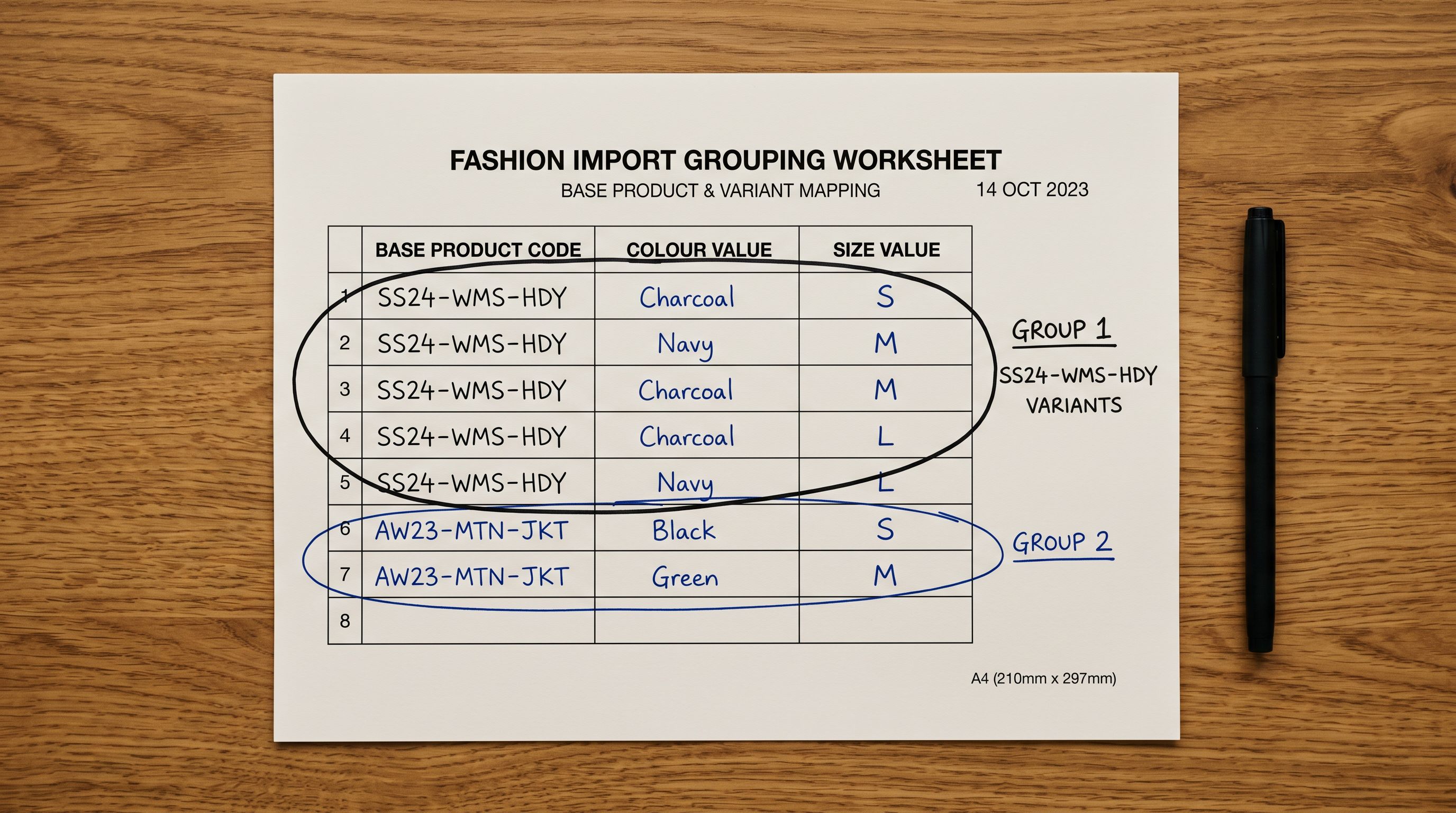
Importier's Smart Variant Detection reads the supplier file and identifies which rows belong to the same product, using 150+ variant detection patterns across 15+ industries. For fashion, the relevant patterns recognise:
- Size indicators: numeric sizes (6, 8, 10, 12, XS, S, M, L, XL), EU sizes, US sizes, UK sizes, waist-inseam combinations for trousers
- Colour/colourway: named colours and colour codes across rows that share the same base product identifier
- Fit variants: slim, regular, relaxed, tailored, oversized: treated as a separate option dimension from size
- Length variants: short, regular, long, petite, tall: a fourth dimension that some ranges carry
When Smart Variant Detection runs, it proposes a grouping: these 20 rows become one product with two option dimensions (colour and size), five colour values, and four size values. The proposal is visible in the review interface before anything is pushed to Shopify.
For the full variant detection and grouping workflow, the Shopify import product variants guide covers how the detection works across different supplier file formats and how to correct the grouping proposal when a product's rows have been formatted unusually by the supplier.
Setting Up the Fashion Import
A fashion import from a supplier CSV follows the standard Importier import workflow with three fashion-specific configuration decisions made at the column mapping step.
Option dimension naming. Shopify products support up to three option dimensions. For a typical fashion product (colour and size), the option dimension names should match what buyers see: "Colour" and "Size" rather than the supplier's internal codes ("COL" and "SZ"). In the column mapping step, map the supplier's colour column to Shopify's Option1 Name field with the value "Colour", and the size column to Option2 Name with the value "Size". If the range includes fit as a third dimension, map it to Option3 Name with the value "Fit".
Variant SKU structure. Fashion suppliers typically use a base product code with a size-colour suffix appended. A supplier SKU of JKT-001-BLK-M encodes the product code (JKT-001), the colour (BLK), and the size (M). Mapping this column to Shopify's Variant SKU field preserves the supplier's reference code for reorder and stock management purposes.
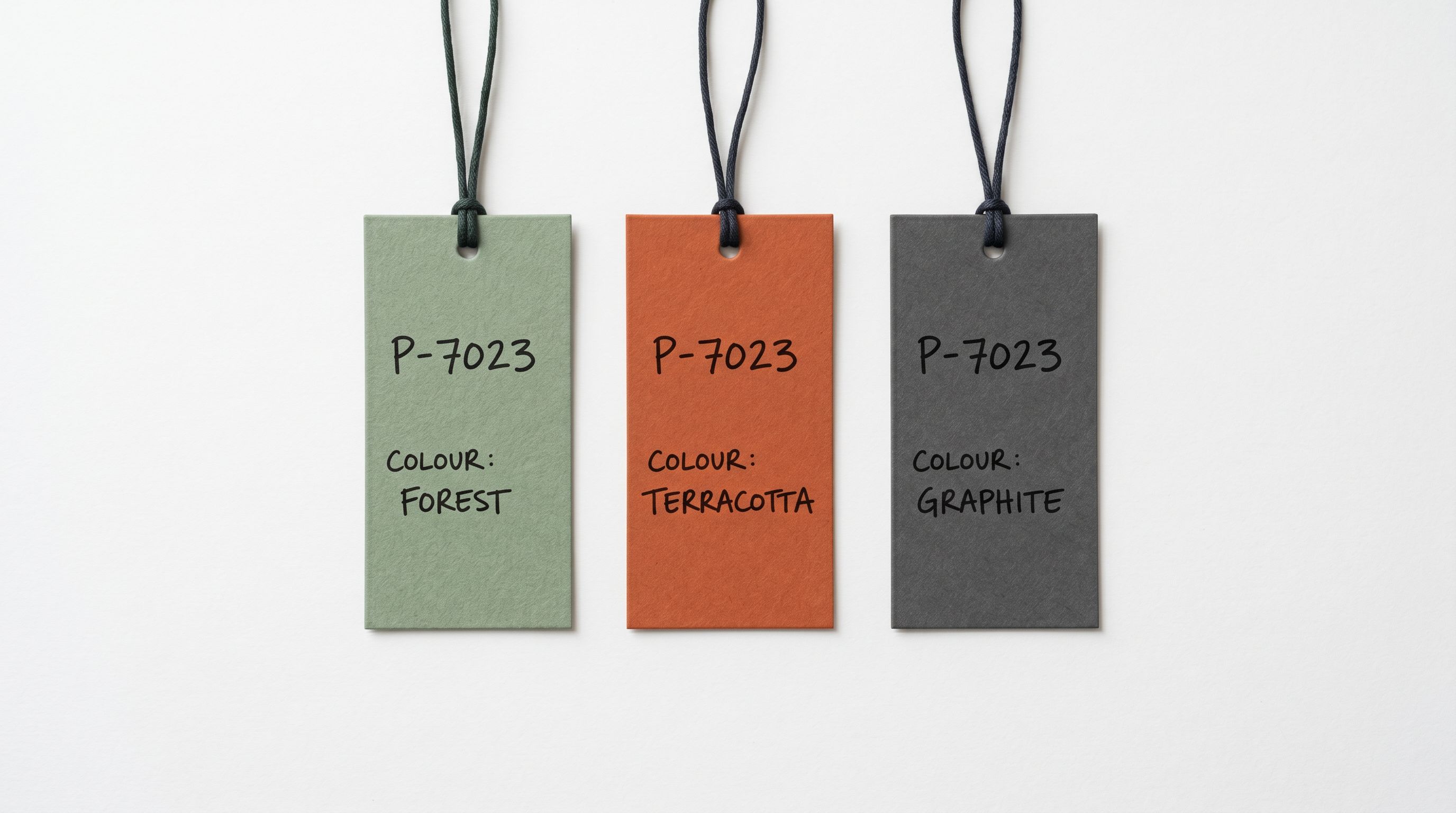
Image colourway assignment. The supplier file typically includes image URLs in a column alongside the size-colour row data. Each colourway has its own set of image URLs (the black jacket rows have black jacket image URLs; the red jacket rows have red jacket image URLs). Importier's natural image ordering reads the image URLs per colourway group and assigns them to the correct variant records in Shopify, so the product page displays the right images for the selected colour.
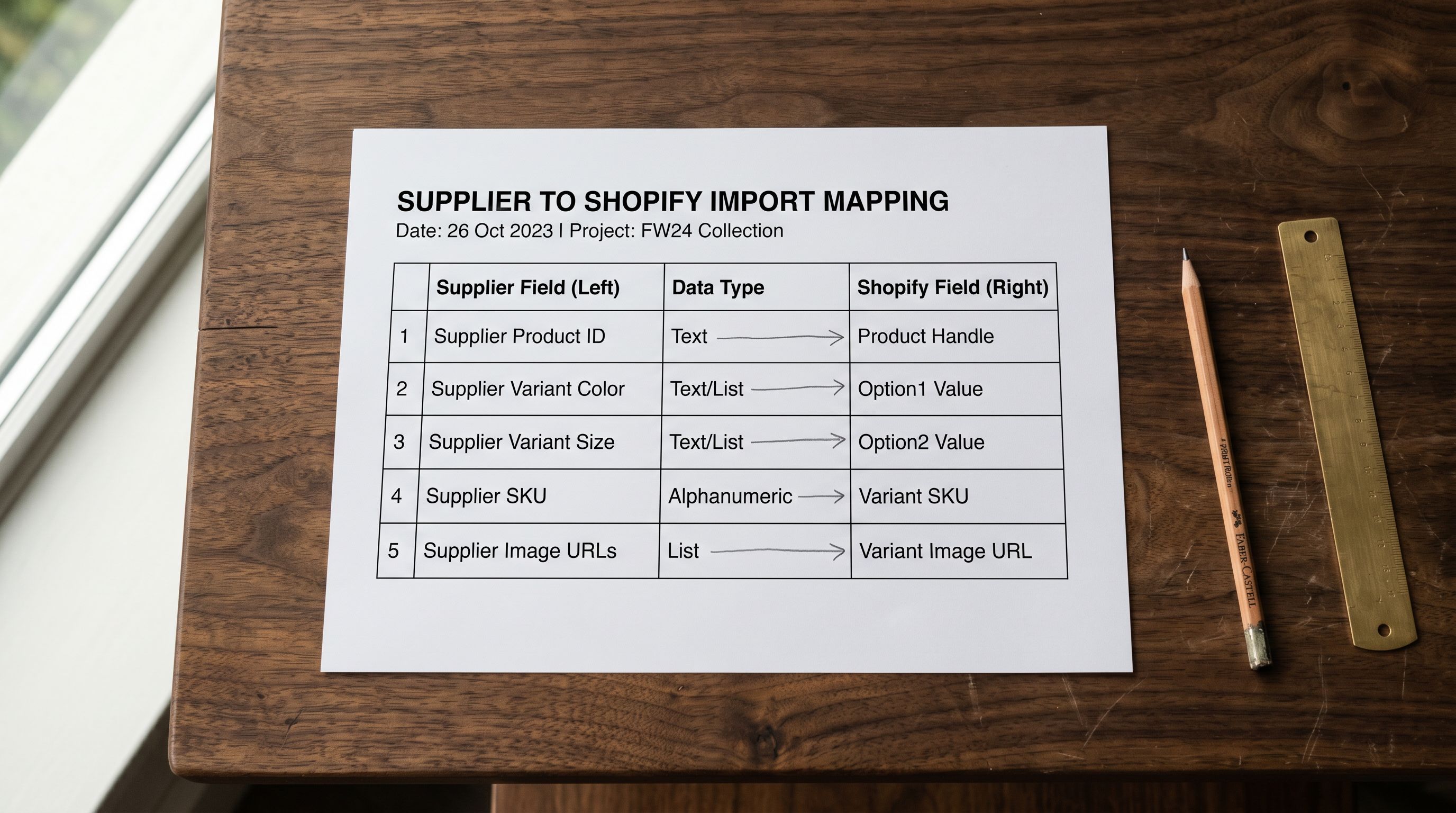
- 01Upload the supplier CSV to Importier. In the column mapping step, map the product identifier column (the base product code, before the size-colour suffix) to the Title field. This is the field Smart Variant Detection uses as the primary grouping key.
- 02Map the colour and size columns to Option1 Value and Option2 Value respectively. Set Option1 Name to 'Colour' and Option2 Name to 'Size'. For ranges with a fit dimension, add Option3 Name as 'Fit'.
- 03Map the image URL column to the Images field. Importier reads the image URLs per row and groups them by colourway during the Smart Variant Detection pass. Each colourway's images are assigned to the corresponding variant group in Shopify.
- 04In the Smart Variant Detection review, check the grouping proposal. Verify that the jacket in five colours and four sizes shows as one product with 20 variants rather than 20 products. Adjust any rows that were misassigned before confirming.
- 05Apply the Apparel Industry Pack to the import. The pack assigns the correct Shopify taxonomy category for each product type (jackets, trousers, knitwear) and populates the apparel-specific attribute fieldsfabric composition, care instructions, fit type, and target demographic.
Apparel Industry Pack: Structured Attributes for Fashion Products
The Apparel Industry Pack is one of Importier's 22 Industry Packs with 3,758 attributes, built for the specific taxonomy and attribute requirements of clothing and accessories.
For a fashion import, the pack does three things:
Taxonomy assignment. Every product in the import is assigned to the correct node in Shopify's Standard Product Taxonomy. A jacket goes to Apparel and Accessories > Clothing > Outerwear > Jackets. A dress goes to Apparel and Accessories > Clothing > Dresses. The taxonomy node determines the Google Product Category (GPC) mapping, which affects where the product appears in Google Shopping category-browsing surfaces.
Apparel attribute population. The pack populates the required attribute fields for fashion products in Google Merchant Centre feeds: age_group, gender, colour, size_type (regular, petite, plus, maternity), size_system (AU, US, EU, UK), and material. Products without these attributes receive fewer impressions in gender-filtered and size-type-filtered shopping queries.
Care instruction metafields. The pack includes the care_instructions metafield, which AI shopping surfaces read when matching queries like "machine washable women's jackets" or "dry clean only blazers". A product with a populated care_instructions metafield surfaces in these semantic queries; a product without it does not.
- Generic product type: 'Jacket' or 'Clothing'
- No GPC taxonomy assignment; receives generic Google Shopping category
- Missing age_group, gender, size_type attributes
- No care_instructions metafield; excluded from wash-care semantic queries
- Low impression share in filtered shopping surfaces
- Specific taxonomy: Apparel > Clothing > Outerwear > Jackets
- Correct GPC assignment; appears in category-specific shopping surfaces
- age_group, gender, size_type populated for all filtered queries
- care_instructions metafield populated; included in semantic wash-care queries
- Higher impression share in gender- and size-type-filtered shopping
For the complete data enrichment workflow and how to apply Industry Packs during an import, the Shopify product data enrichment guide covers how enrichment attributes interact with Google Shopping feeds and AI shopping surface retrieval.
AI Descriptions for Fashion Products
Fashion product descriptions have a different job than descriptions for electronics, homewares, or industrial products. The buyer is not primarily evaluating specifications; they are imagining themselves wearing the item. A description that leads with "100% merino wool, 340g knit weight, rib-knit cuffs" is accurate but does not do the persuasion work that fashion copy is supposed to do.
Two description styles in Importier are suited to fashion.
Sensory-Rich describes the tactile and visual experience of the garment: how the fabric feels against the skin, how the drape moves, how the colour reads in different lighting. For knitwear, leather goods, and premium fabrics, Sensory-Rich gives the buyer the physical experience of the garment through the description before they have touched it.
Emotional Storytelling builds a narrative around when and where the garment is worn: the occasion, the mood, the version of the buyer's life the garment fits into. For lifestyle brands where the purchase is identity-driven rather than needs-driven, Emotional Storytelling framing ("the jacket you reach for when the meeting matters") outperforms specification-led copy.
Both styles are available in Importier's description configuration step. For a fashion import with 100 products across multiple categories, set the description style at the category level: Sensory-Rich for premium knitwear and leather, Emotional Storytelling for lifestyle and brand-led collections, and the standard Benefits-First style for basics and wardrobe staples where the buyer's decision is primarily functional.
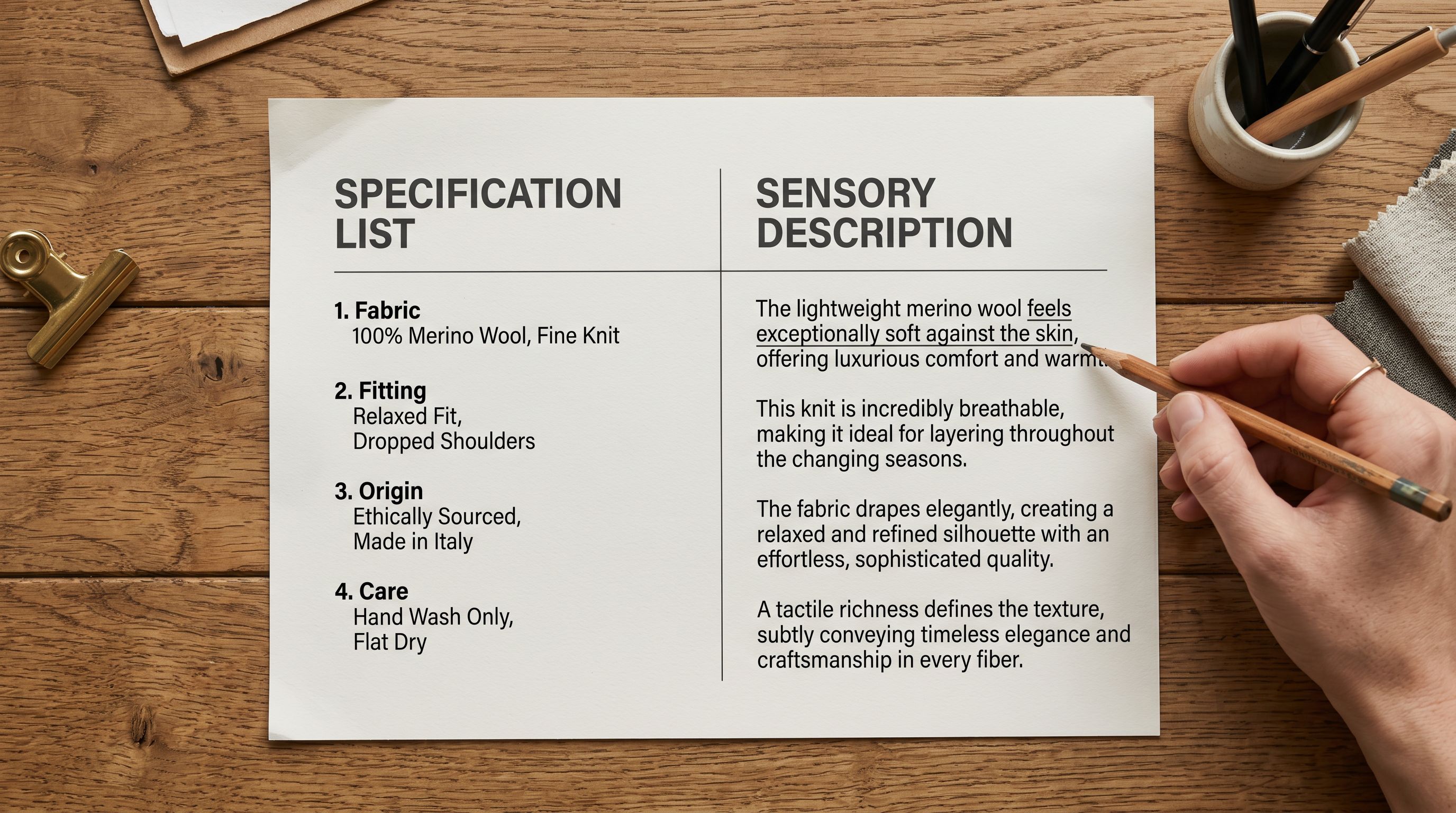
Fashion descriptions sell the experience of wearing the garment, not the specifications of the garment itself. The specifications belong in the attribute fields. The description belongs to the buyer's imagination.
Per-Colourway Image Galleries
Per-Colourway Image Assignment
The most commonly overlooked fashion import detail is image assignment at the variant level. Most import guides explain how to import product images. They do not explain how to assign different image sets to different colourways of the same product.
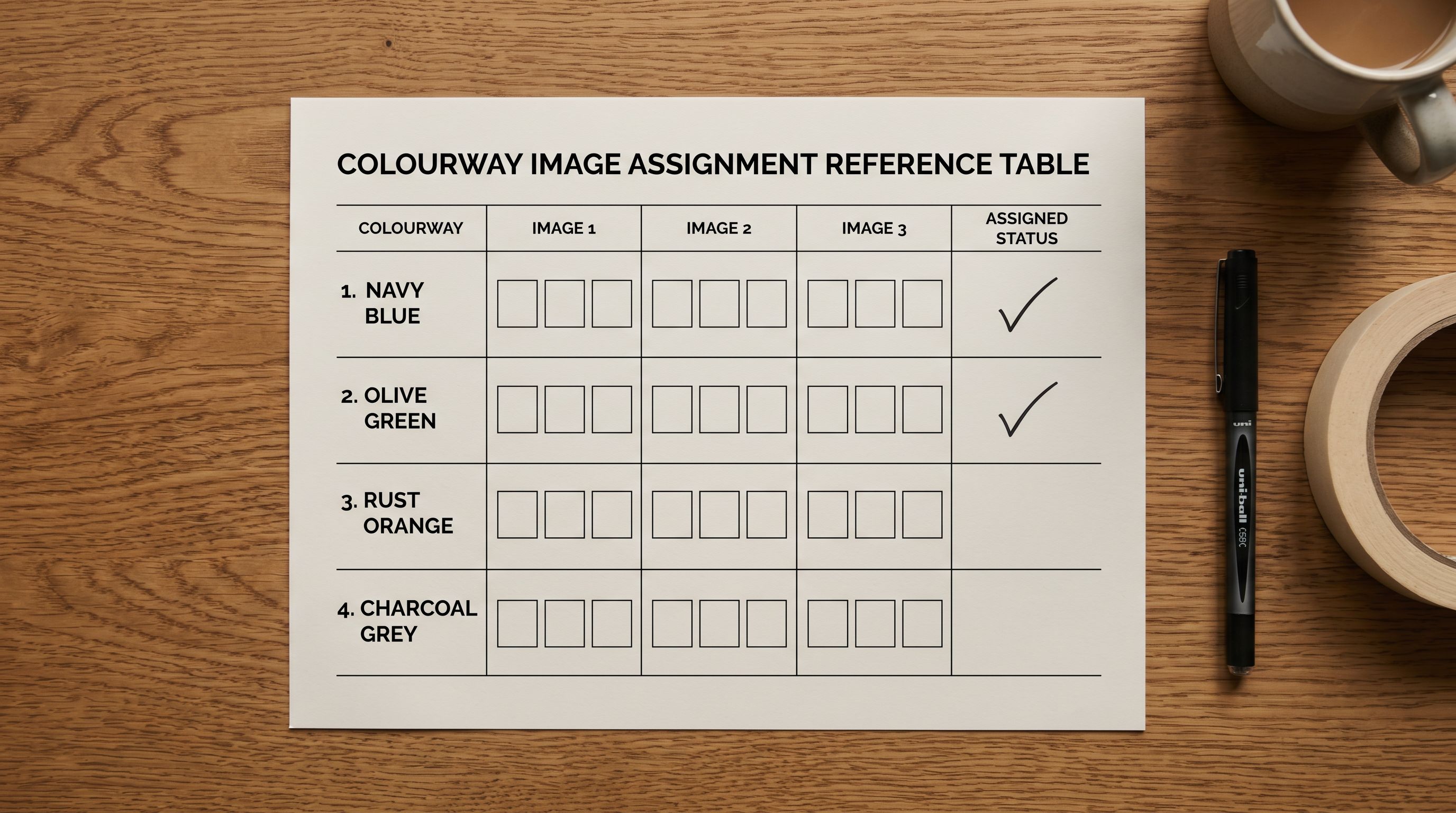
In Shopify's product structure, images can be assigned to specific variants. When a buyer selects the "Black" colour option on a product page, the gallery should switch to showing the black colourway images. When they select "Red," the gallery should switch to red. Without per-variant image assignment, all colourways show the same image set (typically the first colour in the supplier file), which produces a confusing product page where the selected colour does not match what is displayed.
Importier's natural image ordering handles per-colourway image assignment at import time. The system reads the image URL column in the supplier file, identifies which rows share the same colour value within a product group, and assigns the image URLs from those rows to the corresponding colour variant in Shopify. After the import completes, selecting a colour variant on the product page switches the gallery to the images that were in the supplier file for that colour.
For a supplier file where image URLs are structured per colourway row (each row has the image URLs for that specific colour variant), no additional configuration is required. The natural image ordering picks up the structure automatically.
For the variant grouping workflow and how Importier handles cases where the supplier file's image URL column contains multiple URLs per row (a common supplier formatting choice for colourway image sets), the Shopify variant grouping guide covers the multi-URL column format and how the grouping handles it.
Title Structure for Fashion Products
Fashion product titles have a standard structure in Google Shopping that differs from the on-page product title: Brand + Product Name + Key Attribute (Colour, if relevant) + Size Type. This structure puts the most buyer-relevant information in the first 70 characters, where Shopping truncates.
For a fashion import where the supplier's product names are style codes or internal naming ("JKT-001 Black S"), the Title Optimizer in Importier reformats these to Shopping-ready titles: "Brand Name Wool Overcoat Black | Regular Fit | AU Sizes 8-20". The reformatted title front-loads the garment type, the key material attribute, and the colourway: the three signals that Shopping buyers filter by.
Running the Title Optimizer as part of the fashion import workflow produces titles that work both on the Shopify product page (where the full title is visible) and in Shopping feeds (where only the first 150 characters are read).
Shopify's variant documentation covers how Shopify structures variant option dimensions and how variant SKU fields interact with inventory tracking. Google Merchant Centre's apparel product data spec covers the exact attribute requirements for fashion products in Shopping feeds; the authoritative reference for size_type, size_system, age_group, and gender field requirements and accepted values.
For how AI-generated descriptions interact with persona selection and brand voice configuration in Importier, the Shopify AI product descriptions guide covers style and persona selection across different product categories including the fashion-specific options.
Try Importier free at importier.app
Set up your first import in under five minutes.
Importier brings products into Shopify with AI descriptions, category metafields, and data enrichment on every run.