Shopify Fashion Apparel Import: Size Runs, Colourways, Seasonal Drops
On this page
Fashion is the highest-variant-complexity category on Shopify. A single style offered in 6 sizes and 8 colourways produces 48 variant rows in a supplier CSV. Multiply that across a 200-style seasonal catalogue and you have 9,600 rows that need to arrive in Shopify as 200 products, each with the correct variant matrix, the correct images per colourway, and descriptions that speak to each colourway's specific appeal. The shopify fashion apparel import challenge is not uploading a file: it is handling the structural complexity of a seasonal range without manual per-variant entry.
This article covers the seasonal operations workflow: importing a new season's drops, generating per-colourway descriptions (not one description cloned across all colourways), assigning products to seasonal collections at import time, and managing discontinued colourways at season end.
Why Fashion Imports Break Standard Import Workflows
Most import tools treat variant rows as variations of a single product description. Generate one description for the base product, clone it to all variants, done. For electronics or homewares this is acceptable: a USB-C hub in black and in silver has the same spec sheet. For fashion it fails.
A black hoodie and a sunset-orange hoodie are different products from a buyer's perspective. The black hoodie appeals to a buyer looking for a versatile layering piece that goes with everything, it is the safe choice. The sunset-orange hoodie appeals to a buyer looking to make a statement: it is the centrepiece of an outfit, not the background. A description that reads "available in multiple colours" captures neither of these. The per-colourway story is where fashion copywriting earns its keep.
The description failure is the most common fashion import mistake. The structural failure, where size rows and colour rows end up as separate products instead of one product with a variant matrix, is the second most common.
The variant detection problem
How Variant Detection Handles Size Runs and Colourways

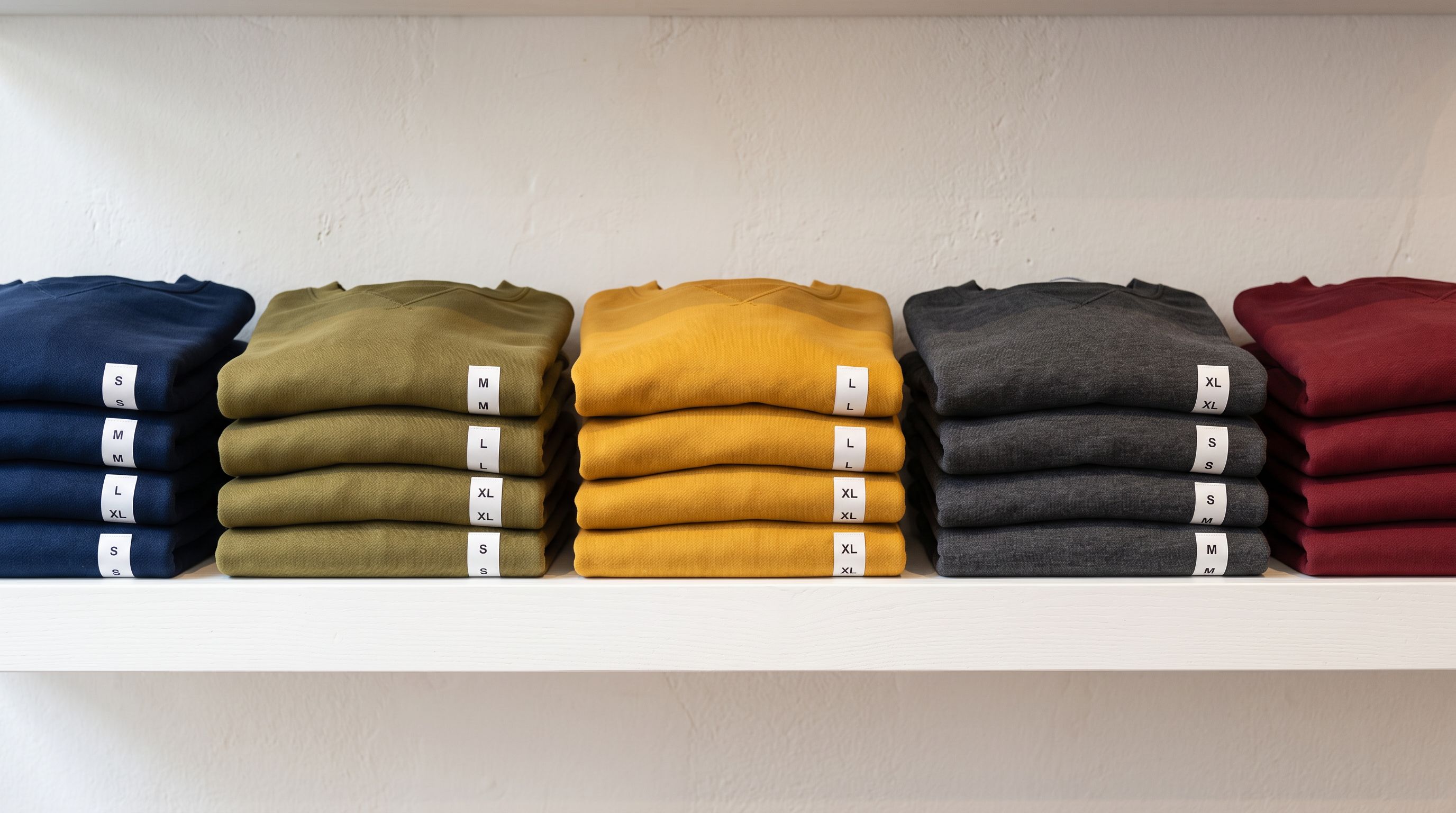
A typical fashion supplier CSV has one row per variant. A dress offered in XS, S, M, L, XL, and XXL in Ivory, Dusty Rose, and Forest Green arrives as 18 rows in the CSV, each with its own SKU, price, and stock count. Without variant grouping, these become 18 separate Shopify products. With correct variant detection, they become 1 product with a 6×3 variant matrix.
Importier's variant detection reads the size and colour values from each row and groups rows that share the same base product. The grouping is done by the Style Code, SKU prefix, or product title: whichever column reliably identifies the base style. For suppliers who use a consistent SKU structure (e.g., DRESS-IVY-XS, DRESS-IVY-S, DRESS-RSE-XS), the prefix detection handles the grouping automatically.
The 150+ variant detection patterns cover the size format variations that fashion suppliers use:
- Alphabetic sizes: XS, S, M, L, XL, XXL, 3XL and their written-out equivalents (Extra Small, Small, Medium)
- Numeric sizes: 6, 8, 10, 12, 14, 16, 18 (AU/UK women's), 36, 38, 40, 42, 44 (EU), 0, 2, 4, 6, 8 (US)
- Waist-inseam: 30×32, 32×34 (denim)
- Shoe sizes: AU, US, UK, EU with half-size patterns
- Kids sizing: 2T, 3T, 4T, 5–6, 7–8, and age-band patterns
- 01Step 1Upload the supplier CSV and map columns. The column mapping step connects your supplier's column headers to Importier's fields: title, SKU, colour, size, price, stock. If the supplier uses non-standard names ('Item Code', 'Stock Keeping Unit', 'Hue'), the auto-suggestion handles most of these.
- 02Step 2Review the variant grouping. After column mapping, the variant detection groups rows by base product. For a 200-style catalogue with 8 colourways × 6 sizes each, the review shows 200 groups, not 9,600 rows. Confirm the grouping is correct; if any rows have been grouped incorrectly, the grouping column can be adjusted.
- 03Step 3Configure per-variant descriptions. Select the Emotional Storytelling or Sensory-Rich style, set the persona to a fashion copywriter from the Apparel persona library, and enable variant descriptions. The AI generates a description for the base product plus an individual colourway-specific description for each colour variant.
- 04Step 4Assign seasonal tags and collection targets. At the publication settings step, enter the tags that assign these products to the current season's collection (e.g., 'SS26', 'Summer 2026', 'New Arrivals'). Shopify's automated collections use these tags to pull products into the correct storefront collections automatically.
- 05Step 5Review and push. The pre-push review shows a sample of products with their generated descriptions, variant matrices, and image assignments. Confirm the variant count matches expectations, check a colourway description, and push when satisfied.
AI Description Styles for Fashion: Choosing the Right One
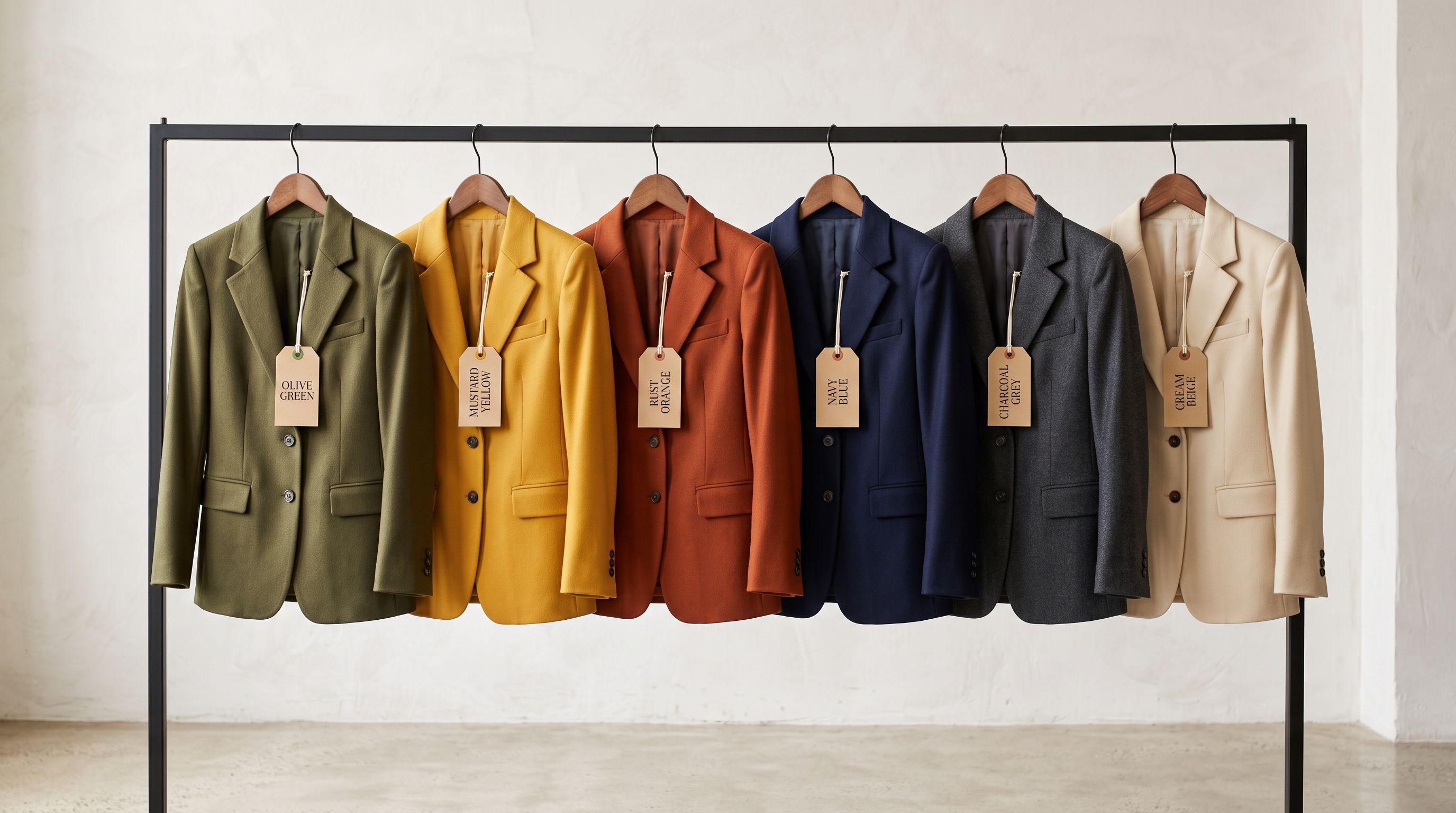
The description style selection is the single highest-impact configuration choice in a fashion import. Importier offers two styles that work well for fashion:
Emotional Storytelling frames the product in terms of occasions, identity, and aspiration. It answers "when would I wear this?" and "what does wearing this say about me?" This style suits occasion wear, statement pieces, and lifestyle brands where the buyer's emotional connection to the product is the primary purchase driver.
Sensory-Rich describes how the product feels and looks in tactile, visual detail. It answers "what is this fabric like?" and "what does the colour actually look like?" This style suits premium basics, knitwear, denim, and any category where material quality and physical experience are the deciding factors.
The choice should match the product category and the brand's voice. A surf brand importing boardshorts performs better with Sensory-Rich (the feel of the fabric, the colours in the water). A formalwear brand importing cocktail dresses performs better with Emotional Storytelling (the occasion, the impression, the confidence).
- One base description applied to every colour variant
- 'Available in 8 colours' is the only colourway-specific line
- Black hoodie and orange hoodie read identically
- No differentiated keyword targeting per colourway
- Buyer at the colour picker has no colour-specific information
- Base product description covers fabric, cut, construction, fit
- Each colour variant gets its own description in a variant metafield
- Black hoodie: 'the layering essential that disappears into any outfit'
- Sunset orange hoodie: 'the colourway that makes the outfit instead of supporting it'
- Colour-specific descriptions surface at the variant selection point
Seasonal Collection Assignment at Import Time
Fashion catalogues turn over seasonally. A Spring/Summer 2026 range replaces the AW25 range, and the import workflow needs to assign every new product to the correct Shopify collection without a manual post-import tagging pass.
Importier's publication settings step includes a tag field. Entering SS26, New Arrivals, Summer 2026 at this step applies those tags to every product in the import batch at the point products are pushed to Shopify. Shopify's automated collections pick them up immediately: any automated collection with the condition Tag contains SS26 adds the new products without further action.
The tag field accepts comma-separated values and applies them to all products in the batch. For a catalogue where some products belong to different sub-collections (e.g., 'Swimwear', 'Cover-Ups', 'Accessories'), the tag assignment at import time handles the primary collection. Sub-collection tags can be added in a second pass using the Store Scanner's Replace mode, which applies tag additions to products filtered by collection, vendor, or SKU prefix.
The tag field at import time is the fastest path from a supplier CSV to correctly assigned seasonal collections. Every product in the batch gets the season's tags in a single push; no post-import tagging required.
Managing Discontinued Colourways at End of Season
The end-of-season workflow is the part of fashion import management that most merchants handle manually, and the part that creates the most catalogue errors.
When a season ends, some colourways are discontinued and some continue into the next range. A merchant running a clearance sale on discontinued AW25 colourways while simultaneously importing the SS26 range faces a dual import: old products need their status updated (price change, tag update, collection reassignment to a 'Sale' collection), and new products need to be pushed fresh.
Importier's Import History provides the audit trail for this. Each import batch is logged with the date, the file name, the product count, and the tags applied. Filtering by tag (AW25) shows every product from the previous season's import. The Store Scanner can then apply a batch update to those products: tag additions (AW25 Clearance, Sale), price changes via a percentage markdown, or collection reassignment.
The discontinued-colourway problem specifically, where a style continues but in fewer colourways next season, is handled at the variant level. If Forest Green is discontinued but Ivory and Dusty Rose continue, the Forest Green variant is unpublished (not deleted) from Shopify. The Store Scanner's Replace mode, filtered by SKU prefix, updates the variant's published status without touching the rest of the product.
According to Shopify's product variant limits documentation, Shopify supports up to 100 variants per product and up to 3 option types per variant group. For fashion, this means a style with more than 3 option dimensions (for example, Colour × Size × Fit × Length) exceeds Shopify's structure. The import wizard surfaces this as a variant grouping warning when detection finds a 4th dimension: the resolution is typically to separate Fit into a distinct product or to merge Length into the colour naming convention.

Google's apparel product data specification for Google Merchant Centre lists the attributes that improve apparel product visibility in Google Shopping: colour, size, size_type, size_system, age_group, gender, and material. Importier's Apparel Industry Pack populates these as category metafields during the import. Products imported with the Apparel pack applied arrive in Shopify with those attribute values pre-populated; the GMC feed picks them up without a separate metafield mapping step.
Shopify Fashion Apparel Import: Key Takeaways
The seasonal operations workflow for fashion: new drops, per-colourway descriptions, collection assignment, and end-of-season management, follows a repeatable pattern once configured the first time.
- A single fashion style in 6 sizes × 8 colourways = 48 supplier CSV rows. Variant detection groups these into 1 Shopify product with a 48-variant matrix. The review step confirms the grouping before anything is pushed.
- Per-colourway descriptions are not just a copywriting choice; they are a conversion decision. The Emotional Storytelling and Sensory-Rich styles generate colourway-specific descriptions stored as variant metafields, surfaced at the colour selection point.
- Tag assignment at import time handles seasonal collection routing. Every product in the batch receives the season's tags on push; Shopify's automated collections activate them immediately.
- End-of-season management uses Import History to identify previous season's products by tag, and Store Scanner to apply batch updates: clearance tags, markdown pricing, collection reassignment, or variant unpublishing.
- The Apparel Industry Pack populates the Google Merchant Centre attribute set (colour, size, size_type, size_system, age_group, gender, material) at import time; no separate metafield mapping needed.
- For the base import workflow (column mapping, variant detection mechanics, per-colourway image assignment), see the fashion product listing guide.
Start your next seasonal fashion import at importier.app. Variant detection and per-colourway descriptions are available on all paid plans.
Set up your first import in under five minutes.
Importier brings products into Shopify with AI descriptions, category metafields, and data enrichment on every run.