Shopify Import Overwrites SEO Titles: Why It Happens
On this page
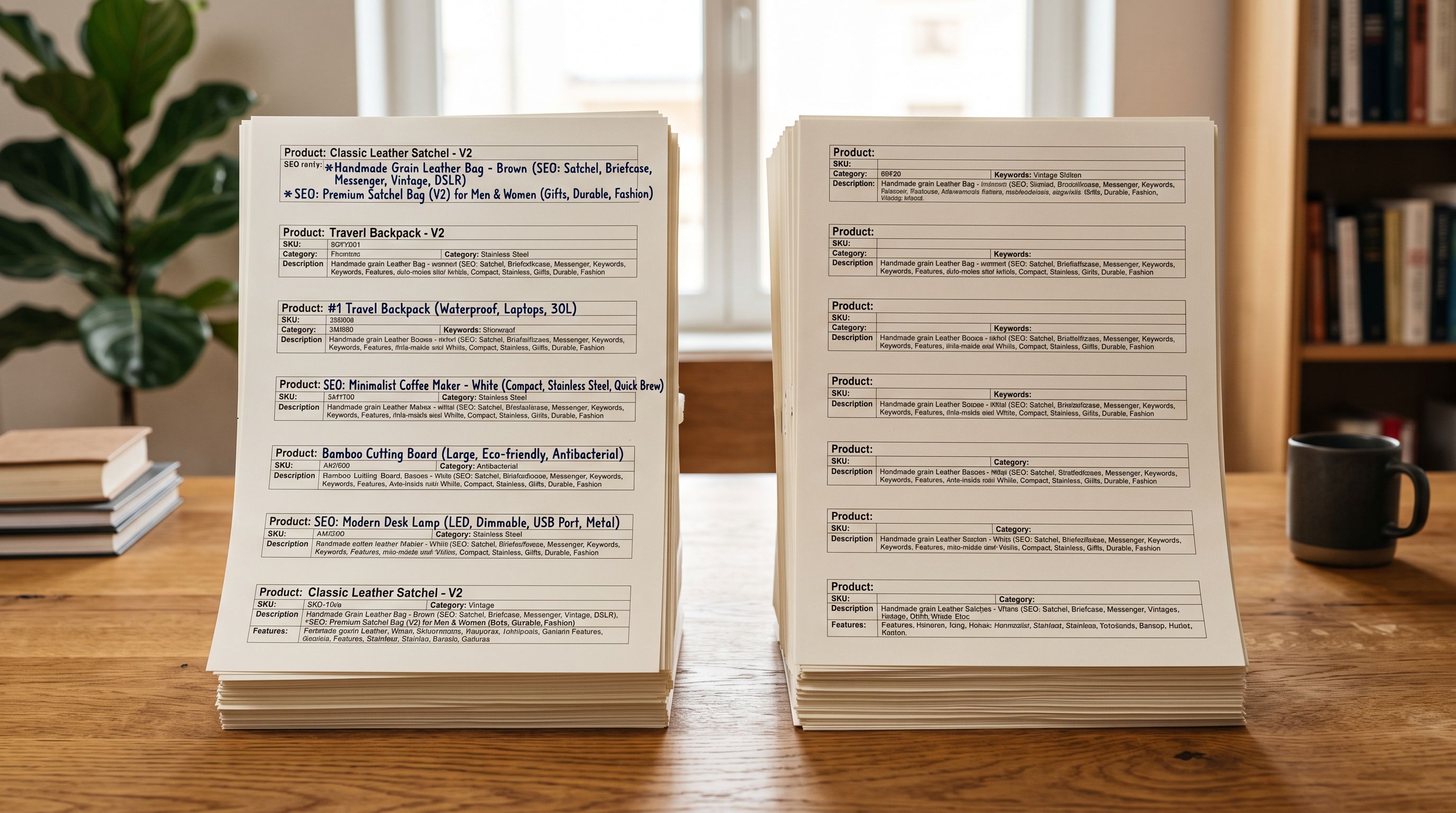
A fashion merchant spent three weeks writing custom SEO titles for 200 products. Each title was hand-crafted to 55 characters, front-loaded with the primary keyword, formatted for Google Shopping compliance. Six weeks after a routine inventory update from their 3PL, organic positions dropped across 40 product pages. They checked Search Console and found the cause: a Shopify import overwrites SEO title data when those columns are present in the import file, and the inventory update had silently reverted all 200 titles to their auto-generated defaults.
The import ran without errors. Product listings looked completely normal on the storefront. The ranking drop was the first sign anything had changed.
What Shopify's Import Does to SEO Fields
Shopify's CSV import follows the same declarative rule it applies to every field: if a column is present in the import file and mapped to a Shopify field, Shopify writes whatever value is in that column to the product.
The SEO fields, stored in Shopify as SEO Title and SEO Description, are included in every Shopify admin product export. When a merchant exports their catalogue to edit prices or inventory, those columns are in the spreadsheet. When they import the edited file back, Shopify reads those columns and writes their values to every product.
If the export was taken before the custom SEO titles were written, the SEO Title column contains either the product title (Shopify's auto-generated fallback) or blank values. The import writes those values over the custom titles the merchant created after the export.
Why the Damage Is Invisible on the Storefront
The shopify import overwrites seo title problem is particularly difficult to catch because the storefront product page does not display the SEO title field to customers. Customers see the product title, which comes from the Title column and is unaffected. The description, price, and images all display normally.
The SEO title only appears in the browser tab and in Google search result snippets. A merchant checking their product pages after an import would see nothing wrong. The product title, images, description, and price are all correct. The SEO title field has been reverted, but that change is invisible to anyone looking at the product page in a browser.
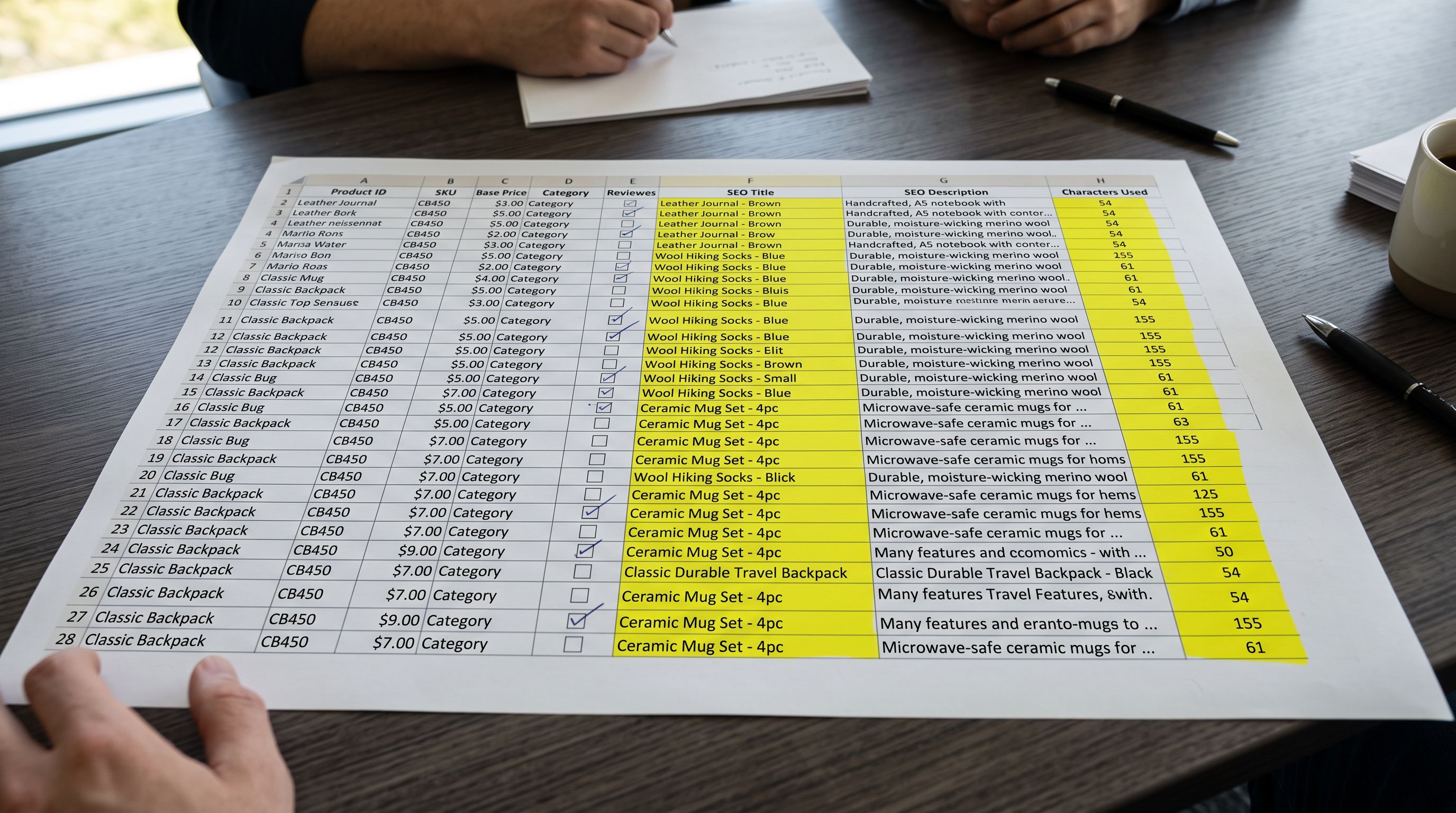
The import completes without errors. The product page looks correct. The SEO title has been reverted to its auto-generated default; you will not know until Google tells you weeks later.
The lag between the overwrite and the ranking drop comes from how Google processes title changes. Google re-crawls pages on a schedule that varies by domain authority and crawl budget. For a store with moderate traffic, a title change might take two to six weeks to propagate through Search Console rankings. By the time the merchant sees position drops, the import that caused them may be weeks in the past.
Three Import Scenarios That Trigger the Overwrite
Understanding which import patterns cause this problem helps prevent it in future.
Re-Importing a Shopify CSV Export
The most common trigger. A merchant exports their product catalogue from Shopify admin to update prices or add new products. The export includes SEO Title and SEO Description columns. The merchant edits the pricing columns and imports the file back. Shopify reads the SEO columns and writes whatever values were in the export at the time, overwriting any SEO titles created between the export and the re-import.
This workflow feels safe because the merchant used Shopify's own export file. The assumption is that re-importing a Shopify export preserves everything. It does not: it writes every mapped column, including SEO fields.
A Supplier CSV That Includes Description or Notes Columns
Some supplier stock files include columns labelled Description, Short Description, Notes, or Meta Title. If the merchant sets up an import profile that maps one of these columns to the Shopify SEO Title field, every import from that supplier will overwrite SEO titles with whatever the supplier puts in that column: often their own short description, or blank.
The import profile saves that mapping. A profile set up months earlier, before custom SEO titles were created, can silently overwrite new SEO work on every subsequent import run.
Bulk Edit Via Spreadsheet and Re-Import
A merchant exports products to edit variant prices in a spreadsheet tool. The SEO columns are in the spreadsheet. A team member accidentally clears the SEO Title and SEO Description columns when selecting ranges to edit. The file is imported, writing blank values to the SEO fields for every product in the export.
Recovery and prevention
Recovering Overwritten SEO Titles
Recovery options depend on how recently the problem import ran and what records are available.
Import Undo
Importier's Import History logs every import batch. For recent batches, the Import Undo function reverts the batch entirely, restoring the products to their pre-import state. If the inventory update that overwrote the SEO titles was within the last 20 import sessions, Import Undo will restore the original SEO titles.
The undo window is 20 batch snapshots, not 20 calendar days. For stores running daily imports, the window closes in three weeks or less. Act on a suspected overwrite as soon as it is identified.
Re-Generate with AI
For stores where a backup does not exist or the undo window has closed, Importier's Store Scanner regenerates SEO titles and meta descriptions alongside product descriptions. A Store Scanner pass on the affected products produces a new SEO title and meta description for each product, based on the product data currently in the store.
For 200 products, a Store Scanner run generating descriptions, SEO titles, and meta descriptions takes under 10 minutes using a Growth-tier AI model. The output can be previewed before pushing, giving the merchant a chance to review the generated titles before they go live.
Manual Re-Entry from a Backup
If a Shopify export was taken before the problem import, the SEO Title and SEO Description columns in that export contain the custom values. Importing only those columns (Handle, SEO Title, SEO Description) from the backup restores the custom titles without affecting any other product data.
- 01Export the current product catalogue from Shopify admin as a CSV to confirm which SEO titles are currently set.
- 02Locate the most recent Shopify export taken before the problem import ran. This is the backup that contains the correct SEO titles.
- 03In the backup export, delete all columns except Handle, SEO Title, and SEO Description.
- 04Import the trimmed file in Importier. Map only Handle (for matching), SEO Title, and SEO Description. Leave all other columns unmapped.
- 05Check the import previeweach product should show SEO Title and SEO Description changing to the restored values with no other fields updating.
- 06Push the import. SEO titles are restored; no other product data is affected.
Preventing SEO Title Overwrites on Future Imports
The prevention principle is the same one that protects metafields and product descriptions during imports: map only the columns that need to change in this specific import.
For price updates: map Handle, Price, Compare At Price. Remove or leave unmapped every other column, including SEO Title and SEO Description.
For inventory updates: map Handle, Location, Inventory Quantity (or Inventory Qty for single-location stores). No SEO columns.
For adding new products: SEO title generation belongs in the AI description step, not the import file. Import the product data, generate descriptions and SEO titles with AI in the same batch, and push. This produces a custom SEO title for every new product rather than relying on the auto-generated fallback.
- Full Shopify export used as import file including SEO columns
- SEO Title column contains auto-generated values from export date
- Shopify writes auto-generated titles over 200 custom SEO titles
- Ranking drops detected 4 weeks later in Search Console
- Recovery requires 200 manual field entries or Store Scanner regeneration
- Export edited with SEO columns removed before import
- Only Handle and inventory fields are mapped in Importier
- Shopify updates inventory without reading SEO fields
- Custom SEO titles remain unchanged across all 200 products
- No recovery step required
Audit your saved import profiles. A profile that mapped an SEO column at any point continues to map it on every future import. After any change to your import workflow or product data structure, review each saved profile and confirm that SEO columns are not mapped for non-SEO import types.
Use Importier's import preview. Before pushing any import, Importier shows exactly which fields will change for each product. A preview of an inventory update that shows SEO Title updating for products is the signal to stop and unmap that column. The preview step catches this problem before any data reaches Shopify.
For a fuller explanation of how Shopify's import treats fields it finds in a CSV, how Shopify import overwrites product descriptions covers the same declarative rule applied to the Body (HTML) field. For custom metafields, Shopify import deletes metafield values: why it happens explains the same mechanism for custom attribute data.
Shopify's product CSV import documentation lists every column in the Shopify product CSV format, including the SEO Title and SEO Description columns and what each expects. For how Google processes page title changes and the timeline before ranking position updates, Google's guidance on title elements explains how Google selects and updates titles in search results.
Key Takeaways
Shopify's import overwrites SEO titles and meta descriptions when those columns are present and mapped in the import file, regardless of whether the import is for pricing, inventory, or another purpose. The overwrite is invisible on the storefront; the ranking drop in Search Console is often the first indication weeks later.
- The cause: Shopify exports include
SEO TitleandSEO Descriptioncolumns. Re-importing a Shopify export for any purpose writes those columns back to every product, including when they contain auto-generated defaults or blank values from before custom titles were created. - Why it is invisible: the SEO title does not appear on the product page. Customers see the product title, which is unaffected. The ranking drop comes weeks later when Google re-crawls and indexes the reverted titles.
- Three triggers: re-importing a Shopify export for price or inventory edits; a supplier CSV mapped to the SEO title field via a saved import profile; a spreadsheet bulk edit that accidentally clears SEO columns before re-import.
- Recovery: Import Undo if the bad import is within the last 20 sessions; Store Scanner AI regeneration for stores without a backup; manual re-import of a backup export with only Handle, SEO Title, and SEO Description columns mapped.
- Prevention: map only the fields being updated. A price import needs Handle and pricing columns. An inventory import needs Handle and inventory columns. SEO columns have no place in either.
- Check your saved import profiles. Any profile that maps an SEO column will overwrite SEO titles on every import run using that profile, indefinitely.
Protect your SEO data on every import at importier.app.
Set up your first import in under five minutes.
Importier brings products into Shopify with AI descriptions, category metafields, and data enrichment on every run.