Shopify Dropshipping Product Descriptions: How to Fix Duplicate Content Before It Costs You Rankings
On this page
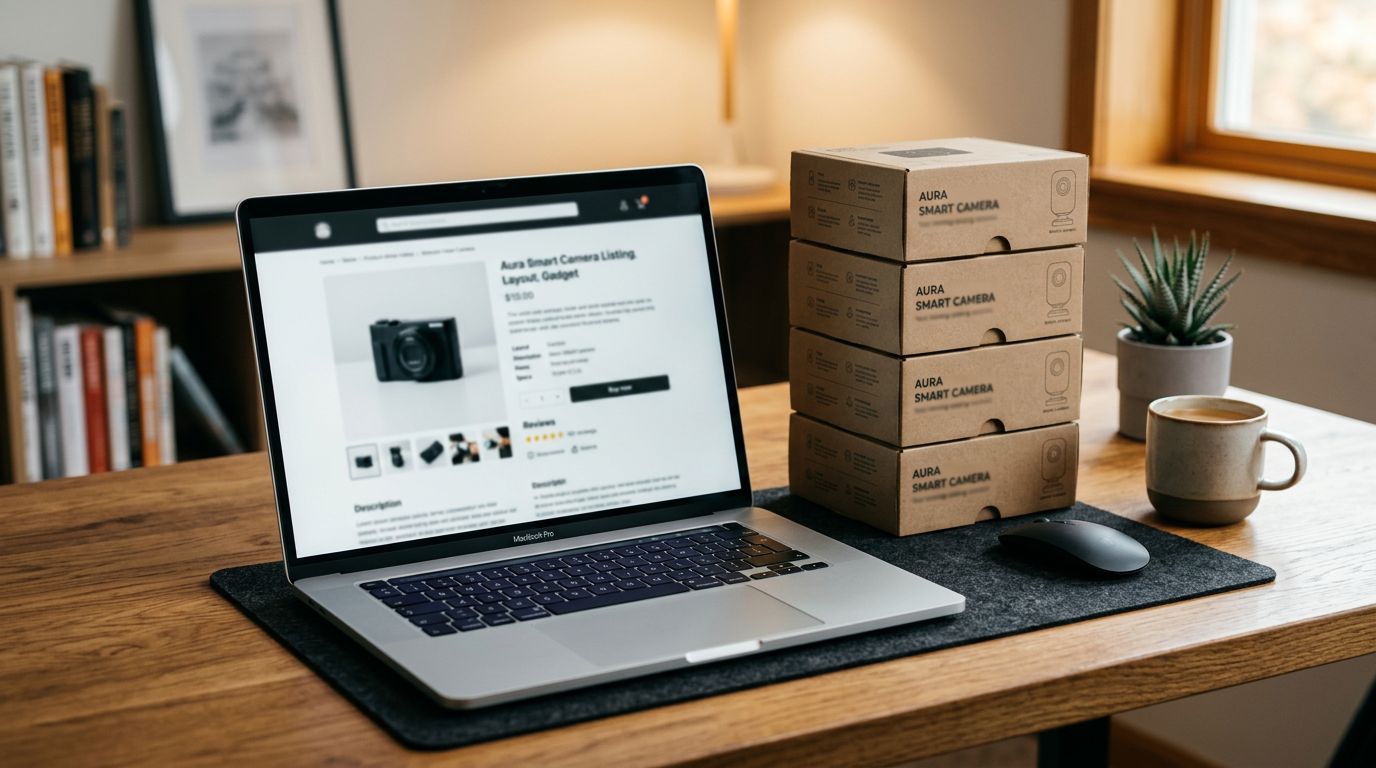
If you run a Shopify dropshipping store, there is a good chance your shopify dropshipping product descriptions are identical to those of dozens or hundreds of other stores. Not similar. Identical. Word for word, copied from the same supplier CSV or the same marketplace listing.
Most merchants do not think twice about this. The description field is already filled in, the product makes sense, and there are 300 more products to import before the weekend. So the supplier copy goes in and the store goes live.
Google, however, notices. When it finds the same paragraph across 80 Shopify stores, it picks the most authoritative version to rank and deprioritises the rest. If you are not the supplier, you are probably not the most authoritative version.
This article explains why it happens, how to find out whether it is affecting your store, and the exact steps to fix it without manually rewriting a single product.
Why Dropshipping Stores All Have the Same Product Descriptions
The mechanics of dropshipping create this problem almost by design. When a supplier gives you a product catalogue, it comes with a description column. That same catalogue goes to every other retailer they supply. You all import the same file. You all publish the same descriptions.
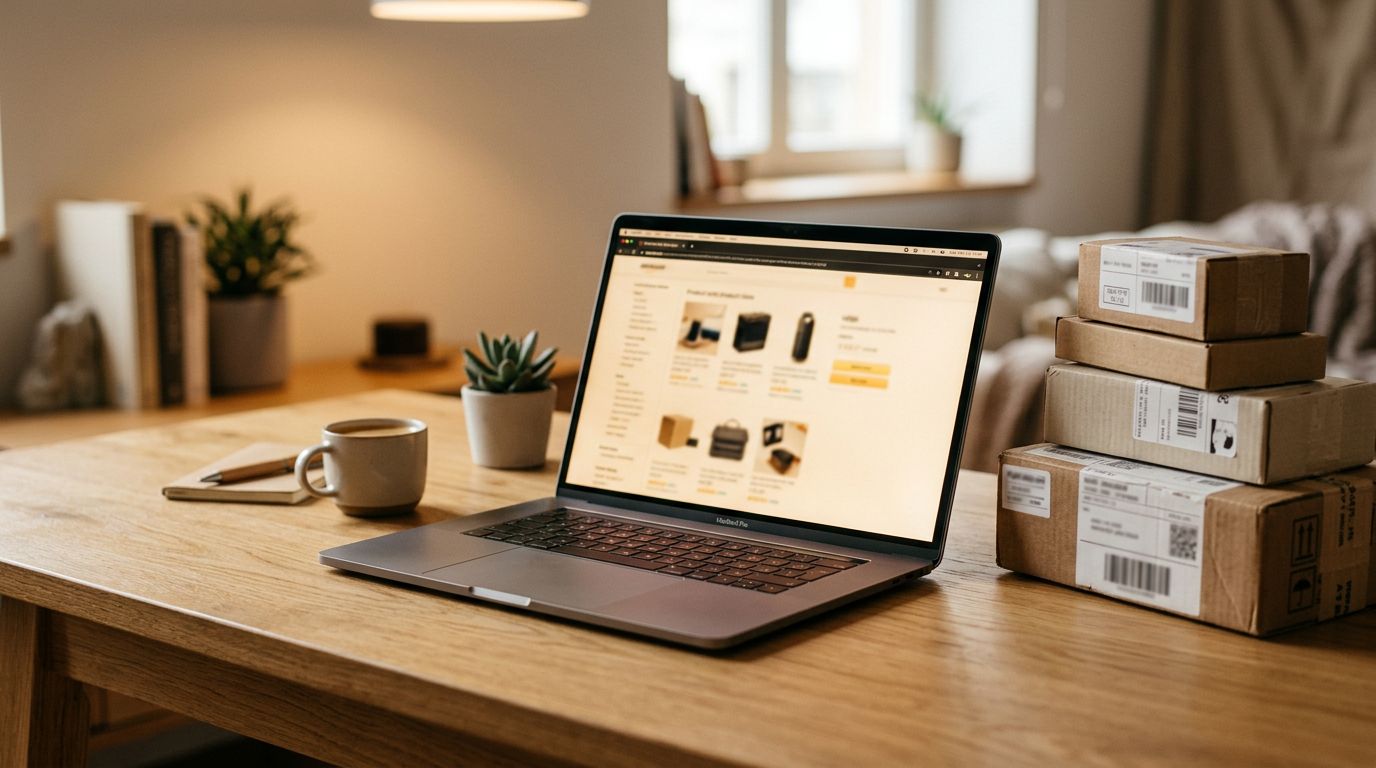
Marketplace sourcing has the same outcome. When you import AliExpress products or products from Amazon, the listing description is the obvious thing to drop into the Shopify description field. It reads well enough. It is accurate. And it is already sitting on 40 other Shopify stores, plus the original marketplace page, plus whatever other channels the manufacturer sells through.
Writing unique descriptions manually for 200 products takes somewhere between 50 and 100 hours. Most merchants skip it entirely, which means the dropshipping duplicate content problem compounds as stores grow.
What Google Does With Duplicate Product Content
Google does not issue a manual penalty for duplicate content. The effect is quieter and more damaging: your pages just do not rank.
When Google crawls two pages with near-identical content, it picks one to index fully and deprioritises the others. The chosen page is typically from the site with the most authority, the most backlinks, or the longest indexing history. For a supplier description, that means the manufacturer's own site, a major retailer, or the original marketplace listing usually wins.
How 2025 and 2026 Core Updates Changed the Stakes
Google's December 2025 and March 2026 core updates tightened this dynamic for ecommerce specifically. Sites with thin or repetitive product content saw ranking drops that technical SEO fixes could not recover.
The pattern Google devalued was specific: descriptions that read like a manufacturer's spec sheet, repeated identically across multiple domains. That is a precise description of how most dropshipping stores are set up. The fix is not a technical one. There is no canonical tag or sitemap update that solves this. The content itself needs to change.
The Audit
How to Audit Your Store for Duplicate Descriptions
Before fixing anything, it helps to know the scale of the problem. Three checks will tell you quickly.
Check 1: The verbatim search. Pick five products. Copy the first sentence of each description and search Google with that sentence inside quotation marks. If the same sentence appears on other websites, that description is duplicate.
Check 2: Description length. Export your catalogue from Shopify admin under Products. Sort the CSV by the description column. Any products with blank descriptions or under 100 words are candidates for thin or duplicate content.
Check 3: Google Search Console. Filter your performance report to product URLs and look for pages with very low impressions or zero clicks. Products Google has deprioritised often show near-zero impressions even for exact-match queries. Search Console is available free at search.google.com/search-console.
What "Thin Content" Means for Product Pages
Thin content is not just an absent description. It is content that does not add value beyond what already exists elsewhere on the web.
A 60-word spec list copied from a supplier is technically content. But it tells a buyer nothing they cannot find on the supplier's site, the marketplace listing, or any of the other stores stocking the same product. Google treats it accordingly. A practical starting point: aim for 150 to 250 words of genuinely unique content per product.
The Fix
Fixing Duplicate Descriptions at Scale
There are two approaches depending on where you are in the import process.
Fixing Descriptions on Products Already in Your Store
If supplier copy is already live in your Shopify catalogue, Importier's Store Scanner handles the bulk replacement without touching each product individually.
The Store Scanner scans your existing catalogue and surfaces products with missing or short descriptions. You can filter by collection, SKU pattern, or barcode pattern to target a specific range rather than running across your entire catalogue at once. You then set the push mode to Replace, which overwrites the existing supplier copy entirely rather than appending to it.

From there, you select an AI description style and a persona. Importier offers 7 description styles and 156 expert personas across 43 industry categories. The AI writes from the perspective of a specialist in your product category, which produces more specific, credible content than a generic prompt would. You can read the full workflow in the guide to bulk-replacing supplier copy.
- 01Open Importier from your Shopify adminGo to Apps and launch Importier
- 02Go to Store ScannerFind it under AI Content in the left-hand menu
- 03Filter your catalogueUse collection, SKU pattern, or barcode pattern to target specific products
- 04Set push mode to ReplaceThis overwrites existing supplier copy rather than appending to it
- 05Select an AI description style and personaChoose Benefits-First for general merchandise, Emotional Storytelling for lifestyle products, or Technical Gadget for electronics
- 06Run the scannerImportier generates unique descriptions across all matched products in minutes
Getting Unique Descriptions From the Start
If you are still in the process of importing products, the 14-step import wizard eliminates the problem before it starts.
The import wizard includes an AI description generation step as part of the standard import flow. The AI generates descriptions from the product title, specifications, and any other data present in the import file. Products land in Shopify already carrying unique, original descriptions rather than supplier copy. This applies whether you are importing AliExpress products, products from Amazon, or working from a supplier CSV.
- Same description on 50+ stores
- Google picks the supplier's site to rank
- Product pages get near-zero organic impressions
- You compete on paid ads only
- Manual rewrite: 50-100 hours for 200 products
- Unique description per product, generated at import
- Each page has original content Google can rank
- Product pages accumulate organic impressions over time
- Organic traffic compounds alongside paid
- AI generation runs as part of the import process

Choosing the Right AI Description Style for Dropshipping
Style selection matters more than most merchants expect. Different product categories respond differently to different approaches.
Benefits-First works well for general merchandise, tools, home goods, and electronics where the buyer wants to know what problem the product solves before seeing specifications. This style tends to outperform supplier-style spec lists for conversion in most dropshipping categories.
Emotional Storytelling is the right choice for lifestyle products, fashion, gifts, and wellness. It focuses on how the product makes the buyer feel rather than what it is made of.
Sensory-Rich suits food, candles, fragrance, and beauty products where texture, scent, and tactile experience are the selling points.
Technical Gadget fits cameras, audio equipment, tech accessories, and anything where specifications are genuinely part of the purchase decision.
Standard is a solid default when you are working across a mixed catalogue and want consistent output without selecting a style per category.
For tone, the Persuasive setting tends to produce the highest conversion-oriented copy for dropshipping stores. Professional works better for B2B or trade-facing catalogues. You can read more about all the available options in the guide to generating unique descriptions.
Every product that arrives in Shopify with a unique, original description is one product Google can rank. Every product that arrives with supplier copy is competing against every other store that bought from the same supplier.
Setting Up Brand Voice So Every Description Sounds Like You
AI-generated descriptions are unique by definition. But without brand context, they can sound like any store rather than your store specifically.
Importier's Brand Voice feature takes four inputs: a description of your writing style, keywords you want included, words you want avoided, and an example of copy you like. Once configured, every description generated through the import wizard or the Store Scanner follows that voice automatically.
For dropshipping stores, Brand Voice matters because catalogues often span multiple product categories with very different audiences. The voice configuration keeps tone consistent across all of them. A setup guide covering all four inputs is available in the article on brand voice for your descriptions.
Beyond Descriptions: SEO Title and Meta Description
Fixing the visible product description is the most important step. But do not stop there.
Google also uses the meta title and meta description for ranking signals and click-through rate. Supplier CSVs rarely include these fields. Marketplace listings do not export them. Most dropshipping stores have either blank meta fields or Shopify's default auto-generated titles, which do not include keywords or conversion-focused copy.
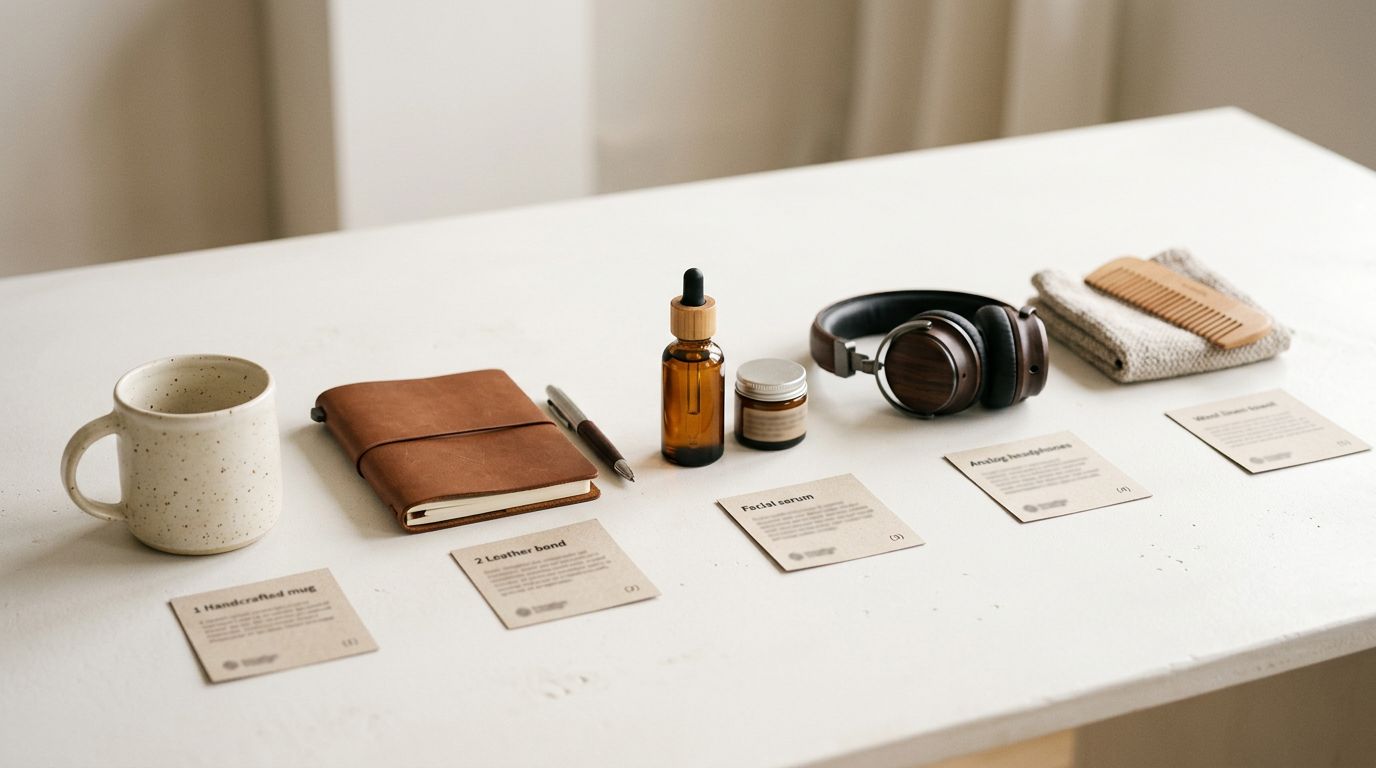
When Importier generates product descriptions, the SEO title and meta description are generated in the same run. You do not need to go back through 200 products a second time to fill in SEO fields. The full content set arrives together.
Fixing the Problem Before It Compounds
Google does not penalise duplicate content. It just ignores it. For a dropshipping store, ignored product pages mean no organic traffic, no impressions, and no ranking progress regardless of how much other SEO work you do elsewhere.
The fix is not about manually rewriting each product. It is about having a system that generates unique content as part of the import process and lets you retroactively fix existing products without touching them one by one. If your catalogue already has supplier copy in it, the Store Scanner gets through it in a single run. If you are still building your catalogue, the import wizard means the problem never starts.
Try Importier free at importier.app.
Related Articles
Set up your first import in under five minutes.
Importier brings products into Shopify with AI descriptions, category metafields, and data enrichment on every run.