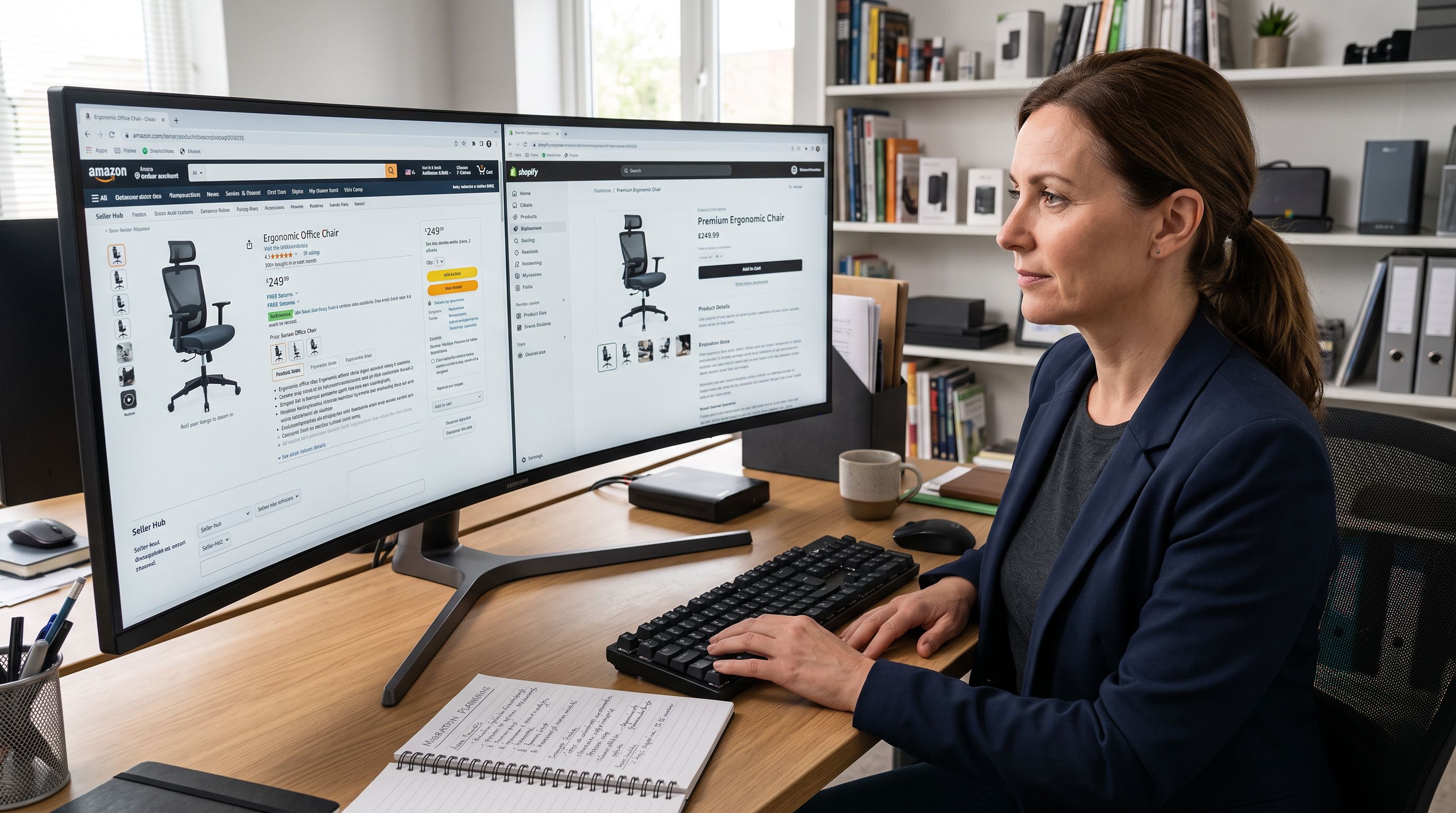
How to Import Products from Amazon to Shopify

On this page
How to Import Products from Amazon to Shopify
There is no built-in way to import Amazon products into Shopify. Amazon does not provide an export that maps to Shopify's product format, and Shopify has no native connector to Amazon's catalogue. Every merchant who has tried to bring Amazon listings into Shopify has run into this wall.
This guide covers why the manual approaches break down, what data you actually need for a Shopify product, and how to import Amazon products at scale without retyping everything by hand.
Why Merchants Want to Import from Amazon
The use cases are different but the problem is the same.
Dropshippers want to list Amazon products on their Shopify store, set a markup, and fulfil orders through Amazon. To do that, they need accurate product data, images, and variant information in Shopify before a customer can buy.
Multi-channel retailers already sell on Amazon and want to expand to Shopify without rebuilding their catalogue from scratch. They have hundreds or thousands of listings on Amazon and need them in Shopify without manually re-entering each one.
Importers and wholesalers find supplier products on Amazon and want to bring those listings into their Shopify store as a starting point, then customise the content and pricing.
All three groups face the same friction: Amazon's data is locked inside Amazon's ecosystem, and moving it out requires either significant manual effort or a tool that can extract it automatically.

The Manual Approach and Where It Breaks Down
Most merchants start by trying one of three manual methods.
Copy-paste product by product. Open the Amazon listing, copy the title, description, specifications, and images, then paste everything into a new Shopify product. For one product this takes 10-20 minutes. For 50 products, that's up to 17 hours. For 500, it is not a realistic option.
Amazon Seller Central CSV export. If you sell on Amazon yourself, you can export your listings from Seller Central as a CSV. The problem is that Amazon's CSV format uses Amazon's column headers, which do not map to Shopify's. Handle, Variant Price, Body (HTML), and Variant SKU are Shopify columns that have no direct equivalent in an Amazon export. You end up reformatting the CSV manually before you can import it into Shopify, which adds another layer of work.
Screenshot and re-enter. Some merchants pull product images directly from Amazon listing pages and retype descriptions. Beyond the obvious time cost, this approach often produces incomplete product records. Amazon listing pages surface some variant data and some specifications, but not consistently. Variant-specific barcodes, weight, and dimensions are often missing from the visible page and require additional research.
The core problem with all manual methods is scale. One product is manageable. Ten is slow. Fifty is a day's work. A catalogue of 500 is simply not achievable without automation.
- 10-20 minutes per product
- Amazon CSV headers don't map to Shopify
- Variant barcodes buried or missing
- Duplicate Amazon descriptions hurt SEO
- Category metafields require manual research
- 50 products imported in ~15 minutes
- Automatic extraction from Amazon URLs
- Per-variant scraping captures barcodes and images
- AI generates unique Shopify-optimised descriptions
- Category metafields assigned automatically
What a Complete Shopify Product Requires
The data gap between an Amazon listing and a Shopify product is wider than it looks.
A Shopify product needs: a title, a description, at least one image, a price, a variant structure (size, colour, style), SKU, barcode, weight, and ideally a category with metafields. Amazon listing pages show most of this, but not in a clean extractable format.
Variant barcodes are particularly difficult. Amazon shows a product's main ASIN prominently, but individual variant ASINs, GTINs, and EANs are buried in the listing or absent from the public page entirely. Getting accurate per-variant barcodes from an Amazon listing manually often requires cross-referencing a supplier database or barcode lookup service.
Images are another gap. Amazon serves resized and watermarked versions on the public listing. High-resolution, clean images for individual variants are often only accessible through the Amazon API, which requires seller credentials.

Automated Import and Content Generation
Importing Amazon Products with Importier
Importier's Marketplace Import handles the extraction automatically. You paste the Amazon product URL, and Importier pulls everything it can find on the listing page, including the title, description, price, images, SKU, barcode, variants, and product specifications.
The extraction is powered by Firecrawl, which handles Amazon's anti-bot measures reliably. Most scraping approaches break on Amazon within a short period; Firecrawl is built specifically to work around this.
For each product, Importier runs per-variant scraping. Rather than pulling the top-level listing once, it loads each variant individually to get accurate barcodes, images, and pricing per variant. A shirt with 12 size-colour combinations gets 12 extraction passes, not one.
Price markup is built in. You can set a percentage markup over the Amazon price, and Importier automatically sets the Shopify price and fills in the compare-at price for you. If the Amazon price changes, you can re-run the import and update the markup.
For 50 products, the extraction and import runs in around 15 minutes. The same job done manually takes most of a working day.
Marketplace Import is available on the Enterprise plan and supports Amazon, eBay, AliExpress, Walmart, Etsy, or any supplier website with a product URL.

Making the Content Your Own
Importing product data from Amazon solves the data problem, but not the content problem.
Amazon descriptions are written for Amazon's search algorithm. They are typically dense with bullet points, keyword-stuffed, and formatted in ways that do not translate cleanly to a Shopify product page. Using Amazon description copy verbatim on your Shopify store also creates duplicate content: Google has already indexed that text on Amazon, and will not rank your product page for the same content.
After importing the product data, Importier can generate new descriptions using its AI description generator. You choose from 7 description styles and 156 expert personas across 43 industry categories. The AI rewrites the product from scratch using the imported specifications as source material, producing unique content optimised for your Shopify store rather than Amazon's feed.
For merchants investing in product descriptions that rank on Google, this step is not optional. A product imported from Amazon with its original description is a liability on Google Search. A product with a freshly generated, unique description is an asset.
A product imported from Amazon with its original description is a liability on Google Search. A product with a freshly generated, unique description is an asset.
Category Metafields During Import
When Importier imports products from Amazon, the category matching step runs automatically as part of the same process. Importier reads the product type and specifications, matches the product against Shopify's Standard Product Taxonomy, and fills in the appropriate category metafields from the relevant industry pack.
This matters for multi-channel retailers expanding from Amazon to Shopify. On Amazon, product attributes are stored in Amazon's taxonomy. On Shopify, they need to be in Shopify's taxonomy to work with Google Shopping feeds and on-site filtering. Importier handles that remapping automatically rather than requiring you to manually re-tag every product.
Practical Considerations Before You Start
A few things to check before running a large Amazon import.
Supplier authorisation. If you are importing products you do not manufacture yourself, confirm you have the right to sell them. This applies regardless of how you import the data.
Image rights. Amazon's product images are typically owned by the brand or the seller. For dropshipping, many suppliers permit image use as part of their dropshipping agreement. For other use cases, check the source before assuming the images are free to republish.
Variant limits. Shopify supports up to 3 option types and 100 variants per product on standard plans. Amazon products sometimes exceed this, particularly in apparel. Plan for how you will handle products that hit the variant ceiling.

Description quality. Amazon descriptions vary significantly by seller. Some are complete and detailed; many are thin and keyword-heavy. Run a quick audit of the imported descriptions before generating new ones, so you know which products need the most attention.
Getting Started
The Marketplace Import workflow in Importier starts with a URL or a list of URLs. You paste the Amazon product links, set your markup, choose your AI description settings, and run the import. Importier handles the extraction, variant grouping, category matching, and product creation in Shopify in a single run.
For existing Amazon sellers expanding to Shopify with large catalogues, the Enterprise plan includes up to 5,000 products per month with parallel processing and retry on failed imports.
Try Importier free at importier.app
Related Articles
Set up your first import in under five minutes.
Importier brings products into Shopify with AI descriptions, category metafields, and data enrichment on every run.