Shopify Product Copy: Replace Supplier Descriptions
On this page
A kitchenware merchant imports 300 products from a wholesale supplier. The supplier provides a data file with everything a retailer needs: product names, SKUs, dimensions, weight, materials, country of origin, and descriptions. Shopify product copy from supplier descriptions looks thorough at a glance: four to eight sentences covering capacity, material grade, compatibility, and care instructions. The merchant maps the description column at import, the products go live, and the store looks complete.
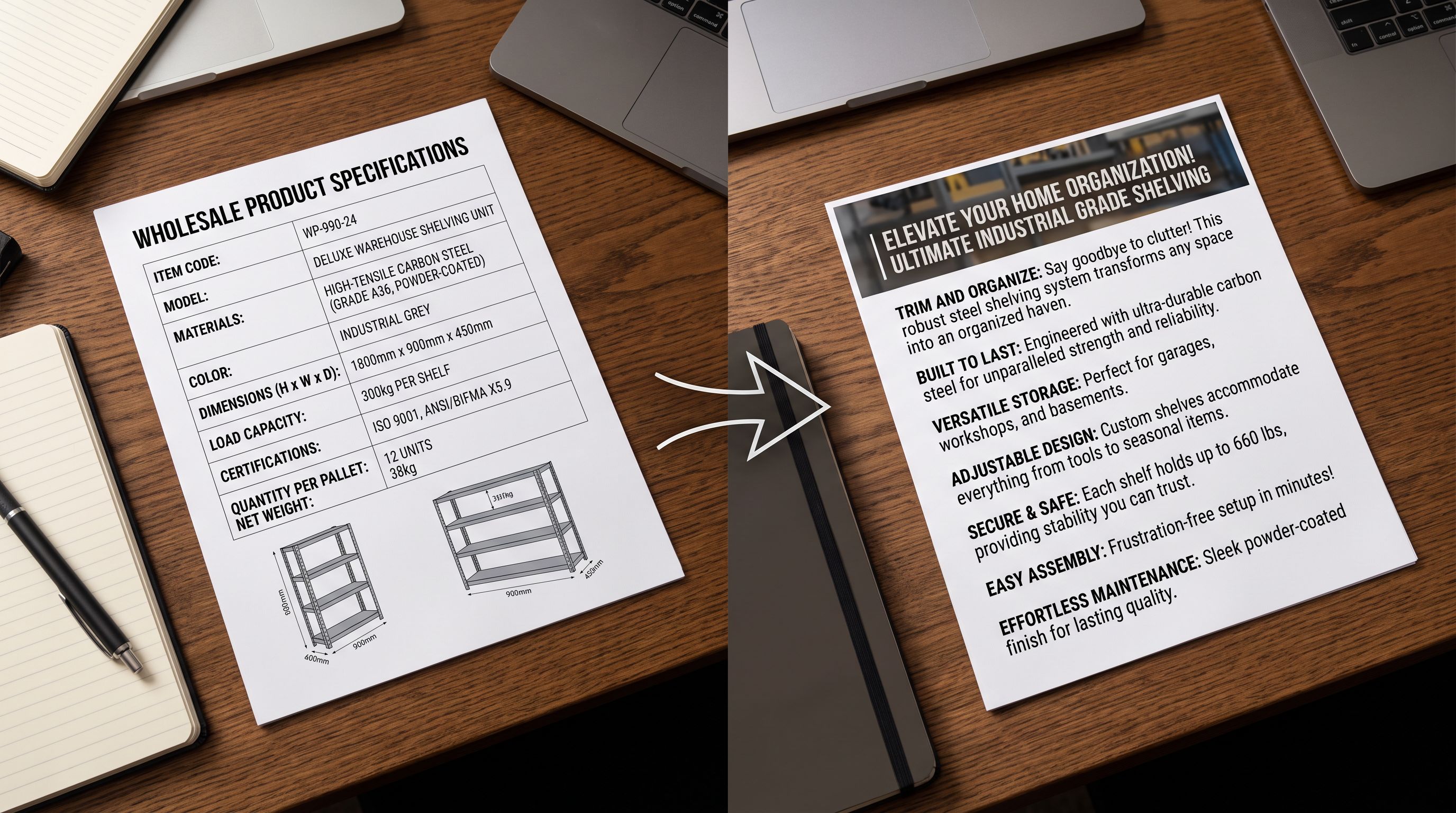
Six months later, the conversion rate on imported product pages is half what it is on the ten products the merchant wrote manually. The shopify product copy supplier descriptions problem is not about length or accuracy. The supplier descriptions are accurate. The problem is that they were written for a trade buyer evaluating a product for stock, not for a home cook deciding whether this pan will work for their kitchen.
Why Shopify Product Copy from Supplier Descriptions Fails at Conversion
Supplier descriptions serve a different purpose than product copy. A supplier describes a product so that a buyer at a distributor or retailer can evaluate it against a purchase order: is the grade correct, does the capacity match the specification, is the material compliant with import regulations? That is a procurement decision, not a purchase decision.
Nielsen Norman Group's research on how users read online shows that shoppers scan product pages rather than reading them linearly. They look for: what this product does for them (the outcome), why it is different from alternatives, and whether it matches their situation. Supplier copy addresses none of these directly. It specifies. It does not persuade.
The structural failure appears in three patterns:
Feature-first, benefit-absent. Supplier copy leads with material grades, technical tolerances, and certification codes. A shopper reading "18/10 stainless steel, 2.5mm gauge, PFOA-free" does not know if they should care about those numbers. The same facts, reframed as "the 2.5mm steel base distributes heat without hot spots, so scrambled eggs slide off without sticking, even over high heat. These reframed facts give the shopper a reason to buy.
No differentiation. When 40 retailers source from the same supplier, 40 product pages launch with the same or near-identical copy. The shopper comparing options sees the same sentences on multiple sites. The page that rewrites the description for their specific customer wins the conversion; the others do not.
Specification without scenario. Supplier copy describes what a product is. Conversion copy shows the product being used. "5-litre capacity with heat-resistant handles" is a specification. "Holds a full batch of soup for eight people. The handles stay cool on induction and gas" is a scenario. Shoppers buy into scenarios.
The 7 Importier Description Styles and When to Use Each
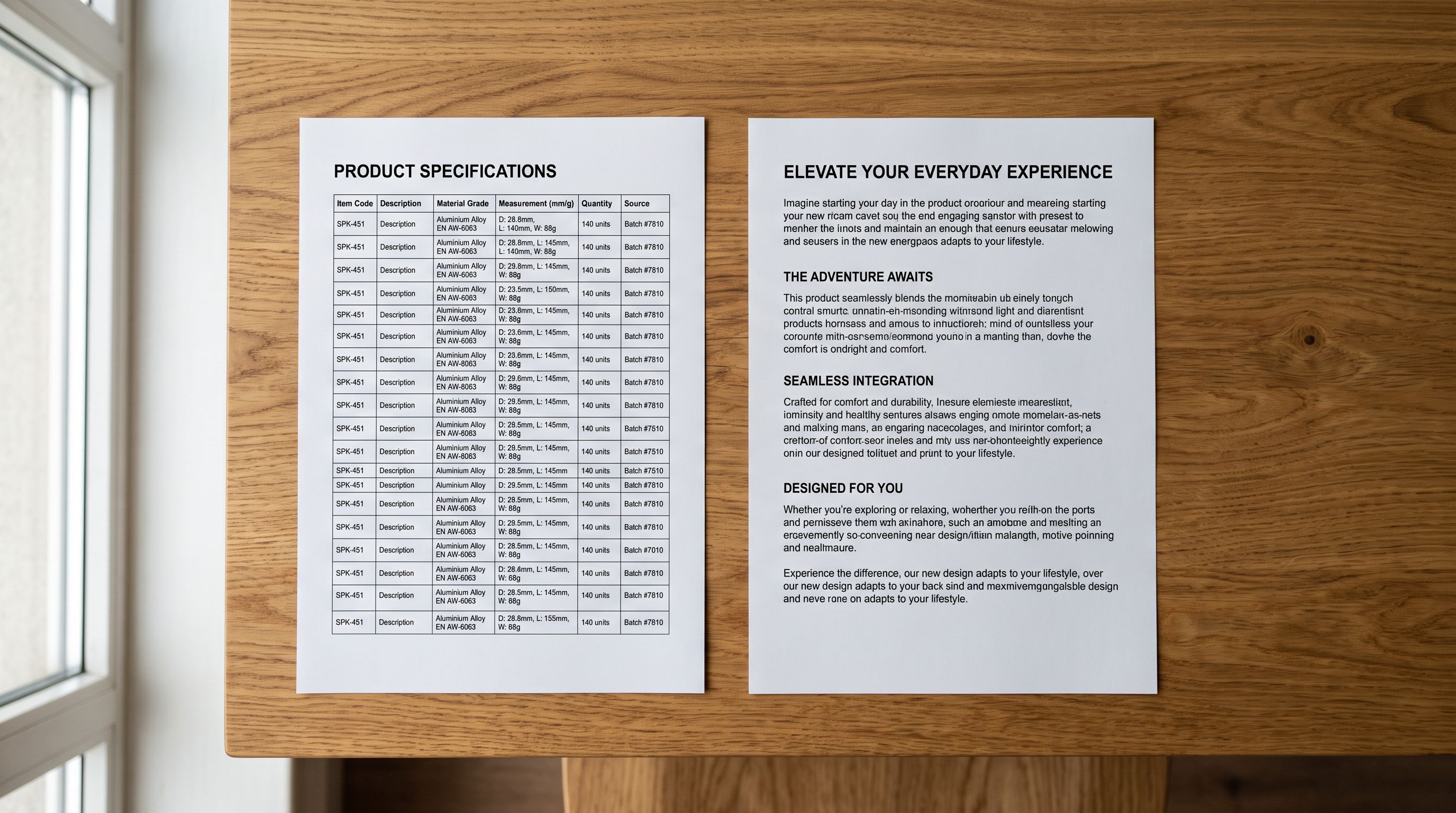
Importier's AI description generator offers seven styles, each built for a different product type and buyer psychology. Choosing the wrong style for a product category produces technically accurate descriptions that still fail to convert. Here is how each style works and where it belongs.
1. Standard The default style. Balanced structure covering what the product is, its key features, and a brief benefit statement. Works for everyday utility products where the buyer is already primed to purchase (replacement items, consumables, commodity household goods). Not the best choice for products where differentiation is the purchase driver.
2. Technical Gadget Structured for electronics, tools, and hardware. Leads with the core performance spec (processing speed, output wattage, torque range), explains what that means for the user, and ends with compatibility notes. Use for products where the buyer researches specifications before purchasing. They need the numbers to be there, but the numbers need context.
3. Emotional Storytelling Opens with a moment or situation rather than a specification. Built for lifestyle products: kitchenware, home decor, clothing, personal care. The supplier specification sheet becomes raw material; the output places the product in the buyer's life. A 5-litre cast iron casserole becomes the pot at the centre of a winter kitchen. Works poorly for technical products where the buyer needs specs first.
4. Benefits-First Leads with the outcome the buyer gets, then supports it with the features that deliver it. The most direct conversion structure for products with a clear value proposition. A noise-cancelling headphone description starts with "block the commute, stay in the music" and then explains how the technology achieves it. Use for products where the primary objection is "will this actually work for me?"
5. Sensory-Rich Written for products experienced through the senses: food and beverage, fragrance, textiles, skincare, furniture. Supplier copy for a scented candle reads "120g soy wax, fragrance load 10%, burn time 40 hours." Sensory-Rich output reads "warm cedar with a trace of vanilla, cleanest burn for small rooms, holds the scent through a full evening." Use for categories where the online shopping experience cannot give the buyer the physical sensation, so the description has to compensate.
6. Ingredient Spotlight Built for food, supplements, skincare, and personal care products where the buyer makes decisions based on specific ingredients. The style structures the description around the active ingredients, what each does, and why the formulation matters. A face serum described in supplier copy as "10% L-ascorbic acid, ferulic acid, vitamin E, hyaluronic acid at pH 3.5" becomes a description that explains why the pH matters for absorption and what the ferulic acid does for stability. Use when buyers are ingredient-literate.
7. Custom Lets the merchant define section headings and content requirements. The AI fills each section as specified. Use for: stores with a specific content template, brands with strict tone guidelines, and agencies managing multiple client catalogues with different content requirements per client. Custom style is the most powerful option for experienced users. It produces the most precisely controlled output and the widest variation across a product range.
The 7 description styles are not cosmetic variations. Each one restructures the same product facts for a different buyer psychology. Matching the style to the product category is the single highest-leverage setting in Importier's generator.
Mapping Product Categories to Styles
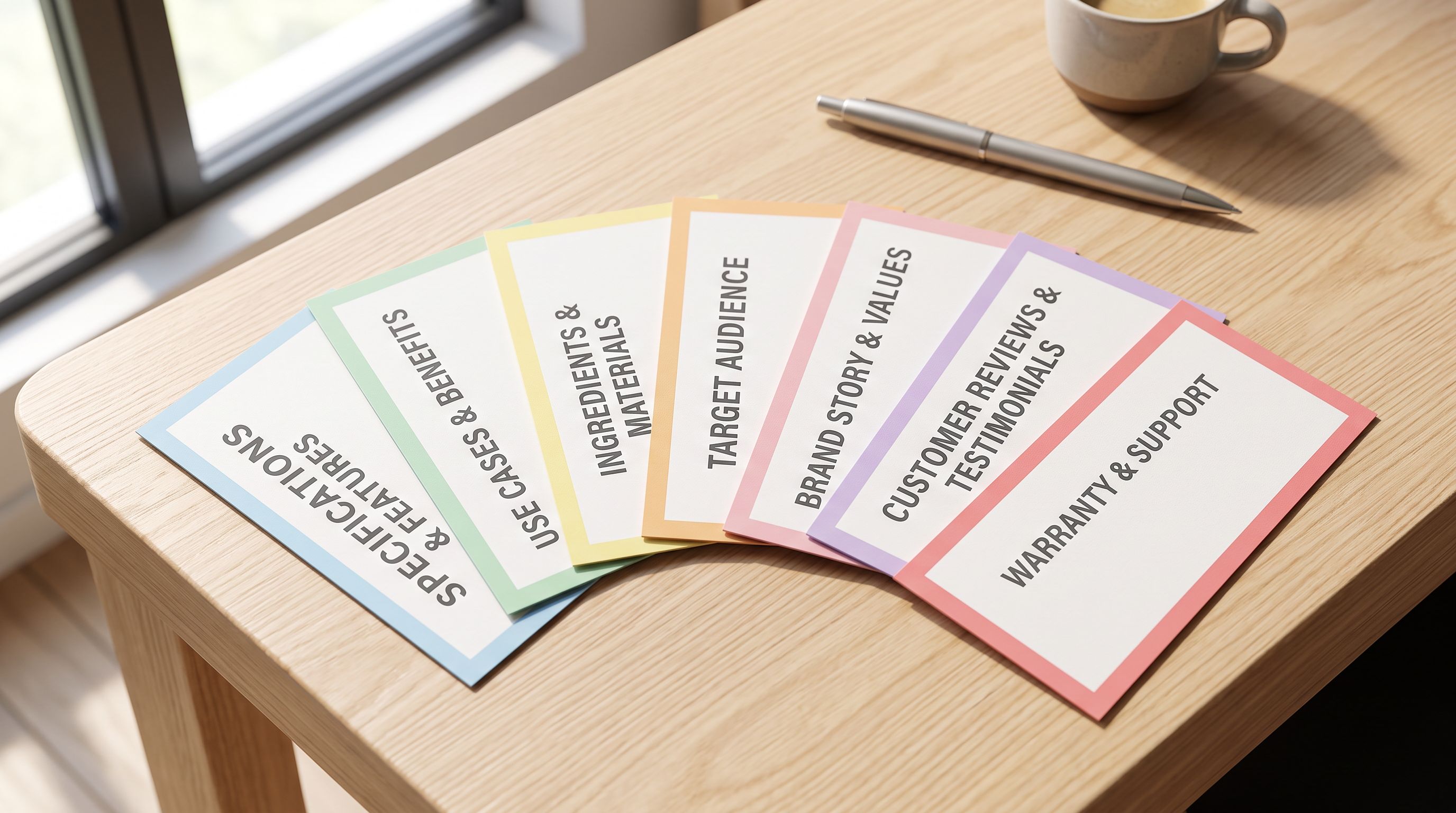
Importier applies the description style uniformly to all products in an import batch. For catalogues with multiple product types, the most effective approach is to segment the import by product category and apply the appropriate style to each segment.
A practical mapping for common Shopify categories:
- Electronics and tech accessories: Technical Gadget
- Kitchen and cookware: Emotional Storytelling or Benefits-First (depending on price point: higher price point benefits from storytelling; lower price point benefits from direct benefit claim)
- Clothing and accessories: Benefits-First (comfort, fit, occasion) or Sensory-Rich (texture, materials, feel)
- Food, beverages, supplements: Sensory-Rich or Ingredient Spotlight
- Skincare and personal care: Ingredient Spotlight for ingredient-literate buyers, Sensory-Rich for mass market
- Home decor and furniture: Emotional Storytelling (places the product in the living space)
- Tools and hardware: Technical Gadget or Benefits-First
- Commodity and replacement parts: Standard
The 156 expert personas across 43 industries layer on top of style selection. A kitchen cookware import with Emotional Storytelling style, processed through a persona calibrated for premium kitchenware buyers, produces different copy than the same style run through a persona calibrated for budget cooking equipment buyers, even when the product facts are identical.
Before and After: A Supplier Description Transformation
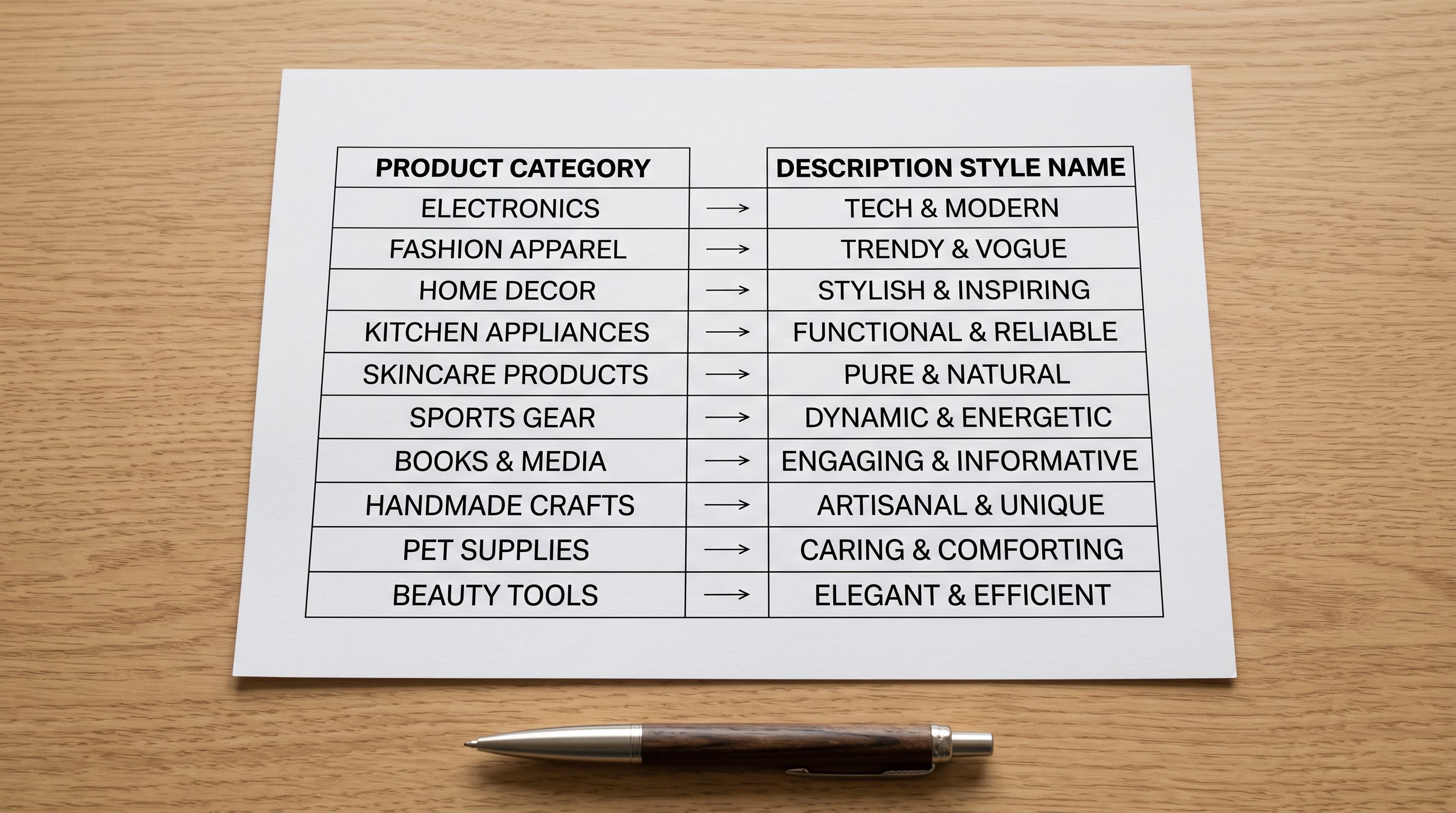
To make the difference concrete, here is how an Importier description transformation works on a specific product.
Source supplier copy (verbatim from wholesale data file):
Cast iron casserole dish, 5.0L capacity, enamelled interior and exterior, suitable for all hob types including induction, oven safe to 240°C, dishwasher safe, available in 6 colours. Dimensions: 32cm x 24cm x 16cm. Weight: 4.2kg. Country of origin: France.
Every fact in that paragraph is accurate. A procurement buyer reading it knows exactly what they are ordering. A home cook reading it on a product page knows nothing useful: they do not know if 5 litres is enough for their family, whether the enamel chips, how it feels to cook with it, or why they should buy this one instead of the cheaper Dutch oven on a competing site.
Importier output with Emotional Storytelling style, Kitchenware persona:
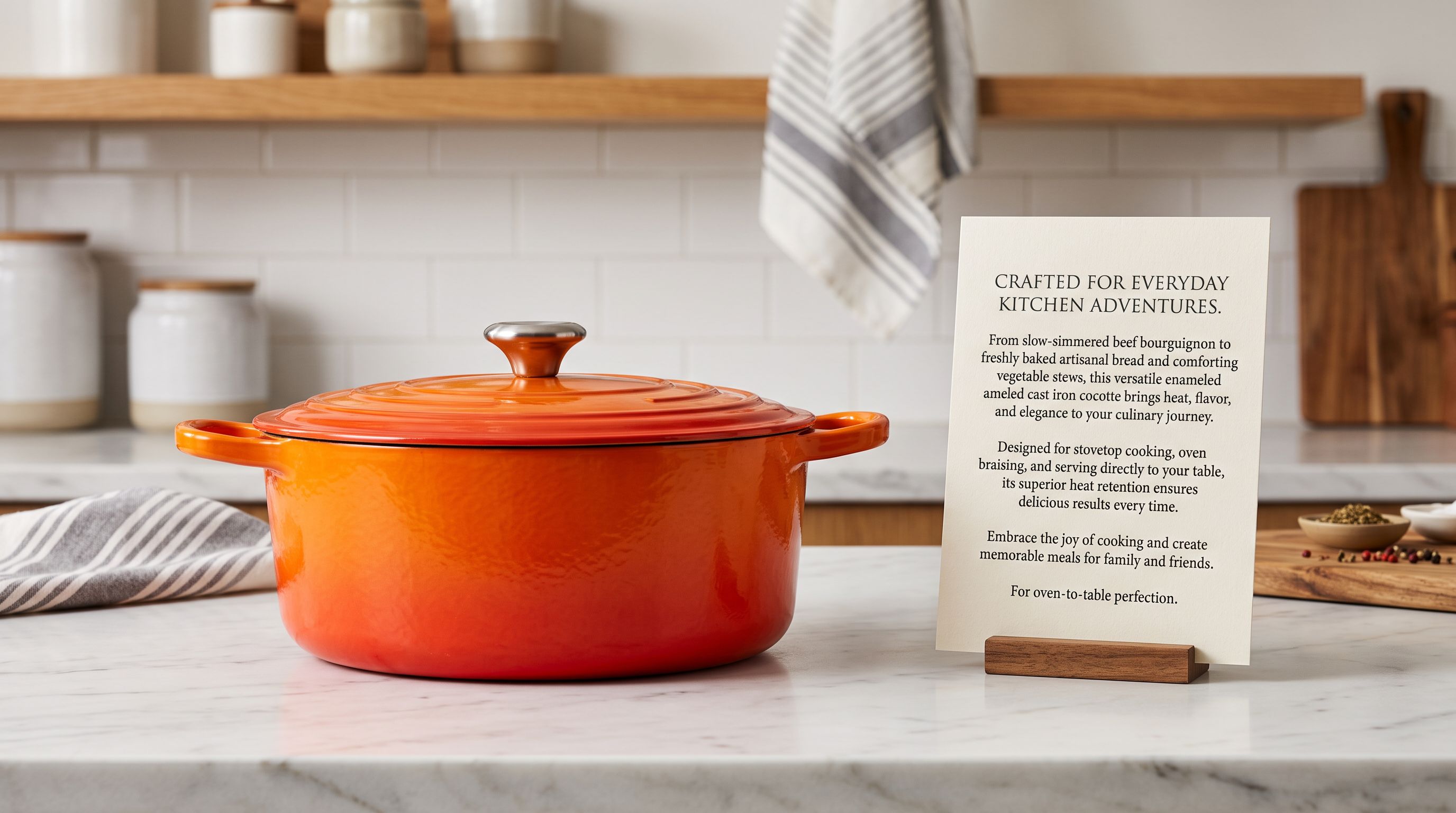
This is the pot that gets better with every use. The 5-litre enamelled cast iron holds a full Sunday roast for six or a pot of ragu that simmers for three hours without a single stir. The enamel surface builds a natural season over time. The longer you use it, the easier the release. From the hob (any type, including induction) to the oven at 240 degrees, to the table. One pot, one meal, no transfers.
The second version uses every fact from the supplier sheet (capacity, hob compatibility, oven temperature) and places them in the context of what the buyer actually wants: a pot that earns its place in their kitchen.
Replacing Supplier Copy in Bulk
How to Replace Supplier Descriptions Without Losing Specification Data
The practical concern when replacing supplier descriptions is data loss. Supplier copy, dense as it is, often contains specification data that does not appear elsewhere in the product record: thread count, voltage range, exact ingredient percentages. Replacing the description with AI-generated copy before capturing that data means the specifications are gone.
Importier handles this with a two-step approach:
First, at the column mapping step in the 14-step import wizard, the merchant can map the supplier description to a product metafield rather than to the main product description. The specifications land in a reference field the merchant can access but that does not publish to the product page. The AI then generates the shopify product copy supplier descriptions field from the full set of available data (title, vendor, specifications column, any barcode-sourced enrichment), not from the description field alone.
Second, for existing catalogues already published with supplier copy, Importier's Store Scanner handles bulk replacement without re-importing. The Scanner identifies products by collection, vendor, or SKU pattern, generates new descriptions using the selected style and persona, and pushes in Replace mode, overwriting the supplier copy with the AI-generated version. A catalogue of 500 products with supplier descriptions can be replaced in a single batch run.
Importier's guide to rewriting Shopify product descriptions in bulk covers the Store Scanner replacement workflow in detail, including how to run a sample batch on 10 products before committing to the full catalogue.
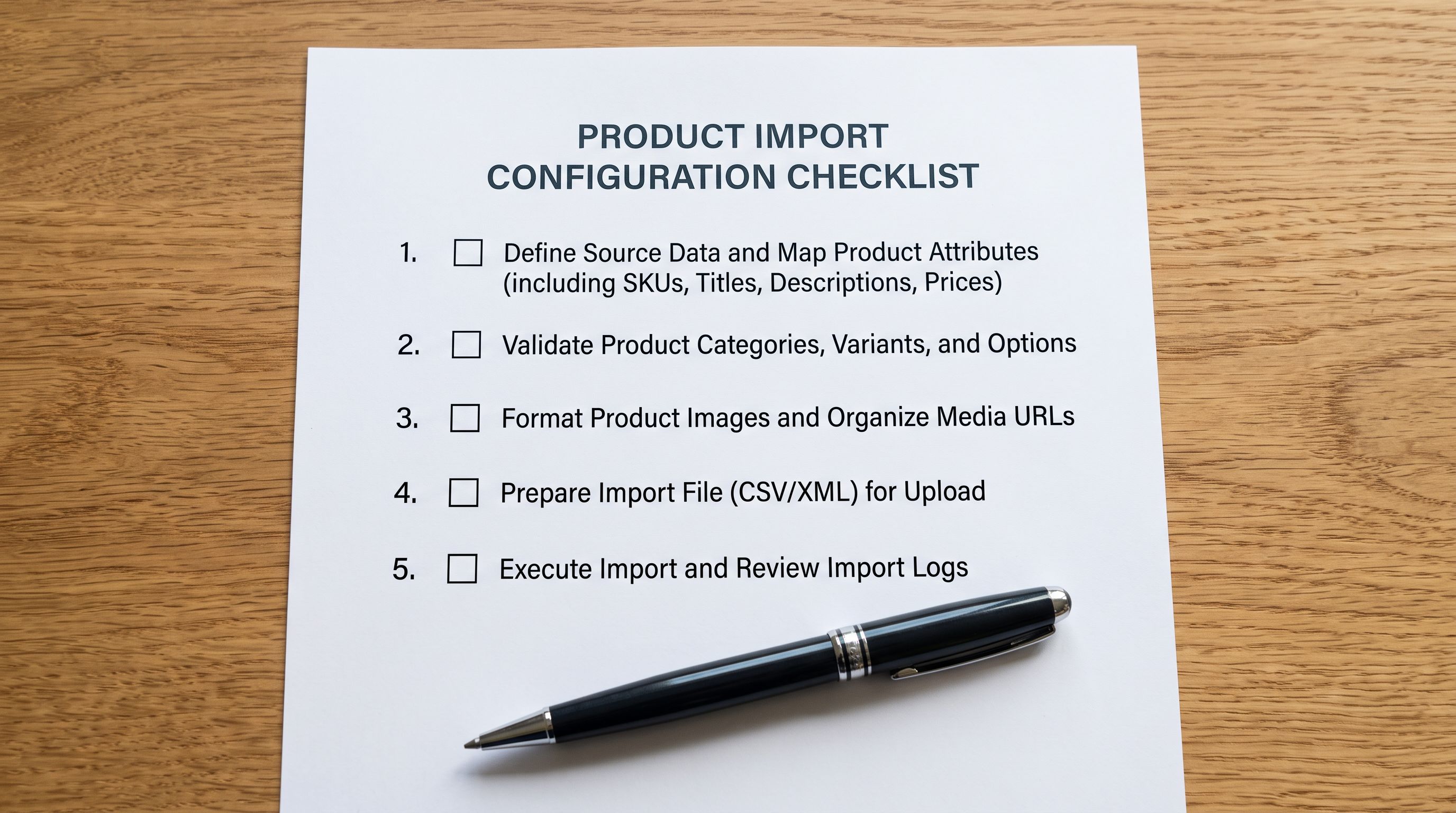
- 01Step 1Before importing, identify the product categories in your supplier file. Group products by the description style that matches their buyer psychology. A mixed catalogue (tools and lifestyle goods, for example) needs two import runs with different style settings, not one.
- 02Step 2In the import wizard's column mapping step, map your supplier's description column to a reference metafield rather than to the Shopify body HTML field. This preserves the specification data while allowing the AI to generate fresh copy from all available fields.
- 03Step 3Select the description style that matches the product category. Set the persona to the industry that best matches your buyer. If unsure, run the import on 10 products first and review the output before processing the full batch.
- 04Step 4Enable SEO Title and Meta Description generation in the same run. The same style and persona that generates the product description also optimises the title and meta description. Doing this at import time means every product launches with unique, search-optimised metadata rather than copied supplier titles.
- 05Step 5After the import, filter the product list by collection and review a sample of 5-10 descriptions in each style. Check that the AI is capturing the specification details from the source data and framing them as benefits, not just restating the supplier copy in different words. If the output is too generic, add more context to the Importier Brand Voice panel: the target customer, the key differentiator, and example phrases to include.
Persona Selection and the Conversion Lift
The 156 expert personas across 43 industries are not just stylistic variation. They change the vocabulary, the framing, and the specificity of what the AI considers relevant.
A garden tools import processed through a general persona produces descriptions that mention "ergonomic design" and "durable construction." The same import processed through a Master Gardener persona produces descriptions that mention specific planting tasks (bulb planting, soil aeration, transplanting), name the conditions where the tool performs best (clay soil, raised beds, container gardening), and reference the seasonal timing that matters to the buyer.
The persona calibrates the AI's assumptions about what the buyer already knows and what they need to be told. A buyer browsing premium kitchenware already knows what cast iron is. They need to know why this particular piece is worth the price. A buyer browsing a general homewares store needs more foundational context. The same persona system handles both, at opposite ends of the knowledge spectrum.
Shopify's own research on product descriptions notes that the most effective product pages address the customer's mental model (how they picture themselves using the product) rather than the product's technical attributes. Importier's personas encode that mental model for specific industries, so the AI generates copy that speaks to the buyer's actual situation.
- Feature-first: lists specifications without context
- Written for trade buyers, not shoppers
- Identical to other resellers using same supplier
- No scenario or outcome described
- Generic framing across all product types
- Conversion rate reflects the undifferentiated copy
- Benefit-first: specifications as outcomes the buyer cares about
- Written for the purchase decision, not the procurement decision
- Unique output from the same source data as competitors
- Scenario-specific: places product in the buyer's situation
- Style matched to category buyer psychology
- Persona calibrated to the specific industry buyer's knowledge level
How Tone Works With Style
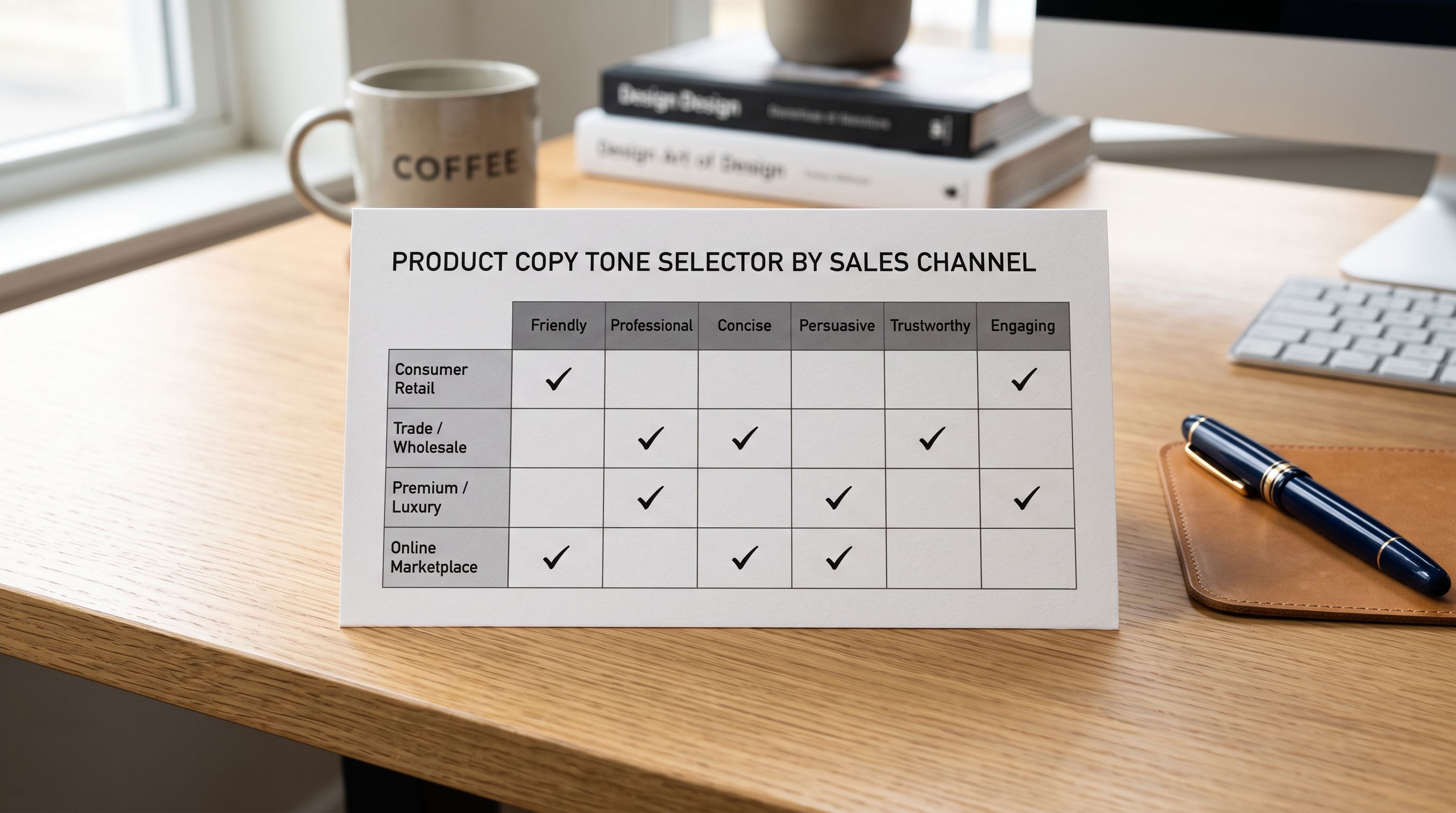
Importier's five tone options (Professional, Casual, Persuasive, Luxurious, Technical) layer on top of style. They control the register of the output: how it sounds, not what it covers.
A Benefits-First description in Professional tone produces clean, direct benefit statements suitable for B2B and trade channels. The same style in Casual tone produces friendlier, more conversational copy for D2C audiences. Luxurious tone shifts the vocabulary to premium registers regardless of style.
The most effective combinations by channel:
- D2C consumer products: Casual or Persuasive tone with the category-appropriate style
- Premium and luxury goods: Luxurious tone with Emotional Storytelling or Sensory-Rich style
- B2B and professional tools: Professional tone with Technical Gadget or Benefits-First style
- Marketplace listings (Google Shopping, eBay): Professional or Persuasive tone with Benefits-First. Marketplace buyers scan faster and need direct claims
Importier's description tone guide covers each tone option in detail, with examples across product categories.
Shopify Product Copy from Supplier Descriptions: Key Takeaways
Getting shopify product copy supplier descriptions right means treating the supplier data file as raw material, not finished content.
- Supplier descriptions are written for procurement decisions: accurate and specification-dense, but optimised for trade buyers evaluating stock rather than shoppers making purchase decisions. Importing them verbatim is the single most common missed conversion opportunity in a new Shopify store.
- Importier offers seven description styles, each built for a different buyer psychology. Standard works for commodity products; Emotional Storytelling works for lifestyle goods; Technical Gadget works for electronics; Sensory-Rich works for food, fragrance, and textiles; Ingredient Spotlight works for skincare and supplements; Benefits-First works for products with a clear outcome; Custom gives full control over structure and headings.
- Map your supplier description column to a reference metafield at import, not to the product description field. This preserves the specification data as a reference while the AI generates conversion-focused copy from the full product record.
- The 156 expert personas calibrate the AI's vocabulary and framing for specific buyer knowledge levels. A Master Gardener persona and a general homewares persona produce fundamentally different output from the same product facts.
- For existing catalogues with supplier copy already live, Importier's Store Scanner handles bulk replacement in Replace mode, without re-importing. Run a sample of 10 products first to validate the style and persona before processing the full catalogue.
- Tone (Professional, Casual, Persuasive, Luxurious, Technical) layers on top of style to control the register. Match tone to the sales channel: Casual for D2C, Professional for B2B, Luxurious for premium goods.
Replace supplier copy with descriptions that convert at importier.app. The 7 description styles, 156 personas, and 5 tone options give you the controls to match the output to any product category and buyer.
Set up your first import in under five minutes.
Importier brings products into Shopify with AI descriptions, category metafields, and data enrichment on every run.