Agentic Shopping Readiness at Scale: The Shopify Maintenance Workflow

On this page
Most Shopify merchants who prepare their catalogues for agentic shopping do so once. They run Store Scanner, fix the descriptions, assign category metafields, look up the missing GTINs, and consider the job done. Three months later, they have added 150 new products from a supplier and none of them went through that process.
This is the scale problem: not the size of the initial cleanup, but the ongoing discipline required to keep a growing catalogue agent-ready. The merchants who win AI-referred traffic at scale did not find a better one-time fix. They built agent-readiness into every import, so new products arrive already prepared.
This is Article 4 of 4 in the Importier Agentic Shopping Series. Article 1 covered why agentic shopping is changing product discoverability. Article 2 covered how AI agents read your product data. Article 3 covered how to prepare an existing catalogue. This article covers what comes after.
Why agentic shopping readiness decays as catalogues grow
At 100 products, a quarterly audit is manageable. At 5,000 products, with 50 to 200 new SKUs arriving every month, the maths break down.
Two decay vectors run simultaneously. The first is volume: new products arrive without structured attributes, thin descriptions, and internal SKU codes where GTINs should be. Every import cycle that bypasses the AI enrichment step adds to a backlog of agent-unready products. The second is overwrite: some suppliers send full product files rather than incremental updates. A supplier re-export that refreshes your entire product list can overwrite AI-generated descriptions with generic supplier boilerplate in a single file push.
The consequence is not just a quality problem. AI shopping agents evaluate product data completeness across the catalogue, not just per product. How AI Shopping agents evaluate product data describes this in detail: the agent's query returns a shortlist and excludes products it cannot match against buyer intent with confidence. A catalogue where 40% of products have thin descriptions or missing category attributes is a catalogue where 40% of products are invisible to structured agent queries.
According to Shopify's Q1 2026 results, AI-referred sessions are converting at 13 times the rate of standard search sessions. The channel is growing fast enough that a persistent data gap in the catalogue is not a theoretical problem. It is a measurable one.
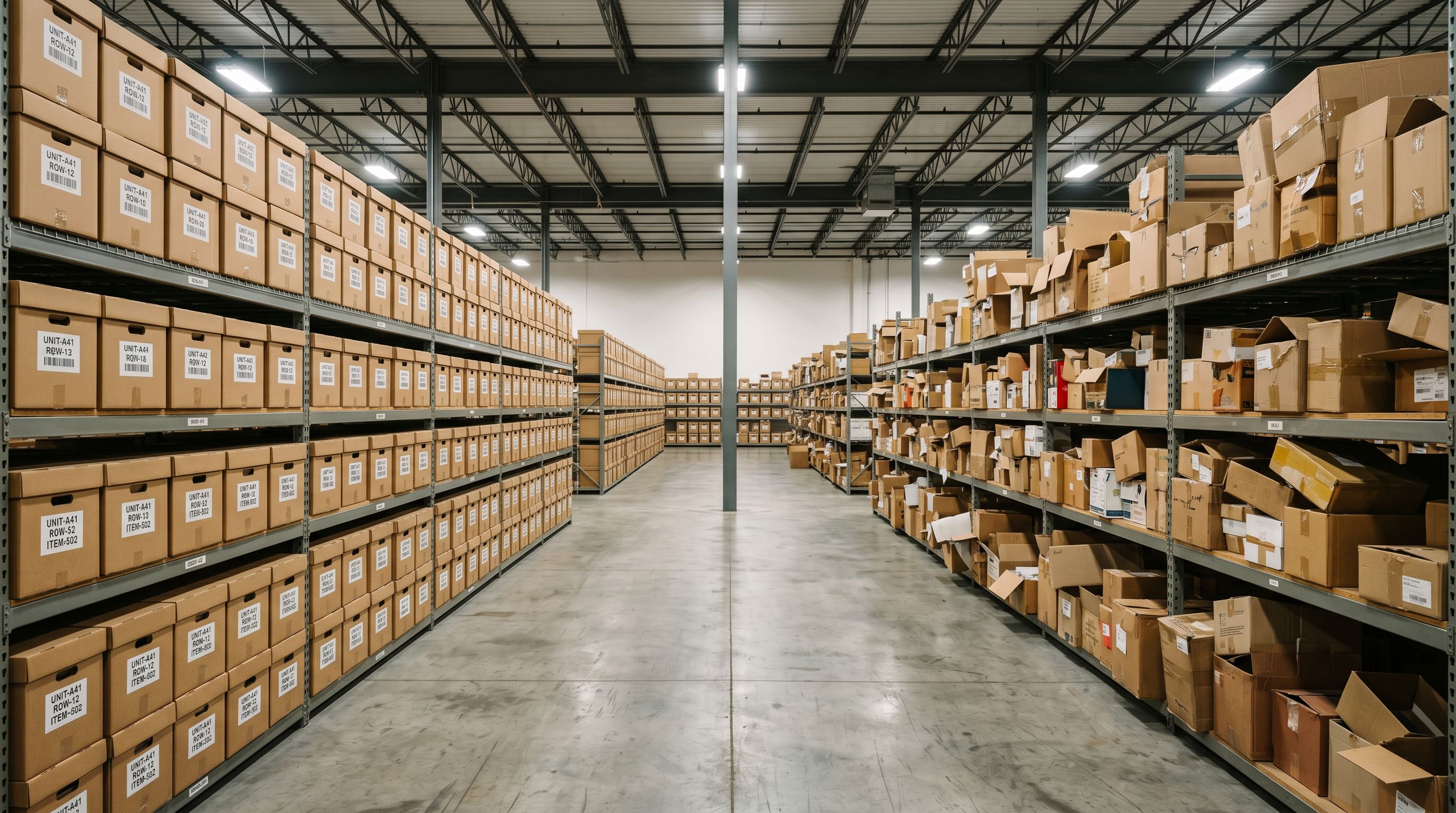
The merchants who avoid this trap did not develop a better cleanup process. They configured the import workflow so that agent-readiness happens before products reach Shopify, not after.
The compounding gap at scale
Consider a wholesale accessories merchant with 800 active SKUs. They run a full Store Scanner pass in January: descriptions repaired, category metafields assigned, GTINs filled, weight data enriched. In February, March, and April they add 50 new products per month from a supplier CSV. Those products arrive without going through any AI pipeline.
By the end of April:
- 150 new products have descriptions copied verbatim from the supplier CSV
- 150 new products have no category metafields assigned
- An estimated 90 of those 150 have internal supplier codes in the Barcode field rather than registered GTINs
- The quarterly Store Scanner pass has not yet run
Over that three-month window, those 150 products have been live on the site, invisible to agent comparison queries because the data AI agents need to match them to buyer intent is absent.
The gap compounds with scale. A merchant adding 200 new SKUs per month has a larger unready population at any given moment. A merchant with 10 supplier feeds, each updating on different cycles, has a larger and harder-to-track backlog.
A catalogue where 40% of products arrive without agent-ready data is not a catalogue that needs a better cleanup tool. It needs a different workflow.
The fix is not a faster cleanup. It is removing the need for cleanup by ensuring the AI pipeline runs at import time on every new product.
Building agent-readiness into the import workflow
Importier's Scheduled Imports runs the full AI pipeline on each cycle: AI description generation across 25 AI models, Smart Variant Detection, category metafield assignment via 22 Industry Packs with 3,758 attributes, and data enrichment for missing weight, HS codes, and GTINs.
This means every product that arrives through a scheduled import arrives already agent-ready. There is no backlog of unprocessed products waiting for the next quarterly pass.
- 01Configure your settings before schedulingset your persona, description style, Brand Voice, and category metafield packs once in Settings; every scheduled run inherits these
- 02Run a manual import first and review the outputverify descriptions, category assignments, and GTIN fills are correct before automating
- 03Set the scheduledaily, weekly, or monthly; timezone-aware
- 04Connect the source file and testverify the supplier file path or upload the recurring file; run a test cycle and review the Import History log
- 05Monitor with Import Historyafter each scheduled run, check the log to confirm description count, enrichment fills, and metafield assignments
Scale plan supports 2 simultaneous schedules; Enterprise supports 10. A merchant with multiple supplier feeds, including two European suppliers on weekly cycles, a domestic supplier on monthly, and a marketplace feed on daily, can configure each as a separate schedule with separate AI settings if the product types differ.
The setup time is under 15 minutes per schedule. The time saved compounds with every import cycle that runs without manual intervention.

The ongoing audit layer
Store Scanner as the ongoing maintenance audit
Even with Scheduled Imports configured, Store Scanner remains the right tool for two ongoing tasks: diagnosing what changed and catching the gaps that Scheduled Imports cannot see.
Scheduled Imports fixes new products as they arrive. Store Scanner audits existing products retroactively, including products that arrived before Scheduled Imports was configured, products from one-off manual imports, and products where supplier updates have overwritten previously enriched descriptions.
The Store Scanner workflow for maintenance differs from the initial setup pass. On the initial pass, you are fixing everything. On a maintenance pass, you are looking for drift: products whose descriptions no longer match the standard you set, products whose category metafields were cleared during a supplier update, products where the weight field reverted to zero.
Cadence guidance for maintenance passes:
- High-velocity catalogues (200+ new or updated SKUs per month): monthly Store Scanner pass scoped to the collection or vendor that receives the most updates
- Stable catalogues (fewer than 50 new products per month): quarterly full-catalogue pass
- Post-acquisition catalogues (inheriting another store's product data): immediate full pass, then monthly for the first 6 months
The SEO Audit export preset generates a CSV mapping every product against the four content fields in under 2 minutes. Running this before each Store Scanner pass shows exactly where drift has occurred since the last cycle, so you are targeting the pass rather than re-scanning the entire catalogue every time.

Import History as the readiness audit trail
Agent-readiness maintenance requires knowing what changed and when. Import History provides that record.
Every import run, whether manual or scheduled, is logged with date, time, file name, and product count. The CSV download is available for 60 days; 20 snapshots are retained per store. After each scheduled import cycle, Import History shows how many products received new descriptions, how many enrichment fills ran, and how many category metafields were assigned.
For agencies managing multiple client stores, Import History is the accountability layer. Each store's import log provides a record of what ran, when, and on how many products, without requiring manual checks across 20 Shopify admin panels.
The agent-readiness maintenance workflow at scale
The complete maintenance workflow has four steps that run on different cadences:
- 01AutomatedScheduled Imports runs on every import cycle, applying descriptions, category metafields, data enrichment, and variant detection applied to every new product before it reaches Shopify
- 02After each runcheck Import History to verify pipeline outputs, including description count, enrichment fills, and metafield assignments
- 03Monthly or quarterlyrun a targeted Store Scanner pass using the SEO Audit export to identify drift in existing products
- 04On-demandwhen a supplier sends a full catalogue update that may overwrite enriched fields, run a targeted Store Scanner pass on the affected collection immediately after the import completes
- New products arrive without AI pipeline
- Backlog accumulates between cleanup passes
- Manual Store Scanner pass required after each supplier update
- 10-20% of catalogue agent-unready at any given time
- Quarterly patch takes 4-8 hours per cycle
- New products arrive already agent-ready via Scheduled Imports
- No backlog: each import cycle clears its own queue
- Store Scanner reserved for drift detection, not bulk repair
- 95%+ of catalogue meeting agent-data thresholds consistently
- Monthly audit takes under 30 minutes
The key metric is not how fast you can run a cleanup. It is how small the gap between what arrived in Shopify and what AI agents can read. Workflow integration minimises that gap structurally, not reactively.
What scale reveals about the agentic era
At 100 products, the difference between a merchant who patches quarterly and one who builds readiness into every import is small enough to be invisible. At 1,000 products with multiple supplier feeds, it becomes measurable. At 5,000 products on an Enterprise plan with 10 scheduled feeds, it is the difference between a competitive data layer and an unmanageable maintenance burden.
The underlying reason is straightforward. Preparing your Shopify catalogue for agentic shopping is a one-time project. Maintaining it at scale is a recurring workflow. Google's Shopping AI Mode documentation makes the data dependency explicit: the agent queries product attributes to match buyer intent; stores without structured attributes do not get surfaced. The merchants who try to treat scale with one-time-project thinking run into the compounding gap described earlier in this article. No amount of quarterly cleanup hours recovers the AI-referred sessions they lost while 40% of their catalogue was invisible.
Importier's 25 AI models generate consistent descriptions across every batch, regardless of the supplier source or file format. The 22 Industry Packs with 3,758 attributes mean category metafields are assigned at import time without human review per product. Data enrichment fills weight, HS codes, and GTINs automatically, so the fields AI shopping agents rely on for comparison queries are populated before the product is ever live.
The shopify-product-catalogue-management workflow covers the four-phase approach for large catalogues in detail. For merchants where agentic shopping is a primary channel goal, Phase 3 (Schedule) and Phase 4 (Maintain) are not optional additions. They are the structure that keeps Phase 2's results from degrading.
Key takeaways
- Agentic shopping readiness decays as catalogues grow. New products arriving without the AI pipeline create a compounding backlog of agent-unready data.
- The fix is not a faster cleanup cadence. It is building agent-readiness into every import so new products arrive already prepared.
- Scheduled Imports runs the full AI pipeline on each cycle: descriptions across 25 AI models, category metafields via 22 Industry Packs, data enrichment, and variant detection. Scale plan: 2 schedules. Enterprise: 10 schedules, 5,000 products/month.
- Store Scanner serves a maintenance role alongside Scheduled Imports: diagnosing drift in existing products, catching post-supplier-update overwrites, and auditing inherited catalogues after acquisition.
- Import History provides the audit trail: description count, enrichment fills, and metafield assignments logged after every scheduled run.
The Importier Agentic Shopping Series
This is Article 4 of 4 in the Importier Agentic Shopping Series.
- A1: What Agentic Shopping Means for Shopify Merchants: why agentic shopping is changing product discoverability and what AI-referred conversion data shows
- A2: How AI Shopping Agents Read Your Product Data: the five fields agents evaluate, what classification signals they parse, and the internal code trap most merchants miss
- A3: Prepare Your Shopify Catalogue for Agentic Shopping: the two-path workflow for fixing an existing catalogue and configuring the import wizard for future products
- A4: This article: maintaining agent-readiness at scale as an ongoing workflow discipline
See how Importier handles this at importier.app
Set up your first import in under five minutes.
Importier brings products into Shopify with AI descriptions, category metafields, and data enrichment on every run.