Prepare Your Shopify Catalogue for Agentic Shopping

On this page
Prepare Your Shopify Catalogue for Agentic Shopping
Preparing your Shopify catalogue for agentic shopping is not a one-time cleanup project. It is a workflow question: do you build agent-readiness into how products enter your store, or scramble to patch them after they arrive?
The answer changes everything about the effort involved. Merchants who configure their import workflow once do not face a retroactive backlog. Those who skip that step will find themselves running repair passes repeatedly as new supplier imports land without the structured data AI shopping agents need to evaluate and recommend their products.
This article covers both paths. If you have an existing catalogue that needs fixing, start with Path 2 (Store Scanner). If you are setting up a new import workflow, go straight to Path 1. Most merchants need both, in that order.
Why agentic shopping preparation cannot wait
In Q1 2026, Shopify recorded AI referral sessions growing 8x year over year, converting at 13x the rate of standard search sessions. Those are not browsing sessions. By the time an AI-referred buyer reaches a product page, an agent has already evaluated the product, compared it against competitors, and selected it for recommendation.
The evaluation happens silently and entirely on product data. AI shopping agents query structured fields: title, description, category metafields, GTINs, and specifications. If any of those fields are thin, missing, or invalid, the product does not make the shortlist. How AI Shopping agents evaluate product data explains the specific fields in detail. This article covers what to do about them.
The five fields agents evaluate are: title precision, description specificity, category metafields, GTINs/barcodes, and specifications. Importier addresses all five through two mechanisms: the import wizard (for new products) and Store Scanner (for existing ones).
Path 1: Fix at Import
Path 1: Build agent-readiness into every new import
The most efficient way to maintain an agent-ready Shopify catalogue is to make agent-readiness automatic. Every product that enters Shopify through Importier's 14-step import wizard runs a full AI pipeline before it arrives in your store. There is no separate enrichment step and no post-import cleanup queue.
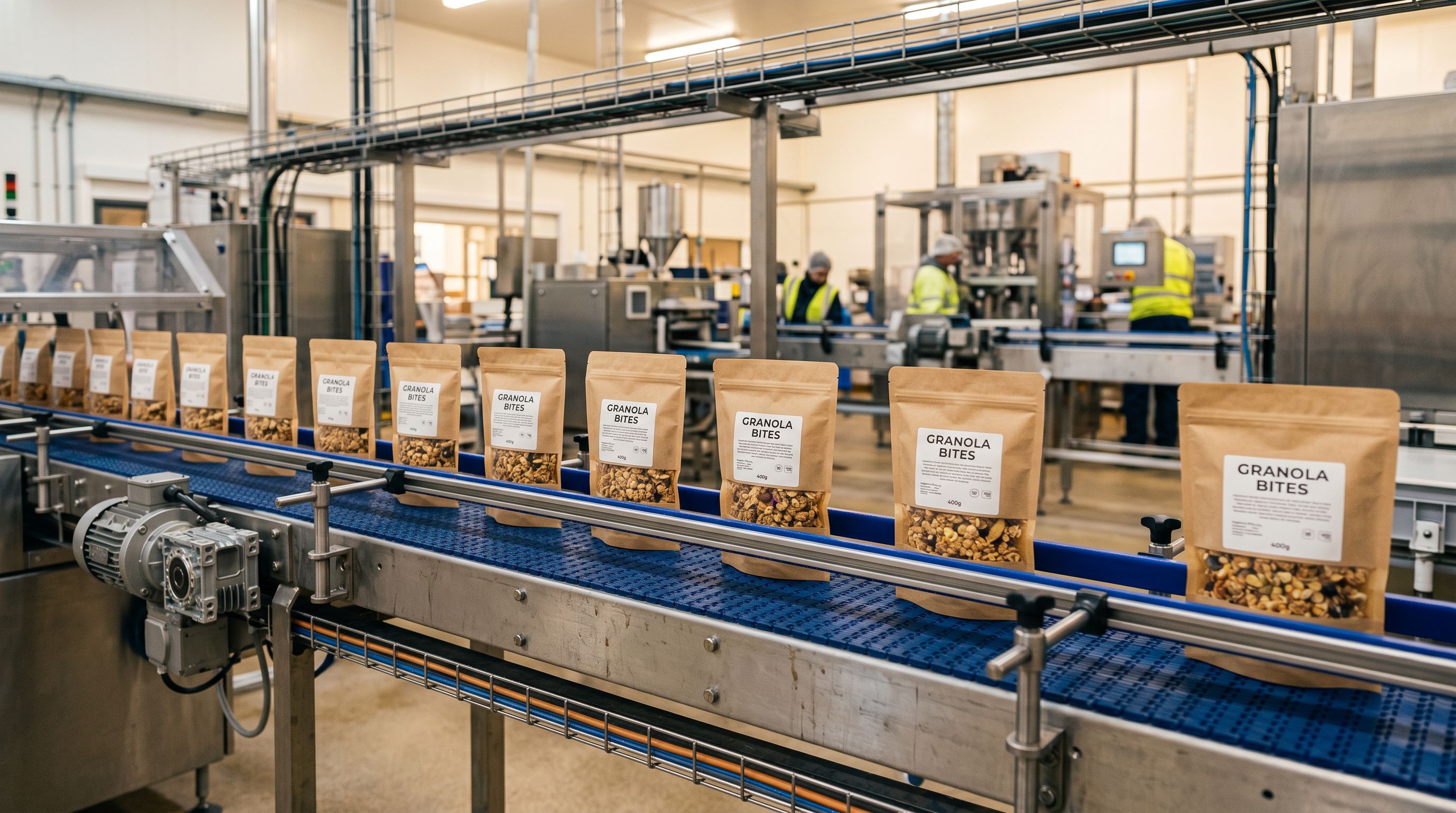
Here is what the import wizard applies in a single run:
AI descriptions across 25 models and 7 styles. Importier's AI description generator supports 25 models across four plan tiers (Starter, Growth, Scale, Enterprise). Models include Claude, GPT, Gemini, Llama, Mistral, DeepSeek, Grok, and Amazon Nova. You select the model and style in Settings before importing: Standard, Technical Gadget, Emotional Storytelling, Benefits-First, Sensory-Rich, Ingredient Spotlight, or Custom. The AI generates a unique, specific description for each product during the import run using 156 expert personas across 43 industry categories. AI-generated product descriptions explains the style and persona options in full.
Category metafields across 22 Industry Packs. The wizard assigns category metafields using Importier's 22 Industry Packs, covering 3,758 category attribute types aligned to Shopify's Standard Product Taxonomy. An outdoor equipment catalogue receives attributes like magnification, waterproof rating, and objective lens diameter. A supplement catalogue receives serving size, certifications, and ingredient form. These structured attributes are what AI agents query when a buyer filters by specification. Without them, your product does not appear in "waterproof binoculars under $200" results regardless of how well the description reads.
Product Specifications Auto-Fill. In the Review step of the import wizard, Product Specifications Auto-Fill extracts specification values directly from product titles and imports them into your custom metafields. If a product is titled "8x42 ED Waterproof Binocular", the AI proposes Magnification: 8x and Objective Lens Diameter: 42mm as metafield values. The confidence gate is strict: if the title does not clearly state the value, the field stays blank. Importier does not fabricate specifications, which matters for products that agents will compare across suppliers.
Data enrichment for weight, HS codes, and barcodes. The wizard fills missing weight, HS codes, country of origin, and barcodes for products where retrievable data exists. Products with blank barcodes appear in Google Merchant Centre with "Limited performance due to missing GTIN" warnings, which suppresses Shopping placement and reduces visibility to AI shopping agents that use GTIN data for cross-catalogue identity resolution. Filling barcodes at import time eliminates this problem before it starts.
A practical outcome: a wholesale footwear merchant importing 150 SKUs from a supplier CSV receives products in Shopify that already carry unique AI descriptions, structured category attributes, specification metafields, and valid barcodes. No post-import work required.

- 01Configure your AI settings before the first importSet your AI model, description style, persona, Brand Voice, and category packs in Importier's Settings panel. These settings apply to every subsequent import automatically. Five minutes of configuration saves hours per import cycle.
- 02Upload your supplier file and map columnsDrag your CSV, Excel, TSV, or PDF into the import wizard. Importier maps columns automatically; you review and correct any mismatches in the Mapping step. For most standard supplier formats, this takes under two minutes.
- 03Review the AI pipeline output before confirmingAt the Review step, check proposed descriptions, category metafields, Specification columns, and enriched data fields. All values are editable before you push. Adjust anything that needs refinement.
- 04Confirm and push to ShopifyImportier pushes the products to your store. AI descriptions, category metafields, specifications, and barcodes are already in place when the products appear in Shopify admin.
Once configured, every subsequent import from the same supplier runs the same pipeline with the same settings. New products arrive agent-ready without additional steps.
Path 2: Fix the Existing Catalogue
Path 2: Repair your Shopify catalogue with Store Scanner
If your catalogue was built before you had this workflow in place, the products already in Shopify need attention. Shopify Store Scanner handles this retroactively. There is no re-import, no file to prepare, and no need to touch the import wizard.
Store Scanner reads your existing Shopify products and fixes them in place. Run it in four passes, in sequence:
Pass 1: Audit with the SEO Audit export preset
Before fixing anything, understand what needs fixing. Importier's SEO Audit export preset generates a CSV in under two minutes that maps every product against four fields: description word count, meta title, meta description, and barcode. Sort by description word count to identify thin or missing content. Filter for blank barcode fields to find GTIN gaps.
This audit step prevents over-correction. Merchants sometimes run Replace mode across their entire catalogue when only a subset of products actually needs it. The audit gives you a prioritised fix list before you start any runs.
Pass 2: Fix descriptions and meta content
Store Scanner's Replace mode rewrites descriptions using AI-generated product descriptions. Use Replace when your existing descriptions are supplier copy (identical text appearing across dozens of competing stores) or fall below 150 words. Append mode adds content after existing text. Use Append for products with acceptable descriptions that need delivery information or compliance warnings added.
Store Scanner supports all 25 AI models, 7 description styles, and 156 expert personas across 43 industries. Filter by collection, vendor, or SKU pattern to target specific catalogue segments. A sporting goods merchant can run Technical Gadget style across their optics collection and Benefits-First style across footwear in separate passes, with the appropriate persona for each.
One important consideration: Replace mode is not reversible via Import Undo once Importier has written the new descriptions. The Import Undo snapshot records Importier's output before the run, not the original content that predated Importier. Before running Replace on hand-written or agency-produced descriptions, confirm you have copies of the originals.
Pass 3: Assign category metafields to existing products
After descriptions are resolved, run category metafield assignment. Store Scanner applies Importier's 22 Industry Packs retroactively to existing products using the same two-phase matching process as the import wizard. Products receive structured category attributes without needing to be re-imported.
Google's product data specifications for Merchant Centre require category taxonomy data for accurate Shopping placement. Without it, products cannot be classified correctly in comparison results. This pass resolves that gap for every product already in your store.
Pass 4: Enrich missing data
The final pass fills blank weight, HS codes, country of origin, and barcodes. Importier retrieves barcode data for products with identifiable product codes. For products where no valid GTIN exists, Importier leaves the barcode field blank. A blank field causes no Merchant Centre errors; an invalid value triggers a GTIN validation failure that actively suppresses Shopping placement.
How much time does each path take?
The import wizard configuration is a one-time investment. Setting your AI model, description style, persona, Brand Voice, and installing the category packs for your product types takes around 10 minutes on first setup. After that, the wizard runs the same pipeline on every import automatically. Time saved per import cycle scales directly with catalogue size: a 300-SKU seasonal import that previously required 8 hours of post-import description work takes under 15 minutes with the wizard configured.

Store Scanner time depends on catalogue size and how many passes you run. A 500-product catalogue with thin descriptions across the whole range and missing category metafields on most products takes around 45 minutes across all four passes. A 3,000-product catalogue with mixed data quality benefits from targeted collection-by-collection runs over several days, with the Import Undo safety net protecting each pass. Merchants who try to fix everything in one session often make the repair harder to review.
The sequencing recommendation is the same regardless of catalogue size: Store Scanner first to establish the baseline, then the import wizard to hold it.
The two paths are phases, not alternatives
Most Shopify merchants need both paths, and the order matters.
Start with Store Scanner (Path 2) to repair the catalogue that already exists. The time required depends on catalogue size: a 200-product catalogue typically takes one session; a 2,000-product catalogue may take multiple focused passes across a few days. The important thing is to work systematically rather than all at once, using the Import Undo safety net after each run.
Then configure the import wizard (Path 1) so that every subsequent supplier import arrives with the same data quality. From that point forward, you maintain a clean catalogue by default rather than by periodic correction.
The error most merchants make is treating retroactive cleanup as the permanent solution. Store Scanner fixes what exists; the import wizard prevents the problem from recurring.
Merchants who rely on Store Scanner without configuring the import wizard are running a cleanup cycle every time new stock arrives. That is a sustainable approach only if imports happen infrequently. For merchants receiving monthly or weekly supplier updates, configuring the import wizard once is the more efficient path within a quarter.

Verifying agent-readiness after both passes
After running both paths, check catalogue readiness in three places:
Re-run the SEO Audit export. Description word counts should be above 150 for every product. Barcode fields should be populated or confirmed blank. Meta title and meta description fields should be filled. Any gaps that remain are candidates for a targeted Store Scanner pass.
Check Google Merchant Centre Diagnostics. The Diagnostics tab shows active disapprovals and warnings. After resolving GTIN gaps and category data, GTIN warnings and category errors clear within 24 to 72 hours on the next feed refresh.
Run the Title Optimizer GMC preset. After enrichment, run Importier's Title Optimizer using the Google Merchant Centre preset. This enforces the 150-character title limit, applies Title Case consistently, and brings keyword-dense attributes to the front of titles. AI shopping agents parse product titles as the first classification signal; a title truncated at 150 characters mid-word is a weaker signal than one structured for the limit.
Key takeaways
- Agent-readiness is a workflow question, not a one-time project. Build it into imports to maintain it automatically.
- Path 1 (import wizard) makes every new product agent-ready at the point it enters Shopify. No post-import steps required.
- Path 2 (Store Scanner) repairs existing products in four passes: audit, descriptions, category metafields, data enrichment.
- Run Path 2 first, then configure Path 1 for all future imports. Using only Path 2 without Path 1 creates a recurring cleanup burden.
- The five fields AI shopping agents evaluate are: title precision, description specificity, category metafields, GTINs, and specifications. Importier addresses all five through the import wizard and Store Scanner.
Article 4 in this series covers maintaining agentic-shopping readiness at scale as your catalogue grows and supplier relationships evolve.
Try Importier free at importier.app.
Set up your first import in under five minutes.
Importier brings products into Shopify with AI descriptions, category metafields, and data enrichment on every run.