Shopify Product Catalogue Management: 1,000+ Products

On this page
Shopify Product Catalogue Management: Organise 1,000+ Products Without Losing Control
At some point, every merchant with a large Shopify store hits the same wall. You have imported from three suppliers over the past year. Some products have descriptions, some don't. Titles are inconsistent: ALL CAPS from one supplier, truncated names from another, and a handful of proper product names you wrote yourself. Category metafields are blank on most of the catalogue. SEO meta titles default to whatever Shopify pulled from the product name field.
You know Shopify product catalogue management is overdue. You don't know where to start.
The deeper problem is the assumption most merchants make: that catalogue management is a one-time cleanup. You fix the catalogue, import 200 new products from a supplier, and six months later it's messy again. The only durable approach is a workflow that keeps the catalogue clean automatically, not one that relies on manually running the same cleanup every quarter.
This guide walks through four phases: Audit, Fix, Schedule, and Maintain.
What Shopify Product Catalogue Management Actually Requires
Managing a large Shopify catalogue is not one task. It is four separate content layers that each need their own tool and their own cadence.
Descriptions need to be present, unique, and long enough to signal depth to Google. A product page with 40 words of generic supplier copy is not meaningfully different from a blank page in terms of how search engines evaluate it.
Titles need consistent formatting. Google Shopping truncates titles at 150 characters. Supplier CSVs routinely deliver titles in UPPERCASE with extra spaces and embedded product codes that no customer would search for.
Meta titles and meta descriptions control how products appear in Google search results. Shopify defaults to the product title when the meta title field is blank, which means most imported catalogues appear in search with unoptimised headings and no meta description at all.
Category metafields link each product to Shopify's Standard Product Taxonomy. That taxonomy feeds Google's product category attribute in the Shopping feed. Products without category metafields assigned miss the structured data that improves both Shopping ad eligibility and organic product appearance.
Each of these layers breaks down differently and requires a different fix. The audit phase maps all four before you touch anything.
Phase 1: Audit Your Shopify Catalogue in Two Minutes
The fastest way to understand what is broken across a 1,000-product catalogue is to run an export and filter the data. Scrolling through Shopify admin looking for problems works at 50 products. At 1,000+, it produces an incomplete picture and takes far too long.

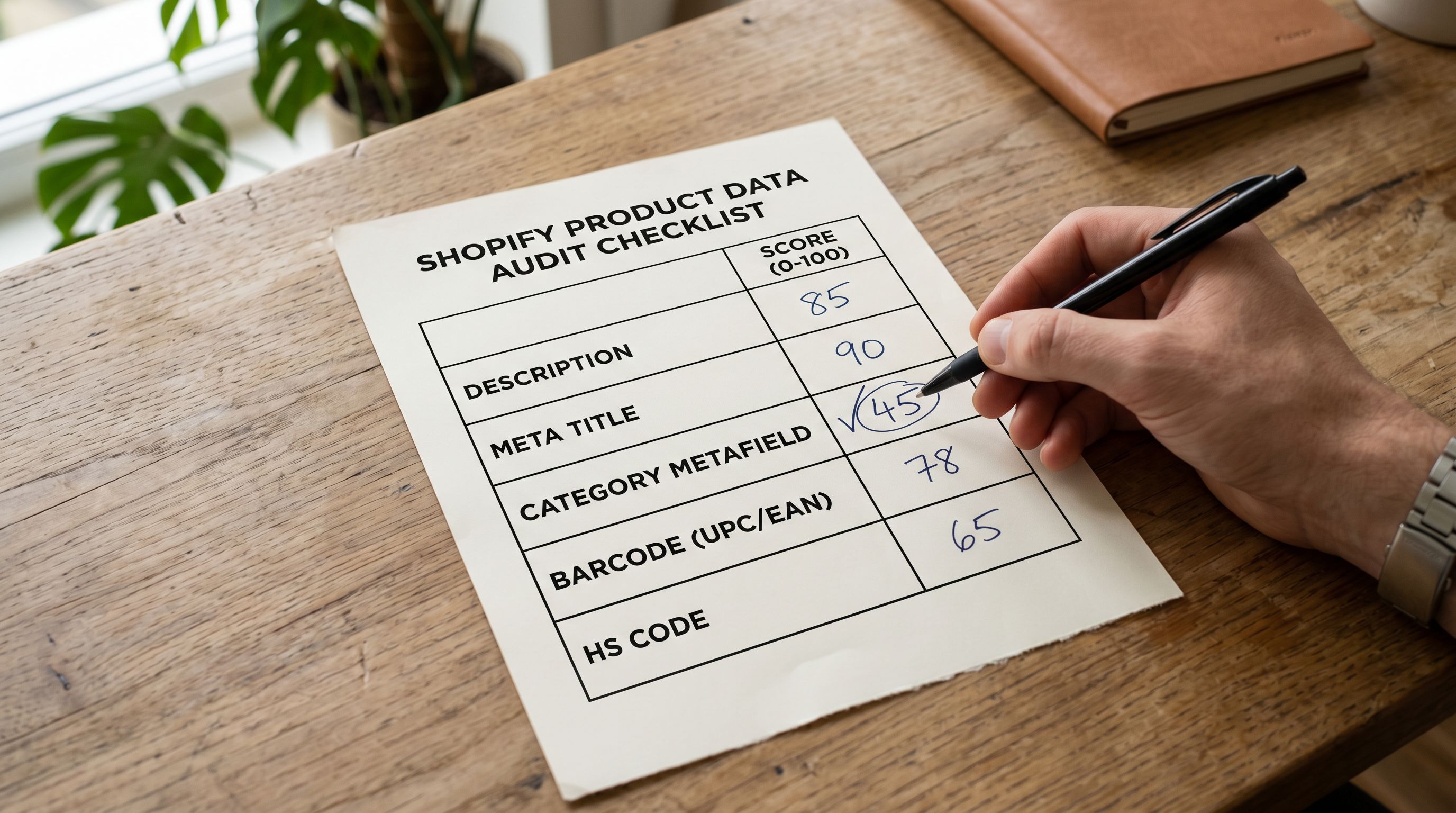
Running a product SEO audit with Importier's SEO Audit export preset generates a structured CSV that maps every product against four content fields: description presence, meta title presence, meta description presence, and category metafields assignment. For a 1,000-product catalogue, the export takes about two minutes.
What you get is a filterable spreadsheet. Sort by blank descriptions. Filter for missing meta titles. Count products with no category metafields. Most merchants running this for the first time find that 30 to 50 percent of their catalogue has at least one critical gap.
Here is how to run the audit in five steps:
- 01Open Importier in your Shopify adminFrom Apps, launch Importier and go to the Export section
- 02Select the SEO Audit presetThis preset maps all four content gap types across every product in your catalogue
- 03Download the CSVThe file covers description presence, meta title, meta description, and category metafields for every product
- 04Filter by blank fieldsSort by each column to group products with missing or thin content
- 05Plan your fix sequenceAddress category metafields and meta titles first, then descriptions by collection or vendor
Prioritising what to fix first
Not all gaps carry the same weight. Missing descriptions on high-traffic collections hurt more than missing descriptions on products with no organic visits. Missing meta titles affect every product's click-through rate in Google results regardless of traffic.
A practical sequence: fix category metafields and meta titles across the full catalogue first, since these are fast to apply at scale and benefit every product. Then address descriptions in focused batches by collection or supplier, starting with your highest-traffic categories.
The Fix
Phase 2: Fix the Content Gaps Across Your Product Catalogue
The audit gives you the list. Phase 2 closes the gaps. Three distinct content layers each use a different Importier tool.
Fixing missing and thin descriptions
Bulk updating product descriptions across a large catalogue is where manual work breaks down fastest. At 15 to 30 minutes per description, 500 products with missing or thin content represents 125 to 250 hours of writing work.
Importier's Store Scanner scans your catalogue against a configurable character threshold and returns only the products with missing or short descriptions. You filter by collection, vendor, or SKU pattern to scope the work. Then you configure the AI: choose a description style from seven options (Standard, Technical Gadget, Emotional Storytelling, Benefits-First, Sensory-Rich, Ingredient Spotlight, or Custom), select a persona from 156 expert personas across 43 industries, and pick one of 25 AI models.
Each Store Scanner run generates the product description, the SEO meta title, and the meta description in one pass. You are not running three separate tools. For 500 products with missing content, the full run takes minutes.
Two modes are available. Replace mode overwrites whatever is currently in the description field. Use this for products where the existing content is supplier boilerplate or entirely blank. Append mode adds new content after the existing text. Use this when you want to add a delivery policy section or supplementary information after content that is already accurate.
- Scroll Shopify admin to spot gaps (hours of review)
- Write descriptions one product at a time (15-30 min each)
- Reformat supplier titles manually across hundreds of products
- Taxonomy assignment is left blank or done product by product
- Catalogue degrades after every new supplier import
- SEO Audit export maps all gaps across 1,000 products in 2 minutes
- Store Scanner generates descriptions for 500 products in minutes
- Title Optimizer normalises the full catalogue in one run
- 22 industry packs assign category metafields automatically
- Scheduled Imports run the full AI pipeline on every cycle
Fixing inconsistent product titles
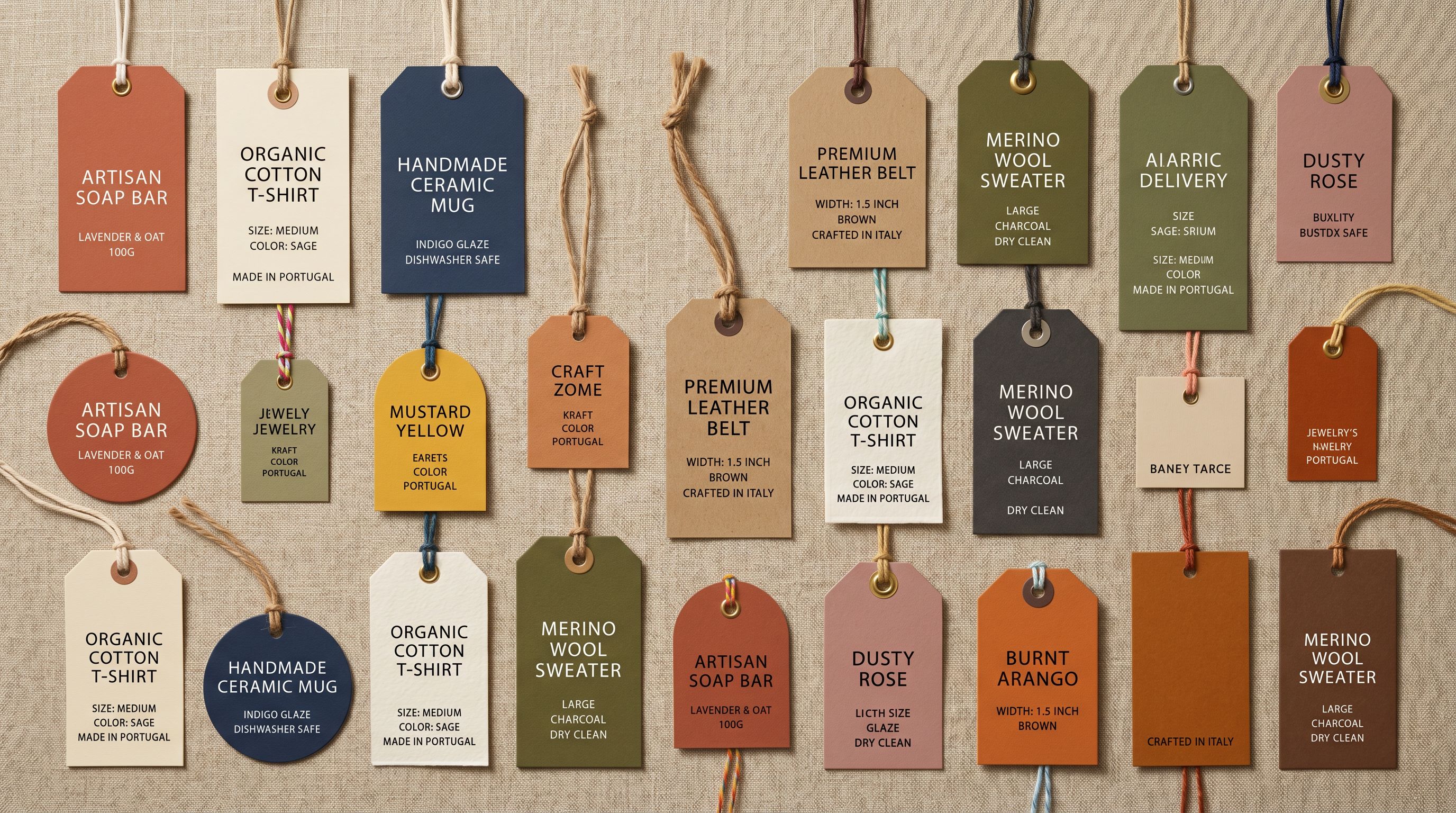
Supplier-sourced catalogues show the most visible damage in their titles. Supplier CSVs frequently deliver ALL CAPS formatting. Title lengths vary; some fit within Google Shopping's 150-character limit, many don't. Extra spaces appear wherever two supplier files were concatenated without review.
Importier's Title Optimizer applies case transformations to the full catalogue in a single run: Title Case, Sentence case, UPPER, or lower. Extra spaces are removed automatically. The Google Merchant Centre preset enforces the 150-character limit and runs a compliance checker across all affected titles. eBay (80 chars) and Amazon (200 chars) presets are also available.
The full guide to optimising product titles for Google Shopping covers the sequencing in detail. Normalising 500 supplier-formatted titles manually takes 8+ hours. Title Optimizer processes the same set in minutes.
Fixing category metafields
Category metafields are the gap most merchants don't know they have. Without them, products lack the structured taxonomy data that Google Shopping uses to classify items for both organic product results and Shopping campaigns.
Importier assigns category metafields using 22 industry packs covering 3,758 attribute types. Matching runs in two phases: text matching for clear cases, then AI matching for ambiguous products. The AI picks from pre-defined Shopify taxonomy values only. For multi-value attributes (a camera compatible with SD, SDHC, and SDXC cards, for example), the matching captures all values, not just the primary one.
Running category metafield assignment across an existing catalogue retrofits the structure that should have been in place from the first import.
Staying Clean
Phase 3: Schedule Your Shopify Product Catalogue to Stay Clean
This is where most merchants stop. They audit, fix the gaps, and consider the job done. Three months later, after two more supplier imports and 300 new products, the catalogue has drifted back into inconsistency.
The problem is not discipline. It is workflow design. A one-time fix has no persistence mechanism. Every new import that bypasses the cleanup process adds new gaps.
Setting up scheduled imports changes the dynamic fundamentally. On Scale and Enterprise plans, you configure a recurring import schedule (daily, weekly, or monthly) tied to your supplier file. Every time the schedule runs, it executes the full AI pipeline: Smart Variant Detection groups variants correctly, AI data enrichment fills missing weight, HS codes, country of origin, and barcodes, AI description generation writes descriptions for new products, and category metafields are assigned automatically.
New products enter Shopify already clean. They arrive with descriptions, meta titles, category metafields, and correctly structured variants. You don't need to run a cleanup pass after each supplier delivery because the pipeline runs during the import.
A scheduled import is not just automation for getting products into Shopify. It is a quality gate that runs on every cycle, meaning every new product arrives fully described and categorised without a manual cleanup pass.
Scale plans support 2 concurrent schedules. Enterprise plans support 10. For merchants working with multiple suppliers on different delivery cycles, each supplier can have its own schedule with its own AI configuration.

The key insight for long-term catalogue management: the catalogue does not degrade over time because every new product is processed through the same standards as every previous import.
Phase 4: Maintain with Import History and Undo
A catalogue management workflow without a safety net is incomplete. Large-scale content changes carry real risk. A Store Scanner run in Replace mode across 800 products is difficult to reverse manually if something goes wrong.
Importier's Import History logs every import and Store Scanner session. Each entry shows the date, time, file name, and product count. CSV downloads are available for 60 days. Up to 20 snapshots are retained.
The Import Undo function reverts all products from a specific batch in one action. If a Store Scanner run applied the wrong description style to a collection, you roll back in seconds rather than manually re-processing 200 individual products. The undo is scoped to the batch. It does not affect products from previous imports or other sessions.
For agencies managing catalogues across multiple client stores, Import History functions as an accountability record. Every content change is timestamped and tied to a specific import session.
Building the ongoing maintenance loop
After Phase 4, the workflow becomes self-sustaining. New products arrive clean via Scheduled Imports. The SEO Audit export runs periodically to catch any gaps from products added manually outside the import flow. Store Scanner addresses any products that slipped through. Import History provides the audit trail and rollback capability for any session.
The catalogue does not stay clean because someone remembers to check it. It stays clean because the workflow checks it automatically.
Key Takeaways
- The SEO Audit export preset maps every content gap across your catalogue in two minutes. You get a filterable CSV covering descriptions, meta titles, meta descriptions, and category metafields, all without opening a single product page.
- Store Scanner generates product descriptions, SEO meta titles, and meta descriptions in one run. For 500 products with missing content, that is minutes of work versus 125+ hours manually.
- Title Optimizer normalises inconsistent supplier-formatted titles (ALL CAPS, extra spaces, wrong character counts) across the full catalogue in minutes versus 8+ hours manually.
- Category metafields, assigned via 22 industry packs covering 3,758 attribute types, feed Google Shopping's product category attribute and improve structured data eligibility across your entire range.
- Scheduled Imports run the full AI pipeline automatically on every cycle. New products arrive clean on every import. That is a structural outcome, not a manual discipline.
Try Importier free at importier.app.
Related Articles
Set up your first import in under five minutes.
Importier brings products into Shopify with AI descriptions, category metafields, and data enrichment on every run.