How to Import Products from Spocket into Shopify
On this page
How to Import Products from Spocket into Shopify
Spocket connects Shopify merchants with suppliers across the US, EU, and globally. Its catalogue model gives dropshippers access to a broad product range without holding inventory. The catch is one that every Spocket merchant encounters quickly: the product descriptions supplied with Spocket listings are written for the supplier's catalogue, not for retail selling.
These descriptions are functional. They include the product name, basic specifications, and materials. What they do not include is a retail selling voice, benefit framing, niche-specific vocabulary, or any of the other qualities that make a product description perform in organic search or convert a browser into a buyer. And because every Spocket merchant starts with the same description for the same product, the merchants who do not rewrite their copy compete on price against merchants selling the identical product with the identical text.
This article covers the workflow for importing Spocket products into Shopify via Importier, generating AI descriptions before the products go live, and setting variant and category data correctly for dropshipping catalogues.
What Spocket Exports
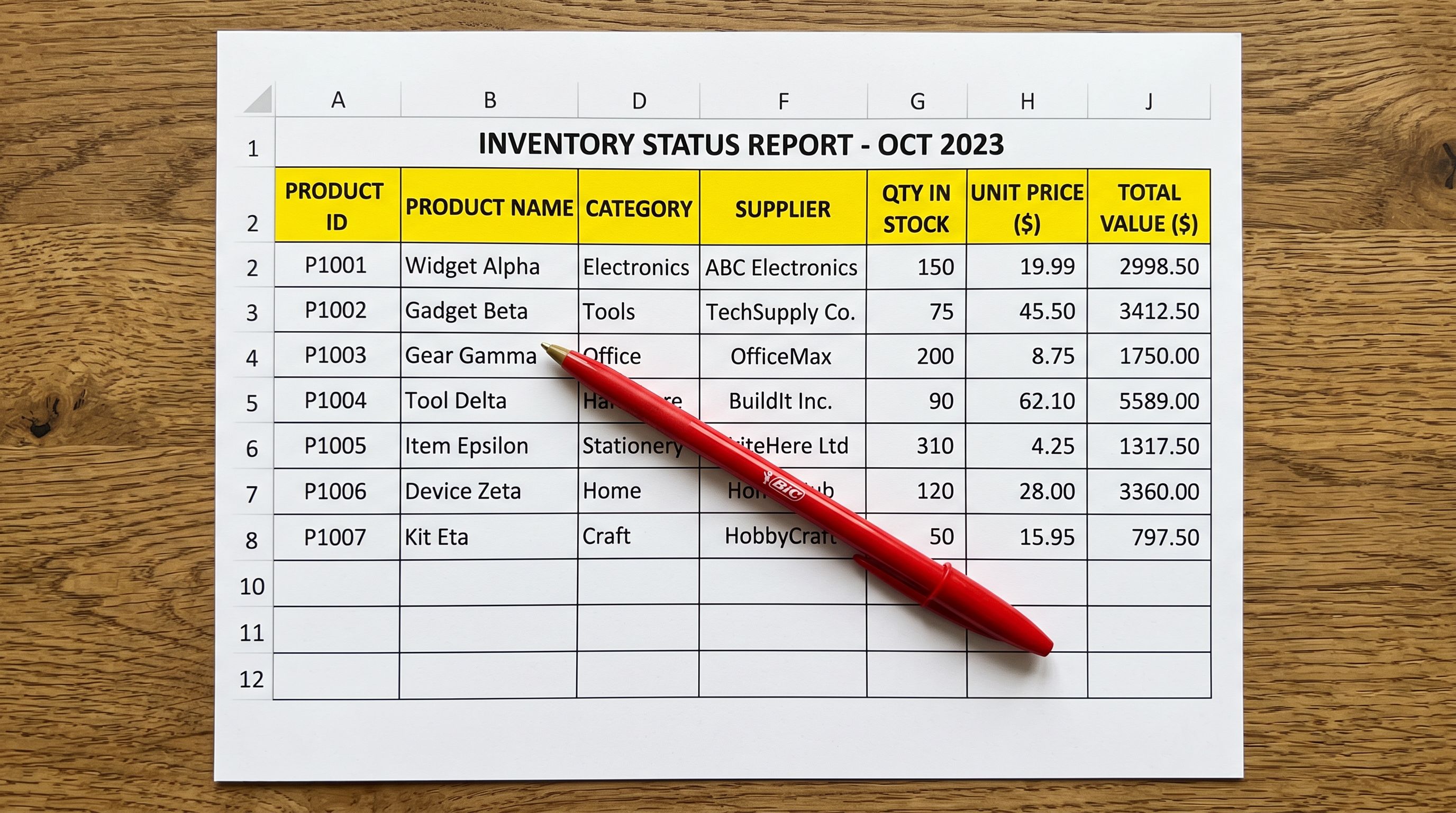
Spocket's product export produces a CSV file containing the fields the supplier has provided: product title, description, price, variants (size and colour where applicable), SKU, images as URLs, and weight if the supplier has recorded it.
The CSV is usable but incomplete by retail standards. Common gaps in a Spocket export:
- Description quality: functional but not retail-ready. Phrasing like "High-quality material, suitable for all occasions" appears across dozens of unrelated products.
- Variant grouping: Spocket exports variants as separate rows. Without a common identifier column, Shopify's native importer creates each row as a separate product.
- Category data: Spocket does not export Shopify taxonomy categories. Products arrive without category metafields, which affects Google Shopping eligibility and AI shopping agent visibility.
- SEO metadata: no meta title or meta description fields in the export.
- Barcode/GTIN: often absent. Spocket suppliers do not consistently provide GTINs.
Importier addresses all of these gaps in the import wizard before products reach Shopify.

The Import Workflow
The workflow from Spocket to Shopify via Importier runs in five steps.
- 01Export your products from Spocket. In Spocket's dashboard, go to My Products and use the Export option to download a CSV of your listed products.
- 02Open Importier and drag the Spocket CSV into the import wizard. In the column mapping step, match Spocket's columns to Shopify's expected fieldsTitle to Title, Description to Body (HTML), Sale Price to Variant Price, SKU to Variant SKU, and Images to Image Src.
- 03In the variant grouping step, Importier's Smart Variant Detection identifies the grouping signals in the Spocket export and groups variant rows into correct Shopify variant records. Review the proposed groupings in the preview step before confirming.
- 04In the AI description step, select a description style matched to your product niche and configure a persona appropriate to your target buyer. Generate descriptions for every product in the batch. The new descriptions replace Spocket's supplier copy before any product reaches Shopify.
- 05In the category metafields step, assign Shopify Standard Product Taxonomy categories via Importier's Industry Packs. Confirm the import and push to Shopify.
Choosing the Right Description Style
Spocket's catalogue spans home goods, clothing, electronics, beauty, and fitness products. The description style that produces the most effective retail copy varies by category.
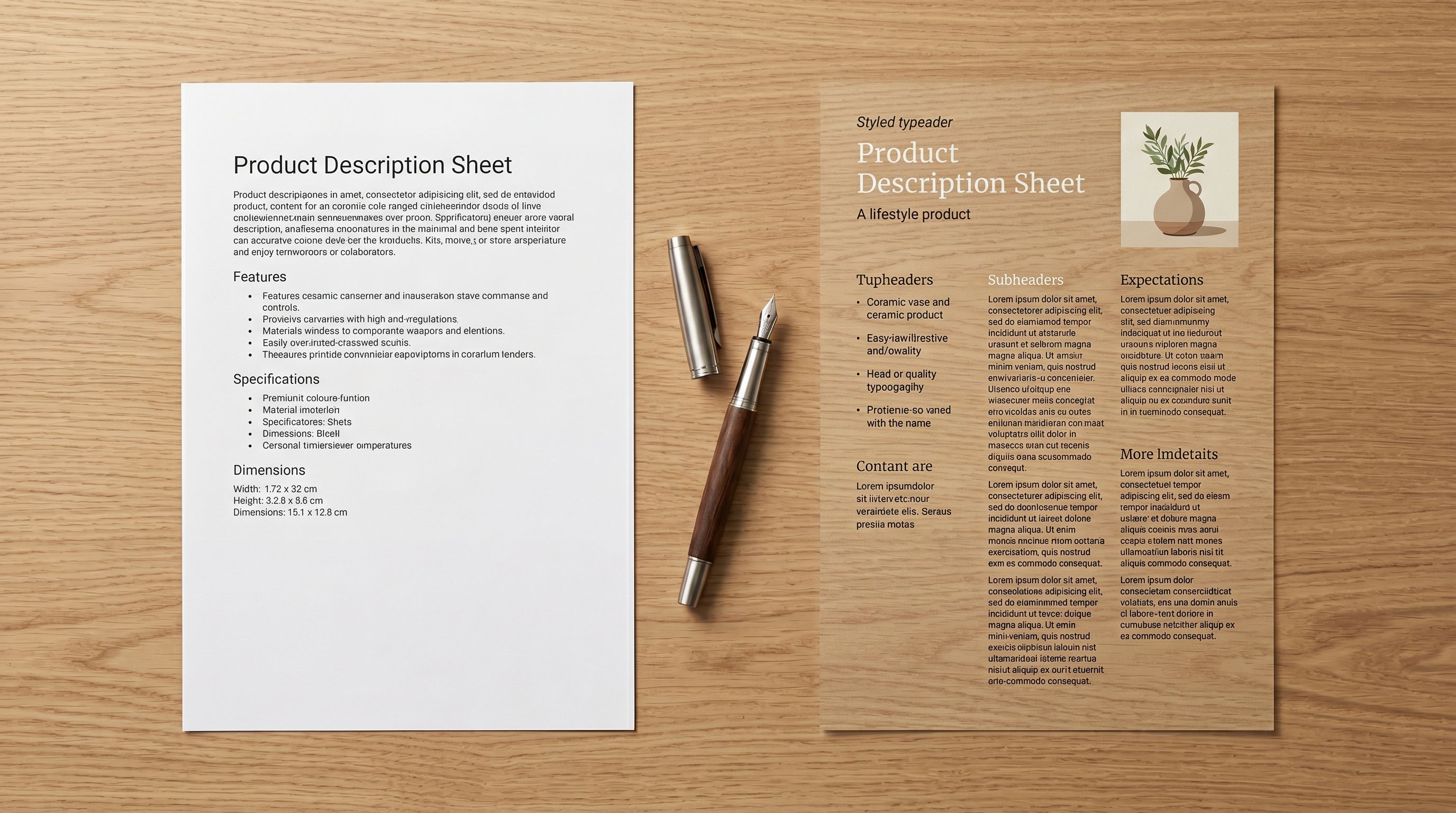
Benefits-First works for lifestyle products, home décor, and general retail items. It leads with what the product does for the buyer before listing materials and specifications. A Spocket home décor item described generically by the supplier becomes a product with a lead sentence that frames the buyer experience before detailing the product attributes.
Sensory-Rich works for beauty, skincare, and home fragrance products. It describes textures, finishes, and sensory qualities that the supplier's specification-focused copy omits. A candle or serum described with sensory vocabulary reads differently to a buyer than one described with ingredient lists alone.
Technical Gadget works for electronics, tools, kitchen appliances, and fitness equipment. It prioritises specification accuracy, compatibility information, and practical use cases. Spocket tech products often have accurate specifications but no contextual explanation of why those specifications matter to a buyer.
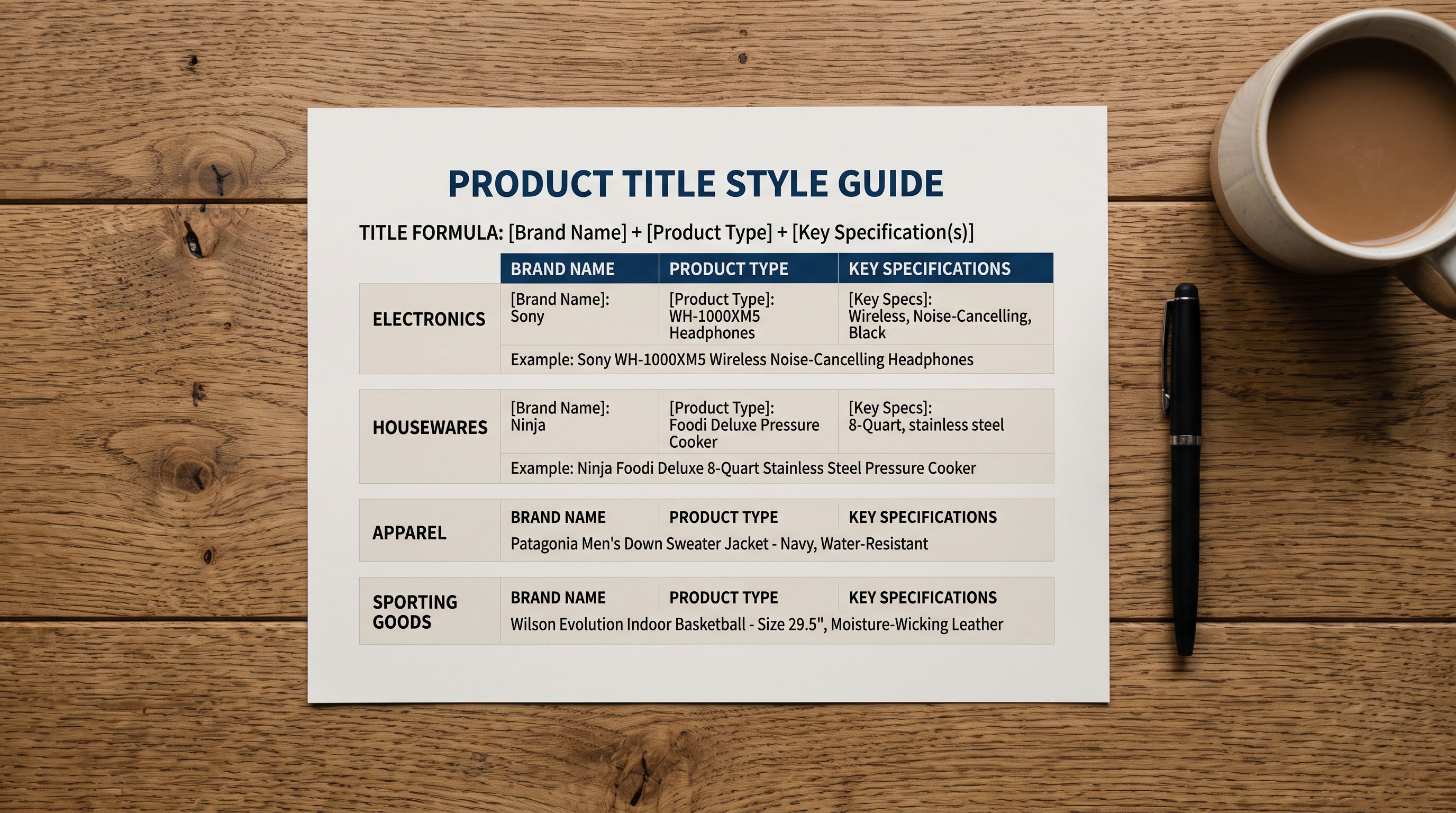
The persona selection refines the vocabulary further. A Spocket clothing merchant targeting a women's activewear audience would choose a Fashion Buyer or Activewear Designer persona rather than a generic Retail Copywriter. The generated description uses vocabulary appropriate to the specific buyer, not the general retail market.
The persona is where the differentiation happens at the sentence level. Two merchants using Benefits-First style on the same Spocket product arrive at different descriptions when one chooses a Luxury Retail Buyer persona and the other chooses a Budget Fitness persona.
For AI-generated descriptions for dropshipping in more detail, including how to match description style to product niche across a mixed Spocket catalogue, that article covers the full style and persona selection framework.

Variant and Category Data
Smart Variant Detection for Spocket Products
Spocket exports variants as individual rows. A clothing product with three sizes and two colour options exports as six rows, not one product with six variants. Without a Handle column or equivalent grouping identifier, Shopify's native importer creates six separate products.
Importier's Smart Variant Detection identifies grouping signals in the Spocket export. For clothing products, it reads size and colour patterns in the variant data and groups the rows into correct Shopify variant records. The grouping logic covers 150+ variant detection patterns across clothing, home goods, beauty, and fitness categories, which covers the majority of what Spocket merchants sell.
The proposed groupings appear in a preview step before the import runs. You see the variant structure (for example: "Size × Colour, 6 variants") and can confirm or adjust. Any product where automatic grouping is ambiguous can be corrected in the preview before the products reach Shopify.
For detailed guidance on how variant detection works across different Spocket product types, the article on importing product variants to Shopify covers the detection patterns and the preview workflow.
Category Metafields for Spocket Products
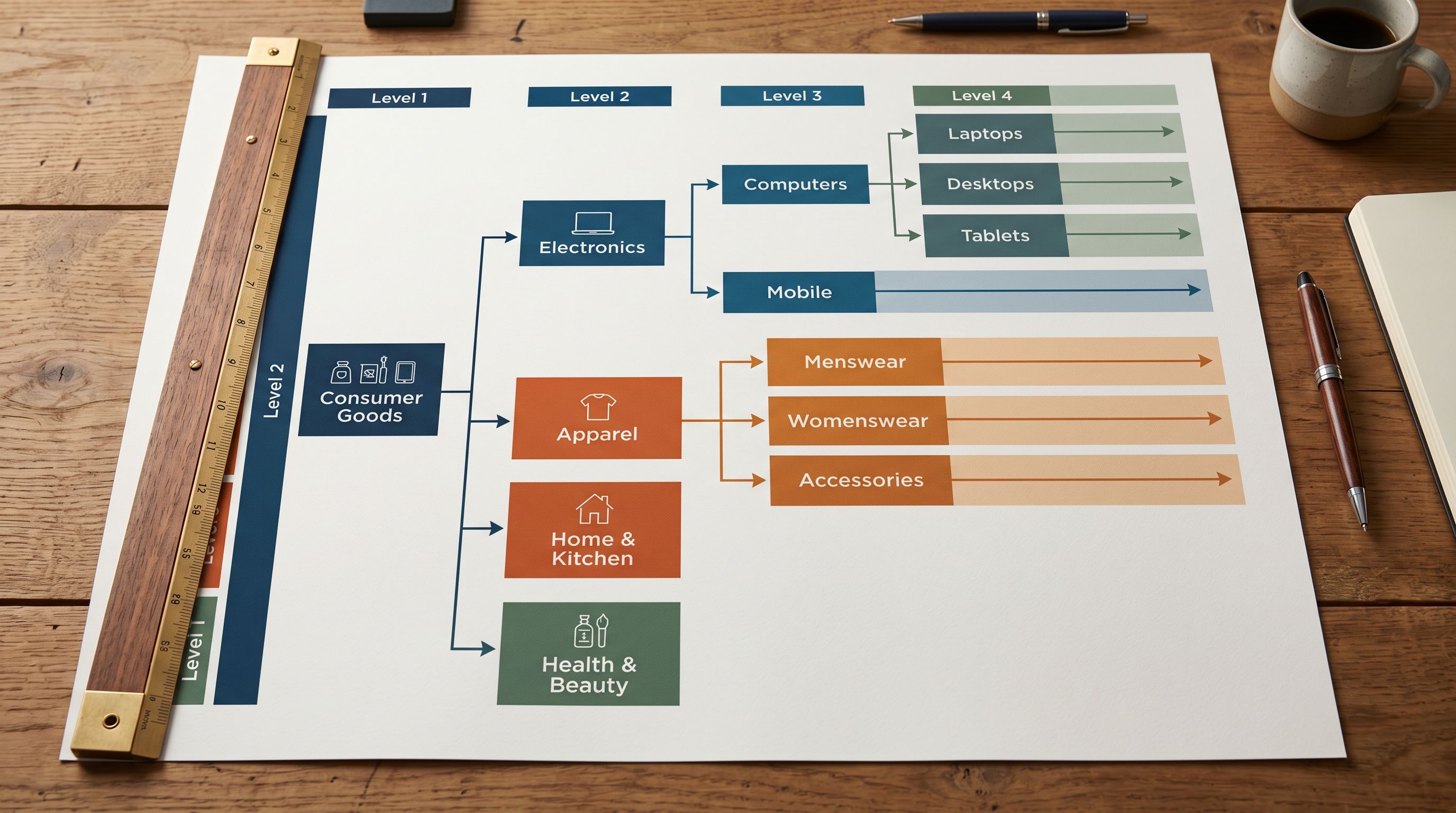
Spocket does not export Shopify Standard Product Taxonomy categories. Products that arrive in Shopify without category metafields are absent from the structured attribute layer that Google Shopping and AI shopping agents use for product discovery.
Importier's category metafields step reads each product's title, type, and description data and assigns the correct Shopify taxonomy category via 22 Industry Packs covering 3,758 attribute types. A Spocket women's activewear top arrives in Shopify with the correct taxonomy path (Apparel & Accessories > Clothing > Activewear > Sports Tops) and the relevant attribute fields (material, fit, sport type, coverage) filled from the product data available at import time.
For dropshippers, this matters because category metafields determine eligibility for Google Shopping's AI-powered shopping surfaces. Merchants competing in high-volume Spocket niches (home décor, fitness, beauty) who assign correct taxonomy data from day one have structured product data from the first Google Shopping crawl. Merchants who do not assign taxonomy must fix it product by product after the fact.
The Shopify category metafields guide covers the full Industry Pack workflow and how taxonomy assignment affects downstream channels.
What Stays and What Gets Replaced
When you run the Spocket-to-Shopify workflow via Importier, some data comes from Spocket and some is replaced or supplemented during the import.
From Spocket: product title (as a starting point, can be refined with Title Optimizer), price and compare-at price, SKU, images as re-hosted URLs, variant option values (size, colour).
Replaced or added by Importier: description (AI-generated, replacing supplier copy), category metafields (assigned via Industry Packs), variant grouping (Smart Variant Detection structures the rows into correct Shopify variant records), data enrichment (weight, HS code, and barcode where Spocket did not provide them).
Not available from Spocket export: customer reviews, supplier lead time, stock levels from the Spocket supplier feed. These require Spocket's Shopify app for live synchronisation and are not part of the one-time product import workflow.
For merchants comparing import tools for Spocket products, the comparison articles on DSers vs Importier and AutoDS vs Importier cover the workflow differences in detail.
Keeping Descriptions Current
Spocket's catalogue changes. Suppliers add, update, or discontinue products. When you source a new batch of Spocket products for a seasonal range or catalogue expansion, the import workflow runs again with the new export.
For re-importing updated Spocket products, Shopify's product import documentation covers how Handle-based matching works: products with a matching Handle are updated rather than duplicated. Importier's import wizard handles this correctly during the import flow, and the Import History shows which products were updated vs newly created in each session.
Running AI descriptions on every new Spocket import batch means each season's products arrive with fresh copy rather than recycled supplier descriptions. The persona and style configuration from a previous import can be reused, so the workflow for subsequent batches runs faster than the initial setup.

Try Importier free at importier.app
Set up your first import in under five minutes.
Importier brings products into Shopify with AI descriptions, category metafields, and data enrichment on every run.