From Volusion to Shopify: Migrate Your Product Catalogue
On this page
From Volusion to Shopify: Migrate Your Product Catalogue
Volusion has been contracting for years. Following the 2020 bankruptcy restructuring and a series of pricing changes, many merchants who built their stores on Volusion in the 2010s are now looking for a way out. For most of them, Shopify is the destination.
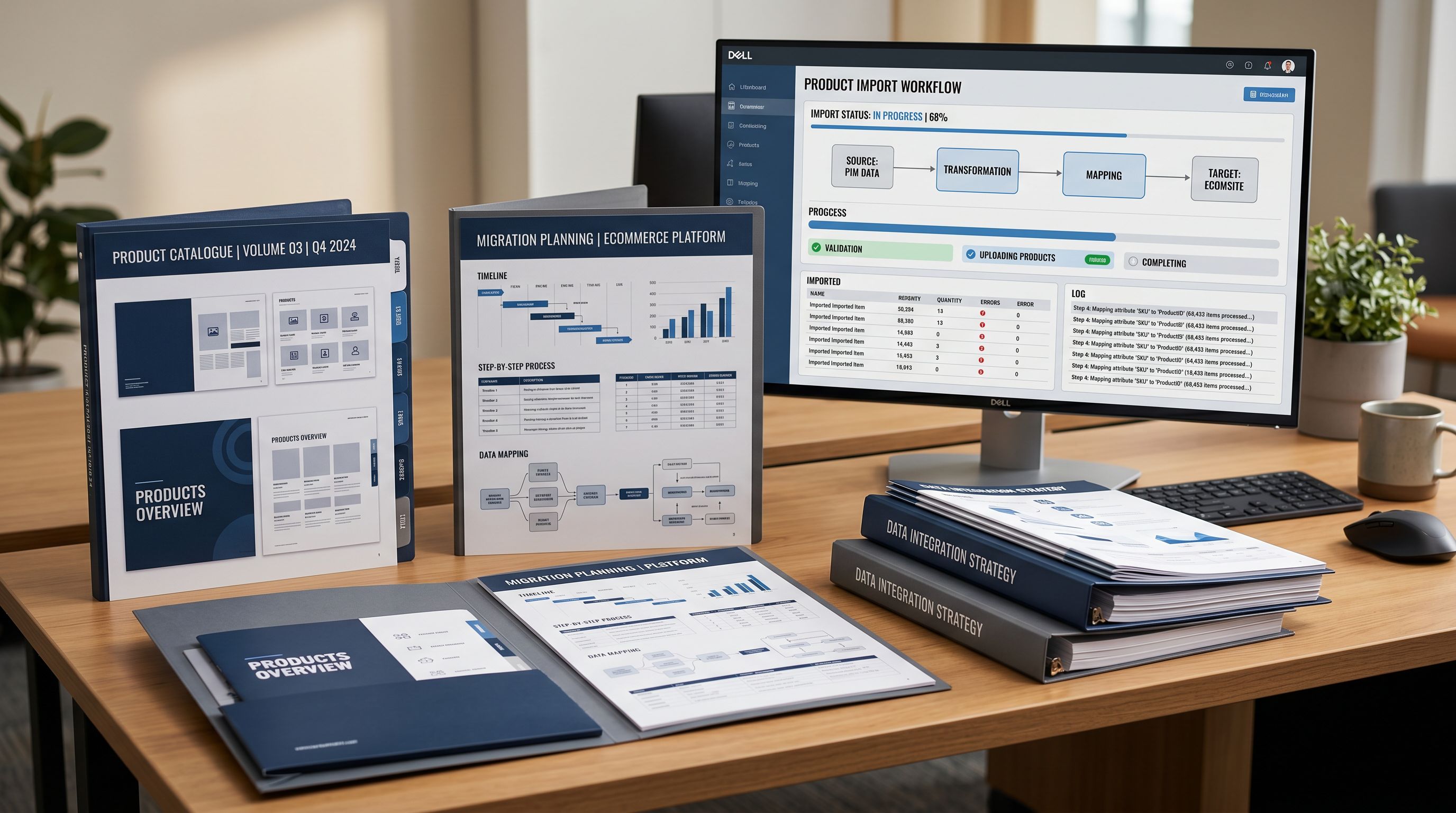
Getting there is not as straightforward as it sounds. Volusion's product export produces a CSV file that Shopify's native importer cannot read. The column names do not match what Shopify expects. The variant structure uses Volusion's own grouping mechanism, not Shopify's Handle column. The category structure follows Volusion's taxonomy, which has no direct equivalent in Shopify's Standard Product Taxonomy. And most merchants have product descriptions that were written years ago and have never been updated.
This article covers each of these problems and how to work through them.
Why Shopify's Native Importer Rejects Volusion Files
Shopify's CSV importer requires exact column names: Title, Body (HTML), Vendor, Variant Price, Variant SKU, Handle. Every column must match exactly, including capitalisation and spacing.
Volusion's export uses different names for the same fields. "Product Name" and "Product Code" are standard in Volusion exports, alongside category columns that have no Shopify equivalent. When you drop a Volusion CSV into Shopify's native import tool, it either rejects the file outright or imports everything incorrectly: wrong field mappings, truncated descriptions, missing prices.
The variant problem is more serious. Volusion groups product variants using its own internal product code structure. Shopify groups variants using the Handle column: a shared identifier that tells Shopify which rows belong to the same product. A Volusion CSV has no Handle column. Without one, Shopify imports every variant row as a separate product. A clothing merchant with 150 products and 600 variant rows arrives in Shopify with 600 single-variant listings instead of 150 grouped products.
Manual fixes scale poorly. Restructuring 600 rows to add consistent Handle values, rename every column heading, and match Shopify's expected format takes 20-40 hours for a mid-size catalogue. Most merchants either pay a developer or delay the migration entirely.

How Importier Handles the Volusion Column Structure
Importier's 14-step import wizard accepts the Volusion CSV as-is. In the column mapping step, you match Volusion's column names to Shopify's expected fields. The interface shows your column headers on the left and the Shopify destination fields on the right.
For a typical Volusion export, the mapping looks like this:
- Product Name → Title
- Product Code → Variant SKU
- Product Price → Variant Price
- Product Description → Body (HTML)
- Weight → Variant Weight
- Photo URL → Image Src
- Category → (handled separately in the category metafields step)
Importier's auto-mapper recognises common Volusion column patterns and pre-fills many of these mappings. You review and confirm the mapping rather than building it from scratch.
The variant grouping step follows. Importier's Smart Variant Detection analyses the CSV for variant grouping signals. For Volusion files, it identifies the product code prefix that links variant rows to their parent product and groups them into correct Shopify variant records before the import runs.
The grouping result is shown in a preview step before anything touches Shopify. You see the proposed variant groups ("Colour × Size, 6 variants") and can confirm or adjust. This is the same propose-and-confirm pattern Importier uses across the entire import wizard: each step proposes, you review, then proceed.
- 01Export your products from Volusion admingo to Inventory > Products > Export and download the full product CSV including variants.
- 02Open Importier and drag the Volusion CSV into the import wizard.
- 03In the column mapping step, match Volusion column names to Shopify fields. Importier's auto-mapper pre-fills common patterns. Confirm the mapping.
- 04In the variant grouping step, review how Importier has grouped rows by product code. Adjust any groupings that were not detected correctly.
- 05In the AI description step, configure your style and persona (see below) and generate new descriptions to replace the Volusion content.
- 06In the category metafields step, assign Shopify Standard Product Taxonomy categories to replace Volusion's category structure.
- 07Review the full product table, confirm, and push to Shopify.
Volusion's Category Structure and the Shopify Taxonomy
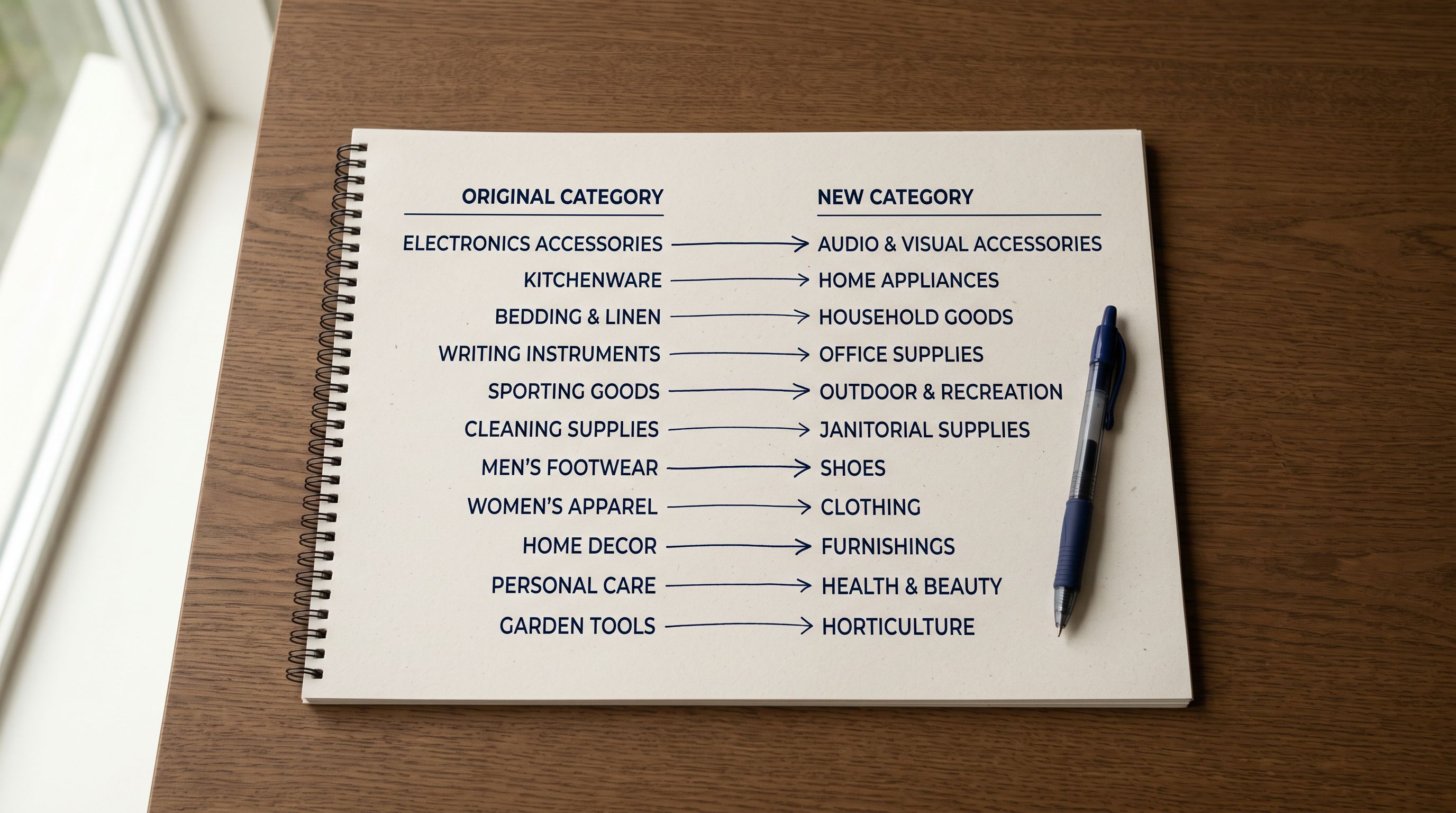
Volusion uses a nested category tree for product organisation. Categories like "Clothing > Women's > Tops" or "Electronics > Audio > Headphones" make sense in Volusion's storefront navigation, but they have no native equivalent in Shopify's product import format.
Shopify uses the Product Type field (a free-form text field) and the Standard Product Taxonomy (a standardised taxonomy aligned to Google's product categories) for classification. Neither maps automatically from a Volusion category string.
During the import, Importier reads the product data and matches each product to the correct Shopify Standard Product Taxonomy category. The assignment uses two phases: a text matching phase that resolves clear signals ("Headphones" in the title reliably maps to the Consumer Electronics taxonomy path), followed by an AI phase for products where the title and description are ambiguous.
This gives migrated products the structured attributes Google Shopping and AI shopping agents read for category-level queries, from the first day the store opens in Shopify. Volusion's category strings serve only Volusion's own navigation. The taxonomy attributes serve every downstream system that reads product data.
The migration is the right moment to assign the correct taxonomy attributes. Doing it product by product after the migration, through Shopify admin, takes far longer.
Replacing Stale Volusion Product Copy
AI Descriptions: Why the Migration Moment Matters
Most Volusion merchants have product descriptions that were written years ago. Some were copied from the manufacturer's specification sheet. Others were written specifically for Volusion's storefront and use formatting that does not render correctly in Shopify. Very few have been updated since they were first published.
The migration is the right moment to replace all of it. When you run the AI description step in Importier's import wizard, new descriptions are generated for every product in the batch before they reach Shopify. Your new Shopify store opens with unique, well-structured content rather than stale copy carried over from a deprecated platform.
Importier offers 7 description styles and 156 expert personas across 43 industries. For most Volusion migrations:
- Benefits-First style works for general retail products: it leads with what the product does for the buyer before listing specifications.
- Technical Gadget style covers electronics, tools, and industrial products: specification accuracy and compatibility information.
- Standard style handles mixed catalogues where consistent format matters more than category-specific language.
The persona selection is where you tune the domain vocabulary. A wholesale clothing merchant migrating from Volusion would choose a Fashion Buyer or Retail Merchandiser persona. An industrial supplies merchant would choose a Procurement Officer or Technical Buyer persona. These are not cosmetic differences. The AI uses domain-specific vocabulary and emphasises different product attributes depending on the persona selected.
For a WooCommerce to Shopify migration, merchants face the same description problem: platform-formatted copy that pre-dates current content standards. The approach is identical: generate during migration, not after.
Data Enrichment During the Migration
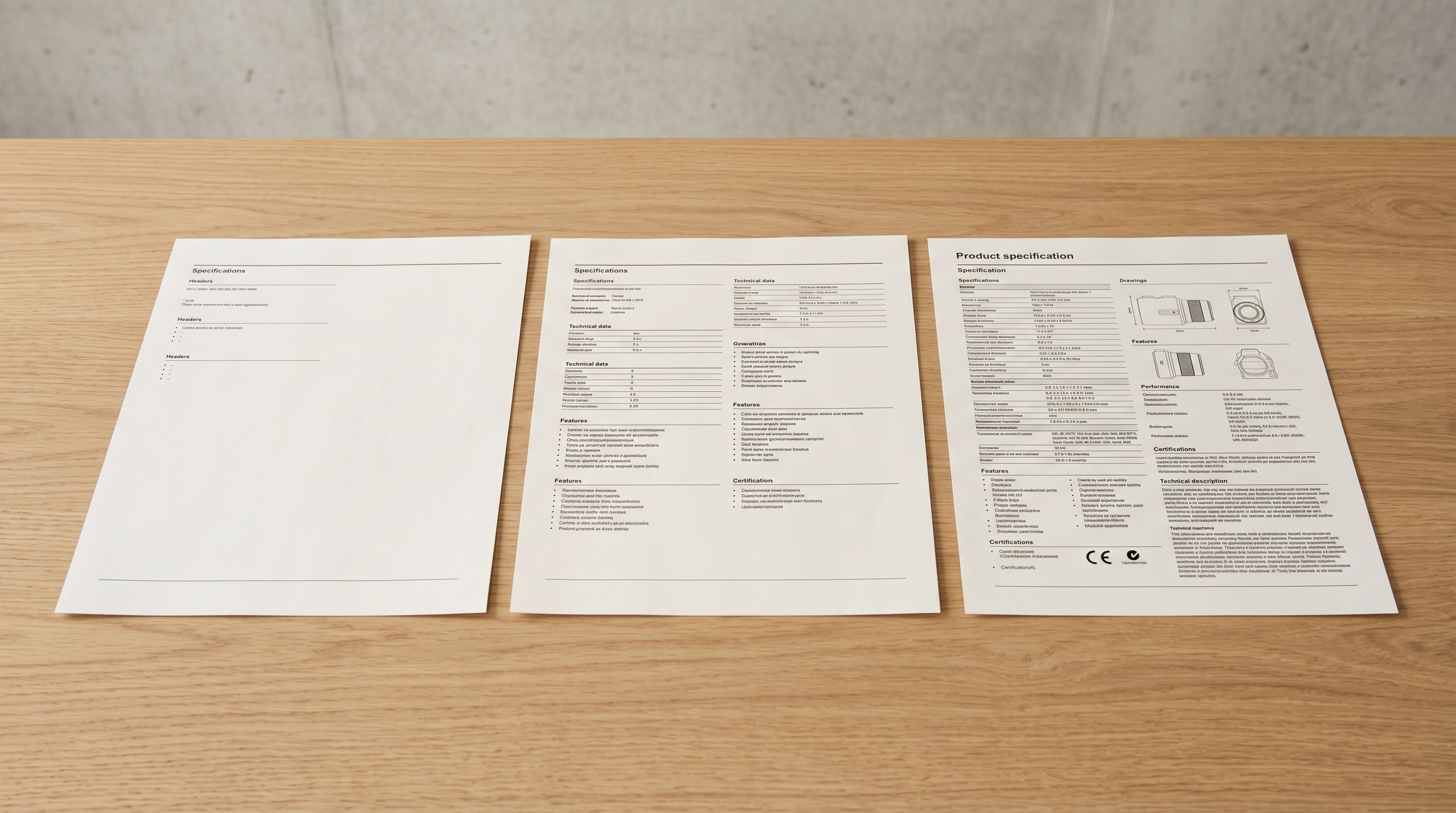
Volusion's product export frequently omits fields that Shopify requires for full functionality. The most common missing fields in Volusion exports are:
- Weight: often absent or recorded in units Shopify does not accept directly
- HS code and country of origin: rarely present in Volusion product records
- Barcode (GTIN): sometimes present, often absent or stored as the internal product code
Importier's data enrichment step fills these fields during the migration. It reads the product title, type, and description, and infers missing values. For products with barcodes already in the Volusion export, barcode lookup confirms the GTIN and retrieves additional product attributes.
Filling these fields during the migration avoids a separate enrichment pass after the products are in Shopify. A PrestaShop to Shopify migration produces the same missing-field pattern. Volusion merchants should expect the same data gaps and address them in the import wizard, not as a post-migration cleanup task.

What Does Not Transfer from Volusion
Importier handles the product catalogue. Several things require separate attention after the product migration completes.
Customer accounts: Shopify cannot import customer passwords from any external platform. Customers need to reset their passwords or create new accounts. This is a Shopify security constraint, not a limitation of any migration tool.
Orders and order history: Volusion order history does not transfer to Shopify. Some merchants import a summary CSV for accounting continuity, but live order data does not move between platforms.
URL structure: Volusion and Shopify use different URL formats. Products that ranked under Volusion URLs need 301 redirects pointing to the corresponding Shopify product URLs. Prepare the redirect map from the Volusion export before migration so it is ready to apply when the Shopify store goes live.
Collections: Shopify collections need to be created after import. Products can be assigned via automatic collection rules based on the tags, product type, and vendor values imported from Volusion. The cleaner those values are in the import, the more reliably automatic rules work.
- Column names differ: Shopify importer rejects or misreads the file
- Variant rows import as separate products without Handle grouping
- Volusion category strings remain as Product Type with no taxonomy alignment
- Stale Volusion descriptions carry over to Shopify unchanged
- Weight, HS codes, and barcodes require a separate enrichment pass after migration
- Column mapping step matches Volusion fields to Shopify fields with auto-mapping
- Smart Variant Detection groups variant rows into correct Shopify variant records in preview
- Category metafields assigned via 22 Industry Packs from migration day one
- AI descriptions generated during import replace stale Volusion copy in the same session
- Data enrichment fills missing weight, HS codes, and barcodes during the import wizard
Migration Timeline: What to Expect
For a typical Volusion catalogue of 200-500 products, the import wizard steps run in under 90 minutes:
- Volusion CSV export: 5 minutes
- Column mapping in Importier: 5-10 minutes (most fields auto-mapped)
- Variant grouping review: 5-15 minutes depending on catalogue complexity
- AI description generation: 3-8 minutes for 200 products
- Data enrichment: 3-5 minutes
- Category metafield assignment: 3-8 minutes
- Import preview review and confirmation: 5-10 minutes
A Magento to Shopify migration or BigCommerce to Shopify migration involves the same steps at similar timescales for the product data component.
Compare this to the manual alternative. Restructuring a Volusion CSV by hand (renaming columns, adding Handle values, reformatting variant rows, rewriting descriptions) takes 20-40 hours for a mid-size catalogue before a single product reaches Shopify. For merchants who have already delayed the migration because the manual process seemed too large, the import wizard removes that barrier.

Five Takeaways on Volusion to Shopify Migrations
- Volusion's product export is a non-standard CSV that Shopify's native importer cannot read directly. The column names differ, the variant structure uses Volusion's internal grouping mechanism rather than Shopify's Handle column, and the category structure has no Shopify equivalent. Importier's column mapping step handles all three without requiring any edits to the original file.
- Variant rows from a Volusion export import as separate products in Shopify's native importer. Importier's Smart Variant Detection identifies the grouping signals in the Volusion file and creates correct Shopify variant records. The proposed groupings appear in a preview step before any product reaches Shopify.
- The migration is the right moment to replace stale Volusion product descriptions. Running the AI description step during the import produces unique, well-structured descriptions before products arrive in Shopify. The 7 description styles and 156 expert personas across 43 industries cover most product category requirements without a separate content pass.
- Volusion's category system does not map to Shopify's Standard Product Taxonomy. Importier assigns category metafields via 22 Industry Packs during the migration, giving products the structured attributes Google Shopping and AI shopping agents use for category-level queries, from the first day in Shopify.
- Customer accounts, orders, and URL structures do not migrate with the product catalogue. Customer passwords must be reset, order history requires a separate accounting import if needed, and 301 redirects from Volusion URLs to Shopify URLs need to be configured after migration.
Try Importier free at importier.app
Set up your first import in under five minutes.
Importier brings products into Shopify with AI descriptions, category metafields, and data enrichment on every run.