Shopify Product Import for Sports and Fitness Stores
On this page
Shopify Sports and Fitness Product Import: Sizing Standards, Equipment Specs, and AI Descriptions
A sporting goods supplier CSV typically contains product name, SKU, price, weight, and a size column. What it rarely specifies: whether that size is US, UK, EU, or Japanese standard; the fabric composition and UPF rating for activewear; the weight capacity and material rating for equipment; or the safety certification status for protective gear.
The result of importing that file without additional configuration is product pages where size options display as bare numbers with no sizing context, equipment listings have no structured spec data, and certifications are either absent or buried in an unstructured description field. For sporting goods merchants selling to an international audience, the sizing problem alone is enough to generate a consistent stream of returns from customers who ordered the wrong size.
This guide covers how to configure a Shopify sports and fitness import to produce product pages with correct sizing labels, structured equipment specifications, and AI descriptions that lead with performance and technical detail.
Why Sports and Fitness Imports Are Different
Most product categories have a single dominant sizing system. Clothing sizes vary by brand but at least share the same labels. Health and beauty products measure by volume with a single standard. Electronics specify storage in gigabytes without regional variation.
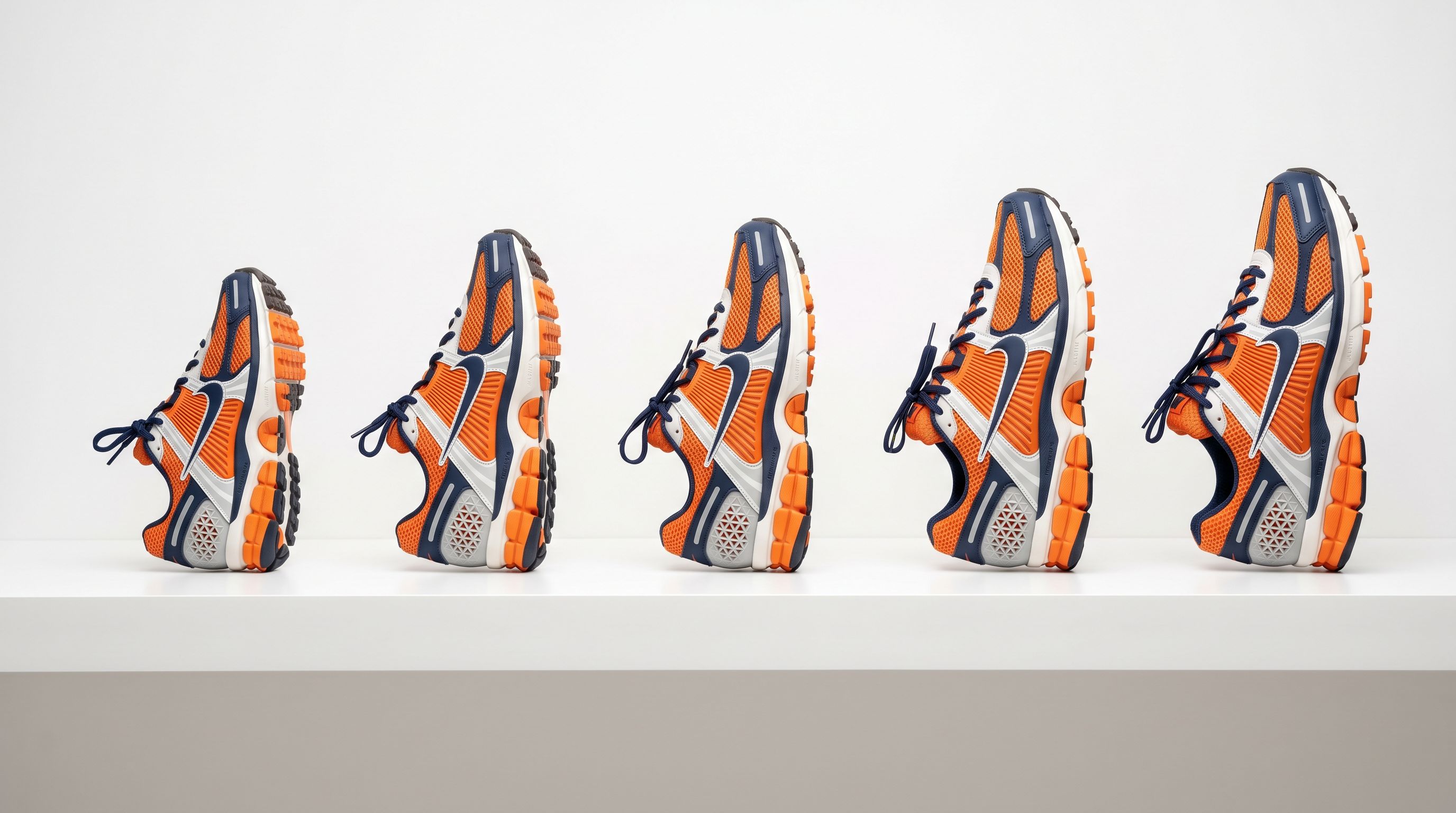
Sporting goods does not work this way. Shoe sizing is a regional system where the same physical foot size maps to different numbers depending on country. A US men's size 10 is a UK 9, an EU 44, and a Japanese 28. A supplier in the United States ships a CSV with sizes listed as whole numbers from 7 to 14. An Australian merchant imports that file, and the resulting Shopify product shows a size option labelled simply "10" with no indication of which sizing standard it refers to.
The consequence is predictable. A customer who wears a size 10 in Australian sizing (which aligns with US sizing for men's footwear) orders correctly. A customer who wears a UK 10 orders the wrong size, receives a shoe that is one size smaller than expected, and returns it. A customer who does not know their US size in the first place either abandons the product page or makes an educated guess.
Equipment products have a different but equally common gap. A resistance band supplier lists products by resistance level in a description field: "light resistance, suitable for beginners." A gym equipment supplier includes weight capacity in a product name: "Folding Weight Bench 150kg." These are the only places this data appears in the supplier file. After import, the product page has this data only in unstructured text, which means it cannot be used to power collection filters, and it does not appear in structured form in Google Shopping or AI Shopping queries.
What the Supplier File Usually Has and What It Needs
A standard sports and fitness supplier CSV typically contains:
- Product name and SKU
- Price and cost price
- Weight and dimensions (sometimes)
- A single size column with numeric or label values
- Colour as a separate column
- A brief product description
- Image URLs
What is usually missing or incomplete:
- Sizing standard (US, UK, EU, Japanese, International)
- Fabric composition and technical fabric ratings (UPF, moisture-wicking rating, compression level)
- Equipment specifications (weight capacity, material grade, dimensions in structured columns)
- Safety certifications (CE, EN standards for protective gear)
- Sport or activity type as a structured field
- Gender and age group beyond what appears in the product name
- Surface type or terrain rating for footwear
The column mapping and metafield configuration steps in the import address each of these gaps.
Step 1: Column Mapping for Sports Products
Sizing with standard labels: when the supplier file contains a size column, map it to a Shopify variant option named with the sizing system rather than just "Size." An option named "US Size" communicates the standard to the customer at the variant selection step. If the product also needs to show EU or UK sizing as a reference, include that in the product description using Importier's description builder rather than as a separate variant option, which would multiply your variant count unnecessarily.
For activewear with letter sizing (XS, S, M, L, XL, XXL), the standard option name "Size" is acceptable, but the description or product tags should indicate whether the sizing runs small, true to size, or large, and which body measurement range each label corresponds to.
Width as a second variant option: footwear that comes in multiple widths (standard, wide, extra-wide) requires a second variant option. Map the width column to a Shopify option labelled "Width" with values that customers recognise: "Standard (D)," "Wide (2E)," or the relevant notation for the supplier's width system. This produces a variant matrix of size and width rather than a flat list that requires the customer to read product names to understand which combination is available.
Equipment specifications: for products where weight capacity, resistance level, or material grade appears only in the product name or description, there is no supplier column to map directly. These values are instead picked up by Importier's AI enrichment in the metafield step, which extracts structured values from the available text during the Industry Pack attribute assignment.
Safety certifications: if certifications appear as columns (a "CE Certified: Yes/No" field or a standard identifier column), map them to Shopify product tags. CE, EN 1078 (helmets), EN 13138 (swimming aids), and similar standards mapped as tags allow a merchant to build a "Certified Equipment" collection filter without manual post-import work.
Step 2: Description Styles for Sports and Fitness
Importier offers seven AI description styles. For sports and fitness, two are most commonly the right choice depending on product type.
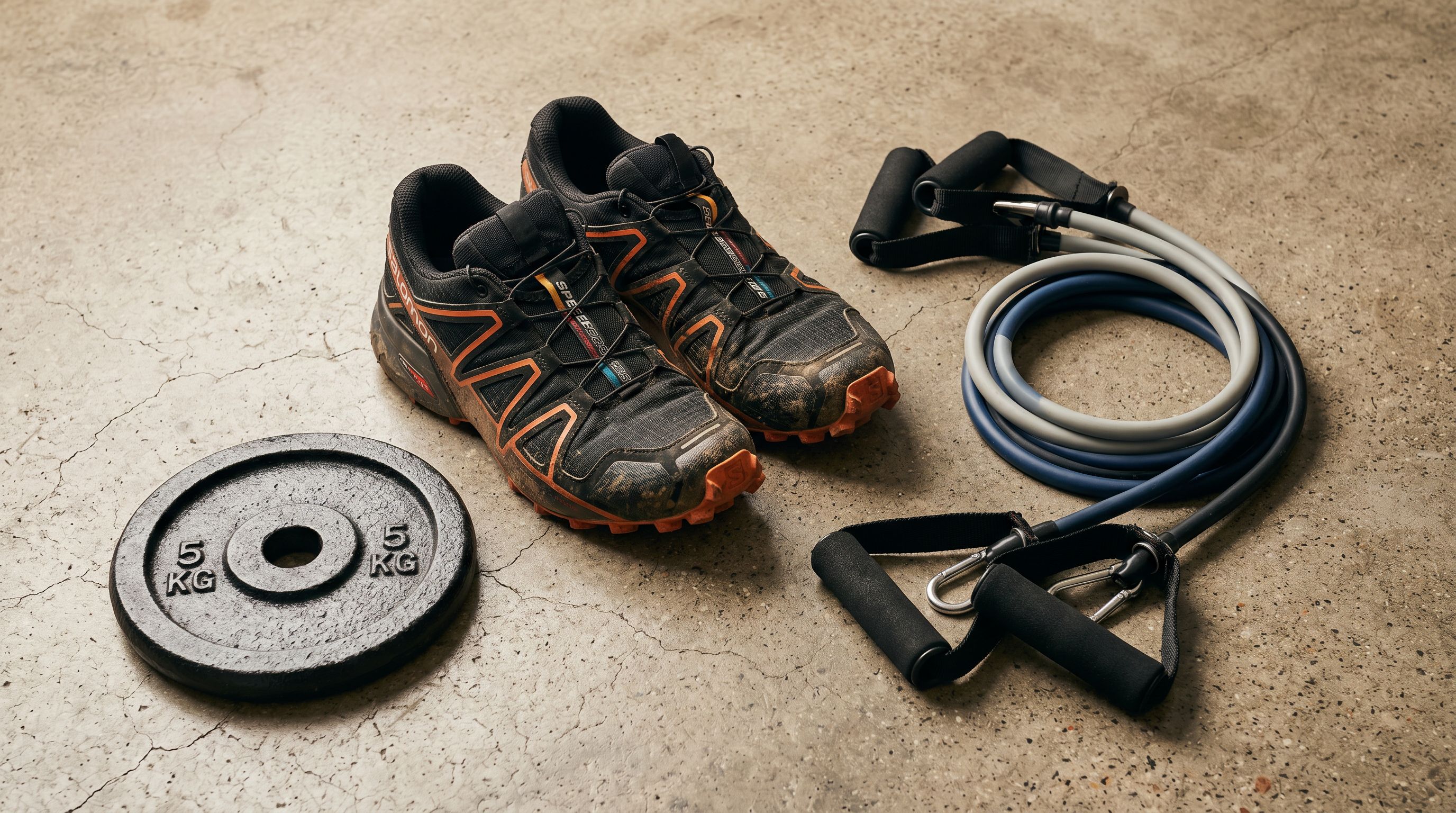
Technical Gadget style for equipment: gym equipment, weights, resistance bands, and fitness machines benefit from descriptions that lead with specifications. A weight bench description should open with the supported weight capacity, the frame material and gauge, the adjustment range, and the footprint when folded. Benefits follow as consequences of the specifications. A customer choosing between a 120kg capacity bench and a 150kg capacity bench needs the specifications upfront; marketing copy about a "great home gym experience" does not help them choose.
Benefits-First style for activewear and footwear: performance clothing and shoes lead with the performance outcome the product delivers, then explain the technical features that produce it. A trail running shoe description leads with grip on loose surfaces and stability on technical terrain, then explains the outsole compound, the upper material, and the lug pattern. This matches how active buyers evaluate footwear: outcome first, mechanism second.
A weight bench imported with Technical Gadget style produces a description that opens with the weight capacity, frame material, and adjustment range. That is what a buyer comparing benches actually needs to read.
For products that cross categories, the Sensory-Rich style works well for yoga and wellness crossover items where the experience of using the product is as relevant as its technical specification. A yoga mat description that conveys texture, grip feel, and cushion depth sells differently from one that leads with material and thickness in millimetres.
Step 3: Industry Pack for Sports and Fitness Metafields
Shopify's Standard Product Taxonomy includes sporting goods categories with structured attribute types. Importier's Industry Pack for this category covers attributes relevant to the import: activity type, target gender, age group, material, UPF rating, compression level, water resistance rating, surface type (for footwear), weight capacity (for equipment), and safety certification status.
Structured metafields in these categories serve the same two functions as in other categories. Collection filters allow merchants to build "Filter by sport" or "Filter by surface" without custom development. AI Shopping and Google Shopping queries that reference specific attributes ("waterproof trail running shoe EU 43," "weight bench 150kg capacity") match products that have those values in structured data rather than buried in description text.
The AI matcher assigns values from Shopify's predefined taxonomy value set. For attributes that appear explicitly in the supplier data or product name (weight capacity from the product title, activity type from the product name), the AI maps directly. For attributes that must be inferred from the description or context (surface type from "trail running" in the product name, compression level from "compression tight" in the description), the AI assigns where it can determine the value confidently and leaves the field blank when it cannot.
- Size options show bare numbers with no sizing standard
- Equipment specs only in unstructured description text
- Certifications absent or in description only
- No collection filters for sport, surface, or weight capacity
- AI Shopping matches by keyword only
- Activewear shows no fabric composition or UPF data
- Size options labelled with sizing standard (US Size, UK Size)
- Equipment weight capacity and material grade in structured metafields
- Certifications mapped as tags, power collection filters
- Sport, surface, weight capacity, and material filters buildable without code
- AI Shopping matches attribute queries: weight capacity, surface type, UPF
- Fabric composition and UPF mapped as structured metafield values
Step 4: Variant Configuration for Sports Products
Sports and fitness products present three common variant structures.
Footwear with size and width: two variant options covering size (with the sizing standard in the option name) and width. Shopify supports up to three options per product; the third can accommodate colour when the same shoe comes in multiple colourways across sizes and widths.
Activewear with size and colour: the standard two-option configuration applies. Variant images map to the colour option rather than the size option so the correct product image displays when a buyer selects a colour.
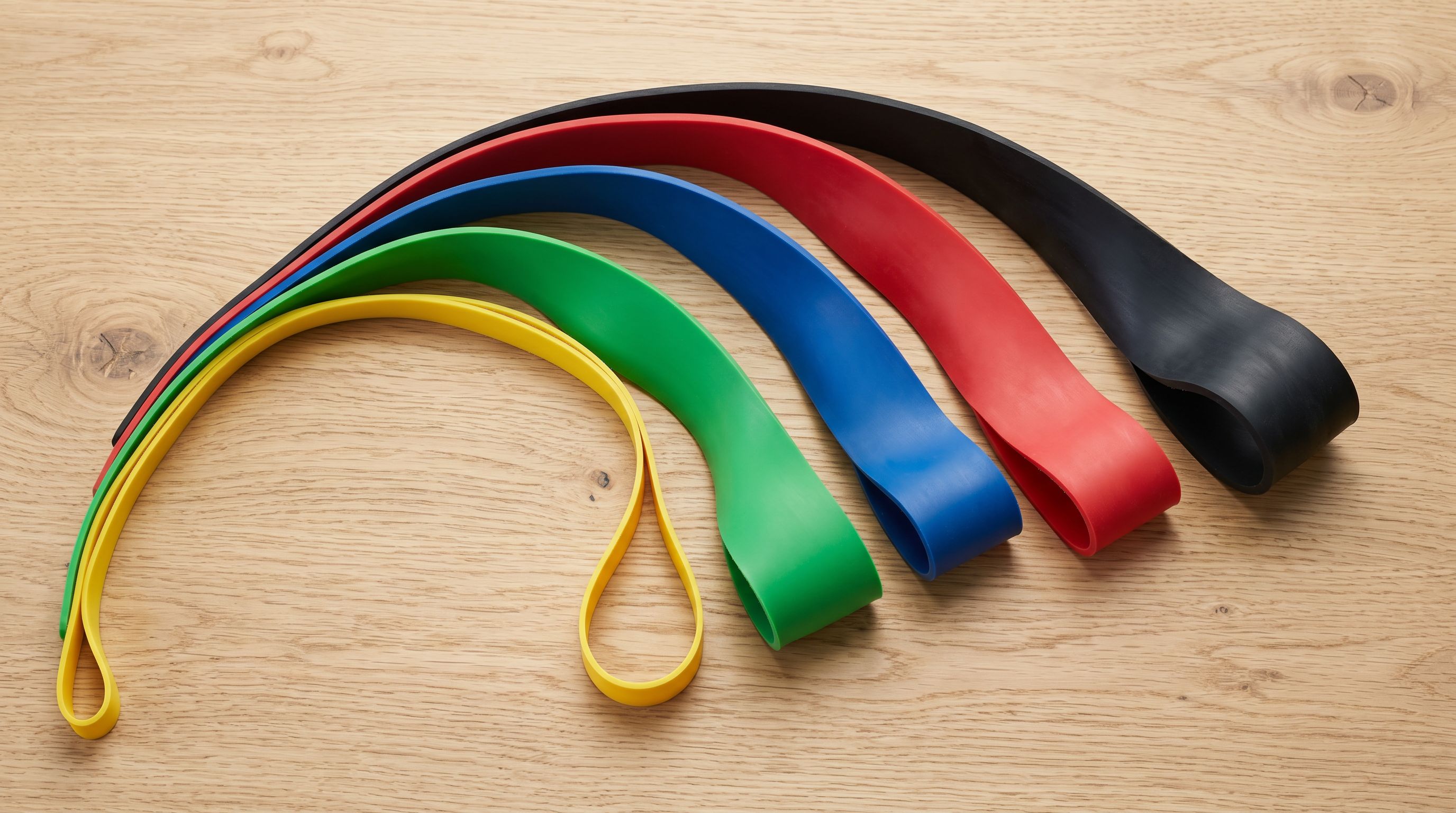
Equipment with resistance or weight level: a resistance band set available in five resistance levels is five variants of one product. The supplier CSV often has one row per resistance level with different SKUs and prices. Importier's variant detection identifies resistance level as a variant pattern and groups the rows correctly. The variant option is labelled "Resistance" with values such as "Light (5 kg)," "Medium (10 kg)," "Heavy (15 kg)," and so on, combining the label and the value so the buyer does not need to interpret a bare number.
A Worked Example and Import Steps
A Worked Example: 150-SKU Athletic Footwear Range
A sporting goods distributor importing a US trail running and road running footwear range received a supplier file with 150 rows. The file contained: product name (with colour and size embedded, e.g., "Apex Trail Runner - Black - 10"), SKU, US size (7 to 13 in half sizes), price (USD), weight (oz), and image URLs per row. No width column, no material data, no surface type, no EU or UK size equivalents.
Import configuration:
- Column mapping: price converted from USD to AUD using the current exchange rate, applied at the import level rather than per-product. Weight converted from oz to grams.
- Product name parsing: Importier's name parser extracted colour and size from the embedded product name format, mapping colour to a Shopify variant option and size to a variant option labelled "US Size."
- Barcode lookup: the SKUs did not include EAN or UPC codes, so barcode lookup was not available for this import. The AI enrichment step extracted upper material, sole material, and heel-to-toe drop from the product names and whatever data existed in the brief product descriptions provided by the supplier.
- Industry Pack: the Sports & Outdoor pack assigned surface type (trail for the trail models, road for road models) from the product names, and target gender (men's for the men's range) from the product names. Activity type (running) was assigned across the full range.
- Description style: Benefits-First with a trail running persona for the trail models and a road running persona for the road models. Both leads with grip and stability for trail, cadence and cushioning for road, then technical detail.
- Missing data: heel-to-toe drop and stack height were available for 90 of 150 products from product name and description parsing. The remaining 60 had these metafields left blank for manual entry of priority products after import.
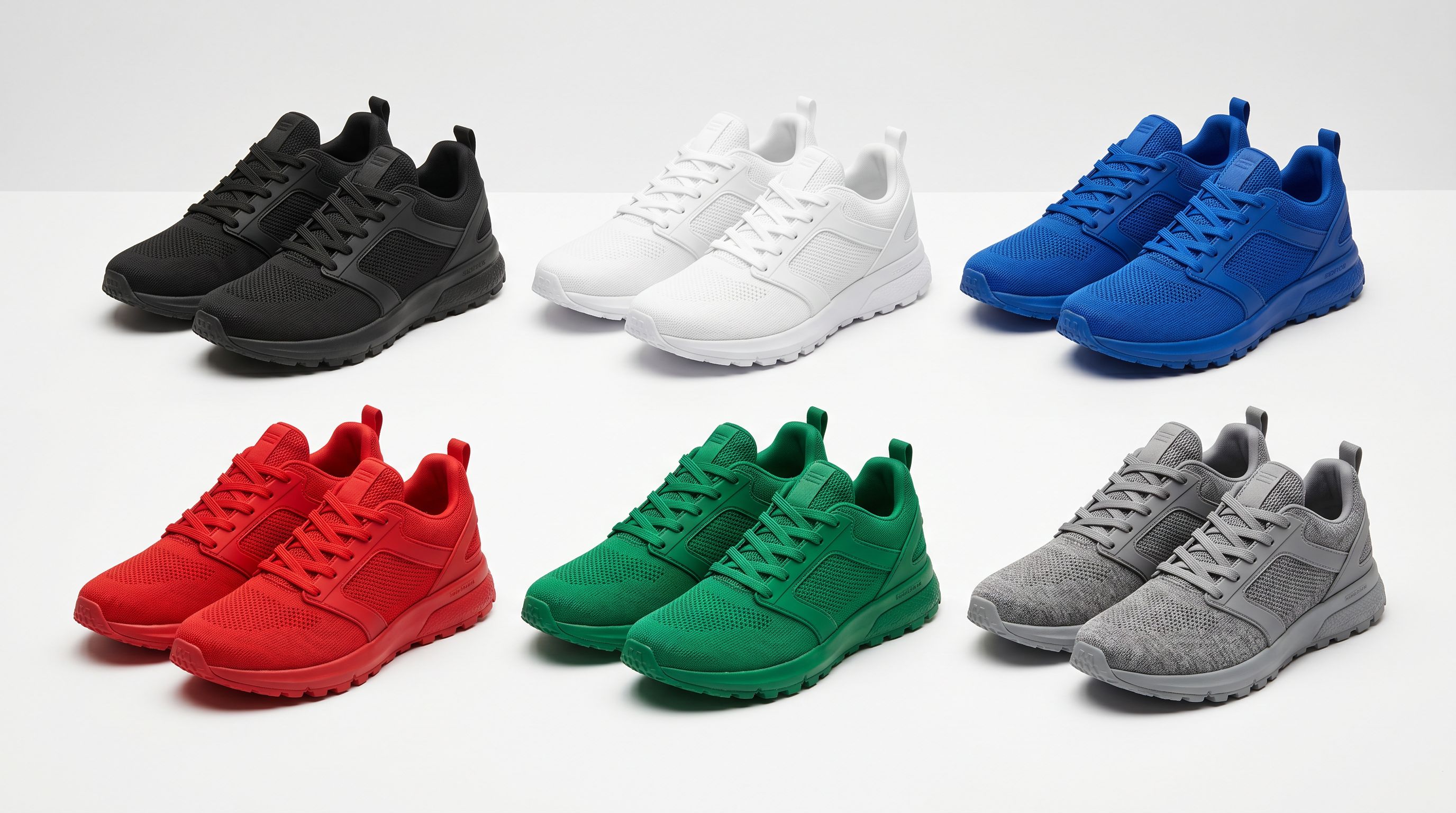
The import produced 75 Shopify products (150 rows, 2 rows per product for men's and women's colourways) with correctly labelled US sizing, surface type and activity type as structured metafields, and descriptions that opened with performance rather than generic running-shoe marketing copy.
The Shopify import column mapping guide covers how to configure and save column mapping profiles for specific supplier formats, including how to handle currency conversion and naming convention parsing.
- 01Map the size column to a variant option with the sizing standard in the option name (US Size, UK Size, EU Size) rather than a generic Size label. If the supplier file embeds colour and size in the product name, use Importier's name parser to extract them into separate variant columns before running the import.
- 02Select Technical Gadget style for equipment products (gym equipment, weights, resistance bands) and Benefits-First for activewear and footwear. Assign a sport-specific persona (trail running, road cycling, yoga, gym training) to match the description tone to the category.
- 03Apply the Sports and Outdoor Industry Pack in the category metafields step. The AI matcher assigns activity type, surface type, material, and UPF or weight capacity where it can determine values from the product name and description. Leave blanks for manual entry rather than accepting a low-confidence value.
- 04Map safety certifications from the supplier file to Shopify tags (CE, EN 1078, EN 13138, ASTM). If certifications apply across the full range rather than per-product, apply them as batch-level tags in the import wizard. Tags power collection filters and can drive certification badge displays on your theme.
- 05Preview a sample of 5-10 products (one footwear, one activewear, one equipment) before running the full batch. Verify that the sizing option name includes the standard, that metafield values reflect the correct attributes, and that description leads match the correct style (technical spec for equipment, performance benefit for footwear and apparel).
The Shopify import product variants guide covers how to configure complex variant structures at import, including multi-option products and the row-per-variant CSV format.
Google Merchant Centre's Sporting Goods product data specification documents the structured attributes required for sporting goods submitted to Shopping campaigns, including activity, sport, and size type. The EU's General Product Safety Regulation covers the safety requirements that apply to sports and recreational equipment sold in EU member states, including labelling and conformity obligations.
Try Importier free at importier.app
Set up your first import in under five minutes.
Importier brings products into Shopify with AI descriptions, category metafields, and data enrichment on every run.