Shopify Product Country of Origin: Fill It at Import
On this page
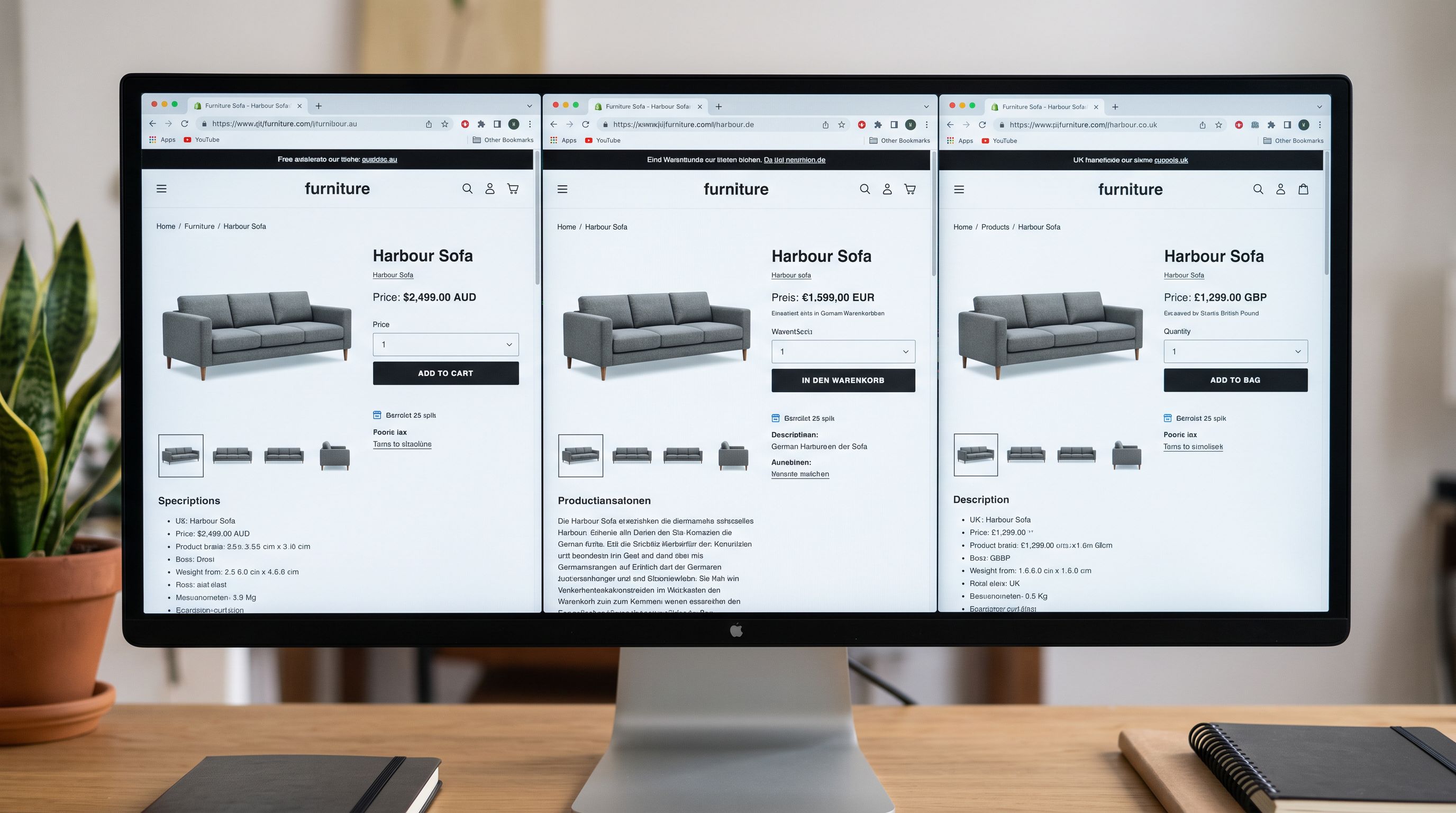
An apparel merchant imports 300 products from a Southeast Asian supplier. The import completes cleanly. Three weeks later they submit the catalogue to Google Shopping and receive disapprovals. The reason: "Missing required attribute: country_of_origin." Forty per cent of the catalogue is rejected before a single Shopping ad runs.
The shopify product country of origin field was never populated. The supplier's CSV did not include it. The merchant now needs to find the manufacturing country for 120 products individually before Google Shopping will accept those listings.
This problem repeats across imported catalogues because country of origin is required by multiple systems downstream but almost never included in supplier data files. Setting it at import time, once, eliminates the field as a downstream source of errors for Google Shopping, customs declarations, and 3PL international fulfilment.
What "Country of Origin" Is and Where It Appears in Shopify
The shopify product country of origin field sits under the Customs Information section of each product's shipping settings. Shopify stores it as a separate field from product metafields; the value you enter there feeds into the Google Shopping channel's [country_of_origin] attribute automatically, without any additional mapping or plugin.
When this field is populated correctly, it flows to three places:
Google Merchant Centre. The [country_of_origin] attribute in Merchant Centre is required for specific product categories. Products in those categories without a country of origin value are disapproved: not flagged as limited, but disapproved, meaning they do not appear in Shopping results at all. The disapproval affects every product in the affected category simultaneously, not individual listings.
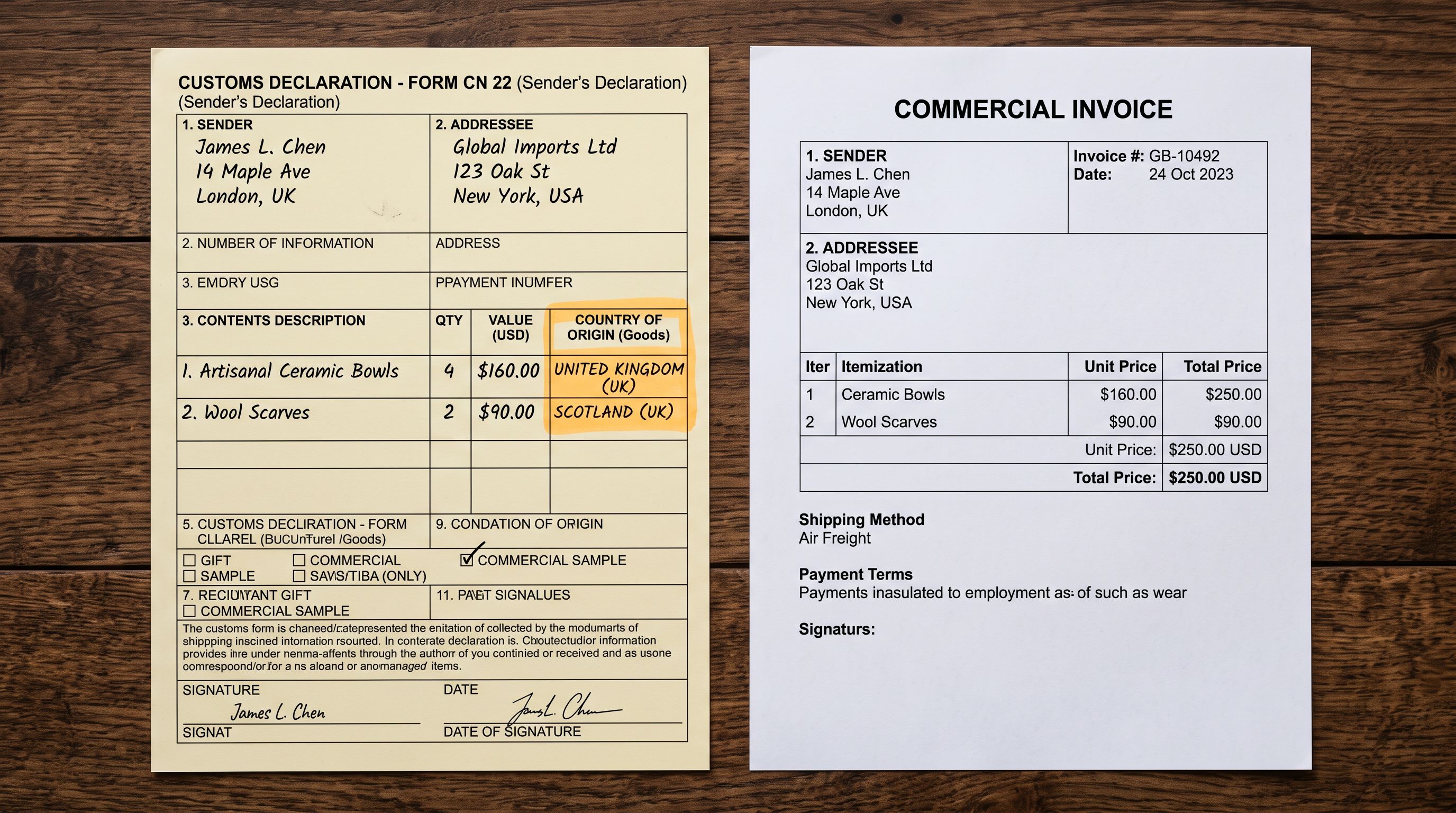
Customs declarations. Carriers and 3PLs generate commercial invoices automatically from product data for international shipments. Country of origin appears on those invoices as a legal requirement for customs clearance. Missing this field forces manual customs entry per shipment, slowing international fulfilment and creating compliance risk.
Inventory and compliance records. Some retailers and wholesale buyers require country of origin documentation for procurement compliance, especially for regulated product categories. A blank field creates a documentation gap that is harder to resolve after products are live than during the initial import.
Why Supplier Files Do Not Include Country of Origin
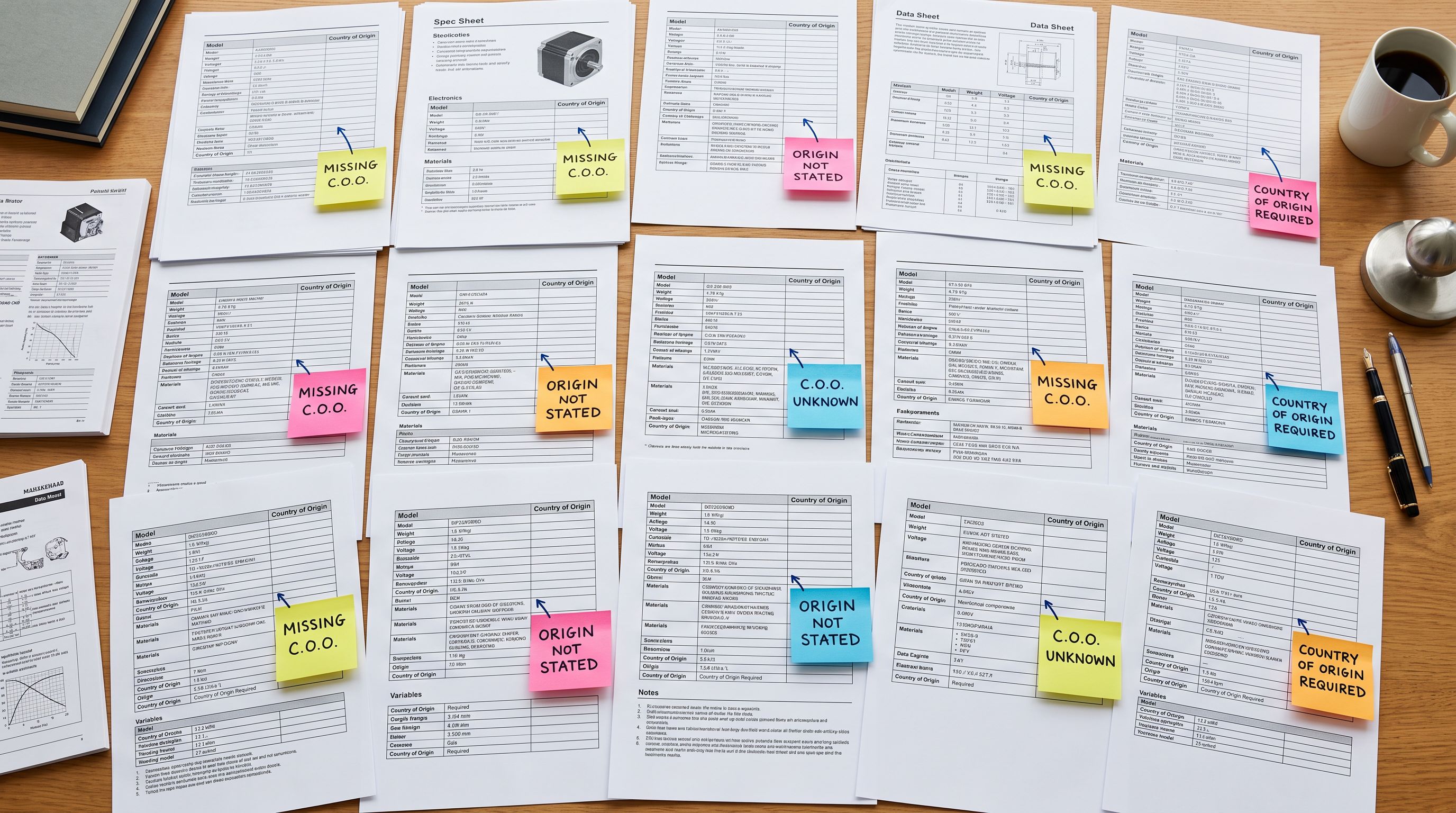
Supplier catalogues are designed for B2B purchasing, not for regulatory compliance. The fields a supplier includes are the ones a buyer needs to place an order: SKU, title, price, description, images, and variant data. Country of origin is relevant to the end consumer and to regulatory bodies; it is not something a buyer negotiates or acts on when ordering.
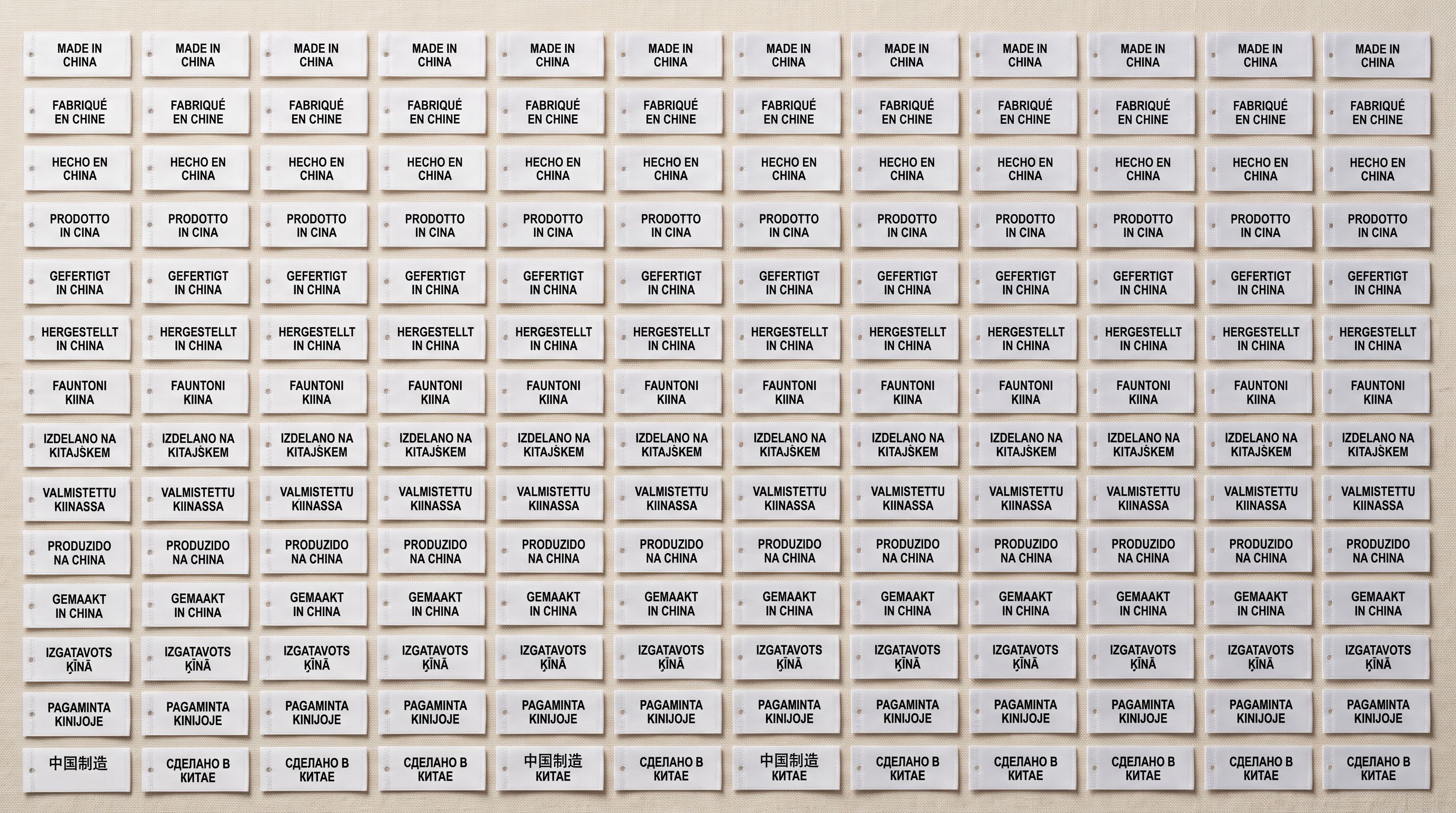
The practical result: supplier CSVs, PDFs, and marketplace exports almost never include a country of origin column. Even when they do, the data is often formatted inconsistently ("China", "CN", "PRC", "Made in China") or missing for a subset of products.
Private label products add another layer of complexity. A product designed by a UK brand, manufactured in Vietnam, assembled in Thailand, and shipped via a Hong Kong distributor has a regulatory country of origin that depends on which rules apply. Most private label suppliers do not provide this data in their catalogue files because it is not their regulatory responsibility to supply it.
Filling country of origin at import
How Importier Fills Country of Origin During Import
Importier's AI enrichment step runs during the import wizard after column mapping and before the final review step. For products missing a country of origin value, the enrichment analyses the product data available: title, description, brand, category, specifications, and any context hints, and infers the manufacturing country.
The inference uses known manufacturing geography patterns that are consistent enough to be useful at scale:
- Consumer electronics and components manufactured in China, Taiwan, South Korea, and Japan appear consistently in supplier data with identifiable brand patterns and technical specifications.
- Garments and textiles manufactured in Bangladesh, Vietnam, Cambodia, and India share characteristic specification language and supplier naming patterns.
- Furniture and homewares from Indonesia, Malaysia, and China show consistent material and construction patterns in product data.
- Cosmetics and skincare from South Korea (K-beauty), France, and the UK carry identifiable brand positioning and ingredient lists.
For products where the pattern is clear, the AI assigns a country with high confidence. For ambiguous cases, it assigns the most likely value and flags it for review in the import review step.
- 01In Importier's import wizard, complete the column mapping step. Map all available supplier columns to their Shopify equivalents. If your supplier file includes a country of origin or manufacturing country column, map it now. If not, leave the Shopify Country of Origin field unmapped.
- 02Enable AI enrichment in the enrichment step. With the Country of Origin field unmapped or partially populated, Importier's AI enrichment will analyse each product and fill missing values based on product data. Products with supplier-provided values will have those values respected; the AI only fills blank fields.
- 03For niche or unusual products where AI inference may be uncertain, add a hint in the enrichment context field. A note such as 'All products in this batch are manufactured in Portugal by Artisan Ceramics Ltd' gives the AI explicit context to override its default inference. Be specifica general 'European products' note is too vague to be useful.
- 04Review the enrichment results in the import review step. Country of origin values suggested by AI appear as filled fields ready for review. Scan for any values that look incorrect (typically private label or highly specialised products). Correct these directly in the review step before pushing to Shopify.
- 05After import, run a Google Shopping feed validation to confirm that country of origin is now populating the country_of_origin attribute in Merchant Centre. Products in regulated categories should move from disapproved to eligible once the field is present.
Running Country of Origin Enrichment on an Existing Catalogue
For merchants who have already imported products without country of origin, Importier's data enrichment panel can fill the field retroactively without a full re-import.
Filter the panel by collection, vendor, or product type to target specific segments of the catalogue. A sporting goods merchant can enrich the country of origin field for their outdoor equipment range separately from their apparel range, since these are likely manufactured in different regions.
The retroactive enrichment run analyses existing product data using the same inference logic as the import wizard. For a catalogue of 500 products with blank country of origin, the enrichment run completes in minutes rather than the 3-4 hours manual research would require.
Country of origin is not optional data that can be added later without consequence. Google Shopping silently removes affected categories from Shopping results the moment Merchant Centre detects the field is missing for required categories.
When AI Cannot Determine Country of Origin
AI enrichment is accurate for products with clear manufacturing signals in their data. There are three scenarios where it will not produce a reliable result:
Truly novel or custom-manufactured products. One-off products made by a local artisan or custom manufacturer have no recognisable manufacturing pattern. The AI will assign a value but confidence will be low. These need manual entry.
Products with split origin. Some products have complex manufacturing chains: designed in one country, manufactured in a second, assembled in a third. The regulatory country of origin for customs purposes depends on jurisdiction-specific rules about substantial transformation. The AI cannot apply customs law to determine the correct value; these require a compliance decision.
Products where brand origin conflicts with manufacturing origin. A "Made in Australia" brand that manufactures offshore has a brand origin that differs from its manufacturing origin. The AI may infer the brand origin; the correct value for GMC and customs is the manufacturing country.
Read more about how Importier's AI enrichment context field works for adding product-specific hints that improve accuracy for niche catalogues and unusual manufacturing chains.
Read more about how Importier fills all five commonly missing product data fields in one enrichment pass for a walkthrough of the full enrichment workflow covering weight, product type, HS codes, and barcodes alongside country of origin.
- Google Shopping: products in regulated categories disapproved immediately on catalogue submission
- Customs declarations: manual entry required per international order, carrier delays
- 3PL international fulfilment: customs invoice missing required field, holds possible
- Manual fix: each product requires individual lookup and admin update
- Time to resolve 300 missing values: 3-5 hours minimum
- Risk: field stays blank indefinitely as team prioritises other work
- Google Shopping: regulated categories submit clean, no disapproval on required attribute
- Customs declarations: carrier and 3PL generate invoices automatically from product record
- 3PL international fulfilment: commercial invoice complete, clearance proceeds without manual step
- AI fills field during import wizard before any product goes live
- Time to fill 300 values: minutes with AI enrichment, plus review of flagged uncertain cases
- Risk: field is complete from day one, no downstream audit required
Google Merchant Centre's Country of Origin Attribute Requirements
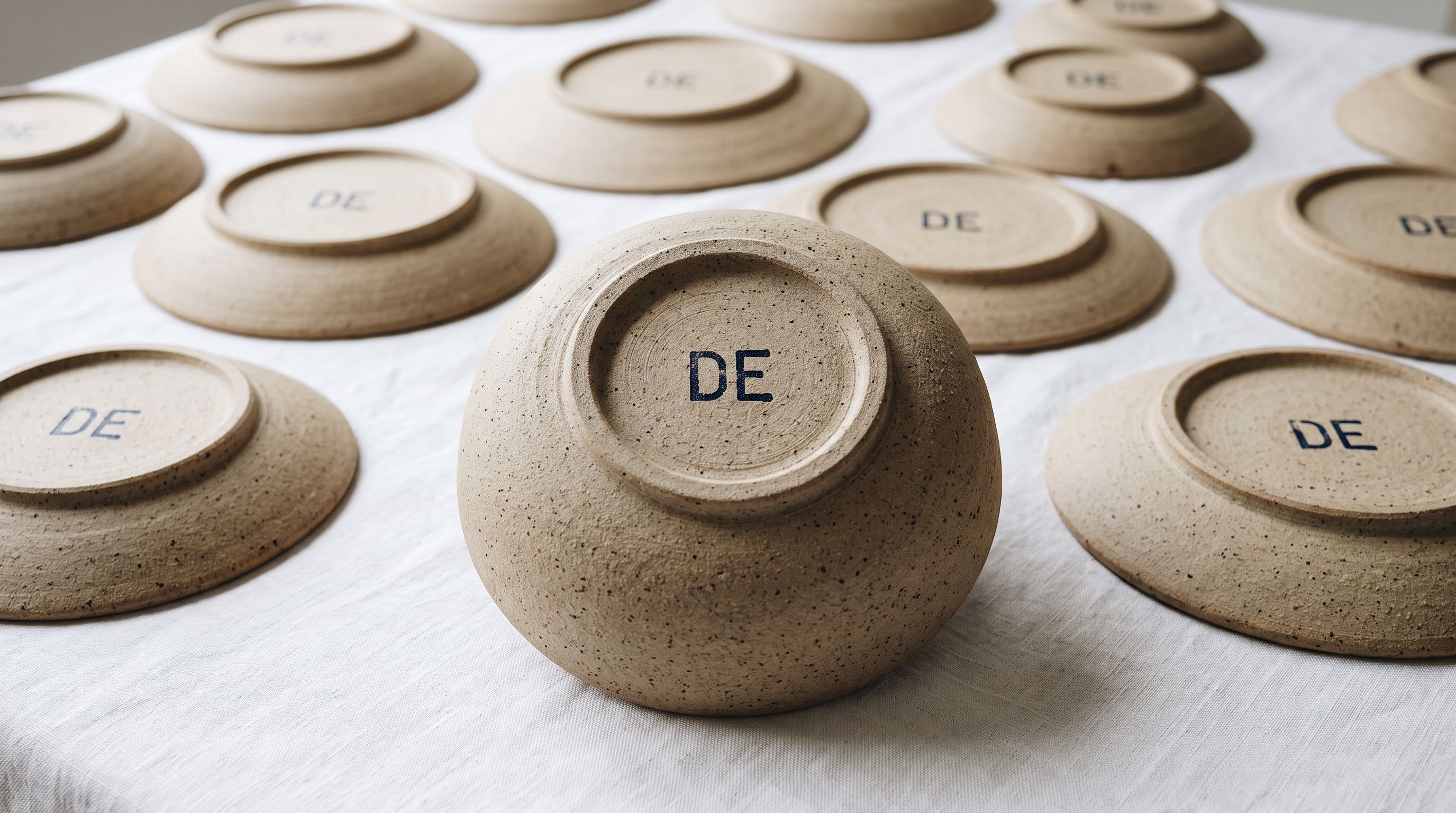
Google's Merchant Centre documentation for the country_of_origin attribute specifies that the value must be a two-letter ISO 3166-1 alpha-2 country code (CN for China, BD for Bangladesh, VN for Vietnam, DE for Germany, etc.). Importier stores the value in Shopify's Country/Region of Origin field in the correct format; the Shopify Google channel maps this to the correct attribute format automatically.
Google's product data specification notes that the [country_of_origin] attribute is required for the following verticals in most markets: toys and games, baby and toddler, personal care (cosmetics, health), and medical devices. For merchants in these verticals, country of origin is a mandatory field, not an optional enhancement.
Key Takeaways
The shopify product country of origin field is required by Google Shopping for regulated product categories, by carriers and 3PLs for international customs declarations, and by some procurement compliance frameworks. Supplier files almost never include it. Setting it during import using AI enrichment eliminates it as a downstream source of errors across all three systems.
- Country of origin is not optional for regulated categories on Google Shopping: products in toys, baby, cosmetics, and medical device categories are disapproved if the
[country_of_origin]attribute is missing. The disapproval is a complete removal, not a performance limitation. - Supplier files don't include it because it is not their compliance responsibility: this field needs to be sourced or inferred by the importer, not the supplier.
- Importier AI enrichment fills the field during import using manufacturing geography patterns: for standard commercial product categories, the inference is accurate enough to handle in bulk with a review pass for uncertain cases.
- The enrichment context field improves accuracy for unusual products: a specific manufacturing note in the context field (manufacturer name, country, or region) overrides the AI's default inference.
- Retroactive enrichment fills the field for existing catalogues without re-import: the data enrichment panel can target specific collections or vendors and fill blank country of origin values across a catalogue that was imported without it.
Set country of origin during your next import at importier.app.
Set up your first import in under five minutes.
Importier brings products into Shopify with AI descriptions, category metafields, and data enrichment on every run.