Shopify Product Import for Automotive Parts Stores

On this page
Automotive parts merchants encounter a Google Shopping problem that most other retailers never face: buyers search for parts using Year, Make, and Model. A buyer looking for brake pads does not search "brake pads". They search "2021 Toyota Corolla brake pads" or "front brake pads Subaru Forester 2019-2022". Google Shopping surfaces results for those model-specific queries using a structured vehicle_fitment attribute. When a supplier file carries fitment data as a "Notes" or "Description" field (for example, "Fits: 2018-2023 Toyota Corolla 1.8L and 2.0L petrol engines") and that text is pushed into Shopify's body_html field, Google cannot read the fitment data structurally. The part appears only for generic queries like "brake pads", competing against every brake pad listing on Shopping rather than the much smaller, higher-intent pool of buyers searching for that specific vehicle application.
This article covers how to configure Importier for an automotive parts or accessories catalogue: mapping supplier fitment data to Shopify's taxonomy, grouping application-variant rows correctly, generating descriptions that serve both the technician buyer and the DIY buyer, and optimising titles for the Year/Make/Model query pattern.
Why fitment data format determines your Shopping traffic
Google's product data specification includes specific attributes for vehicle-compatible products: compatible_vehicle_year, compatible_vehicle_make, compatible_vehicle_model, and compatible_vehicle_submodel. These are separate, structured fields that Google Shopping reads to serve listings for model-specific part queries. A buyer searching "2021 Subaru Outback air filter" triggers a Shopping filter that matches compatible_vehicle_make: Subaru, compatible_vehicle_model: Outback, compatible_vehicle_year: 2021 against the product data. Parts with that fitment data declared as structured attributes appear for the query. Parts with the same fitment information written as prose in the description field do not.
The difference in impression share between a parts merchant with structured fitment attributes and one with fitment data in description text is significant. Model-specific queries have commercial intent: the buyer has identified the vehicle and knows what part they need. Generic queries ("brake pads", "air filter", "oil filter") have much lower conversion rates because the buyer is still identifying what fits their vehicle. Structured fitment data shifts your impressions from generic to model-specific queries, where buyers are ready to purchase.
How automotive supplier files typically carry fitment data
Supplier files from automotive parts distributors arrive in two common formats.
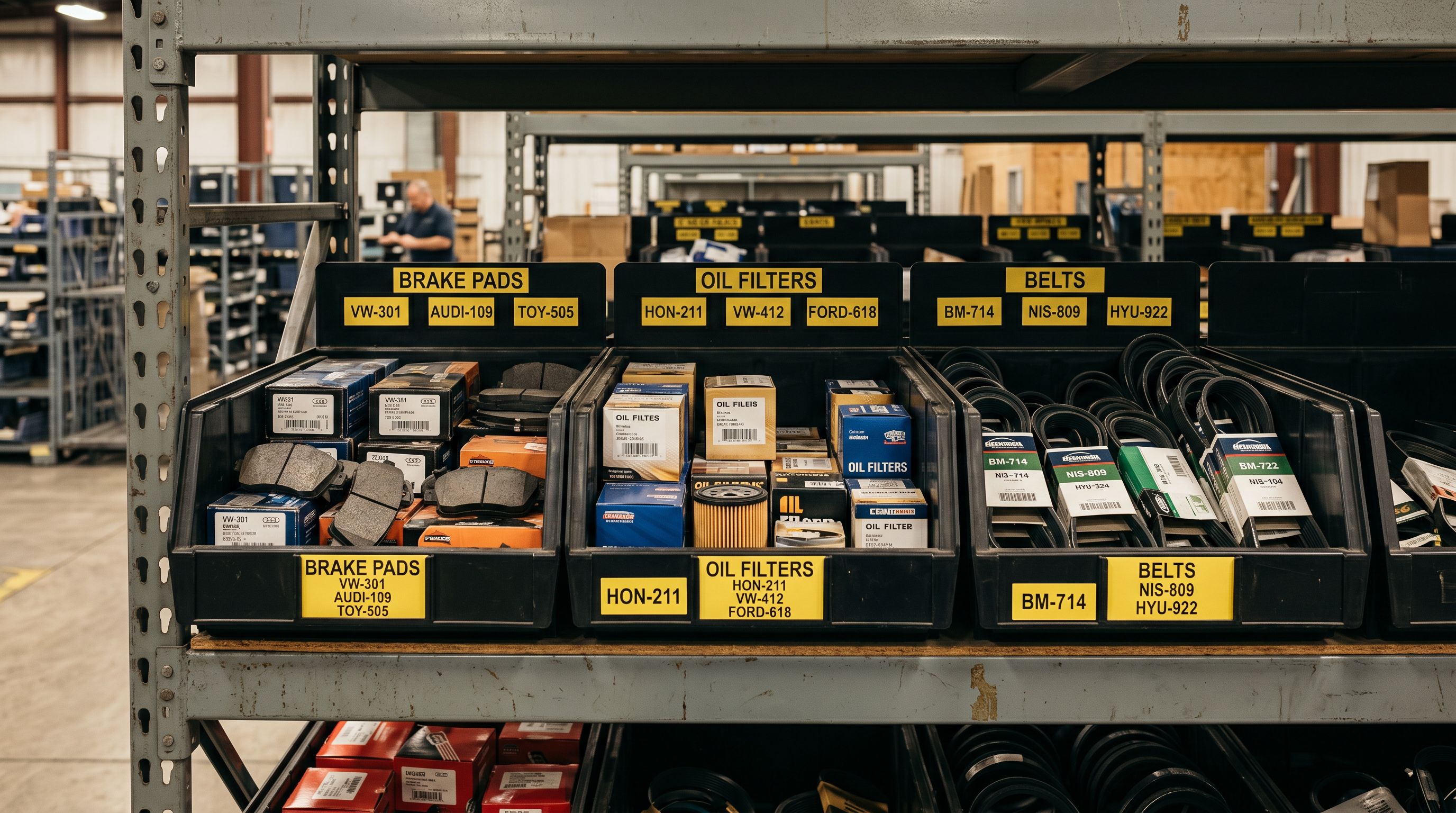
The first is application-per-row format. The supplier sends a separate row for every vehicle application: one row for "2018 Toyota Corolla", another for "2019 Toyota Corolla", another for "2020 Toyota Corolla", each with the same part number but a different vehicle reference. A single part that fits fifteen vehicle applications arrives as fifteen rows in the supplier file. Without correct grouping and fitment extraction, that part lands as fifteen separate Shopify products.
The second is combined-applications format. The supplier lists every vehicle application in a single "Fitment" or "Application" column as a delimited string: "2018-2023 Toyota Corolla | 2019-2022 Toyota Camry | 2020-2021 Toyota Avalon". This string must be parsed into individual structured fitment records before Google Shopping can use it.
ACES (Aftermarket Catalogue Exchange Standard) is the industry-standard fitment data format used by most US and Australian automotive parts distributors. ACES files carry vehicle references as separate coded fields (YearID, MakeID, ModelID, SubModelID, EngineID) rather than as text strings, which makes them the cleanest input for structured attribute mapping. If your supplier provides an ACES export, Importier's column mapping reads these structured fields directly into the corresponding Shopify taxonomy attributes.
Setting up the Industry Pack for automotive parts
Importier's Industry Packs map supplier attribute columns to Shopify's Standard Product Taxonomy automatically. For automotive parts and accessories, the relevant Industry Pack adds these category metafield columns to your import:
- Compatible vehicle year (single year or range: 2019-2023)
- Compatible vehicle make (Toyota, Ford, Holden, Honda, Subaru, assigned from Shopify's taxonomy list)
- Compatible vehicle model (Corolla, Ranger, Commodore, Civic, Outback)
- Compatible vehicle submodel (SE, Sport, LE, GT, Limited)
- Part number (OEM and aftermarket)
- Material (ceramic, semi-metallic, or organic for brake pads; synthetic or conventional for oils)
- Position (front, rear, left, or right for directional parts)
- Quantity (units per kit or per pack)
- Warranty (months or kilometres)
The AI assigns taxonomy values from Shopify's pre-defined list rather than free text. Vehicle make and model values match the taxonomy's controlled vocabulary, which means Google Shopping reads them as canonical attribute values rather than as unvalidated text strings that may not match the buyer's query format.
- 01Step 1Load your supplier file in the import wizard and complete column mapping, including all fitment columns
- 02Step 2Select the Automotive Industry Pack matching your product category (Parts and Components, Accessories, or Fluids)
- 03Step 3Review the attribute column preview and confirm compatible vehicle year, make, and model columns are mapped correctly
- 04Step 4Enable AI matching so Shopify taxonomy vehicle names are assigned from the pre-defined list
- 05Step 5Continue to description generation with the Industry Pack attributes active in the session
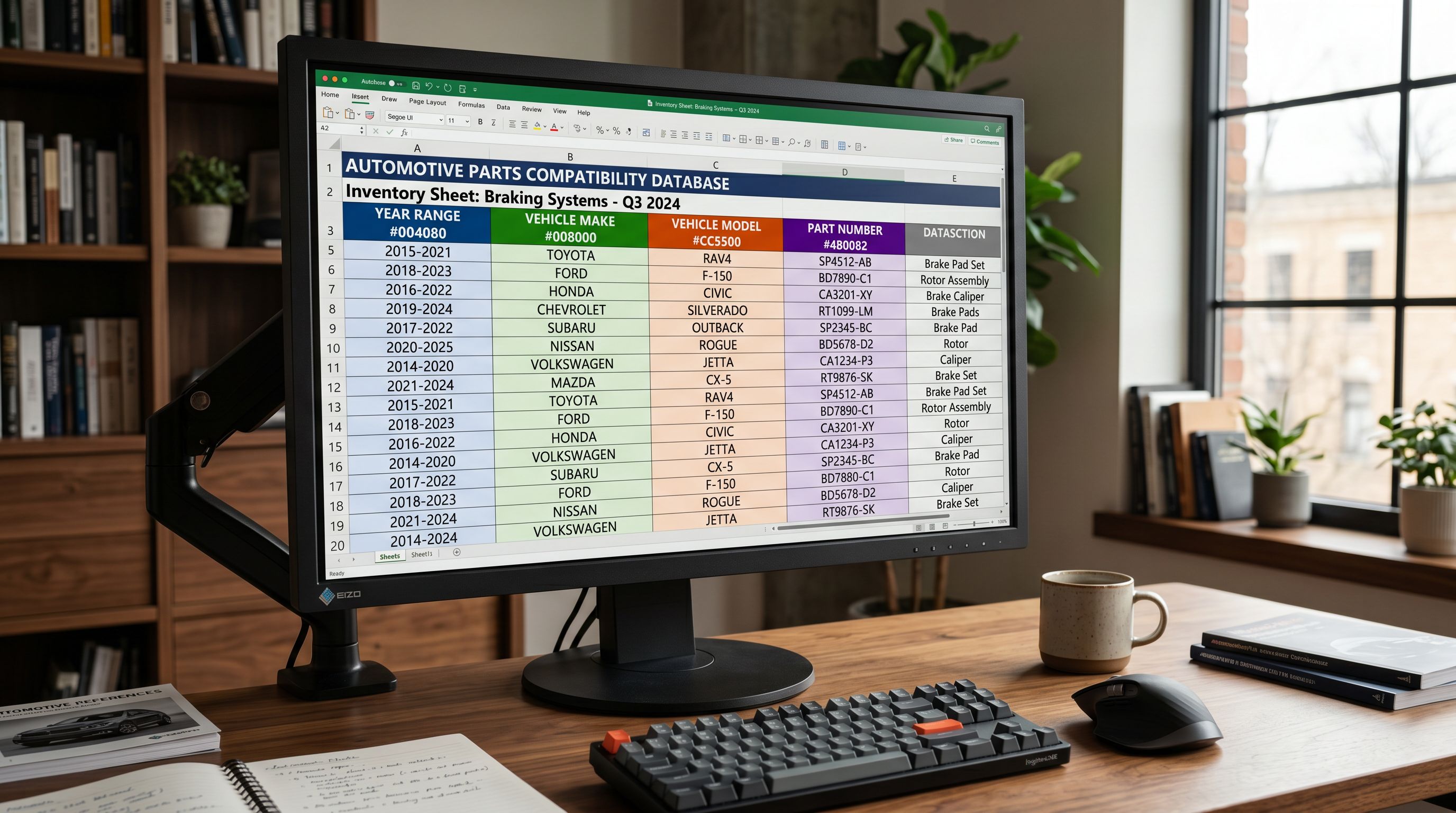
For suppliers using non-standard fitment column names ("Application", "Fits", "Compatible With", "Vehicle Notes"), the column mapping step allows manual assignment before the Industry Pack logic runs. Saved mapping profiles mean you only configure each supplier's format once.
Read more about how Industry Packs assign category metafields to your products.
Grouping application-variant rows into single products
The application-per-row format produces a specific grouping problem. When a brake pad kit fits thirty vehicle applications and arrives as thirty rows in the supplier file, those rows should become a single Shopify product with thirty fitment entries, not thirty separate products.
Importier's Smart Variant Detection includes automotive application grouping logic. The import wizard identifies rows that share the same part number or base product name, groups them into a single parent product, and creates the fitment data entries as structured metafields rather than as product variants. The resulting Shopify product has one listing with all compatible vehicle applications listed in the category metafield section, searchable by Google Shopping across every application range.
For parts that genuinely have quantity or specification variants (for example, a brake pad sold in a 2-piece or 4-piece kit, or an oil filter available in Standard and Extended Life versions), those attributes become Shopify options (Quantity: 2-piece | 4-piece, Type: Standard | Extended Life). The import wizard's variant grouping preview shows how application grouping and specification variants combine before the import runs.
- 30 vehicle applications arrive as 30 separate Shopify products
- No structured fitment data in taxonomy attributes
- Part only matches generic 'brake pads' queries on Shopping
- Manual collection assignment repeated 30 times
- 30 applications grouped as one product with structured fitment entries
- Vehicle make, model, and year declared as taxonomy attributes
- Part matches model-specific Shopping queries for every application
- Collection assignment applies to the parent product once
For aftermarket parts where the supplier file uses part number prefixes to indicate compatibility families (all part numbers starting with "BP-TOY-" fit Toyota vehicles), the enrichment context field accepts a merchant note that guides the AI grouping logic for that import session.
Read more about how Smart Variant Detection groups rows at import.
Descriptions for auto parts: two buyer types, two styles
Auto parts buyers fall into two categories with different information needs, and the description style that works for one frustrates the other.
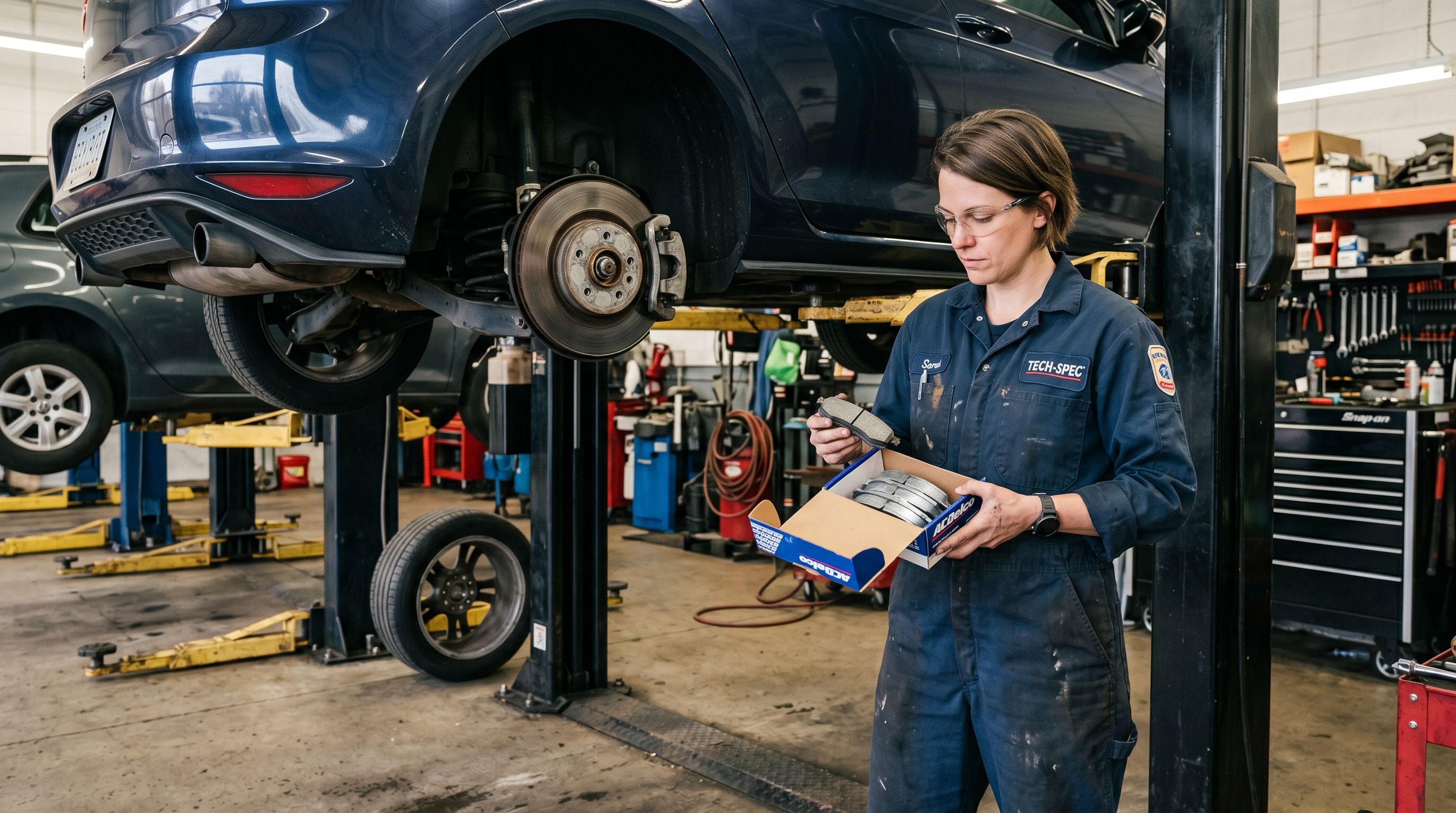
The technician buyer purchases on specification. They need exact dimensions (outside diameter, thread pitch, length), OEM part number cross-reference, material specification (ceramic vs semi-metallic for brake pads, synthetic vs conventional for oils), and application range. The Technical Gadget description style produces descriptions that lead with specifications before covering benefits. A Technical Gadget brake pad description opens with friction material grade, rotor compatibility, and operating temperature range before covering pad life and installation notes.
The DIY buyer purchases on confidence. They need to know the part is the right fit for their vehicle, that installation is within their skill level, and that the part includes everything they need. The Benefits-First description style leads with the fit confirmation and the problem the part solves ("restores stopping distance to factory specification") before covering specifications. A benefits-led brake pad description opens with the vehicle fitment confirmation and the symptom it addresses, then covers materials and compatibility notes.
Importier's 156 expert personas include Automotive Technician, Parts Advisor, and DIY Mechanic options. The Automotive Technician persona produces descriptions that prioritise specification accuracy and cross-reference data, suited to professional buyers. The DIY Mechanic persona produces descriptions that lead with plain-language fit confirmation and step references, suited to buyers replacing parts themselves.
Automotive parts buyers split cleanly between technicians who need specifications first and DIY buyers who need fit confidence first. Importier's persona selection matches the description register to the buyer type your catalogue targets.
For parts catalogues that serve both buyer types across a mixed product range, running separate import sessions with different description styles per product category (Technical Gadget for brake components and engine parts, Benefits-First for accessories and maintenance items) produces descriptions that match each product's buyer context.
Title optimisation for Year/Make/Model queries
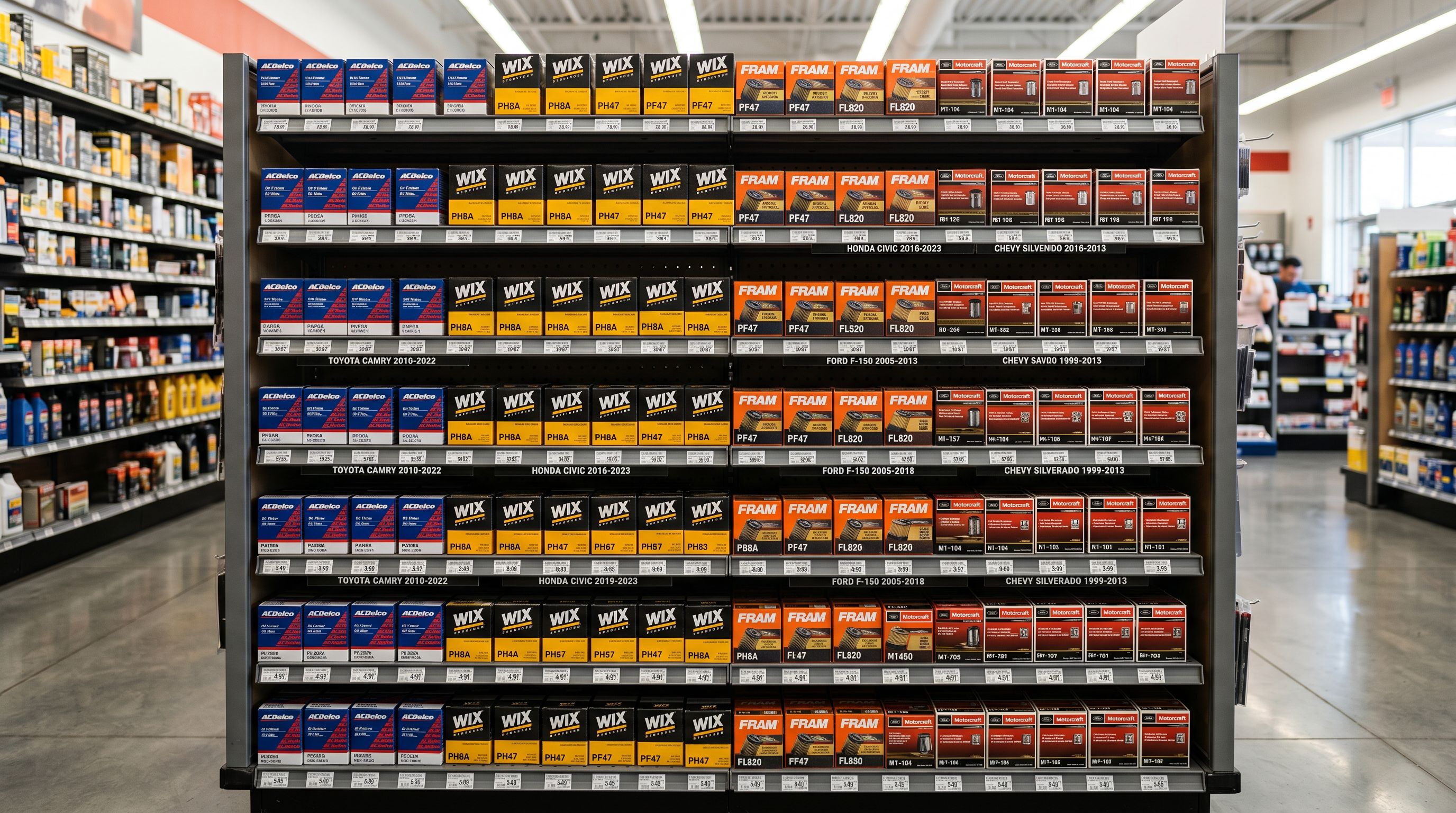
Automotive part titles need to carry fitment data in the first 50-60 characters to match the model-specific query pattern. A buyer searching "2021 Ford Ranger brake pads front" is pattern-matching against the early characters of Shopping titles before any description text is visible.
The effective title structure for automotive parts is: Part Type + Position (if directional) + Compatible Vehicle Reference + Brand + Specification. "Front Brake Pad Set 2018-2023 Toyota Corolla Ceramic BrandName" places the part type and vehicle reference where buyers and Shopping display see them first. "BrandName Ceramic Front Brake Pad Set Fits Toyota Corolla 2018-2023" pushes the vehicle reference past the 60-character truncation point where Shopping display cuts the title.
The Title Optimizer's Google Merchant Centre preset enforces 150-character titles with keyword front-loading. For an automotive parts catalogue, applying the GMC preset positions the part type and primary fitment reference in the first 50 characters of every title automatically. For parts with complex application ranges (fits 12 vehicle models across 3 makes), the title carries the broadest fitment description ("Toyota and Ford applications 2018-2023") with the full application list declared in the structured taxonomy attributes rather than crammed into the title.
For accessories (seat covers, floor mats, car organizers) that are not fitment-dependent, the standard keyword-first title structure applies (Brand + Product Type + Key Feature + Colour), and the Automotive Industry Pack attributes carry compatibility data where relevant without requiring it in the title.
Recommended configuration for automotive stores
Recommended import settings for automotive parts catalogues
Based on the configuration steps above, the recommended Importier setup for an automotive parts import is:
Industry Pack: Automotive Parts and Components for mechanical parts (brakes, filters, belts, sensors, suspension). Automotive Accessories for interior and exterior add-ons. Automotive Fluids for oils, coolants, and cleaning products. For mixed catalogues, run the import wizard per category with the matching pack.
Description style: Technical Gadget for mechanical parts, engine components, and trade-buyer products. Benefits-First for accessories, maintenance items, and consumer-facing products. For catalogues serving a mixed audience, use the Benefits-First style with the Automotive Technician persona to balance specification accuracy with plain-language fit confirmation.
Persona: Automotive Technician for parts targeting professional buyers or requiring accurate specification language. DIY Mechanic for parts targeting consumers replacing components themselves. Parts Advisor for accessories and appearance products.
Title preset: Google Merchant Centre (150 characters, part type and fitment reference front-loaded in the first 50 characters).
Variant options: Confirm that application grouping has correctly identified the fitment dimension as a taxonomy attribute entry rather than a product option. Quantity and specification variants (kit size, grade) should appear as Shopify options; vehicle application should appear in the fitment metafields.
Enrichment: Enable barcode lookup for OEM cross-reference parts with GTINs. For aftermarket-only parts without manufacturer GTINs, the enrichment context field accepts OEM cross-reference notes that guide the AI inference for product type and application.

Shopify's Standard Product Taxonomy includes a detailed Vehicles and Parts category tree that maps to the Industry Pack attributes Importier applies during import. Checking the taxonomy path for your primary product category confirms which attributes Google Shopping expects for that product type before you run the import.
Set up your first import in under five minutes.
Importier brings products into Shopify with AI descriptions, category metafields, and data enrichment on every run.