Shopify Product Import for Pet Supplies and Accessories
On this page
Pet supply merchants work with supplier catalogues that carry data most Shopify import tools cannot use. Species compatibility, weight-based food variants, ingredient lists, and safety certifications arrive in free-text columns that generic import tools push into description fields or discard altogether. The result is a catalogue that looks complete until a buyer searches for "grain-free senior dog food" or "harness for large dogs" and your products do not appear because the data Google Shopping needs is not there in structured form.
This article covers how to configure Importier for a pet and animal product catalogue, from species attribute mapping to food ingredient descriptions, variant grouping for size and flavour ranges, and title optimisation for breed-specific search queries.
What makes pet supply imports harder than other categories
The challenge is data precision. Pet product catalogues mix three types of data that do not map cleanly to Shopify's standard product structure.
Species compatibility is a multi-value attribute. A dog harness that fits small dogs may also fit ferrets. A cat collar may be explicitly marked unsafe for rabbits due to buckle size. These are not product types or tags; they are structured attributes that Google's product data specification requires for most pet supply categories on Shopping. Storing species as free text in a description paragraph means Google cannot read it structurally and cannot match your products to "dog" or "cat" filter queries in Shopping results.
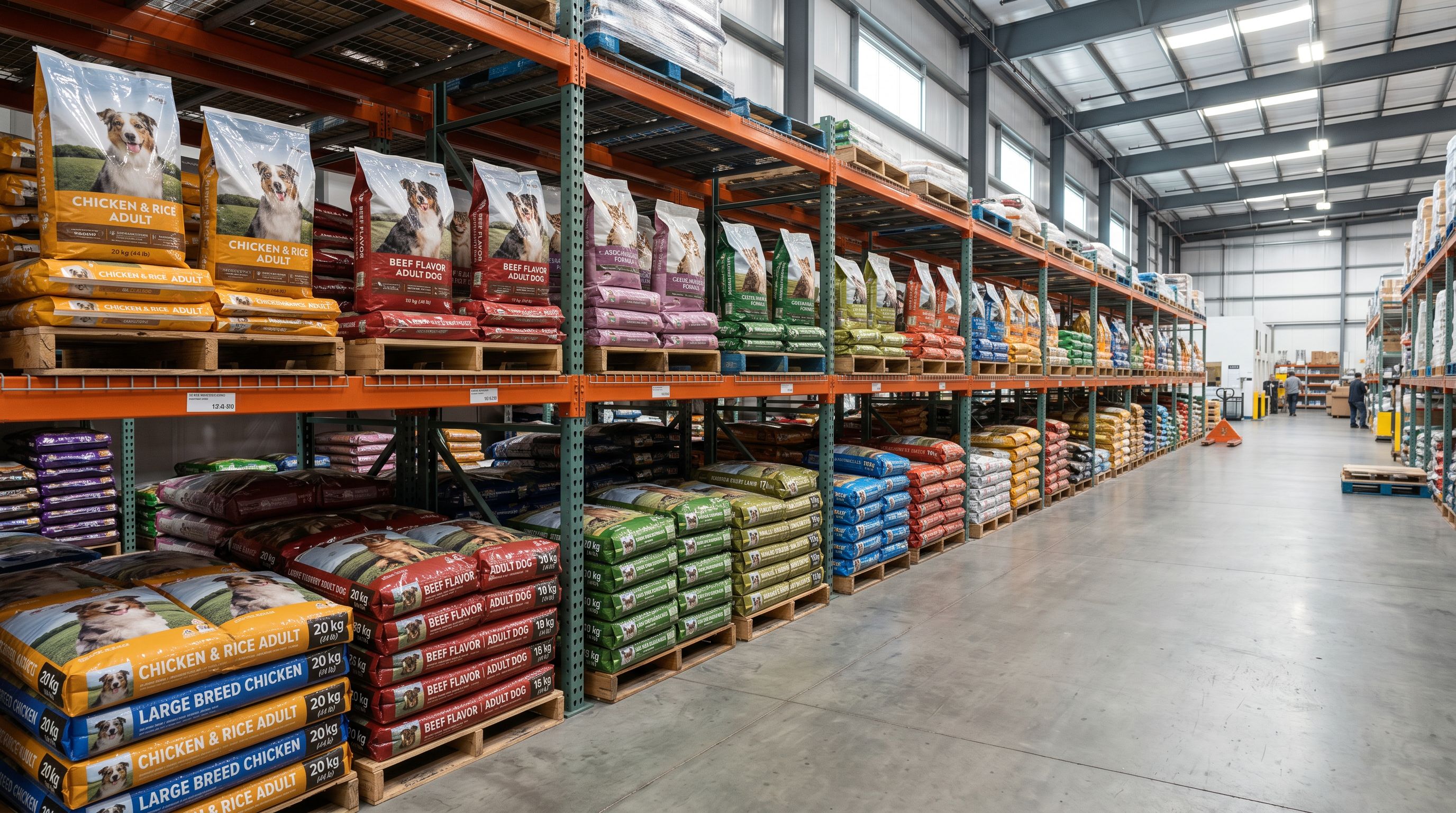
Weight variants for food and treats span a wide range. A single kibble recipe may arrive as 500g, 1kg, 2kg, 5kg, and 15kg rows in the supplier file. Each row has a different SKU and price. Without correct grouping, each lands as a separate Shopify product, breaking collection organisation and inflating your published product count beyond what the catalogue actually contains.
Ingredient data varies between flavour variants of the same food product. Chicken and salmon varieties of the same recipe have different primary protein sources, different guaranteed analysis values, and different feeding guidelines. An import that applies one description to the entire product line loses this per-variant distinction, producing descriptions that describe neither flavour accurately.
Safety certifications such as ASTM F963 for toys and FEDIAF standards for pet food are category-required attributes on Google Shopping for many pet product types. A listing without them passes Shopify's publishing check but fails the Google Merchant Centre data quality review, reducing impressions or triggering disapproval for the affected products.
Setting up the Industry Pack for pet products
Importier's Industry Packs map supplier attribute columns to Shopify's Standard Product Taxonomy automatically. For pet and animal products, the Industry Pack adds category metafield columns to your import that a standard Shopify CSV import does not include.
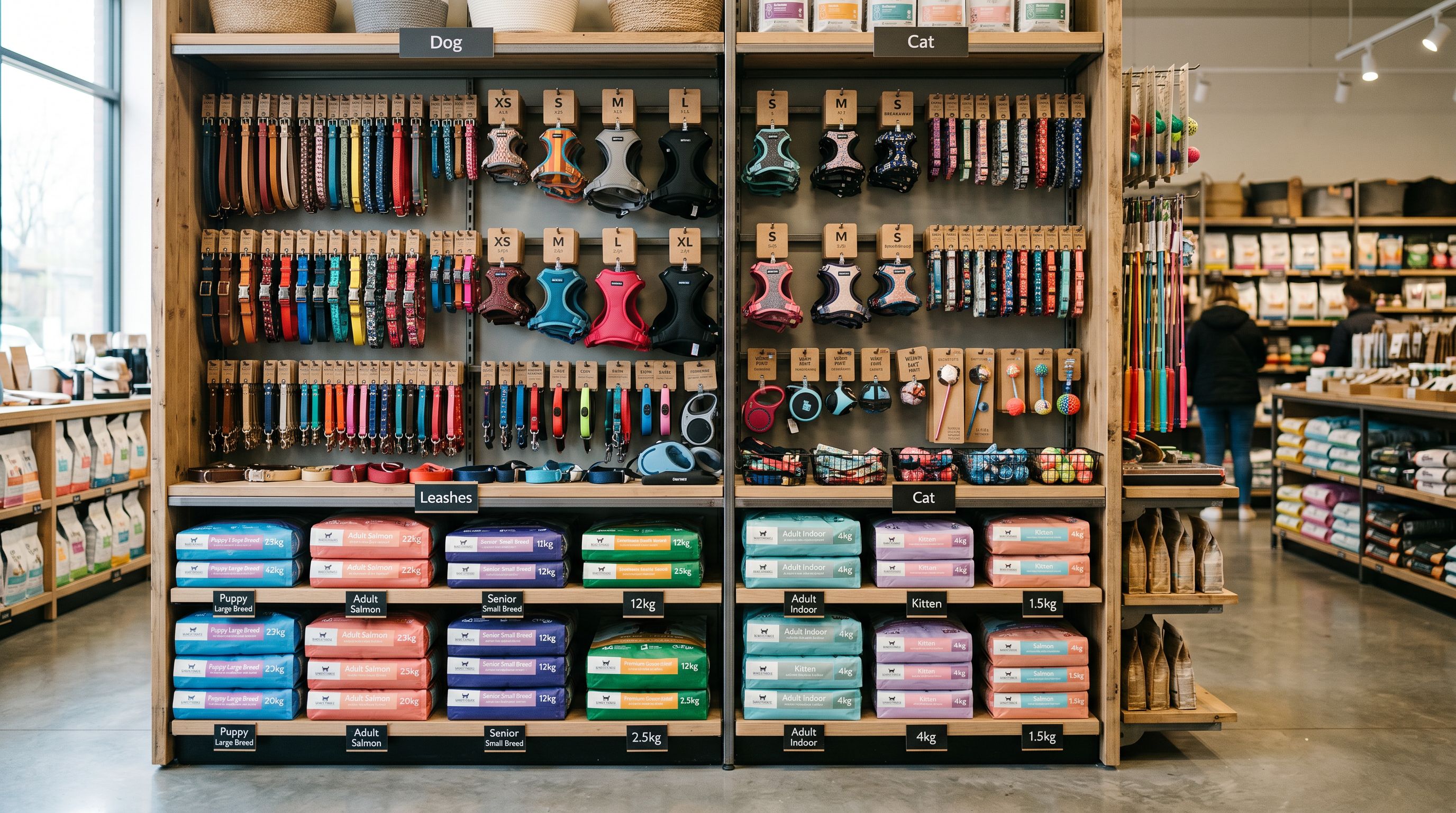
For pet accessories (collars, harnesses, beds, crates, leads, toys), the relevant attributes include target species, material, recommended pet size (toy breed, small, medium, large, giant), safety standard (ASTM F963, EN71, CPSC), and colour. For pet food and treats, the relevant attributes include life stage (puppy or kitten, adult, senior), flavour, primary ingredient, and special dietary attribute (grain-free, hypoallergenic, limited ingredient).
The AI assigns taxonomy values from Shopify's pre-defined list, not free text. That means species data appears as a structured Dog | Cat metafield value in Shopify's category metafield display rather than a phrase in a description paragraph. Google Shopping and agentic shopping tools read structured metafields; they cannot reliably extract attribute values from description prose.
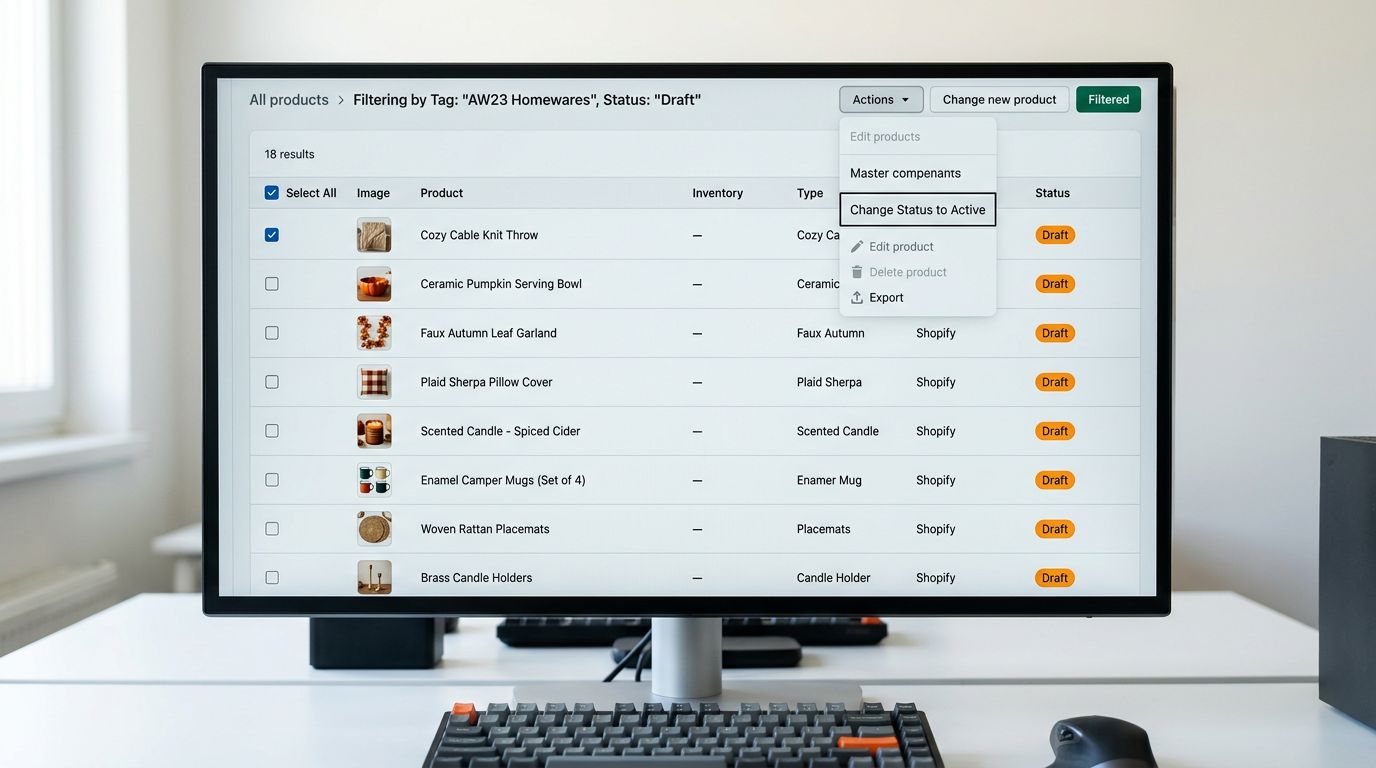
- 01Step 1Load your supplier file in the import wizard and confirm column mapping
- 02Step 2Open Industry Packs and select the relevant pack for your product category (Pets, Pet Food and Treats, or Pet Accessories)
- 03Step 3Review the attribute column preview and confirm species, life stage, material, and flavour columns are mapped correctly
- 04Step 4Enable AI matching so taxonomy values are assigned from Shopify's pre-defined list
- 05Step 5Continue to description generation with the Industry Pack attributes active in the session
The attributes populated by the Industry Pack flow into Shopify's category metafield display, the two-column structured data section that appears on product pages when the merchant's theme supports it. For pet products, this is where species, size range, and safety certification data appear in a scannable format rather than buried in description text.
Read more about how Industry Packs assign category metafields to your products.
Variant detection for pet product size and flavour ranges
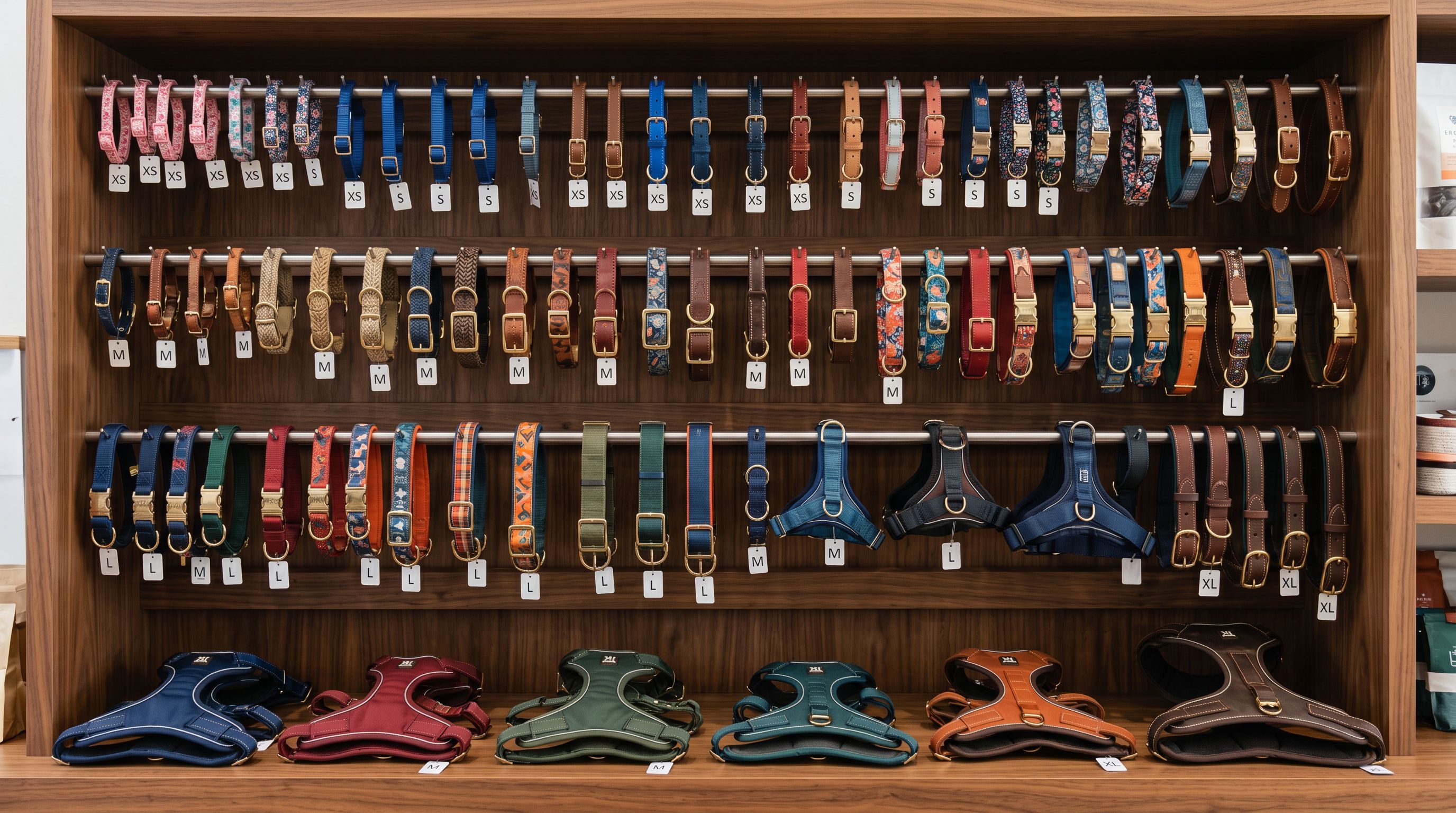
Pet product size ranges create variant grouping problems at import. A collar supplier sends a separate row for XS, S, M, L, and XL, each with a different SKU, barcode, and weight. Without grouping, these land as five separate Shopify products, each requiring its own collection assignment, description, and inventory location setup.
Importier's Smart Variant Detection uses 150+ patterns across 15+ industries. For pet supplies, the patterns that apply include size codes (XS, S, M, L, XL; Toy, Small, Medium, Large, Giant Breed), weight ranges for food (500g, 1kg, 2kg, 5kg, 10kg, 15kg), flavour designations (Chicken, Beef, Salmon, Duck, Lamb, Turkey and combinations), and pack counts (single, 3-pack, 6-pack) for treats and grooming accessories.
Grouping flavour and weight as two separate option types means a Salmon 2kg variant and a Chicken 5kg variant of the same recipe appear on one Shopify product with two option dropdowns, not as two separate products that buyers cannot compare directly.
- Each weight variant arrives as a separate Shopify product
- Flavour options appear as unrelated listings with no shared collection
- Collection membership and descriptions applied manually per row
- Barcode lookup repeated separately for each row
- Weight and flavour variants grouped as options on one product
- Collections inherit from the parent and apply once
- Descriptions reference variant-specific attributes per option
- GTIN lookup runs once per product base, not per row
For products with more than three distinguishing attributes, Shopify's three-option ceiling applies. The import wizard's variant grouping preview shows which option combinations would exceed the limit before the import runs, allowing the merchant to decide which attributes to collapse or move into description text.
Read more about grouping size and flavour variants correctly during a Shopify import.
Descriptions for pet products: two styles for two categories
Pet product descriptions serve two audiences: the buyer who wants to know whether a product suits their animal's size, age, and health needs, and the algorithm that must extract those same facts from structured text.
For pet accessories, collars, harnesses, beds, crates, and toys, the Benefits-First description style leads with the outcome the pet owner cares about before covering materials, safety standards, and sizing. A benefits-led collar description opens with the walking experience and comfort signals, moves to material quality and hardware durability, and closes with size guidance and safety certification. The buyer gets the information they need in the order they actually evaluate it.
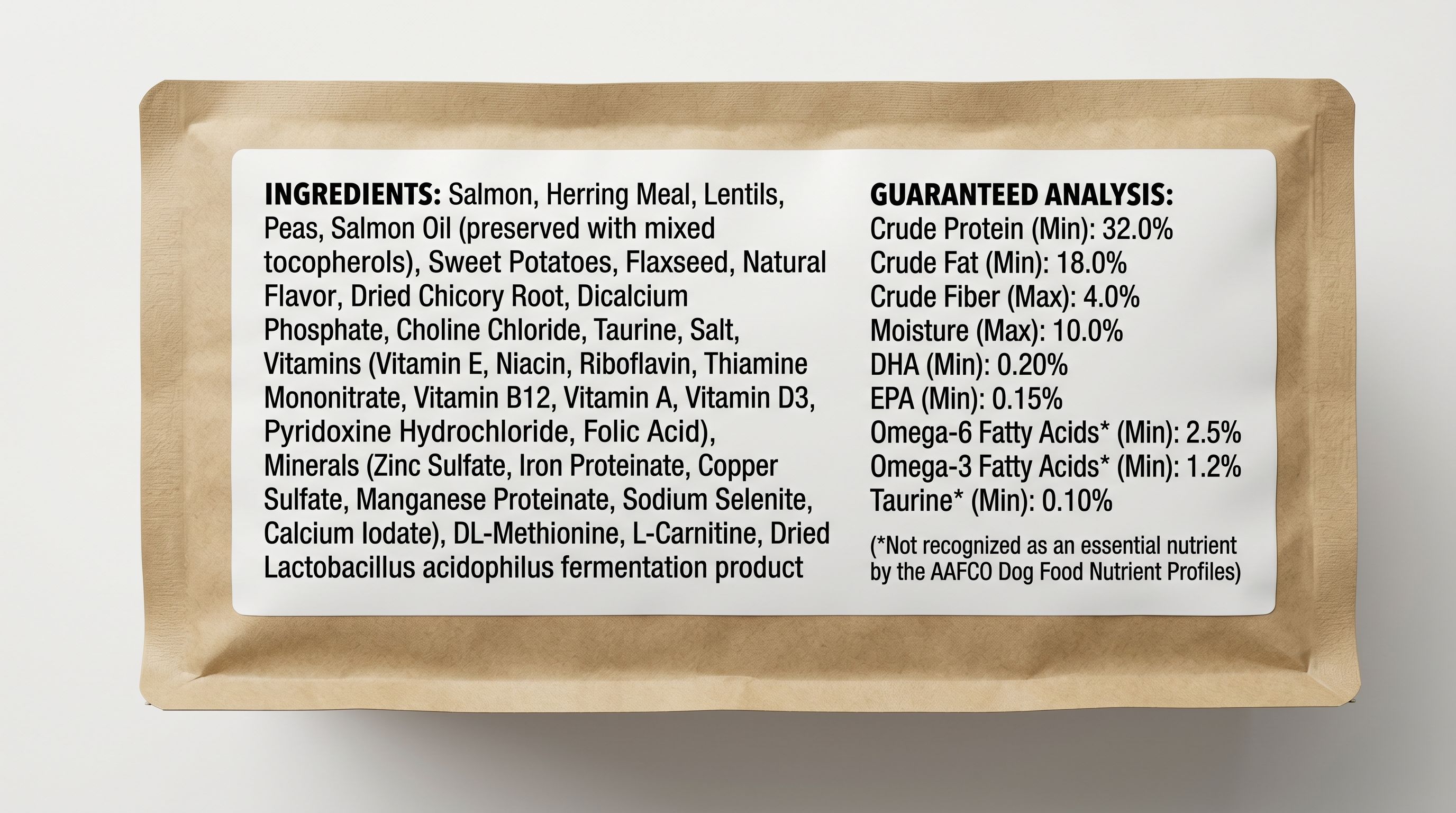
For pet food and treats, the Ingredient Spotlight style structures the description around what is in the product: primary protein source, grain or grain-free status, life stage formulation, and guaranteed analysis highlights. Importier's AI reads the ingredient data from your supplier file and generates descriptions grounded in that data. The result is an ingredient-led description that accurately reflects the chicken or salmon recipe rather than applying the same health-claim copy to every product in the food range.
Importier's 156 expert personas include Veterinary Consultant, Nutrition Specialist, Animal Behaviourist, and Pet Retail Buyer options. Each shifts the language and emphasis of the generated description. A Nutrition Specialist persona produces a food description that leads with protein percentages and ingredient sourcing. A Pet Retail Buyer persona produces a description that leads with the benefits a buyer weighs when choosing between two similar products at adjacent price points.
Title configuration for Google Shopping pet product search
Pet product titles on Google Shopping carry more attribute weight than most other categories. Buyers search for "grain-free salmon dry cat food 2kg" or "waterproof dog harness medium red", and Shopping surfaces products whose titles match those specific attribute combinations.
The effective title structure for pet accessories is: Brand + Product Type + Target Species + Size + Key Attribute. "PetSafe Waterproof Walking Harness Dog Medium Red" surfaces in a medium-dog-harness query. "PetSafe Red Waterproof Medium Walking Dog Harness" surfaces less often because the species and size attributes appear after the colour, where display truncation at 70 characters may cut them from the visible title.
The Title Optimizer's Google Merchant Centre preset enforces 150-character titles with keyword front-loading. For a pet accessories catalogue, applying the GMC preset after import positions species and size in the first 50 characters of every title, preserving them in the portion of the title Google displays in Shopping results.
For pet food, the effective title structure is: Brand + Flavour + Product Type + Life Stage + Weight. "Advance Salmon Dry Dog Food Adult 3kg" places the flavour and product type where buyers can evaluate them at a glance, with weight at the end for the size-filtering step.
For pet product searches, species and size are the primary filter attributes. They belong in the first 50 characters of every title, not at the end where truncation removes them from Shopping results.
Data enrichment for missing GTINs and product weight
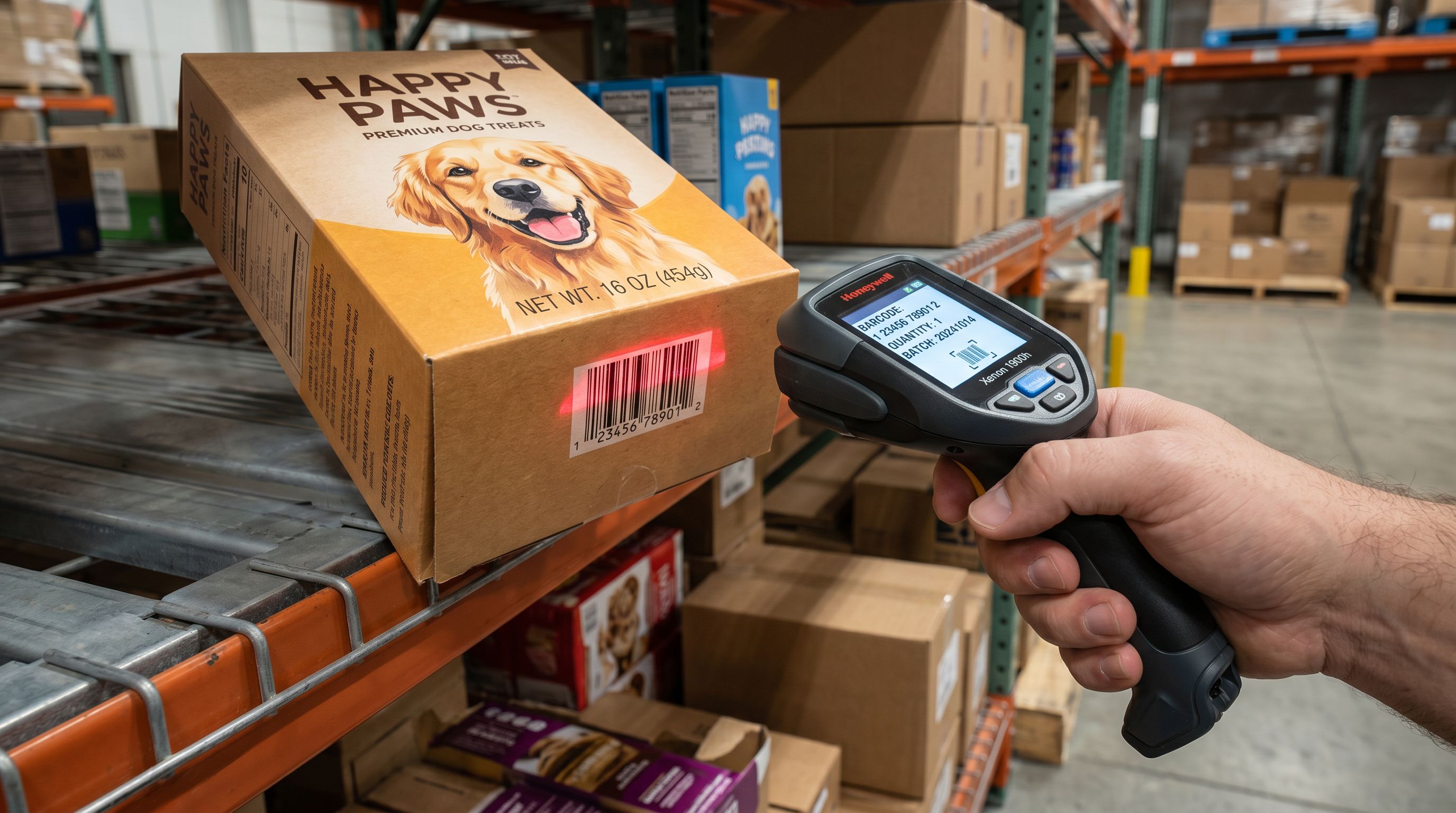
Many pet product supplier files arrive without GTINs, particularly for house-brand or white-label products. GTINs matter for pet supplies because Google's product identity verification relies on GTIN plus brand and MPN to confirm that a listing is the genuine product and match it to specific "buy [product name]" queries. Without GTINs, pet product listings compete on title and description relevance only, rather than also benefiting from verified product identity matching.
Importier's data enrichment fills missing GTINs via barcode lookup where the barcode database contains the product. For niche or house-brand pet products not found in the barcode database, enrichment fills missing product weight, product type, and country of origin from AI inference against the product title and description.
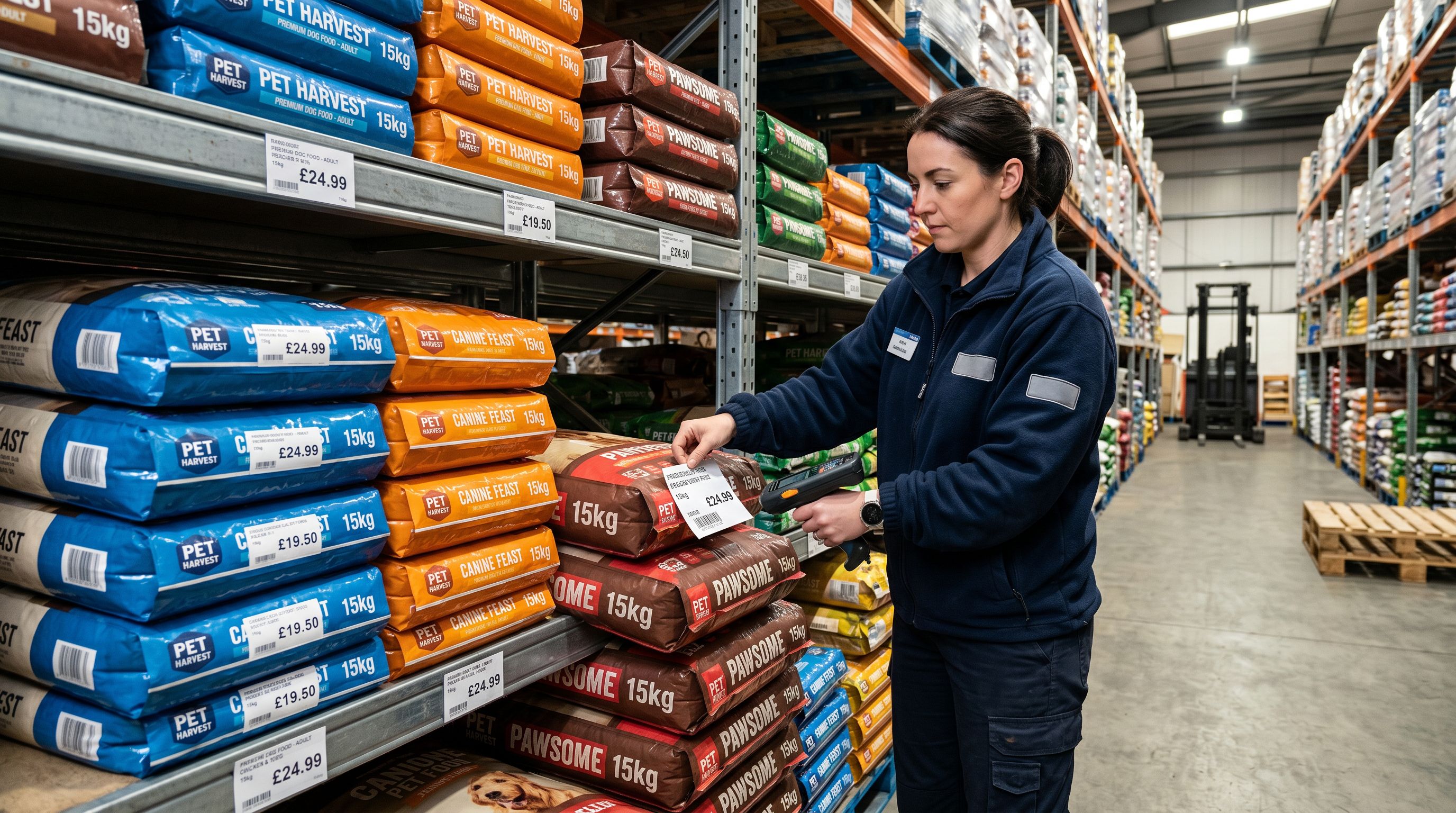
Weight matters for pet food in particular, where Shopify uses the product weight field to calculate shipping rates at checkout. A 15kg bag of dry dog food that imports with no weight value assigned defaults to zero and generates incorrect shipping costs for the buyer, which either triggers order cancellations or forces the merchant to absorb the difference.
Read more about how data enrichment fills missing weight, barcodes, and product type at import.
Recommended configuration
Recommended import settings for pet supply stores
Based on the configuration steps above, the recommended Importier setup for a pet supply import is as follows.
Industry Pack: Select Pets, Pet Food and Treats, or Pet Accessories depending on your primary product category. Multi-category catalogues can run the import wizard once per category, applying the relevant pack to each batch.
Description style: Benefits-First for accessories and toys; Ingredient Spotlight for food and treats. If your catalogue mixes both, run separate import sessions with the matching style active.
Persona: Veterinary Consultant or Nutrition Specialist for food and health products. Pet Retail Buyer for accessories, toys, and grooming products.
Title preset: Google Merchant Centre (150 characters, species and size front-loaded for accessories; flavour and life stage front-loaded for food).
Variant options: Confirm that Flavour, Size, Weight, and Pack Size are detected as option columns in the variant grouping preview before running the full import.
Enrichment: Enable barcode lookup for any product row missing a GTIN. Enable weight inference for any food or accessory row without a declared gram or kilogram value.
Shopify's Standard Product Taxonomy maps pet supplies to specific category paths that determine which Industry Pack attributes are required. Checking the taxonomy path for your primary category confirms what Google Shopping expects before you run the import.
Set up your first import in under five minutes.
Importier brings products into Shopify with AI descriptions, category metafields, and data enrichment on every run.