Shopify Product Import for Jewellery and Accessories Stores
On this page
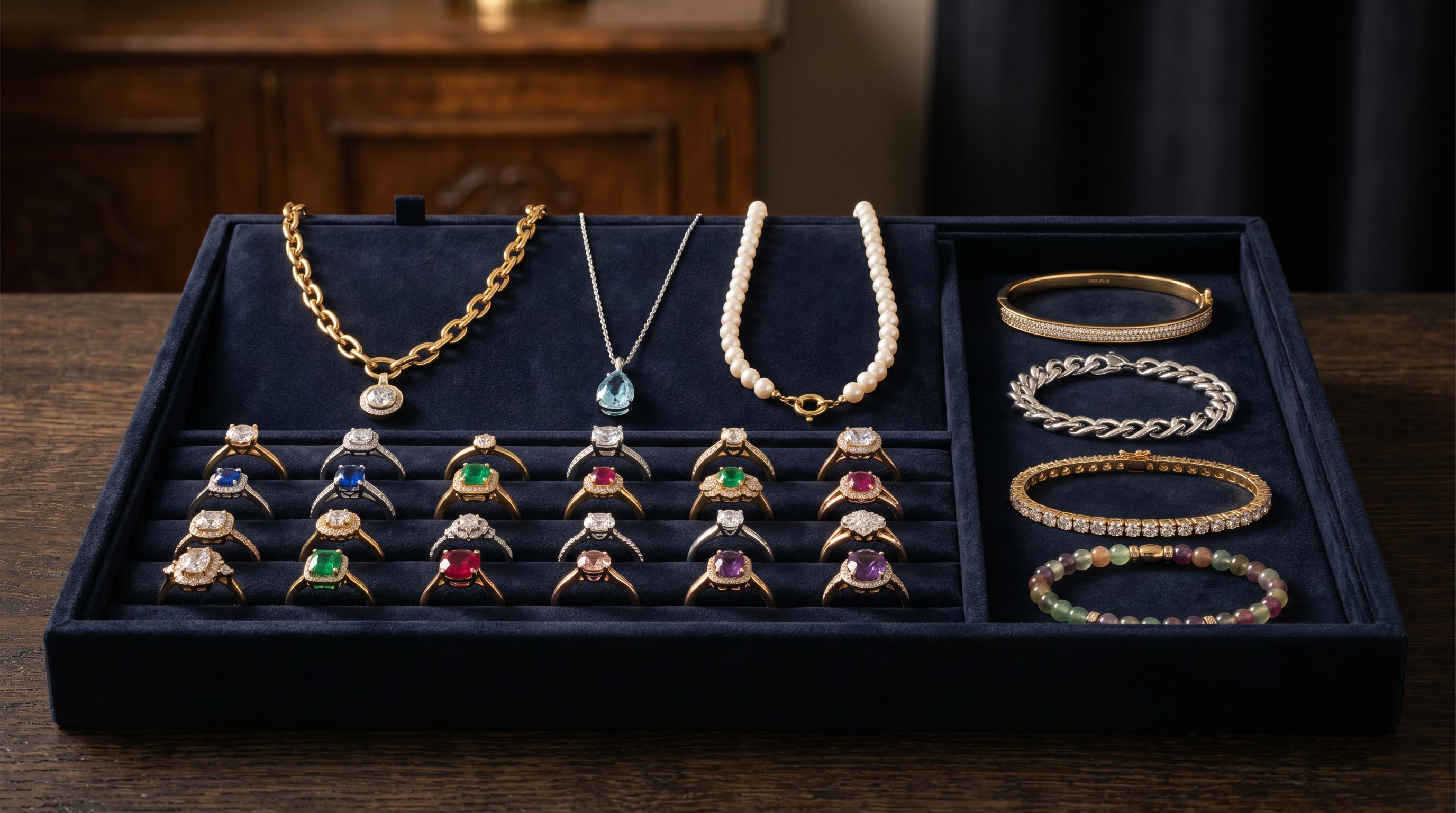
Jewellery merchants often discover a problem weeks after importing their catalogue: their products appear in Google Shopping under a generic "Jewellery" category with minimal impressions, rather than in the specific subcategory queries where buyers are actually searching. The cause is almost always the same. Supplier files carry material and gemstone data as free text in a description column, and when that data is imported into Shopify without being mapped to structured attributes, Google Shopping cannot read it. A product described as "14k gold ring with princess-cut diamond" in prose is not the same as a product with declared fields for metal type (gold), metal purity (14ct), and gemstone (diamond). Google uses the fields, not the prose.
This article covers how to configure Importier for a jewellery catalogue: mapping supplier attribute data to Shopify's Standard Product Taxonomy, grouping ring and bracelet size variants correctly, and generating descriptions that reflect the actual material and gemstone composition of each product.
Why jewellery imports fail to perform on Google Shopping
Google's product data specification requires material as a mandatory attribute for most jewellery and accessory categories. For rings, necklaces, bracelets, and earrings, material must be declared as a structured attribute value, not embedded in description text. When that field is missing or populated with unstructured prose, Google either places the product in a low-traffic catch-all subcategory or reduces its impression share for specific queries.
The gap between how suppliers send data and what Google Shopping requires is where most jewellery merchants lose traffic. A supplier CSV might have a "Details" column that reads "Crafted from 925 sterling silver with a 0.5ct round brilliant CZ solitaire, available in ring sizes 5 to 12." That sentence contains four attributes Google needs in structured form: metal type, metal purity, gemstone, and size range. A standard Shopify CSV import pushes that sentence into the body_html field. Importier's Industry Pack for jewellery extracts those values and maps them to Shopify's taxonomy attribute fields instead.
What the Industry Pack adds for jewellery products
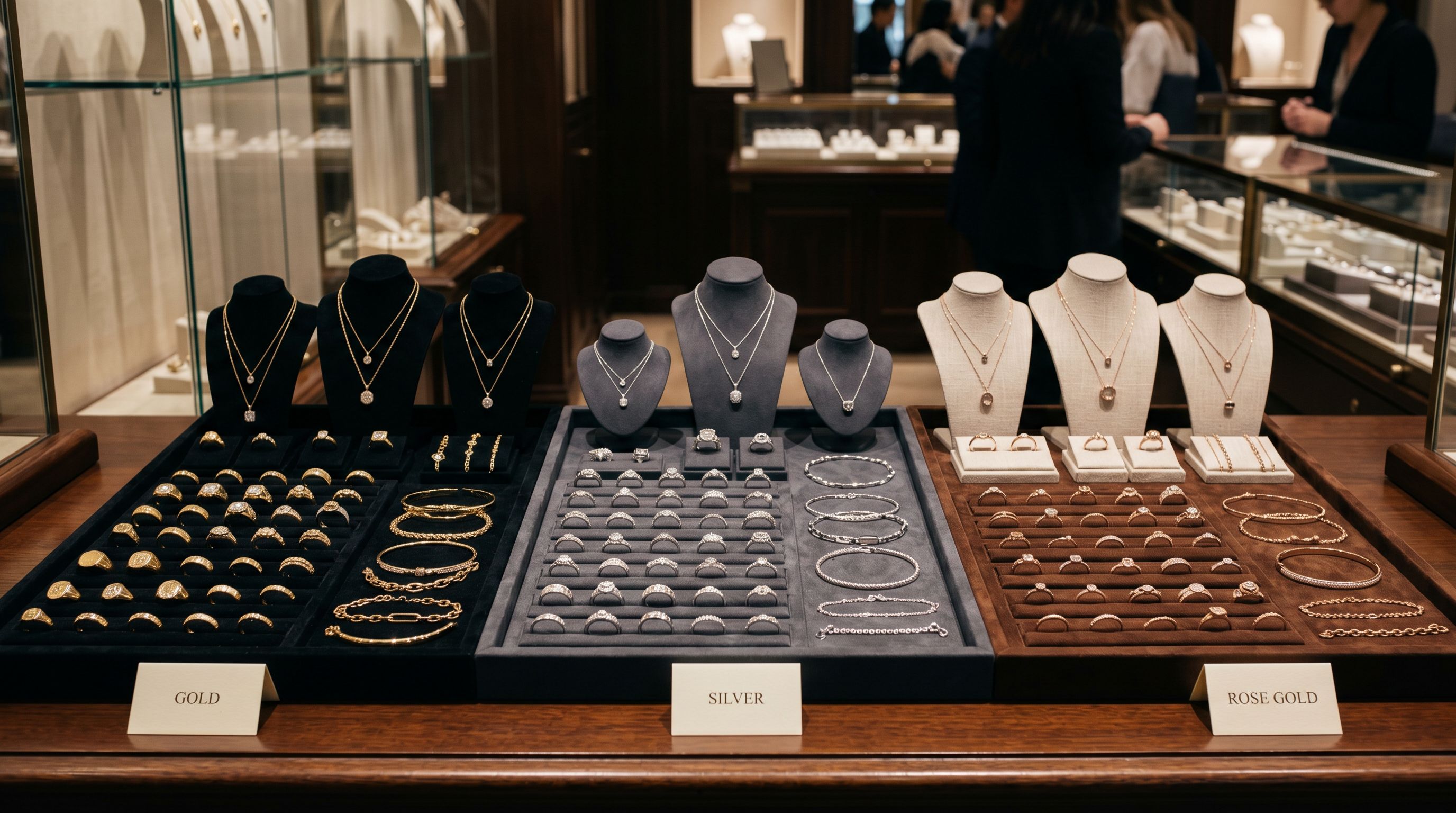
Importier's Industry Packs map supplier attribute columns to Shopify's Standard Product Taxonomy automatically. For fine jewellery, fashion jewellery, and accessories, the relevant Industry Pack adds these category metafield columns to your import:
- Metal type (gold, silver, platinum, sterling silver, rose gold, white gold, yellow gold)
- Metal purity (9ct, 14ct, 18ct, 24ct, 925 sterling, 999 fine silver)
- Gemstone (diamond, sapphire, ruby, emerald, cubic zirconia, moissanite, freshwater pearl, no stone)
- Gemstone cut (round brilliant, princess, oval, pear, cushion, emerald cut)
- Gemstone clarity and carat weight (for fine jewellery)
- Finish (polished, matte, brushed, hammered, oxidised)
- Closure type for earrings and necklaces (stud, lever back, hook, lobster clasp, toggle)
- Ring/bracelet size system (US, EU, UK letter sizes)
The AI assigns taxonomy values from Shopify's pre-defined list rather than free text. A product that arrives with "Material: Sterling Silver & CZ" becomes a structured record with metal_type: Sterling Silver and gemstone: Cubic Zirconia as separate, queryable attributes. These appear in Shopify's category metafield display on the product page and are readable by Google Shopping as structured product data.
- 01Step 1Load your supplier file in the import wizard and run column mapping
- 02Step 2Select the jewellery Industry Pack matching your primary category (Fine Jewellery, Fashion Accessories, or Watches)
- 03Step 3Review the attribute column preview and confirm metal type, gemstone, and finish columns are correctly mapped
- 04Step 4Enable AI matching to assign Shopify taxonomy values from the pre-defined list
- 05Step 5Continue to description generation with Industry Pack attributes active in the session
For catalogues where the supplier uses non-standard attribute names, Importier's column mapping lets the merchant define which supplier column maps to which Shopify attribute field. That mapping profile can be saved and reused on every future import from that supplier.
Read more about how Industry Packs assign category metafields to your products.
Ring and bracelet size variants: grouping and display
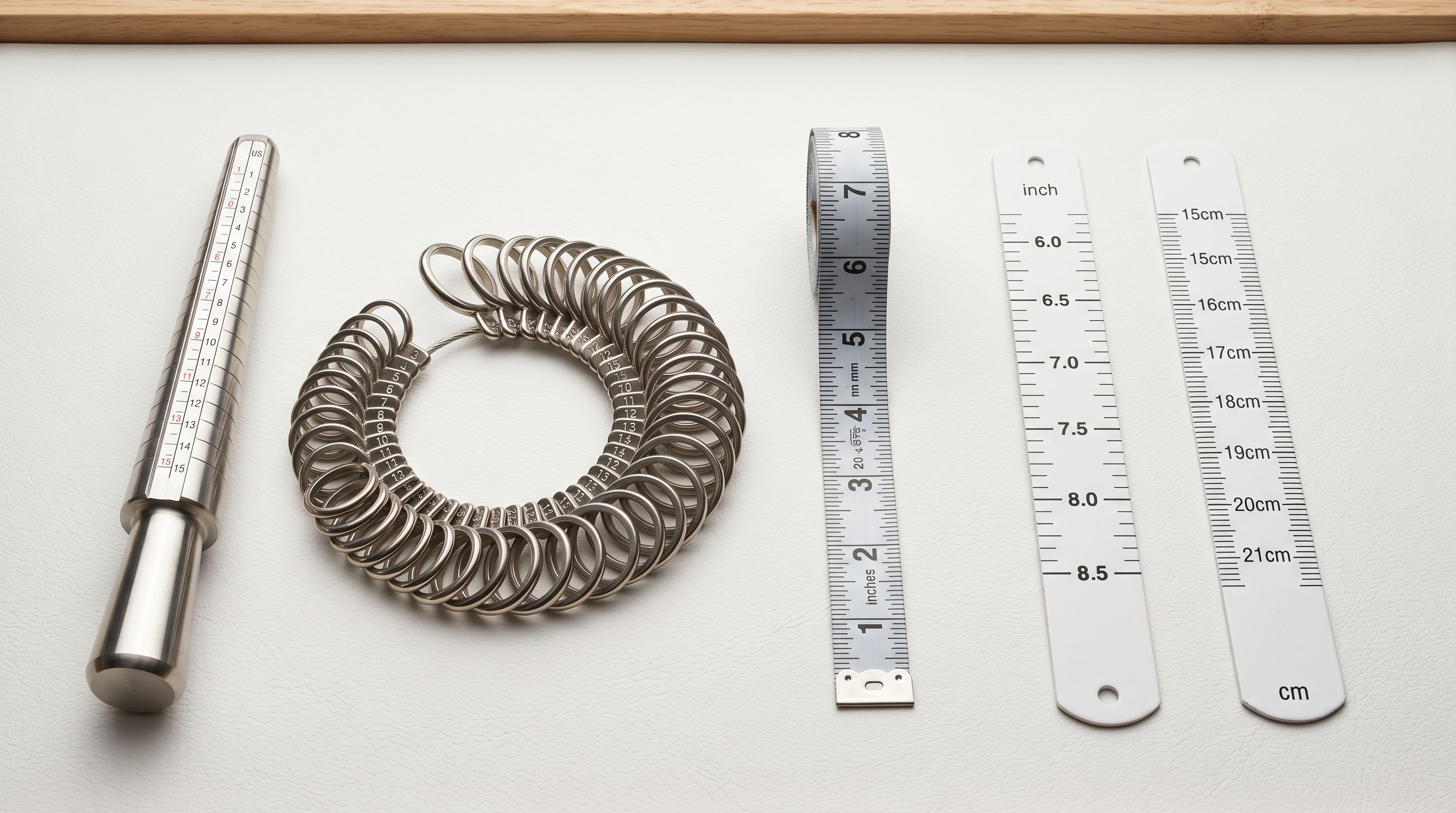
Ring sizes create a specific variant grouping problem. A supplier sends separate rows for each ring size (Size 5, Size 6, Size 7, Size 8, Size 9, Size 10), each with a unique SKU. Without variant detection, those six rows become six separate Shopify products. When a buyer searches for "size 7 silver ring", they encounter multiple listings for what is actually the same ring, each showing a different size as the only product rather than as a selectable option on one product page.
Importier's Smart Variant Detection includes ring size patterns for US, EU, and UK sizing systems. The import wizard groups all rows with the same base product name but different size values into a single Shopify product with a Size option. The buyer sees one product with a size selector, which is the standard expectation for jewellery shopping.
For jewellery with both metal type and size as variable options, the variant grouping preview in the wizard shows how the two-option product will be structured before the import runs. A ring that comes in three metal types (gold, silver, rose gold) and eight sizes produces a 24-variant product with two option dropdowns. Shopify's three-option ceiling allows a third option (for example, stone colour) if needed.
- Each ring size imported as a separate product
- Six product listings for one ring with six sizes
- Collection assignment applied manually per size row
- Buyer cannot compare sizes on one product page
- Ring sizes grouped as options on one product
- One listing with a Size selector for all available sizes
- Collections inherit from the parent product
- Both metal type and size options configurable in the wizard
For bracelets sold in S/M/L or measured by wrist circumference (16cm, 18cm, 20cm), the same grouping logic applies. Importier detects common jewellery size formats and groups them automatically in the variant preview before the import runs.
Descriptions for jewellery: matching style to buyer intent
Jewellery buyers make high-consideration, often emotional purchases. A ring description that leads with metal purity and gemstone specifications misses the buyer who is purchasing for an occasion and wants to understand the feeling the piece will create. A description that leads only with emotion and never mentions the material or specifications fails the buyer who specifically needs 14ct gold for a metal sensitivity reason.
For fine jewellery (diamonds, precious gemstones, high-purity gold and platinum), the Technical Gadget description style handles the specification-heavy buyer who needs cut, clarity, and certification details. For fashion jewellery (sterling silver, semi-precious stones, plated pieces), the Sensory-Rich or Emotional Storytelling styles work better, leading with how the piece looks and feels before covering materials.
Importier's 156 expert personas include Jewellery Designer, Personal Stylist, and Luxury Retail Buyer options. A Jewellery Designer persona produces copy that leads with craftsmanship and material selection. A Personal Stylist persona produces copy that leads with the occasion and styling context, the kind of language a buyer uses when selecting a gift.
Jewellery descriptions serve two separate buyers: the one who needs to know the carat weight and the one who needs to know how it will look on their partner. Importier generates from the same product data but can shift register between them using persona selection.
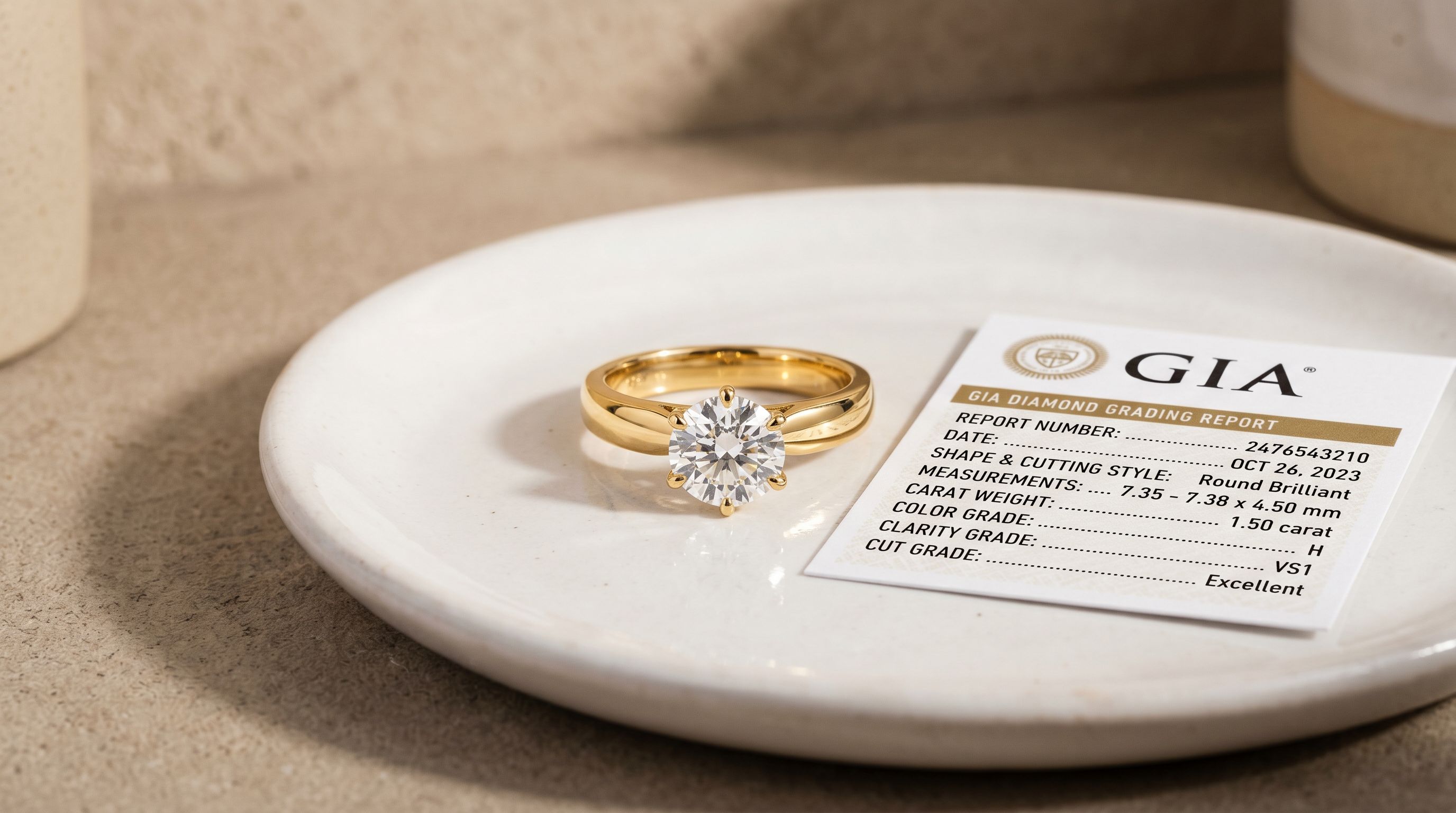
For fine jewellery with certification data (GIA diamond grading, CITES documentation for certain gemstones), that information can be included via Custom Sections with user-defined headings. A "Certification" section heading added to the AI configuration ensures every generated description for that import session includes a structured certification block.
Title optimisation for jewellery search queries
Jewellery titles on Google Shopping carry most of the discoverability weight because buyers search with very specific attribute combinations: "14k white gold oval sapphire ring", "sterling silver hoop earrings large", "rose gold tennis bracelet cubic zirconia". A title that leads with the brand name and leaves metal type and gemstone at the end loses the impression for buyers who filter by those attributes.
The effective title structure for rings is: Metal Purity + Metal Type + Stone + Product Type + Size range (optional). "14ct White Gold Princess-Cut Diamond Solitaire Ring" places the most-filtered attributes first. "Diamond Solitaire Ring in 14ct White Gold by [Brand]" buries the metal type at the end, where shopping filter truncation removes it from the display title.
The Title Optimizer's Google Merchant Centre preset enforces 150-character titles with keyword front-loading. For a jewellery catalogue, applying the GMC preset after import positions metal type and gemstone in the first 50-60 characters of every title automatically, without manual editing of each product.
For earrings and necklaces, the same principle applies: closure type (stud, drop, hoop) and material appear early, followed by any gemstone, followed by style descriptors.
Recommended configuration for jewellery stores
Recommended import settings for jewellery catalogues
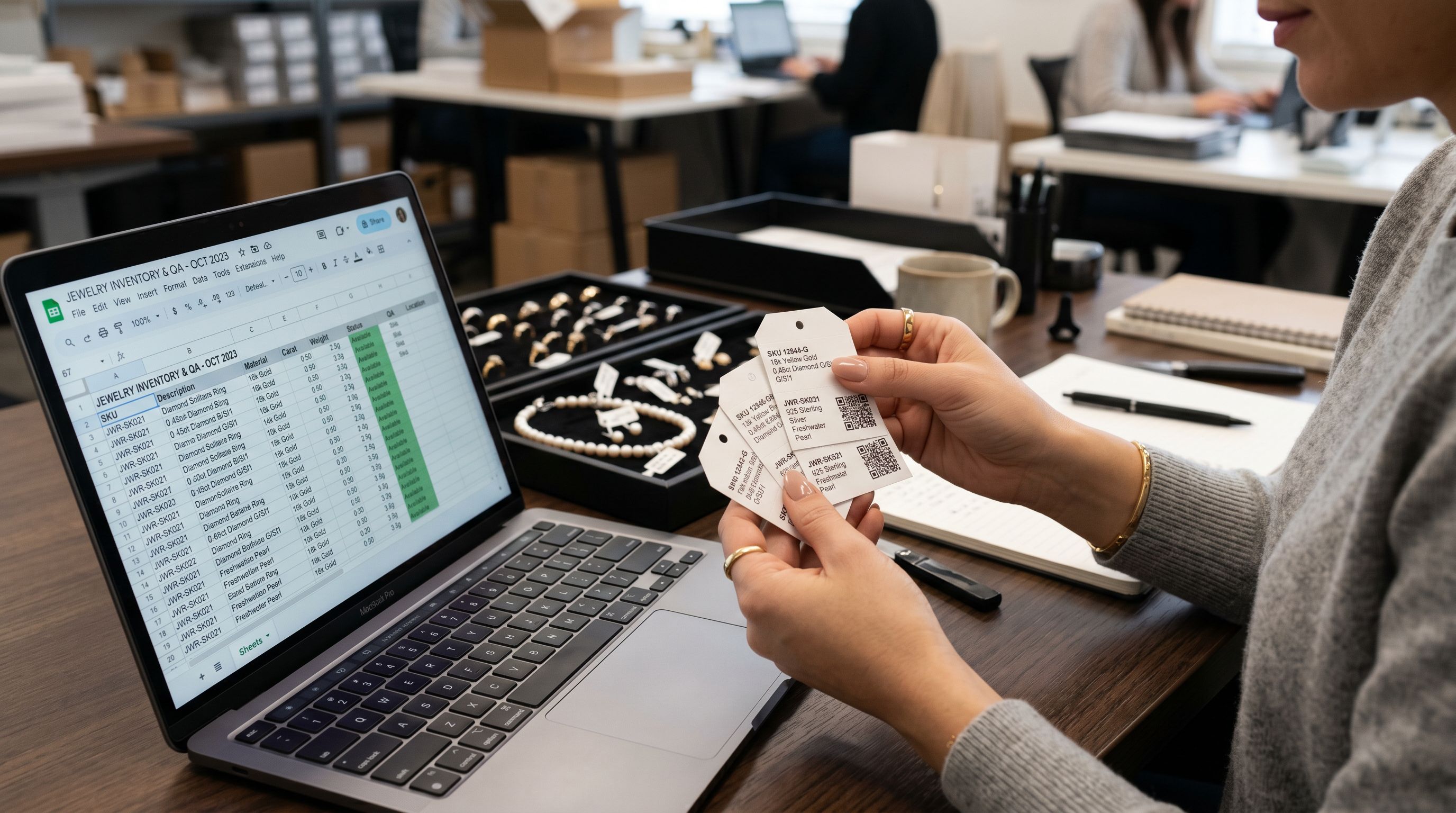
Based on the configuration steps above, the recommended Importier setup for a jewellery or accessories import is:
Industry Pack: Fine Jewellery, Fashion Accessories, or Watches, depending on your primary product category. Multi-category stores can run separate import sessions with the matching pack for each category.
Description style: Technical Gadget for fine jewellery with certification or specification buyers. Sensory-Rich or Emotional Storytelling for fashion jewellery and occasion purchases. Use the Custom Sections configuration to add a "Certification" or "Materials" section for fine jewellery lines.
Persona: Jewellery Designer for craft-led descriptions. Personal Stylist for occasion or gift-focused products. Luxury Retail Buyer for premium positioning.
Title preset: Google Merchant Centre (150 characters, metal type and gemstone front-loaded in the first 60 characters).
Variant options: Confirm Ring Size (US, UK, or EU format), Metal Type, and Gemstone or Stone Colour as the detected option columns in the variant grouping preview before running the full import.
Enrichment: Enable barcode lookup for products with GTINs. For bespoke or custom pieces without GTINs, the enrichment context field allows a merchant note to guide the AI inference (for example: "This is a handcrafted piece, GTIN not applicable").
Read more about how to group ring size and metal type variants correctly at import and why structured product data determines your Google Shopping performance.
Shopify's Standard Product Taxonomy includes a detailed jewellery category tree that maps to the Industry Pack attributes Importier applies during import. Checking the taxonomy path for your primary product type confirms which attributes Google Shopping expects before you run the import.
Set up your first import in under five minutes.
Importier brings products into Shopify with AI descriptions, category metafields, and data enrichment on every run.