Shopify Product Import for Toys and Games Merchants

On this page
Toy and game merchants face a specific import problem that other retailers rarely encounter: age range is not a tag or a description phrase. It is a mandatory structured attribute on Google Shopping for most children's product categories, and when it arrives in a supplier spreadsheet as "Ages 3+" in a free-text column, a standard Shopify CSV import has no mechanism to put it anywhere useful. The same is true for safety certifications, piece counts, and player counts for board games. These attributes shape how buyers filter and evaluate toy products, and they shape whether Google can categorise and serve your listings for the specific queries buyers use.
This article covers how to configure Importier for a toy and game catalogue: mapping age range and safety data to Shopify's Standard Product Taxonomy, grouping piece count and edition variants correctly, and generating descriptions suited to the two distinct audiences for toy products (parents evaluating safety and age-appropriateness, and adult buyers for strategy games and collector items).
What toy catalogues need that standard imports miss
Supplier files for toy products typically carry age range, safety certifications, and set contents as mixed free text in a single description or notes column. A supplier row might contain "Suitable for children aged 4 and above. Meets ASTM F963 safety standards. Contains 48 pieces. Choking hazard warning: small parts." That text contains at least four separate structured data fields that Google Shopping, Google Merchant Centre, and Shopify's category taxonomy need in separate, queryable columns.
Age range is a mandatory attribute for most children's toy categories on Google's product data specification. Without it declared as a structured value, Google cannot confirm whether a product is appropriate for a given age group and places the listing in a reduced-impression slot or surfaces it for queries it cannot confidently match. Safety certifications (ASTM F963 for the US market, EN71 for the EU, CE marking for the UK and EU, CPSC compliance for products entering the US market) are recommended or required attributes for children's products, and the CPSC provides specific guidance on toy safety requirements that merchants selling into the US should declare in their product data.
Piece count and included contents are high-value attributes for buyer decision-making. A parent choosing between two building sets wants to know how many pieces each contains before reading the description. A board game buyer wants to know the player count and play time without scrolling to find it. These attributes belong in structured metafields, not buried in prose.
Setting up the Industry Pack for toys and games
Importier's Industry Packs map supplier attribute columns to Shopify's Standard Product Taxonomy automatically. For children's toys, educational products, and games, the relevant Industry Pack adds these category metafield columns to your import:
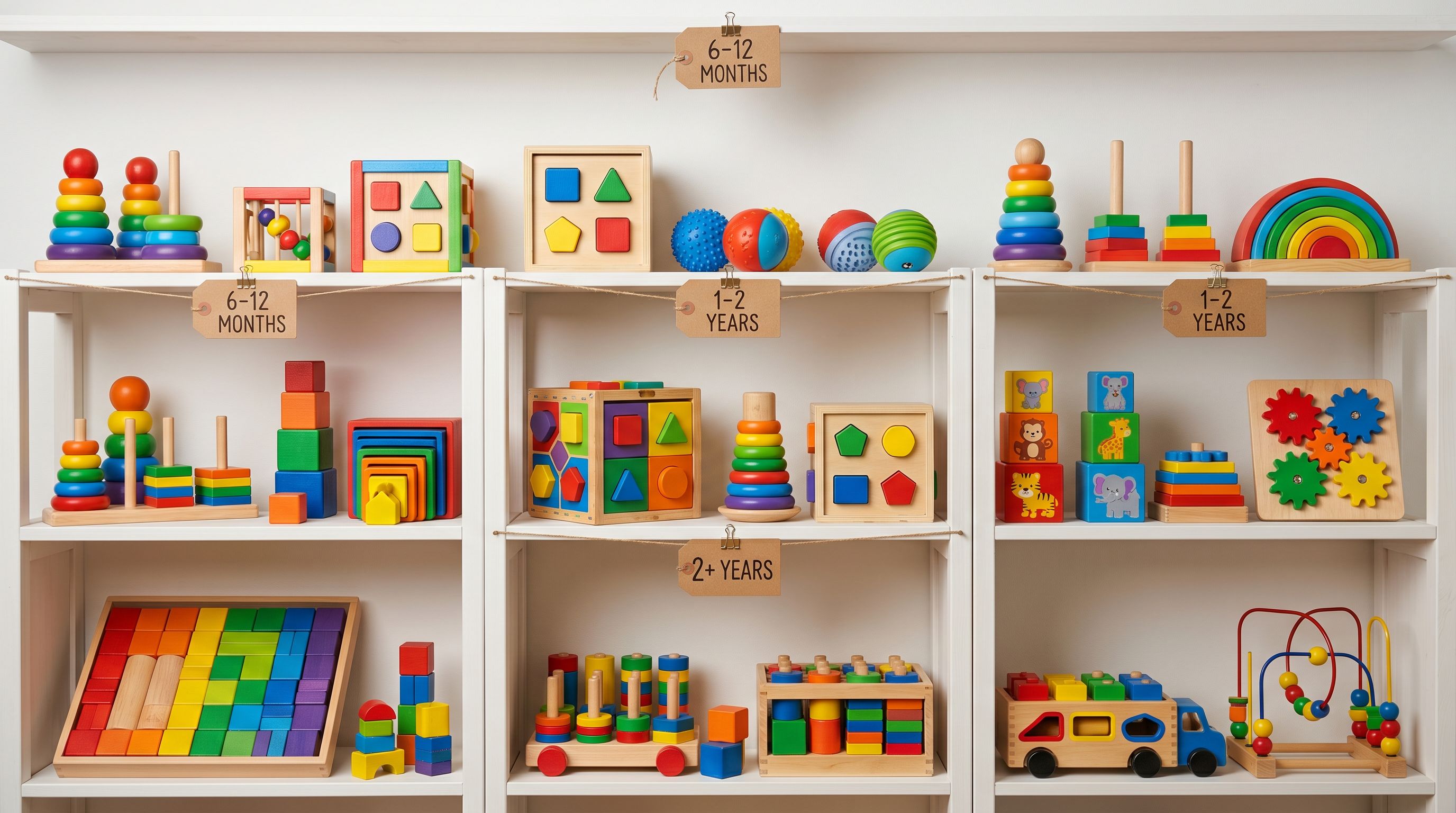
- Age range (minimum and maximum age in years, or age band: infant, toddler, preschool, early years, 6-8, 8-12, teens, adults)
- Safety standard (ASTM F963, EN71, CE mark, CPSC)
- Material (ABS plastic, wood, fabric, metal, foam)
- Number of pieces (for building sets, puzzles, and craft kits)
- Player count (for board games and card games)
- Play time (for board games: 15 min, 30 min, 60 min, 90+ min)
- Skill level (for strategy games: beginner, intermediate, advanced, expert)
- Learning area (for educational toys: STEM, literacy, numeracy, arts and crafts, social-emotional)
- Battery required (yes/no, battery type)
- Assembly required (yes/no)
The AI assigns values from Shopify's pre-defined taxonomy list rather than free text. Age range declared as 4-8 years in a supplier file becomes a structured metafield that Google Shopping reads as an age_group attribute, enabling your products to appear in filtered queries like "toys for 6 year olds" or "educational games for 8 to 12 year olds."
- 01Step 1Load your supplier CSV or Excel file in the import wizard and complete column mapping
- 02Step 2Select the toys Industry Pack matching your primary category (Children's Toys, Games, or Educational Products)
- 03Step 3Review the attribute column preview and confirm age range, safety standard, and piece count columns are correctly mapped
- 04Step 4Enable AI matching so Shopify taxonomy values are assigned from the pre-defined list
- 05Step 5Continue to description generation with the Industry Pack active and safety-relevant persona selected
For catalogues where safety certification appears inline with other product notes, the enrichment context field allows a merchant to add a hint for the AI: "All products in this import carry ASTM F963 certification. Apply to every product." The AI applies the hint uniformly across the batch rather than requiring individual row editing.
Read more about how Industry Packs assign category metafields to your products.
Handling variants for games, sets, and editions
Toys and games create two types of variant grouping challenges that differ from most other categories.
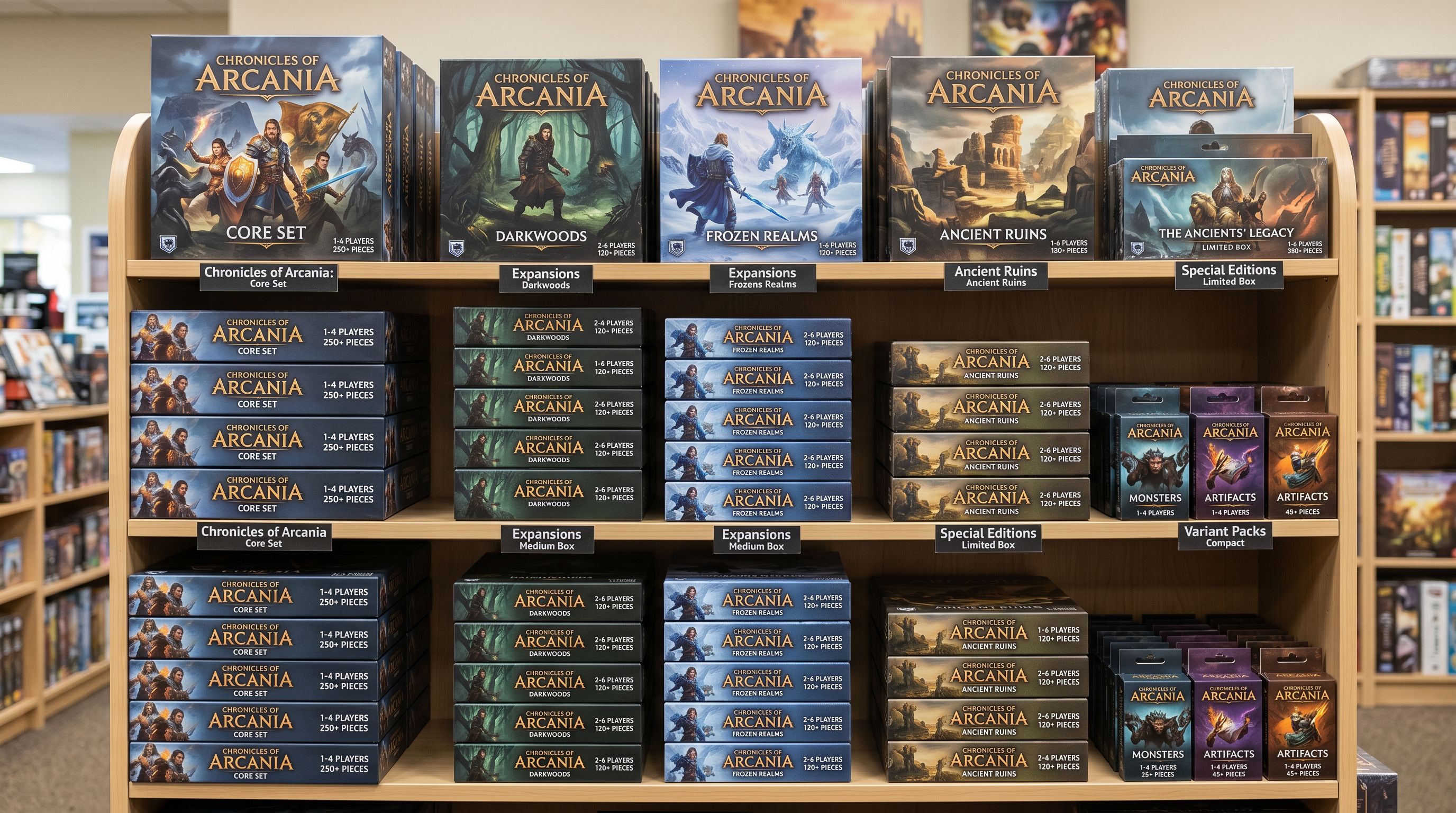
The first is edition and theme variants. A supplier may send a base board game and five licensed theme editions as separate rows, each with a unique SKU and product name. Without grouping, these land as six separate Shopify products. Buyers searching for the base game see all six listings and cannot compare editions on a single product page. Importier's Smart Variant Detection identifies common edition and theme naming patterns (Standard Edition, Deluxe Edition, Classic, Explorer, City, Space) and groups them as a single product with an Edition option.
The second is piece count tiers within a product line. A building block set may come in 50-piece, 100-piece, 200-piece, and 500-piece configurations, each at a different price point but with the same design theme. Without grouping, each becomes a separate product. With variant detection, the four rows become one product with a Piece Count option, displaying all size configurations and price points on a single product page.
- Board game editions appear as separate products
- Buyers cannot compare piece count tiers side by side
- Each edition requires individual collection assignment
- SKU-level pricing relationships are lost
- Editions grouped as a single product with an Edition selector
- Piece count tiers shown as one product with size options
- Collection assignment applies to the parent product
- Price differences between tiers display correctly per variant
For toys that come in age-banded configurations (a puzzle series available in 24-piece for under-5s and 100-piece for ages 6 and up), the age band works as a variant option provided the product is otherwise the same item in different difficulty levels. For genuinely different products with different age ranges and different safety profiles, separate product records are appropriate.
Read more about how Smart Variant Detection groups product variants at import.
Descriptions for toys and games: two audiences, two styles
Toy product descriptions serve two distinct buyer types, and the right description style depends on which buyer the product targets.
For children's toys, the primary buyer is a parent or caregiver evaluating whether a product is age-appropriate, safe, and aligned with their child's developmental stage. The Benefits-First description style works well here: it leads with developmental and play outcomes ("builds spatial reasoning and fine motor skills"), moves to materials and safety certifications ("constructed from BPA-free ABS plastic, meets ASTM F963 and EN71 safety standards"), and closes with what is included and the age recommendation.
For board games, card games, and strategy games targeting adults or older children, the Technical Gadget style produces descriptions that lead with game mechanics and specifications (player count, play time, complexity rating, key mechanic) before moving to theme and audience. A buyer choosing a board game wants to know "2-6 players, 45-90 minutes, medium weight strategy" before they read the theme narrative.
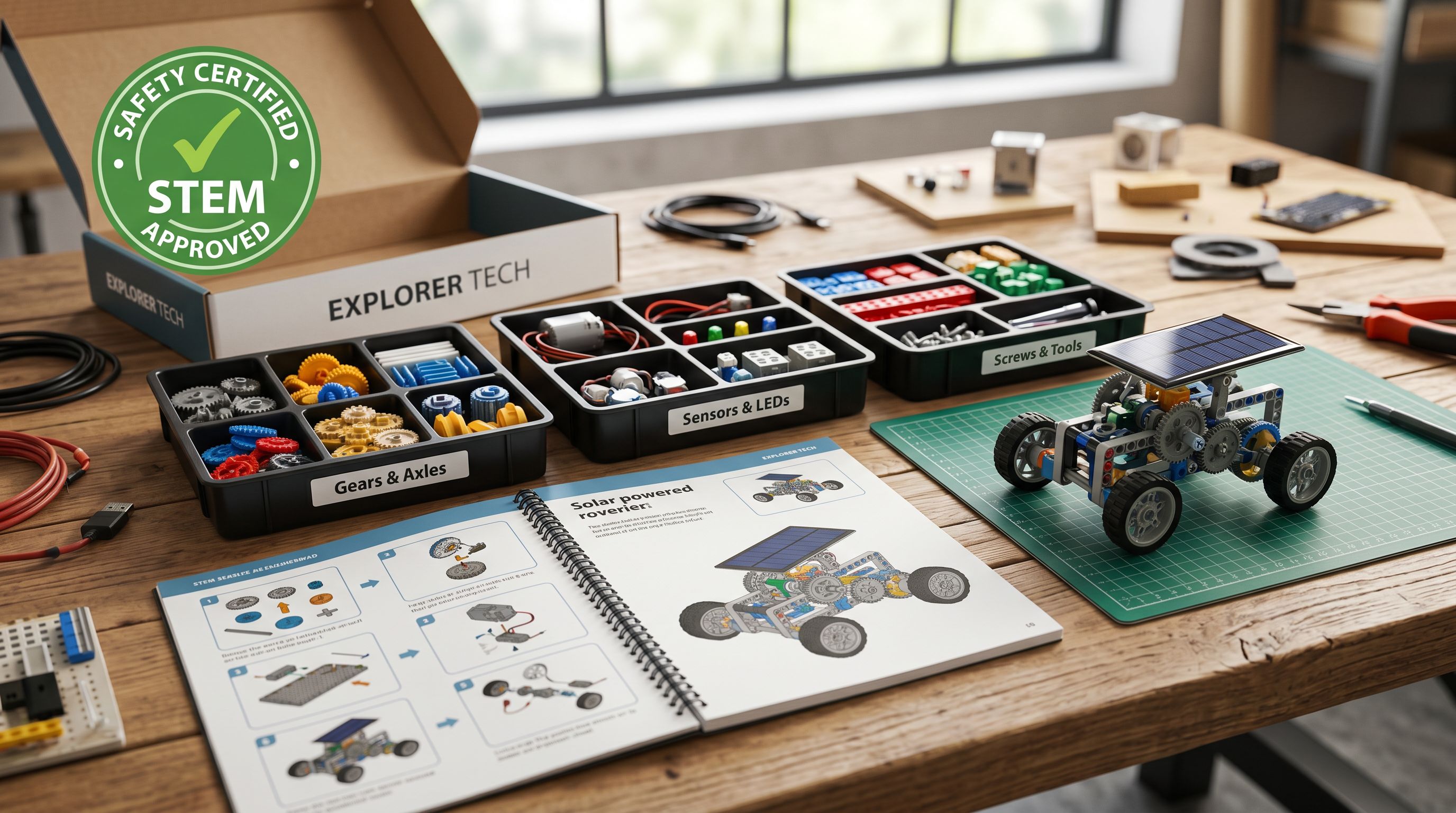
For educational toys and STEM kits, the Benefits-First style with a Curriculum Specialist persona produces descriptions that address both the child's learning experience and the parent's evaluation of educational value, leading with the skills or subjects the product develops.
Importier's 156 expert personas include Child Development Specialist, Curriculum Specialist, Game Designer, and Toy Retail Buyer options. Matching the persona to the product type ensures the description voice fits the buyer's decision context rather than producing generic "fun for all the family" copy that no buyer uses when actually making a purchase decision.
Toy buyers fall into two distinct groups: parents evaluating safety and development, and adult game buyers evaluating mechanics and complexity. A single description style cannot serve both well, and Importier's persona selection lets the merchant match the voice to the product type.
Title optimisation for toy Shopping queries
Toy and game titles on Google Shopping are filtered primarily by age range and product type. A buyer searching for "board games for 10 year olds" or "STEM toys for 8-12 year olds" is applying an age filter as the first selection criterion, followed by product type, and then brand or feature. Titles that lead with the brand name and push age range to the end lose the impressions for these filtered queries.
The effective title structure for children's toys is: Product Type + Age Range + Key Feature + Brand. "Building Blocks STEM Set Ages 4-8 200 Pieces BrandName" places the most-filtered attributes in the first 40-50 characters where Shopping display truncation preserves them.
For board games, the effective structure is: Game Name + Player Count + Age Range + Brand (or publisher). "Strategy City Builder Game 2-4 Players Ages 10+ BrandName" gives a buyer the two evaluation criteria they check first (who it plays with, who it suits) before the brand.
The Title Optimizer's Google Merchant Centre preset enforces 150-character titles with keyword front-loading. Applying it to a toy catalogue automatically positions age range and product type in the first 50 characters of every title, without manual editing of each product. For catalogues imported from US suppliers where the age range is formatted as "Ages 3 and Up" rather than "Ages 3+", the Title Optimizer's case and format normalisation converts these to a consistent format across the entire catalogue.
Recommended configuration for toy and game stores
Recommended import settings for toys and games
Based on the configuration steps above, the recommended Importier setup for a toy or game catalogue is:
Industry Pack: Children's Toys, Games, or Educational Products, depending on your primary product category. Catalogues covering multiple categories can run separate import sessions per category to apply the correct Industry Pack attributes to each batch.
Description style: Benefits-First for children's toys and educational products. Technical Gadget for board games, strategy games, and STEM kits with adult buyers. Use the Benefits-First style with the curriculum or educational persona for products that span both parent and child audiences.
Persona: Child Development Specialist or Toy Retail Buyer for children's toys. Game Designer or Curriculum Specialist for board games and educational products.
Title preset: Google Merchant Centre (150 characters, product type and age range front-loaded in the first 50 characters).
Variant options: Confirm Edition, Piece Count, Theme, and Age Band as detected option columns in the variant grouping preview before running the full import.
Enrichment: Enable data enrichment for any toy product rows missing GTINs. The enrichment context field can carry a batch-level safety certification note that applies to every product in the session.

Shopify's Standard Product Taxonomy includes specific category paths for children's toys, educational toys, board games, card games, and outdoor play. Checking the taxonomy path for your primary product type before running the import confirms which Industry Pack attributes Google Shopping expects for that category.
Set up your first import in under five minutes.
Importier brings products into Shopify with AI descriptions, category metafields, and data enrichment on every run.