Shopify Product Import for Health and Beauty Stores
On this page
Shopify Health and Beauty Product Import: Ingredients, Certifications, and AI Descriptions
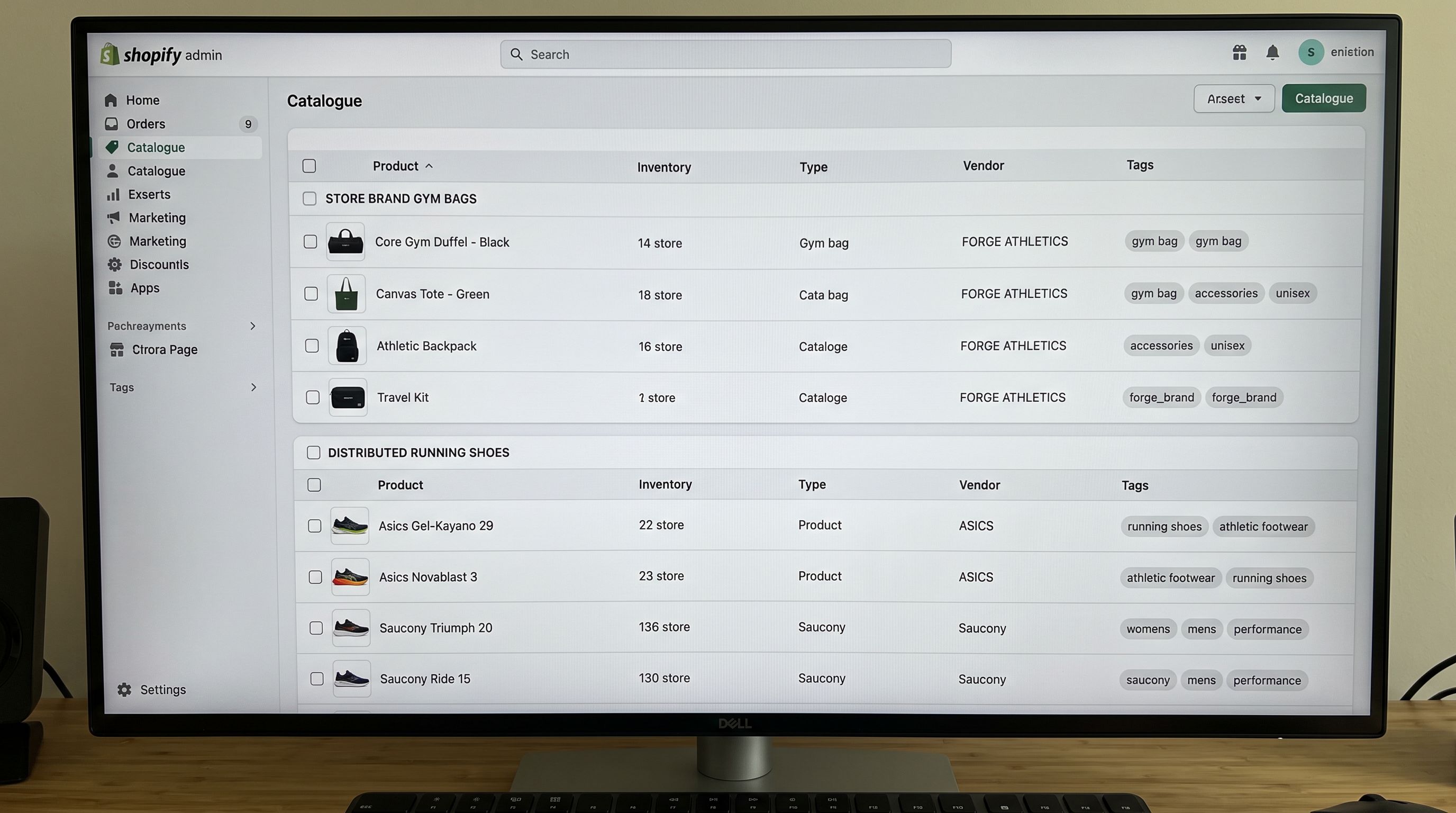
A supplier CSV for a skincare line typically contains SKU, product name, price, weight, and an image URL. Sometimes there is a brief description pulled from the brand's wholesale catalogue. What it rarely contains: the full INCI ingredient list, SPF rating, skin type compatibility, cruelty-free certification status, or the specific actives and their concentrations that beauty buyers use to make purchase decisions.
The result of importing that file without additional work is a product page that looks like every other product page. For most product categories, this is a baseline problem. For health and beauty, it is a conversion problem. Buyers in this category read ingredient labels before they buy. They filter by skin type, by certification, by finish and coverage. A page that cannot answer those questions does not convert at the same rate as one that can.
This guide covers how to configure a Shopify health and beauty import to produce product pages that match what beauty buyers actually need.
Why Beauty Imports Are Different
In most product categories, the purchase decision follows a predictable path: product name, price, image, brief description. Features and specifications round out the listing. Social proof closes the sale.
Health and beauty works differently. The ingredient list is the specification. The certification (cruelty-free, organic, vegan, Leaping Bunny) is a trust signal that functions the same way a warranty does in electronics. Skin type, concern, finish, SPF, and coverage are the filters buyers use before they reach the product page at all.
A beauty product listing that lacks these elements is not incomplete in the way a missing product description is incomplete. It is missing the information buyers use to evaluate the product. They land, do not find what they need, and leave.
The import challenge is that most supplier files are not structured for the Shopify product page. They are structured for the supplier's own inventory system. INCI ingredient lists appear in a single notes column, certifications are embedded in a PDF tech sheet rather than a spreadsheet column, and skin type attributes are absent entirely.
What the Supplier File Usually Has and What It Needs
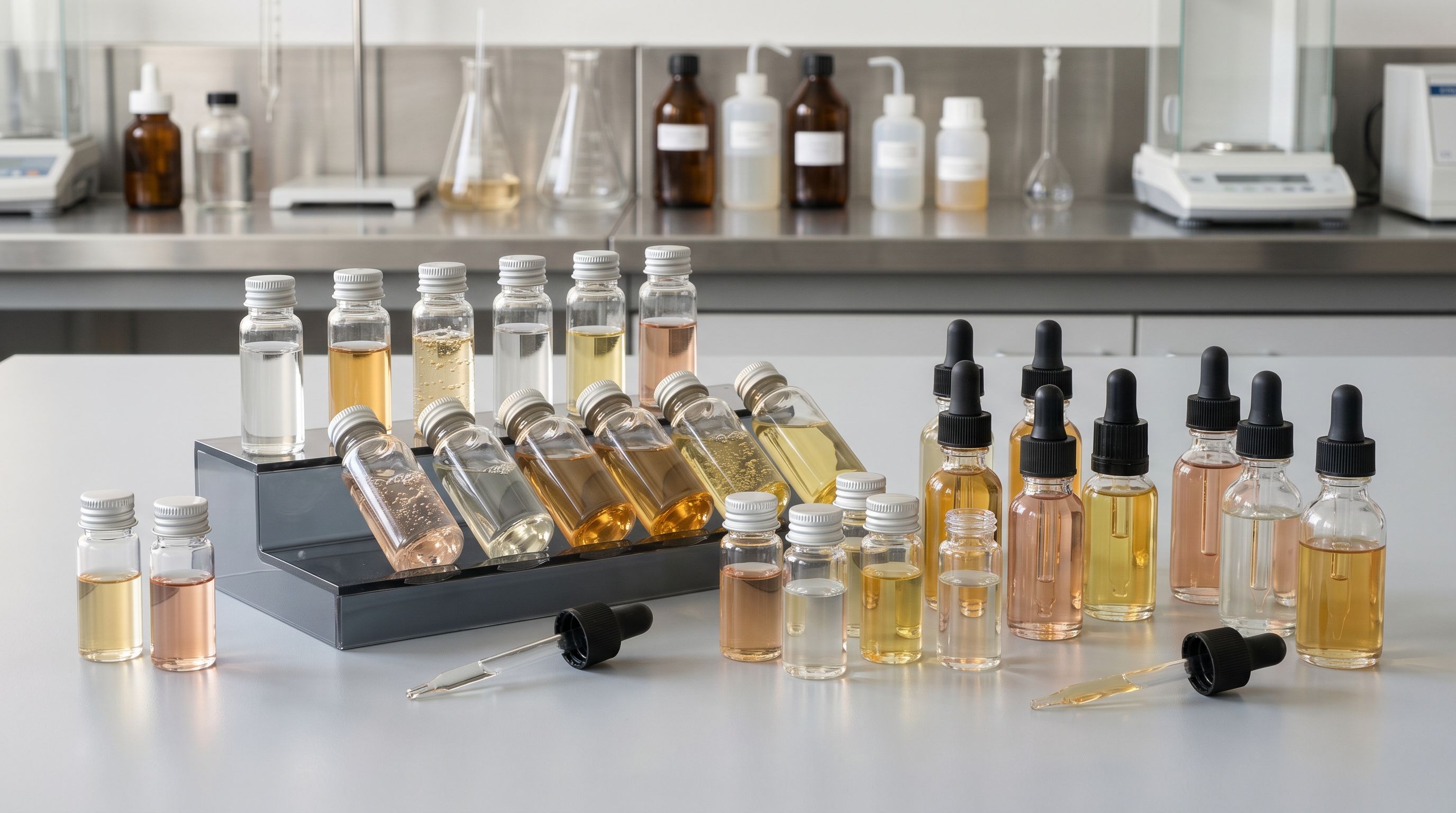
A standard beauty supplier CSV typically contains:
- Product name and SKU
- Barcode (EAN or UPC)
- Price and cost price
- Weight and dimensions
- A single description field (usually a brief marketing blurb)
- One or more image URLs
- Volume or size as a variant column
What is usually missing or incomplete:
- Full INCI ingredient list (often in a PDF or tech sheet)
- Key active ingredients and concentrations
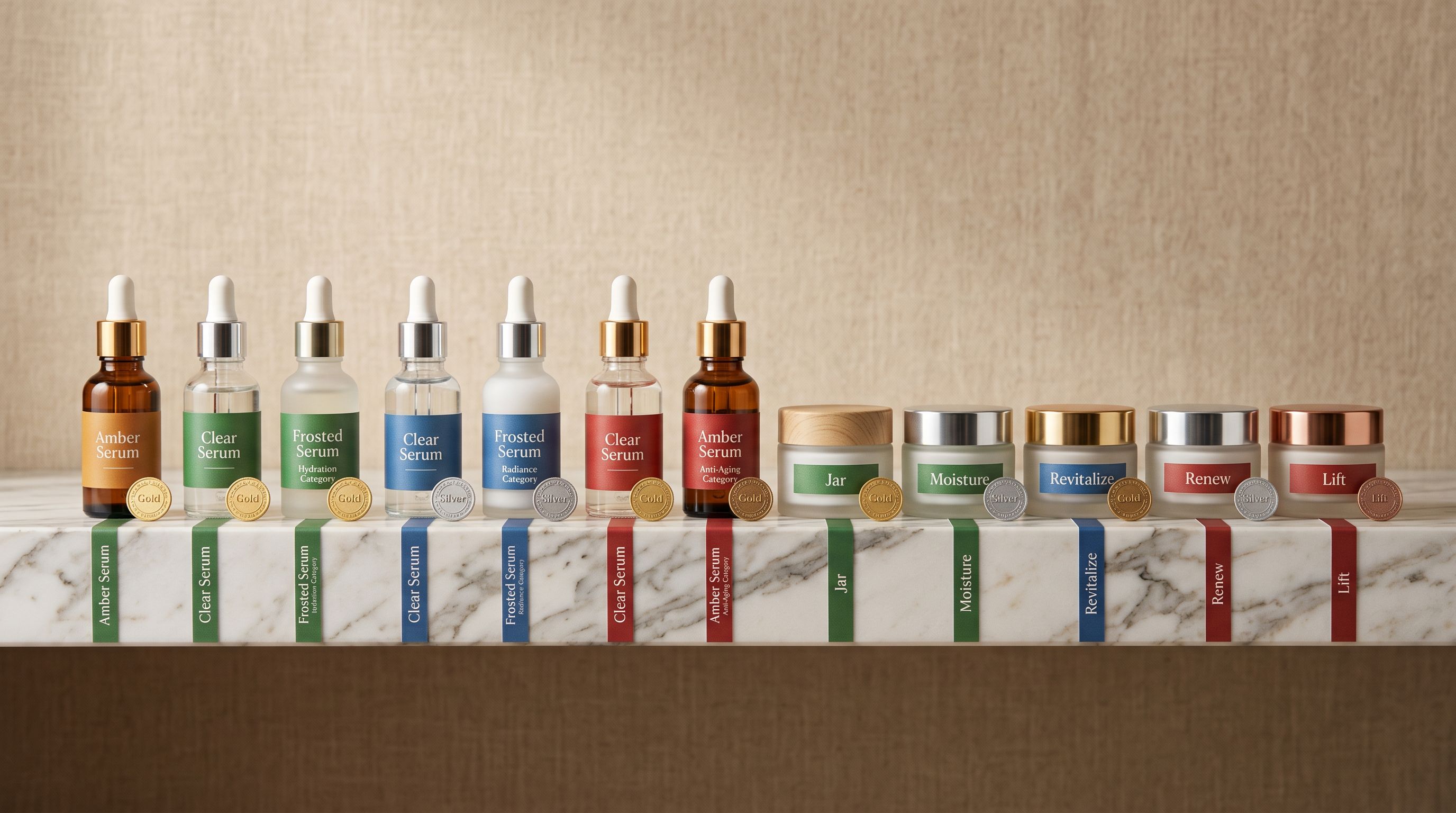
- Skin type (normal, dry, oily, combination, sensitive)
- Skin concern (anti-aging, brightening, hydration, acne-prone)
- Certifications (cruelty-free, vegan, organic, Leaping Bunny, COSMOS)
- Finish (matte, satin, glossy, dewy) for cosmetics
- SPF rating and UV filter type
- Country of manufacture
- Shelf life and PAO (period after opening)
The column mapping and description generation steps in the import handle different parts of this gap.
Step 1: Column Mapping for Beauty-Specific Data
In Importier's import wizard, the column mapping step is where supplier data gets assigned to Shopify fields. For beauty products, several fields require specific configuration.
INCI ingredient list: if your supplier file has an ingredients column, map it to the Shopify body HTML field alongside (not instead of) the AI-generated description. The standard approach is to place the full INCI list in a dedicated section of the description, using the Custom section option in Importier's description builder. Label it "Ingredients" so it appears as a named subheading on the product page.
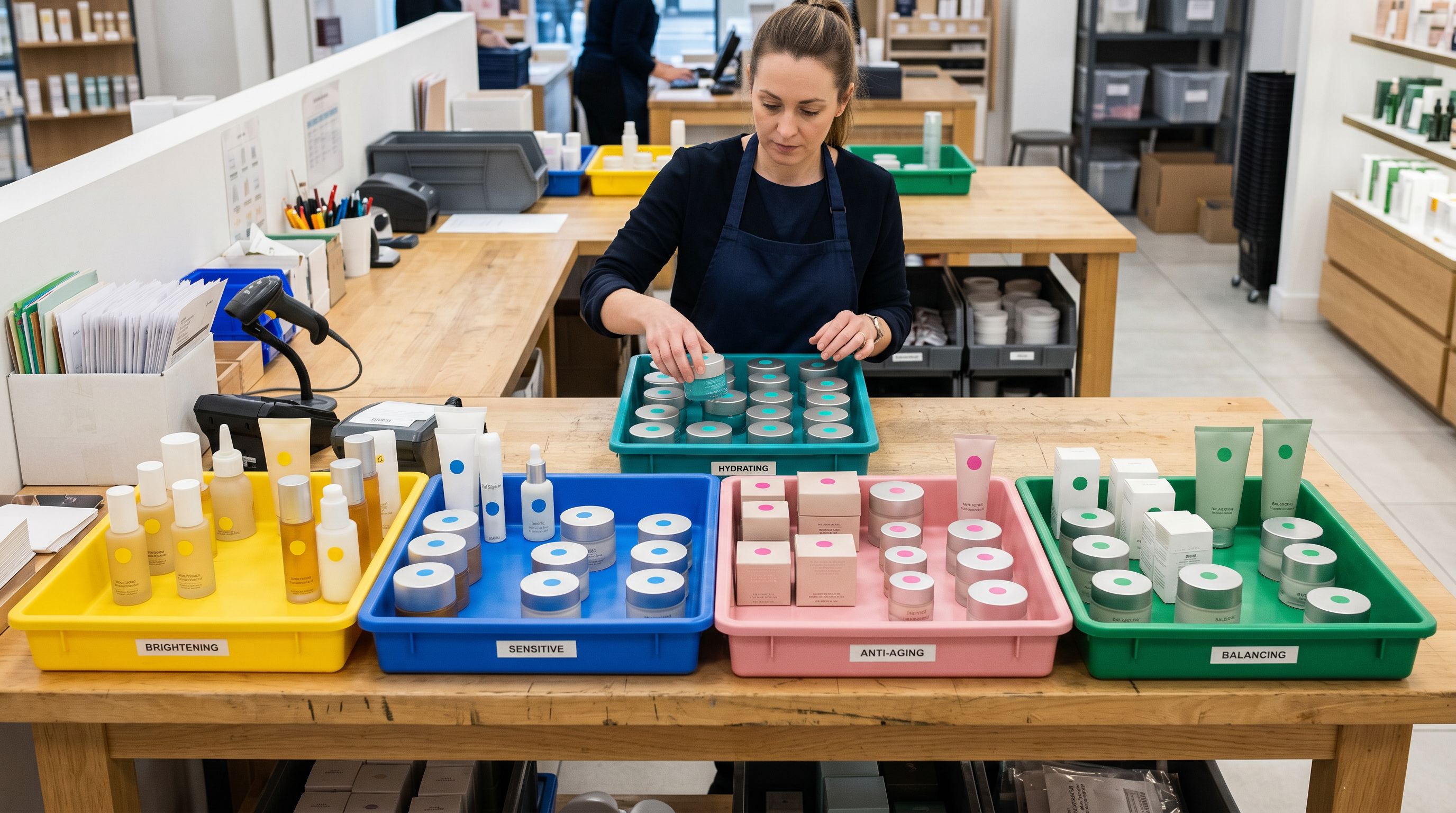
Certifications: if certifications appear as columns in the supplier file (a "Cruelty Free: Yes/No" column, for example), map them to Shopify product tags. Tags power collection filters and can be used by review apps and badge apps to display certification icons on product pages. A cruelty-free certification mapped as a tag gives the merchant the data they need to build a "Cruelty Free" collection filter without manual entry.
Skin type and concern: these rarely appear in supplier files. For imports of 50 or fewer products, manual entry after import is feasible. For larger batches, the Industry Pack for beauty and personal care includes skin type and skin concern as category metafield attributes. Importier's AI matcher can infer skin type from the product name and existing description when explicit columns are absent; it leaves the field blank when it cannot determine the value with confidence.
SPF and UV data: map from a dedicated column if present, or allow the AI to extract from the description during enrichment. SPF data that the AI cannot reliably extract from available text is left blank rather than guessed.
Step 2: The Ingredient Spotlight Description Style
Importier offers seven AI description styles. For health and beauty, the Ingredient Spotlight style is the correct choice.
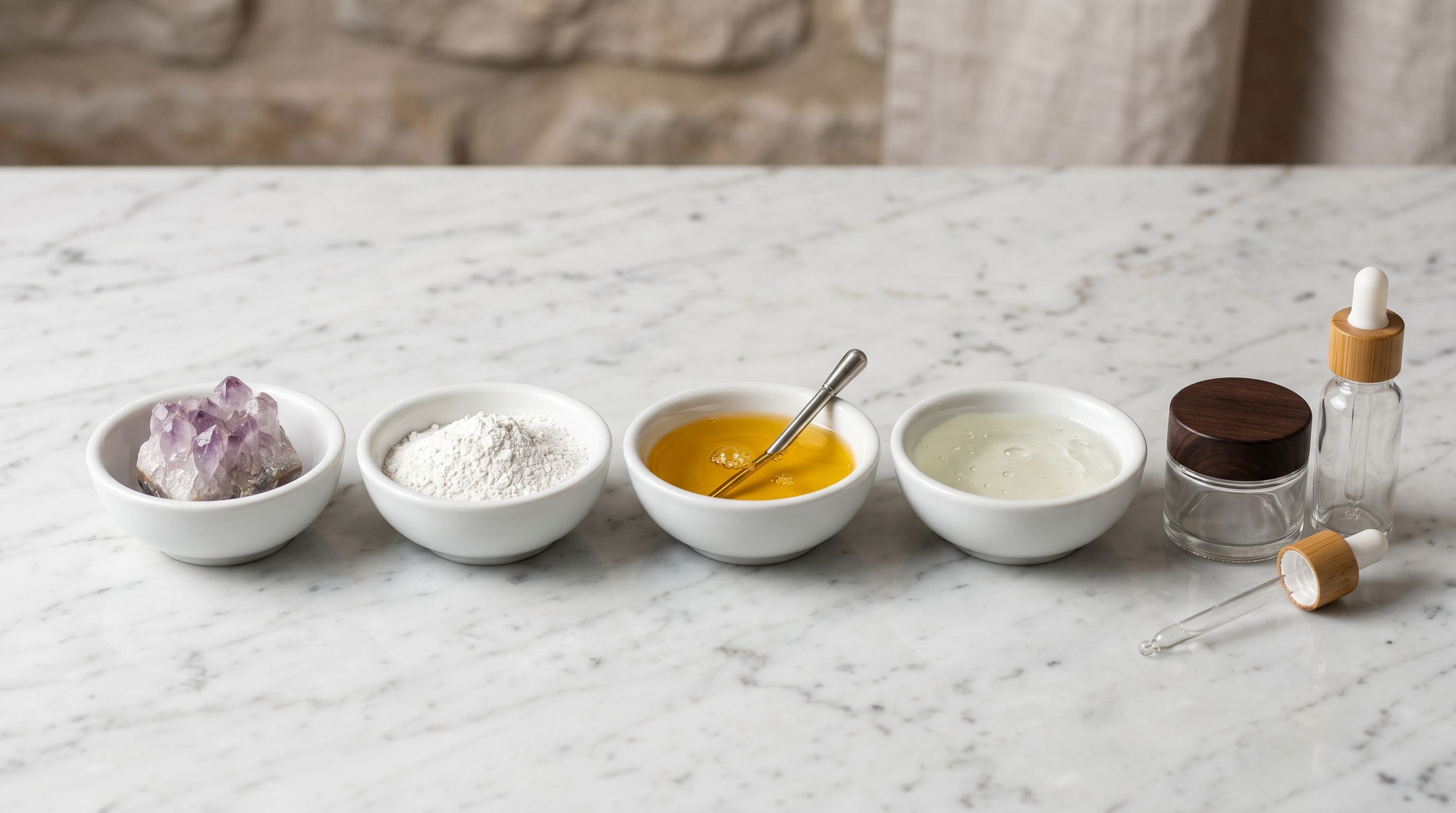
Standard description styles lead with benefits and features, then touch on ingredients as supporting detail. Ingredient Spotlight inverts this structure. It leads with the key active ingredients, their function, and where available, their concentration. Benefits follow as a consequence of the formulation. The full INCI list (if provided in the source data) is placed in a dedicated section.
The difference matters in beauty for two reasons. First, ingredient-led descriptions match how beauty buyers read product pages. They scan for the active ingredients first. If they see niacinamide at 10%, hyaluronic acid, and no fragrance in the first paragraph, they have the information they need to decide. Second, ingredient transparency is a trust signal. A product page that leads with formulation communicates confidence in the formula.
For a supplier importing a vitamin C serum with L-Ascorbic Acid at 15%, Ferulic Acid, and Vitamin E, the Ingredient Spotlight output leads with the active complex, explains what each ingredient does, and then describes the sensory experience (texture, finish, scent). This is a fundamentally different page from one that leads with "brightening serum for radiant skin" and mentions vitamin C in passing.
Ingredient transparency is a conversion driver in beauty, not just a labelling requirement. A product page that leads with formulation performs differently from one that leads with marketing copy.
Step 3: Industry Pack for Category Metafields
The Shopify Standard Product Taxonomy includes beauty and personal care categories with structured attribute types. Importier's Industry Pack for this category covers the relevant attributes: skin type, skin concern, finish, SPF, fragrance (free or scented), formulation type (serum, cream, toner, gel), certifications, and key ingredients as structured metafield values.
Metafields in these categories serve two functions. First, they power Shopify's storefront filters; a merchant can build a "Filter by skin type" or "Filter by concern" collection filter using metafield values without custom development. Second, they feed structured data to Google Shopping and AI Shopping agents, which use attribute-specific metadata to match products to buyer queries that go beyond keyword matching.
A query like "fragrance-free moisturiser for sensitive skin with SPF" is an attribute query. The product that matches all four attributes in structured metafield data has a higher probability of surfacing in AI Shopping results than one where the same attributes are buried in unstructured description text.
The Importier AI matcher assigns metafield values from the Shopify taxonomy's predefined value set. For categories where the supplier file provides explicit data (SPF rating, finish type), the AI maps directly. For categories where the data must be inferred from the product name and description (skin type, concern), the AI assigns values it can determine with confidence and leaves others blank.
- Generic description leads with marketing copy
- No ingredient data on product page
- Skin type and concern absent from metafields
- Certifications not tagged or searchable
- No collection filters for skin type, concern, or certifications
- AI Shopping queries match by keyword, not attribute
- Ingredient Spotlight description leads with active formulation
- Full INCI list in dedicated description section
- Skin type and concern mapped as structured metafields
- Certifications mapped as tags, power collection filters
- Skin type, concern, and certification collection filters buildable without code
- AI Shopping matches by attribute precision: SPF, skin type, finish
Step 4: Variant Configuration for Beauty Products
Health and beauty products present two common variant structures that require specific import configuration.
Skincare and body: volume variants. A moisturiser available in 30mL and 100mL is two variants of one product. Importier's variant detection includes volume patterns (mL, oz, L, fl oz) and correctly groups rows by product when volume appears as a column. The result is a single product with a size option, rather than two separate products with identical names.
Cosmetics: shade and finish variants. A lipstick with 12 shade options and two finishes (matte and satin) is 24 variants: 12 shades × 2 finishes. Importier detects colour/shade variant patterns and finish types as a second variant option. Up to three variant option types are supported (for example, shade, finish, and size for a product that comes in multiple shade names, finishes, and sizes).
Variant images (where each shade has its own swatch image) are handled by mapping the per-variant image URL column to the Shopify variant image field rather than the product image field. Suppliers who provide per-shade images in their CSV (one row per shade, with an image URL per row) have this data mapped at the variant level so the correct image shows when a buyer selects each shade.
Certifications, Compliance, and Region-Specific Warnings
Regulatory and Compliance Considerations at Import
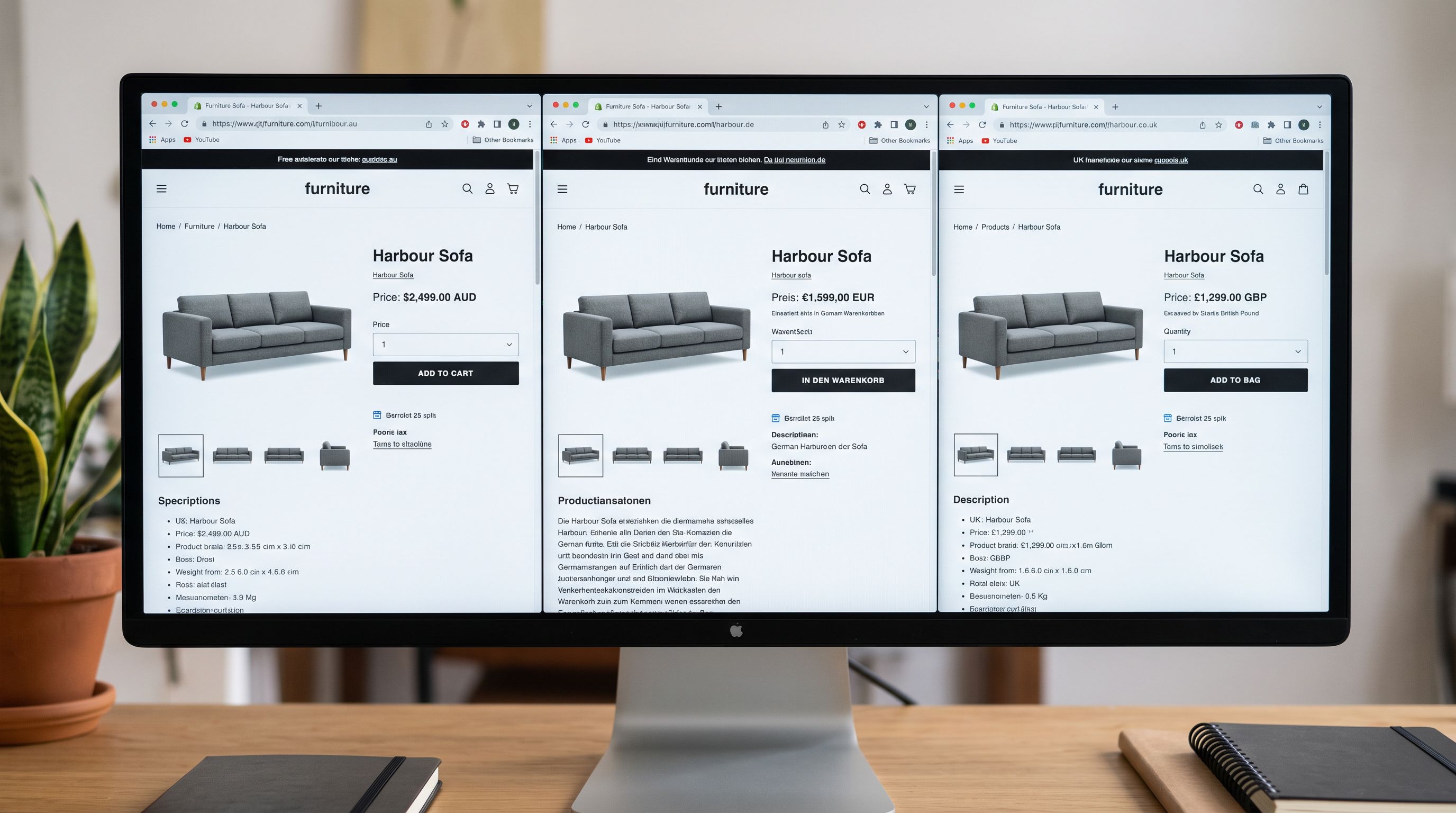
Importier includes region-specific compliance reminders for health and beauty imports. For merchants selling in Australia, the UK, and the EU, the import flow surfaces relevant labelling and compliance notes:
Australian cosmetics (NICNAS/AICIS): industrial chemicals in cosmetics must comply with Australian regulations. Importier's compliance reminder flags this category when products containing regulated actives (certain preservatives, UV filters, actives above threshold concentrations) are being imported.
UK post-Brexit labelling: cosmetics sold in the UK require a UK Responsible Person in the labelling. The import flow includes a reminder for merchants selling cross-border.
EU cosmetics regulation: the EU Cosmetic Products Regulation requires a Responsible Person within the EU and places restrictions on certain ingredients. This is surfaced as a reminder for merchants importing to EU-facing stores.
These are advisory reminders, not automated compliance checks. The merchant is responsible for ensuring product compliance. Importier surfaces the flags so compliance questions are not missed during the import flow.
A Worked Example: 120-SKU Skincare Brand Import
A merchant importing for a Korean skincare brand's Shopify store received a supplier file with 120 rows. The file had: product name, SKU, EAN barcode, cost price, retail price (KRW), weight (g), a one-sentence description in Korean, and image URLs. No ingredient data. No skin type. No certifications (the brand had three: cruelty-free, vegan, and COSMOS organic).
Import configuration:
- Column mapping: retail price with currency conversion from KRW to AUD using the current exchange rate. Cost price mapped to Shopify's cost field. Barcodes mapped to the barcode field.
- Barcode lookup: the EAN barcodes matched 87 of 120 products in the lookup database, returning English product names and additional specification data that enriched the import.
- Skin type and concern: not in the supplier file. After import, the AI matcher in the Industry Pack inferred skin type from the English product names returned by the barcode lookup (terms like "oily skin toner", "sensitive skin moisturiser") and assigned metafield values for 71 products.
- Certifications: added as tags (cruelty-free, vegan, organic) across the full product range as a batch-level tag applied to all products in the import.
- Description style: Ingredient Spotlight, Korean beauty persona.
The 33 products where barcode lookup returned no additional data required manual ingredient list entry after import. The import flow completed the remaining 87 with structured product pages.

The Shopify CSV import guide covers how to structure and clean supplier files before import, including handling non-English source files and managing rows with missing or incomplete data.
- 01Map your supplier's price column and apply any necessary currency conversion in Importier's column mapping step. Map barcodes to the Shopify barcode field for lookup enrichment; barcode lookup returns English product names and specification data for beauty products that match known databases.
- 02Select Ingredient Spotlight as the description style and choose a persona that matches the brand positioningskincare, cosmetics, wellness, or natural beauty. If the supplier file contains an ingredient column, map it to a Custom section in the description builder labelled Ingredients.
- 03In the category metafields step, apply the beauty and personal care Industry Pack. The AI matcher will assign skin type, skin concern, finish, SPF, and formulation type where it can determine values from the product name and description. Leave blanks rather than guessing; fill remaining attributes manually post-import for priority products.
- 04Map certifications from the supplier file to Shopify tags (cruelty-free, vegan, organic, leaping-bunny). If certifications are not in the file but apply to the full range, apply them as batch-level tags in the import wizard. Tags power collection filters and can drive certification badge displays on your theme.
- 05Review a sample of 5-10 products in Importier's preview step before running the full batch. Check that the Ingredient Spotlight output leads with active ingredients rather than generic copy, that metafield values assigned are accurate, and that variant groupings are correct for your shade and size combinations.
The Shopify import column mapping guide covers how to configure and save mapping profiles for specific supplier file formats, including how to handle currency conversion, custom sections, and batch-level field assignments.
Google Merchant Centre's cosmetics and personal care requirements document the structured attribute specifications for health and beauty products submitted to Shopping campaigns, including which attributes are required for each product type. The EU Cosmetic Products Regulation overview covers Responsible Person requirements and the restricted substances list that applies to cosmetics sold in EU member states.
Try Importier free at importier.app
Set up your first import in under five minutes.
Importier brings products into Shopify with AI descriptions, category metafields, and data enrichment on every run.