Shopify Books Import: ISBN as GTIN, Format Variants and Series Metafields

On this page
Book catalogues have a data structure unlike any other product category in Shopify. Every book already carries a globally unique identifier (ISBN-13), a natural variant axis (format: hardback, paperback, ebook, audiobook), and a layer of structured metadata that belongs nowhere except category metafields: series name, volume number, reading level, publisher, imprint. Most import workflows ignore all three and treat books as generic products. That is where the problems start.
This guide covers the shopify books import workflow from the perspective of an independent bookshop or online book retailer importing from a supplier feed. Ingram, Nielsen, and direct publisher CSV files all share the same underlying structure: every row is keyed by ISBN-13, and the import task is mapping those rows into the correct Shopify product structure before pushing them to your store.
The three structural decisions that determine whether a book catalogue works well in Shopify are: using ISBN-13 as the GTIN in the Barcode field, grouping format editions as variants of a single product rather than separate listings, and placing series and publisher data into category metafields rather than burying it in the description.
Why Books Are Different from Other Products
When you import most products into Shopify, the first challenge is sourcing a valid GTIN. For apparel you often have none. For generic accessories, the supplier may or may not include one. You look it up, generate one, or leave the field blank and deal with Google Merchant Centre warnings later.
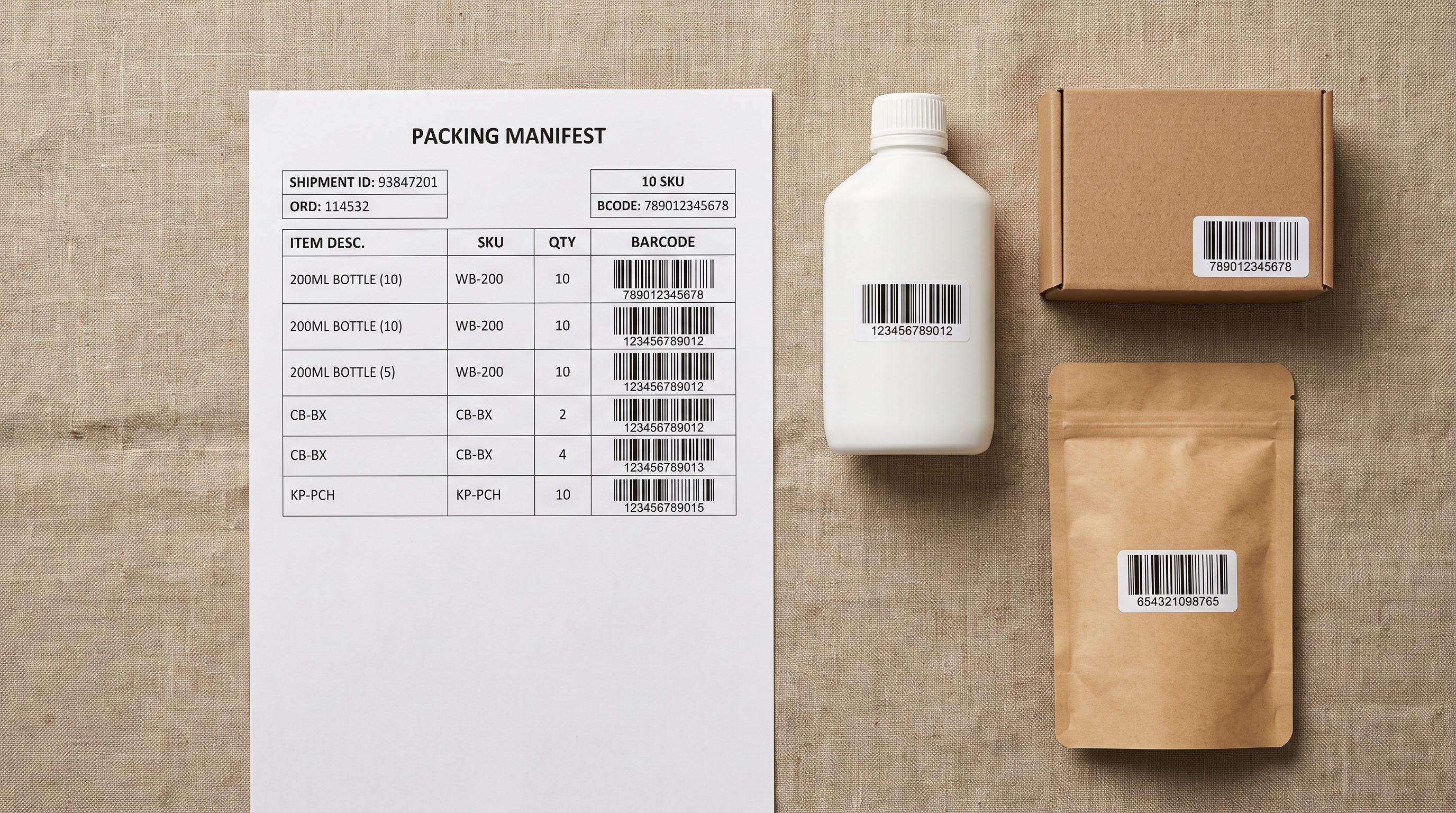
For books, the GTIN problem is already solved. ISBN-13 is a GS1-registered identifier that functions as the product's global barcode. It identifies a specific edition of a specific title by a specific publisher. A hardback edition of a novel has a different ISBN-13 from the paperback edition of the same novel. They are different products in the supply chain, but they are format variants of the same title in a Shopify store.
This is the core structural fact that shapes the entire import workflow: one Shopify product per title, with format editions (hardback, paperback, ebook, audiobook) as variants under Option1. The ISBN-13 goes into the Barcode field on each variant row. The handle that groups those rows into a single product is set at import time, not auto-generated from the title.
Understanding Shopify's barcode and GTIN field setup is covered in detail in how to add barcodes and GTINs to Shopify products. For books, the application is straightforward: ISBN-13 is already a valid GTIN. Every variant row gets its own ISBN-13 in the Barcode column.

The ISBN-as-handle approach also integrates cleanly with Google's Book Knowledge Graph. Google understands ISBN-13 as a canonical book identifier and can connect a product page to structured Knowledge Panel data for the title when the GTIN field carries the ISBN. Merchants running Google Shopping ads for books benefit here: the match rate for book products with valid ISBN GTINs is substantially higher than for products with blank or generic barcodes.
Format as the Variant Axis
Each title in a book catalogue typically comes in up to four formats: hardback, paperback, ebook, and audiobook. These are variants of the same product, not separate products.
If you import each ISBN row as an independent Shopify product, you end up with multiple single-variant listings for the same title. Customers searching for "The Midnight Library" in your store see three or four results instead of one product with a format selector. Collections become bloated. The URL structure becomes inconsistent. Stock management splits across four product records instead of one.
The correct import structure groups all format editions of the same title under a single product handle, with Option1 Name set to "Format" and Option1 Value set to the edition type. Each variant row carries its own ISBN-13 barcode and its own price.
- 01Map the ISBN column to the Shopify Barcode fieldEvery variant row gets its own ISBN-13 in the Barcode column
- 02Set Option1 Name to Format for all rowsOption1 Value becomes Hardback, Paperback, Ebook, or Audiobook depending on the edition
- 03Group rows by a shared product handleAll format editions of the same title share the same Handle value: this tells Shopify they are variants of one product, not four separate listings
- 04Review the import preview before pushingImportier shows the grouped product count: confirm that four ISBN rows for the same title appear as one product with four variants, not four products
- 05Push to Shopify and verifythe grouped product page shows a Format selector, each variant has its own ISBN-13 barcode, and prices differ across formats as expected

Smart Variant Detection in Importier handles the format string normalisation automatically. Supplier feeds from Ingram and Nielsen use inconsistent format labels: "Hardback", "Hard Cover", "HC", "Hardbound", "Paperback", "PB", "Trade Paperback", "Digital", "eBook", "EPUB", "MP3 CD", "Audio CD", "Unabridged Audio". The variant detection patterns for books resolve all of these to the correct Option1 Value during the variant detection pass, so the grouping works without manual string cleanup.
For the full mechanics of variant grouping by handle and option columns, importing Shopify products with format-based variants covers the column structure that makes grouping work across any product type.
The Metadata Layer
Series and Publisher Data as Category Metafields
A bookshop selling series fiction (fantasy trilogies, children's chapter book series, graphic novel runs, numbered non-fiction sets) needs metadata that Shopify's standard product fields do not provide. Series name, volume number within the series, reading order, and reading level are all attributes that belong in structured category metafields, not in product tags or crammed into the description.
Product tags work for filtering in basic Shopify themes, but they are free text. A tag of "Series: Discworld" and a tag of "Discworld series" and a tag of "discworld" are three different values. A smart collection cannot reliably group them. Category metafields solve this by enforcing consistent, structured values that can be used as smart collection conditions.
Importier's Book Industry Pack includes attributes that map directly to this data: Series Name, Series Number, Reading Level, Genre, Publisher, Imprint, and Language. These map to the Shopify Standard Product Taxonomy for Books, which means the attributes appear as structured pill values on the product page rather than buried in the body text.
- Series data buried in product description text
- No reliable way to filter by series in Shopify collections
- Reading level stored as a free-text tag with inconsistent values
- Publisher crammed into the Vendor field, displacing the actual publisher identity
- Series Name and Series Number as structured, consistent attributes
- Smart Collections built on Series Name metafield values, consistently accurate
- Reading Level as a filterable metafield with pre-defined taxonomy values
- Publisher, Imprint, and Language mapped cleanly to dedicated attributes at import

Column mapping handles the supplier-to-metafield translation at import time. A Nielsen feed column called "Series Title" maps to the Series Name attribute. An Ingram feed column called "Volume Number" maps to Series Number. An Ingram "Pub Date" column maps to the Publication Date attribute. The mapping saves as a named profile, so the next monthly batch from the same supplier requires no remapping.
For the full attribute mapping workflow, category metafields for Shopify merchants explains how the two-phase matching process works and how to set up a custom mapping when supplier column names do not match the expected attribute keys.
AI Descriptions for Books
Publisher feeds include a trade description: a few sentences written for a B2B audience (booksellers and distributors buying stock), not for readers browsing an online store. The language is functional. "An illustrated guide to amateur astronomy for adults suitable for beginners and intermediate observers." That sentence tells a buyer what to order. It does not tell a reader why they should read it.
AI descriptions for books work best when the author biography is provided alongside the trade description as generation context. The AI can draw on the author's previous works, awards, genre reputation, and readership to frame the description in terms of what the reader will experience, not what the publisher produced.
A trade description tells a bookseller what a book is. A reader-facing description tells a customer why they should read it. These are different documents serving different readers at different points in the buying journey.
The Literary Specialist persona in Importier generates descriptions in the narrative style suited to fiction and narrative non-fiction. It opens with the reader's emotional entry point rather than a functional summary. For a batch of 500 titles from an Ingram monthly feed, selecting the Literary Specialist persona and the Narrative description style, and providing the author biography column as enrichment context, produces reader-facing copy for the full catalogue in a single generation pass.
For technical non-fiction (programming books, technical manuals, reference texts), the Technical style with the Technical Specialist persona produces a more appropriate description format. The AI description guide at Shopify AI product descriptions covers persona and style selection in detail.
The Full Bookshop Import Workflow
Putting all three layers together: an independent bookshop importing 500 titles from an Ingram monthly XLSX follows this path from supplier file to live Shopify catalogue.

The Ingram file arrives with columns for EAN (the ISBN-13), Title, Contributor (author name), Series, Volume, Publisher, Imprint, Trade Description, and pricing. The import workflow in Importier maps EAN to both the Barcode field and the Handle field, maps Contributor and Trade Description as AI generation inputs, maps Series to the Series Name metafield attribute, maps Volume to Series Number, and groups rows by Title so format editions (hardback and paperback of the same title) become variant rows under one product.
After the column mapping is set, the AI pass generates reader-facing descriptions from the trade descriptions using the Literary Specialist persona. The category metafields pass applies Series Name, Series Number, Genre, Reading Level, and Publisher to each product. The Import Preview shows the grouped product count (500 titles rather than 1,200 individual ISBN rows) before the push goes to Shopify.
The column mapping profile saves to the Importier account. When the next Ingram monthly file arrives with the same column structure, the saved profile handles all familiar columns automatically. If a new column appears, only that column needs mapping. For a bookshop receiving monthly updates from two or three suppliers, maintaining a saved profile per supplier eliminates the remapping step entirely.
For bookshops importing from Nielsen Title Editor or direct publisher files, the same principles apply with different source column names. The saved mapping profile captures that translation once and applies it to every subsequent batch.
Related Articles
- How to add barcodes and GTINs to Shopify products
- Importing Shopify products with format-based variants
- Category metafields for Shopify merchants
- AI product descriptions for Shopify merchants
Try Importier free at importier.app.
Set up your first import in under five minutes.
Importier brings products into Shopify with AI descriptions, category metafields, and data enrichment on every run.