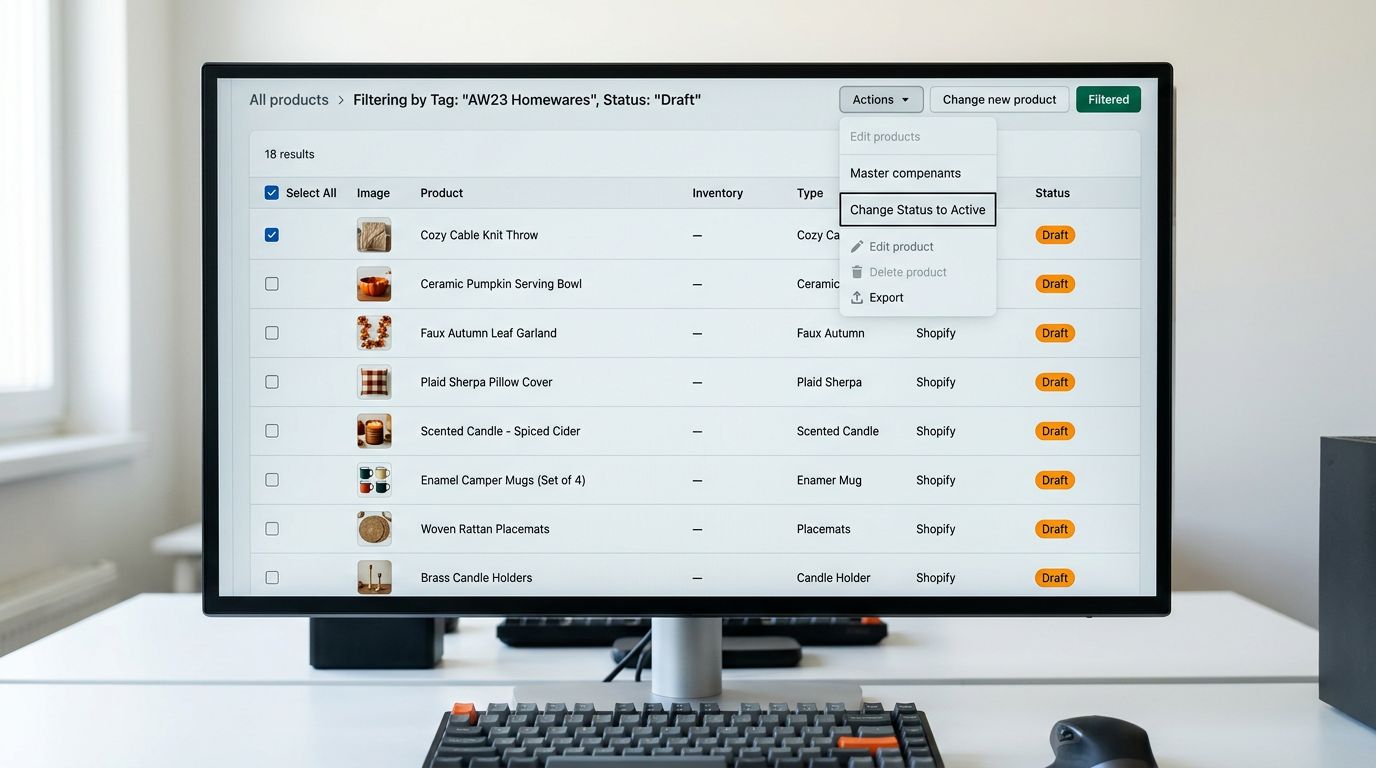
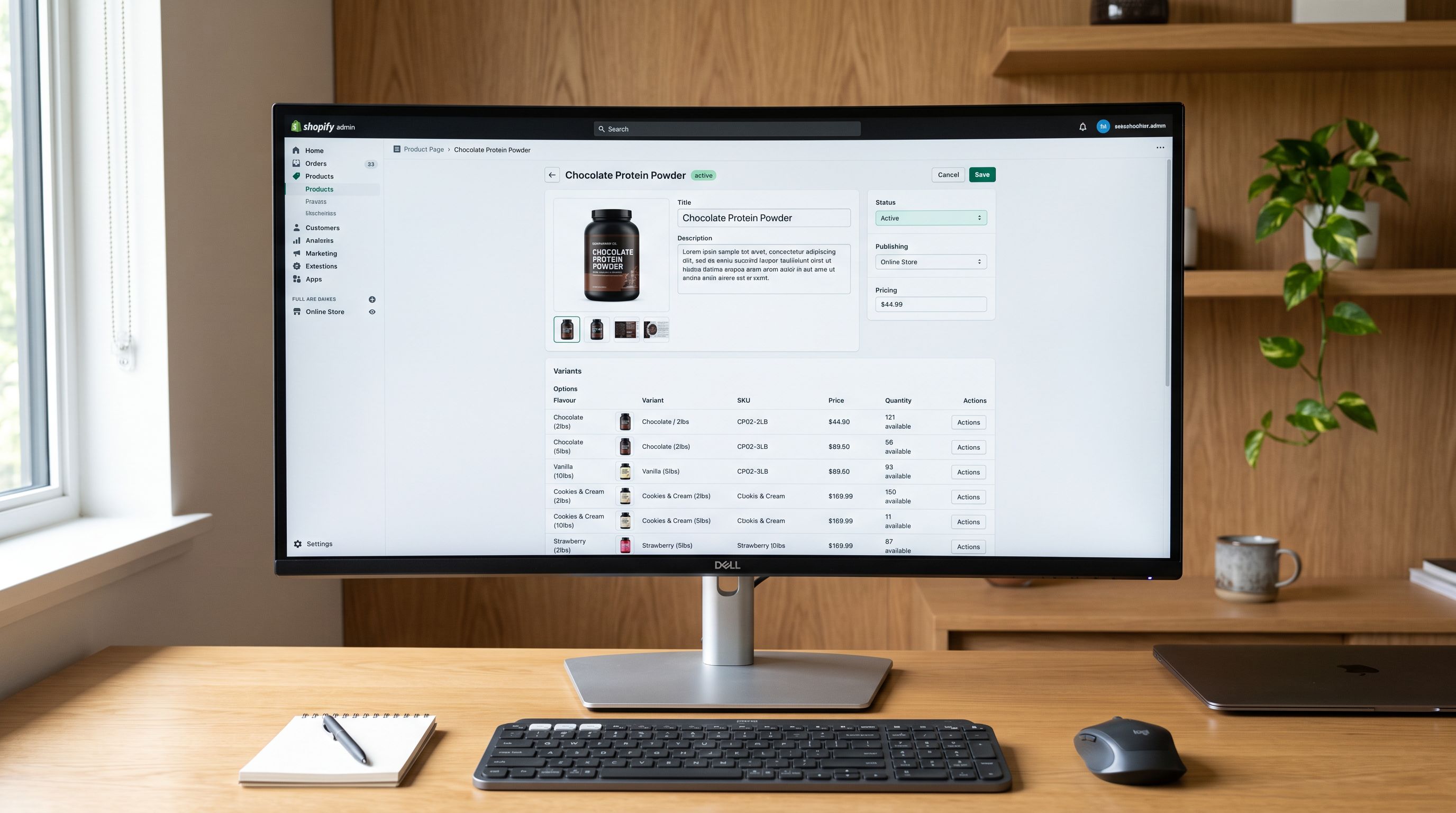
Shopify Subscription Box Import: Pre-Load Monthly Boxes

On this page
A Melbourne skincare subscription box merchant had 400 active subscribers and a product data problem that compounded every month. Each box contained six to eight products from different suppliers. Each month's box was a completely different Shopify product. And each product needed a description that communicated the curation theme and the subscription experience without revealing the actual contents before the box shipped.
Manually creating each month's box product in Shopify took two days. The description had to be written carefully: exciting enough to engage existing subscribers without spoiling anything for those who had not yet received the box. The component list (ingredient names, brand partners, the sourcing story for each item) needed to live somewhere accessible for subscriber FAQs. And the next six months of boxes needed to be pre-loaded before the marketing calendar could be built.
The problem was not the subscription platform. It was that the monthly box product, as a data object, is different from most Shopify products, and importing it requires a different configuration.
The Subscription Box Product Data Model
A subscription box product in Shopify is not the same as a subscription product in the recurring billing sense. A recurring subscription product uses a subscription app to charge customers on a defined schedule for the same product. A subscription box is a different product every month; the June box and the July box are separate Shopify products with separate titles, images, component lists, and descriptions.
This distinction matters for import configuration because the two product types require different data structures:
Recurring subscription products have a single product record updated periodically (price changes, variant adjustments). The subscription app handles the recurring charge.
Monthly box products are created fresh each month. Each box is a standalone product with:
- A unique title (usually referencing the month or theme: "October Discovery Box: Antioxidant Edit")
- A featured image showing the sealed box or the theme visual
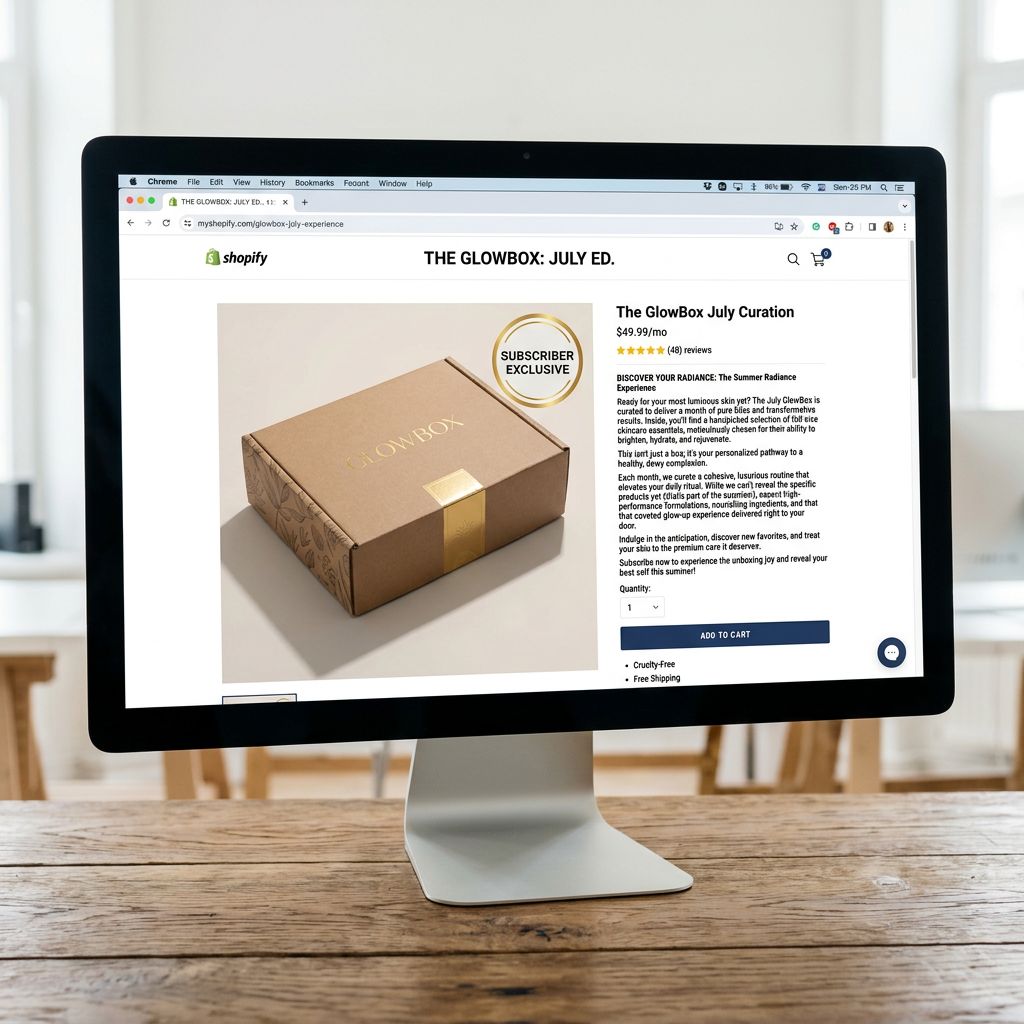
- A description written to sell the upcoming box without revealing specific contents
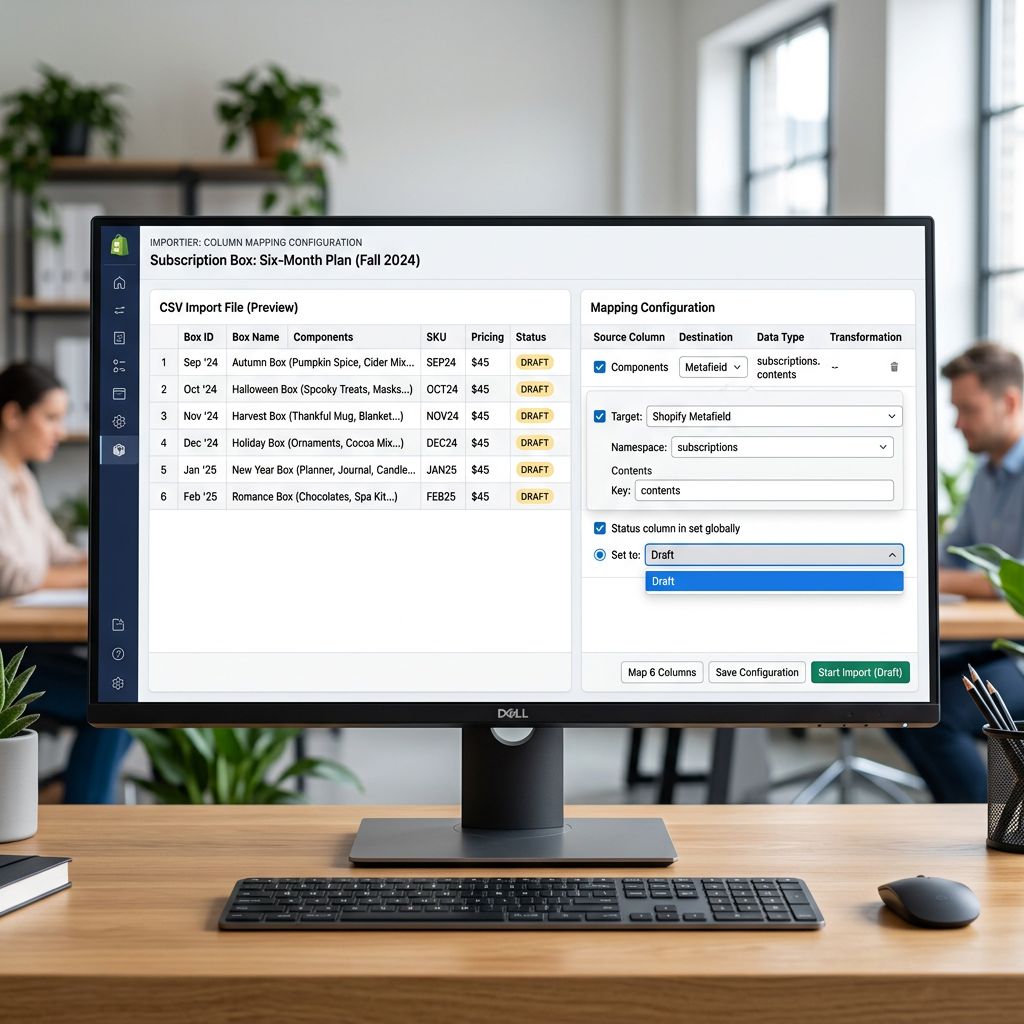
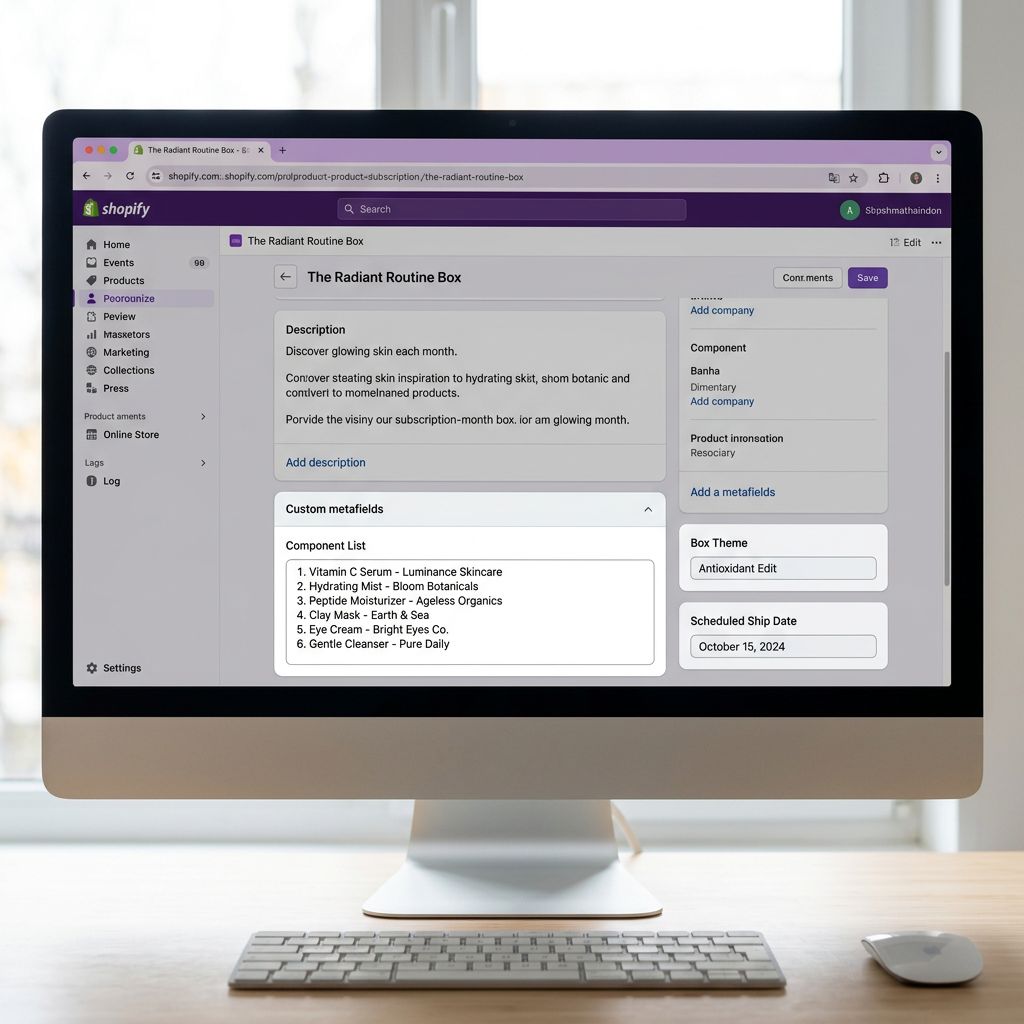
- Metafields listing the component items (for subscriber FAQ, post-ship email, and future cross-sell use)
- A status that starts as Draft and moves to Active on the release date
- Tags marking the product as subscriber-exclusive or available to the general public
For a merchant pre-loading six months of boxes, this means creating six separate product records, each with its own description, images, component metafields, and scheduled publish logic.
Pre-Loading Monthly Boxes in Advance
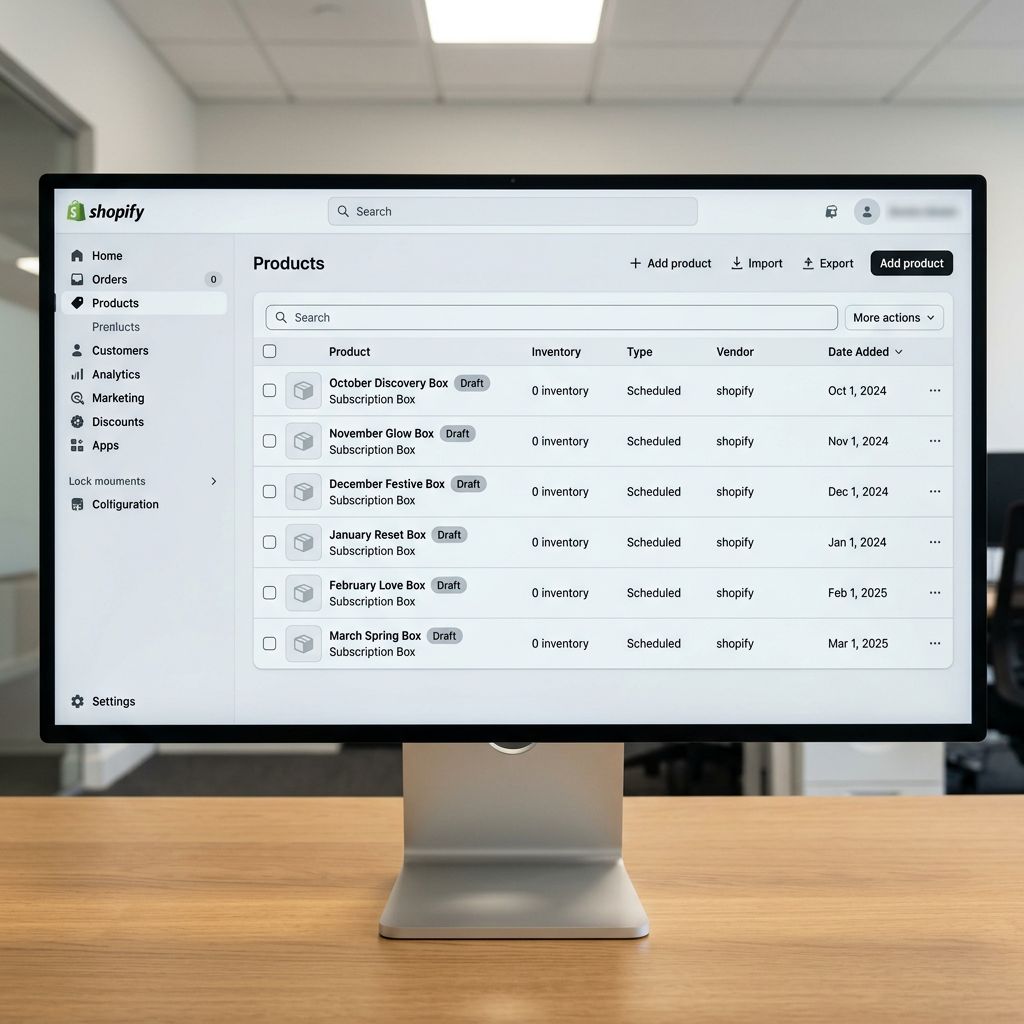
The most significant operational improvement available to subscription box merchants is pre-loading multiple months of boxes in a single import run. Instead of creating each month's product two weeks before it ships, a six-month pre-load means the product records, component metafields, and draft descriptions exist for every upcoming box from the start of the production cycle.
The pre-load import uses Draft status for every product. Each monthly box is created in Shopify as a Draft, invisible to the storefront and all sales channels, until the merchant publishes it on the release date. The Draft staging workflow is well-suited to subscription box pre-loading: the import creates all six products in full, with all metafields populated, and the team reviews and refines descriptions before any box is live.
The source file for a six-month pre-load includes:
| Column | Content |
|---|---|
| Title | "October Discovery Box: Antioxidant Edit" |
| Handle | october-discovery-box-antioxidant-edit |
| Status | Draft |
| Tags | subscriber-box, october-2026, antioxidant-edit |
| Description | (teaser text, see description writing below) |
| custom.box_theme | Antioxidant Edit |
| custom.component_count | 7 |
| custom.component_list | (pipe-separated component names, see metafields below) |
| custom.ship_date | 2026-10-20 |
Each row in the file represents one month's box. Six rows produce six Draft products in a single import run.
Writing Descriptions Without Spoilers
Writing Descriptions That Tease Without Revealing
The subscription box description writing challenge is real: the description needs to sell the upcoming box to subscribers who have not yet received it, without spoiling the contents for those who want to be surprised.
AI description generation in Importier handles this through two levers: the style setting and the source data passed to the generation.
Style: The Benefits-First style works well for subscription box descriptions because it leads with the outcome (what the subscriber experiences) rather than the ingredients (what is in the box). "Six weeks of antioxidant-focused skincare, curated from independent Australian brands" sells the experience without naming the products.
Source data: The component list column in the import file contains the actual product names. The description prompt can be configured to reference the theme and benefit, with the instruction to avoid naming specific products. Importier's Custom style allows a description scaffold where the merchant specifies exactly which elements to include and which to exclude: the theme, the experience outcome, and the sourcing story, without the product names.
For the Melbourne skincare merchant, the prompt scaffold for each month's box used:
- Include: the curation theme, the skin benefit focus, the "independent Australian brands" sourcing story
- Exclude: any specific brand name, product name, or formulation detail
- Tone: the Skincare Specialist persona, at 150-180 words
Running this configuration across six months of boxes generated six descriptions that were distinct in theme but consistent in tone, and all were safe to publish before shipment.
A subscription box description has one job: sell the experience of receiving the box. The specific items inside are a post-ship revelation. The pre-ship description is the promise, not the reveal.
Component Item Metafields
The component list for each monthly box is valuable data beyond the product description. Subscribers ask what is in their box. Post-ship emails reference the components. Future cross-sell links on the product page connect each component item to its individual product record (if the merchant also sells the items individually).
Storing the component list as a structured metafield in Shopify makes this data available to every system that reads product metafields: the subscription app, the email platform, the review app, and the storefront theme.
The import file carries the component list as a pipe-separated string in a single column:
Vitamin C Serum - Sydney Skin Co | Retinol Eye Cream - Northern Naturals | Hydrating Sheet Mask x2 - Bondi Labs | SPF50 Day Cream - UV Shield Australia | Jojoba Cleansing Oil - Desert Bloom Co | Exfoliating Toner - Clear Lab
In the Importier column mapping step, this column maps to a product metafield with the namespace custom and key component_list, value type single_line_text_field. Each monthly box arrives in Shopify with the component list already populated, with no post-import manual entry required.
After shipping, the merchant updates the product page to link each component item by handle. That update is a separate targeted import (using the Handle-match mode to update only the component link fields), not a full re-import.
Subscriber-Only SKUs
Subscriber-Only SKUs and Tagging
Not every subscription box merchant sells their box only to active subscribers. Some also offer a one-off purchase option at a higher price, or make the box available to the general public after subscriber boxes ship. Others keep the box strictly subscriber-exclusive until it is sold out.
The tagging strategy for subscriber-only SKUs uses Shopify Flow to automate channel and visibility control. The import file adds a tag like subscriber-only to every box product created as Draft. A Shopify Flow rule fires on product creation with that tag and applies additional conditions: restricts the product to a subscriber customer segment, hides it from non-subscriber collection pages, or adds it to a subscriber-only collection.
When the general-public window opens (usually two weeks after subscribers receive their box), a second import pass removes the subscriber-only tag and adds available-general-public. The Flow rule responds to the tag change and updates visibility accordingly.
This pattern keeps the subscriber exclusivity window enforced automatically. The import file controls the tag; the Flow rule controls the access. No manual collection management required.
The Shopify Flow import tags article covers this tagging and automation pattern in detail for merchants setting it up for the first time.

The Pre-Load Workflow End to End
- 01Prepare the six-month source fileone row per monthly box, with columns for title, handle, status (Draft), tags, theme metafield, component list, and ship date metafield
- 02Run the import in Importiermap the component list column to the custom metafield namespace, set Status to Draft, and configure the AI description generation with the Benefits-First style and the theme-focused description scaffold
- 03Review the six Draft products in Shopify admincheck that component metafields populated correctly, sample two descriptions per box for tone and spoiler-safety, and confirm the subscriber-only tag is present on each
- 04Refine descriptions as needed using Importier's Store Scanneropen each Draft box product from Store Scanner, adjust the description prompt if any month's box needs a different tone or length, regenerate individually
- 05On each box's release date, publish the Draft product to Activeuse the Shopify bulk editor to update status on the day of release, or set up a Shopify Flow rule to auto-publish on a date stored in the ship_date metafield
- 06After each box ships, run the tag update importremove subscriber-only, add available-general-public, and optionally add the component cross-link metafields for post-ship product page linking
- Each monthly box created manually in Shopify admin, 2-day process per month
- Description written from scratch each month; tone inconsistency across months as different team members write different boxes
- Component list entered manually in metafields after the product is created, adding a third separate task
- Subscriber-only visibility managed manually: add to collection, remove after ship date, no automation
- No advance record of upcoming box products; marketing calendar built reactively after each product is created
- Six months of boxes imported in one pass; each box is a Draft product with all metafields populated immediately
- AI descriptions generated for all six months in the same import session; tone and style consistent across the full cycle
- Component list metafields populated from the import file column; no post-import manual entry
- Subscriber-only tags applied at import time trigger Shopify Flow rules that handle visibility automatically
- Six months of product records in Shopify before the first box ships; marketing calendar, email sequences, and cross-sell links can be built from day one
For subscription box merchants whose component items are also sold individually in the store, Shopify's product metafields documentation covers how to set up product reference metafields that link the box product to each component product record, enabling "as seen in your October box" cross-sell links on individual product pages after each box ships.
Try Importier free at importier.app.
Set up your first import in under five minutes.
Importier brings products into Shopify with AI descriptions, category metafields, and data enrichment on every run.