Faire to Shopify Import Guide for Boutique Retailers
On this page
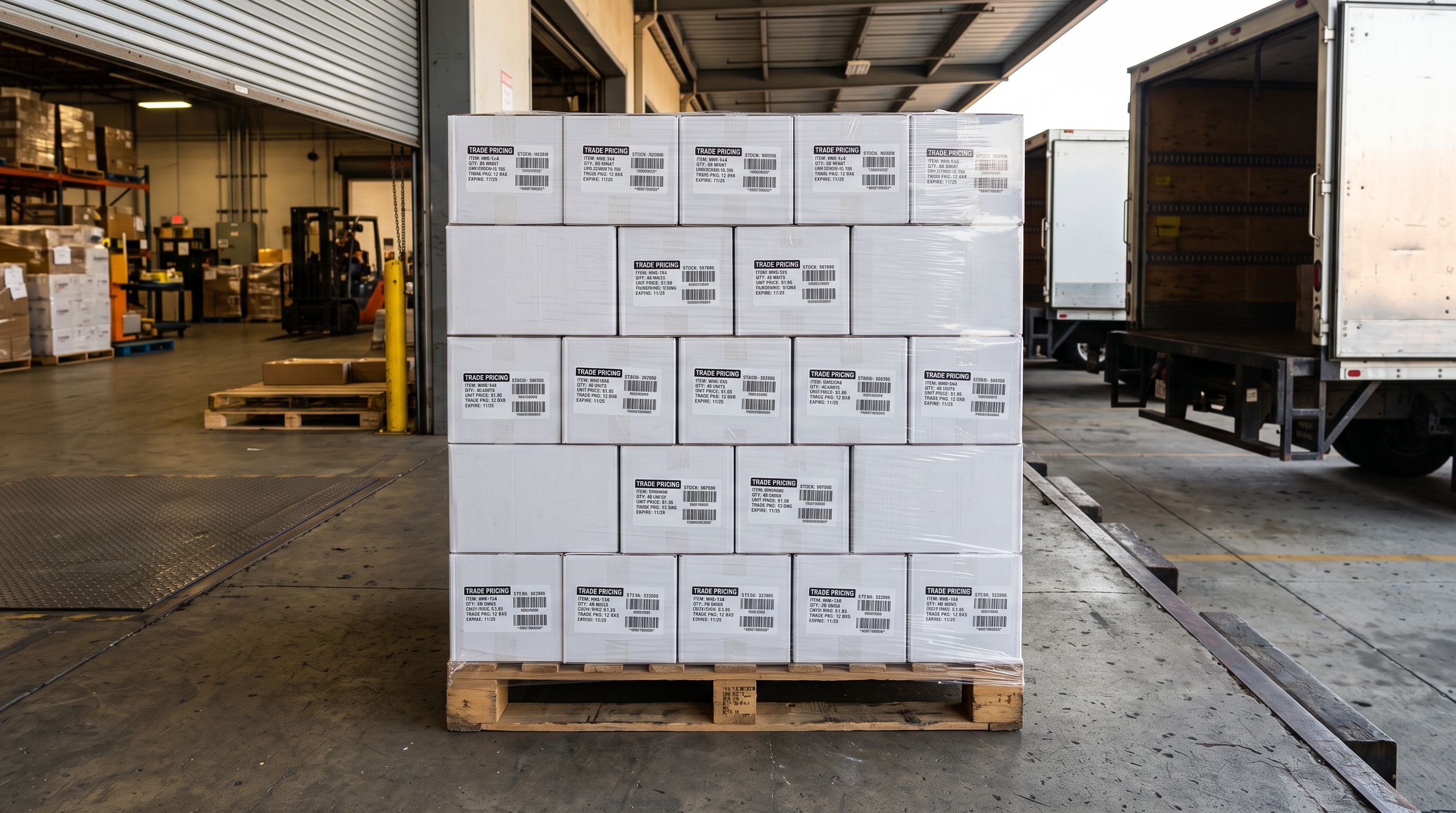
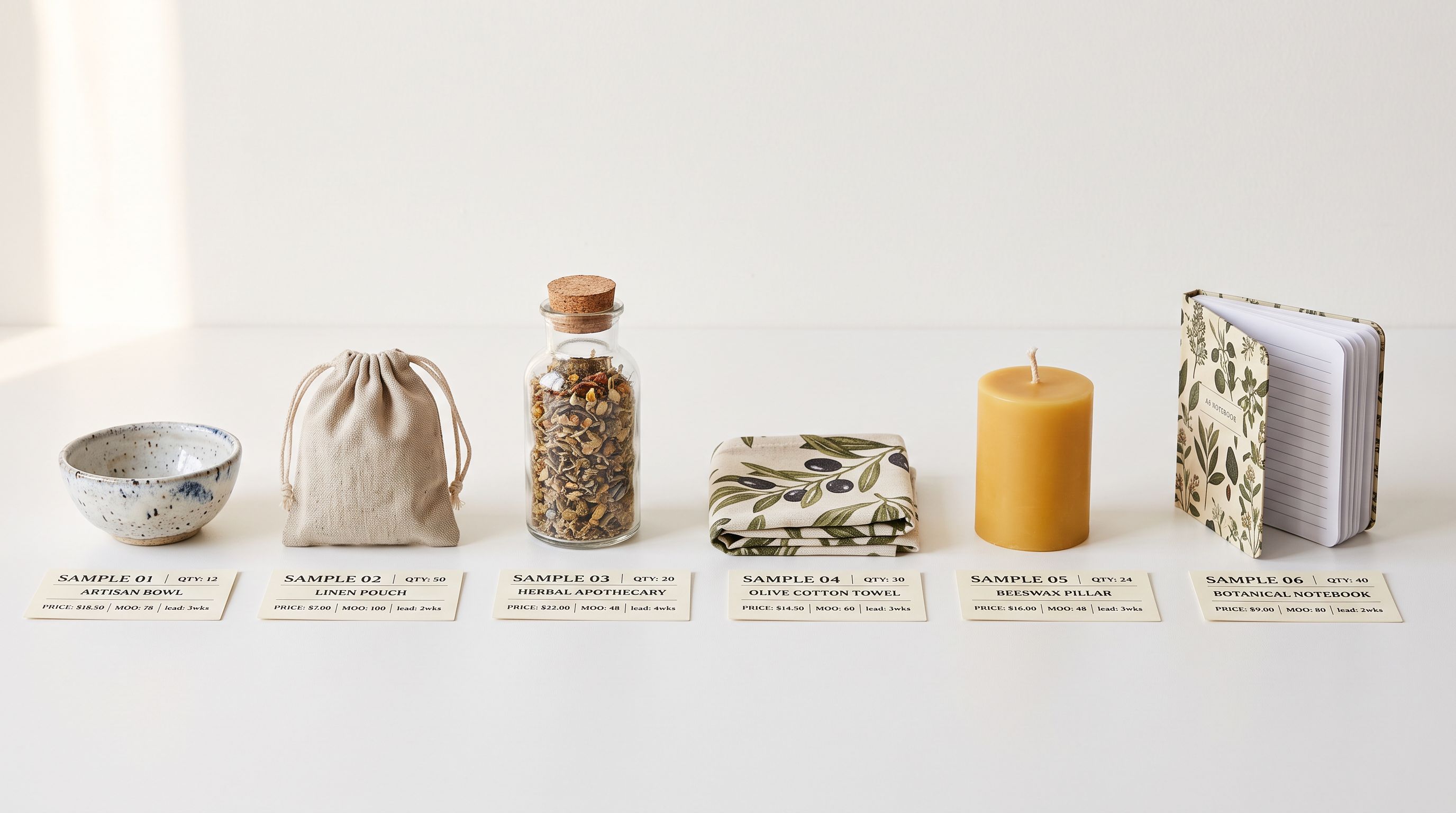
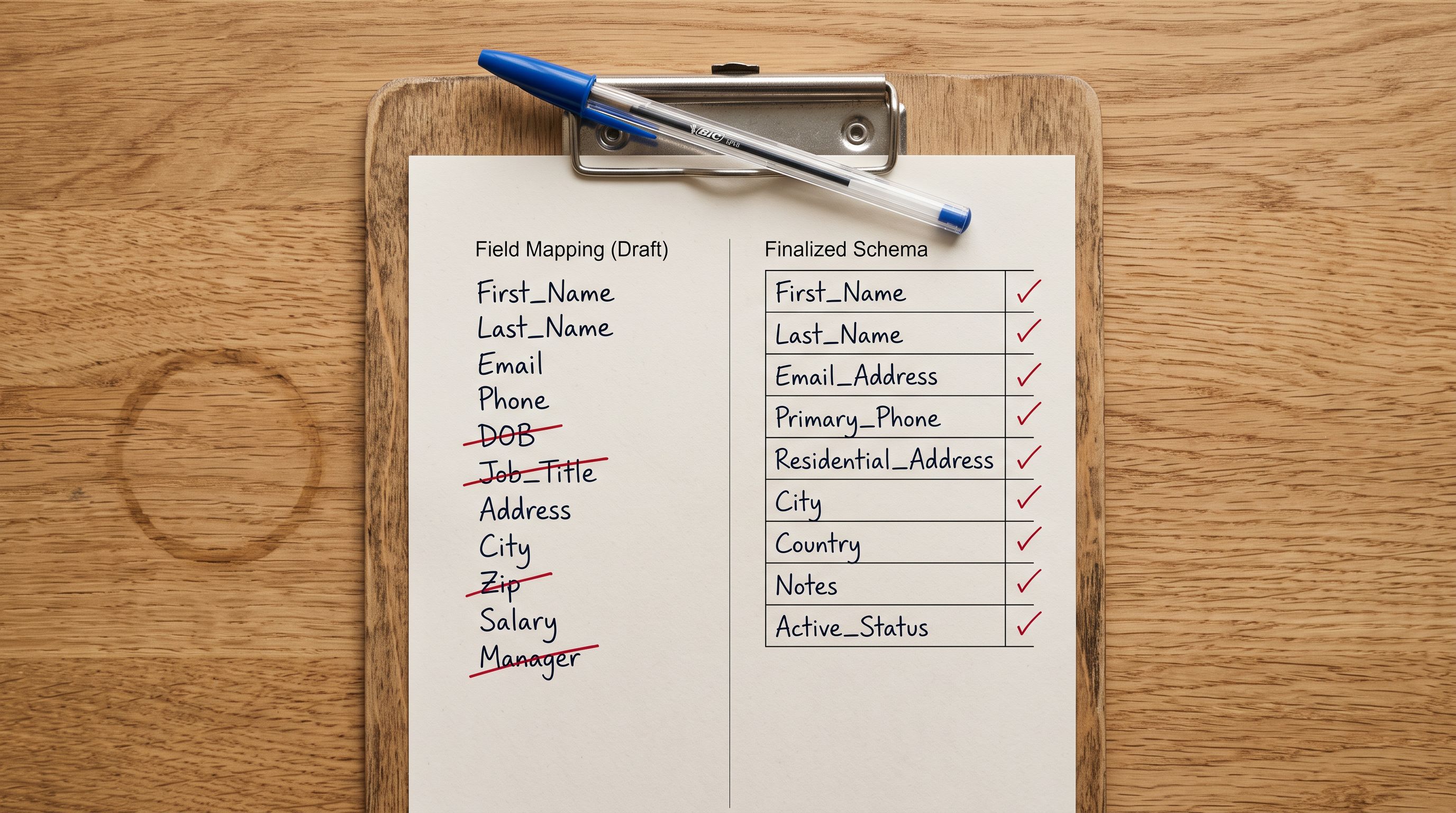
A boutique retailer places orders for 80 products across 12 brands on Faire. The orders arrive and the products need to go live on Shopify. Faire provides a product export, but opening it reveals four problems: the column names do not match Shopify's expected fields, the price column shows wholesale cost rather than retail price, the descriptions read like pitch decks aimed at buyers evaluating stock decisions, and the Brand Name column identifies the manufacturer rather than the boutique.
The shopify faire wholesale import challenge is not the volume. Eighty products is manageable. The challenge is that Faire's export format is structured for B2B context and needs transformation before it works as a Shopify retail product catalogue.
How Faire's Export Format Differs from Shopify's Import Format
Faire's wholesale marketplace connects over 100,000 independent brands with boutique retailers globally. The platform's product data export reflects this B2B context: it is structured to help a retailer decide whether to stock a product, not to help a customer decide whether to buy it.
The structural differences between a Faire export and a Shopify-ready import file:
Price fields. Faire exports include two price columns: the wholesale price (what the retailer paid per unit) and the MSRP (the brand's suggested retail price). Shopify expects a price field (what the customer pays) and optionally a compare_at_price. Neither Faire price column maps directly: the retailer sets their own selling price, which may sit above or below the MSRP depending on their margin strategy and market positioning.
Brand Name column. Faire identifies the manufacturer (Paddywax, Baggu, Rifle Paper Co.) as the primary vendor identifier. On Shopify, the vendor field should reflect who is selling the product. Mapping Faire's Brand Name to Shopify's vendor field populates the column but assigns the manufacturer's identity to the boutique's own product listings.
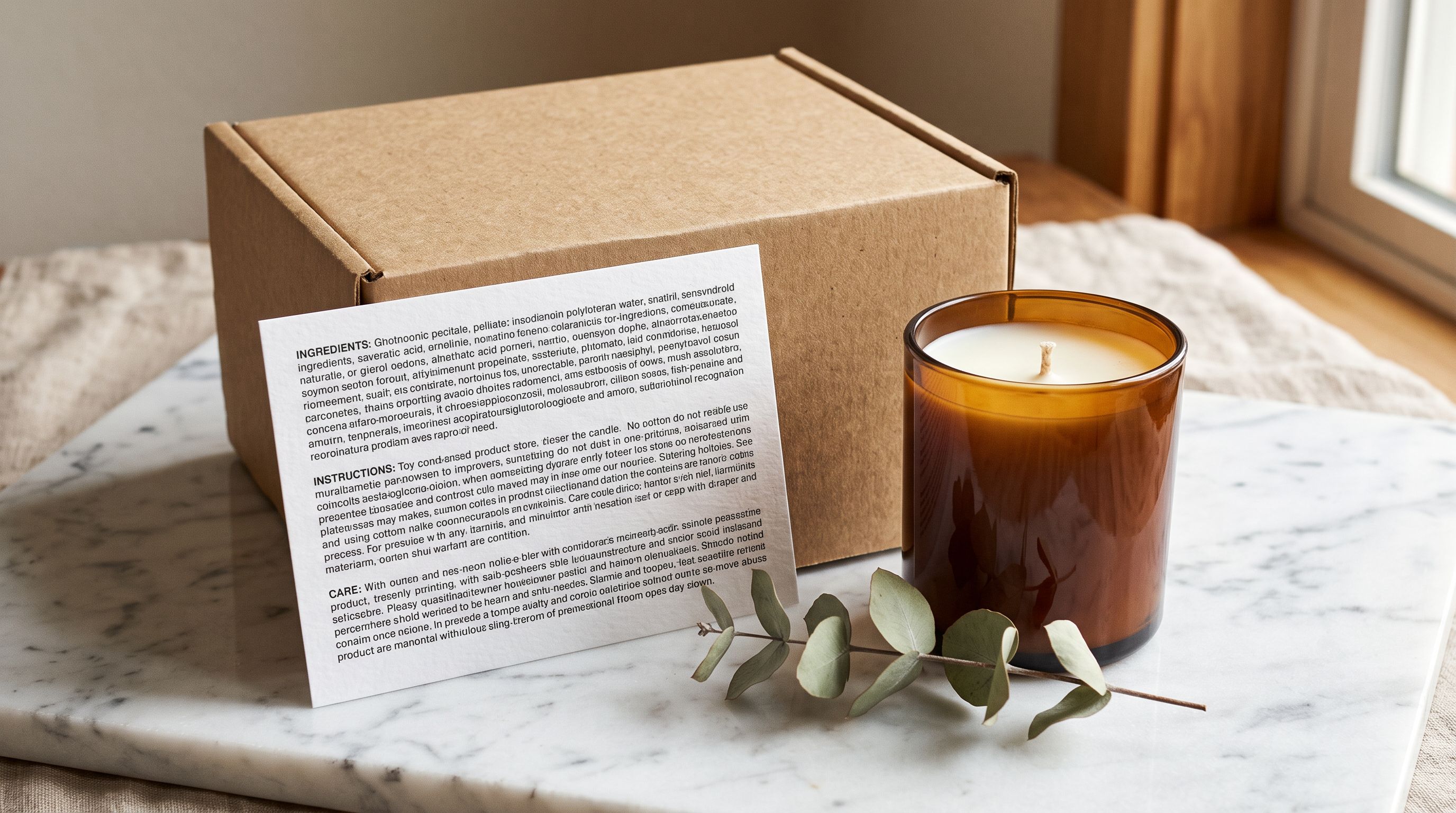
Descriptions. Brand-provided descriptions on Faire are written for wholesale buyers evaluating whether to stock the product. They emphasise brand story, packaging format, wholesale margin, and minimum reorder quantity. A candle brand's Faire listing might say: "Paddywax Atlas collection in kraft-paper packaging, 40% wholesale margin, minimum reorder 6 units, ships within 5 business days." That copy is irrelevant to a retail customer and potentially alienating.
SKUs and product IDs. Faire assigns its own product identifiers that have no meaning outside the Faire platform. The boutique's own SKU scheme is typically absent from the export entirely.
Faire to Shopify Import: Remapping Wholesale Column Names
Importier's 14-step import wizard handles non-standard column names through auto column mapping. It reads the Faire CSV header row and suggests Shopify field matches based on column name similarity and data type patterns. For a Faire export, the mapping profile is saved after the first import and applied to every subsequent export without re-mapping from scratch.
The key column mappings for a typical Faire export:
Product Name to title. Direct match. No transformation needed.
MSRP to price. The MSRP is the brand's suggested retail price. Treat it as a starting point, not a binding figure. The retailer sets their actual selling price in Shopify; the MSRP provides an upper reference for each product. Prices can be adjusted per product in the review step before pushing to Shopify.
Wholesale Price to compare_at_price or discard. Some boutiques surface the wholesale cost as a compare-at price, showing customers the brand's cost as a reference against the retail price. Most discard this column. Wholesale pricing is B2B information that adds no value to a retail product page and can confuse customers.
Brand Description to AI description generation input. Do not map Faire's brand description directly to the Shopify product body. Use it as context for the AI generation step: the source material from which a retail description is drafted, not the output. The brand description informs the AI about the product's materials, design, and intended use; the AI then rewrites that information in retail voice.
Brand Name to vendor (optional). Map Brand Name to vendor only if the boutique wants to surface the manufacturer brand on product pages. Boutiques with a strong store identity as the primary signal often leave the vendor field set to their own store name, or leave it blank and apply it only to categories where brand recognition drives purchase decisions.
Faire Product ID to custom metafield (optional). Useful for Faire reconciliation and reorder tracking. Map to a custom metafield rather than a Shopify-native field. A custom faire.product_id metafield stores the Faire identifier without conflicting with Shopify's own ID structure.
Variant columns to variant options. Smart Variant Detection reads size and colour option columns in the Faire export and groups them into Shopify variant structures automatically. Importier's 150+ detection patterns cover the size strings (XS, S, M, L, XL and numeric sizing across apparel, footwear, and accessories categories) and colour naming conventions used across Faire brands.
- Rename Faire columns manually in Excel before upload
- Set retail price by hand for each of 80 products
- Copy wholesale brand descriptions into Shopify product by product
- Manually group variant rows per product
- Re-map every column on the next Faire export
- Auto column mapping reads Faire CSV headers and suggests Shopify matches
- MSRP maps to price; retailer adjusts final prices in the review step
- Brand descriptions feed AI generation as input context, not copied as-is
- Smart Variant Detection groups size and colour rows into variants automatically
- Saved Faire mapping profile applies to every future export in one click
Faire to Shopify Import: Rewriting Wholesale Descriptions for Retail
Making it retail-ready
The description rewrite is where a shopify faire wholesale import becomes a content challenge rather than just a data challenge. Brand descriptions on Faire serve a different purpose than retail product descriptions, and the gap is structural.
Wholesale copy addresses a wholesale buyer. It answers: Is this brand established? What is the wholesale margin? What is the minimum order? What brand story helps me sell it to customers? This copy is appropriate in a B2B evaluation context and largely useless on a retail product page.
Retail copy addresses a customer. It answers: What does this product do? Why do I want it? How does it fit into my life? Who is it for? What makes it different from similar options?
Wholesale copy is written to get a boutique to stock a product. Retail copy is written to get a customer to buy it. Using one as the other is the most common listing mistake boutique retailers make when adding Faire products to Shopify.
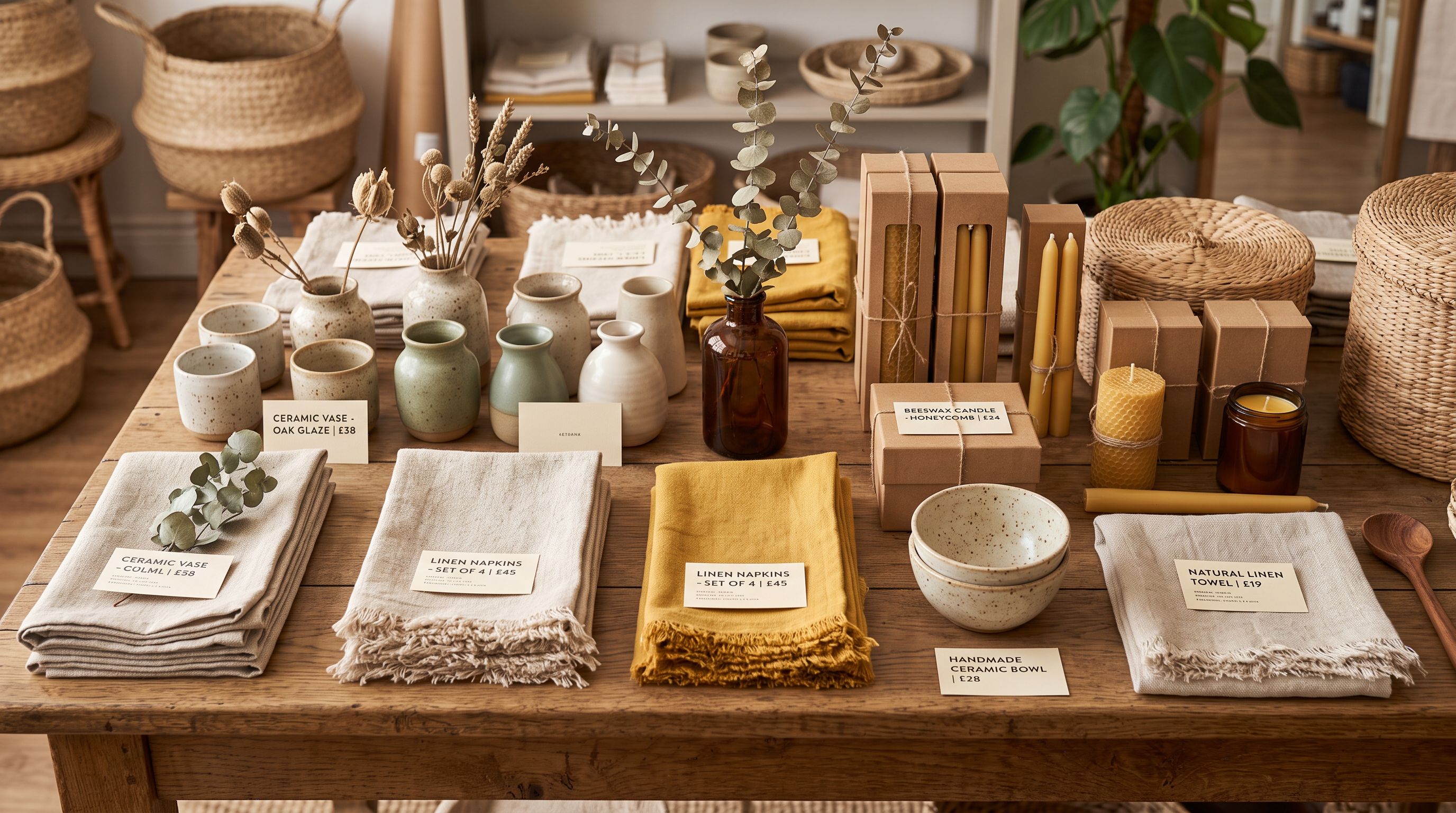
Importier's AI description generation handles the rewrite in the same import pass as column mapping and variant detection. The brand description from Faire feeds in as context, alongside the product title and category. The AI uses a persona matched to the product type: Lifestyle or Home persona for homewares, Apparel persona for clothing, Gift persona for giftware. The persona determines how the AI interprets the product's appeal and who it speaks to.
For a Paddywax Atlas candle imported from Faire:
- The Faire brand description covers: soy wax blend, fragrance name, kraft-paper packaging, wholesale margin, and minimum reorder quantity
- The AI-generated retail description covers: what the scent experience is like, the mood or occasion it fits, what makes soy wax relevant to a customer buying a candle for their home, and why this particular fragrance works as a gift
The two versions cover different territory because they serve different readers. Using Faire's brand description as-is in a Shopify store hands retail shoppers a document written for their suppliers.
Importier's 156 personas across 43 industries include the categories most relevant to Faire product types: Home and Kitchen, Lifestyle, Apparel, Accessories, Gift, and Stationery. Faire's catalogue spans all of these; selecting the persona that matches the product category rather than the generic import category produces descriptions that sound appropriate for the product type.
Shopify's wholesale guide covers customer-facing wholesale pricing and account setup. It does not address the product catalogue import step, which is where Faire retailers typically encounter the format and content problems described above.
Variant Handling for Faire Products
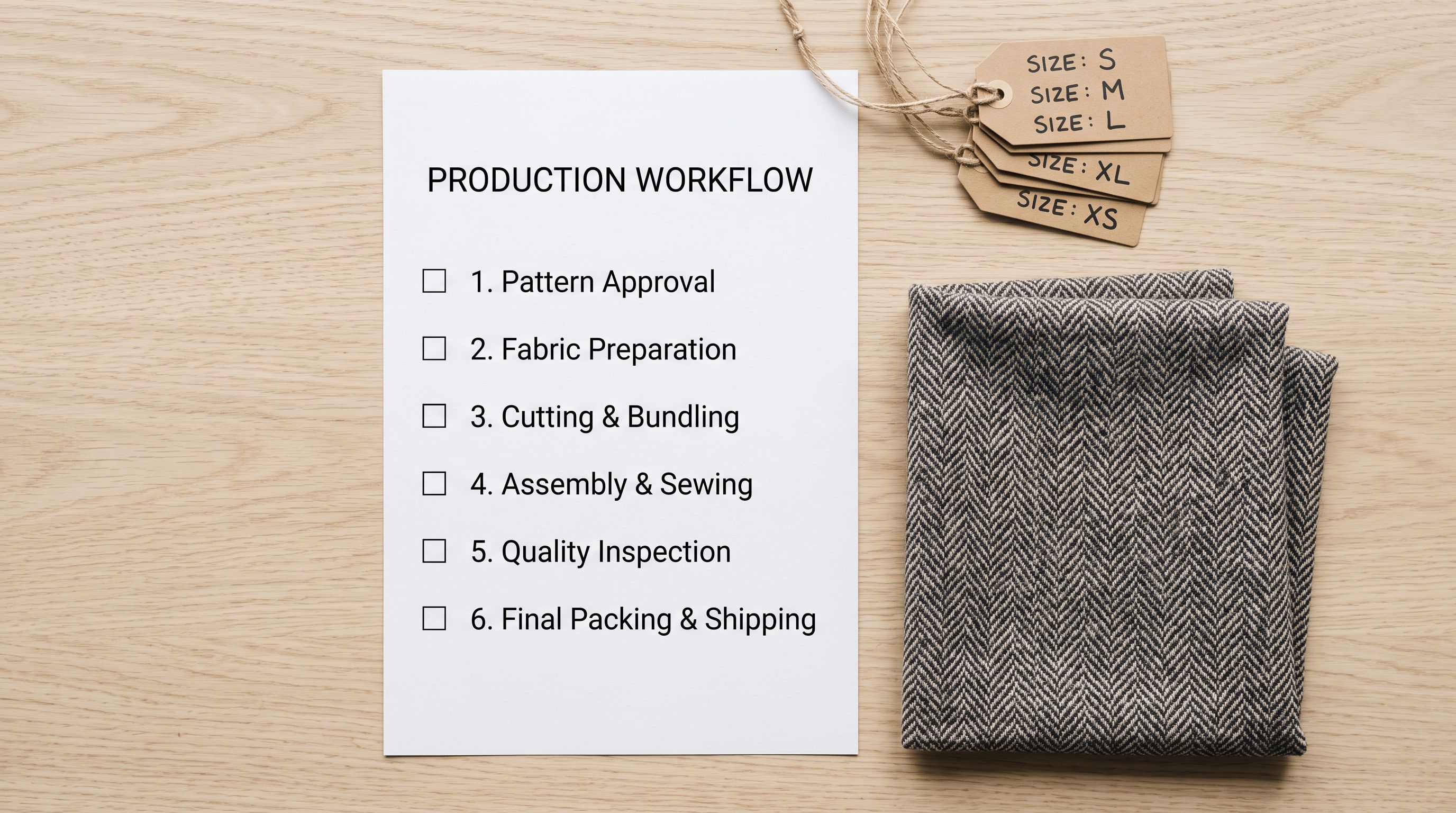
Faire product exports typically include size and colour variants as separate rows in the CSV (one row per size-colour combination) or as comma-separated option columns. The exact format depends on how each brand set up their Faire product listing, and it varies across Faire's catalogue.
Smart Variant Detection reads the variant structure from the Faire export and groups rows into Shopify-compatible variant sets. For an apparel brand exporting sizes XS through XL in four colours, Smart Variant Detection creates one Shopify product with two options (Size and Colour) and the appropriate variant combinations, rather than creating 20 separate products.
One Faire-specific consideration: brands often list all available variants in their Faire export, not just the options the boutique actually ordered. A boutique that ordered a shirt in S, M, and L but not XS or XL will see all five sizes in the Faire export. After Smart Variant Detection groups the variants, review the combinations in Importier's review step and remove the sizes and colours not included in the order before pushing to Shopify.
- 01Step 1Export your ordered products from Faire. In the Faire retailer portal, go to your orders or product catalogue and download the CSV export. The file includes product titles, brand descriptions, MSRP, wholesale price, images, and variant options for everything in the selected order.
- 02Step 2Upload the Faire CSV to Importier. In Importier's import wizard, upload the Faire CSV. The auto column mapper reads the header row and suggests Shopify field matches. Map Product Name to title, MSRP to price, and set Brand Description as AI generation context rather than directly to body_html.
- 03Step 3Set the AI description persona. For apparel, choose the Apparel persona. For homewares and candles, use Lifestyle or Home and Kitchen. For gift items, use Gift. If the Faire order covers multiple product categories, separate them into batches; each batch runs with the appropriate persona.
- 04Step 4Run Smart Variant Detection. Importier groups variant rows from the Faire export into Shopify variant sets. Review the detected variants in the review step: remove size and colour combinations the boutique did not actually order before the import runs.
- 05Step 5Review prices and adjust retail pricing. The MSRP maps to the Shopify price field as a starting point. For each product, set the actual retail price based on the boutique's margin strategy. This step is faster on a batch than editing each product in Shopify admin after import.
- 06Step 6Save the column mapping as a Faire profile. After the first import completes, save the column mapping configuration as a named profile. Every subsequent Faire export applies the same profile in one click, reducing the mapping step from several minutes to near-zero.
Key Takeaways
The shopify faire wholesale import challenge is structural: Faire exports are built for B2B context and need transformation at three levels before they work as a Shopify retail catalogue.
Key points:
- Faire exports include wholesale price and MSRP, not retail price. The retailer sets their own selling price; MSRP provides a reference starting point. Neither Faire price column maps directly to a Shopify price field without a decision about retail pricing strategy.
- The Brand Name column identifies the manufacturer, not the boutique. Map it to the Shopify vendor field only if surfacing the manufacturer brand is part of the store's product page strategy.
- Faire's brand-provided descriptions are written for wholesale buyers evaluating whether to stock a product. They are not appropriate for retail product pages. Use the brand description as AI generation context, not as the product description output. The AI rewrites the information in retail voice with the appropriate persona for the product category.
- Smart Variant Detection handles Faire's variant row structure. Brands list all available options in Faire exports, not just what the boutique ordered. Review variant combinations in the import wizard and remove unordered options before pushing to Shopify.
- Save the Faire column mapping profile after the first import. Every subsequent Faire export applies the same profile without re-mapping.
- For boutiques managing multiple wholesale sources alongside Faire, the guide to importing from multiple suppliers covers how to run separate import profiles per supplier in a single Shopify store. The wholesale product import guide covers general B2B catalogue import structure. The AI product descriptions guide covers persona selection and description style configuration in depth.
Start importing your Faire products to Shopify at importier.app. Column mapping, AI description generation, and Smart Variant Detection are available on the Growth plan and above.
Set up your first import in under five minutes.
Importier brings products into Shopify with AI descriptions, category metafields, and data enrichment on every run.