Shopify B2B Product Catalogue Setup: Import for Wholesale

On this page
Shopify B2B Product Catalogue Setup: Import for Wholesale
Shopify B2B is now available to all Shopify merchants, not just those on Plus. Since April 2026, any merchant can activate B2B features, create company accounts, set customer-specific pricing, and separate their wholesale and direct-to-consumer operations within a single Shopify store.
The B2B setup guides focus on the customer side: creating company accounts, assigning payment terms, setting location-specific pricing. What they consistently skip is the product catalogue side: your wholesale products need to be in Shopify with the right data before any of the customer account setup matters.
This article covers the specific data requirements for a Shopify B2B product catalogue, how the import workflow differs from a D2C import, and why the AI description strategy for B2B products requires a fundamentally different approach.
What B2B Buyers Need from a Product Record
A purchasing manager evaluating a wholesale order has different information needs from a retail buyer browsing a product page. The consumer wants to understand the product's benefits and how it will fit their life. The purchasing manager needs to know:
- Minimum order quantity (MOQ)
- Lead time from order to dispatch
- Case pack size and shipping configuration
- Product specifications and compliance certifications (CE marking, RoHS, safety standards)
- Weight and dimensions for freight calculation
- HS code and country of origin for import duty estimation
- Barcode (GTIN or EAN) for their inventory management system
- SKU structure that matches their purchase order system
Most supplier CSV files contain some of these fields. Most do not contain all of them. And most merchants who import a supplier catalogue into Shopify for B2B purposes discover after the fact that the product records are missing the fields that purchasing managers ask about first.
How a B2B Import Differs from a D2C Import
The column mapping and import mechanics are identical: Importier's 14-step wizard handles B2B supplier files the same way it handles D2C product files. The differences are in which columns you prioritise and how you configure the AI generation step.
Additional columns to map for B2B:
- MOQ (minimum order quantity): map to a custom metafield or a product tag (e.g.,
moq:24) so B2B buyers can see it on the product page - Case pack size: if your wholesale quantities come in fixed case sizes, this belongs in a product attribute
- Lead time: map to a metafield or include in the description template
- Weight and dimensions: these matter more for B2B because freight costs are relevant to the buyer's landed cost calculation; map these precisely
- HS code: map to the Shopify HS code field (used in cross-border shipping, auditable in the product record)
- Country of origin: map to the Shopify country of origin field
Columns that differ in B2B context:
- Retail price vs wholesale price: your B2B pricing may live in a separate column from the consumer retail price. In Importier's column mapper, you can map the wholesale cost price to Variant Price and set the consumer retail price in a B2B pricing list after import. Alternatively, import with the B2B price as the base and add a markup for D2C customers.
- Product tags: B2B products often need collection-visibility tags (e.g.,
b2b-only,wholesale,trade) that D2C imports do not. Include these in your import CSV as a Tags column.
- 01Prepare your B2B supplier CSVInclude all standard product columns plus MOQ, case pack size, lead time, weight, dimensions, HS code, country of origin, and any compliance certification fields. Add a Tags column with your B2B visibility tags.
- 02Open the Import WizardNavigate to Import in Importier and drag the supplier file in. The 14-step wizard begins.
- 03Map B2B-specific columnsIn the column mapping step, map weight, HS code, country of origin to their respective Shopify fields. Map MOQ and lead time to custom metafields if your product page template displays them.
- 04Select a B2B-appropriate AI personaIn the AI generation step, choose a persona suited to purchasing managers rather than consumers. Options include Procurement Officer, Technical Buyer, Supply Chain Manager, or an industry-specific B2B persona.
- 05Run data enrichmentAfter the AI description step, run enrichment to fill any missing weight, barcode, HS code, or country of origin values that were absent in the supplier file.
- 06Review and pushConfirm fields in the Review table, with attention to weight accuracy and MOQ values. Push to Shopify.
AI Description Strategy for B2B Products
The biggest mistake in B2B product catalogues is using consumer-facing AI descriptions for wholesale products. A description generated with the Benefits-First or Emotional Storytelling style for a B2B buyer reads as out of place. Purchasing managers are not deciding whether a product aligns with their lifestyle; they are deciding whether it meets a specification and whether the economics work for a resale margin.
A B2B product description should lead with:
- What the product is (category, primary specification, key technical attribute)
- Who it is designed for (industry, application, end user)
- Specifications that affect purchasing decisions (MOQ, case pack, weight, dimensions)
- Compliance and certification data if applicable
- What makes it suitable for wholesale resale (margin potential, packaging, lead time)
Importier's 156 expert personas include B2B-relevant options across industries. For wholesale electronics, a Technical Buyer or Electronics Engineer persona produces descriptions that read as appropriate for procurement teams. For wholesale fashion, a Retail Buyer or Merchandise Planner persona focuses on sellthrough potential rather than individual consumer appeal. For industrial and commercial products, a Procurement Officer or Operations Manager persona covers specification accuracy and compliance detail.
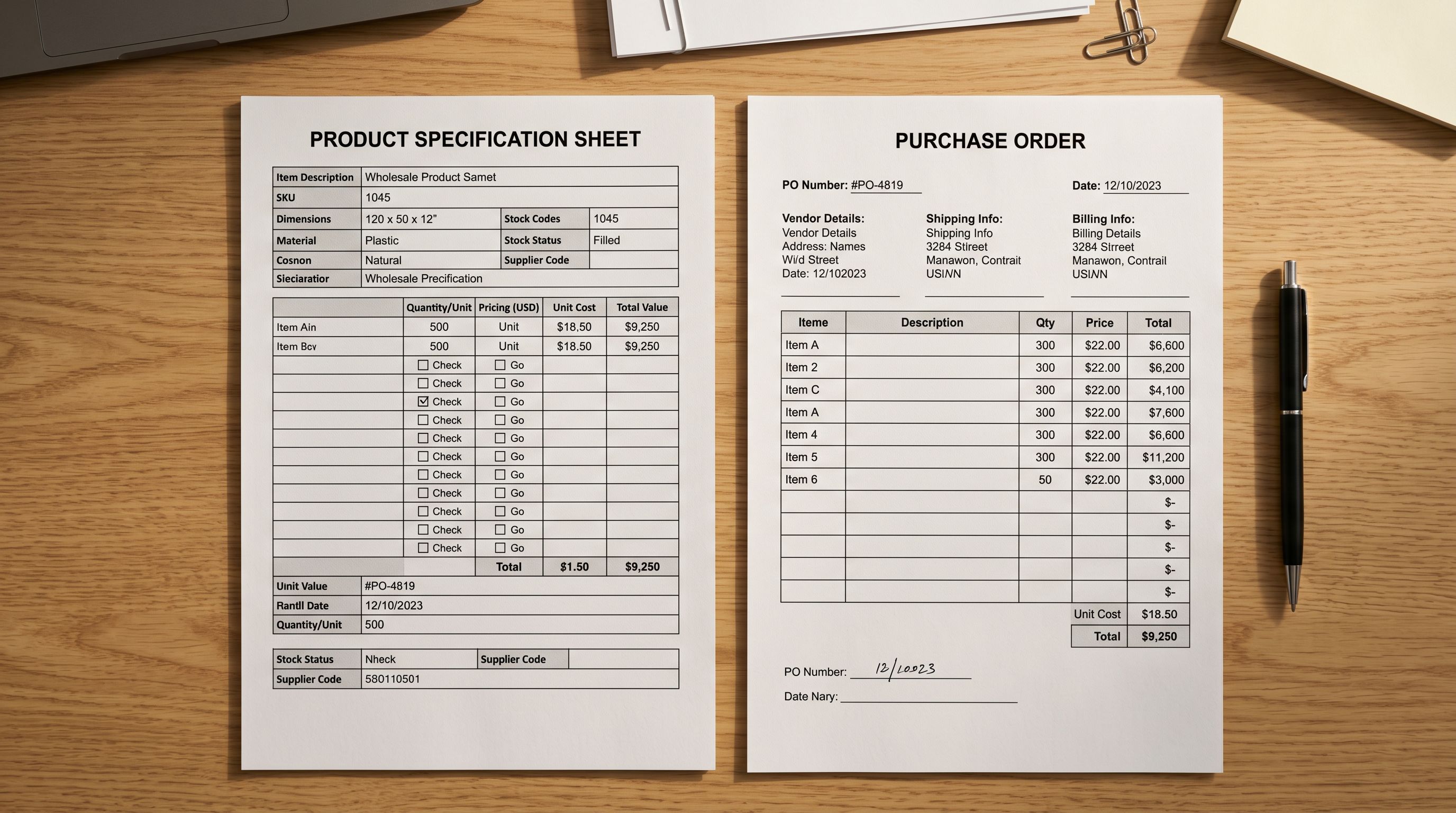
Pricing, Variants, and B2B-Specific Data Fields
Wholesale Pricing and Shopify B2B Price Lists
Shopify B2B separates pricing from product records. The product record holds the base price; B2B price lists then apply discounts, fixed prices, or percentage adjustments for specific company accounts or customer segments.
The import workflow sets the base product price. For merchants with a single wholesale price across all B2B customers, this may be the wholesale price itself. For merchants with tiered wholesale pricing (small accounts at 40% margin, large accounts at 50% margin), the import sets a base price and the Shopify B2B price lists handle the per-account adjustments.
Importier's column mapper handles both approaches:
- Import with retail price as base, apply B2B discounts via Shopify price lists after import
- Import with wholesale price as base, use the compare-at field for retail reference if needed
For products with variant-level pricing differences (a wholesale product available in standard and premium grades at different costs), each variant row in the import CSV carries its own price. Importier's Smart Variant Detection groups variants correctly regardless of how the supplier CSV structures them.
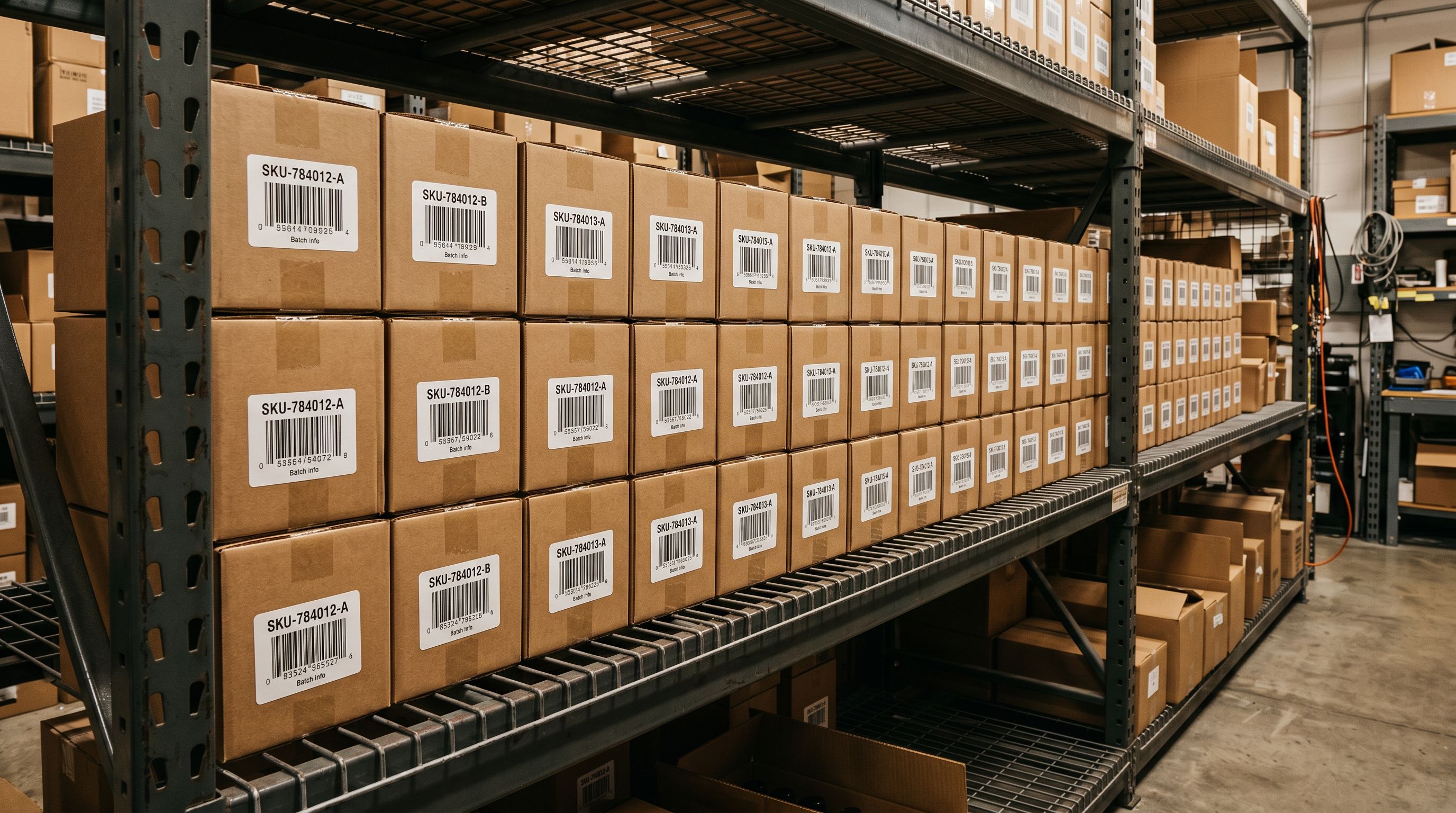
Smart Variant Detection for Wholesale SKU Structures
B2B supplier catalogues often use SKU structures that encode variant information differently from D2C product files. A wholesale accessories supplier might use:
BELT-BRN-M-12for a brown belt in medium, case of 12BELT-BLK-M-12for a black belt in medium, case of 12
Importier's 150+ variant detection patterns include wholesale SKU encoding patterns that identify colour, size, and case-pack information embedded in SKU strings. When the supplier CSV has one column per SKU rather than separate colour and size columns, the variant detection step parses the SKU and generates the correct Shopify variant structure automatically.
For B2B catalogues where MOQ is encoded in the SKU (as in the belt example above), the MOQ value can be extracted and mapped to a metafield during the variant detection step, or it can be included as a tag during the import.
Data Enrichment for B2B Compliance Fields
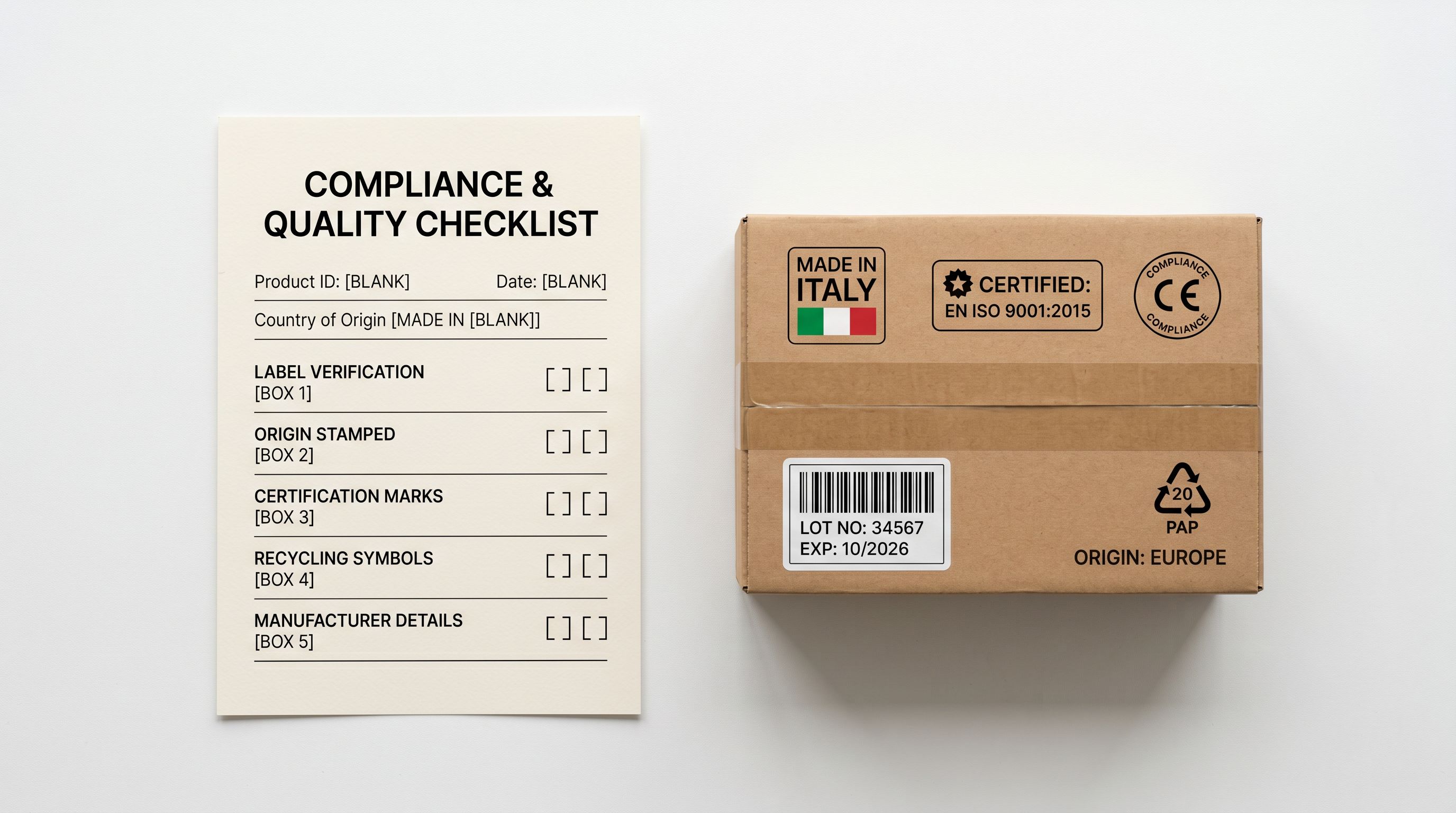
B2B buyers in regulated industries often require compliance certifications, HS codes, and country of origin before they can place an order. These fields are auditable: the purchasing manager may need to show them to their own compliance team before approval.
Importier's data enrichment fills blank HS code and country of origin fields using the product title and description as input. For products with a barcode (GTIN or EAN) already in the supplier CSV, the barcode lookup also retrieves HS code and country of origin from the product database.
For wholesale products that require specific compliance certifications (CE marking, RoHS, REACH, FCC, or food-contact compliance), these belong in product tags or metafields rather than description text. Tags and metafields are queryable in Shopify and can be used to filter B2B collections by certification type.
The weight and dimension fields matter more in B2B than in D2C because B2B buyers calculate freight costs as part of their total landed cost. Supplier CSVs often contain weight in their own unit (grams, ounces, pounds) which does not always match Shopify's expected unit. Importier's enrichment step converts weight units automatically and flags cases where the inferred weight diverges significantly from the raw value in the CSV.
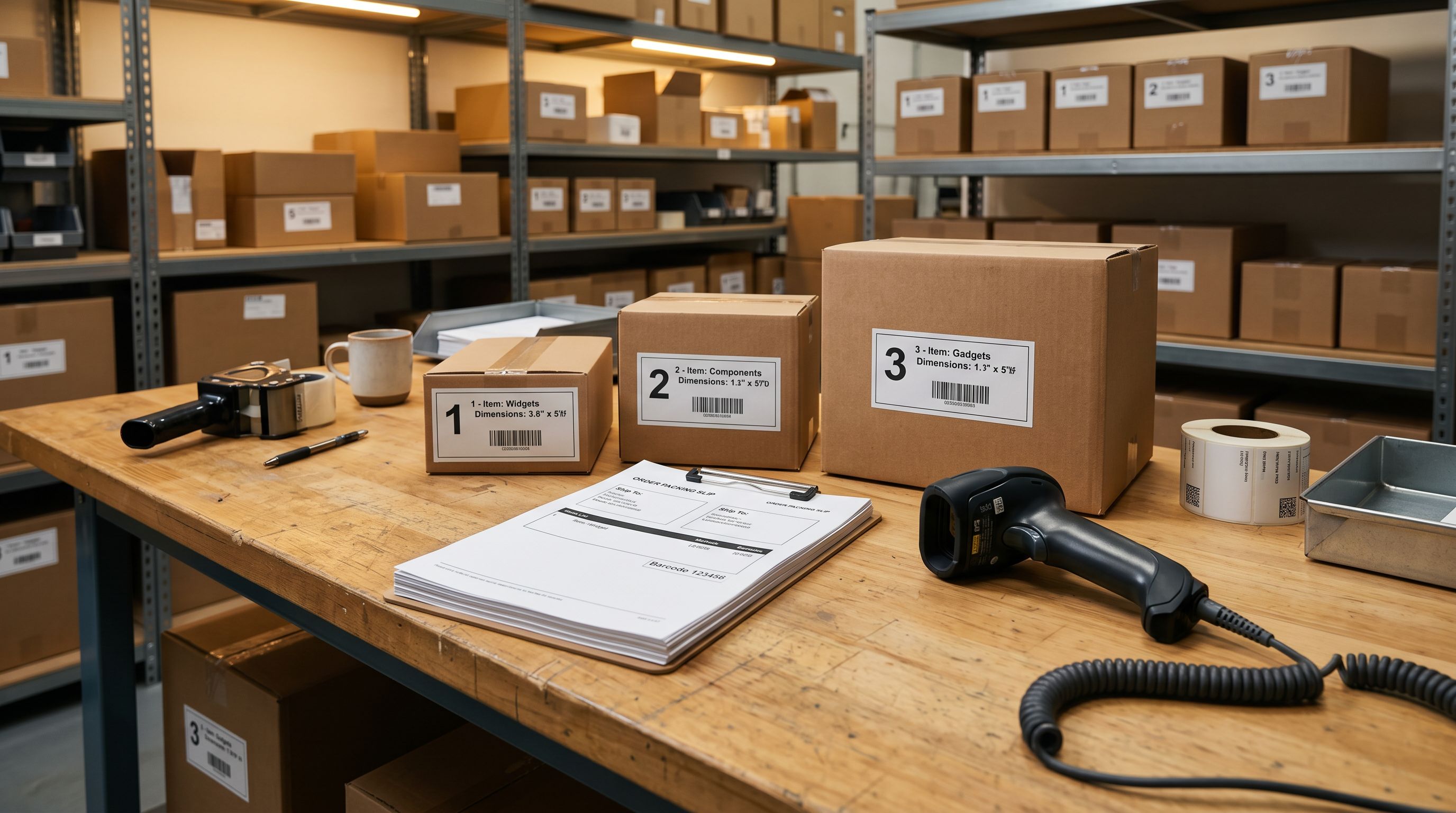
After the Import: Connecting Products to B2B Accounts
Once the product catalogue is in Shopify with complete data, the B2B configuration steps connect the products to customer accounts:
- Assign products to B2B-only collections using the collection visibility tags imported with the product records
- Create Shopify B2B company accounts for wholesale customers
- Set up price lists per company or customer segment with the appropriate markup or discount from the base import price
- Configure quantity rules (minimum order quantities) per company account
- Set payment terms per company (net 30, net 60, prepaid)
These steps are done in the Shopify admin B2B section after the product import completes. Importier's role is to ensure the product records are complete before the B2B configuration begins. Changing product data after B2B price lists and quantity rules are set up requires updating those configurations separately.
- Enter each product in Shopify admin individually: weight, HS code, dimensions, tags, MOQ per product
- Descriptions written for consumers, not purchasing managers
- Variant SKUs interpreted manually from supplier SKU strings
- Compliance fields left blank until purchasing managers ask
- Enrichment done by researching each product separately
- Bulk import from supplier CSV with full column mapping in one session
- AI descriptions generated with Procurement Officer or Technical Buyer persona: specifications-first output
- Smart Variant Detection parses wholesale SKU structures and creates correct variant groupings automatically
- Data enrichment fills HS codes, country of origin, and weights from barcode lookup and AI inference
- Import History logs the session; Import Undo reverts if the supplier file had errors
Five Takeaways on Shopify B2B Product Imports
- Shopify B2B is now available to all merchants (since April 2026, not just Plus). The same product record serves both B2B and D2C customers; pricing, MOQ, and visibility are separated via price lists, quantity rules, and collection tags (not separate product records).
- B2B purchasing managers need different information than retail consumers: MOQ, lead time, case pack, compliance certifications, weight and dimensions for freight, HS code, and country of origin. Map these columns in Importier's column mapper and run data enrichment for any fields the supplier CSV does not provide.
- Use a B2B-appropriate AI persona for wholesale product descriptions. Procurement Officer, Technical Buyer, and Supply Chain Manager personas in Importier produce descriptions that lead with specifications and compliance data rather than consumer benefits and lifestyle language.
- Smart Variant Detection handles wholesale SKU structures, including encoded colour, size, and case-pack information in SKU strings. The variant grouping step produces correct Shopify variant records from supplier files that do not use standard variant columns.
- Complete the product catalogue import before configuring B2B price lists, quantity rules, and payment terms in Shopify admin. Changing product data after B2B customer accounts are set up requires updating those configurations separately.
Set up your first import in under five minutes.
Importier brings products into Shopify with AI descriptions, category metafields, and data enrichment on every run.