osCommerce to Shopify Migration: Product Data Import Guide

On this page
A home furnishings merchant has been running osCommerce since 2003. Their store carries 1,200 products across 45 categories, each product with three attributes: Size, Colour, and Material. They export their product catalogue from the osCommerce admin panel and find 1,200 rows, one per product, with no size, colour, or material data anywhere in the file.
The attributes are stored separately. osCommerce separates product data from attribute data in its database, and the standard product export does not include attribute combinations. To get the variant data, the merchant needs a second export from a different section of the admin panel. Most osCommerce to Shopify migration guides skip this step entirely.
This guide covers what the osCommerce product export contains, how to handle the attribute-to-variant conversion, and how to complete the oscommerce to shopify migration without rebuilding variant data manually.
Why osCommerce Merchants Move to Shopify
osCommerce launched in 2000 and was the dominant open-source ecommerce platform of the early web era. It introduced the add-on model for extending platform functionality and influenced the architecture of several platforms that followed, including PrestaShop and early Magento. Most merchants still running osCommerce today launched their stores in the 2000s or early 2010s: stores built before responsive design, before mobile commerce, and before the current generation of payment and shipping integrations.
The technical profile of a legacy osCommerce installation is specific. The platform runs on PHP and MySQL, requires a dedicated hosting environment, and has not adopted a modern templating system; themes are built by editing PHP files directly. Most legacy installations have accumulated a stack of add-ons that interact unpredictably with one another and make core updates risky. Security patches require manual server-level file replacement.
The case for migration is straightforward. osCommerce's add-on approach can solve immediate problems, but it compounds maintenance debt across years of installation. For merchants whose stores predate the mobile commerce era, the codebase has often diverged so far from any supported version that maintaining the store is effectively custom development.
What an osCommerce Product Export Contains
The osCommerce admin panel's product export generates a CSV with field names derived from the database schema. A standard osCommerce export includes products_id, products_model, products_price, products_image, products_quantity, products_date_added, products_description, and categories_name.
None of these match Shopify's required column names. products_description is not Body (HTML). products_model is not Variant SKU. products_price is not Variant Price. categories_name is not Type. products_image stores only the image filename, not a full URL.
- Column names from database schema (products_model, products_price)
- Image stored as bare filename (blue-chair-oak.jpg)
- No attribute data in the product export
- Price is ex-tax with no currency label
- No Handle column for variant grouping
- Product description contains legacy HTML from early-era editor
- Column names Shopify recognises (Variant SKU, Variant Price, Title)
- Image as full HTTPS URL from a publicly accessible host
- Variant rows present for each attribute combination
- Price in merchant's target currency, decimal format
- Handle field present, shared across all variant rows for a product
- Description in clean prose matched to the merchant's current brand
The most significant structural problem is what the export does not contain. osCommerce's product attributes system stores attributes separately from products. Options (Size, Colour, Material) and their values (Small/Medium/Large, Red/Blue/Oak) live in the products_options and products_options_values tables. The link between a specific product and its available attributes is in products_attributes. None of this data appears in the standard product export.
A merchant whose 1,200 products each have a Size option (3 values) and a Colour option (4 values) has 14,400 individual attribute combinations. Those combinations are entirely absent from the 1,200-row product export. They require a separate export from Catalog → Products Attributes in the admin panel, or a custom database query joining the relevant tables.
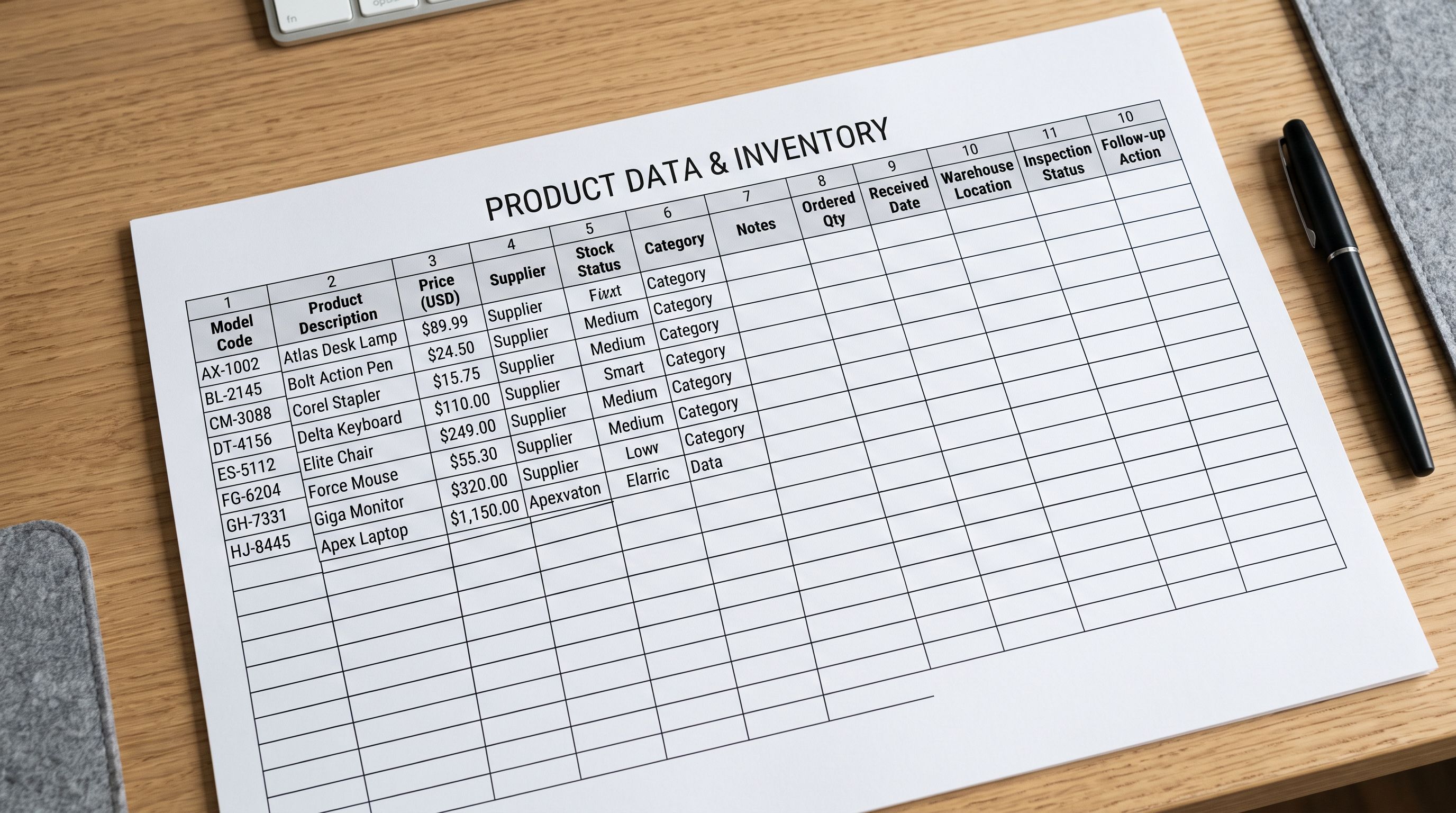
Product images in osCommerce are stored as bare filenames: blue-chair-oak.jpg, cushion-set-cream.jpg. All product images sit in a flat /catalog/images/ directory on the server. osCommerce's standard installation supports only one image per product. Additional images require an add-on, and not all legacy installations have one. During migration, every product image needs the domain and directory path prepended to become a usable URL.
Why Shopify's Native Importer Cannot Process an osCommerce File
Shopify's built-in CSV importer requires exact column names and a specific structure for variant rows. It has no column remapping capability. An osCommerce export dropped into Shopify's native importer will either fail on column validation or create empty product shells with only the fields that happen to share a name with Shopify's expected columns.
The variant structure problem is compounded. Shopify groups variant rows by their Handle value: all rows sharing the same Handle belong to the same product. osCommerce's product export has no Handle concept. Even if column names were manually remapped, the single-row-per-product structure of the osCommerce export cannot produce Shopify's required multi-row variant structure without a transformation step.
The migration path
osCommerce to Shopify Migration: Column Mapping and Variant Conversion
The technical path through an osCommerce to Shopify migration has two distinct stages: column remapping for the product data and attribute reconstruction for the variant data.
The osCommerce product export and the attribute export contain all the data the Shopify catalogue needs. The migration work is combining and transforming them into Shopify's format, not finding the data.
Importier's column mapper handles the first stage. products_model maps to Variant SKU. products_description maps to Body (HTML). products_price maps to Variant Price. categories_name maps to Type. The image field maps to Image Src with a URL prefix applied to convert bare filenames to full URLs. The mapping is saved after the first import, so subsequent catalogue updates from the same osCommerce export apply automatically.
For the URL prefix, the merchant uploads the osCommerce /catalog/images/ directory to a CDN or cloud storage bucket and sets the prefix in Importier's image field. Every image filename from the export becomes a resolvable URL during import: https://cdn.merchant.com/images/blue-chair-oak.jpg.

The attribute reconstruction stage requires the separate attributes export. From the osCommerce admin, the merchant exports Catalog → Products Attributes, which provides the product ID, option name, and option value for each attribute assignment. Importier processes this alongside the main product export to generate Shopify variant rows: each unique combination of option values for a product becomes a separate variant row, sharing the same Handle, with the option type and value in the appropriate Variant columns.
For merchants whose osCommerce installation did not support a structured attributes export, Importier's variant detection can infer variant structure from product naming patterns. Products listed as "Oak Dining Chair Small", "Oak Dining Chair Medium", "Oak Dining Chair Large" in the main export are grouped automatically under a single Shopify product with Size variants. This covers stores where variant structure was encoded in product names rather than the attributes system.
Handling osCommerce Categories

Unlike some legacy platforms that export category IDs, osCommerce exports category names directly in the categories_name field. A product in a nested category structure such as "Furniture > Dining > Chairs" may appear with the category name formatted as a path or just the leaf category name, depending on the export method used.
Importier maps categories_name to Shopify's Product Type field during column mapping. For nested category paths, the merchant can choose whether to use the full path, the leaf category only, or a simplified version as the Product Type. Shopify's Standard Product Taxonomy uses its own category structure for enhanced features, so Importier also offers Industry Pack assignment at import time to populate the correct Shopify taxonomy category alongside the mapped Product Type.
- 01Step 1From the osCommerce admin, export your product catalogue (Tools → Database Backup or the products export option). Separately, export Catalog → Products Attributes to get the variant data. Both files are needed for a complete migration.
- 02Step 2In Importier, start a new import and upload the osCommerce product CSV. The column mapper identifies the osCommerce fields and presents the mapping interface. Map products_model to Variant SKU, products_description to Body (HTML), products_price to Variant Price, and categories_name to Type.
- 03Step 3Set the image URL prefix in the Image Src field. If your osCommerce images are at the original server, use the original domain and /catalog/images/ path. If re-hosted to a CDN, use the CDN base URL. Importier prepends the prefix to every bare filename in the export.
- 04Step 4Upload the attributes export alongside the product export. Importier combines the two files to generate variant rows for each product, using the product ID as the key to match attributes to their parent products.
- 05Step 5At the description generation step, choose whether to keep existing descriptions or regenerate with AI. For a 1,200-product catalogue with descriptions written in 2005-2010, selective regeneration for products with descriptions under a word threshold targets the weakest content first without replacing recently updated listings.
- 06Step 6Complete the import. Review the imported products in Shopify admin before activating sales channels. Check several products with multiple attributes to confirm variant grouping is correct.

AI Description Refresh for the osCommerce to Shopify Migration
A migration from a store running since 2003 is a content quality inflection point. osCommerce product descriptions from legacy installations present the same problems as Zen Cart: inline HTML from early WYSIWYG editors, outdated product specifications, and supplier-supplied copy that was never written for search or conversion.
Importier's AI description generation processes descriptions across the full catalogue at import. Rather than carrying twenty-year-old supplier text into the Shopify store, the merchant selects a description style and persona appropriate to their product categories. The AI generates current, well-structured descriptions from the available product data: title, type, model, and any category or attribute data the osCommerce export includes.
For a home furnishings merchant with 1,200 products, the AI rewrite at import time eliminates a content backlog that would otherwise take months to address manually. The WooCommerce to Shopify migration guide covers the same description refresh step for that platform's legacy catalogues. The PrestaShop to Shopify migration guide covers AI refresh for PrestaShop's often auto-translated product descriptions.
GTIN and Barcode Data
osCommerce's standard product schema includes products_model but no dedicated barcode or GTIN field. As with most legacy open-source platforms, GTIN data was either stored in a custom field added by an add-on, embedded in the model number in a non-standard format, or not captured at all.
For merchants where GTINs are absent from the osCommerce export, Importier's barcode lookup resolves GTINs by product name and brand after import. For a 1,200-product home furnishings catalogue with mixed GTIN coverage, barcode lookup typically resolves 40-60% without manual research per product. GTINs unlock enhanced Google Shopping presentation and are required for most product categories in Google Merchant Centre.
The OpenCart to Shopify migration guide and the Volusion to Shopify migration guide both address the GTIN gap in their respective platform exports, which follows the same pattern as osCommerce.
Key Takeaways
An osCommerce to Shopify migration requires two exports from the admin panel, not one. The product export provides the base data; the attributes export provides the variant data. Both are needed before the import can produce a complete Shopify catalogue.
Key points:
- osCommerce exports product data and attribute data from separate admin sections. A migration that uses only the product export will produce Shopify products with no variants, regardless of how many attribute options the osCommerce store carries.
- Column names in the osCommerce export reflect the database schema and do not match Shopify's required field names. A column mapping step is required for every field: products_model → Variant SKU, products_description → Body (HTML), products_price → Variant Price.
- Product images in osCommerce are stored as bare filenames in a flat directory. A URL prefix applied during import converts each filename to a resolvable image URL for Shopify.
- osCommerce exports category names directly, not numeric IDs, so no category lookup table is needed. Nested category paths may need simplification during mapping.
- Twenty-year-old osCommerce product descriptions contain legacy HTML and outdated content. AI description generation at import time refreshes the full catalogue in one pass, eliminating a manual content backlog.
- For stores where variant data was encoded in product names rather than the attributes system, Importier's variant detection groups products by naming patterns into correctly structured Shopify products with variant rows.
Migrate your osCommerce product catalogue at importier.app. Column mapping, attribute-to-variant conversion, and AI description generation are available on the Growth plan and above.
Set up your first import in under five minutes.
Importier brings products into Shopify with AI descriptions, category metafields, and data enrichment on every run.