Shopify Variant Grouping: Auto-Detect Size and Colour

On this page
Shopify Variant Grouping: Why Products Import as Separate Items (and How to Fix It)
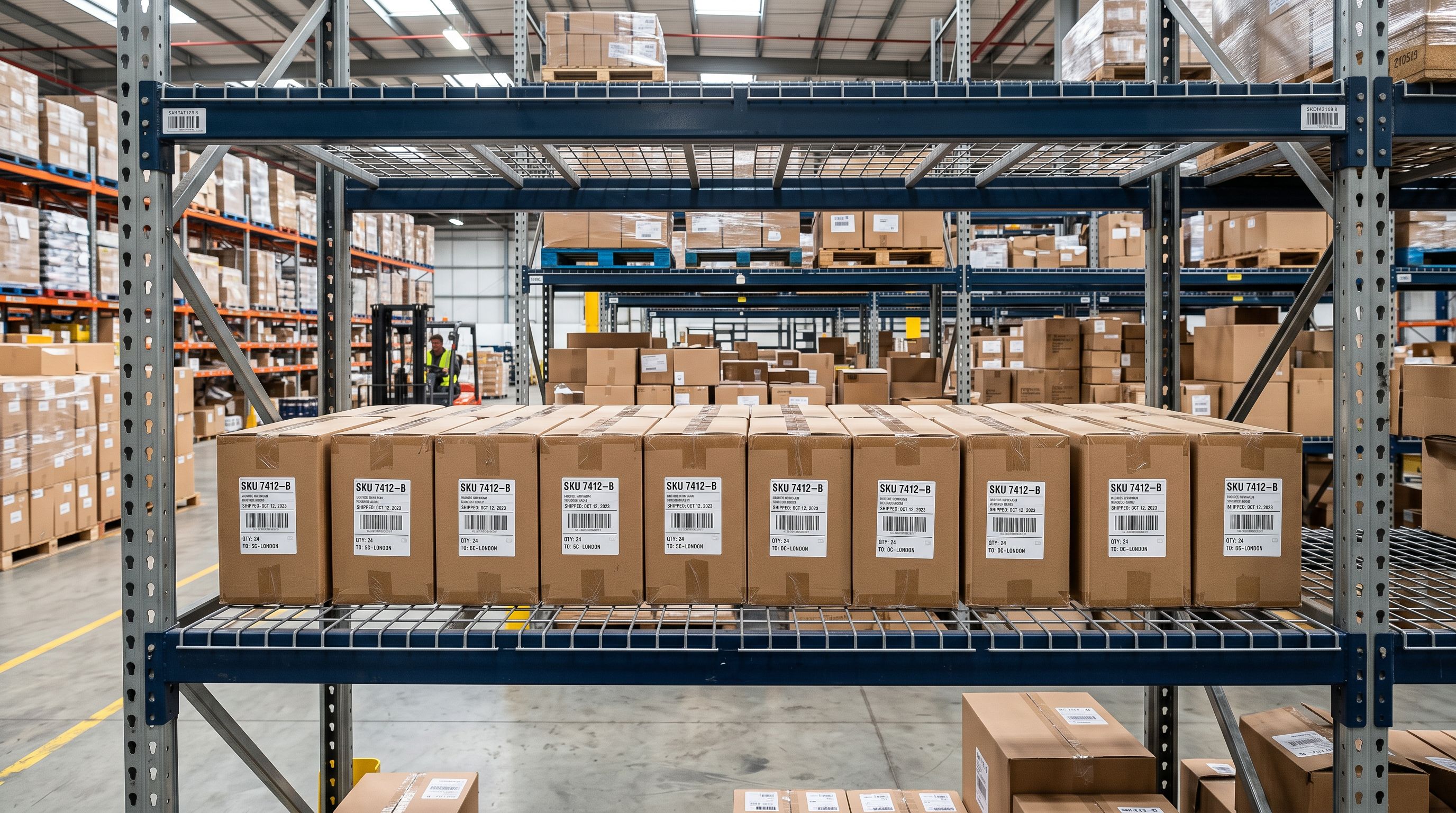
A wholesale accessories merchant imports 200 rows from a supplier CSV and opens Shopify to find 200 individual products. Not 40 T-shirts in four colours and five sizes. Just 200 unrelated listings with no grouping at all. No import error. No warning. The file processed without complaint, and the result is still wrong.
Shopify variant grouping failure is one of the most common bulk import problems, and it happens to almost every merchant the first time they import from a supplier catalogue. The cause is a structural incompatibility between how suppliers format their files and what Shopify requires, and understanding it is the first step to fixing it permanently.
Why Shopify Variant Grouping Fails on Supplier CSVs
Shopify determines whether two CSV rows belong to the same product by a single column: the Handle. Every row with an identical Handle value becomes a variant of one product. Every row with a different Handle becomes a new product.
This sounds logical until you see what supplier CSVs actually look like. A clothing supplier might label rows as "TSHIRT-BLK-S", "TSHIRT-BLK-M", and "TSHIRT-BLK-L". In Shopify's import logic, those are three separate products. The supplier had no reason to know about Shopify's Handle convention. They formatted their file for their own warehouse system.
This is a structural incompatibility, not a data quality problem. The supplier file is correct for their purposes. It simply does not match Shopify's expected format. That distinction matters because cleaning it up requires restructuring the file, not just fixing typos.
For a deeper look at how Shopify's Handle column works and what a compliant CSV looks like, see the guide to importing products from CSV.
The Fix
The Manual Fix for Shopify Import Variants Appearing as Separate Products
The manual restructuring process is straightforward to describe and painful to execute. For each product group in the supplier file, you work through five steps.
- 01Identify matching rowsFind all rows belonging to the same product by scanning the product name, SKU prefix, or any other shared identifier in the supplier file
- 02Assign a consistent HandleGive every row that belongs to the same product an identical Handle value in lowercase with hyphens, with no spaces or special characters
- 03Add Option Name and Value columnsCreate columns for each variant dimension such as Size, Colour, or Storage in your spreadsheet, matching Shopify's expected column names exactly
- 04Populate the first row completelyEnsure the first product row carries the title, description, vendor, and main image, with variant option fields also filled in
- 05Set the remaining variant rowsLeave all product-level fields blank on subsequent rows and populate only the variant-specific data for each option combination
For a 500-row supplier catalogue with an average of five variants per product, that is 100 product groups to process manually. At 20 to 30 seconds per group (which is fast), you are looking at 3 to 4 hours of spreadsheet work per import. And that assumes no mistakes: one Handle typo sends a single variant off as its own product, with no warning.
Multi-option products make this worse. A T-shirt with both Size and Colour variants requires three properly named option columns. Getting the combinations wrong (mapping "BLK-S" to Size: BLK, Colour: S instead of Colour: BLK, Size: S) produces structurally valid but semantically wrong variants. Those errors are hard to catch until a customer tries to filter by size.
For merchants doing this once, the manual fix is workable. For wholesale merchants running imports every week or migrating thousands of products, it is not sustainable. The guide to how to import product variants in Shopify covers the full CSV restructuring approach for those who need it.
How Smart Detection Resolves Shopify Variant Grouping at Import Time
The more efficient approach is to detect and resolve Shopify variant grouping at the point of import, before a single product reaches Shopify. Rather than requiring a pre-structured CSV, automatic variant detection analyses the raw supplier file and identifies which rows belong together.
Pattern-based detection works by scanning product names and attribute columns for known variant indicators. Size values like S/M/L/XL, numeric ranges like 8/10/12/14, storage capacities like 64GB/128GB, weights like 50g/100g/250g — these appear consistently across thousands of supplier catalogues, and a pattern library can match them reliably.
For cases where the naming convention is less standard, AI-powered analysis reviews the product data in context and proposes groupings. A supplements supplier who names variants "Standard", "High Dose", and "Ultra" is using a strength indicator, not a size or weight. An AI that understands the product category can recognise that pattern where a rule-based system would miss it.

Importier's Smart Variant Detection covers 150+ patterns across 15+ industries and handles up to 3 Shopify options per variant group (Shopify's maximum). The full pattern library spans Size, Colour, Storage and Memory, Weight, Volume, Pack Size, Material, Flavour, Scent, Power, and Dimensions, which covers the variant types that appear in the vast majority of supplier catalogues.
Critically, nothing is committed to Shopify until the merchant reviews and confirms the proposed groupings in an import preview step. That preview is where grouping decisions get validated before they matter.
- 3 to 4 hours per 500-row catalogue
- One Handle typo splits a variant into its own product
- Multi-option products require careful manual column mapping
- Repeat the process on every new supplier import
- Groupings detected automatically from the raw supplier file
- 150+ patterns across 15+ industries handle standard naming
- AI analysis covers non-standard conventions like strength grades or serving counts
- Import preview confirms every grouping before anything reaches Shopify
Shopify Variant Patterns by Industry
Different product categories surface different variant types, and supplier naming conventions within each category tend to follow predictable patterns. Understanding what to expect for your catalogue makes it easier to verify that detection has worked correctly.
Fashion and Apparel
Size and Colour are the dominant variant dimensions in apparel. Supplier size formats include abbreviated codes (S/M/L/XL/XXL), numeric UK/EU/US sizes (8/10/12/14, EU36/EU38), and international equivalents that the same product may carry across all three systems.
Colour is trickier because supplier codes are inconsistent. "BLK" and "Black" and "Noir" may all appear in the same catalogue from a supplier who imports across markets. Detection handles standard colour names reliably. Where codes are used, the Option Value is set to the code and the merchant can normalise it in the preview step.
The most common supplier format is "Product Name + Colour Code + Size", which maps cleanly to two Shopify options once the separator (hyphen, space, or slash) is identified.
Food, Supplements, and Beverages
Weight and volume are the primary variant types here. Supplement suppliers typically append weight directly to the product name: "Whey Protein 500g", "Whey Protein 1kg". Beverages use volume: "Cold Brew 250ml", "Cold Brew 1L".
Flavour variants are consistent across categories (Vanilla, Chocolate, Mixed Berry) and appear as a second dimension alongside weight in most supplement catalogues. Pack sizes (Single, 3-Pack, 6-Pack) appear in snack and grocery imports and function as their own variant dimension.
One pattern worth noting: some supplement suppliers list serving count rather than weight (30 Servings vs 60 Servings). These are weight-equivalent variants with a different labelling convention, and they detect correctly once the product type is understood.
Electronics and Technology
Storage capacity and RAM are the clearest variant types in electronics, and they follow a highly standardised format across suppliers globally. 64GB/128GB/256GB/512GB/1TB appears in manufacturer data with almost no variation, which makes detection reliable.
Colour in consumer electronics uses model-specific naming (Space Grey, Midnight, Silver, Starlight) rather than generic colour words. Those names appear directly in product titles from most suppliers and detect as Colour variants.
Voltage variants (110V/220V) appear in international electronics catalogues and matter for merchants selling across regions. These are a second option dimension that pairs with storage or colour in multi-option products.
Beauty and Cosmetics
Shade is the distinctive variant type in beauty and cosmetics, and it presents the most variation in how suppliers name it. "Rosé Champagne", "Deep Espresso", and "01 Ivory" are all shade values from different supplier catalogues. The format varies, but the pattern of naming by shade is consistent enough to detect.
Volume variants follow standard cosmetics conventions: 30ml, 50ml, 100ml for skincare; 5ml to 15ml for fragrances. Scent variants in body care and home fragrance (Lavender, Eucalyptus, Unscented) appear as a second dimension alongside size.
SPF strength (SPF 15/30/50) and supplement strength grades are functionally variant types even though suppliers rarely label them that way. They are product attributes that define purchasing decisions, and they belong in Shopify's Options columns rather than as separate products.

No supplier CSV was ever formatted for Shopify. Variant grouping that works across any catalogue requires understanding how suppliers actually name their products, not how Shopify expects them to arrive.
What Happens After Variants Are Grouped
Correct Shopify variant grouping reduces product count to the right number. A 200-row import of 40 products with five variants each becomes 40 product listings in Shopify, each with a complete set of variants. Each variant carries its own SKU, price, barcode, and images from the original supplier rows.
Once grouping is confirmed, the import pipeline continues. AI description generation runs at the product level, producing one description per product informed by the combined product data, rather than a separate description for each variant row. That means 40 descriptions to review, not 200. Merchants who want detail on style and persona options can read the guide to AI description generation.
Category metafields are also assigned at the product level, drawing on 22 industry packs that cover 3,758 category attribute types. A correctly grouped and categorised product is ready for Google Shopping, on-site filtering, and marketplace syndication immediately after import.
For merchants migrating from WooCommerce to Shopify, variant structure from WooCommerce exports is handled the same way. WooCommerce uses a different variant format that also does not map directly to Shopify's Handle structure, and the same detection logic applies.
The Import Preview Step
Before any product reaches Shopify, the import preview shows exactly how variants have been grouped. Each proposed product group displays the product title, the detected option names (Size, Colour, etc.), the individual option values, and the variant count.
This step is where merchants catch anything detection got wrong. A product group that looks like it should be two separate products can be split. A group where the AI proposed "Large" and "Extra Large" as two option dimensions rather than one can be corrected.
In practice, most imports require no manual corrections at the preview step. The patterns that cover mainstream categories handle the clear cases automatically. The preview step exists for the edge cases: unusual naming conventions, niche catalogue formats, or products where the supplier has mixed variant types in a non-standard way.
When Variant Detection Has Limits
Honest product knowledge requires acknowledging where automatic detection does not work well, and variant detection has three real limits worth knowing.
First, completely opaque supplier codes produce no useful groupings. A supplier who names rows "P1047-A", "P1047-B", "P1047-C" has used internal codes with no variant meaning. Detection cannot infer what A, B, and C represent from the codes alone. In cases like this, adding product type or category context during the enrichment step gives the AI enough information to propose groupings, but it is not guaranteed.

Second, products with four or more variant dimensions hit Shopify's three-option limit. A product with Size, Colour, Material, and Fit attributes cannot be represented as a single Shopify product. It must either be reduced to three options (dropping one dimension) or split into multiple products. This is a Shopify platform constraint, not an import tool issue.
Third, supplier catalogues in languages other than English may produce lower detection confidence for text-based pattern matching. The structured patterns (sizes, weights, volumes) still work across languages because they use numbers and units. Colour and flavour names in non-English text require manual review of the preview step.
Key Takeaways
- Shopify groups variant rows by identical Handle values. Supplier CSVs never provide matching Handles, which is why products import as separate items by default.
- Manual CSV restructuring takes 3 to 4 hours for a 500-row catalogue and is error-prone. It is not a viable workflow for recurring imports.
- Automatic variant detection analyses raw supplier files and identifies groupings before the import reaches Shopify. 150+ patterns cover the variant types found in most supplier catalogues.
- Industry-specific patterns matter. Fashion, electronics, food, and cosmetics each follow distinct naming conventions that well-tuned detection handles differently.
- The import preview step lets merchants review and correct proposed groupings before any product is committed to Shopify.
Try Importier free at importier.app
Related Articles
Set up your first import in under five minutes.
Importier brings products into Shopify with AI descriptions, category metafields, and data enrichment on every run.