Shopify Store Acquisition: Improving an Inherited Catalogue

On this page
A buyer acquires a Shopify store as part of a business purchase. The shopify store acquisition product import problem begins immediately: the deal includes 847 products across 12 collections, four years of customer history, and a Google Shopping feed that has been running for two years. The previous owner hands over the admin credentials and moves on.
The buyer opens the product list and finds a catalogue built by someone else, over multiple years, with no consistent standards. Two hundred products have detailed, well-written descriptions. Another 400 have descriptions copied directly from the supplier's website. The remaining 247 have descriptions under 80 words or nothing at all. Variant data is inconsistent across similar product types. Some products have barcodes. Many do not. Three products share the same handle, which is causing a silent URL collision.
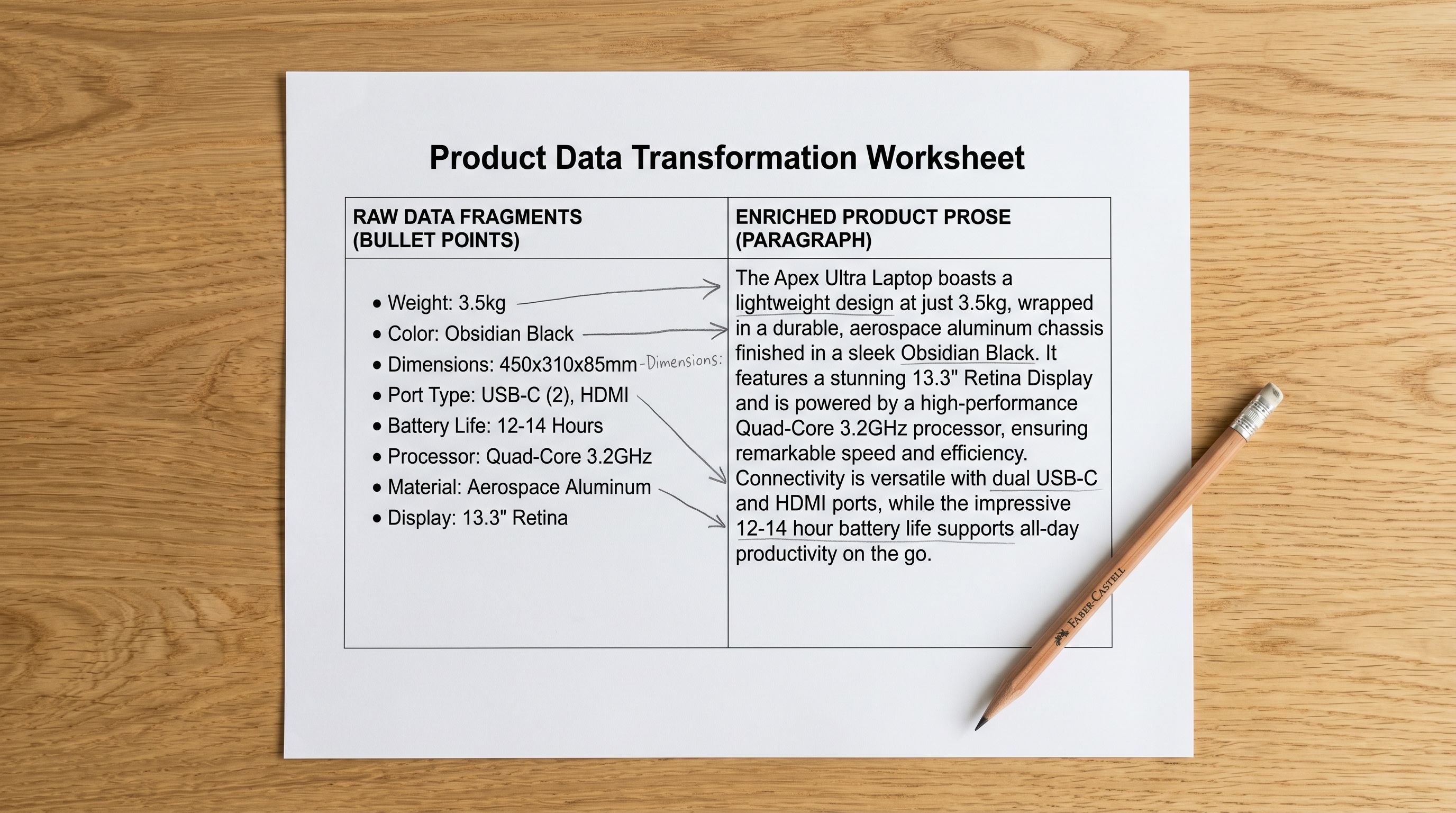
A shopify store acquisition product import is not a migration. There is no clean source file. The data is already in Shopify. Some of it is correct. Some is wrong. Some is missing. The question is not "how do I import this?" but "how do I fix this without breaking what already works?"
What a Shopify Store Acquisition Leaves You With
Before touching any product data, run an audit. Importier's Store Scanner with the SEO Audit export preset generates a spreadsheet of every product in the store with: title length, description word count, image count, barcode (GTIN) presence, and metafield completeness.
Export this to a CSV. Sort by description word count ascending. The bottom of the list is your priority queue.
The audit also reveals structural problems that enrichment cannot fix: duplicate handles, products assigned to the wrong collection, discontinued items still marked as Active, and variants that were split into separate products instead of grouped. These need to be resolved before running any AI enrichment, because enrichment on a structurally incorrect product makes it harder to fix later.
Shopify Store Acquisition: The Import Risks You Cannot Undo
When you acquire a store, the previous owner's entire catalogue sits in Shopify without an import history you can reverse. Importier's Import Undo feature reverts batches that were imported in Importier. It does not apply to products the previous owner added manually or via a different tool. If you use Import Undo on a batch you run yourself, it removes only the products and changes from that specific batch.
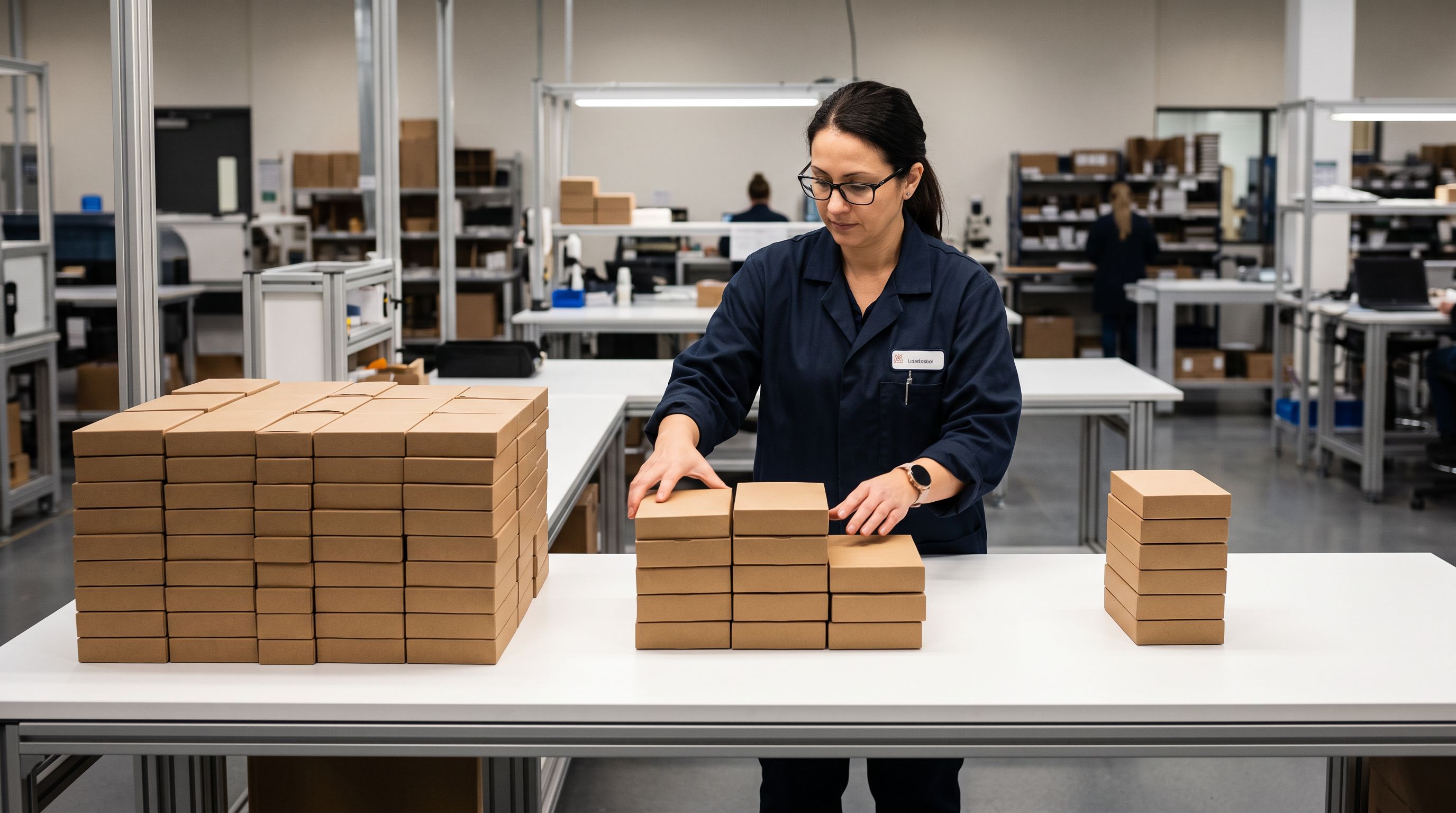
This means re-importing for enrichment purposes requires Update mode, not New mode. In Update mode, Importier matches products by Shopify Handle and updates specified fields (description, metafields, title) without creating new products. In New mode, a second import of the same products creates duplicates. Acquired stores typically have a mix of products with consistent handles and products with inconsistent or auto-generated handles, so verifying handle hygiene before running a bulk update is essential.
Running enrichment in New mode on an inherited catalogue is the most common way to create 847 duplicate products in an acquired store in under two hours.
The second risk is the Google Shopping feed. The inherited store may have a live Google Merchant Centre connection with products already approved and appearing in Shopping results. Bulk-updating product descriptions changes the content of those feed entries. Google reprocesses changed feed items, which can temporarily remove products from Shopping while reapproval happens over 24 to 72 hours. For a store with revenue coming through Shopping, plan enrichment in batches timed for low-traffic periods, and monitor the Merchant Centre dashboard after each batch. Google's guidance on feed update frequency and reprocessing schedules explains how often Merchant Centre refreshes product data and the typical window before changes appear in Shopping results.
Prioritising What to Fix First
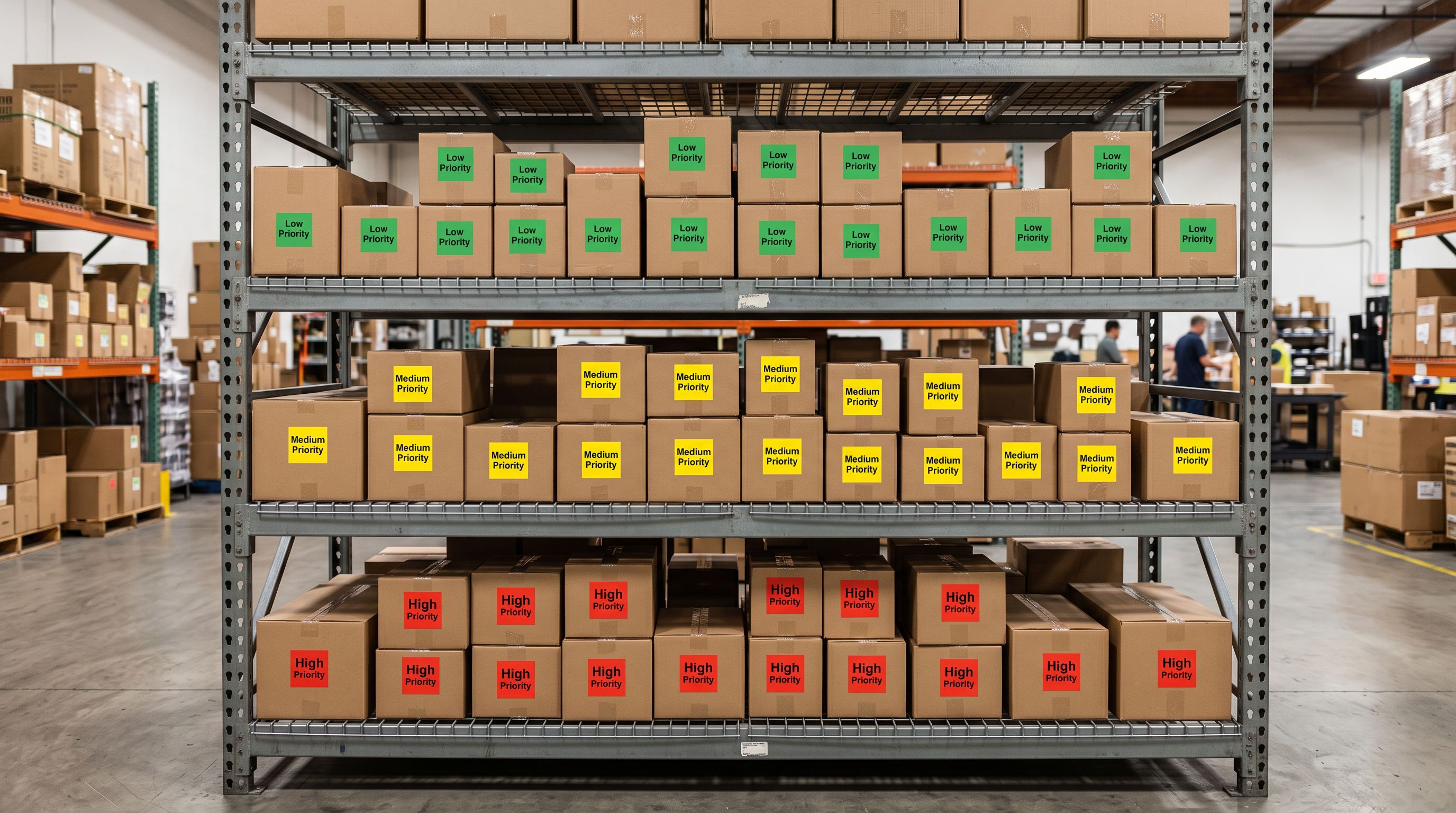
- 01Export the SEO Audit CSV from Importier's Product Export. Sort by description word count ascending. Mark the bottom third (typically the products with under 100 words) as Priority 1. These are safe to enrich immediately because their existing descriptions are too thin to be worth preserving.
- 02Filter Priority 1 products by collection in Shopify admin. Work collection by collection rather than the full catalogue at once. A 60-product collection is a batch size that lets you review AI-generated descriptions before committing. A full-catalogue update at once makes review impractical.
- 03Check which Priority 1 products are currently live in Google Shopping (Merchant Centre → Products → All Products, filter by StatusActive). Products with active Shopping approval warrant extra caution in batch timing.
- 04Run the Store Scanner on the Priority 1 collection with Append mode, not Replace mode, for products whose existing descriptions have any usable content. Append mode adds new sections to the existing description without removing what is already there. Replace mode overwrites the entire description. For acquired catalogues, Append is almost always the right choice except for products with copied supplier text.
- 05After the Priority 1 batch is reviewed and pushed, move to Priority 2 (descriptions 100-300 words). These may have more salvageable content but still need enrichment for category attributes and metadata. Repeat the collection-by-collection approach.
Enriching Without Overwriting What Works
The 200 products with detailed, well-written descriptions from the previous owner represent real value. Do not run those through Replace mode. Run the SEO Audit on them specifically to identify what they are missing (typically barcodes, category metafields, and SEO meta descriptions) and use targeted enrichment for those fields only.
Importier's enrichment settings let you specify which fields to fill versus which to leave alone. Enabling barcode lookup fills missing GTINs without touching the description. Running the Industry Pack for category attributes adds metafields without altering existing content. This approach treats the inherited quality descriptions as assets rather than targets for replacement.
- Run Replace mode across the full catalogue
- Overwrites the 200 good descriptions with AI-generated alternatives
- Risk of losing previous owner's product knowledge (sourcing notes, care details, origin stories)
- 847 products need full review before pushing
- Google Shopping feed receives 847 changed entries simultaneously
- Identify the 247 thin products via SEO Audit export
- Run Append or Replace only on the products that need it
- Preserve the 200 quality descriptions while adding missing fields (barcodes, metafields, SEO titles)
- Batch review is feasible: 60-80 products per pass
- Google Shopping feed changes are phased, reducing reapproval disruption
Handling Reviews and URLs
The acquired store's product URLs are reference points for existing backlinks, bookmarks, and email campaigns the previous owner ran. Shopify product URLs are based on the Handle field. If you change a product's handle during enrichment (for example, to fix a naming inconsistency), the old URL returns a 404 unless you create a redirect.
Importier's import workflow does not change handles unless you explicitly remap the Handle column. When running in Update mode with the Handle column used as the match key, the handle stays intact. The URL does not change. If you find handle collisions in the audit (three products sharing the same handle is a Shopify data integrity problem, not an enrichment one), fix them in Shopify admin before running any batch operation.
Product reviews in Shopify are attached to the product by its internal Shopify Product ID, not by URL or handle. Enriching a product's description does not affect its reviews. Adding metafields, changing descriptions, and updating SEO titles via Importier leaves the Product ID intact.
Read more about how to prevent Shopify imports from overwriting existing descriptions.
Read more about how Shopify Store Scanner Append mode upgrades thin descriptions without replacing what's there.
Building the catalogue you bought into
What to Tackle After the First Pass
Once the Priority 1 and Priority 2 products are enriched and reviewed, the inherited catalogue has reached a consistent quality baseline. The remaining work is ongoing maintenance rather than catch-up.
For barcodes: products without GTINs should be investigated, not ignored. Some may genuinely have no barcode (handmade goods, custom orders, internal-use products). Others may have GTINs that the previous owner simply never entered. Barcode lookup during an import enrichment pass fills many of these gaps automatically.
For variants: the SEO Audit export does not flag variant problems. Use Shopify admin's Products export (full CSV) and sort by the Handle column to identify duplicate handles and products that should have been grouped as variants but were listed as separate products. Fixing these is manual work in Shopify admin, but it improves both the storefront experience and Shopping feed quality.
For collections: acquired stores often have collections the previous owner used for internal organisation that were never intended to be public. Review every collection's visibility setting and remove or archive collections that should not be accessible to customers. Shopify's guide to organising products into collections explains collection types, visibility, and the difference between automated and manual collections.
For the Google Shopping feed: run a full Merchant Centre audit after the enrichment passes are complete. Products that were already approved will have had their descriptions reprocessed. Check the Diagnostics tab for any new disapprovals. The most common reason for disapprovals after bulk enrichment is a description change that removed content GMC previously validated (for example, a compliance disclaimer that was embedded in the original description).

Key Takeaways
A shopify store acquisition product import is an improvement project, not a migration. The data is already in Shopify; the work is systematic quality uplift without disrupting what already operates.
- Audit before touching anything: the SEO Audit export from Importier's Product Export reveals your three product tiers (good, thin, broken) without modifying a single product. Know the distribution before planning the work.
- Use Update mode, not New mode: enriching an inherited catalogue in New mode creates duplicates. Update mode matches by Handle and overwrites only the fields you specify.
- Import Undo does not apply to inherited data: the previous owner's products have no import batch to undo. Plan enrichment carefully; large Replace mode operations cannot be automatically reverted on pre-existing products.
- Protect quality descriptions: the 20-30% of products with good existing content are assets. Use Append mode or field-specific enrichment (barcodes, metafields, SEO titles) to improve them without replacing them.
- Phase the Google Shopping updates: bulk description changes trigger feed reprocessing. Batch enrichment by collection and monitor Merchant Centre Diagnostics after each pass to catch disapprovals early.
Take over and improve an inherited Shopify catalogue at importier.app.
Set up your first import in under five minutes.
Importier brings products into Shopify with AI descriptions, category metafields, and data enrichment on every run.