Shopify 3PL Product Import: What Warehouses Actually Need
On this page
The shopify 3pl product import completed cleanly for a homewares merchant: 300 products, no errors, no warnings. Three days after physical delivery to their new warehouse, the 3PL sent a spreadsheet. Of the 300 products, 140 were flagged: 80 had no barcode, 55 had no recorded weight, and 20 had no dimensions on file. The warehouse would not shelf-place products without a scannable barcode. Nothing got processed until the data gaps were resolved.
The merchant now has $28,000 worth of inventory sitting in a warehouse, accruing storage fees, while the team works backwards through the product catalogue trying to find GTINs and weights for items they imported six months ago with the minimum data required to list them on Shopify.
A shopify 3pl product import problem is not a data problem. It is a capital problem. Products that cannot be received tie up inventory investment until the data is fixed.
Why 3PL Warehouses Have Stricter Data Requirements Than a Shopify Storefront
A product page on Shopify can display correctly with a title, a price, and a photo. That is enough for a customer to buy. It is not enough for a warehouse to receive, store, and ship the product.
3PL warehouses operate on a different data model. They need to:
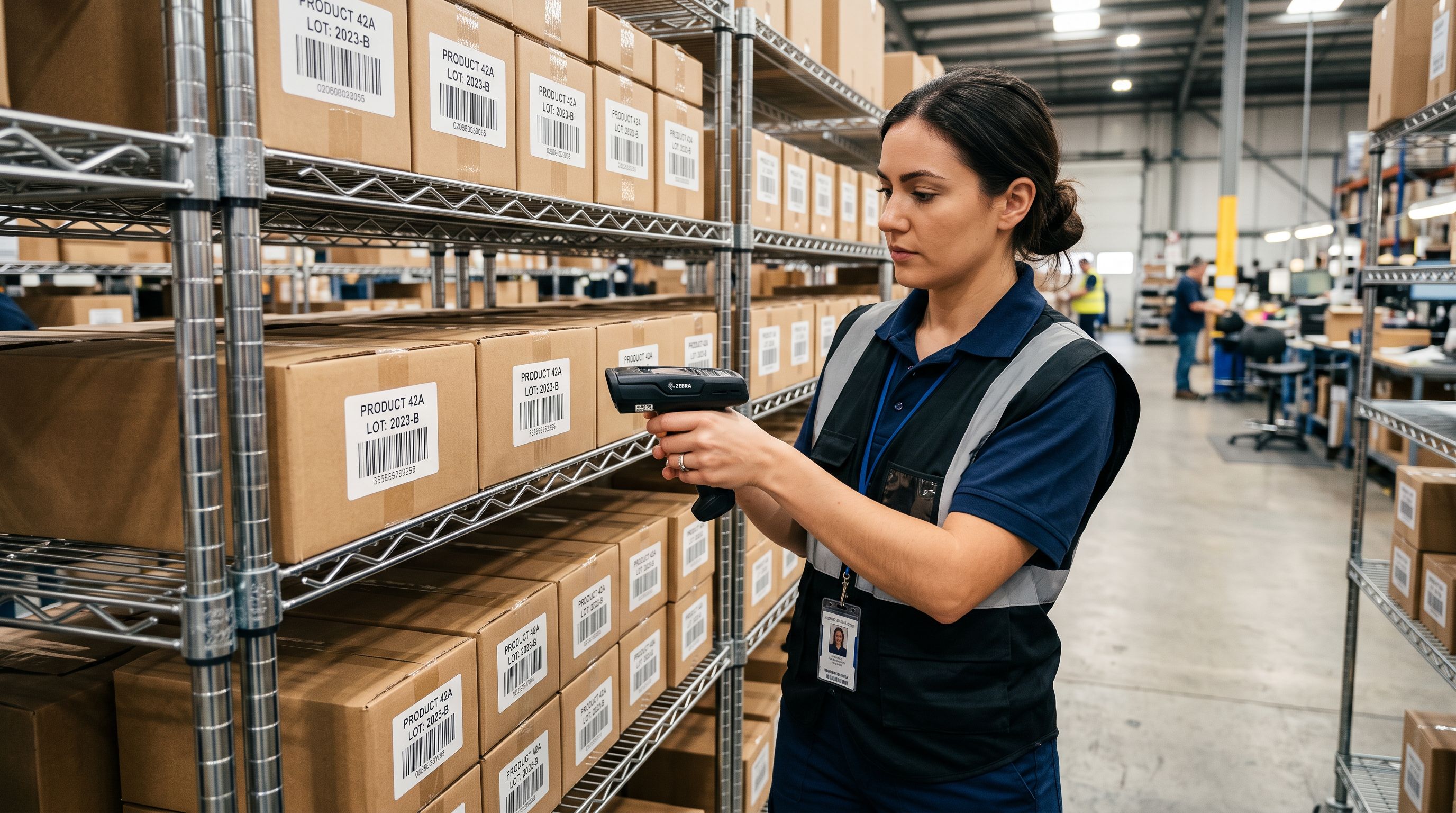
- Scan the barcode to receive inventory into their system
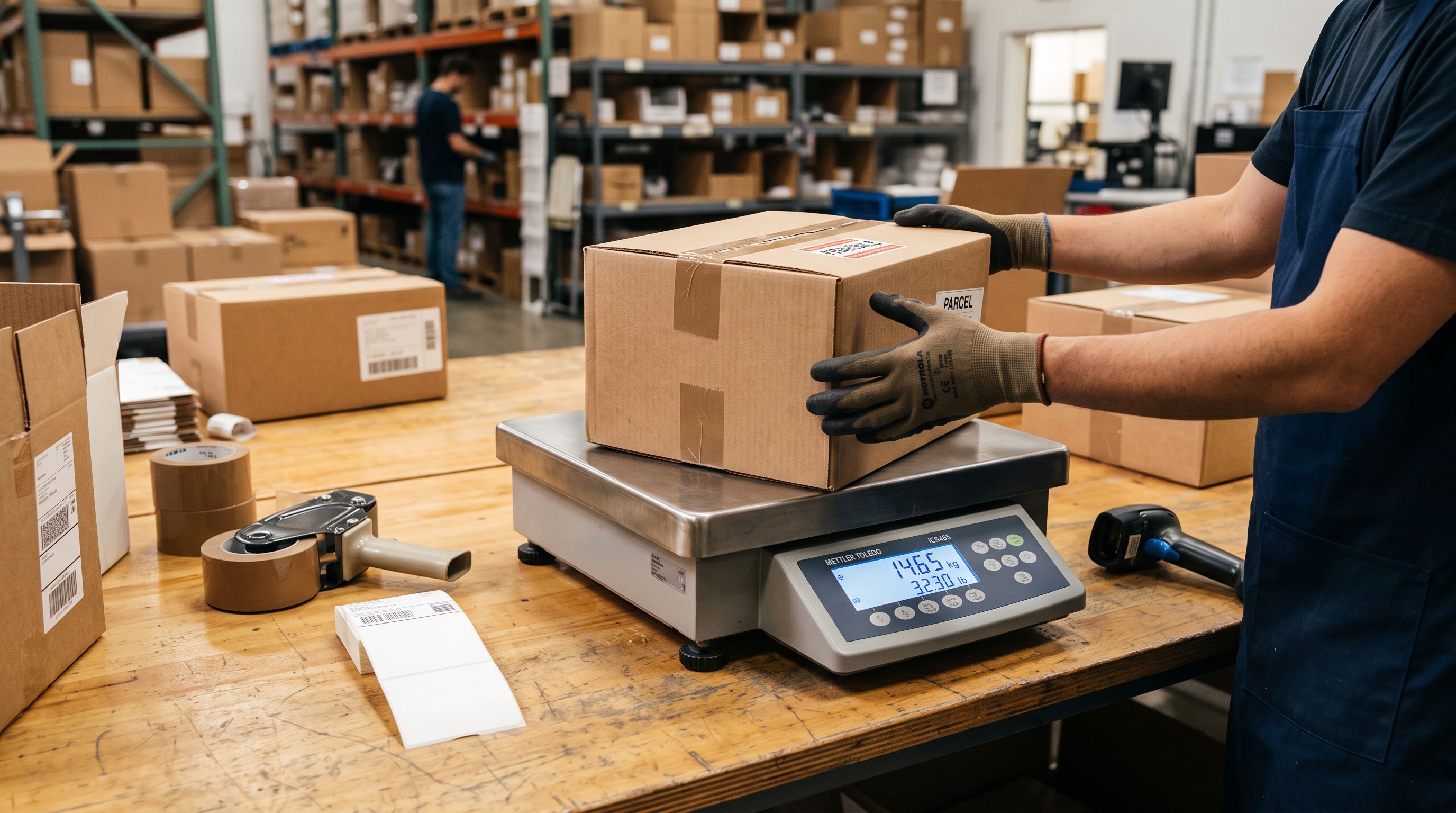
- Record weight to calculate freight costs per shipment
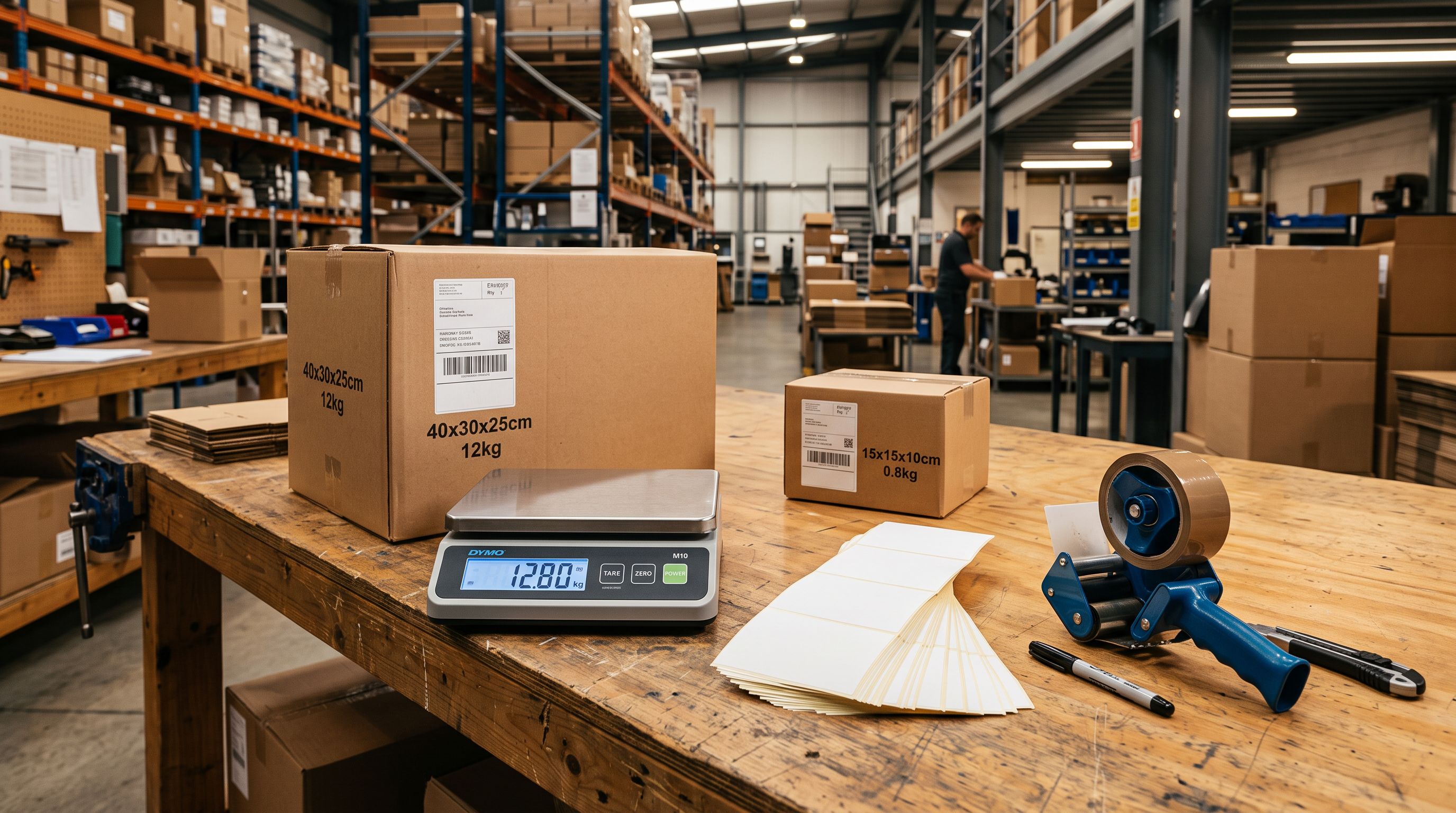
- Record dimensions to assign the correct shelf location and calculate dimensional weight for carriers
- Identify the correct HS code for customs declarations on international shipments
- Match the physical item to its Shopify variant using a unique identifier (SKU or barcode)
A Shopify store can function without any of these fields. A 3PL cannot.
Most merchants discover this gap at intake, not at import. The problem is created when the product catalogue is imported: it surfaces when the physical goods arrive at the warehouse weeks or months later.
The Five Fields That Cause 3PL Intake Failures
1. Barcode (GTIN)
A barcode is the warehouse's primary identifier for a product. Without it, intake staff cannot scan the product into their warehouse management system. Barcodes must match the barcode printed on the physical product or its packaging. If a product has no barcode on the packaging, the 3PL may assign their own internal barcode, but this requires a manual step per item and is slower and more error-prone than using the manufacturer's GTIN.
Importier's barcode enrichment fills missing GTINs during import for products with standardised barcodes. For private label or custom products without a registered GTIN, a GS1-issued barcode is required. Importier cannot generate one, but it can record an existing barcode in the correct field at import.
2. Weight
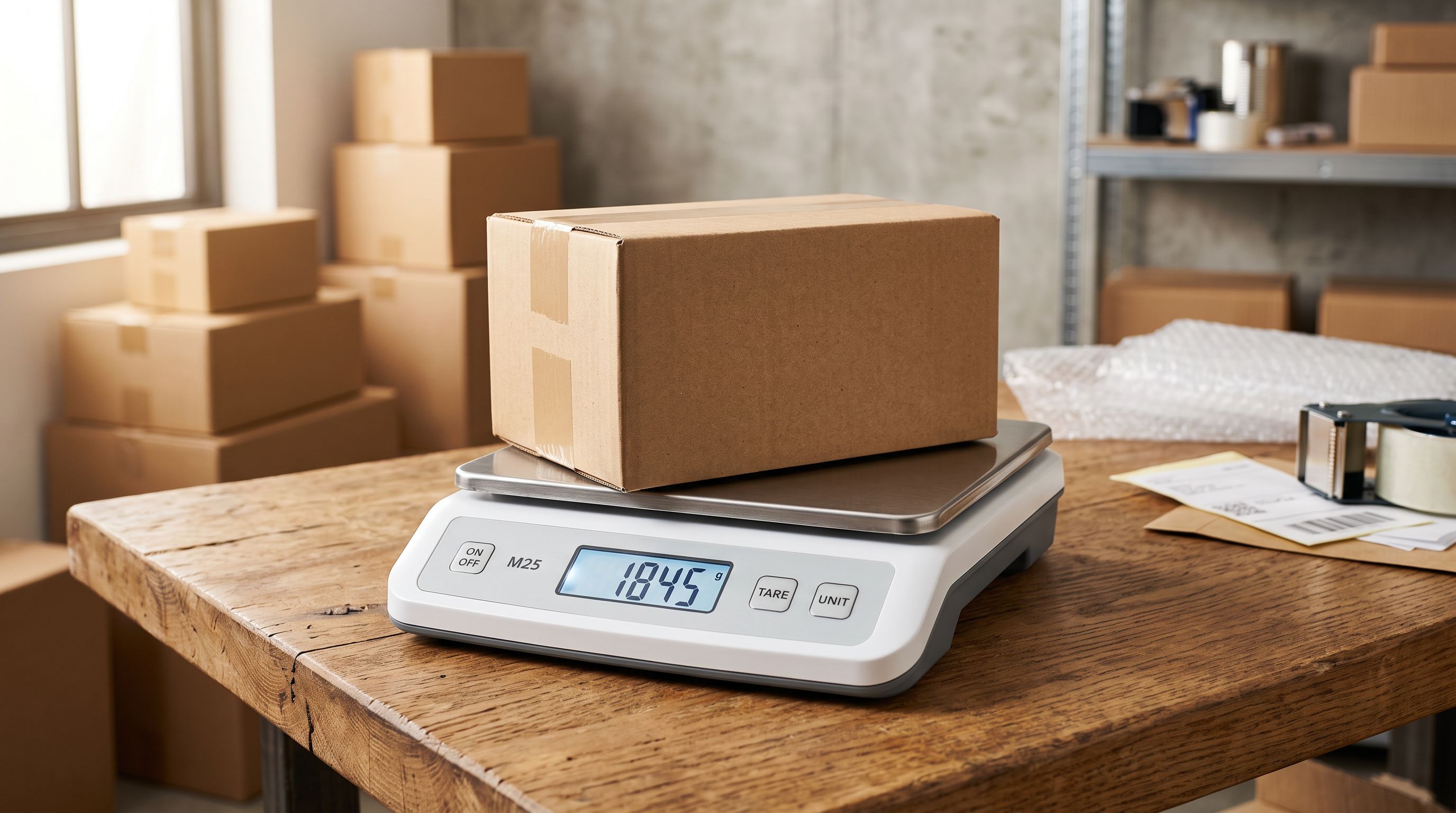
Carriers price shipments by weight and dimensional weight (whichever is greater). 3PLs need product weight to calculate freight costs per order and to manage carrier rate shopping for your account. Products imported without a weight field default to zero, which causes shipping cost miscalculations and triggers manual intervention at pick-and-pack.
Set weight in grams or kilograms, not a descriptive field ("light", "heavy"). Importier's column mapping handles unit conversion at import: if your supplier file records weight in pounds, map it to the Shopify weight field and set the unit to lbs at import time.
3. Dimensions
Length, width, and height determine whether a product fits on a specific shelf location, how many units fit in a box during pick-and-pack, and how much dimensional weight the carrier charges. 3PLs that use slotted shelving systems assign shelf locations based on dimension data at intake. Products without dimensions go to a generic overflow area, which slows picking and increases fulfilment error rates.
4. HS Code (Harmonised System Code)
For merchants using 3PLs for international fulfilment, HS codes are required for customs declarations on every cross-border shipment. The 3PL's shipping system generates the commercial invoice automatically using the HS code from the product record. Missing HS codes require manual entry per shipment or delay clearance.
5. SKU
The SKU must match between Shopify and the 3PL's warehouse management system. Variant SKUs are particularly important: if a product has three size variants and the 3PL receives three separate barcodes, they need to map each barcode to the correct Shopify variant using the SKU. Inconsistent SKU formats (some with dashes, some without, some with a brand prefix, some without) cause variant mismatches at intake.
Setting the data standard at import
How to Import Shopify Products Ready for 3PL Intake
The most reliable approach is to set 3PL-required data at import time, not after products are live on the storefront. Adding missing fields later requires a re-import or manual editing; both are slower and more error-prone than getting the data right on the first import run.
- 01Prepare your import file with the five required fields. Before running the import, confirm your supplier file includesbarcode (GTIN), weight (with a clearly labelled unit column), dimensions (length, width, height in separate columns, not combined), HS code, and SKU. If any are missing, note which products lack them before importing.
- 02Map all five fields in Importier's import wizard. In the column mapping step, explicitly map the barcode, weight, dimensions, HS code, and SKU columns from your supplier file to their Shopify equivalents. Do not rely on auto-mapping for these fields; verify each one before proceeding.
- 03Run barcode enrichment for products missing GTINs. For any products in the import without a barcode, Importier's enrichment can fill GTINs from product data at import time. Review the suggested barcodes before confirmingenrichment is accurate for standard commercial products but should be verified for product types where multiple GTINs are plausible.
- 04Set weight and dimensions for products your supplier file does not include. If your supplier does not provide weight or dimensions, check your manufacturer's product specification sheet or the physical product's packaging. Enter these fields in the import review step before confirming. For a batch of 50–100 products, this is a manageable manual step. For larger catalogues, request the data from your supplier before importing.
- 05Run the import and export an audit CSV from Import History. After import, use Importier's Import History to export the completed batch. Open the export and filter by products with blank weight, dimensions, or barcode fields. Any remaining gaps need resolution before you send inventory to the 3PL.
The 3PL intake step is not where the data gap is created. It is where it is discovered. Creating 3PL-ready products at import eliminates the discovery entirely.
Auditing an Existing Catalogue Before Sending Inventory to a 3PL
For merchants who have an existing Shopify catalogue and are transitioning to a 3PL for the first time, the audit step is essential before arranging the first inbound shipment.
Importier's Store Scanner with the SEO Audit export preset generates a spreadsheet of every product with field completion data. Filter the export by:
- Blank barcode column: every product flagged here will fail barcode intake at the 3PL
- Zero weight column: every product flagged here will cause freight miscalculation
- Blank HS code column: relevant for international fulfilment
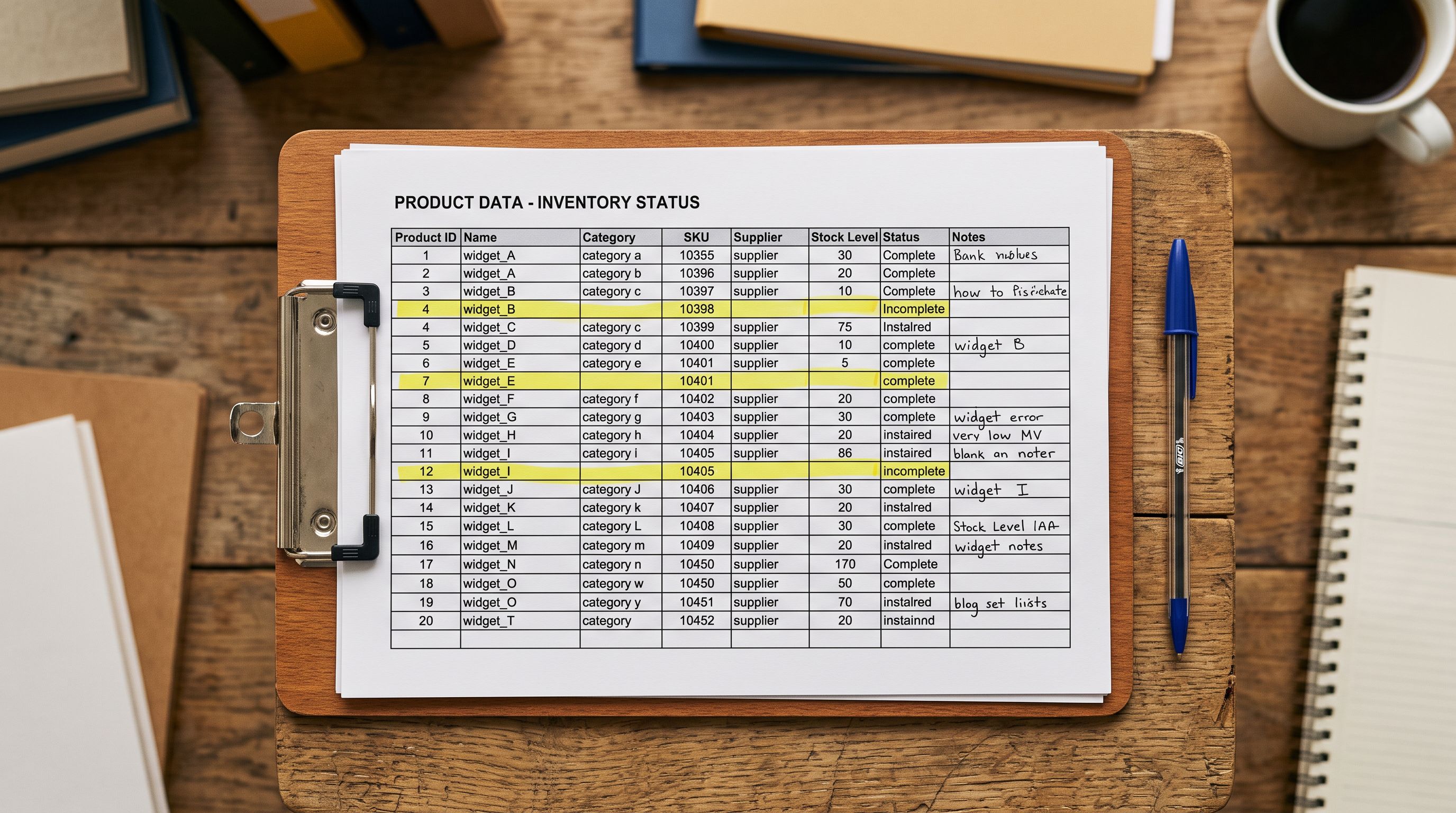
Running the barcode enrichment pass on the flagged products fills missing GTINs for products with standardised barcodes without requiring a full re-import. Use Importier's Store Scanner to run enrichment on the filtered set before arranging the inbound shipment.
Dimensions are the one field Store Scanner cannot fill automatically: they require the physical product or the manufacturer's specification sheet. If your catalogue has hundreds of products missing dimensions, work through them by product category (all shoes, all boxes, all cylinders) rather than product-by-product; category-level dimensions are often consistent enough for an initial intake.
- Title, price, images, description: product lists and sells on Shopify
- 3PL intake fails: 40–60% of products flagged for missing barcodes, weights, or dimensions
- Products sit in warehouse holding area accruing storage fees
- Staff time required to retrieve missing data per flagged SKU
- Inbound shipment processing delayed by 1–3 weeks
- Risk of inventory mismatch if SKUs are inconsistent between Shopify and 3PL WMS
- Barcode, weight, dimensions, HS code, SKU all set at import
- 3PL intake clears: products scan in and are shelf-placed on first pass
- Inventory is live and orderable within 24–48 hours of delivery
- Freight costs calculate correctly from day one
- Customs declarations generate automatically for international shipments
- Shopify variants map correctly to 3PL warehouse locations via matching SKU
Working With Multiple 3PLs or Switching Providers
Merchants who use more than one 3PL, or who are switching providers, face an additional data mapping challenge. Each warehouse management system (WMS) has its own import format for receiving new products. Some require barcodes in the EAN-13 format specifically. Others require dimensions in centimetres rather than millimetres. Some use their own internal SKU format rather than your Shopify SKU.
The cleanest approach is to use Importier's export presets to produce a product data file in the format each 3PL requires:
- The Full Shopify CSV export preset includes all Shopify fields including weight, dimensions, barcode, and SKU in Shopify's native format
- Custom export configurations can map Shopify fields to a 3PL's expected column names and units
Read more about how Import History tracks what changed in each product batch for auditing your catalogue state before and after a 3PL transition.
Read more about how to add barcodes to Shopify products in bulk using barcode enrichment for the most common intake gap.
Read more about how to update product data without overwriting inventory levels if your 3PL has already processed some inventory and you need to update data fields without disrupting stock counts.
What Google Merchant Centre and Sales Channels Need From the Same Data
The product data required for 3PL intake overlaps significantly with what Google Merchant Centre requires for Shopping approval. Google's required product data specification includes product weight and dimensions for shipping cost calculation in Shopping ads, and GTINs for product identity verification across the Google catalogue. Google's shipping data requirements explains how Merchant Centre uses product dimensions to calculate shipping cost estimates shown in Shopping results.
Setting these fields at import serves both requirements simultaneously. A product imported with a correct GTIN, weight, and dimensions is both 3PL-ready and Shopping-approved without additional configuration.
Key Takeaways
A shopify 3pl product import requires five fields that a standard Shopify product listing does not: barcode (GTIN), weight, dimensions, HS code, and a consistent SKU. Missing any one of these causes 3PL intake failures that delay inventory availability and incur holding costs.
- 3PL intake fails after physical delivery: products arrive, get flagged, and sit in holding until data is corrected. The cost is operational (staff time, storage fees) and financial (capital tied up in unshippable inventory). Set the data at import, not after the shipment.
- Barcode is the primary 3PL identifier: without a scannable barcode, warehouse staff cannot receive the product into their WMS. Importier's barcode enrichment fills missing GTINs at import for commercial products with standardised barcodes.
- Weight drives freight calculation from day one: products with zero weight default to incorrect freight pricing. Set weight in the correct unit (grams, kg, lbs) with a unit specification at import, not a descriptive label.
- Dimensions determine shelf placement and dimensional weight: missing dimensions mean overflow storage and slower pick speeds. Request dimension data from your supplier before importing.
- HS codes are required for international fulfilment: customs declarations generate automatically from the HS code field. Without it, international shipments require manual declaration per order.
Send 3PL-ready products from day one at importier.app.
Set up your first import in under five minutes.
Importier brings products into Shopify with AI descriptions, category metafields, and data enrichment on every run.