Shopify Product Data Audit: 30-Minute Checklist for Established Stores
On this page
Shopify Product Data Audit: 30-Minute Checklist for Established Stores
Established Shopify stores accumulate product data debt quietly. A catalogue that was complete enough when it had 50 products starts showing gaps at 500: inconsistent descriptions, blank meta titles, missing barcodes, unassigned category metafields. The gaps grow as new products are added faster than existing ones are maintained.
The consequences are practical: Google Shopping products with missing GTINs are deprioritised in shopping feeds. Products without assigned taxonomy categories do not appear in filtered collection views. Products with thin or missing descriptions perform poorly in AI shopping surfaces. None of these failures are visible in the store's daily operations until someone looks.
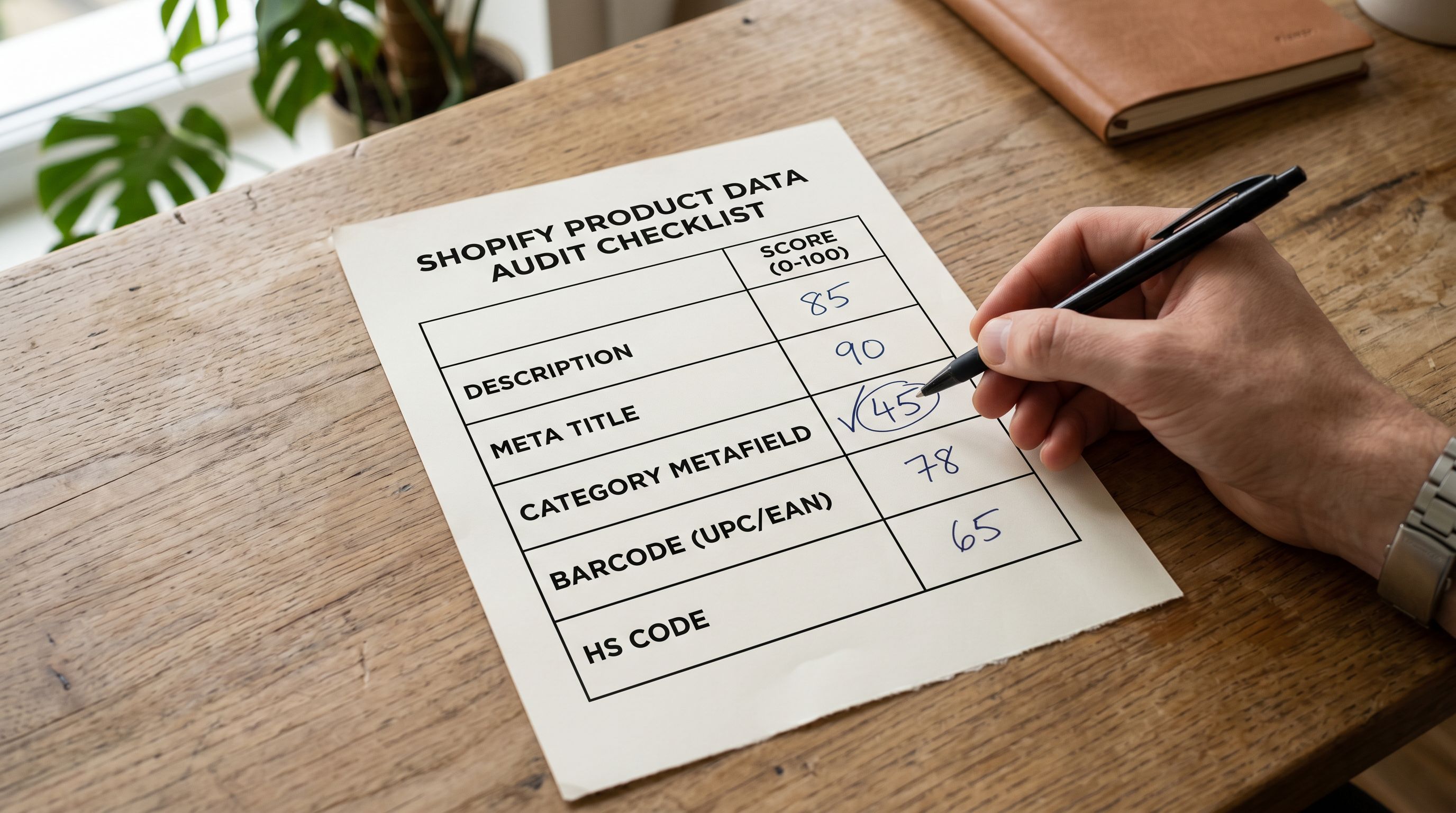
A product data audit is the look. Five fields, 30 minutes, a clear list of what needs attention. The difference between a useful audit and a waste of time is whether it produces fixable output: not just a report of what is broken, but a path to fixing it in the same session.
Why 30 Minutes Is Enough
A full catalogue audit does not require reviewing every product individually. The goal is to identify systematic gaps: fields that are consistently missing or thin across a category or supplier batch. Systematic gaps have systematic fixes.
The Store Scanner in Importier audits the live Shopify catalogue against five data quality dimensions and returns a prioritised gap report. The report shows which products have gaps, which fields are affected, and (because Store Scanner is connected to the same import and generation workflow) which gaps can be addressed in the current session without a separate export-edit-reimport cycle.
A merchant with a 500-product catalogue can complete a Store Scanner audit in under five minutes. The time in a 30-minute session goes to reviewing the gap report, prioritising which fields to address first, and running the fix pass on the highest-priority gaps.

Field 1: Product Descriptions
Product descriptions are the highest-impact field in most established store audits. They affect AI shopping surface ranking, on-page conversion, and SEO crawl value simultaneously. They are also the field most likely to have accumulated systematic gaps.
Three description gap patterns are common in established catalogues.
Thin descriptions from supplier data. Products imported from supplier CSV files often arrive with short, specification-heavy descriptions written for internal inventory systems, not buyer-facing content. "SKU-4471, 750ml, Stainless Steel, Blue" is a supplier description that satisfies a warehouse management system. It does not satisfy Google's quality thresholds, Instagram Shopping's recommendation signals, or a buyer reading the product page.
Inconsistent descriptions across the catalogue. Products added over time in batches (one import with a Narrative style, a later import with a Technical style, manual additions with no consistent approach) produce a catalogue that reads differently across product categories. Inconsistency reduces brand authority on the storefront and makes it harder to establish a recognisable voice.
AI-generated descriptions that need human calibration. The first AI-generated description batch for a catalogue often requires one calibration pass: adjusting the persona, the style, or the level of specificity to match how the brand actually speaks. Descriptions generated before that calibration pass may be technically complete but tonally misaligned.
Store Scanner flags products with descriptions under a minimum word threshold, products with descriptions that match the supplier's original text unchanged, and products with descriptions that are structural duplicates of other products in the catalogue. Each flag category has a different fix: thin descriptions need regeneration, unchanged supplier descriptions need AI rewriting, structural duplicates need persona adjustment.
For the full description generation workflow including style selection and persona configuration, the Importier AI product descriptions guide covers each step from field mapping through to post-import review.
- 01Open Store Scanner in Importier. On the Descriptions tab, filter by the 'thin description' flag (under minimum word count) and note the product count. These are the highest-priority description fixesthin descriptions affect AI shopping ranking, SEO, and conversion simultaneously.
- 02Filter next by 'unchanged supplier text'. Products in this category have descriptions that were imported directly from the supplier without AI generation. Export this list as a narrow CSV (Handle + title) as the input for the regeneration pass.
- 03Select the AI generation configurationchoose a description style (Narrative for lifestyle products, Technical for equipment and tools, Lifestyle for fashion and home) and an expert persona matching the product category. For a mixed catalogue, segment by category before regenerating.
- 04Run the description regeneration in Importier. The AI takes the product's existing data (title, category, existing description, tags) as input and produces a buyer-facing description in the selected style. Review 10 outputs from the batch before confirming the full run.
- 05After the regeneration completes, run Store Scanner again on the same product set. The 'thin description' and 'unchanged supplier text' flags should be cleared for the fixed products. If any remain, check whether the source data was too sparse for the AI to produce a substantive description; those products may need manual input before regeneration.
Field 2: Meta Titles
Meta titles (the <title> tag content for each product page) are the field that established stores most consistently neglect. They are not visible on the product page itself, which means gaps accumulate silently. When they are wrong, the consequences are visible in search results: Shopify's default meta title format ("Product Name | Store Name") is applied when no custom title is set, which is accurate but not optimised.
A well-formed meta title for a Shopify product page has three characteristics: it includes the primary keyword for the product, it fits within 50-60 characters, and it describes what the product is clearly enough that a buyer who sees it in a search result understands immediately what they would be clicking to.
The Store Scanner SEO Audit export preset identifies products with missing custom meta titles (Shopify's default is applied), products with meta titles exceeding 60 characters (truncated in search results), and products with meta titles that are identical across multiple products in the same category (a sign that a default format was applied without customisation).
For the full meta title audit process including how to export and batch-fix meta titles across a large catalogue, the Shopify product SEO audit guide covers the specific field mapping and the reimport workflow for meta title updates.

Field 3: Category Metafields
Shopify's Standard Product Taxonomy assigns each product to a specific category node in a hierarchical structure (Apparel > Men's Clothing > Shirts > Dress Shirts, for instance). Products with correctly assigned taxonomy categories have their metafields populated with the relevant attribute data (size, colour, material, gender, age group) for that category.
Products without taxonomy assignments lack those metafields. The practical consequences include: automated collections based on product type or metafield values do not include the product; Google Shopping feeds report incomplete taxonomy data and deprioritise the product; AI shopping surfaces including ChatGPT Shopping and Google AI Mode have reduced retrieval signals for the product.
The Store Scanner taxonomy audit identifies products without taxonomy assignments and products with assignments that do not match the product's title or tags (a sign of a misassigned category from an early import session). The fix is a selective reimport: a narrow file with Handle and the correct product type or category field, re-imported to update only the taxonomy assignment without touching other product data.
Importier's 22 Industry Packs with 3,758 attributes provide pre-built taxonomy mappings for the most common product categories. For a catalogue where category assignments are missing, applying the relevant Industry Pack during the fix pass assigns the correct taxonomy and populates the attribute metafields in a single operation.
For the full taxonomy assignment workflow, the Shopify category metafields guide covers the taxonomy structure, how Industry Packs map to taxonomy nodes, and the selective reimport workflow for adding category data to an existing catalogue.
- Products absent from automated collections based on product type
- Google Shopping feed reports incomplete taxonomy and reduces placement
- AI shopping surfaces lack category signals for retrieval filtering
- Attribute metafields (colour, size, material) are empty
- Faceted navigation filters have no data to operate on
- Products appear in correct automated collections immediately
- Google Shopping feed reports complete taxonomy and full attribute coverage
- AI shopping surfaces have category and attribute signals for precise retrieval
- Attribute metafields populated from Industry Pack mappings
- Faceted navigation filters reflect actual attribute data
Field 4: Barcodes and GTINs
Barcodes (GTINs: EANs, UPCs, and ISBNs) are product identifiers that connect Shopify listings to verified product records in authoritative databases. For Google Shopping, missing GTINs are a known deprioritisation signal: products with verified GTINs are matched to Google's product database and receive better placement in Shopping feeds. For AI shopping surfaces including ChatGPT Shopping, GTINs enable cross-referencing against verified product data.
For established catalogues, GTIN gaps are typically systematic: all products from a specific supplier or category are missing barcodes, while others have them. The Store Scanner barcode audit identifies products with blank barcode fields and groups them by supplier or product type so the gap is addressable at the batch level rather than product-by-product.
Importier's barcode enrichment identifies available GTINs from public product databases for a portion of catalogue items based on the product's title, brand, and category data. For products with GTINs that are publicly registered, the enrichment adds the barcode to the Shopify product record without a manual lookup step. For products whose GTINs are not in public databases (own-brand or private-label products), the manufacturer or brand owner is the correct source.
For the complete GTIN audit and enrichment workflow including how to handle products with and without publicly available GTINs, the Shopify barcode and GTIN guide covers the field mapping, the enrichment process, and how completed GTINs affect Google Shopping performance.
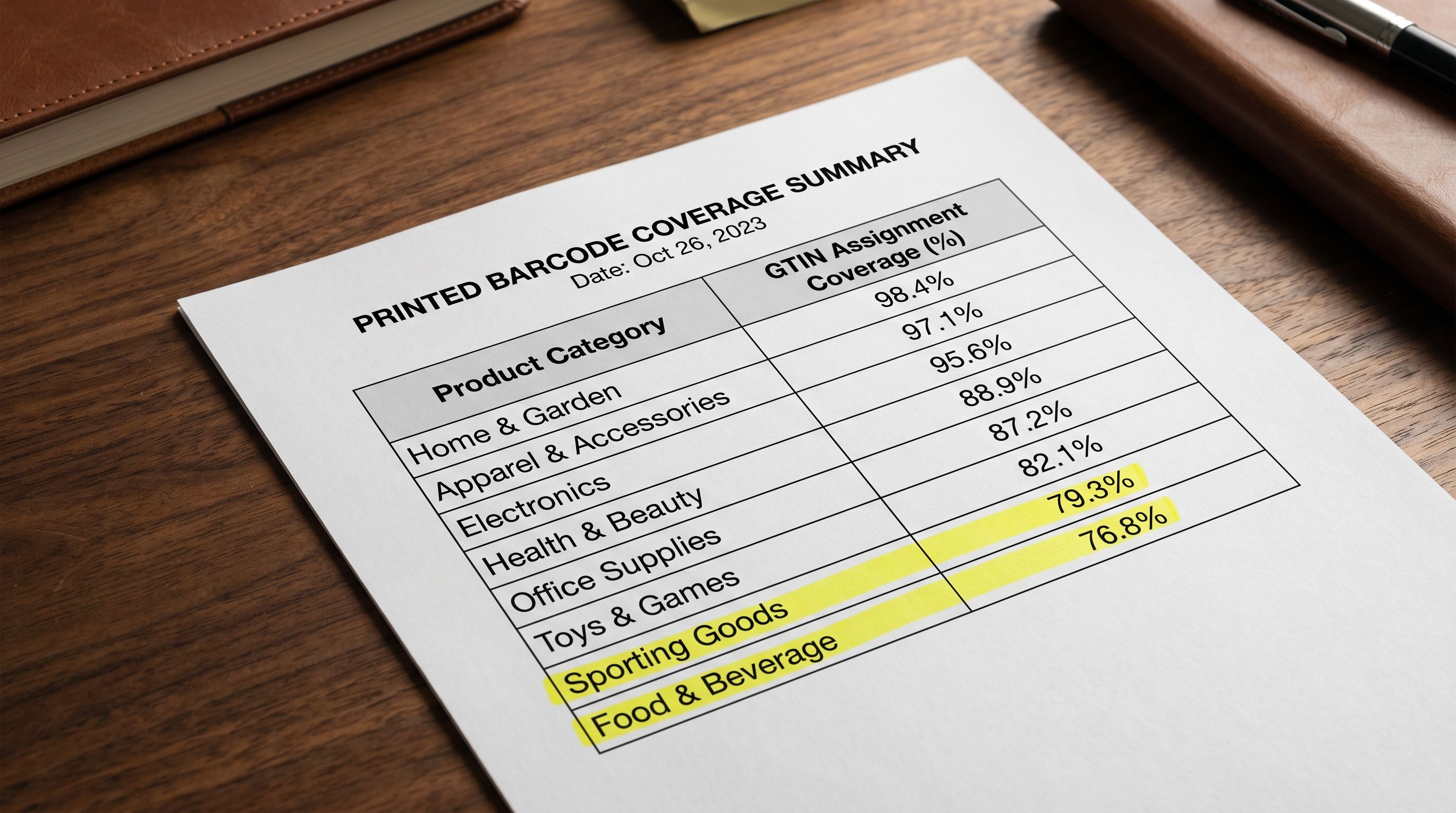
GTIN gaps in an established catalogue are almost always systematic: all products from one supplier, or all products in one category, are missing barcodes. Find the pattern, fix the batch. The Store Scanner groups the gaps by supplier and category so the fix scope is immediately visible.
The Fifth Field
Field 5: HS Codes for International Products
HS codes (Harmonised System codes) are required for products sold internationally through Shopify Markets or shipped across borders via carriers. They identify the product category for customs authorities and determine applicable duties and taxes in the destination country. Missing HS codes cause shipping carrier errors, customs clearance delays, and incorrect duty calculations.
For established stores that have added international shipping or Shopify Markets since their original product setup, HS code gaps are common: the original import predates the international capability, and the codes were never added. The Store Scanner HS code audit identifies products with blank HS code fields.
The fix pass for HS codes requires looking up the correct code for each product category. Importier's industry taxonomy assignments narrow the HS code range significantly: a product correctly categorised as Apparel > Women's Clothing > Tops falls in the 6106.xx code range. The category assignment identifies the starting point; the specific code within that range depends on the material and construction details.
For the complete HS code audit and assignment workflow, the Shopify data quality guide covers how HS codes interact with Shopify Markets, which product categories require them, and how to use the category taxonomy as a lookup guide.
The 30-Minute Session Plan
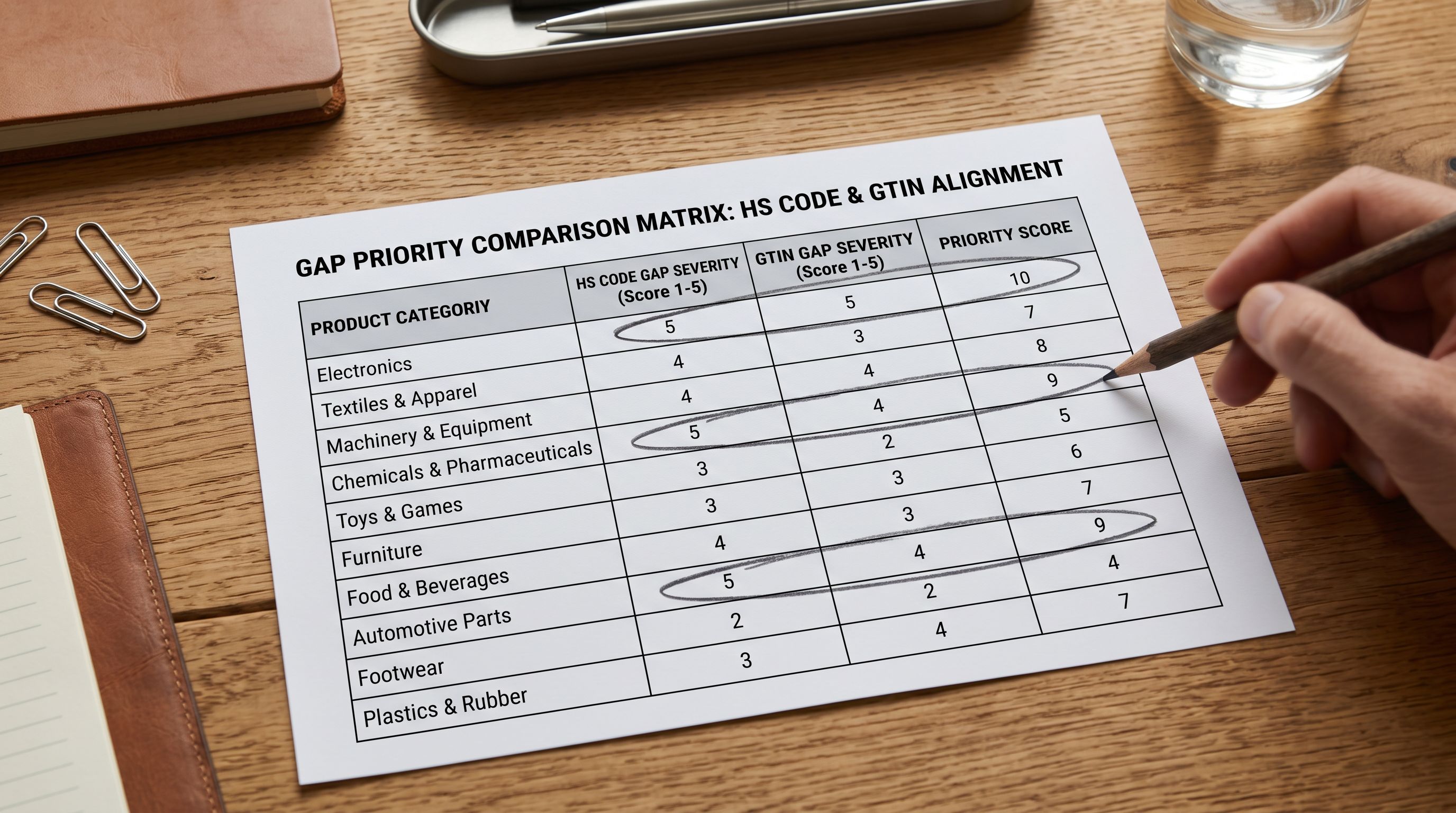
Knowing the five fields is different from having a session plan. Here is a concrete 30-minute allocation that produces actionable output.
Minutes 0-5: Run Store Scanner. Open Store Scanner in Importier and run the full catalogue audit. The audit completes in 2-4 minutes for catalogues up to 5,000 products. Note the gap count in each of the five fields.
Minutes 5-15: Review and prioritise. Sort the gap report by impact. Descriptions affect the most channels simultaneously (AI shopping, SEO, on-page conversion) and are usually the highest-priority fix. Meta titles affect SEO click-through. Category metafields affect collection membership and feed health. Barcodes affect Google Shopping placement. HS codes affect international shipping. Prioritise by which gaps are creating the most visible commercial problem.
Minutes 15-25: Run the highest-priority fix pass. For descriptions: export the flagged products, upload to Importier, run AI generation with the correct style and persona, review a 10-product sample, confirm. For meta titles, barcodes, or HS codes: prepare the narrow fix file and reimport. For category metafields: apply the Industry Pack for the affected category range.
Minutes 25-30: Verify and schedule the remainder. Re-run Store Scanner on the fixed product set to confirm the flags are cleared. For fields not addressed in this session, note the gap count and schedule a follow-up session. An established catalogue with 5 years of accumulated gaps will not be cleared in 30 minutes; the goal is to start the systematic fix, not to complete it in one session.
Audit as Routine, Not Project
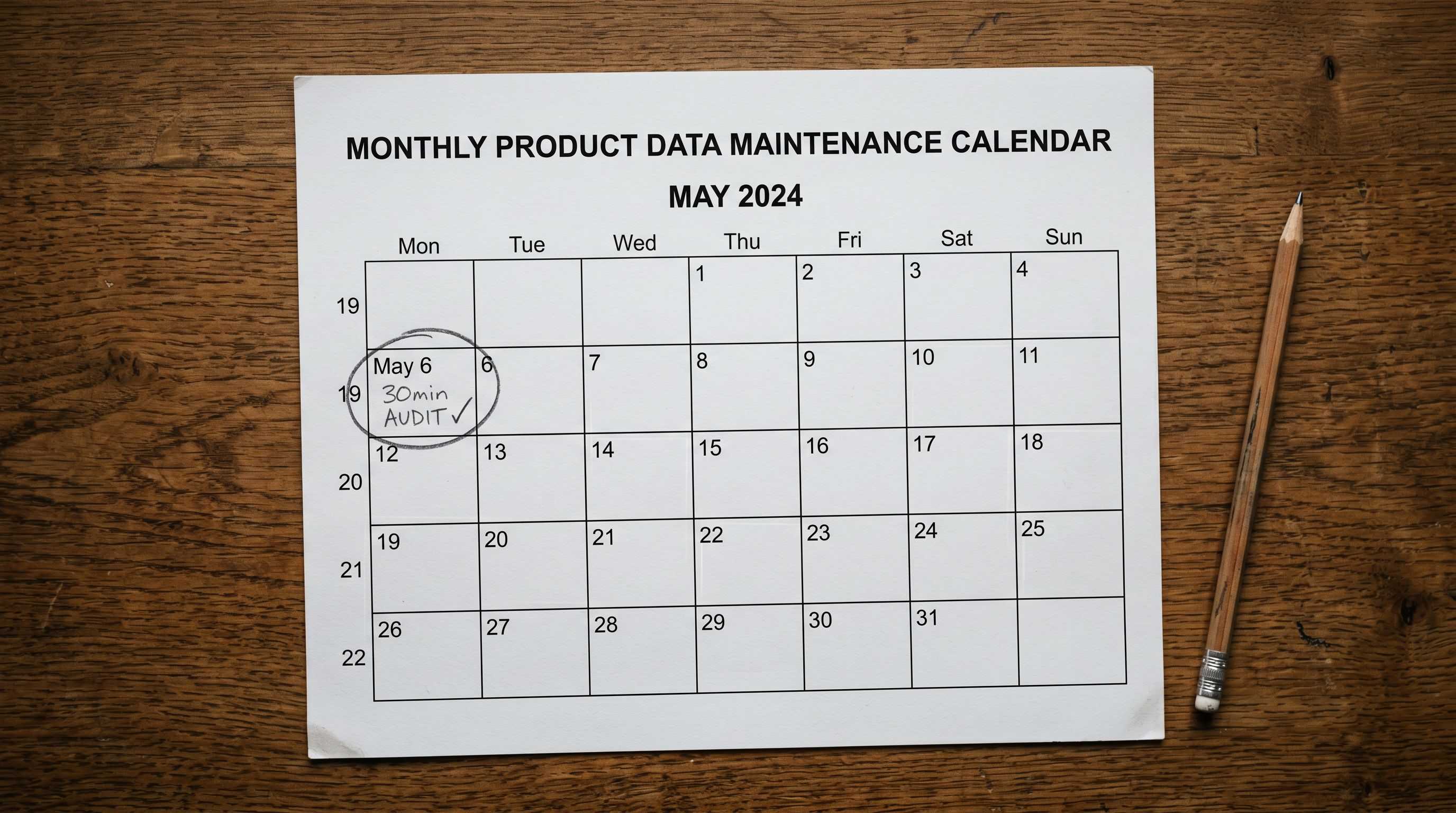
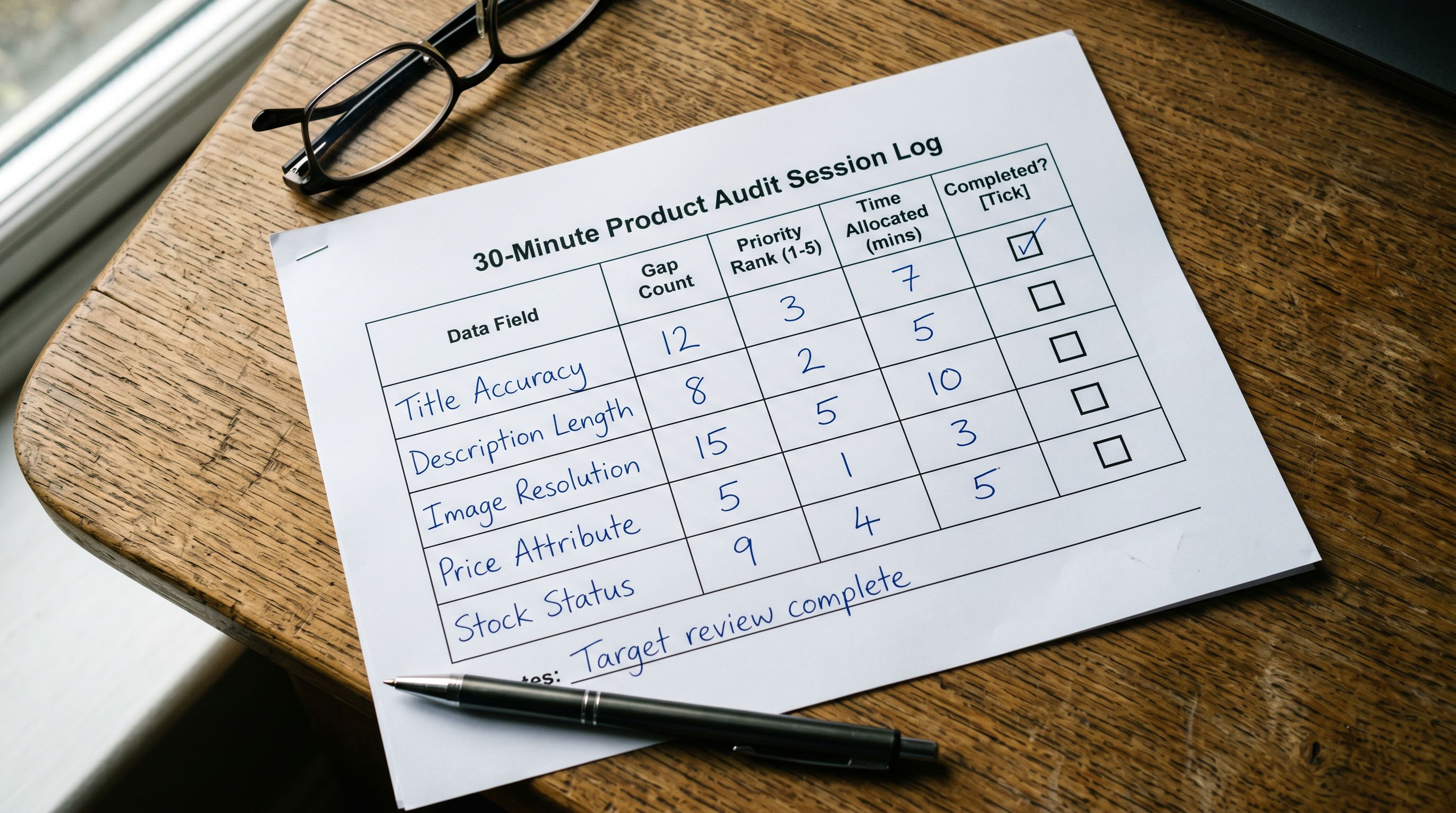
A product data audit is most valuable when it runs on a schedule, not as a one-time exercise. Every product import adds new data to the catalogue; every supplier update or price change creates potential for new gaps. A 30-minute audit session once a month catches gaps before they accumulate to a scale that requires a major fix project.
Shopify's guidance on product data for Google covers the specific field requirements for Google's shopping feed, including which fields affect placement eligibility versus which affect ranking, useful context for prioritising which gaps to address first in an audit session. GS1's global GTIN registry provides the lookup tool for verifying whether a product's barcode is registered in the global product database, which is the check relevant to Google Shopping's GTIN verification process.
The merchant who runs the 30-minute audit and fix session on the first Monday of every month has a catalogue that improves continuously. The merchant who audits once and treats it as a completed project has a catalogue that returns to the same state by the end of the quarter.
Try Importier free at importier.app
Set up your first import in under five minutes.
Importier brings products into Shopify with AI descriptions, category metafields, and data enrichment on every run.