How to Improve Your Shopify Store's Product Content Score
On this page
How to Improve Your Shopify Store's Product Content Score
When a sales event drives a traffic surge to a Shopify store, the products that surface in search results, Google Shopping, and AI shopping feeds are not randomly selected. They are the products with the strongest data signals: complete descriptions, correct category assignments, populated metafields, and verified barcodes. Products with thin or incomplete data were already underperforming at normal traffic levels; at three times the normal query volume, they become effectively invisible.
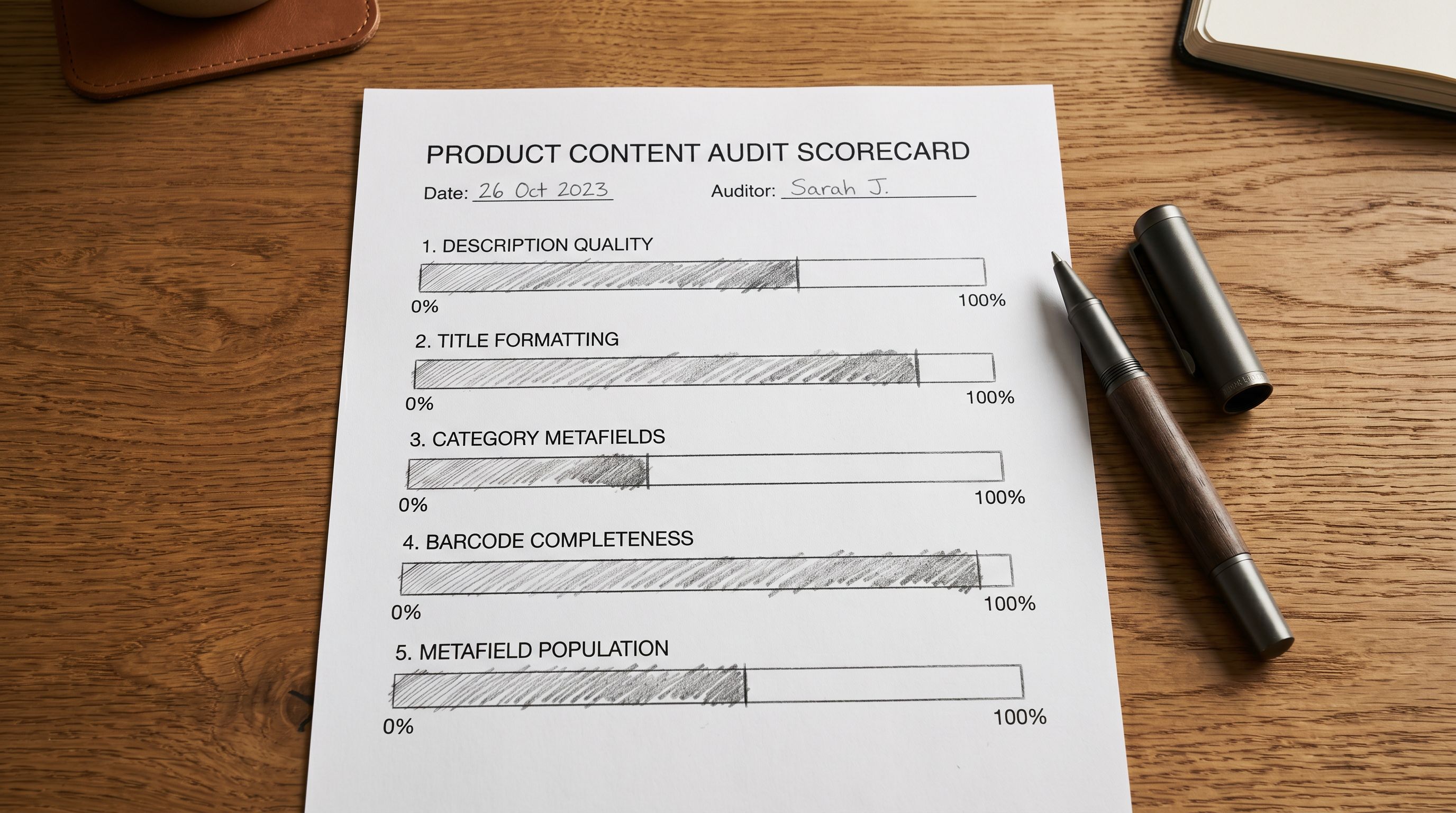
A product content score is a practical way to measure where a catalogue stands across these dimensions before a sale event. It is not a single number Shopify surfaces in the admin. It is a composite: description quality, title formatting, category metafield coverage, barcode completeness, and metafield population; scored field by field, gap by gap, and then fixed in order of impact.
This article walks through that process as a three-session pre-sale workflow using Importier's Store Scanner and data enrichment tools.
What a Product Content Score Measures
A composite product content score covers five dimensions. Each dimension contributes to how well a product performs across search, feed-based channels, and AI shopping surfaces.
Description quality. A minimum-viable description (one that passes Shopify's own validation) is not the same as a description that performs. Descriptions under 150 characters produce a quality flag in Google Merchant Centre. Descriptions that are identical across multiple products in the same category reduce Shopping impression share for the whole group. Descriptions written as specification lists without buyer-facing language underperform against descriptions that lead with use cases and benefits.
Title formatting. Shopify product titles written for on-page SEO often fail Google Shopping's title formatting requirements: they truncate before the key differentiating attribute at 150 characters, contain all-caps promotional text, or omit the category attributes (colour, size, material) that shopping queries filter by.
Category metafield coverage. Products without a Shopify Standard Product Taxonomy assignment receive a generic Google Product Category (GPC) mapping. Generic GPC assignments miss the specific category-browsing surfaces where buyer intent is highest. Products in the correct taxonomy node with populated category attributes (colour, material, size, gender, age group) outperform uncategorised products in category-filtered queries.
Barcode (GTIN) completeness. Products sold by multiple retailers without a GTIN receive fewer Shopping impressions because Google cannot cross-reference the listing against its product database. The "Missing GTIN" flag escalates to a hard disapproval after 30 days for products where other sellers are verified with GTINs.
Metafield population. Metafields outside the category taxonomy (custom attributes, dimension fields, care instructions, material composition) feed AI shopping surfaces that surface products via semantic matching rather than keyword. A product with populated care_instructions, fabric_composition, and fit_type metafields surfaces in more AI query matches than the same product with empty metafields.
Session 1: Audit with Store Scanner
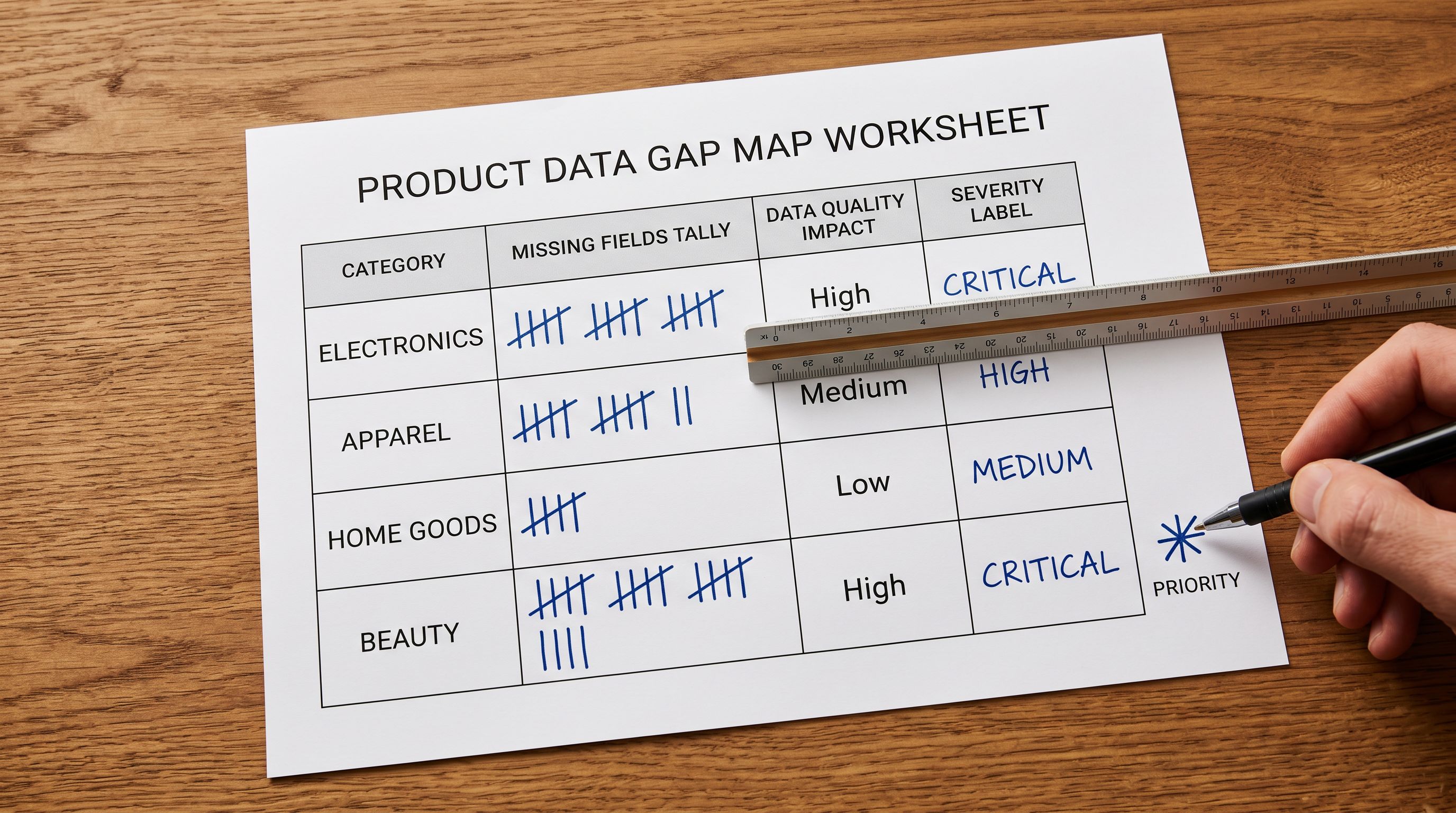
The first session is a full catalogue audit. The goal is a gap map by field type: which fields are missing across how many products, and in which categories.
Open Importier's Store Scanner and run the full audit. Store Scanner reads every product in the store against a 47-field content checklist and flags each gap by field type and severity. The audit output shows:
- Products with descriptions under 150 characters
- Products with duplicate descriptions within a category
- Products with blank GTIN/Barcode fields
- Products without a Shopify taxonomy category assignment
- Products where required category attributes (colour, material) are empty
- Products whose titles contain all-caps text or exceed 150 characters
The SEO Audit export in Store Scanner produces a spreadsheet version of this gap map, filtered and sortable by field type. For a catalogue of 500 products, the export makes it possible to see at a glance which category has the worst description coverage, which supplier's products have the most GTIN gaps, and which product types are missing category metafield assignments entirely.
- 01Run the Store Scanner full audit. From the Importier dashboard, open Store Scanner and select the full catalogue scan. For stores with over 1,000 products, the scan typically completes in 5-10 minutes.
- 02Export the SEO Audit as a spreadsheet. Filter the export by gap type to isolate each dimensiondescriptions, titles, GTINs, category metafields. Sort each tab by product count to identify which gaps affect the most products.
- 03Prioritise by impact. Description gaps affect the most channels simultaneously (Shopping, AI shopping, on-page SEO) and should be fixed first. Title formatting gaps affect Shopping and Discover specifically. GTIN gaps affect Shopping placement for branded products. Category metafield gaps affect long-tail and category-filtered queries.
- 04Record the current gap counts by dimension as the baseline. After the fix sessions, re-running Store Scanner shows which gaps were closed and whether any new gaps were introduced.
Session 2: Descriptions and Titles
The second session addresses the two highest-impact gaps: description quality and title formatting. Both affect multiple channels simultaneously and produce the largest improvement in content score per fix.
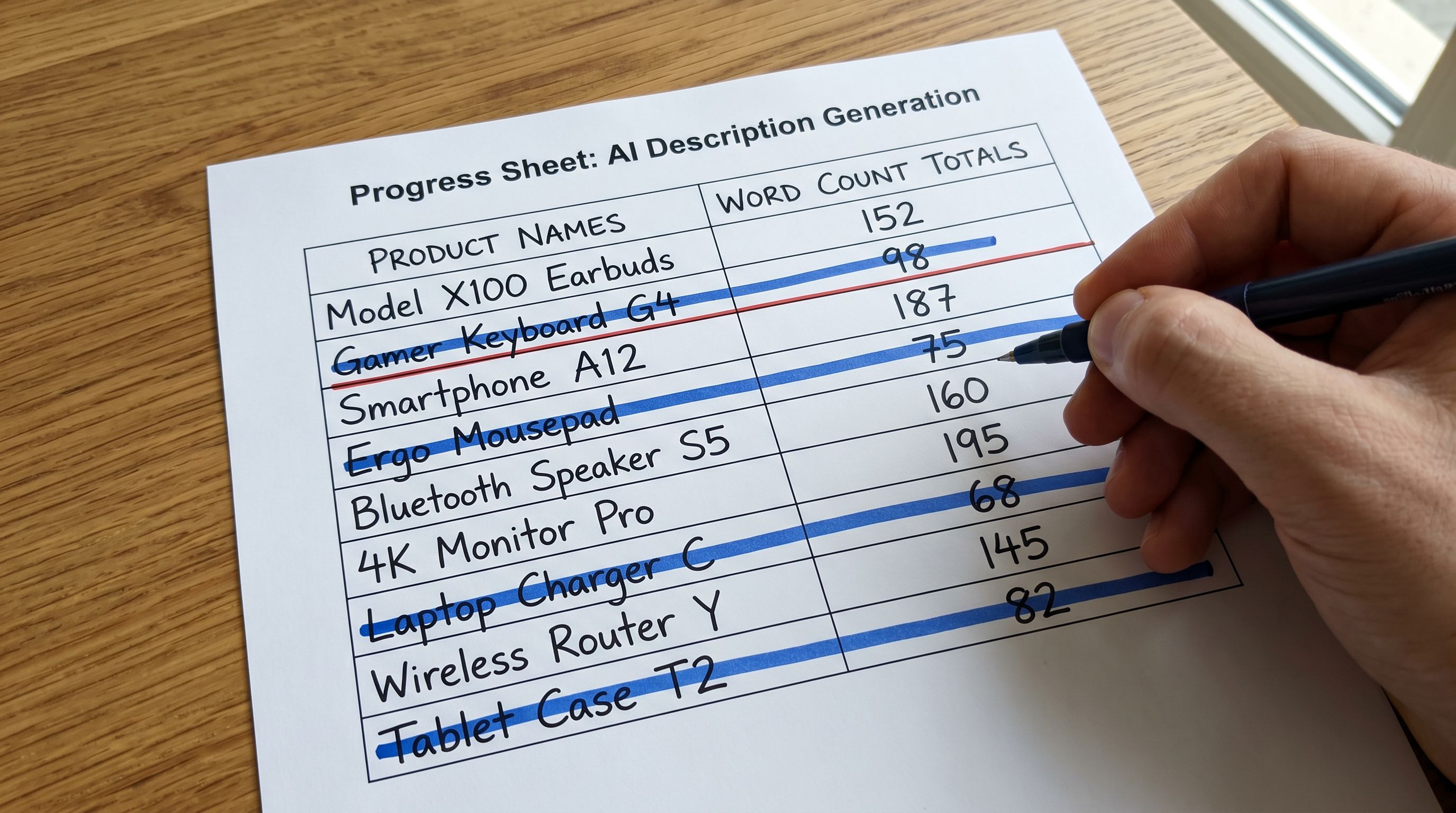
Descriptions. For products with thin descriptions (under 150 characters), missing descriptions, or descriptions that are duplicates within a category, run AI description generation via Importier. Select the products identified in the Store Scanner export, set the description style to match the product category (Benefits-First for product categories where the outcome matters, Technical Gadget for electronics and tools, Emotional Storytelling for lifestyle and gift products), and generate.
Importier's 18+ AI models across four tiers handle description generation for any product category. For a pre-sale description pass, the priority is coverage: getting every product above the quality threshold, with descriptions that are unique within the category and long enough to pass Google's quality signals. The refinement pass (persona matching, brand voice alignment) can follow the sale event.
For a 500-product catalogue where 200 products have thin or duplicate descriptions, the AI description pass completes in under an hour. The generated descriptions are reviewed in Importier's review interface before being pushed to Shopify.
Titles. For products where the Store Scanner audit flagged title formatting issues, run the Title Optimizer. The Title Optimizer reformats titles to Google Merchant Centre standards: key attributes front-loaded in the first 70 characters, all-caps text removed, and category-specific attributes added where missing.
- Thin descriptions (under 150 chars) across 40% of catalogue
- Duplicate descriptions in 3 product categories
- 15% of products missing GTIN/Barcode
- No taxonomy category assignment on 60% of catalogue
- Title formatting issues on 25% of products
- All descriptions above 300 characters with unique per-product content
- Category-specific AI descriptions with correct style and persona
- GTIN gaps identified; barcode lookup populated 80%
- Taxonomy assigned across full catalogue via Industry Pack
- Titles reformatted with key attributes front-loaded for Shopping
For the complete AI description generation workflow and how to choose description styles for different product categories, the Importier AI product descriptions guide covers each style with category examples.
Description quality is the first fix because it affects the most channels simultaneously. A product with a strong description performs better in on-page SEO, Google Shopping, AI shopping queries, and social commerce feeds. A thin description underperforms in all of them.
Session 3: Structured Data
Session 3: Barcodes and Category Metafields
The third session addresses the structured data gaps: GTIN completeness and category metafield coverage. These affect Shopping placement and AI shopping surface retrieval rather than on-page performance, and they are the gaps that take the longest to fix manually because they require field-by-field data entry.
Barcode enrichment. For products identified in the Store Scanner audit as missing GTINs, run Importier's barcode lookup. The barcode lookup queries public product databases using the product's title, brand, and category data to identify the correct EAN, UPC, or ISBN. For products where a GTIN is found, the barcode field is populated via a selective reimport. For products where no GTIN is found in public databases, the identifier_exists: no attribute is set to suppress the Google Shopping disapproval for unknown-identifier products.
The GTIN fix has the longest downstream timeline: Google re-evaluates disapproved products over 3-7 days after the corrected data is submitted. Starting the GTIN session early in the pre-sale workflow (at least two weeks before the event) allows enough time for Google's re-evaluation to complete before the traffic surge.
Category metafields. For products without a taxonomy category assignment, apply the relevant Industry Pack. Importier's 22 Industry Packs with 3,758 attributes map products to the correct Shopify Standard Product Taxonomy node and populate the required category attribute fields in a single pass.
For a catalogue with products across multiple categories, apply each Industry Pack to the relevant product range: the Apparel Pack to clothing products, the Electronics Pack to consumer electronics, the Home and Garden Pack to homewares. Each pack assigns the taxonomy node and populates the attributes relevant to that category.
For the complete category metafield assignment workflow, the Shopify category metafields guide covers how Industry Pack attributes flow through to Google Shopping category placements and AI shopping surface retrieval.
For context on how product data quality in Shopify affects Shopping channel performance specifically, the Shopify product data quality guide covers the full field checklist and the impact of each gap type on channel visibility.
Measuring Progress: Re-Run Store Scanner
After the three sessions are complete, re-run the Store Scanner full audit and compare the gap counts against the Session 1 baseline. The comparison shows which dimensions moved and by how much.
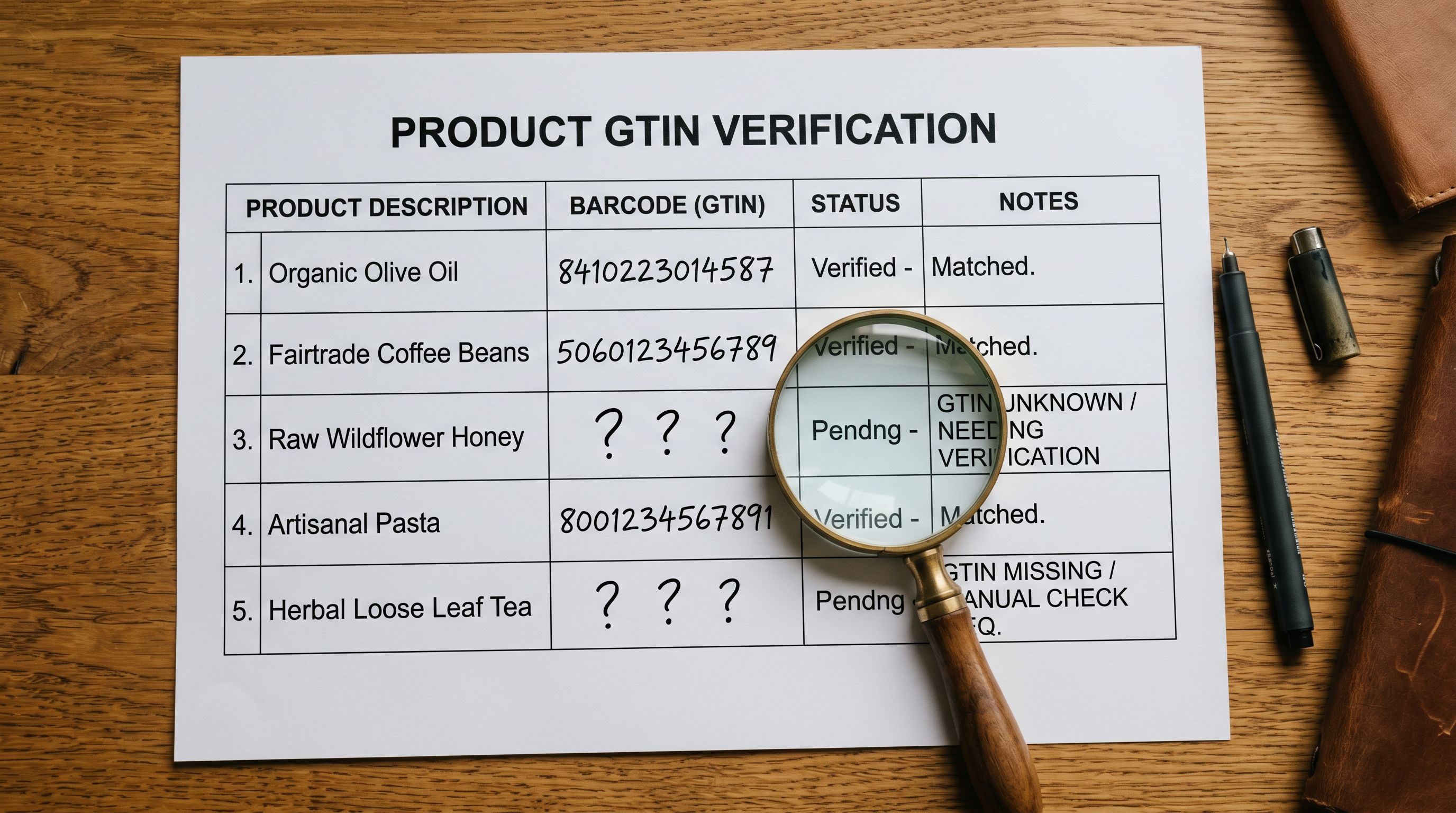
The re-run also catches any new gaps introduced during the fix sessions; a reimport that overwrote a correct description with a shorter one, or a title optimisation pass that accidentally truncated a product name. The audit is a check in both directions: confirming the fixes landed and confirming no regressions were introduced.
For a sale event preparation workflow, the target is not a perfect content score. It is a threshold: every product above the Google Shopping quality floor (description above 150 characters, no duplicate descriptions within category, title under 150 characters with no all-caps text), and the highest-revenue products with full taxonomy assignment and GTIN coverage. Everything above the threshold compounds during the event; everything below it misses the traffic.
For the Store Scanner workflow and how to interpret specific flag types in the audit output, the Shopify Store Scanner guide covers the full checklist, severity tiers, and how to prioritise fixes across a large catalogue.
For how AI shopping agents handle product data quality during high-traffic periods, and why thin data compounds into visibility loss at query volume; the Shopify AI shopping guide covers how the major AI shopping surfaces rank and surface products.
Pre-Sale Timeline
The three sessions are most effective when run in sequence with enough lead time for Google's re-evaluation cycle.
- Three weeks before the event: Session 1 (Store Scanner audit). Produces the gap map and sets the fix priority.
- Two weeks before: Session 2 (descriptions and titles). The majority of the content score improvement comes from this session. Push the fixes to Shopify so Google can crawl the updated content.
- Ten days before: Session 3 (barcodes and category metafields). Start the GTIN session early enough for Google's 3-7 day re-evaluation to complete before the event.
- One week before: Re-run Store Scanner. Confirm the gap counts closed, check for regressions, and note any remaining gaps that could not be fixed in time.
The sessions are not dependent on each other to start. A store with no GTIN gaps can skip Session 3 entirely. The timeline is a guide, not a requirement. The requirement is that the highest-impact gaps (descriptions, titles) are fixed early enough for the search and Shopping indexes to update before traffic peaks.
For the BFCM-specific catalogue preparation workflow that covers this data quality work alongside inventory, pricing, and collection strategy, the BFCM catalogue preparation guide covers the full pre-sale checklist in sequence.
Google's product data specification is the authoritative reference for the exact field requirements and formatting rules that determine whether a Shopify product passes or fails the Merchant Centre quality floor. Google's Shopping search quality guidelines for AI surfaces covers how the AI Overview and AI Shopping Mode surfaces evaluate product data quality; the most current guidance on what drives visibility in AI shopping results.
Try Importier free at importier.app
Set up your first import in under five minutes.
Importier brings products into Shopify with AI descriptions, category metafields, and data enrichment on every run.