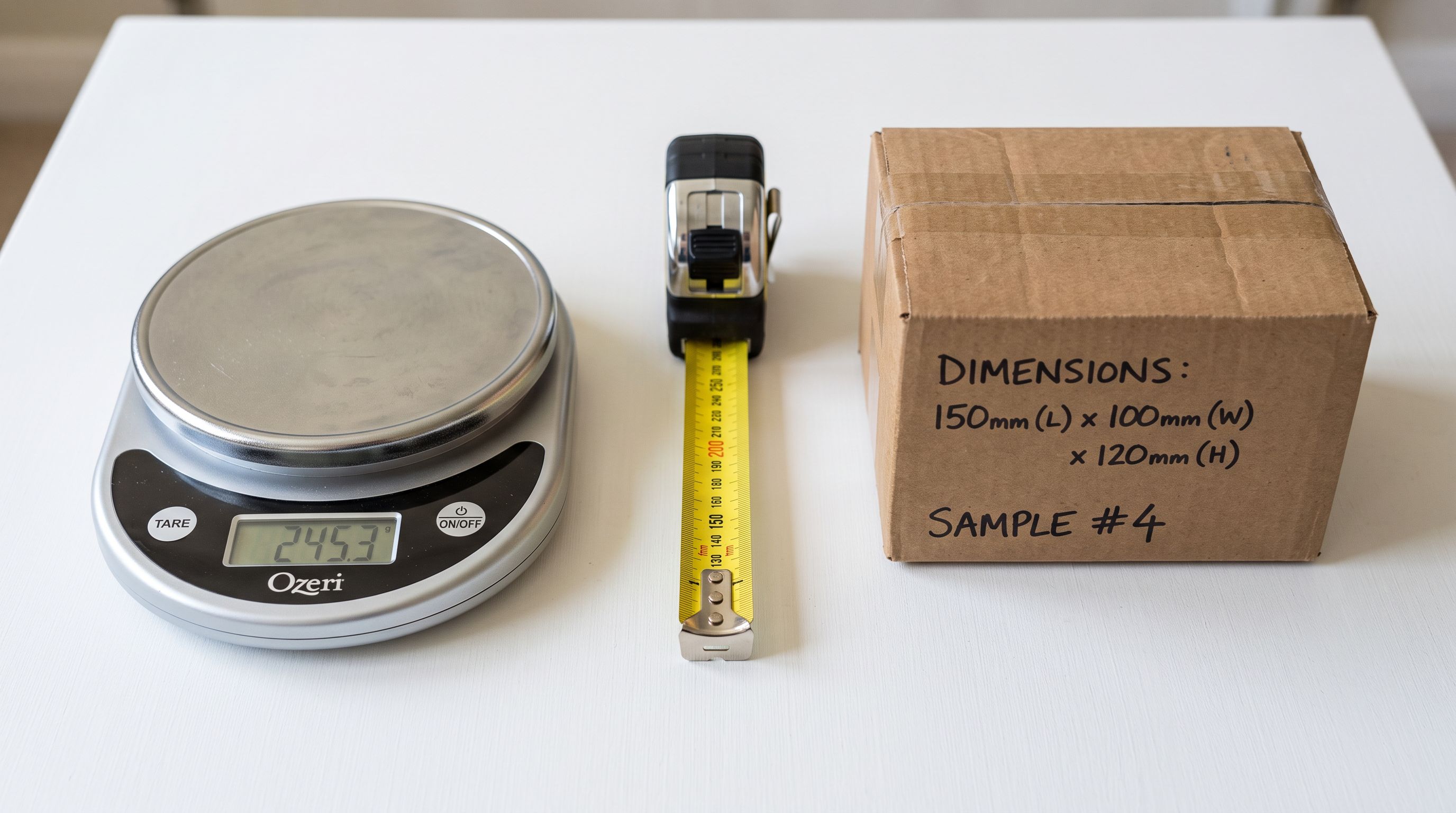
Shopify Packing List Import: Carton Data as Metafields
On this page
A Shopify packing list import closes the gap between what your supplier delivers and what your 3PL, freight carrier, and warehouse need to know before it arrives. A Sydney furniture importer learned the cost of leaving that gap open.
The importer sources 85 SKUs from three Vietnamese manufacturers. Each shipment arrives with a supplier packing list: carton dimensions in centimetres, packed weight in kilograms, units per carton, and handling requirements. The 3PL warehouse needs these numbers before the shipment arrives to reserve racking space, calculate freight charges, and generate pick tickets.
None of that data made it into Shopify at launch. Product listings had titles, prices, and descriptions. Packing specs lived in a folder of supplier PDFs. The 3PL worked from those PDFs, manually re-entering carton dimensions into their WMS for each SKU.
Three months after the importer moved to a larger 3PL facility, freight invoices started coming back wrong. The new facility used carton dimensions stored in their WMS to calculate cubic freight charges. Those dimensions had been re-entered by a warehouse operator reading supplier PDFs. Two products had transposed measurements: a 195 × 95 × 22 cm flat-pack dining table entered as 195 × 22 × 95 cm in the WMS. The transposed values produced a cubic weight 4.3 times the correct figure. The discrepancy produced $4,200 in overcharges before anyone identified the source.
The fix was a Shopify packing list import: supplier packing spreadsheets parsed into carton dimension metafields on each product record. The 3PL WMS integrates with Shopify via API. Carton data now pulls directly at product creation, with no manual re-entry and no transposition errors.
Why Packing List Data Belongs in Shopify
Shopify has a built-in weight field. It stores product weight and is used to calculate shipping rates at checkout. It does not store carton weight, which is the packed weight the freight carrier actually charges on. It stores no carton dimensions. No units-per-carton. No storage requirements.
This data exists for every product. It is on every supplier packing list. The gap is structural: Shopify's standard fields were designed for customer-facing display and shipping rate calculation, not for fulfilment operations. Merchants bridge that gap by keeping packing specs in a WMS, a spreadsheet, or a shared folder, not in the product record the rest of the business reads.
The consequence is re-entry at every handoff. The importer re-enters specs from the supplier PDF into a spreadsheet. The warehouse operator re-enters from the spreadsheet into the WMS. Each re-entry is an opportunity for error. Each error has a freight consequence.
A Shopify packing list import moves the data to the product record once. Every system that integrates with the store reads the same values.
The Packing Spec Metafield Schema for Shopify Imports
Define the metafield schema in Shopify admin under Settings > Custom data > Products before running the import. Shopify's custom data documentation covers field types and namespace setup. A functional packing spec schema covers three areas:
Carton dimensions and weight
custom.carton_length_cm(number_integer): external carton length in centimetres. Packed product, not assembled product dimensions.custom.carton_width_cm(number_integer): external carton width in centimetres.custom.carton_height_cm(number_integer): external carton height in centimetres.custom.carton_weight_kg(number_decimal): packed carton weight in kilograms. This is distinct from Shopify's built-in weight field, which stores product weight. Freight carriers calculate cubic weight from carton dimensions; they charge on whichever is greater, cubic or actual carton weight.custom.units_per_carton(number_integer): how many units ship in one carton. A six-chair dining set shipped two chairs per carton hasunits_per_cartonof 2, not 6.
Storage and handling
custom.storage_temp_min_c(number_integer): minimum storage temperature in Celsius for temperature-controlled products. Set null for ambient goods.custom.storage_temp_max_c(number_integer): maximum storage temperature in Celsius. Both fields together define the acceptable range.custom.packing_notes(multi_line_text_field): supplier handling instructions. "Fragile: do not stack more than 3 high" and "Surface protection film applied, remove before display" are examples. These appear on the pick ticket and in the 3PL system via the API.
Racking and display
custom.shelf_depth_cm(number_integer): product depth on shelf for planogram and storage bay allocation. Relevant for brick-and-mortar retailers planning shelf layout and for 3PLs allocating racking depth.custom.min_order_qty(number_integer): minimum order quantity per the supplier's packing unit. Used for purchase order automation when restocking triggers are set below the MOQ.

Building the Import File
Structuring the Packing List Import for Shopify
The import file carries standard product columns alongside the packing spec metafield columns. Each product row maps to one SKU. Where a product ships in different carton sizes by variant (a dining chair in a smaller carton than a dining table), each variant carries its own packing spec:
| Column | Example value |
|---|---|
| Title | Solid Timber Dining Table 6-Person |
| Vendor | Nguyen Woodcraft Co |
| custom.carton_length_cm | 195 |
| custom.carton_width_cm | 95 |
| custom.carton_height_cm | 22 |
| custom.carton_weight_kg | 48.5 |
| custom.units_per_carton | 1 |
| custom.packing_notes | Flat-packed, surface film applied to top panel. Do not stack. |
| custom.shelf_depth_cm | 92 |
For the Sydney importer, supplier packing lists arrived as Excel spreadsheets with a consistent column structure across all three manufacturers after an initial normalisation pass. Subsequent supplier updates import from the same template without re-extracting dimensions from PDFs.
For merchants whose suppliers provide packing lists as PDFs rather than spreadsheets, Importier parses supplier PDF documents and extracts structured data including dimension tables. Extraction works reliably for PDF packing lists that follow a consistent table layout.
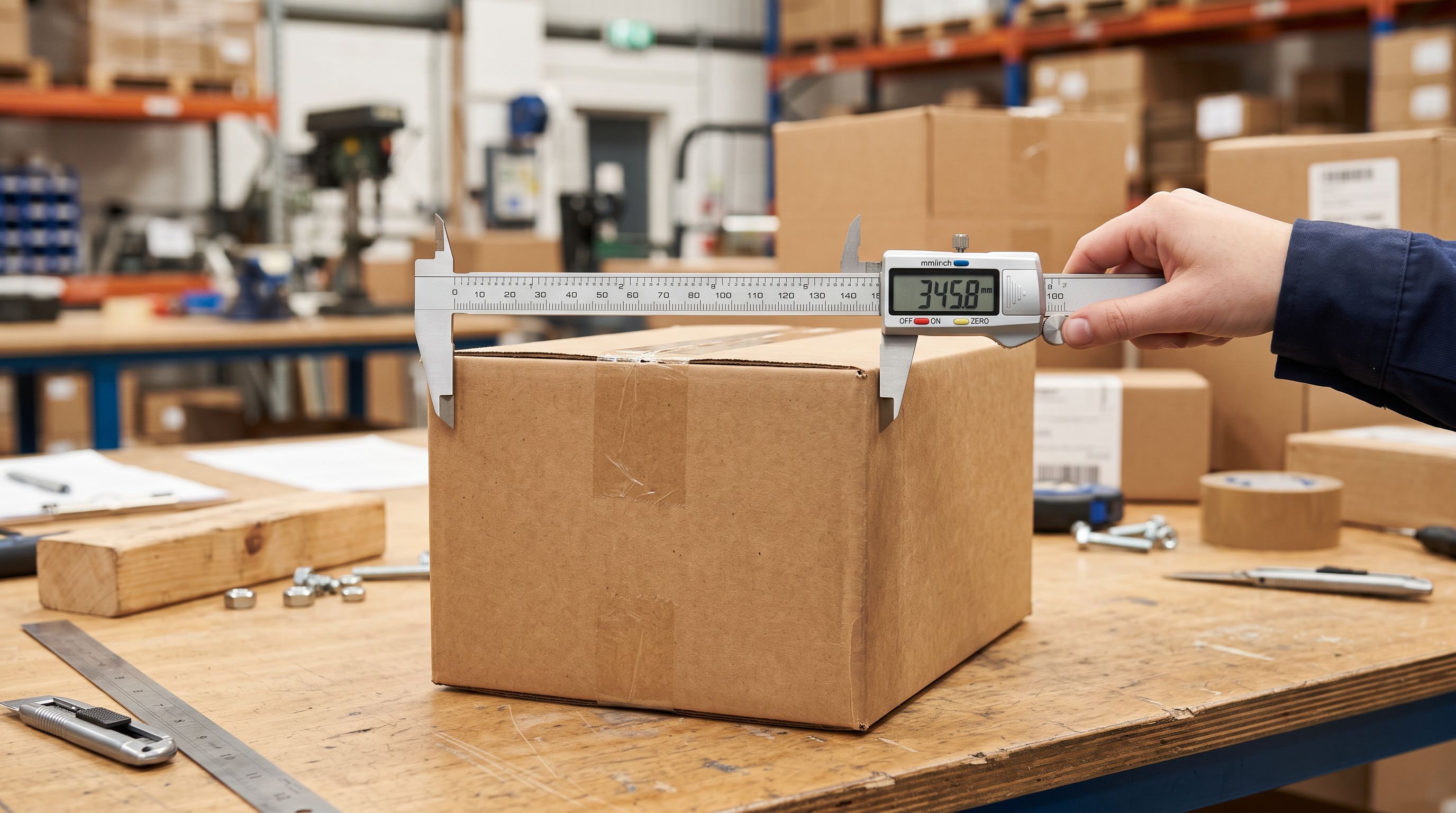
How Carton Dimension Imports Enable 3PL Automation
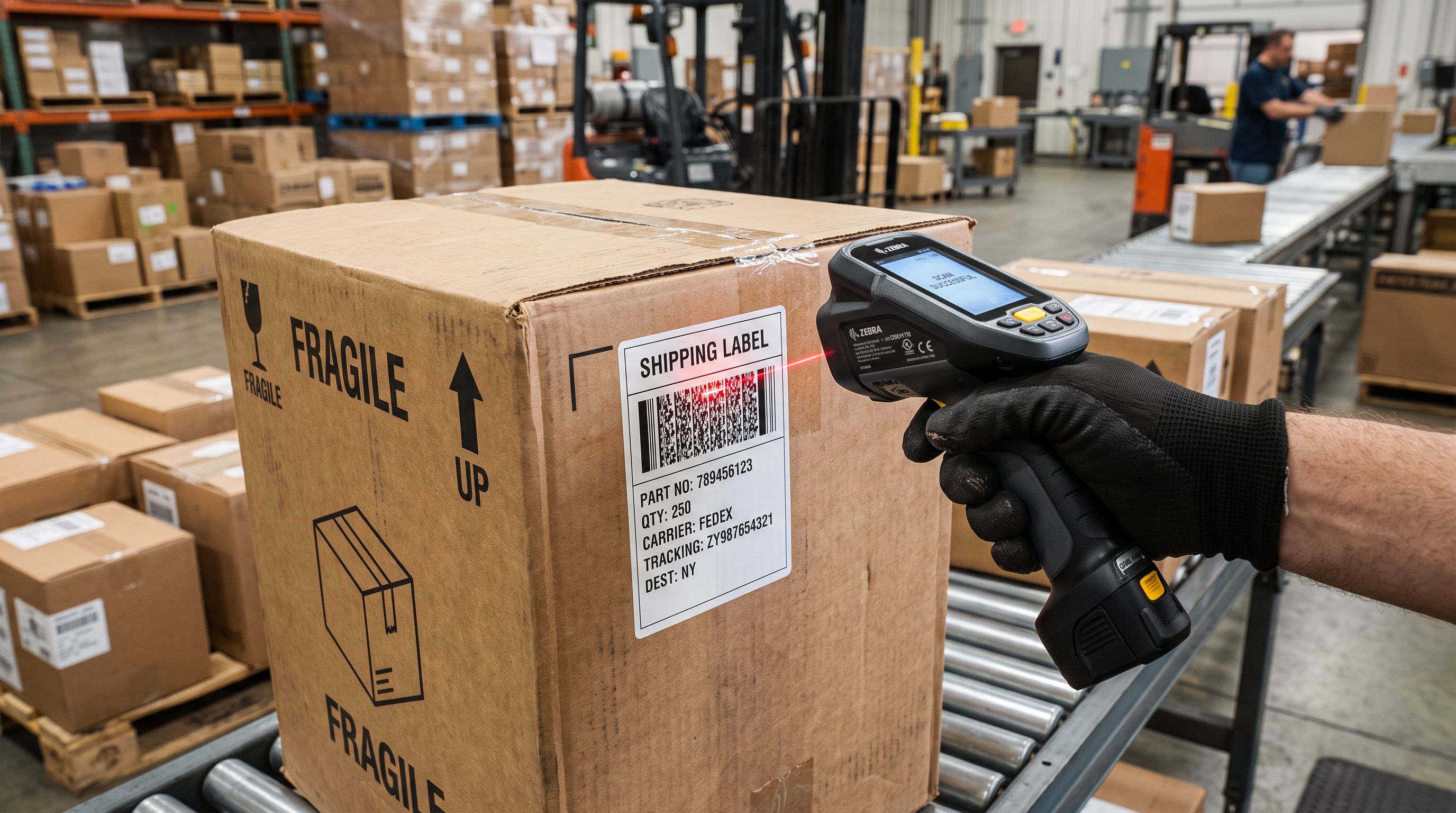
A 3PL WMS that integrates with Shopify reads product metafields via the Admin or Storefront API. When carton dimensions are stored as metafields, the WMS populates its own product record automatically at product creation. No operator re-entry, no PDF lookup.
Freight calculation
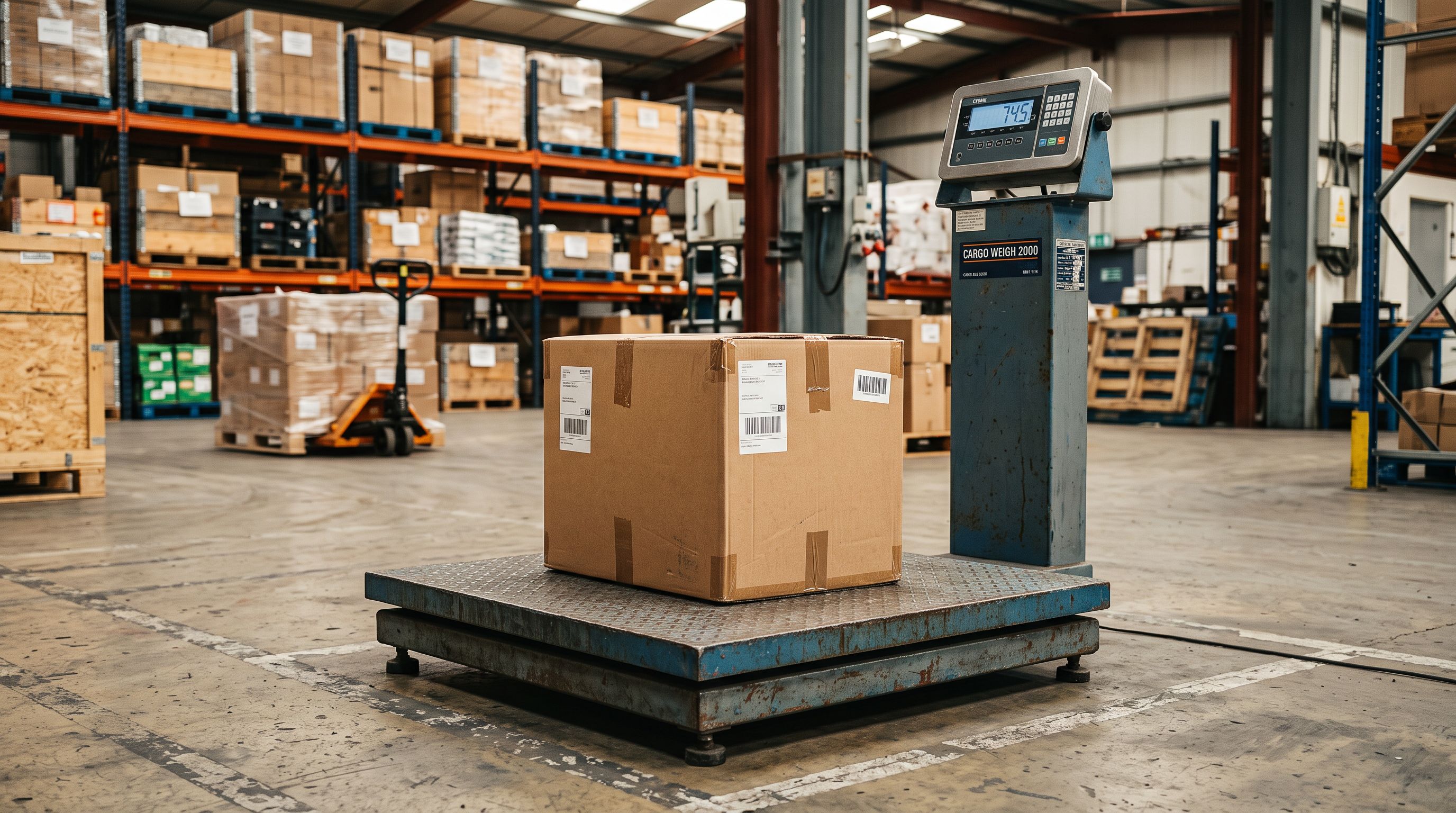
LTL freight is charged on cubic weight: length times width times height in centimetres, divided by the carrier's freight factor (typically 4,000 for domestic Australian road freight). With carton dimensions in Shopify metafields, the freight rate calculation runs against the actual carton data rather than estimated or re-entered values.
The Sydney importer's $4,200 overcharge came from transposed dimensions. The correctly-entered 195 × 95 × 22 cm table produces a cubic weight of 40.7 kg. The transposed 195 × 22 × 95 cm produces a cubic weight of 177.6 kg. Four months of shipments billed at the wrong cubic weight. With metafield-sourced dimensions, that transposition never enters the WMS.
Storage space reservation
A 3PL that allocates racking by product dimensions reserves storage space at product creation. The carton height determines racking clearance. The carton depth determines whether the product fits the allocated bay. This reservation happens automatically when the 3PL reads from Shopify metafields, rather than waiting for an operator to measure an incoming carton.
Pick ticket handling instructions
custom.packing_notes values appear on pick tickets when the 3PL WMS includes handling instructions in the pick workflow. "Do not stack" prevents damage during pack-out without requiring an operator to look up the product's handling requirements for every pick.
The dimension the freight carrier charges on is the packed carton dimension. Storing that value in Shopify and exposing it to your 3PL integration is the difference between a freight invoice you can reconcile and one that takes a quarter to audit.
Customer Descriptions and Logistics Data

AI Descriptions Using Logistics-Sourced Dimension Data
Packing spec metafields store logistics data. The customer-facing product description uses a different dimension set: assembled product dimensions, not carton dimensions. An import file that carries both custom.carton_length_cm (logistics) and custom.assembled_length_cm (customer-facing) lets AI descriptions draw from the correct field.
The Benefits-First description style with a Furniture and Homewares persona from Importier's 156 expert personas generates descriptions that lead with the customer value and draw assembled dimensions from the customer-facing metafield, not the carton field:
"Seats six at 180 by 90 centimetres. The solid timber top is 40mm thick, hand-finished in natural oil. Ships flat-packed in one carton and fully assembles in under 30 minutes with the included hardware. Available in oak, walnut, and jarrah."
The carton dimensions do not appear in the customer description. The logistics team reads custom.carton_length_cm. The customer reads custom.assembled_length_cm. Both values live in the same import file, separated by field. The AI draws from the right one.
- 01Collect packing lists from all supplierscompile carton dimensions (length, width, height), packed carton weight, units per carton, and handling instructions for every SKU; note any products where carton configuration differs by variant (different sizes for different options)
- 02Define the metafield schema in Shopify admin under Settings > Custom data > Productscreate custom.carton_length_cm, custom.carton_width_cm, custom.carton_height_cm (number_integer), custom.carton_weight_kg (number_decimal), custom.units_per_carton (number_integer), and custom.packing_notes (multi_line_text_field)
- 03Build the import fileadd one column per packing spec metafield; populate from supplier packing lists; confirm that carton weight is the packed carton weight, not the product weight value used in Shopify's built-in weight field
- 04Coordinate with your 3PL to confirm which Shopify metafields their WMS readsconfirm the exact namespace and key format (custom.carton_length_cm) so their system maps the API values correctly
- 05Run the import on a 10-product test batchverify metafield values in Shopify admin, confirm the 3PL WMS receives correct dimension data via API, and compare against the original supplier packing list
- 06After confirming accuracy on the test batch, import the full catalogueretire any manual dimension re-entry process at the 3PL; schedule periodic re-import when supplier carton configurations change (seasonal packaging updates, format changes)
The Sydney Furniture Importer's Results
The importer ran the packing list import across all 85 SKUs. Each product received a full packing spec metafield set: three carton dimensions, packed weight, units per carton, and handling notes from the supplier spreadsheets.
Post-import outcomes over the following quarter:
- Freight reconciliation errors: from 23% of invoices requiring manual review to under 4%. The 3PL freight calculation ran against Shopify metafield values, which matched supplier packing lists exactly.
- Storage allocation time at product creation: from 2 to 3 business days (manual bay assignment after physical measurement of incoming cartons) to same-day automated allocation for all products with complete metafield sets.
- The $4,200 overcharge was recovered from the freight carrier. The two transposed products were corrected in Shopify. The WMS received updated values via API the same day, with no additional data entry.
According to Shopify's Metafields documentation, custom metafields on product records are accessible via both the Admin API and the Storefront API, which means any integration your 3PL or WMS uses to read Shopify product data can access these values directly without custom middleware.
The product weight and dimensions import guide covers importing assembled product dimensions for customer-facing display alongside the packing spec metafields described here. Both sets of data belong in the import file. One serves customers; the other serves your operations team.
For merchants who need to re-import packing specs when supplier carton configurations change (seasonal packaging updates, format changes after supplier rationalisation), the scheduled imports guide covers recurring import automation so updated packing data flows into Shopify without a manual re-import trigger each time.
- Carton dimensions in supplier PDFs; 3PL re-enters manually at product creation, and transposition errors become freight overcharges that take months to detect
- Freight calculation based on WMS-entered dimensions; when WMS and supplier dimensions differ, the freight carrier charges the wrong cubic weight
- Storage allocation manual: warehouse operator measures incoming carton, assigns bay, enters WMS; a 2 to 3 business day delay before product is pick-ready
- Handling instructions in a separate PDF; pick ticket operator looks up the document for fragile or no-stack products on each individual pick
- No automated racking reservation; 3PL discovers dimension mismatch at inbound receiving and reorganises racking under time pressure
- custom.carton_length_cm, carton_width_cm, carton_height_cm as typed integer metafields: 3PL WMS reads via API at product creation with no manual re-entry and no transposition errors
- Freight calculation sources from Shopify metafield values matching the supplier packing list exactly; discrepancies visible at import validation rather than invoice reconciliation
- Storage allocation automated from carton dimension metafields: bay assigned at product creation, pick-ready same day for products with a complete metafield set
- custom.packing_notes visible on pick ticket via WMS integration; handling instructions applied at pack-out without a separate document lookup
- Racking reservation triggered at product creation from correct carton dimensions; 3PL receives accurate data before shipment arrives
For merchants who sell the same product in multiple packaging configurations (retail single-unit cartons and trade case packs), each SKU carries its own packing spec metafield set. The trade case variant carries custom.units_per_carton of 12 and a different custom.carton_weight_kg value. The 3PL WMS receives the correct carton data for whichever configuration was ordered, without manual lookup at pack-out.
Try Importier free at importier.app.
Set up your first import in under five minutes.
Importier brings products into Shopify with AI descriptions, category metafields, and data enrichment on every run.