Shopify Christmas Shipping Deadline Metafields: Bulk Import

On this page
Shopify Christmas Shipping Deadline Metafields: Bulk Import
Adding "order by December 20 for Christmas delivery" to your product pages tells shoppers whether a gift will arrive in time. For a catalogue with 200 or 300 products, adding this information manually means opening each product in Shopify admin and updating a custom field or description. That is a full day of repetitive editing. It also breaks down the moment carrier deadlines shift in early December and you need to update them again.
A custom.shipping_deadline metafield stores the order-by date per product. Importier sets it across your entire catalogue in a single import session, with the correct deadline per product based on how you map it in your import file. When carrier cutoffs change, one reimport updates the dates. On December 26, one more import clears them.
Why Product-Level Deadlines Matter
A Single Sitewide Banner Misses Half Your Catalogue
A "order by December 20 for standard delivery" banner in your header works for small accessories that move through express freight. It fails for heavy or oversized products that use freight carriers with earlier cutoffs.
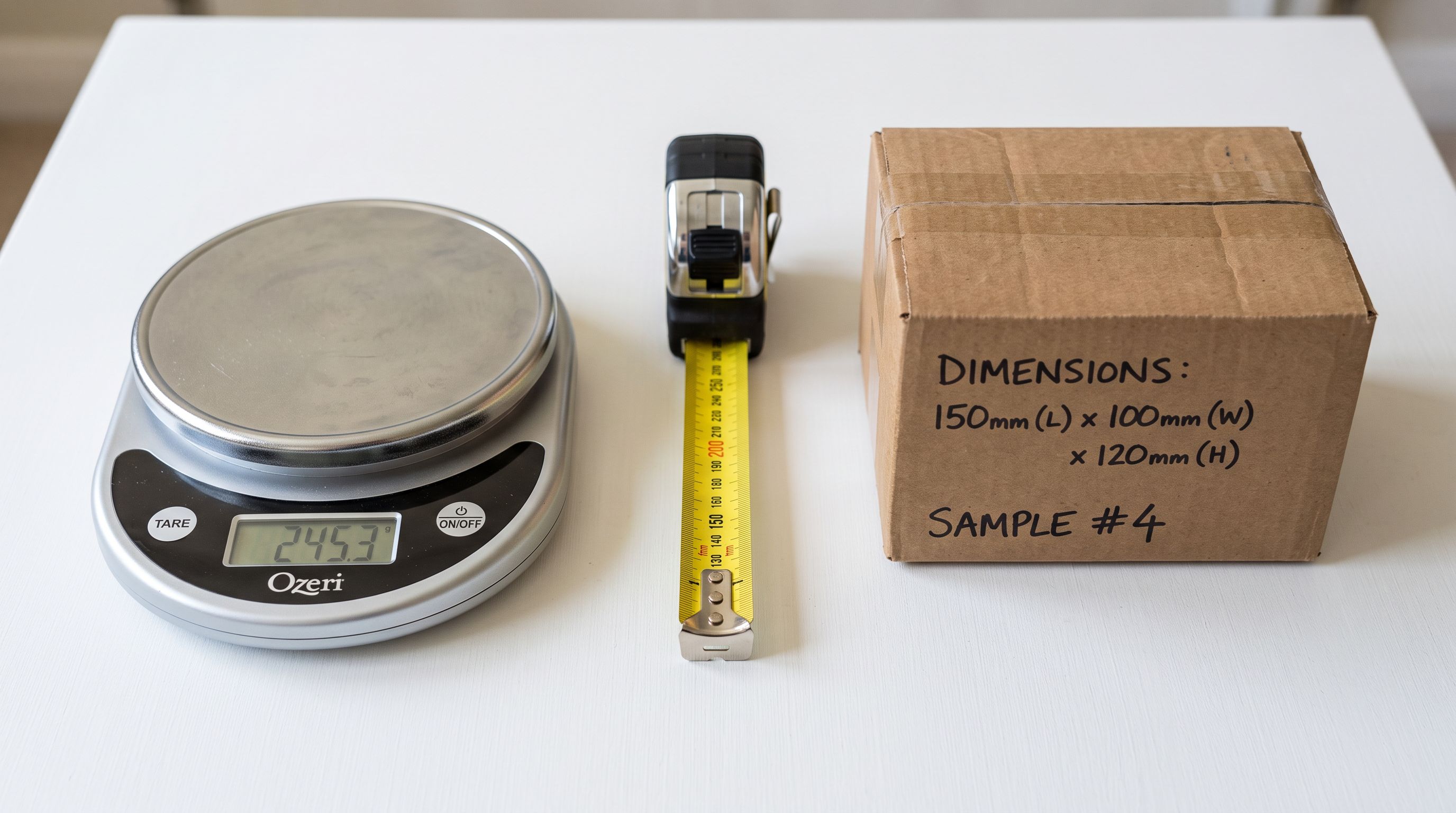
A piece of outdoor furniture weighing 15kg ships via freight carriers whose Christmas cutoff is typically December 12 or earlier. A small jewellery set ships via standard parcel post and can be ordered as late as December 20. Displaying December 20 as the deadline on a furniture product page does two things: it creates a customer expectation you cannot meet, and it generates support tickets and returns in January from buyers who received their gift set after Christmas.
The correct approach is a deadline per product that reflects the product's actual shipping profile. Lightweight products carry a later deadline. Bulky or freight-dependent products carry an earlier one. Importier imports this per-product deadline as a metafield in a single session, regardless of how many products are in the catalogue.
For merchants who are building their Christmas product range at the same time, the Christmas gift catalogue import guide covers setting up the product structure alongside the metafield fields, so deadlines and product records are created in the same import.

Designing the shipping_deadline Metafield
The metafield namespace and key combination is custom.shipping_deadline. The value type is date in ISO 8601 format (YYYY-MM-DD), not plain text.
The distinction matters because Shopify's Liquid template engine handles date-type metafields differently from text. As Shopify's Liquid metafield object documentation explains, a date-type metafield value responds to Liquid's date filter, which lets themes format the date as "December 20" for display, compare it to today's date for conditional rendering (hide the banner after the deadline passes), and localise the format for different market regions.
A text-type metafield containing "December 20, 2026" does none of this. It displays as a string. The theme cannot compare it to today's date to hide it after Christmas without additional scripting.
Metafield definition:
- Namespace:
custom - Key:
shipping_deadline - Type:
date - Display name: "Christmas Shipping Deadline"
Shopify creates the metafield definition automatically when the first import sets the value, provided the column header in your import file matches the namespace.key format exactly: custom.shipping_deadline. Importier's column auto-mapping recognises this format and routes the value to the custom metafield step, where you confirm the namespace and key before the import runs. Shopify's custom data and metafields documentation covers the namespace and key format and how metafield definitions appear in the Shopify admin for each product.
For merchants who have set up other custom metafields via import, the custom metafield definitions import guide covers the namespace conventions and the import-time metafield creation flow in detail.

Building the Import File
The import file for shipping deadline metafields uses a two-column structure at minimum: Handle (to identify the product) and custom.shipping_deadline (the order-by date).
Assigning deadlines by product profile:
Segment your catalogue by shipping profile before building the file. The profiles are determined by the carrier your fulfilment team uses for each product category:
| Profile | Example products | Typical cutoff |
|---|---|---|
| Standard parcel | Clothing, accessories, homewares under 5kg | December 20-21 |
| Large parcel | Kitchen appliances, sports equipment 5-15kg | December 17-18 |
| Freight | Furniture, bulky outdoor items over 15kg | December 12-14 |
| Click-and-collect only | Products that can be picked up in-store | December 24 |
Your actual cutoffs depend on your carriers and destination zones. The important thing is that the import file assigns the correct date column value based on the product's shipping profile, not a uniform date across all products.
A practical approach for 200-300 products:
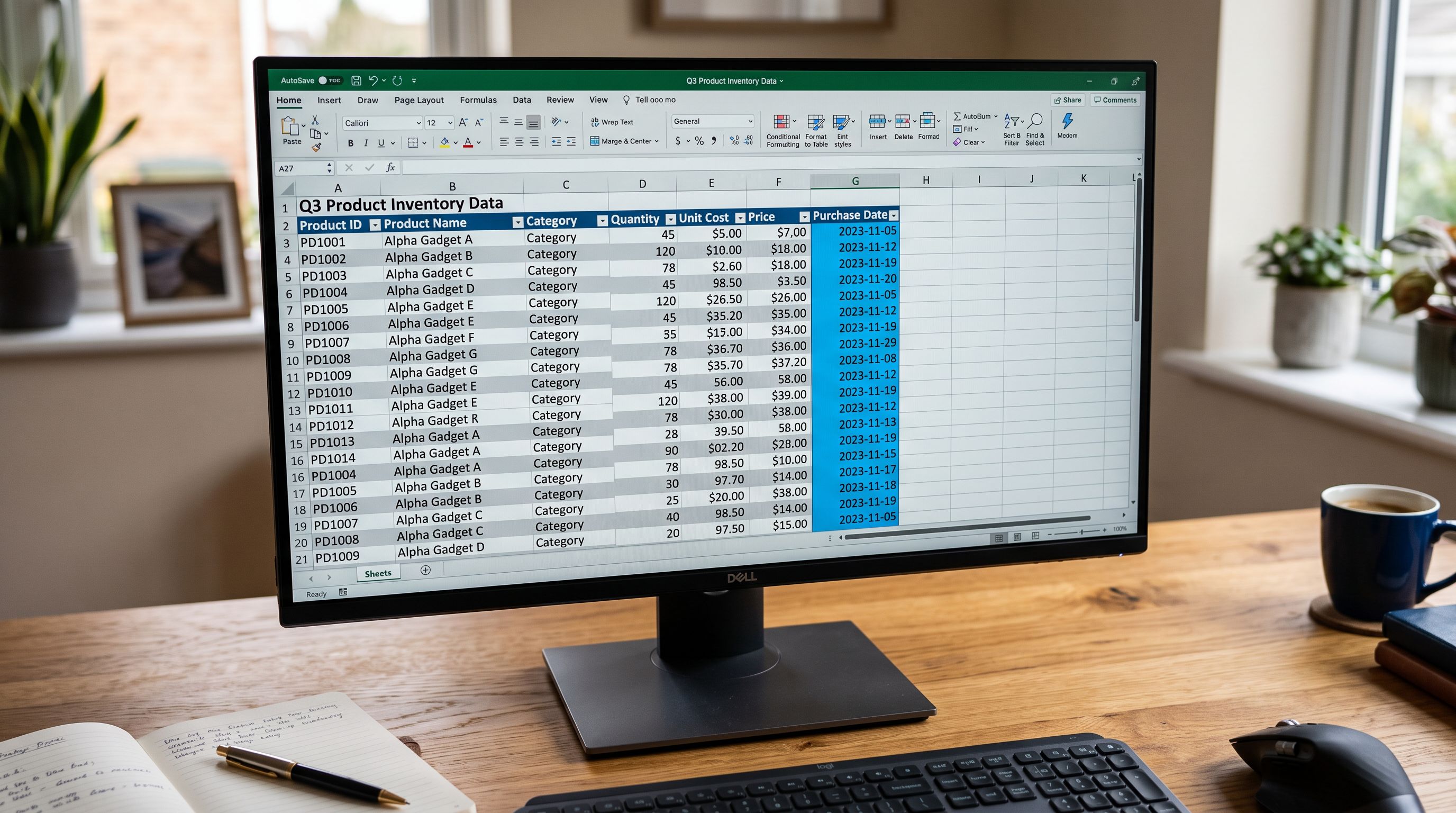
Export your Shopify product list with Handle and Weight columns. In a spreadsheet, add a custom.shipping_deadline column. Use an IF formula to assign the date based on the Weight value: products under 5kg get December 20, 5-15kg get December 17, over 15kg get December 12. For products you do not ship before Christmas (pre-orders, made-to-order items), leave the cell blank. Importier will not set the metafield for rows with no value in the column.
Import the file through Importier's standard import flow. At the custom fields mapping step, confirm that custom.shipping_deadline maps to namespace custom and key shipping_deadline with type date. Importier sets the metafield on each matched product and skips blank rows.
- 01Export your product list with Handle and WeightUse Shopify's product export or Importier's export feature. Download with at least Handle and Weight columns.
- 02Build the deadline assignment in a spreadsheetAdd a custom.shipping_deadline column. Use weight or product category to assign YYYY-MM-DD values per product. Leave blank for pre-orders and made-to-order items.
- 03Import through ImportierDrop the file into Importier's import wizard. At the column mapping step, map custom.shipping_deadline to the metafield namespace and key.
- 04Confirm the metafield type is dateIn the custom field confirmation step, verify the type is set to date, not text. Date type enables conditional rendering in your theme.
- 05Verify on 3 products before running the full setCheck the metafield value in Shopify admin on a small batch before running the full catalogue. Confirm the date format is correct.
- 06Update descriptions with deadline languageUse Importier's AI content tools to add delivery certainty language to product descriptions for affected products (see the AI descriptions section below).
Updating and Maintaining Deadlines
Reimporting When Carrier Cutoffs Change
Carriers publish preliminary Christmas cutoffs in October or November, then confirm final dates in early December. The dates often shift by one to three days when freight volumes are confirmed. A deadline import that runs in November may need to be updated twice before Christmas.
The update process is fast. Export your product list with Handle and the current custom.shipping_deadline values. Update the date column in your spreadsheet based on the new carrier cutoffs. Reimport the file. Importier matches each row by Handle and overwrites the metafield value with the updated date.
The key rule: the custom.shipping_deadline column must be present and non-blank in the reimport file for each product whose date changes. Products not in the reimport file are untouched. Products in the file with a blank value have their metafield cleared. This means you can run a targeted update on only the products whose deadlines shifted, leaving the rest unchanged.
Per-product shipping deadlines are a data problem, not a marketing problem. The right answer is a metafield with the correct date for each product's actual shipping profile, not a banner that covers every product with one date.
AI Descriptions That Surface Delivery Naturally
Product descriptions that mention delivery certainty convert better than those that do not, particularly for gift purchases where the buyer's primary concern is whether the item will arrive in time. The challenge is writing delivery language that states a fact without crossing into urgency or promotional copy.
Importier's Enrichment Context field applies a batch-level instruction to AI description generation. For shipping deadline products, a working Enrichment Context hint:
These products have confirmed Christmas delivery for orders placed by [date]. Mention delivery certainty in one factual sentence: state when an order placed today will arrive, in plain terms. Do not use urgency language ("hurry", "last chance", "selling fast"). State the fact of the delivery window, not the pressure to act.
The distinction between factual and urgency language matters for two reasons. First, Google Merchant Centre flags urgency language in AI descriptions as promotional content that does not meet GMC product data quality standards. Second, urgency language reads as pressure rather than information: the merchant who states a fact ("order by December 20, delivered before Christmas") serves the customer better than the one who says "order now before it's too late."
For merchants managing product data for email campaigns and metafields in the same pre-Christmas preparation run, the Christmas email product data metafields guide covers the November 20 deadline for metafield sync to email platforms.
Post-Christmas Cleanup
The custom.shipping_deadline metafield that shows December 20 on December 15 becomes irrelevant noise on December 26. Products that display a passed shipping deadline look like they have outdated data.
Run a cleanup import between December 26 and 28 using the same Handle list from your original deadline import. Set the custom.shipping_deadline column to blank for every row. Importier clears the metafield value on each matched product. Your theme's conditional logic (if product.metafields.custom.shipping_deadline is present, show the banner) stops rendering the deadline display for all products once the metafield is cleared.
Keep the import file. The same product Handle list and weight-based deadline formula will be used again next November, updated with the following year's carrier cutoff dates.

- Open each product individually in Shopify admin
- Copy and paste the deadline date per product
- No weight-based logic, one date applied broadly
- Update manually when carrier cutoffs shift in December
- Clear manually after Christmas, one product at a time
- One import CSV with one row per product
- Weight-based formula assigns the correct deadline per product
- Reimport updates only the products whose dates changed
- Post-Christmas cleanup clears all deadlines in a single import run
Key Takeaways
- Use
custom.shipping_deadlinewith typedate(not text). Date-type metafields respond to Liquid'sdatefilter for conditional display, localisation, and comparison to today's date. - Assign deadlines based on product shipping profile, not a single sitewide date. Freight products have earlier cutoffs than small parcel products. Using December 20 on furniture creates missed-delivery complaints.
- The import file needs only Handle and
custom.shipping_deadlinecolumns for a deadline-only update. Products with a blank value in the column have their metafield cleared. - Carriers publish preliminary cutoffs in October or November and confirm final dates in December. Plan for one reimport when final dates are confirmed.
- AI descriptions that state delivery certainty in factual terms convert better than urgency language and comply with Google Merchant Centre product data quality guidelines.
- Save the import file for reuse next year. The Handle list and weight-based deadline formula are reusable with updated dates.
Set shipping deadline metafields across your Christmas catalogue at importier.app.
Related Articles
Set up your first import in under five minutes.
Importier brings products into Shopify with AI descriptions, category metafields, and data enrichment on every run.
Free for your first 10 products. No credit card needed.