Shopify Weight and Dimensions Import: Shipping and DIM
On this page
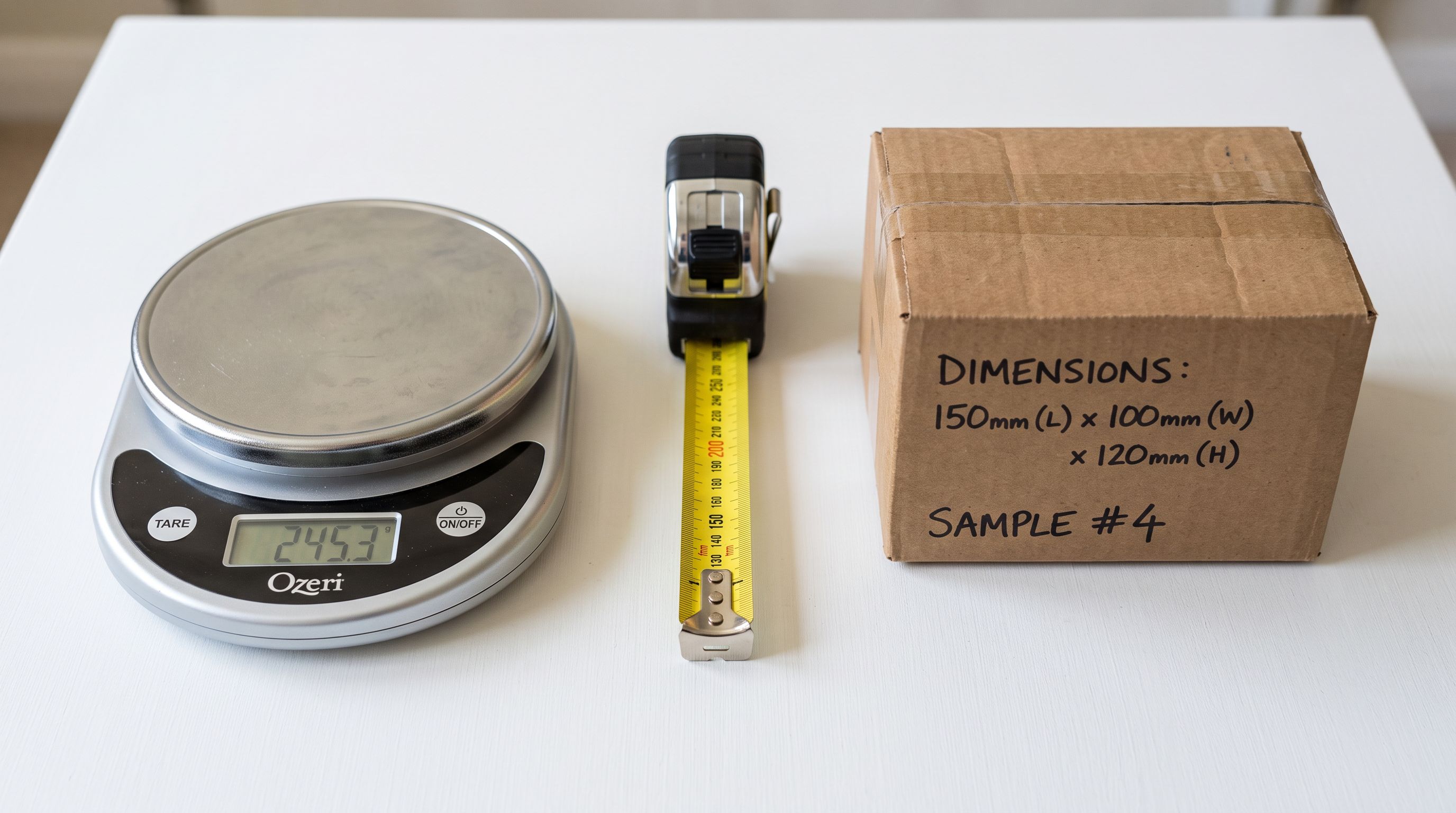
An outdoor furniture retailer imported 380 products from their manufacturer's catalogue. Titles, images, prices, and descriptions transferred correctly. Physical specifications did not arrive: product dimensions, packed dimensions, and product weights were absent from the supplier's export file. The products went live on the Shopify store and immediately into two problems.
The first problem was shipping rates. The retailer used Shopify's carrier-calculated shipping, which passes the product's weight to the carrier API to calculate the shipping cost. With zero weight on every product, every order returned the minimum carrier rate regardless of what was actually being shipped. A 14-piece dining set returned the same shipping rate as a single outdoor cushion.
The second problem appeared three weeks later in Google Merchant Centre. 120 products received disapproval notices citing missing product_length, product_width, and product_height attributes. Google's Shopping feed requires physical dimensions for furniture, appliances, and other oversized categories. The disapproved products stopped appearing in Google Shopping entirely.
Both problems had the same root cause: physical specification data was treated as optional at import when it functions as operational data for three separate downstream systems.
Why Physical Specifications Are Operational Data, Not Product Data
Most product attributes affect discovery and description. A missing colour attribute makes a product harder to filter. A missing style description reduces conversion. These are real gaps, but they do not break systems.
Physical specifications (weight and dimensions) are different. They are inputs to calculations that run on every order, every feed sync, and every fulfilment handoff. A missing or incorrect weight causes the carrier API to calculate the wrong rate. A missing dimension causes the Google Shopping feed to exclude the product. An incorrect packed dimension causes the fulfilment centre to allocate the wrong bin size and charge the wrong pick-and-pack rate.
This makes physical specification data the most commercially consequential category of missing data at import time. The damage is invisible at the product page level and only becomes visible on shipping invoices, feed reports, and fulfilment billing statements, often weeks after the import is complete.
The Three Dimension Types
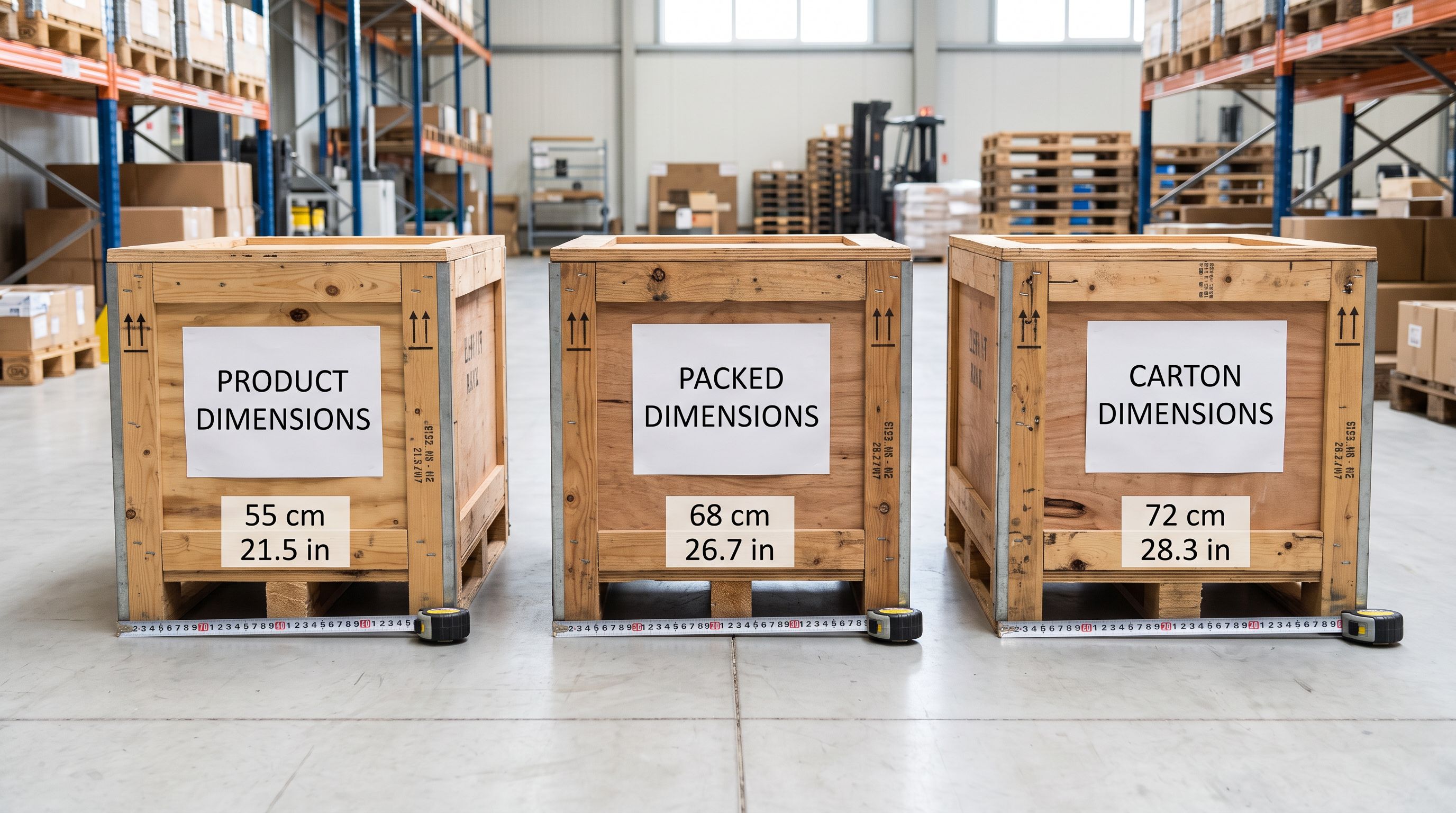
Physical specifications for commercial products have three distinct measurement contexts that should not be conflated in a single dimension field.
Product dimensions are the dimensions of the item itself: the object as it would be displayed in a store or photographed for the listing. A dining table with a product length of 1,800mm, width of 900mm, and height of 750mm. These are the dimensions buyers use to determine whether the item fits in their space. They belong in the product listing and in Google Shopping product specification attributes.
Packed dimensions are the dimensions of the product in its shipping carton: the box as it leaves the warehouse. The same dining table in its carton may measure 1,900mm x 1,000mm x 160mm (disassembled flat-pack). These are the dimensions that determine carrier rates, DIM weight calculation, and whether the carton fits in a standard shipping vehicle. They belong in a packed_length, packed_width, packed_height metafield set and must be kept separate from product dimensions.
Carton dimensions apply to products that ship in master cases for wholesale or freight orders: the case quantity dimensions for 3PL receiving and freight rate calculation. These are relevant for wholesale operations and are managed separately from retail packed dimensions.
Using a single "dimensions" field to hold all three types is the most common dimension data error in Shopify catalogues. A buyer who reads the packed carton dimensions as the product dimensions and orders based on them returns the item. A carrier integration that reads the product display dimensions as the packed carton dimensions calculates a meaningless rate.
DIM Weight: When Size Costs More Than Weight
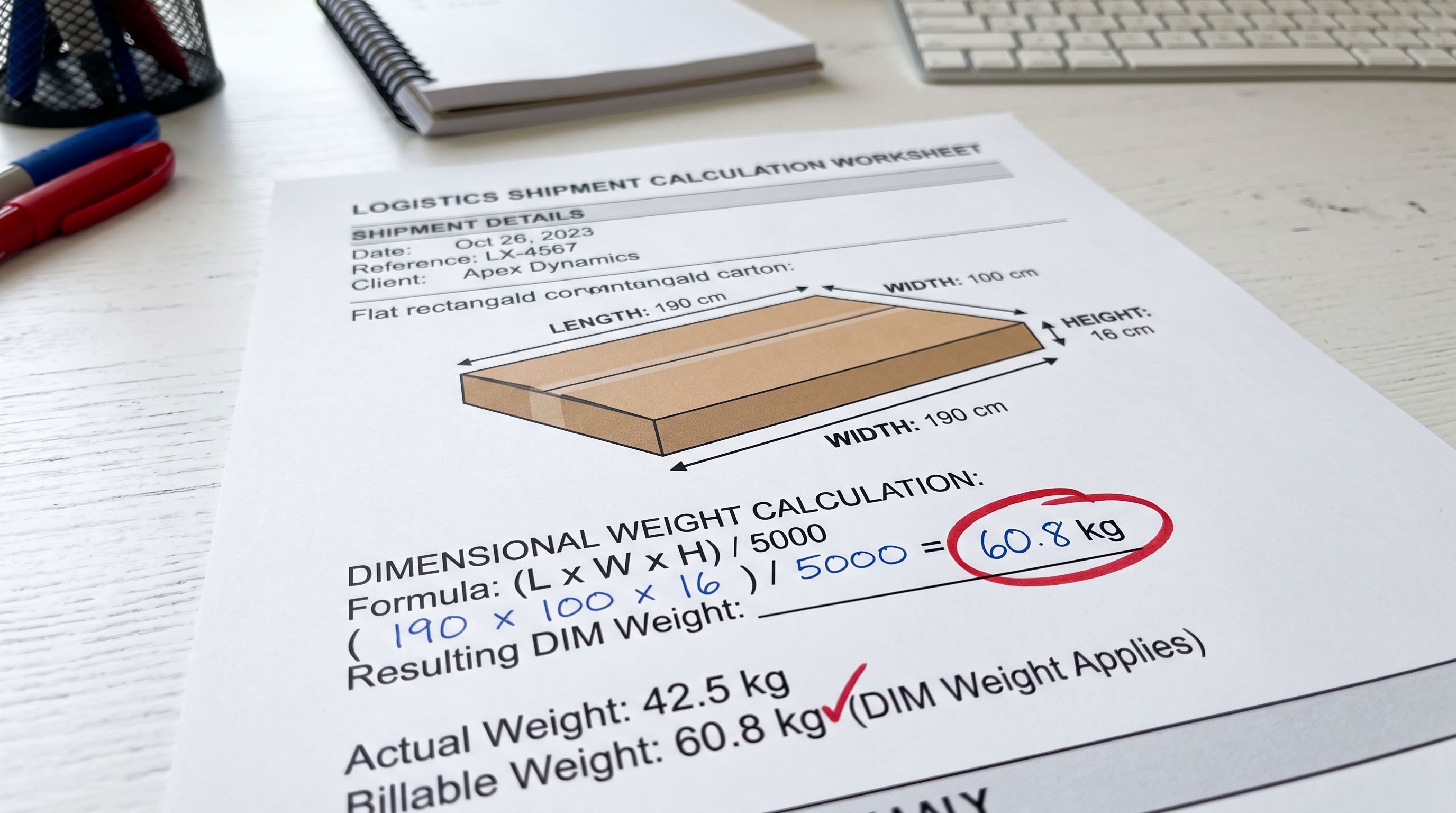
Dimensional weight, or DIM weight, is a pricing method used by carriers for air freight and some international road freight services. It calculates a theoretical weight based on the volume of the package and charges whichever is higher: the actual weight or the DIM weight.
The calculation: DIM weight = (Length × Width × Height) / DIM factor. The DIM factor varies by carrier and service: typically 5000 for international air freight (dimensions in centimetres, weight in kilograms) and 4000 for some domestic services.
A flat-pack dining table carton measuring 190cm × 100cm × 16cm: (190 × 100 × 16) / 5000 = 304000 / 5000 = 60.8kg DIM weight. If the actual carton weight is 32kg, the carrier charges for 60.8kg. The retailer's landed cost calculation was based on 32kg. The actual shipping invoice reflects 60.8kg.
For oversized and bulky-light products (furniture, sports equipment, garden items, mattresses, packaging materials, pool equipment), DIM weight routinely exceeds actual weight. Not storing the packed dimensions means the DIM weight cannot be pre-calculated at product setup, which means the freight cost per unit cannot be accurately modelled in the product's margin calculation.
Importier's product specifications auto-fill can extract dimension values from supplier documentation and product title text. For suppliers who include dimensions in a format like "1800W x 900D x 750H (mm)" in a notes column, the extraction identifies the three values and maps them to the corresponding metafields.
Import Workflow
Importing Weight and Dimensions
Physical specification data arrives in supplier files in inconsistent formats. Common patterns and how to handle them in the import column mapping step:
Dimension in separate columns. The supplier exports Length (mm), Width (mm), Height (mm) as three columns for product dimensions and Packed L, Packed W, Packed H as three more for packed dimensions. This is the cleanest format: each column maps directly to the corresponding metafield.
Dimension concatenated in one column. "1800 x 900 x 750 mm" in a single Dimensions column. The import mapping step can either accept this as a single text metafield value (searchable but not individually filterable) or trigger a split operation that extracts the three values into separate metafields.
Dimension in product title or description. "Acacia Dining Table 180cm x 90cm x 75cm" contains dimension data in the title. Importier's AI enrichment extracts the three values and populates the corresponding metafields without manual intervention.
Dimension absent from the file. If the supplier does not provide dimension data, the import proceeds with dimensions blank. A post-import enrichment pass using AI model inference from the product title and description can recover approximate values for standard-format products. Physical measuring and manual entry remains necessary for products with non-standard dimensions.
Weight handling in the import column mapping step follows the same approach as Importier's dedicated weight import workflow: unit detection from the column name and value range, auto-conversion from grams to kilograms to match Shopify's default unit, and a preview showing the converted weight value before the import runs.
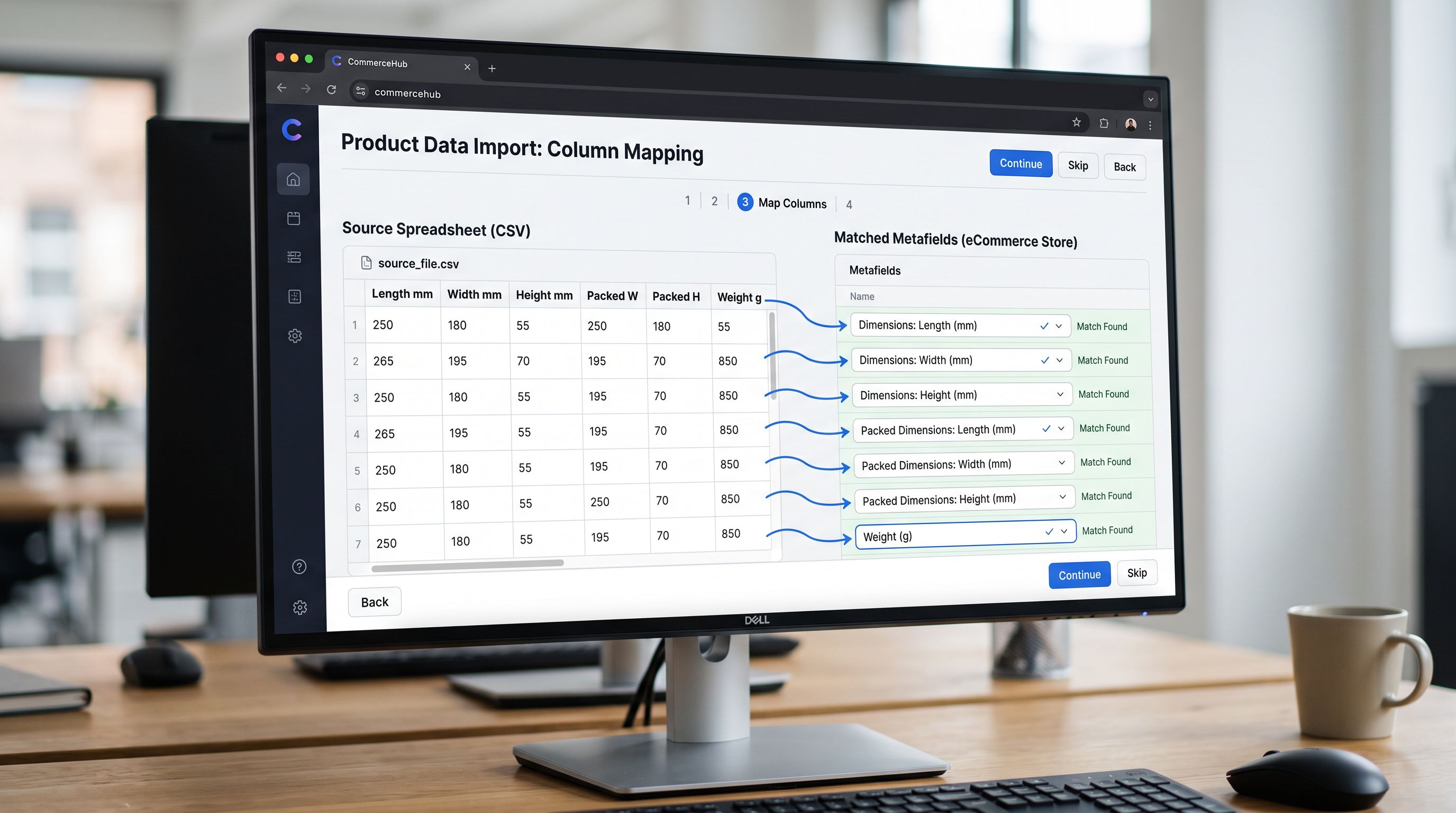
- 01Define the packed dimension metafields in Shopify admin before the importcreate product_length, product_width, product_height (for display dimensions) and packed_length, packed_width, packed_height (for shipping carton dimensions) as number_decimal metafields with consistent units
- 02Map supplier dimension columns to the correct metafield set in the import column mapping stepsupplier 'Length' maps to product_length; supplier 'Packed L' maps to packed_length; verify units are consistent across all mapped columns
- 03Set the weight column unit explicitlyif the supplier file uses grams and your Shopify store uses kilograms, configure the unit conversion in the mapping step rather than relying on post-import bulk edit
- 04Review the import preview for 10-15 products spanning the weight and size rangeverify that the heaviest product's weight is correct, that the tallest product's height is correct, and that packed dimensions appear in the packed fields rather than the product display fields
- 05After import, calculate DIM weight for the 5 bulkiest productsif DIM weight exceeds actual weight by more than 50%, update the margin model for those product categories before setting final retail prices
Weight and Dimensions in Google Shopping
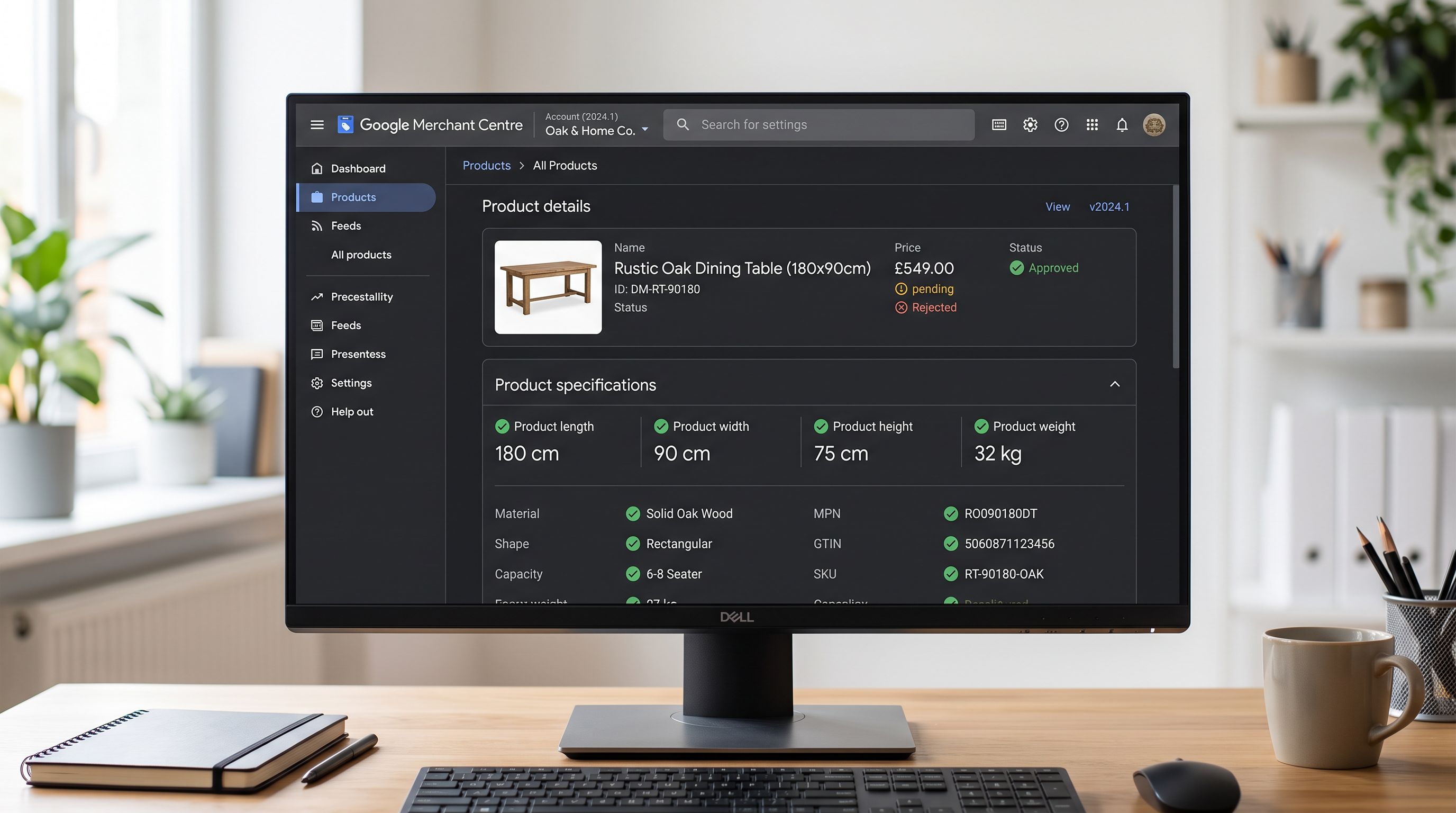
Google Shopping's product specification attributes require physical dimensions for certain product categories. According to Google Merchant Centre's product specification requirements, furniture, appliances, electronics, sporting goods, and other oversized categories require product_length, product_width, and product_height attributes in the product data feed.
These attributes use the product display dimensions (the actual item, not the packed carton). The values must include unit suffixes: "180 cm", "90 cm", "75 cm" or equivalent in inches.
The relationship to Importier's Google Shopping product data workflow: dimension metafields defined with consistent naming and units pass through to the Google Shopping feed without transformation. A product_length metafield with a value of "180" and a unit of centimetres maps directly to the product_length feed attribute. An unstructured "1800 x 900 x 750 mm" text field in the product description does not.
For the 120 disapproved furniture products in the outdoor furniture retailer's catalogue, the fix was a re-import pass that populated the product dimension metafields from the manufacturer's dimension sheet. After the metafields were populated and the Google Merchant Centre feed was re-synced, the disapprovals cleared within 24 hours.
Fulfilment Service Integrations
Third-party fulfilment centres (3PLs) and carrier integrations use packed dimensions to calculate several charges that affect the margin on every sale:
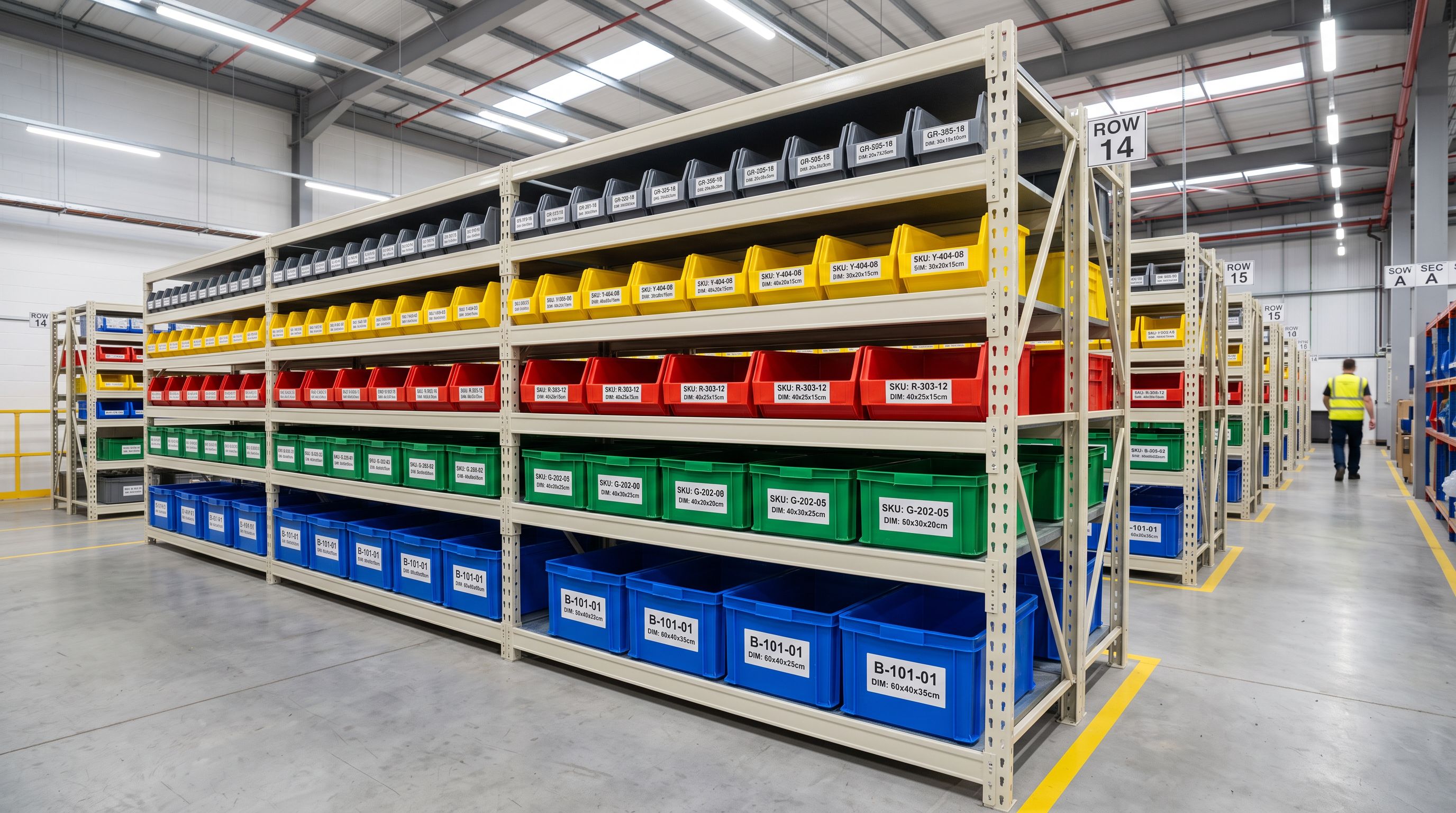
Bin allocation. A 3PL assigns SKUs to storage bins based on the packed carton dimensions. A product with incorrect or missing dimensions gets allocated to a default bin size, which may result in a bin that is too small (causing a re-bin fee) or too large (wasting storage capacity and incurring a higher storage rate).
Pick-and-pack rate. Some 3PLs charge a higher pick-and-pack rate for oversized items (defined by packed dimensions exceeding a threshold). Incorrect dimensions may result in the product being invoiced at the incorrect rate for every order.
Carrier selection. Fulfilment integrations that auto-select the lowest-cost carrier for each order use both actual weight and packed dimensions to determine DIM weight and then compare rates across carriers. Missing dimensions prevent the system from running this comparison and default to a single carrier.
The packed dimension metafields (separate from product display dimensions) are the data source for all three of these integrations. Getting them into Shopify at import time, rather than after the 3PL relationship is live, prevents the re-billing and correction overhead that follows a live integration with incorrect source data.
- 380 products with zero weight and no dimension data; carrier-calculated shipping returns minimum rate for every order regardless of product size
- 120 products disapproved in Google Shopping for missing product_length, product_width, product_height attributes; not appearing in Shopping results
- DIM weight unknown: freight margin calculation uses actual weight only; bulky furniture categories consistently under-margin
- 3PL bin allocation uses default sizes for all products; re-bin fees on first receiving cycle; ongoing storage rate errors
- Unit errors silent: grams values imported as kilograms; discovered 3 weeks later on shipping invoices
- Weight and three dimension sets (product, packed, carton) populated at import from manufacturer's specification sheet
- Google Shopping feed includes product_length, product_width, product_height attributes; furniture products approved and appearing in results
- DIM weight pre-calculated at import: margin model updated for bulky categories before final prices set
- 3PL bin allocation uses correct packed dimensions from day one of fulfilment integration
- Weight unit conversion set in the import column mapping; preview confirms converted values before any product goes live
The outdoor furniture retailer re-imported their 380-product catalogue with a six-field physical specification mapping: product length, product width, product height from the manufacturer's dimension sheet, and packed length, packed width, packed height from the carton specification table in the logistics documentation. Weights mapped with a unit conversion from grams to kilograms. After re-import, carrier-calculated shipping rates corrected across all orders, the 120 Google Shopping disapprovals cleared within 24 hours, and the DIM weight calculation identified 38 product categories where the freight margin had been systematically under-modelled.
Try Importier free at importier.app.
Set up your first import in under five minutes.
Importier brings products into Shopify with AI descriptions, category metafields, and data enrichment on every run.