Shopify Medical Devices Import: CE Marking and UDI Guide
On this page
A medical equipment distributor importing 150 wound care products from a German manufacturer completes the import, pushes all products to Shopify, and opens the store to B2B buyers. A procurement manager at a hospital supply company searches for "sterile, Class IIa, latex-free wound dressings" using the store's filter sidebar. Zero results. Every one of those 150 products is sterile, Class IIa, and latex-free. The data exists in the original specification sheets. It did not make it to Shopify in any form that the filter system can read.
A shopify medical devices import faces a fundamental data model problem. The compliance attributes that define a medical device: device classification, CE marking status, sterilisation method, UDI (Unique Device Identification), intended use, and compatible accessories. None of these have a place in Shopify's standard product fields. Without structured metafields, this data ends up in description text or does not reach Shopify at all.
For medical device distributors selling to healthcare procurement teams, missing compliance data is not a cosmetic problem. It is the difference between a store that works for clinical buyers and one that does not.
Why Medical Device Import Differs from Standard Retail
Standard retail products map cleanly to Shopify's core product fields: title, vendor, product type, price, SKU, variants, and images. A medical device has all of these, plus a set of compliance and classification attributes that no standard retail product carries.
Device classification. In the EU, medical devices are classified as Class I, Class IIa, Class IIb, or Class III based on risk level, governed by the EU Medical Device Regulation (MDR 2017/745). In the US, the FDA classifies devices as Class I, II, or III. Classification determines which conformity assessment routes apply and affects what documentation buyers need to purchase and use the device.
CE marking status. For devices sold in the EU or EEA, CE marking is mandatory for Classes IIa, IIb, and III. The CE marking declaration of conformity and the notified body involved are part of the device's regulatory identity.
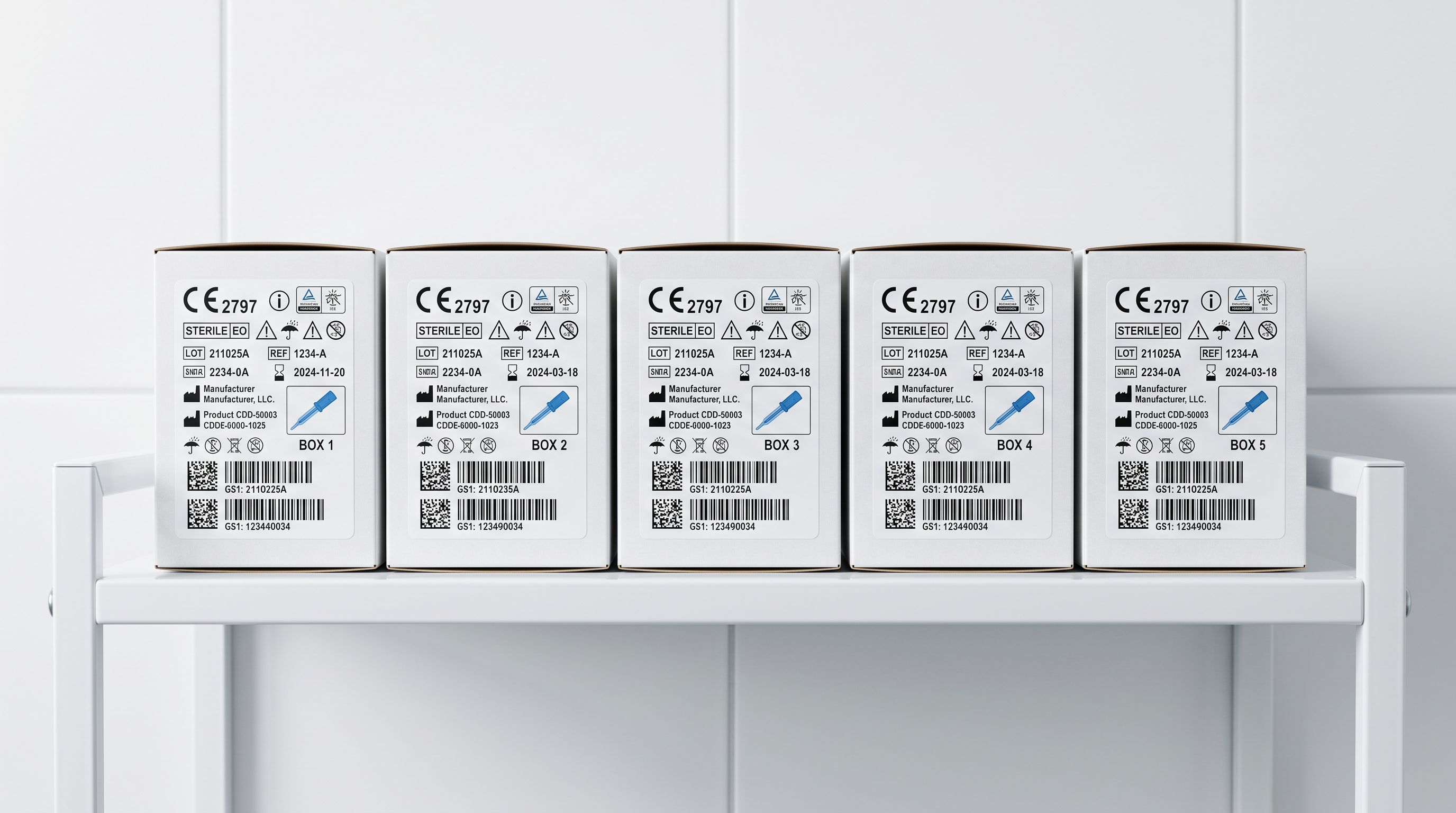
UDI (Unique Device Identification). The EU MDR and FDA both require a UDI for most medical devices. The UDI consists of a Device Identifier (DI) that stays constant across units and a Production Identifier (PI) that includes lot number, serial number, and expiry date. For distributing through EUDAMED (European Database on Medical Devices), the DI needs to be structured data, not text in a description.
Sterilisation method and sterility status. Sterile and non-sterile are not the same product. A sterile wound dressing and a non-sterile wound dressing of the same dimensions, material, and manufacturer are fundamentally different products for clinical procurement. When sterilisation status is buried in description text, it is invisible to filters.
Shopify's Standard Product Taxonomy for Medical and Healthcare
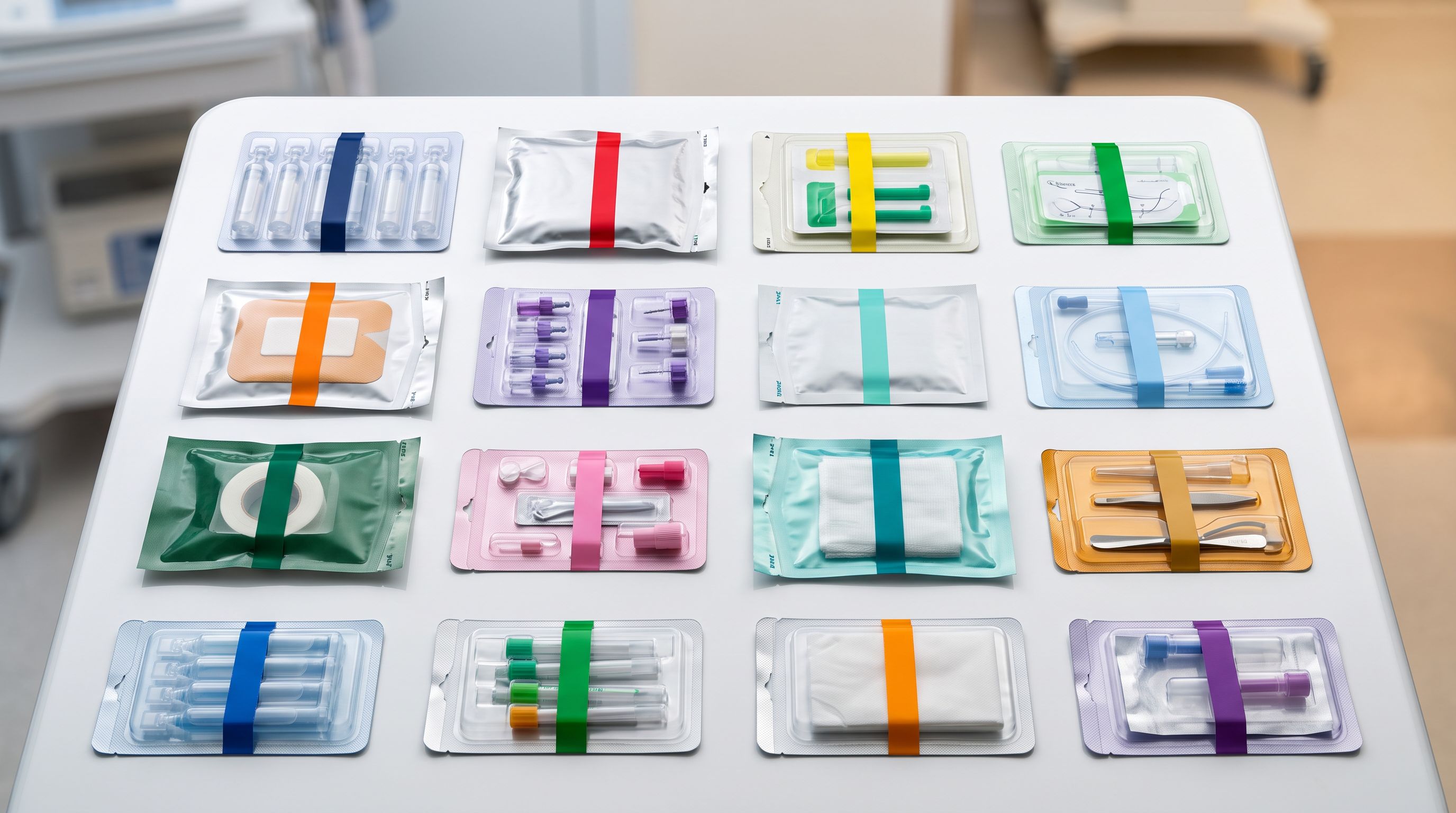
Shopify's Standard Product Taxonomy includes a Health & Medical category with subcategories covering medical devices, prosthetics, diagnostic equipment, mobility aids, and consumables. Each subcategory has a defined attribute set drawn from the taxonomy. These attributes can be populated as Shopify metafields and exposed to storefront filters, Smart Collections, and Google Merchant Centre product feeds.
For a wound care product, the taxonomy attributes include: material (woven, non-woven, foam, hydrogel, hydrocolloid), sterility (sterile, non-sterile), latex content, intended use, device classification, and dimensions. Each attribute has a set of approved taxonomy values. A value that is not in the approved set cannot be stored as a structured taxonomy attribute; it goes into a text field instead, where it is invisible to search and filtering.
The challenge for a shopify medical devices import is that a supplier specification sheet contains all of this data, but does not structure it in Shopify's taxonomy vocabulary. "Sterile wound dressing, hydrocolloid, non-latex" in a spec sheet needs to be read and mapped to: material = hydrocolloid, sterility = sterile, latex content = latex-free, before it reaches Shopify as a usable structured attribute.
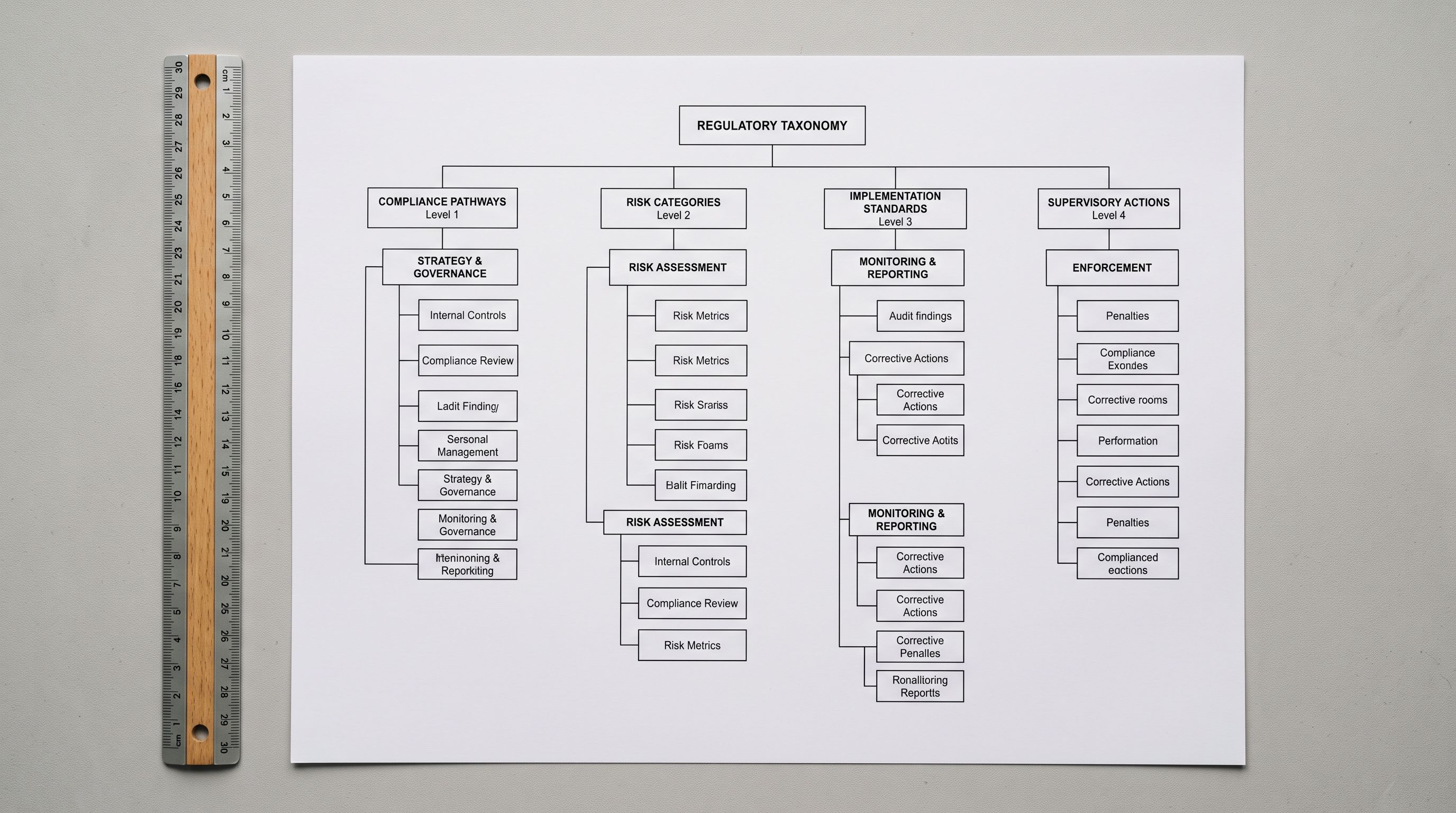
A hospital procurement manager searching for sterile Class IIa dressings is looking for a filter, not a keyword. If the data does not exist as a structured attribute, the filter cannot be built, and the search returns nothing.
The Medical and Healthcare Industry Pack at Import Time
Importier's 22 Industry Packs are built on Shopify's Standard Product Taxonomy and cover the attribute sets for each major product category. The Medical and Healthcare Industry Pack handles the compliance attributes that a shopify medical devices import requires.
At the category metafields step of the 14-step import wizard, the Industry Pack reads the available product data (title, description, and any enrichment context the merchant provides) and maps it to the approved taxonomy values for the Health & Medical subcategory. For a wound care import, the pack populates:
- Device classification (Class I, Class IIa, Class IIb, Class III), populated from product data or enrichment context
- Sterilisation method (radiation sterilised, ethylene oxide, steam sterilised) and sterility status (sterile, non-sterile)
- Material from the taxonomy's approved material vocabulary for medical products
- Intended use (wound management, incontinence care, pressure injury prevention)
- Power source for active devices (battery-operated, mains-powered, dual-powered)
- Latex content (latex-free, contains latex)
- Device type mapped from the product's taxonomy subcategory
The result: each imported medical device arrives in Shopify with structured attribute pills in the two-column metafield layout, not as specification text embedded in a description. A procurement buyer using Shopify's storefront search or a custom B2B filter interface can find sterile Class IIa products because "sterile" and "Class IIa" exist as filterable values, not as words in a paragraph.
- 01Step 1Prepare the import file with compliance columns. If the supplier specification sheet includes device classification, sterility, material, and CE status, keep those as named columns in the CSV or Excel file. They become enrichment context for the Industry Pack at the metafields step.
- 02Step 2Run the 14-step import wizard. At the description generation step, select the Technical Gadget description style. For medical devices, Technical Gadget produces structured descriptions that lead with specifications and technical parameters, which suits clinical and procurement buyers.
- 03Step 3At the category metafields step, select the Medical and Healthcare Industry Pack. The AI reads each product's available data and populates taxonomy attributes. For products with explicit compliance columns, these values take priority. For products where the classification must be inferred, the AI selects from the approved taxonomy vocabulary.
- 04Step 4Review the metafield output for a sample of products before pushing to Shopify. Check that device classification is correct across the batch and that sterility is populated consistently. Edit any values directly in the review step.
- 05Step 5Push to Shopify. Products arrive with structured compliance metafields. Build Shopify Smart Collections conditioned on attribute values: one collection for sterile products, one for Class I, one for each device subcategory. Procurement buyers can filter immediately.
Choosing the Right Description Style for Medical Devices
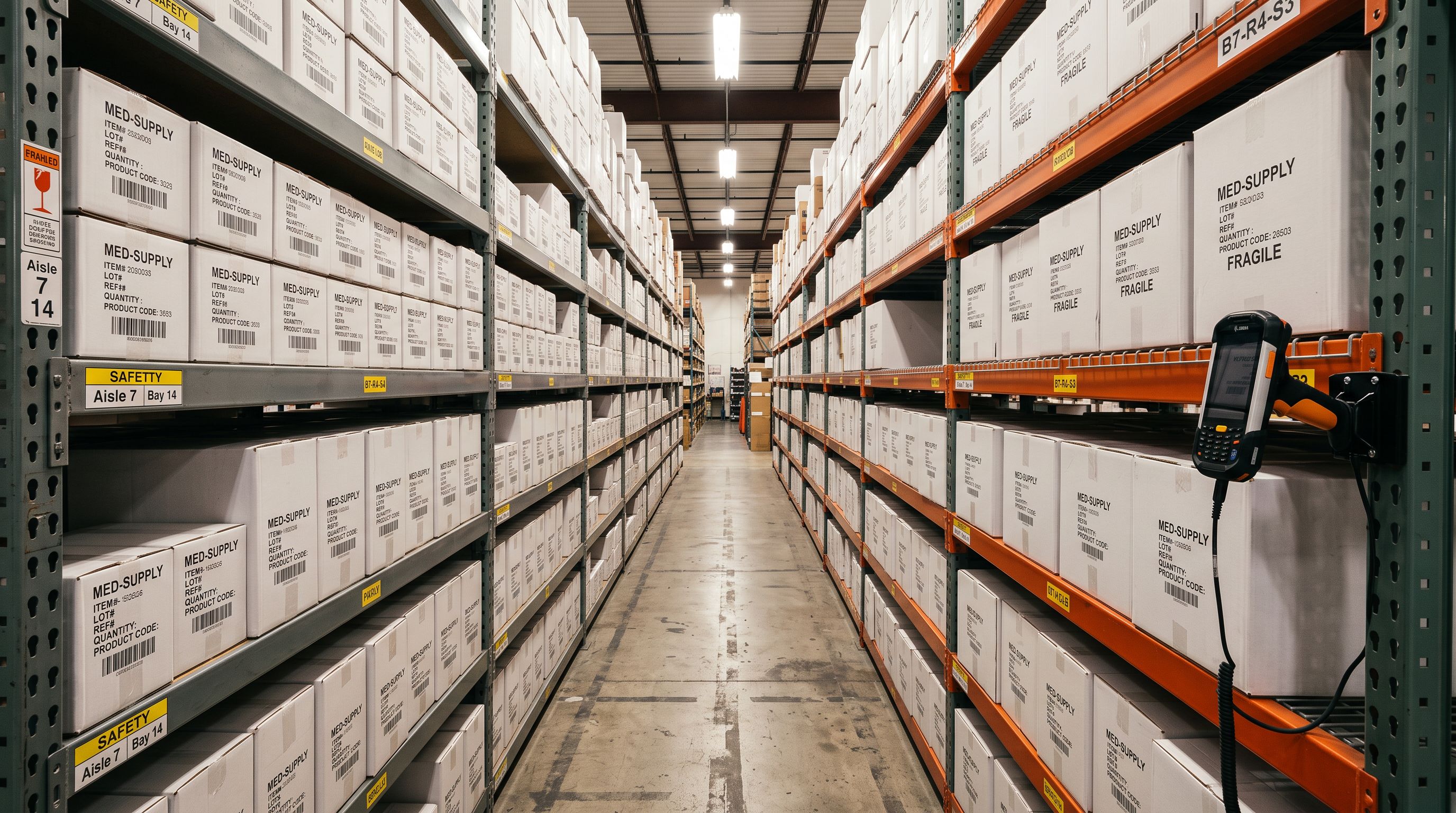
Importier's 7 description styles produce different outputs for different audiences. The choice matters for medical devices because the audience is not a consumer browsing a store. It is a procurement manager, clinical buyer, or B2B reseller evaluating specifications.
Technical Gadget style is the default recommendation for medical devices and diagnostic equipment. It leads with technical specifications, lists features as scannable bullets, and includes performance parameters before narrative content. For an infusion pump, defibrillator, or surgical instrument, Technical Gadget produces copy that mirrors how clinical procurement documents describe equipment.
Standard style produces a structured factual description: what the product is, what it does, and its key specifications. For disposable consumables (wound dressings, syringes, gloves), Standard style produces clean, readable descriptions that present the product accurately without clinical jargon that consumer buyers may not understand.
Benefits-First style leads with outcomes rather than specifications. For patient-facing or consumer-health products (mobility aids, TENS machines, blood pressure monitors sold direct to consumers), Benefits-First works well because the buyer is not a clinical professional evaluating specifications.
The Medical Devices specialist persona, one of 156 expert personas across 43 industries in Importier, writes with the vocabulary of a medical product catalogue: device class, sterilisation route, intended patient population, compatible accessories, and regulatory status. The default persona vocabulary suits consumer retail. The Medical Devices persona knows the difference between a Class IIa and Class III device and writes accordingly.
- Device class buried in description text
- Sterilisation status as keywords, not filterable values
- CE marking status in a notes field or missing entirely
- No structured attributes for B2B filter interfaces
- Smart Collections cannot be built on compliance attributes
- Device classification as structured taxonomy metafield
- Sterility as a filterable attribute: sterile / non-sterile
- CE marking status as a structured compliance attribute
- B2B procurement filters work on class, sterility, material
- Smart Collections conditioned on device class or intended use

Compliance Data That Still Requires Merchant Input
The Industry Pack handles the attribute mapping that can be inferred from product data. Some compliance data must come from the merchant directly, because it exists in documentation outside the product record.
UDI Device Identifier (DI). The UDI is a specific code issued through the European EUDAMED registration system or the FDA's UDI system. It is not derivable from product descriptions or specifications; it must be entered by the merchant. Use a custom metafield (not a taxonomy attribute) to store the UDI DI, so it is queryable by B2B buyers or systems integrators pulling product data.
Notified Body number for CE-marked devices. For Class IIa, IIb, and III devices, the CE marking declaration includes the notified body number (a four-digit identifier). This number tells buyers which regulatory body oversaw the conformity assessment. It is specific to each device's regulatory file and must be stored by the merchant.
Expiry date and lot number for consignment imports. For single-use sterile consumables imported in specific lots, the lot number and expiry date (part of the UDI Production Identifier) are batch-specific, not product-specific. These belong in inventory management, not product metafields, but they need to be accounted for when structuring the import workflow.
According to the EU Medical Device Regulation (EU MDR 2017/745), manufacturers and distributors of Class IIa and above devices operating in the EU are required to register in EUDAMED and submit UDI data. For a Shopify store serving EU healthcare procurement, the UDI must be accessible, which means storing it as structured data, not as a line item in a product description.
Shopify Medical Devices Import: Key Takeaways
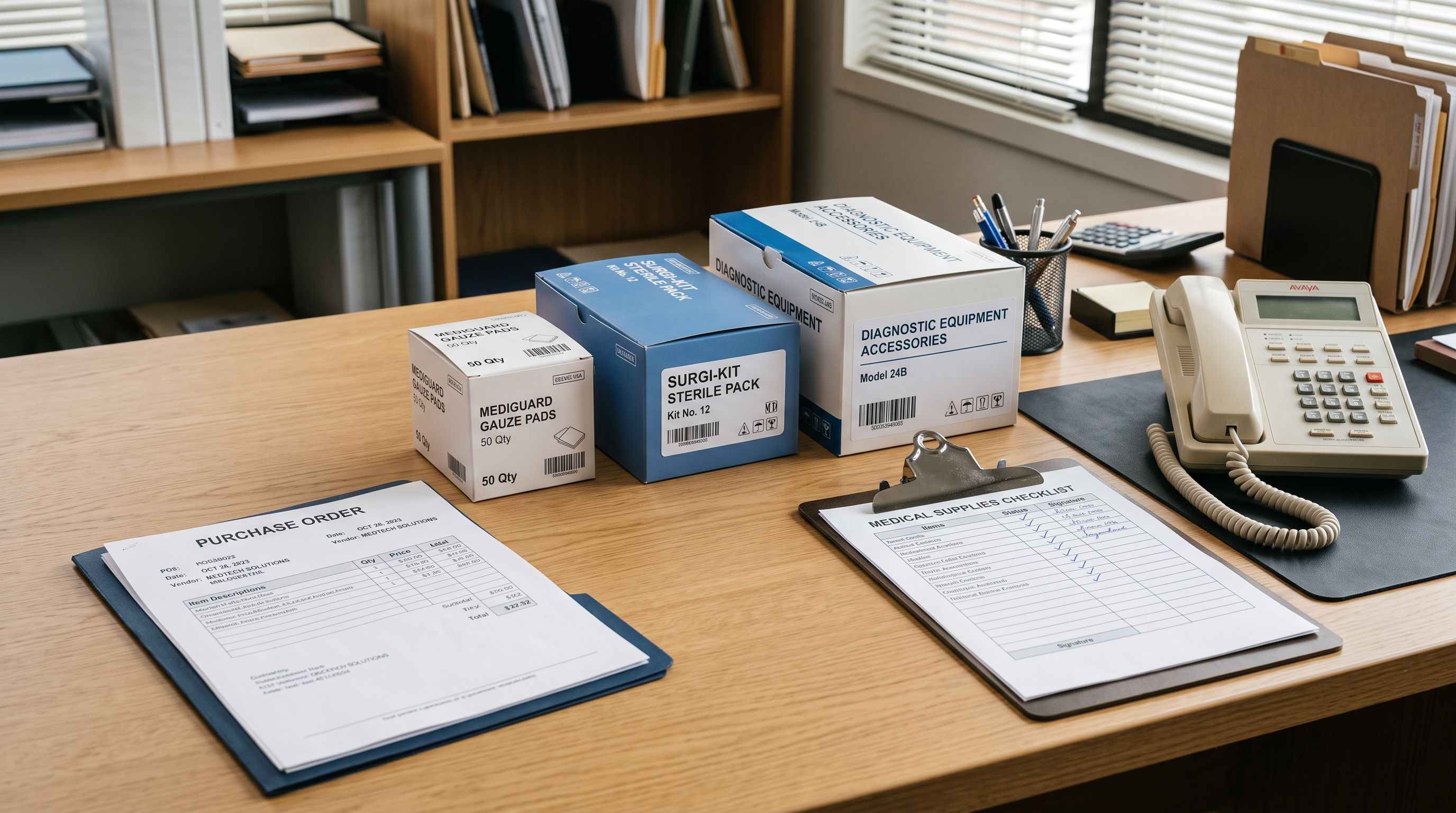
A shopify medical devices import succeeds when compliance attributes reach Shopify as structured metafields, not as description text.
- Medical devices require device classification, CE marking status, sterility, intended use, and material as structured metafields. These attributes have no place in Shopify's standard product fields and must be stored via the Standard Product Taxonomy.
- Importier's Medical and Healthcare Industry Pack, one of 22 Industry Packs built on Shopify's Standard Product Taxonomy, populates these attributes at the category metafields step of the 14-step import wizard.
- Technical Gadget description style suits clinical and procurement audiences. Benefits-First suits consumer-facing health products. The Medical Devices specialist persona (one of 156 across 43 industries) writes with medical product vocabulary.
- UDI Device Identifiers, notified body numbers, and lot-specific production data must be entered by the merchant directly. These are regulatory identifiers that cannot be inferred from product descriptions.
- After import, use Shopify Smart Collections conditioned on taxonomy metafield values (device class, sterility, intended use) to build procurement-ready product groupings without manual curation.
- For B2B healthcare stores, structured compliance metafields are not optional. They are the difference between a procurement buyer finding the right product and getting zero results on a legitimate search.
Import your medical devices and healthcare equipment catalogue at importier.app. Importier's 14-step import wizard handles compliance attribute mapping, Technical Gadget descriptions, and structured taxonomy metafields in a single import run.
Set up your first import in under five minutes.
Importier brings products into Shopify with AI descriptions, category metafields, and data enrichment on every run.