Shopify EU Cosmetics Import: INCI Data and Compliance Fields
On this page
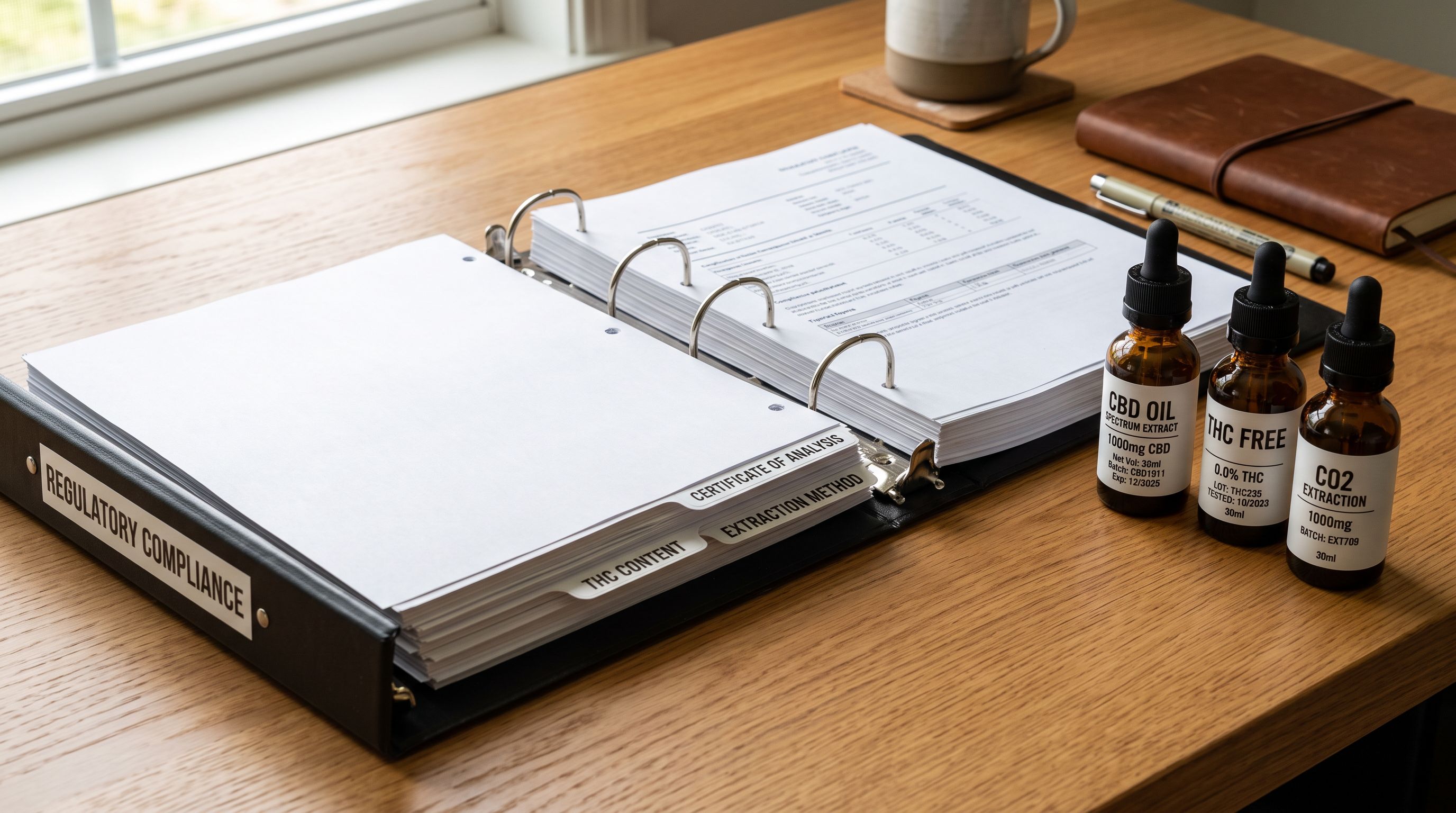
A UK skincare brand completes a Shopify import of 90 products: moisturisers, serums, cleansers, and a sunscreen range. Each product has a title, description, price, and four product images. The import runs without errors. The brand's EU sales manager submits the product catalogue to Douglas.de, Germany's largest health and beauty marketplace, using the Shopify integration. Within 48 hours, 74 of 90 listings are suspended. The rejection notice cites Article 19 of EU Regulation 1223/2009: "mandatory labelling information absent from product record." The listing lacks an INCI ingredient list and responsible person data.
The products cannot appear on Douglas.de, or on any EU-regulated marketplace, until both fields are present and correctly structured on the Shopify product record.
What EU Regulation 1223/2009 Requires on a Shopify Product Record
The EU Cosmetics Regulation applies to every cosmetic product placed on the EU market, regardless of where it was manufactured or where the seller is based. A UK brand selling to German consumers through a Shopify store with a Douglas.de integration is subject to its requirements in full.
Article 19 of the Regulation specifies what must appear on the product label. For a Shopify store feeding EU marketplace integrations, the same data must be present in structured, machine-readable form on the product record:
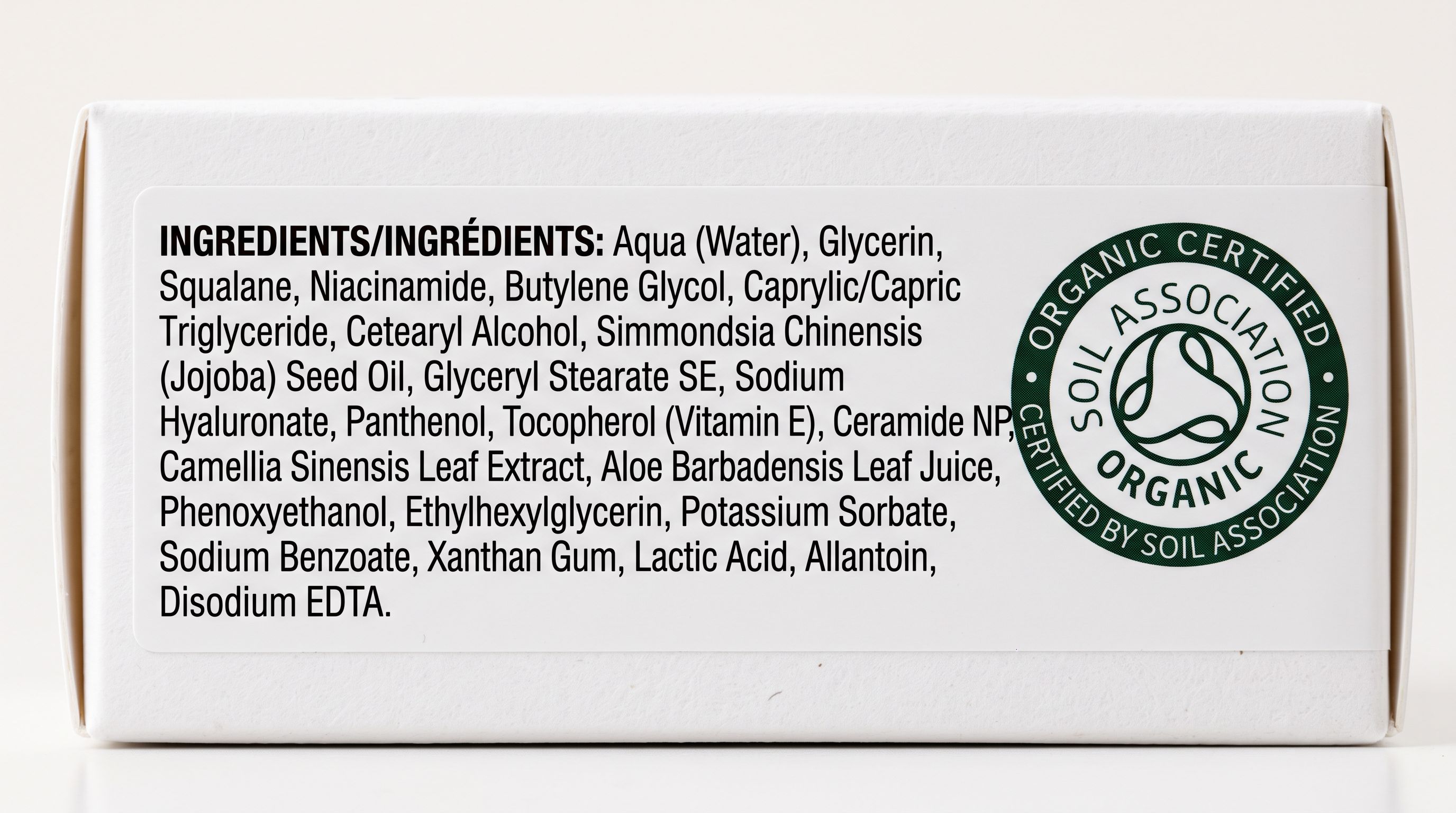
INCI ingredient list. The International Nomenclature of Cosmetic Ingredients list must name every ingredient in descending order of concentration at the time of manufacture. Ingredients at concentrations below 1% may be listed in any order but must still be listed. The list must use INCI nomenclature, not trade names or common names. "Aloe vera gel" is not a valid INCI entry: "Aloe Barbadensis Leaf Juice" is.
Responsible person. Every cosmetic product on the EU market must have a designated responsible person: an EU-based individual or company legally accountable for compliance. Post-Brexit, UK-based brands selling into the EU must appoint a separate EU responsible person. This person's name and address must appear on the product label and in any marketplace submission.
Nominal quantity. The product's volume or weight as it appears on the label (e.g., 50 ml, 100 g).
Function. The cosmetic's intended function: moisturiser, sunscreen SPF 30, exfoliant, and so on. Some marketplaces require this as a structured field, not embedded in the description.
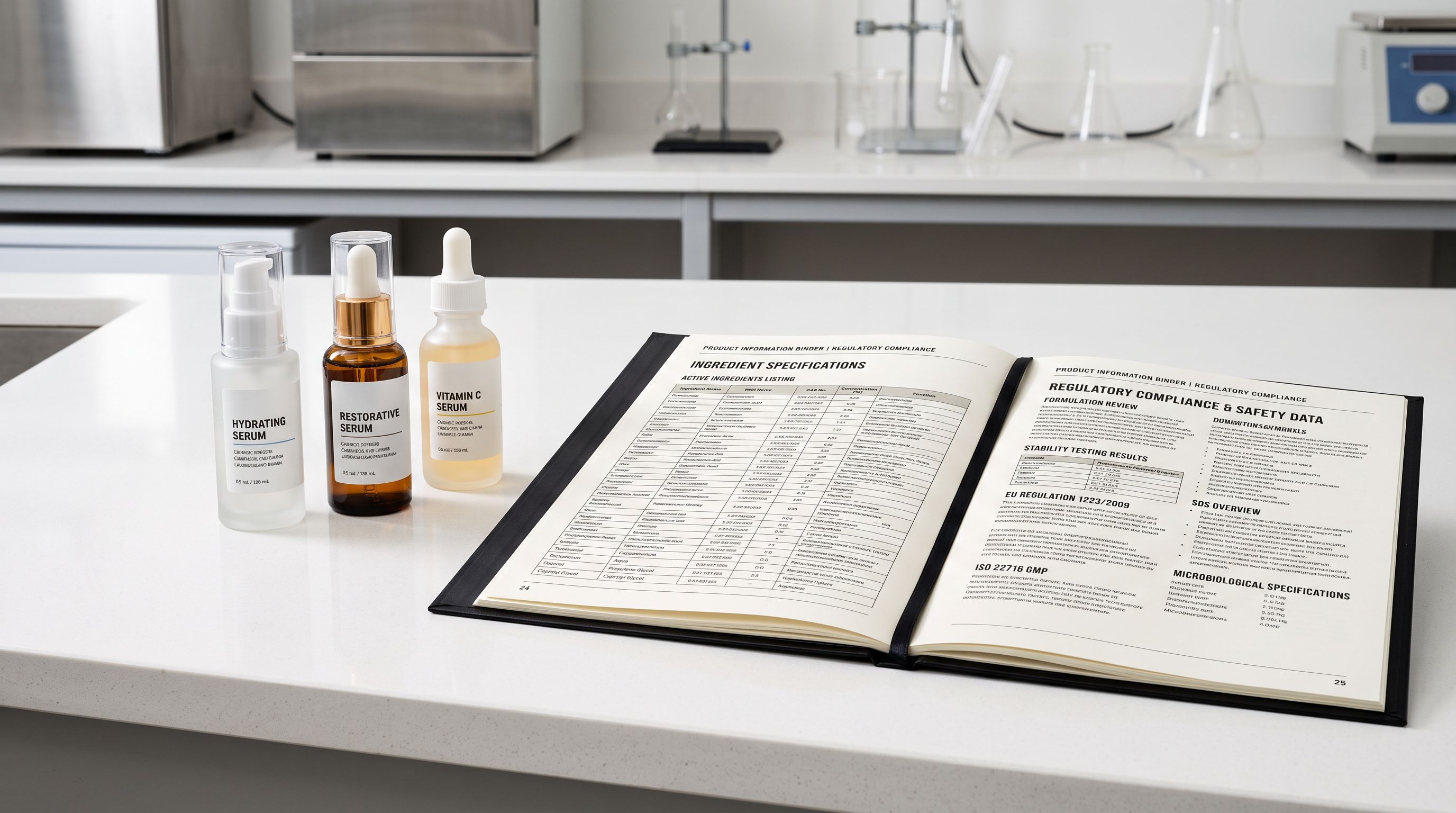
According to the EU Commission's cosmetics legislation overview, the Regulation also requires a product information file (PIF), safety assessment, and notification via the CPNP (Cosmetic Products Notification Portal) before the product reaches consumers. The CPNP notification reference number is increasingly requested by EU marketplaces as proof of compliance.
Why Standard Shopify Imports Miss Compliance Data
A standard Shopify product CSV import expects: title, body HTML (description), vendor, product type, tags, price, SKU, inventory, weight, and image URLs. There is no native Shopify field for INCI ingredients. No field for responsible person. No field for CPNP notification reference.
Structuring compliance data in Shopify
When a cosmetics brand imports from a supplier CSV, the supplier file typically contains the product's trade name, a marketing description, ingredients in free text, and possibly a barcode. The ingredients field, where it exists, is unstructured prose: "Water, Glycerin, Niacinamide, Panthenol." This free-text representation cannot be validated by a marketplace integration, cannot be searched programmatically, and cannot be compared against restricted substance lists.
Three supplier data patterns produce compliance problems:
Ingredients as a single text field. The supplier lists ingredients in a single column as a comma-separated string. The merchant maps this to the product description body or to an unstructured metafield. When Douglas.de's integration queries the Shopify product for its INCI field, it finds no conforming structured field and rejects the listing.
Ingredients in trade names, not INCI. The supplier uses their own ingredient naming rather than the INCI database. "Vitamin C" appears instead of "Ascorbic Acid". "Aloe vera" appears instead of "Aloe Barbadensis Leaf Juice". EU marketplaces and regulators require INCI nomenclature specifically.
Responsible person absent from supplier data. For products manufactured outside the EU, the responsible person is not the manufacturer; it is the EU-based importer or distributor. Supplier data never includes responsible person information because it is specific to each brand's EU market arrangement. The brand must add it to every product before the listing can be compliant.
The Four Mandatory EU Cosmetics Metafields in Shopify
The correct solution is to store EU compliance data as structured Shopify metafields, not as body description text. Metafields are machine-readable, can be queried by marketplace integrations, and can be validated against compliance requirements before submission.
Importier's Cosmetics Industry Pack configures four compliance metafields for every product at import time:
cosmetics.inci_ingredients: the full INCI ingredient list as a text metafield. Each ingredient separated by a comma and a space, in descending order of concentration. Example: "Aqua, Glycerin, Niacinamide, Panthenol, Allantoin, Xanthan Gum, Phenoxyethanol, Ethylhexylglycerin." This is the format EU marketplace integrations expect.
cosmetics.responsible_person: the name and address of the EU responsible person, stored as a text metafield. Example: "EuroBeauty Compliance GmbH, Schillerstrasse 12, 60313 Frankfurt am Main, Germany." This field is mandatory for any product sold in the EU.
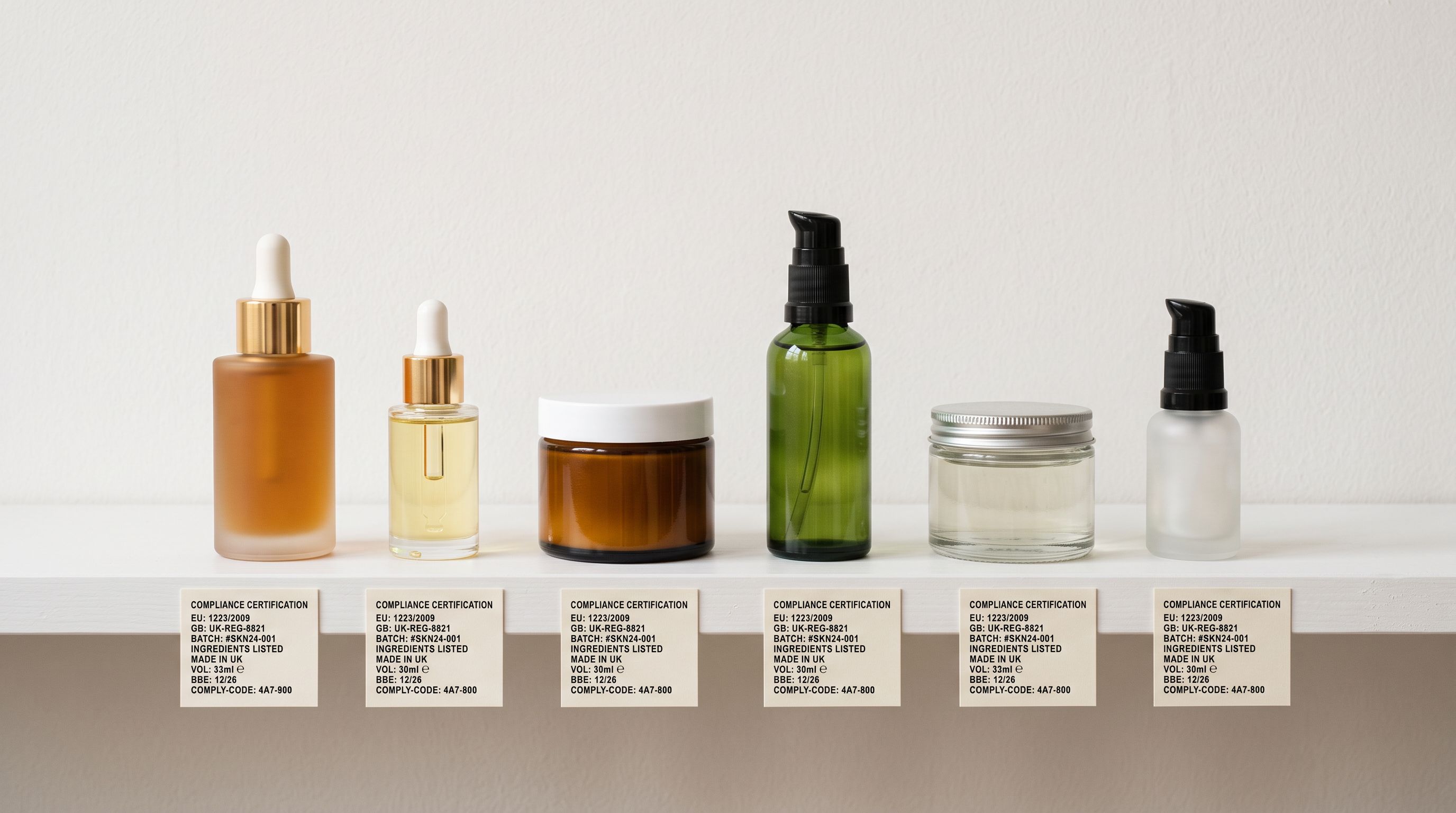
cosmetics.function: the cosmetic's primary function from a controlled vocabulary. Acceptable values include: moisturiser, sunscreen, cleanser, toner, exfoliant, serum, eye cream, foundation, lip colour. Structured function data enables marketplace filtering and category assignment.
cosmetics.nominal_quantity: the product's volume or weight as it appears on the label. "50 ml", "100 g", "30 ml". Stored separately from the product weight (which is used for shipping calculations).
- 01Map your supplier's INCI ingredient column to the cosmetics.inci_ingredients metafield key at the import wizard's column mapping step. For suppliers with non-standard column header names, the [Shopify import column mapping guide](https//www.importier.app/blog/shopify-import-column-mapping) covers how to match custom supplier field names to Shopify fields. If the supplier uses trade names rather than INCI nomenclature, note which products need ingredient name correction after import.
- 02Add responsible person data to your import spreadsheet before uploading. Create a column named Responsible Person containing the EU-based responsible person's name and address. Map this column to cosmetics.responsible_person at the mapping step.
- 03Map the product function column to cosmetics.function. If your supplier file lacks a function column, use Importier's AI inferencethe AI description generator can infer function from product title and ingredient list with high accuracy for common cosmetic categories.
- 04Map your nominal quantity field to cosmetics.nominal_quantity. This is the label quantity (50 ml, 100 g), which may differ from the shipping weight stored in the Variant Weight field.
- 05After import, run the content-review step against the EU compliance checklistconfirm that inci_ingredients contains INCI nomenclature (not trade names), that responsible_person contains a full EU address, and that nominal_quantity matches the label.
- 06Submit to EU marketplace integration. Douglas.de, ASOS EU, and similar integrations query the cosmetics.inci_ingredients and cosmetics.responsible_person metafields directly. Products with missing or malformed values are rejected at submission, not after listing.
INCI Nomenclature: Why Free-Text Ingredients Fail EU Validation
The most common compliance failure for cosmetics merchants is not the absence of ingredients; it is the format. Suppliers include an ingredients list, merchants import it into Shopify, and the marketplace integration still rejects the listing.
The issue is INCI nomenclature. The CosIng database, maintained by the EU Commission, defines the standardised INCI name for every cosmetic ingredient. Marketplaces and regulatory bodies validate ingredient lists against this database. Common names, trade names, and abbreviated names fail validation even when the underlying ingredient is the same substance.
Common mismatches:
- "Vitamin C" must be "Ascorbic Acid"
- "Aloe vera" must be "Aloe Barbadensis Leaf Juice"
- "Hyaluronic acid" must be "Sodium Hyaluronate" or "Hyaluronic Acid" depending on molecular weight
- "Retinol" is acceptable as an INCI name; "Vitamin A" is not
- "Water" must be "Aqua" (the INCI convention for water in cosmetics)
A supplier ingredient list that reads "Water, Aloe vera, Vitamin C, Glycerin" fails EU validation on three of four ingredients, even though the product itself is fully compliant. The format, not the formulation, triggers the rejection.

Importier's AI description generator, when configured with a cosmetics persona and enrichment context "EU marketplace compliance", rewrites free-text ingredient lists into INCI-formatted strings automatically. The AI references the CosIng naming conventions and outputs the ingredients in the correct format for the cosmetics.inci_ingredients metafield. For a 90-product import, this is the step that converts a marketplaces-rejected catalogue into a compliant one.
- Map supplier ingredients text to description body with no INCI validation
- Research EU responsible person requirement separately for each product
- Add nominal quantity to product title or description as unstructured text
- Submit to marketplace integration and address rejections individually
- No central record of which products have compliant INCI fields
- Map supplier ingredients to cosmetics.inci_ingredients metafield at import
- Add responsible person data as a spreadsheet column, maps to structured metafield
- Nominal quantity stored separately from shipping weight as cosmetics.nominal_quantity
- AI reformats trade-name ingredients to INCI nomenclature before metafield population
- All four compliance metafields queryable by marketplace integrations at submission
Key Takeaways for Shopify EU Cosmetics Compliance Import
EU Regulation 1223/2009 compliance is not an optional product data improvement; it is a legal requirement for every cosmetic product sold in the EU. Marketplace integrations enforce it automatically at listing submission, and regulators can act on non-compliant products found on sale.
- INCI ingredients must be in the CosIng-standardised format: "Water, Aloe Barbadensis Leaf Juice, Ascorbic Acid, Glycerin" passes EU validation. "Water, Aloe vera, Vitamin C, Glycerin" does not. The substance is the same; the nomenclature must conform to the CosIng database.
- Responsible person is mandatory for EU market access: UK and non-EU brands must appoint an EU-based responsible person before their products can legally be sold in the EU. This person's name and address must appear as a structured metafield on every Shopify product record in the catalogue.
- Store INCI data as a metafield, not in the description body: free-text descriptions cannot be validated by marketplace integrations. The
cosmetics.inci_ingredientsmetafield is queryable and structured, which is the format Douglas.de, ASOS EU, and similar integrations expect. - Map all four compliance metafields at import time: inci_ingredients, responsible_person, function, and nominal_quantity. Setting these once at import is significantly faster than adding them to products individually after marketplace rejections surface the gaps.
- Use the Cosmetics Industry Pack alongside the general health and beauty import workflow: the Health and Beauty product import guide covers column mapping for broader beauty data including skin type, SPF, and certifications. EU compliance metafields are a separate structured layer on top of that workflow.

Import EU-compliant cosmetics product data into Shopify at importier.app.
Set up your first import in under five minutes.
Importier brings products into Shopify with AI descriptions, category metafields, and data enrichment on every run.