Shopify International Tax Compliance: IOSS, UK VAT and GST
On this page
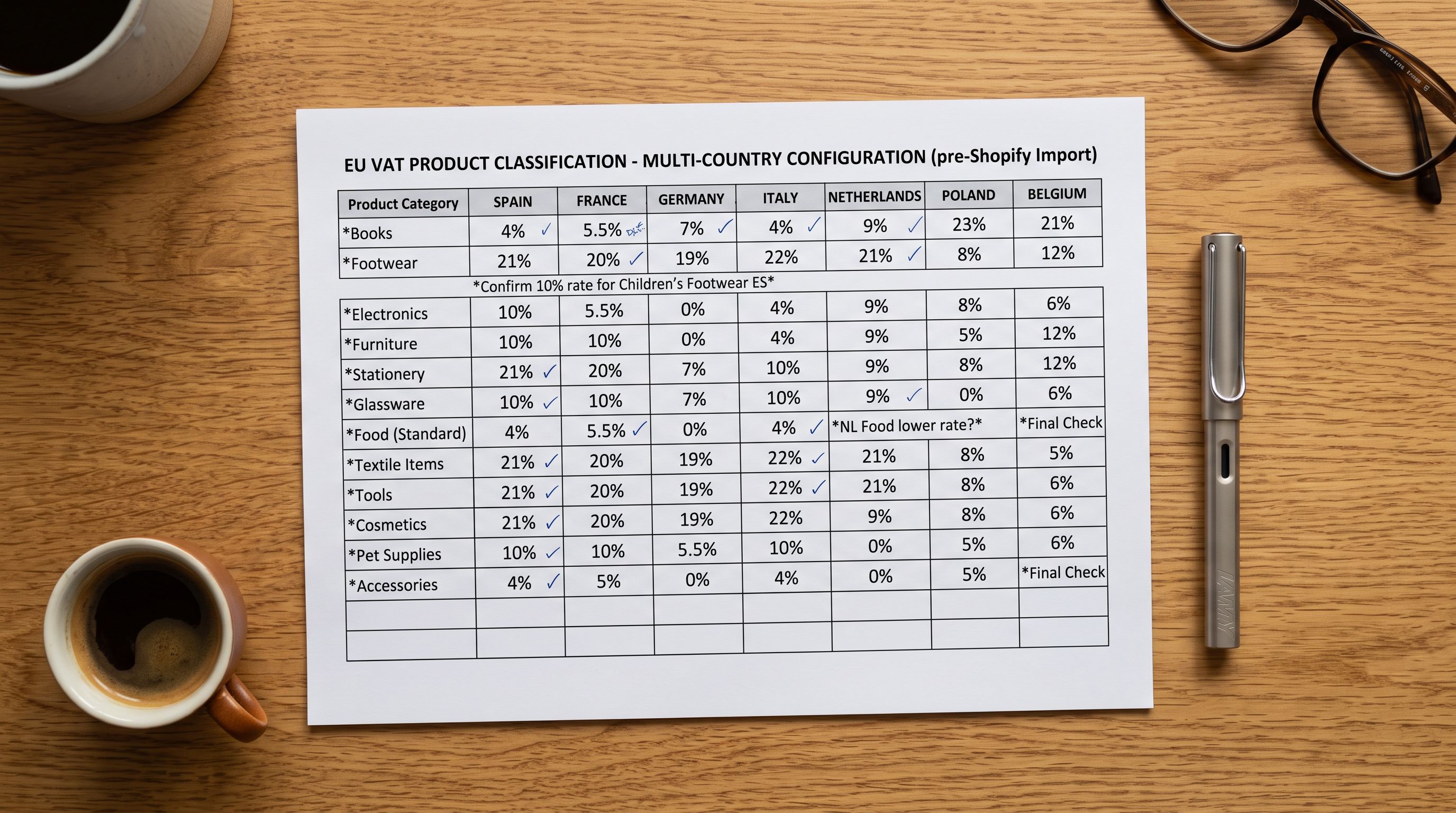
You've registered for IOSS, entered your number in Shopify's tax settings, and confirmed VAT is being collected at checkout. Then a customer emails to say their EU parcel arrived with an unexpected customs bill. You registered correctly, but you never made your IOSS number visible anywhere a customs officer or a customer could actually see it.
Registering for international tax schemes is step one. Ensuring those registration numbers appear on your product pages, and that your product descriptions include the region-specific compliance statements your destination markets require, is step two. Most merchants only complete step one.
This article covers what IOSS, UK VAT, VOEC, and GST compliance requires for Shopify merchants beyond the settings configuration, and how Importier's Tax and Compliance feature handles both registration number display and region-specific compliance warnings across your catalogue.
What International Tax Registration Actually Means for Shopify Merchants
When you sell across borders, several tax schemes may apply depending on your destination markets. Here is a plain-language summary of the four that affect most Shopify merchants.
IOSS (Import One-Stop Shop, EU)
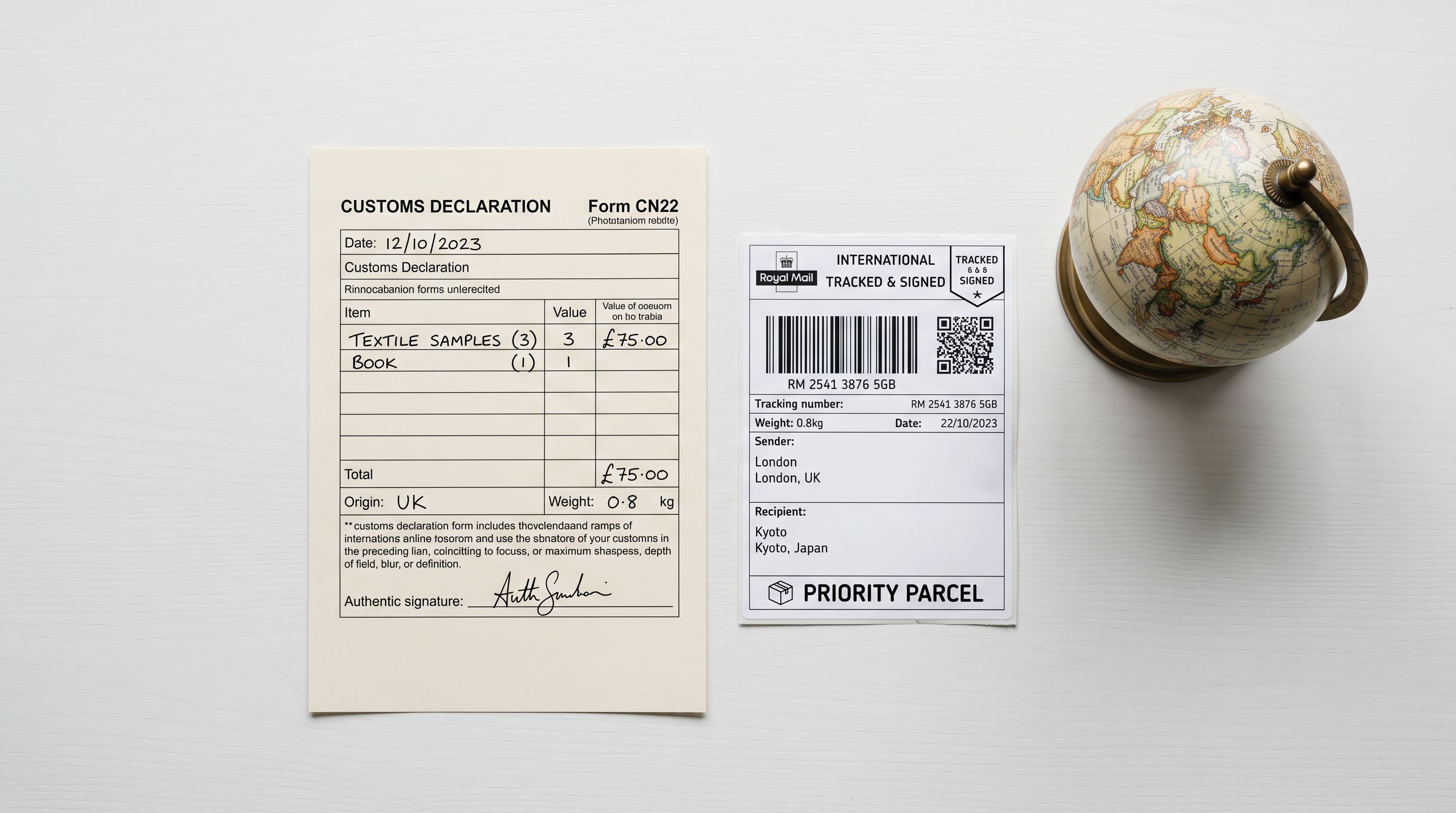
IOSS applies to merchants outside the EU selling goods under €150 in value to EU customers. Rather than having the customer pay VAT on delivery, which leads to abandoned parcels and customer complaints, IOSS lets you collect VAT at checkout and remit it monthly via your IOSS intermediary. Every qualifying shipment must include your IOSS number on the customs declaration. Without it, the parcel may be stopped at customs or the customer billed again on arrival.
UK VAT
Post-Brexit, the UK operates its own VAT system. Merchants selling to UK customers are expected to collect UK VAT at checkout for most goods, and displaying your UK VAT registration number supports transparency for B2B customers and VAT-registered buyers.
VOEC (VAT on E-Commerce, Norway)
Norway sits outside the EU but operates an analogous scheme. Merchants selling goods under NOK 3,000 to Norwegian customers must collect Norwegian VAT at checkout. Your VOEC registration number must appear on customs documentation for qualifying shipments.
GST (Australia and Canada)
Australia requires overseas merchants with more than AUD 75,000 in Australian sales to register for GST and collect it at checkout. Canada has parallel GST and HST registration requirements for merchants exceeding certain thresholds.
None of these schemes operate automatically. You register externally, receive a registration number, and then need that number to be visible in your shipping documentation, your checkout tax settings, and on your product pages.
The Two Gaps Most Merchants Miss
Gap One: Registration Numbers Not Visible on Product Pages
Shopify's tax settings store your registration numbers for checkout calculations and shipping label generation. They do not display those numbers on product pages.
For EU customers, seeing your IOSS number on a product page confirms that VAT is already included in the price and that no customs charge will appear on delivery. For UK B2B buyers, your VAT number signals you're a registered business. For Australian wholesale customers, a visible GST registration builds credibility. These details reduce post-purchase support queries and abandoned checkouts from customers who aren't sure whether they'll face additional charges.
Getting these numbers onto product pages manually means editing every product description individually or adding custom Liquid code to your Shopify theme. For a 200-product catalogue that grows regularly, that's an ongoing maintenance overhead for every registration number change or new market expansion.
Gap Two: Missing Region-Specific Compliance Statements in Descriptions
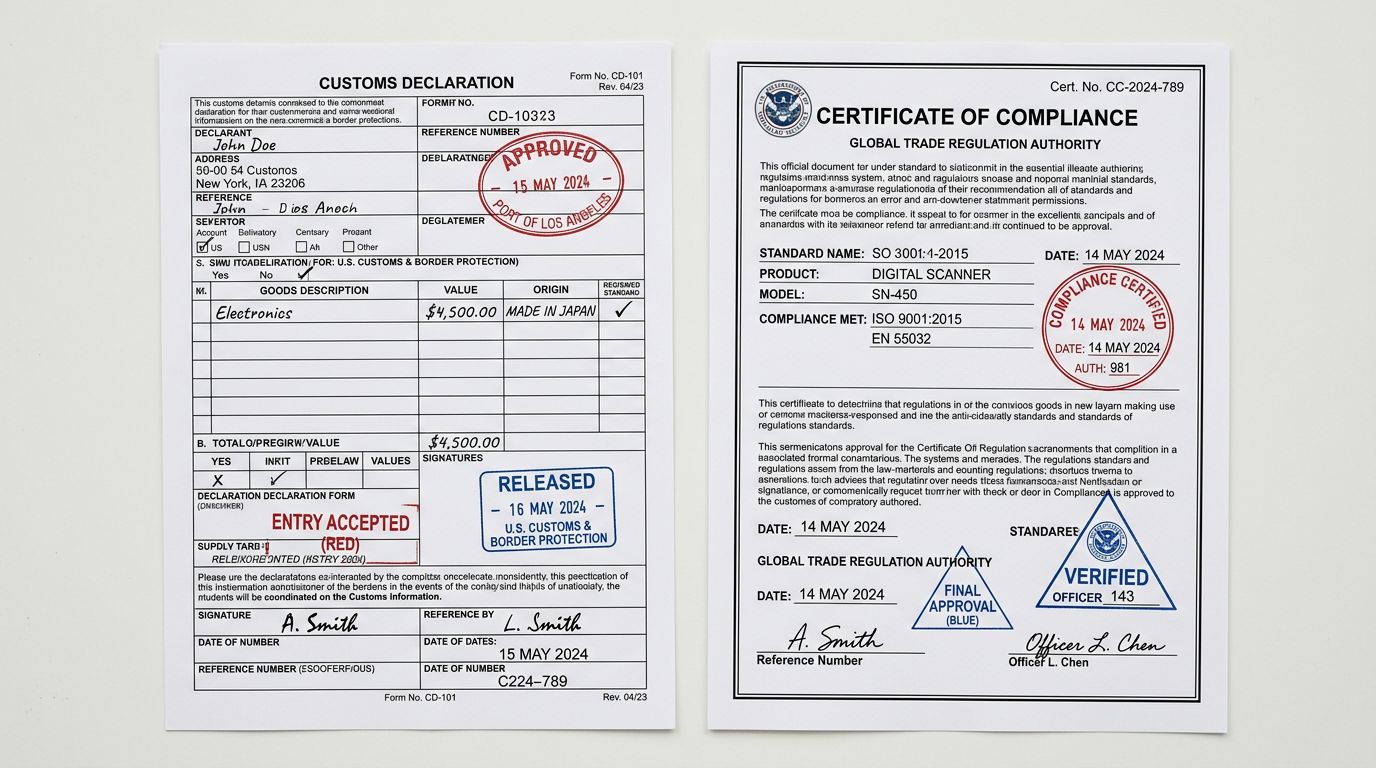
Certain product categories require explicit regulatory statements in their descriptions for specific destination markets.
CE marking is required for electronics, toys, PPE, and many other categories sold in the EU and UK. FDA compliance statements are expected for health, food, supplement, and cosmetic products sold in the US. The Australian Competition and Consumer Commission (ACCC) has specific product safety requirements for certain categories. Similar requirements exist across more than 12 countries and jurisdictions.
These statements are not optional in regulated categories. A product listing for a children's toy sold to EU customers should include a CE marking statement. An imported supplement sold to Australian customers may require ACCC-compliant language. A skincare product sold into Japan may need specific labelling disclosures. Without those statements, a product page is technically non-compliant for those markets.
Writing compliance statements into descriptions manually, for every product, for every market, is not achievable for most merchants working with supplier catalogues of more than a few dozen products.
How Importier's Tax and Compliance Feature Works
Importier's Tax and Compliance settings address both gaps: registration number display on product pages, and region-specific compliance language in AI-generated descriptions.
Storing and Displaying Registration Numbers
Importier's settings panel includes a Tax and Compliance section within the Delivery and Returns configuration. You enter your registration numbers once:
- IOSS number (EU Import One-Stop Shop)
- UK VAT registration number
- VOEC number (Norway)
- GST registration numbers (Australia and Canada)
You only need to enter the schemes relevant to where you actually sell. Once saved, these numbers are optionally included in the Delivery section that Importier appends to every AI-generated product description. Customers viewing a product page see your delivery and returns policy followed by a compliance line confirming your applicable tax registration.
This is not a one-off edit to a single page template. It is applied to every product description Importier generates. When you update a registration number in Importier's settings, regenerating descriptions via the Store Scanner propagates the updated number across your entire catalogue in a single pass.
The Delivery and Returns feature supports both a subheading display format and an accordion (collapsible) format, giving you control over how compliance information appears on product pages without requiring theme modifications.

Cross-Border Compliance Reminders During Import
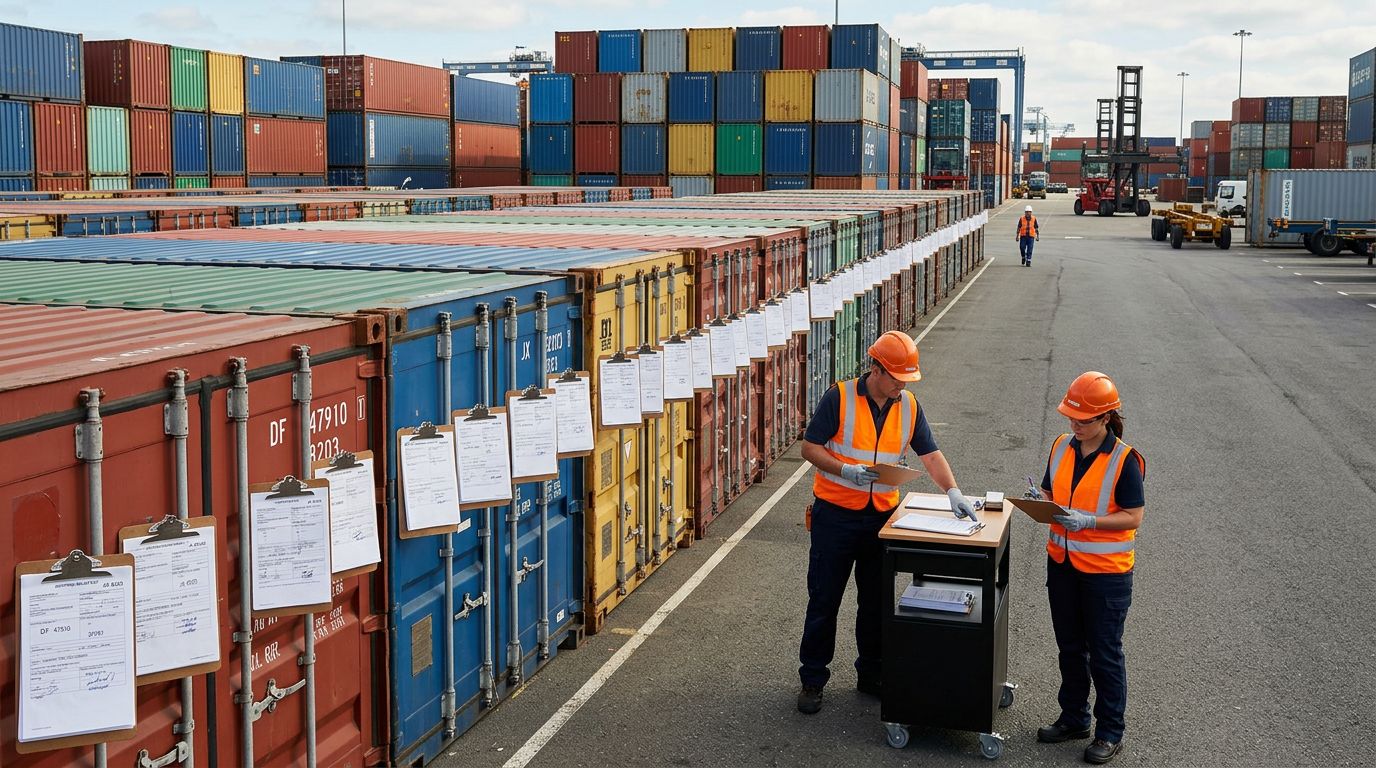
When you run a product import through Importier's 14-step import wizard, the wizard checks for data fields that affect international compliance. Products missing HS codes, country of origin, or weight fields receive a visible flag in the import preview before you commit the import.
HS codes in particular affect every international shipment. The correct HS code determines the duty rate applied in the destination country. Getting it wrong can mean a 0% duty rate becoming 15%, or a customs hold on delivery. Importier's AI data enrichment fills missing HS codes automatically during the import wizard, inferring the correct code from the product title, description, and category. The full data enrichment workflow is covered in our product data enrichment guide.
These reminders are not blocking errors. You can proceed with an incomplete catalogue. The point is to surface the gaps before products go live, while you still have the supplier file in front of you.
Region-Specific Compliance Warnings in AI Descriptions
When generating product descriptions with Importier, you can enable region-specific compliance warnings for your destination markets. With this enabled, the AI description generator includes relevant regulatory language based on the product category and your selected markets.
For a children's toy being sold to EU customers, the generated description includes CE marking compliance language. For a supplement sold to Australian customers, it includes ACCC-compliant disclaimer language. For electronics sold to UK customers, UKCA marking language is applied where relevant. Importier's AI models cover 12+ countries and jurisdictions in this compliance layer.
This does not replace legal review for regulated product categories. If you sell medical devices, food supplements, or children's products in regulated markets, a qualified legal reviewer should sign off on your final descriptions. What Importier provides is a baseline: descriptions that include the standard compliance language your product category is expected to contain, rather than leaving those fields blank.
The same AI description generation that handles description style, tone, persona, and brand voice also handles compliance language, in a single generation pass, for every product in your catalogue.
Step-by-Step Setup
How to Configure Tax and Compliance in Importier
- 01Open Importier in your Shopify admin and go to Settings
- 02Select Delivery and Returns, then open the Tax and Compliance section
- 03Enter your registration numbers (IOSS, UK VAT, VOEC, GST) as applicable
- 04Choose whether to display registration numbers in your product page delivery section
- 05Enable region-specific compliance warnings in the AI description settings and select your destination markets
- 06Regenerate existing product descriptions via Store Scanner to apply the new compliance settings across your catalogue
The configuration takes under ten minutes. Most merchants complete it during initial Importier setup, before running their first bulk import.
- Registration numbers stored only in Shopify tax settings, not visible on product pages
- Compliance statements either missing from descriptions or added manually to individual products
- Registration numbers displayed automatically in the delivery section of every AI-generated description
- Region-specific compliance language included in new and regenerated descriptions for 12+ countries
What Tax and Compliance in Importier Does Not Handle
Tax and Compliance in Importier is a display and content tool, not a tax calculation or legal service. A few things to be clear about:
Tax calculation remains in Shopify. Your IOSS, UK VAT, and VOEC numbers must still be configured in Shopify's tax settings for correct VAT collection at checkout. Importier stores and displays your registration numbers on product pages; it does not calculate taxes or file returns.
Legal review is your responsibility. Region-specific compliance language generated by Importier is a starting point, not a legal sign-off. For regulated product categories including medical devices, food supplements, and children's products, have a qualified reviewer check your descriptions before publishing.
Scheme registration is external. To obtain an IOSS number, you need to register through an accredited IOSS intermediary. Importier has no connection to that registration process. It stores the number you receive and makes it visible where it needs to be seen.
Conclusion
Registering for IOSS, UK VAT, VOEC, or GST handles your tax obligations. Making those registration numbers visible on product pages, and ensuring your descriptions include the compliance language your destination markets expect, handles your customers' experience and your regulatory baseline.
Importier's Tax and Compliance feature stores registration numbers once and displays them automatically in the delivery section of every AI-generated product description. Region-specific compliance warnings for 12+ countries are embedded during description generation as part of the AI content pipeline. The import wizard surfaces missing compliance fields like HS codes and country of origin before products go live.
Try Importier free at importier.app
Related Articles
Set up your first import in under five minutes.
Importier brings products into Shopify with AI descriptions, category metafields, and data enrichment on every run.