Shopify Product Import ROI: Calculate the Time You Save
On this page
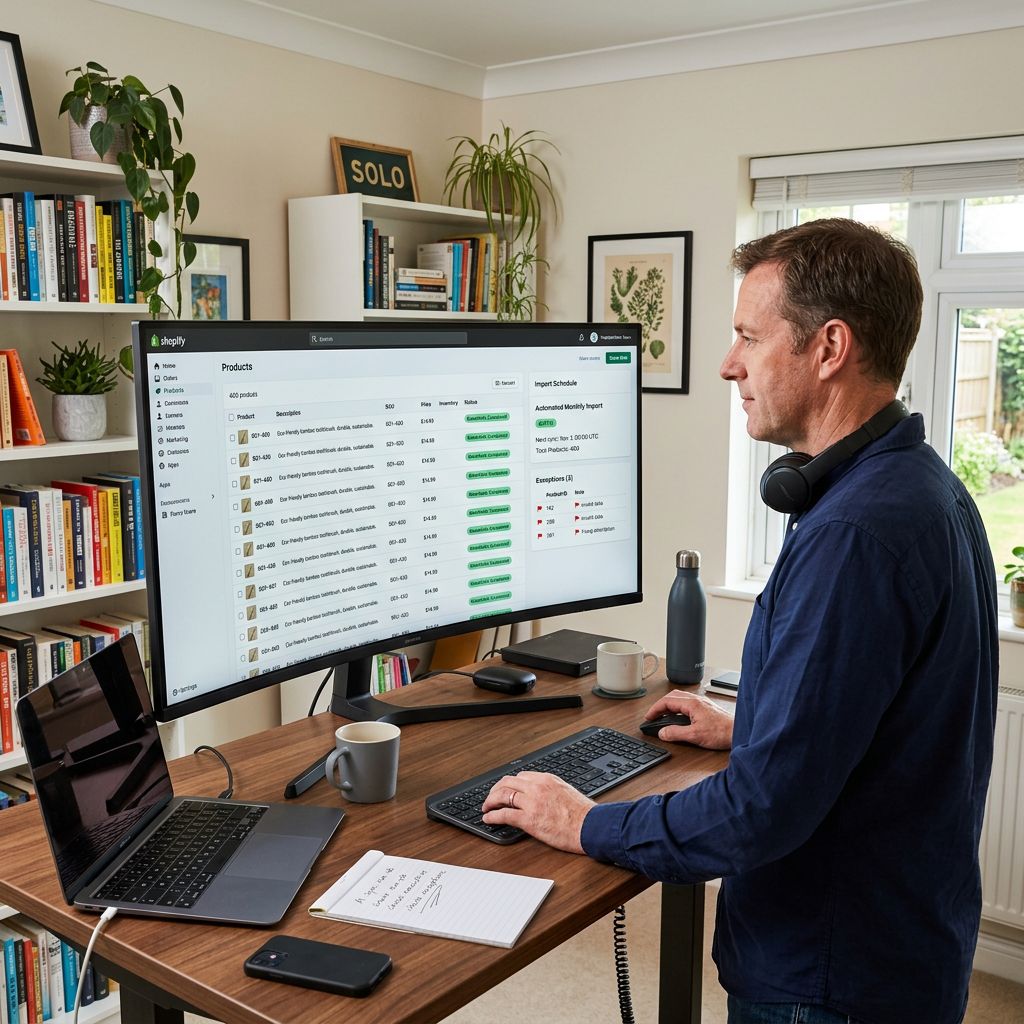
Most Shopify merchants know that manual product entry is slow. Fewer have sat down and calculated exactly how slow. The shopify product import ROI question only becomes meaningful when you run the actual numbers: how many hours does a manual import take, what is that time worth, and how does a purpose-built import tool change the equation?
This article runs three worked calculations for different merchant scenarios (a 200-product wholesale catalogue import, a 1,000-product platform migration, and a recurring 50-product monthly supplier update) and shows the cost-per-product figure that results from each.
The Three Labour Inputs in a Manual Product Import
Manual product entry is rarely measured as a single task. It breaks into three distinct labour inputs, each of which adds time independently:
Data entry: copying product title, SKU, price, weight, stock quantity, and variant data from a supplier spreadsheet into Shopify admin, one product at a time. For a product with two variants (size and colour), this includes creating the variant matrix, assigning prices per variant, and uploading the correct images per variant. A basic product with no variants takes roughly one minute. A product with four variants and multiple images takes three to five minutes.
Description writing: supplier descriptions are written for trade buyers or bulk buyers. Retail customers need different language: benefit-led, readable, formatted correctly for the product page, with a meta description for search. Writing one retail-ready product description from a supplier fact sheet takes two to four minutes for a standard product and up to ten minutes for a complex one that requires researching specifications or compliance requirements.
Review and correction: any manual data entry process produces errors. An import of 200 products done manually typically requires a review pass for formatting inconsistencies, missing images, incorrect variant assignments, and description quality issues. In practice this adds fifteen to thirty percent of the total entry time.
These three inputs combine into the full labour cost per product. For a typical wholesale catalogue product with basic variants and a supplier description to work from, the realistic manual time is four to six minutes per product from file to published.
Worked Calculation: 200-Product Wholesale Catalogue
A wholesale accessories merchant receives a new season's catalogue from their supplier: 200 products, each with a title, SKU, price, weight, and a one-line supplier description. Most products have two to three variants.
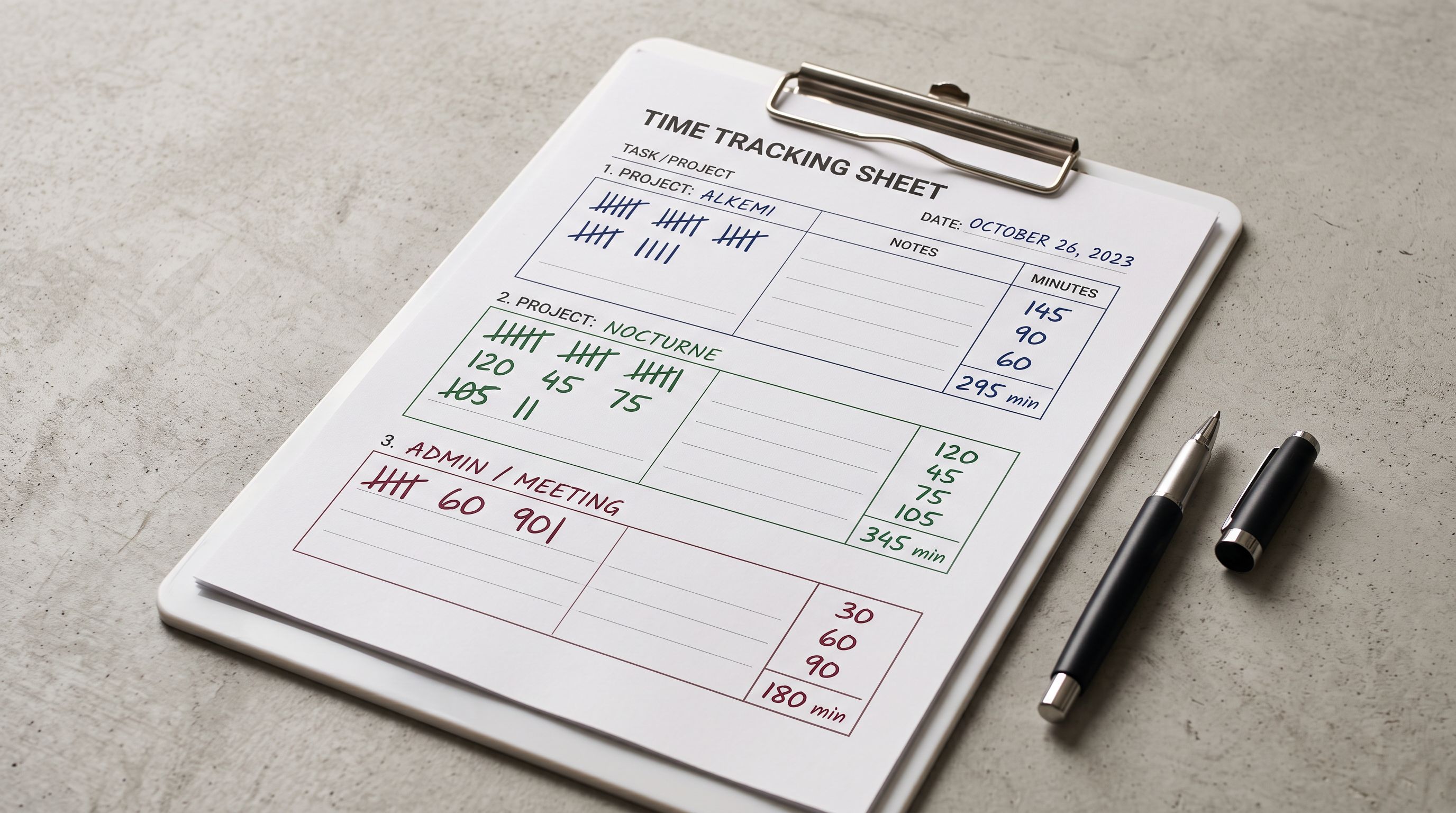
Manual time breakdown:
- Data entry: 200 products × 2.5 minutes average = 500 minutes (8.3 hours)
- Description writing: 200 products × 2 minutes average = 400 minutes (6.7 hours)
- Review pass: 15% of total = 225 minutes (3.7 hours)
- Total manual time: 18.7 hours
This is typically split across two to three working days, assuming the merchant or a staff member does nothing else during that time.
Importier time breakdown:
- Upload the supplier CSV and map columns: 10 minutes
- Configure AI description settings (model, style, persona): 5 minutes
- Run the 14-step import wizard with background AI generation: 15 minutes active, 20 minutes background processing
- Review a sample and push to Shopify: 15 minutes
- Total Importier time: approximately 45 minutes active
Time saved: 17.8 hours
At an opportunity cost of $50 per hour (a conservative estimate for a merchant's time or a junior staff member), the 200-product import saves approximately $890 in labour cost per catalogue run.
The Growth plan at $29 per month covers 200 products per billing month. The plan pays for itself on the first import of each month, with the remaining $861 in time savings as net gain.
Worked Calculation: 1,000-Product Platform Migration
A merchant migrating from WooCommerce to Shopify needs to bring 1,000 products across. The product data is in a platform export CSV: title, description, price, images, SKU, category, and basic variant data.
Manual time breakdown:
Even with the description already written (migration, not new import), data entry and reformatting for Shopify's column structure still takes significant time. Shopify's native CSV format differs from WooCommerce's export format. Columns must be remapped or the file restructured.
- CSV reformatting and column mapping: 2 hours
- Data entry review (confirming images link correctly, variants map correctly): 5 hours
- Description review and cleanup (WooCommerce descriptions often contain HTML that renders incorrectly in Shopify): 8 hours
- Variant matrix audit (ensuring option names and values are correctly structured): 3 hours
- Category and metafield assignment: 6 hours
- Final QA pass: 9 hours
- Total manual time: 33 hours
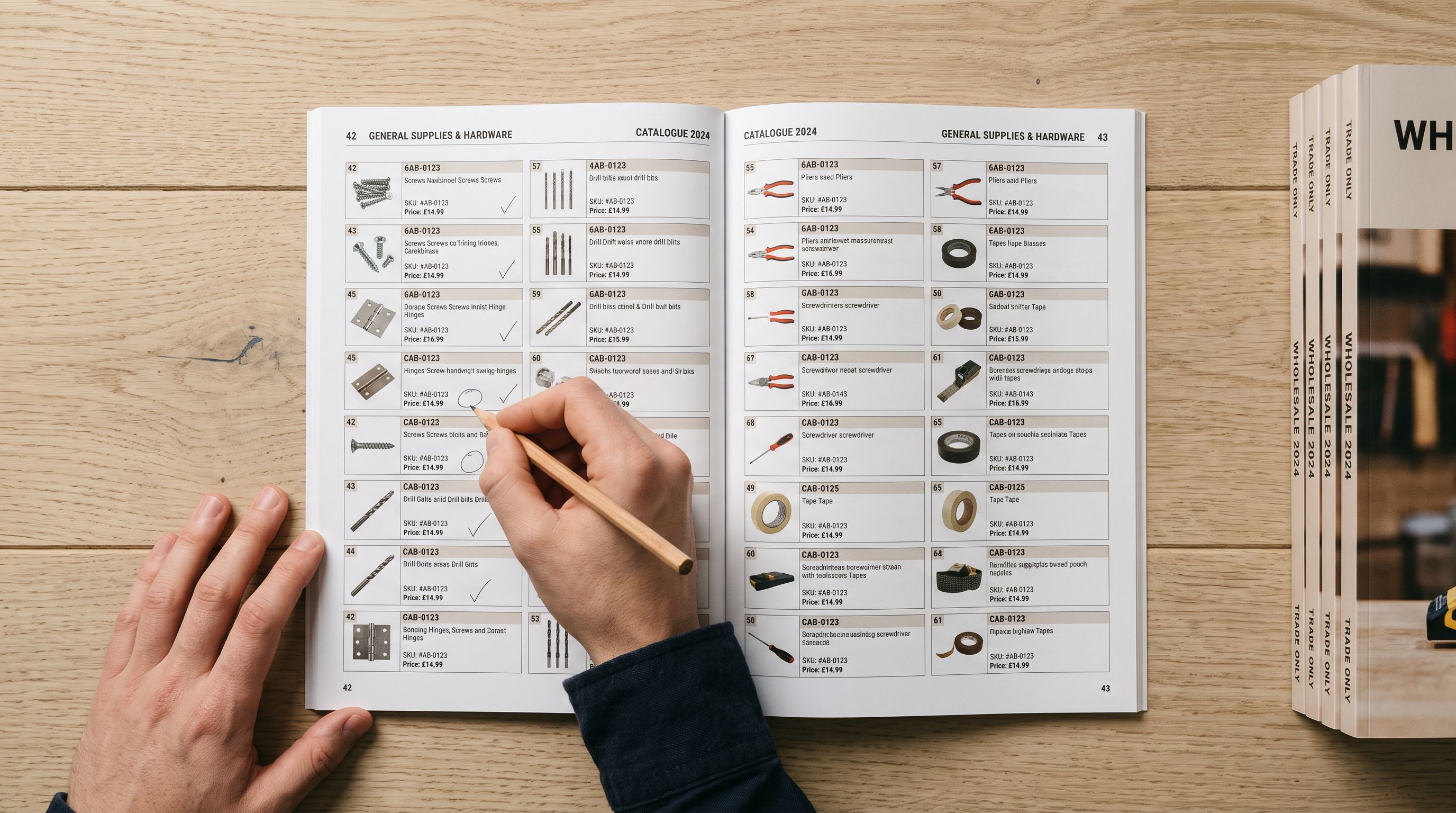
A 1,000-product migration done manually typically takes one to two weeks of part-time work, during which the merchant's new Shopify store is incomplete and not generating revenue.
- CSV reformatting takes 2 hours to match Shopify's column structure
- Description HTML cleanup done manually per product
- Variant matrix mapped product by product
- Category metafields assigned one by one
- 33 hours total spread across 1-2 weeks
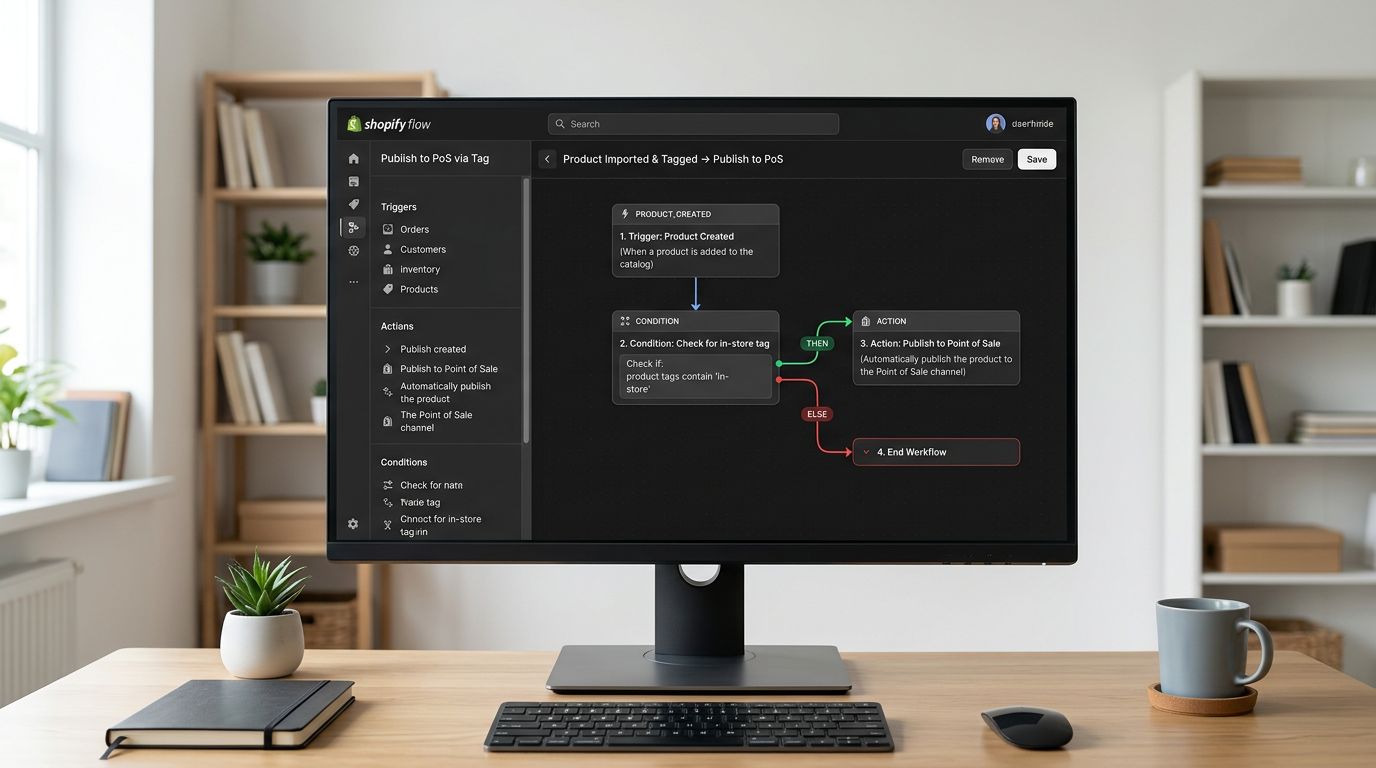
- Smart column auto-mapping handles WooCommerce export format directly
- AI rewrites descriptions in retail-ready format during import
- Variant detection groups and maps 150+ patterns automatically
- 22 Industry Packs assign category metafields in bulk
- 3-4 hours total in a single session
Importier time breakdown:
- Upload WooCommerce CSV and run column auto-mapping: 10 minutes
- Review auto-mapped columns and correct any mismatches: 15 minutes
- Configure AI description rewriting (to convert trade descriptions to retail): 5 minutes
- Run import with background processing for 1,000 products: 20 minutes active, 60-90 minutes background
- Review a sample batch (20 products) and push to Shopify: 20 minutes
- Total Importier time: approximately 3.5 hours
Time saved: 29.5 hours
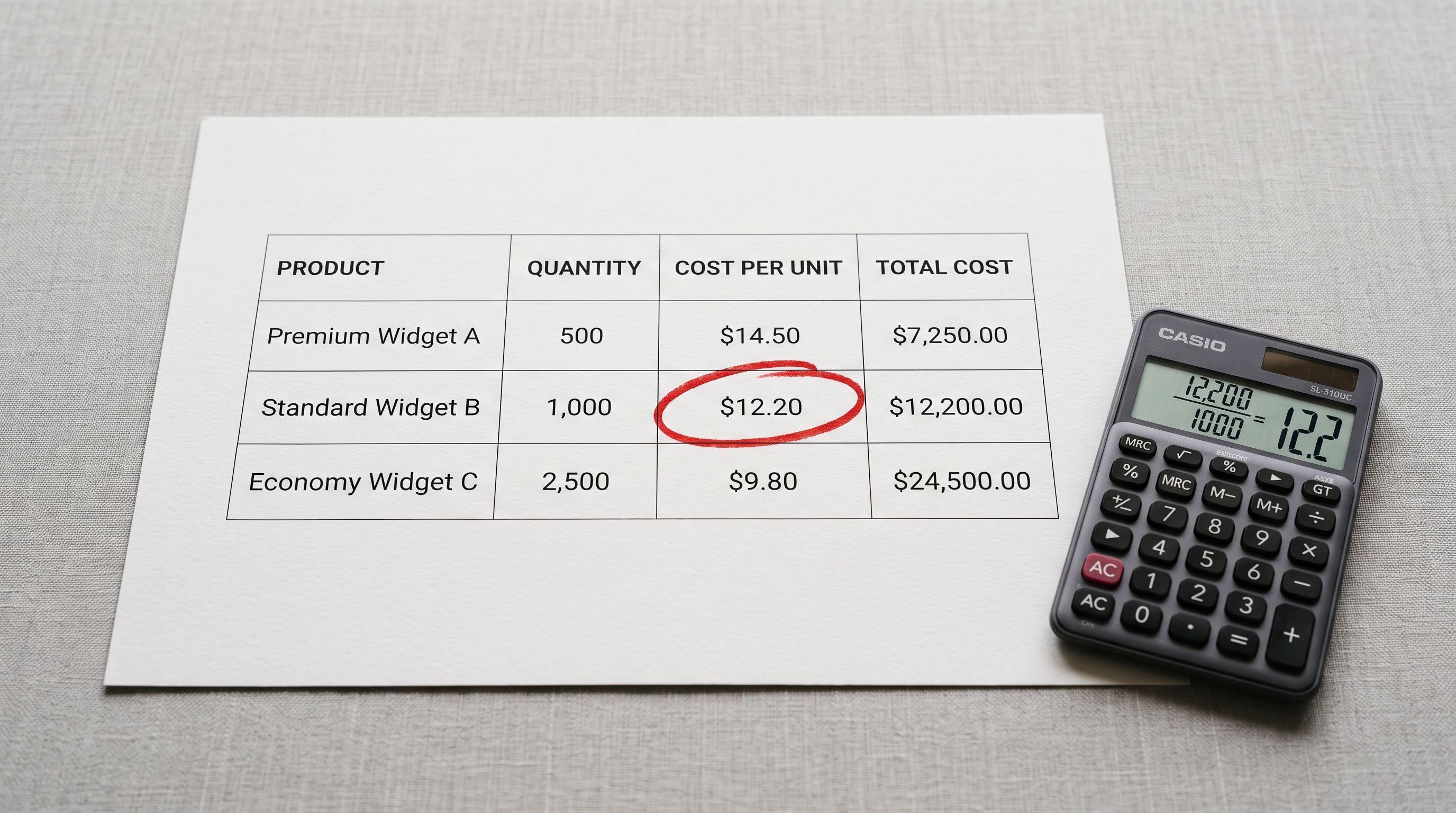
At $50 per hour, this represents $1,475 in recovered time on a single migration. The Scale plan at $99 covers 1,000 products per billing month. The plan cost per product is $0.099, compared to a manual labour cost of $1.65 per product at the $50/hour rate.
A 1,000-product migration takes 33 hours manually or 3.5 hours with Importier. The time difference is a working week of staff time, recovered on a single import.
Worked Calculation: Monthly Supplier Update (50 Products)
A fashion retailer receives a weekly drop from their supplier: 50 new products each month, delivered as a CSV with titles, prices, SKUs, and one-line supplier descriptions. The retailer needs to import these to Shopify with retail-ready descriptions.
Manual time breakdown:
- Data entry for 50 products: 50 minutes
- Description writing for 50 products: 100 minutes
- Review: 20 minutes
- Total monthly manual time: 170 minutes (2.8 hours)
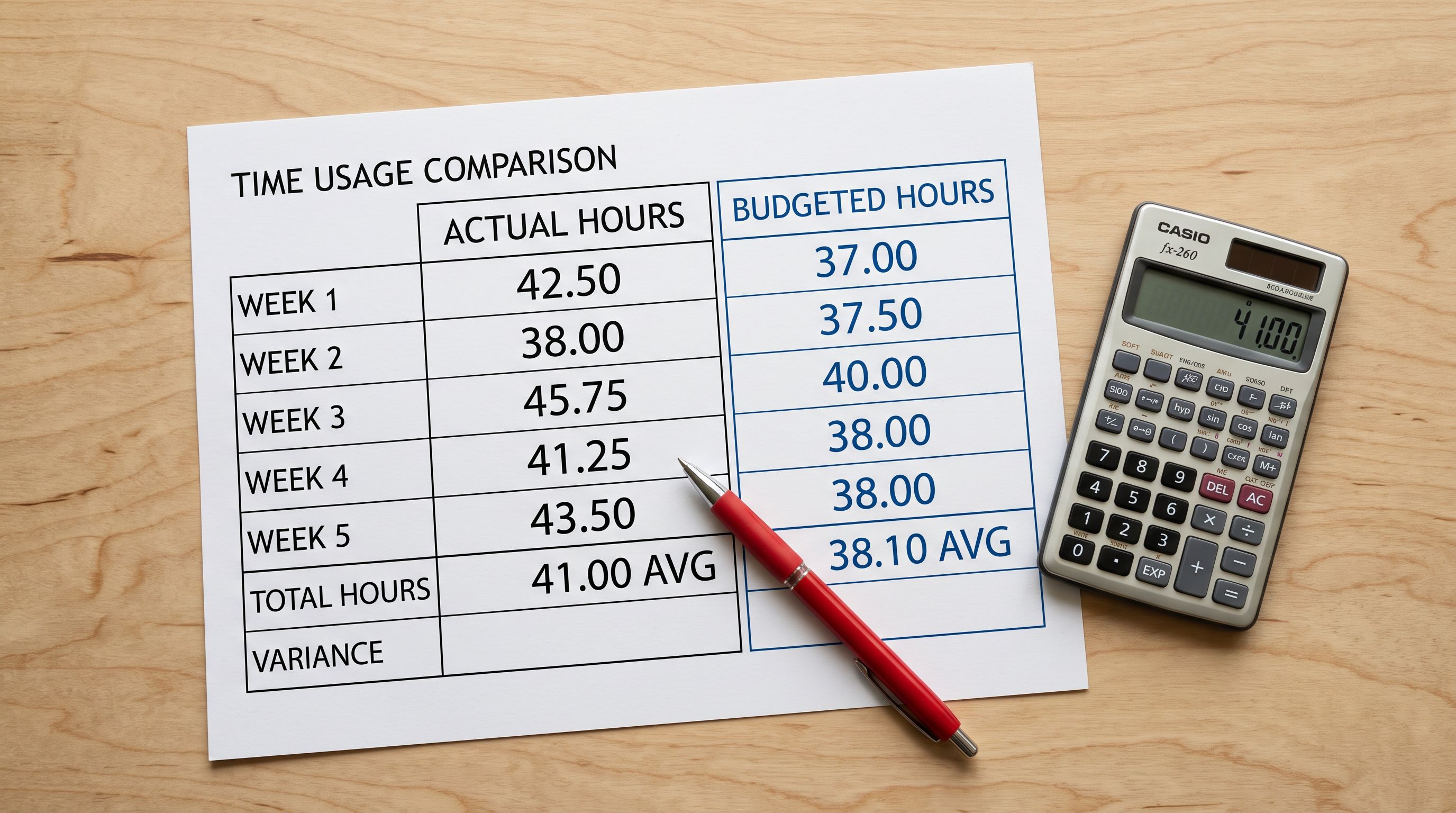
At 12 months, this is 33.6 hours of annual labour on new product entry alone. This does not include the time spent on price updates, seasonal description refreshes, or image updates.
Importier time breakdown:
The first month requires setting up the column mapping profile for this supplier's file format. Once saved, subsequent months reuse the same configuration.
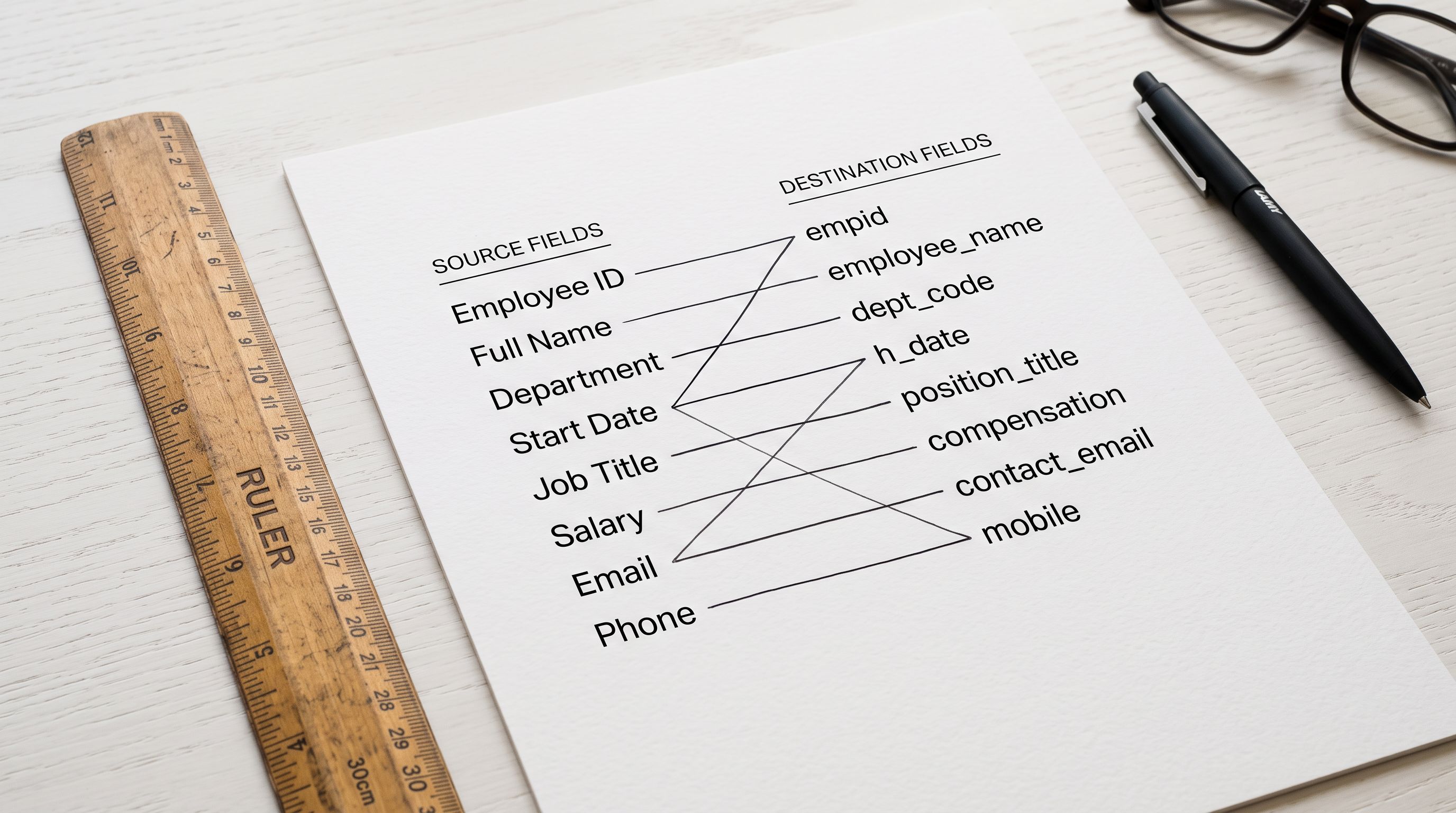
- 01Step 1Month 1 setup. Upload the supplier CSV, complete the column mapping wizard, configure AI settings (persona, description style, Brand Voice). Save the configuration for this supplier. Total: 25 minutes.
- 02Step 2Months 2 onwards. Load the saved import configuration, upload the new CSV, run the import. The mapping and AI settings are pre-configured. Total: 10-15 minutes per month.
- 03Step 3Review a sample and push to Shopify. For a 50-product batch, review 5-10 products before pushing. Total: 10 minutes.
- 04Step 4Month 1 total: 45 minutes. Months 2 through 12: 20-25 minutes each. Annual total for 12 months: approximately 4.5 hours.
Time saved over 12 months: 29 hours
The Starter plan at $9 per month covers 50 products. Annual cost: $108. At $50 per hour, the annual time saving is worth $1,450. Net annual gain: $1,342.
The cost-per-product frame
What Each Plan Costs Per Product
The most direct way to evaluate the shopify product import ROI is the cost per product: plan price divided by monthly product allowance.
| Plan | Monthly cost | Products/month | Cost per product |
|---|---|---|---|
| Starter | $9 | 50 | $0.18 |
| Growth | $29 | 200 | $0.15 |
| Scale | $99 | 1,000 | $0.10 |
Compare these figures to the manual labour cost per product. At $50 per hour and four minutes per product for data entry plus description writing, the manual cost is $3.33 per product. At six minutes per product, it is $5.00. The Importier cost per product is $0.10-$0.18, or roughly 2-5 percent of the manual labour cost.
For high-volume merchants importing at the plan limit each month, the ROI is compounding: each month of plan cost is recovered in the first hour of time that would otherwise be spent on manual entry.
When the Shopify Product Import ROI is Lower
The calculation above assumes a merchant is using their full product allowance each month. Three scenarios produce a lower ROI:
One-time small catalogues: a merchant who imports 30 products once and never again will not recoup the plan cost through time savings alone. For a one-time import of under 50 products, the time saving is real but the monthly plan cost extends beyond the immediate use case. The 14-day free trial covers this scenario: a one-time small import can be completed on the trial with no plan cost.
Low-complexity products with no variants: a product with one variant and an acceptable supplier description takes less than two minutes to enter manually. For catalogues consisting entirely of this type of product, the manual time advantage narrows. Even so, description quality improvement and column mapping automation still add value that manual entry cannot match.
Staff with very low opportunity cost: if the merchant has staff who are genuinely unoccupied without the import task, the labour cost calculation changes. The time is not recovered as freed capacity; it is absorbed into an already-underutilised position. This is uncommon in practice, but worth naming as a scenario where the cost-per-hour frame does not apply.
Shopify Product Import ROI: What the Numbers Miss
The time saving is the most measurable ROI, but it is not the only one. Shopify's own product listing guidance notes that product descriptions are a primary factor in customer buying decisions. A supplier fact-sheet description, copied verbatim, performs worse than a retail-ready description that speaks to the buyer's motivation and answers their purchase questions.
Manual data entry also introduces errors that do not show up in the time estimate. Shopify's CSV import documentation details the specific field formatting requirements that differ from supplier CSV conventions: image URLs must be absolute, variant option names must be consistent across rows, and metafield namespacing must match Shopify's expected format. Each deviation from these requirements produces a product that imports incorrectly and requires correction after the fact. On a 1,000-product manual entry, even a 2% error rate means 20 products requiring individual fixes.
Importier's AI description generation runs across the entire import batch, producing retail-optimised descriptions for every product in the same wizard run that handles data mapping and variant detection. The quality uplift across a 200-product catalogue is not easily expressed in hours, but it shows in conversion rate comparisons between imported-with-AI and imported-without products in the same catalogue.
Additionally, the import error rate associated with manual entry (mismatched variants, missing images, incorrect prices) produces rework that does not appear in the initial time estimate. The Importier import wizard validates each step before pushing to Shopify, which eliminates the category of errors that require correction after publication.
The plan limits guide covers how the per-product per-billing-month counting model works, including the dedup rule that means a product handled across multiple surfaces in the same month only counts once. Understanding the counting model is relevant to getting the most value from any plan tier.
Key Takeaways
The shopify product import ROI calculation is straightforward once the three labour inputs are separated:
- At four to six minutes per product for manual data entry and description writing, a 200-product catalogue costs 18.7 hours of labour. Importier completes the same catalogue in 45 minutes.
- A 1,000-product migration takes 33 hours manually and 3.5 hours with Importier. At $50 per hour, that is $1,475 in recovered staff time on a single migration.
- Monthly supplier updates of 50 products cost 2.8 hours per month manually. Importier reduces this to 20-25 minutes once the import configuration is saved. Over 12 months, the saving is 29 hours.
- Cost per product on Importier plans ranges from $0.10 to $0.18. The comparable manual labour cost at $50/hour is $3.33 to $5.00 per product.
- The ROI is lower for one-time small catalogues (under 50 products) and for merchants not using their full monthly product allowance.
- Description quality improvement and error reduction provide additional ROI that the time calculation does not capture.
Run the calculation for your own catalogue volume at importier.app. The bulk import speed guide covers the import wizard steps in detail for merchants doing their first large-scale import.
Set up your first import in under five minutes.
Importier brings products into Shopify with AI descriptions, category metafields, and data enrichment on every run.